Buying one mini PC for a desk is easy. Buying fifty, two hundred, or a thousand for an entire organization is a different challenge altogether. When you source a bulk mini PC for business, you are not just choosing a computer — you are choosing a hardware standard your IT team will image, deploy, secure, and support for the next three to five years. This guide walks you through how to select the right specification tier, how to structure a bulk purchase, and how to roll out dozens or hundreds of compact desktops without disrupting your team.
Why Businesses Are Switching to Mini PCs in Bulk
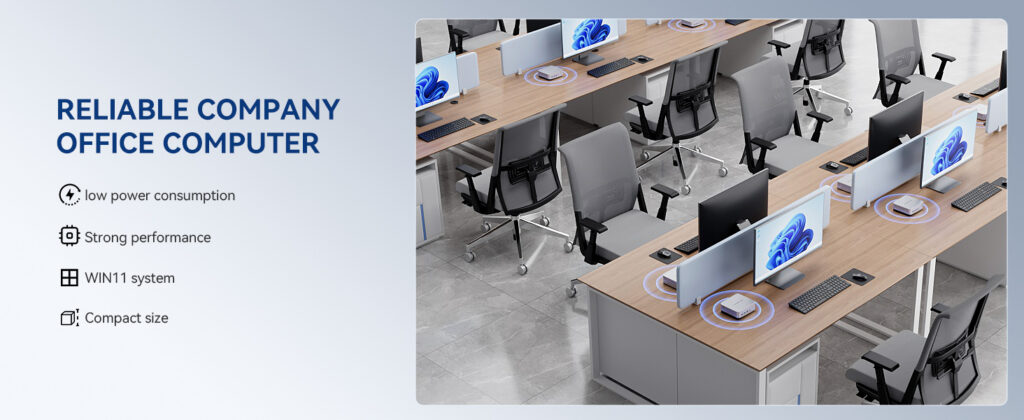
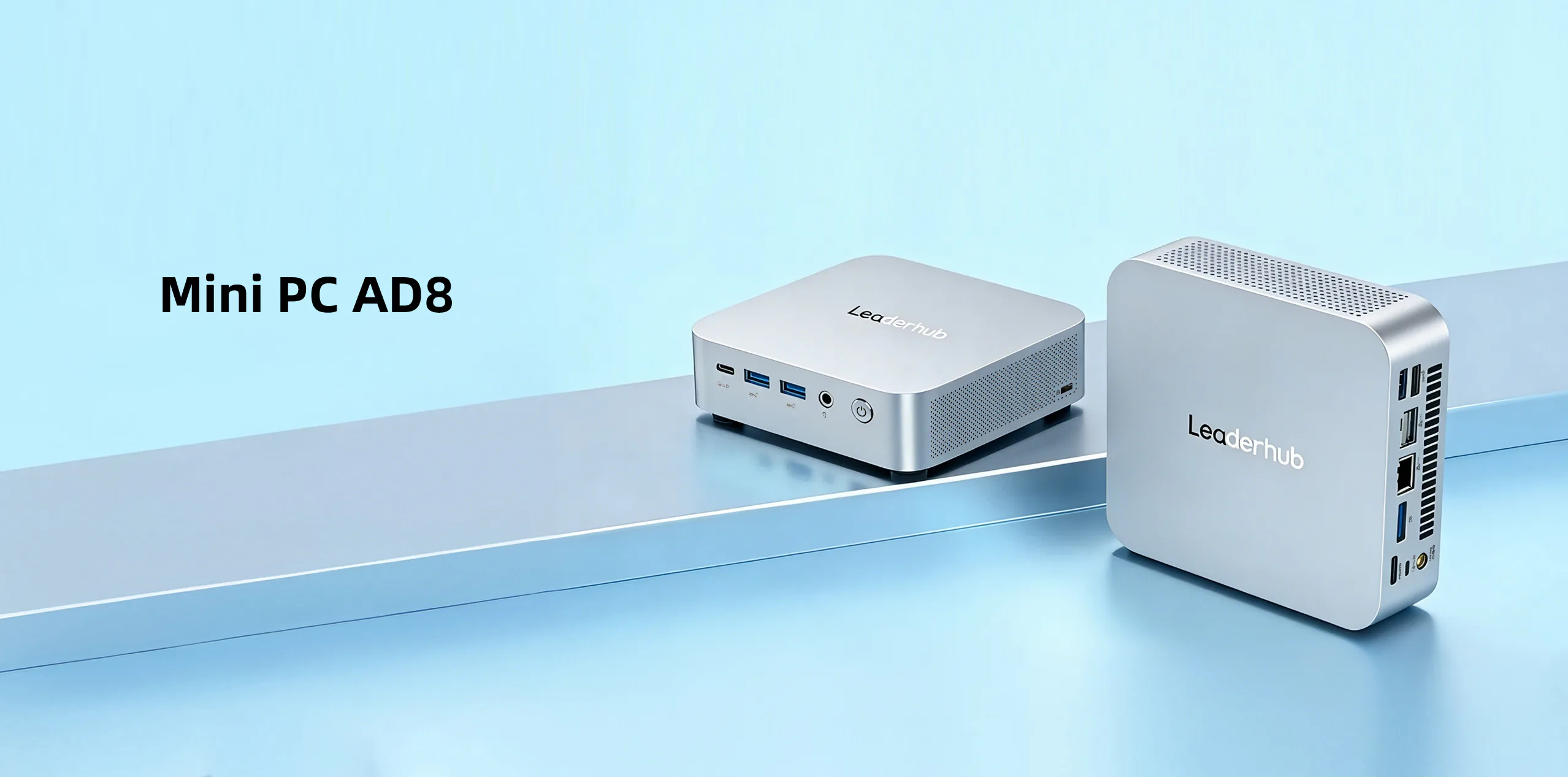
Over the past few years the traditional desktop tower has quietly disappeared from many open-plan offices, reception counters, call centers, and meeting rooms. The reason is simple: a modern mini PC delivers the same everyday productivity performance in roughly one-tenth of the physical footprint and a fraction of the power draw. For organizations purchasing at scale, the advantages compound quickly.
- Lower total cost of ownership — reduced electricity bills, fewer moving parts, and smaller shipping volumes all add up across hundreds of units.
- Space efficiency — VESA mounting behind monitors or displays frees desk space and makes hot-desking layouts cleaner.
- Standardized imaging — identical hardware across the fleet means one golden image, one driver pack, and far fewer support tickets.
- Quiet operation — low-TDP processors run cool and near-silent, which matters in shared workspaces and customer-facing areas.
- Flexible deployment — the same unit can drive a workstation, a digital signage screen, a kiosk, or a conference-room display.
Step 1: Match the Specification Tier to the Job
The most common mistake in a bulk mini PC purchase is buying one specification for everyone. A receptionist checking email and a video editor rendering 4K footage do not need the same machine. Segmenting your workforce into two or three performance tiers typically saves 20–35% on the total order while keeping power users happy.
Processor and Performance
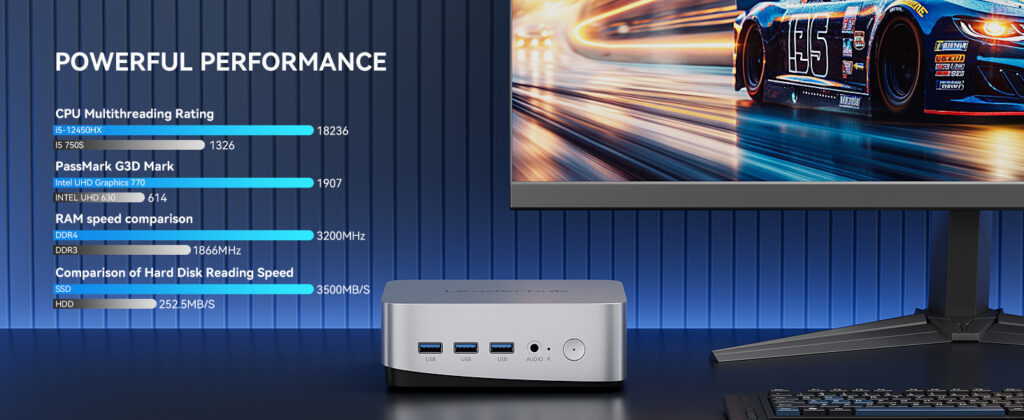
Entry-level Intel N-series chips handle web apps, Microsoft 365, video calls, and point-of-sale software comfortably. Mid-range Intel Core i5 H-series processors add real multitasking headroom for analysts, designers, and developers. Flagship-class units are reserved for engineering, media production, or multi-display control rooms.
Memory and Storage
For a business fleet, 8GB RAM with a 512GB SSD is the practical floor in 2026 — it keeps Windows 11 responsive and leaves room for local caching. Knowledge workers running multiple browser tabs, spreadsheets, and collaboration tools benefit from 16GB. Always confirm whether the memory is upgradeable; it extends the usable life of the fleet.
Ports, Displays and Connectivity
Count how many monitors each role uses, then check the video outputs (HDMI, DisplayPort, USB-C with DP Alt Mode). Verify Wi-Fi 6 or better, Bluetooth, and at least one Gigabit Ethernet port for wired reliability in dense office environments. Front-facing USB ports are a small detail that saves a lot of frustration at the desk.
Power Consumption and Thermal Design
A fleet of 200 towers at 150W versus 200 mini PCs at 15–35W represents a meaningful annual difference in energy spend and cooling load. Ask the vendor for typical and peak power figures, and check that the unit maintains performance under sustained load rather than throttling after a few minutes.
| Business Role | Typical Workload | Recommended Tier | Suggested Spec |
|---|---|---|---|
| Front desk, retail, kiosks | Browser, POS, email, signage | Entry | Intel N100 · 8GB · 512GB SSD |
| Office staff, sales, finance | Microsoft 365, CRM, video calls, dual monitors | Mainstream | Intel Core i5 · 16GB · 512GB SSD |
| Designers, engineers, data teams | Adobe suite, CAD, large datasets, triple displays | Performance | Flagship CPU · 16–32GB · 1TB SSD |
| Meeting rooms & huddle spaces | Conferencing, screen sharing, whiteboarding | Entry to Mainstream | N100 or i5 · 8–16GB · paired with an interactive display |
Step 2: Compare Fleet-Ready Mini PC Models
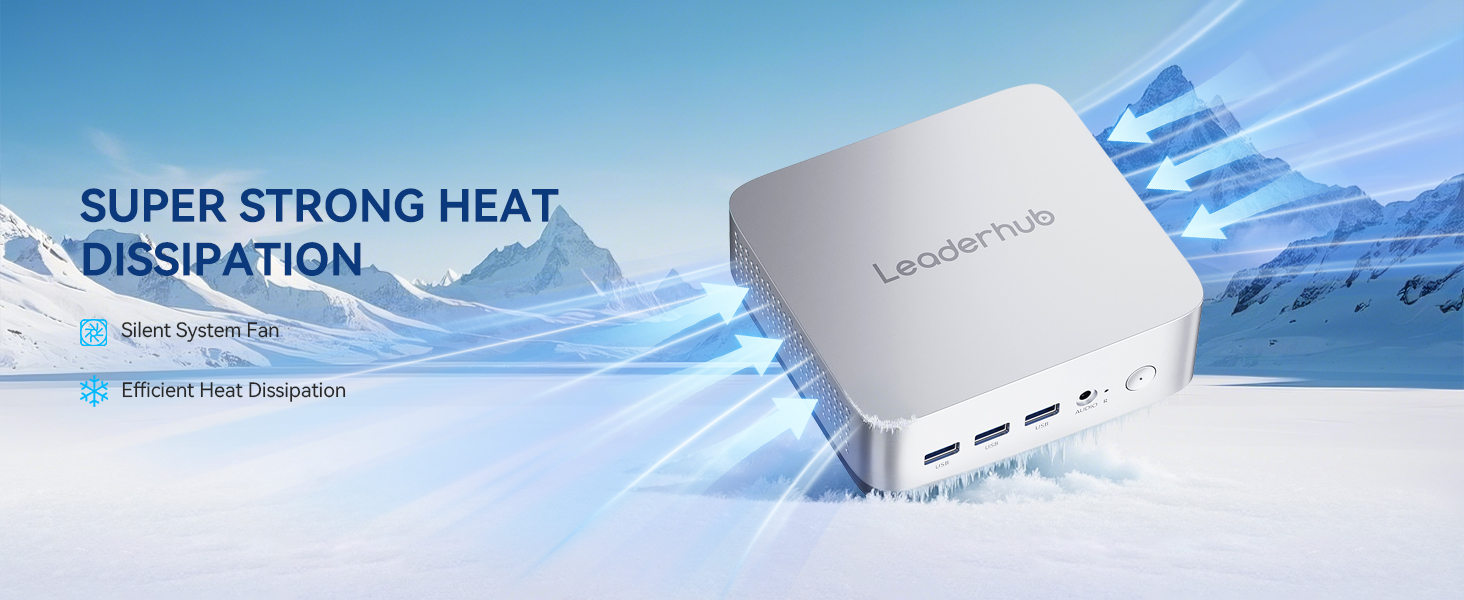
A good bulk order usually standardizes on two or three models from a single product family so that accessories, mounts, and power supplies are interchangeable. The LeaderHub mini PC range is structured exactly this way, with an entry, mainstream, and flagship model that share the same compact design philosophy.
| Model | Processor | Memory / Storage | Best For | Unit Price |
|---|---|---|---|---|
| LeaderHub LP1C | Intel N100 | 8GB RAM / 512GB SSD | Front desks, signage, kiosks, general office | $399.00 |
| LeaderHub LP5C | Intel Core i5-12450HX | 16GB RAM / 512GB SSD | Knowledge workers, dual-display desks, meeting rooms | $799.00 |
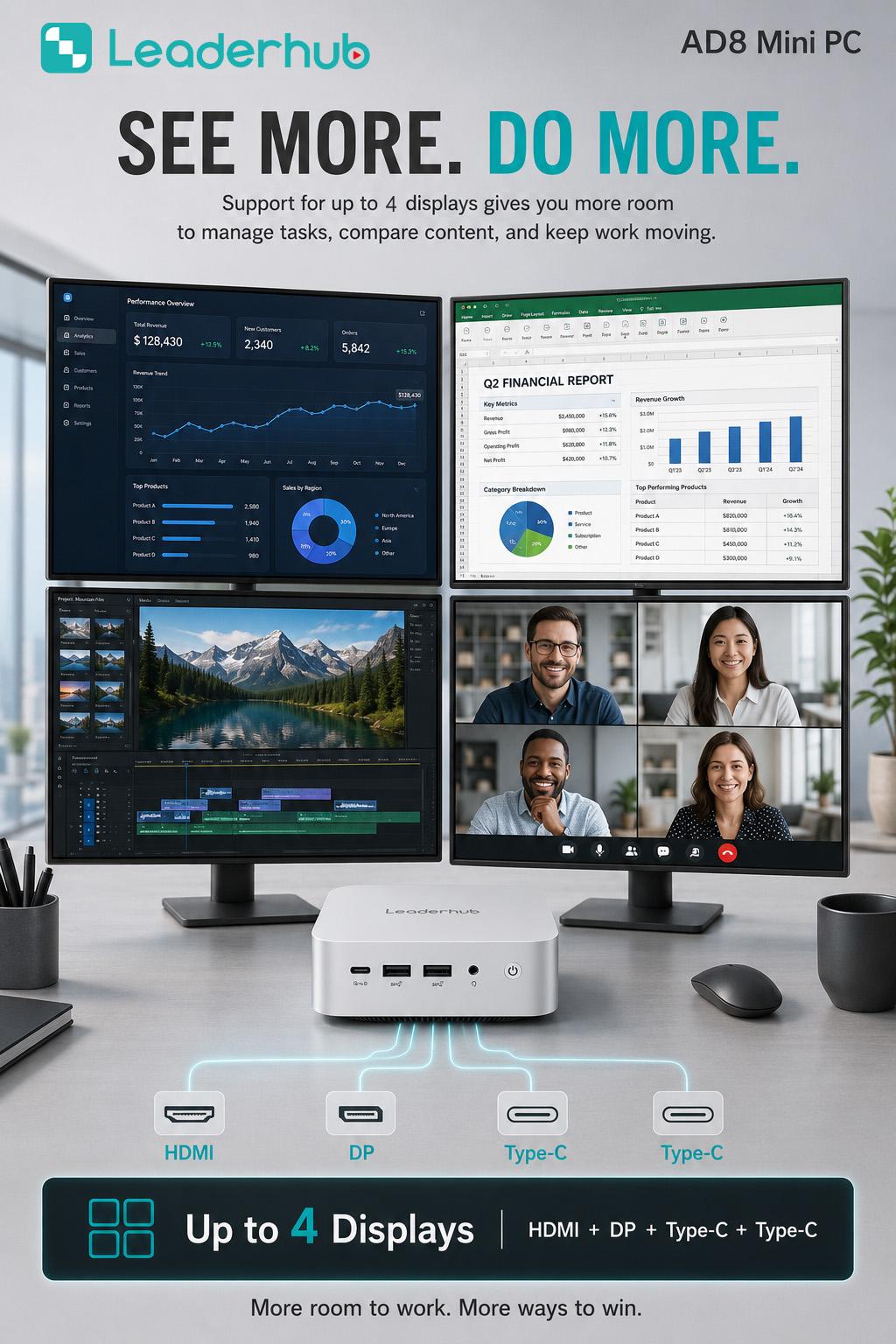
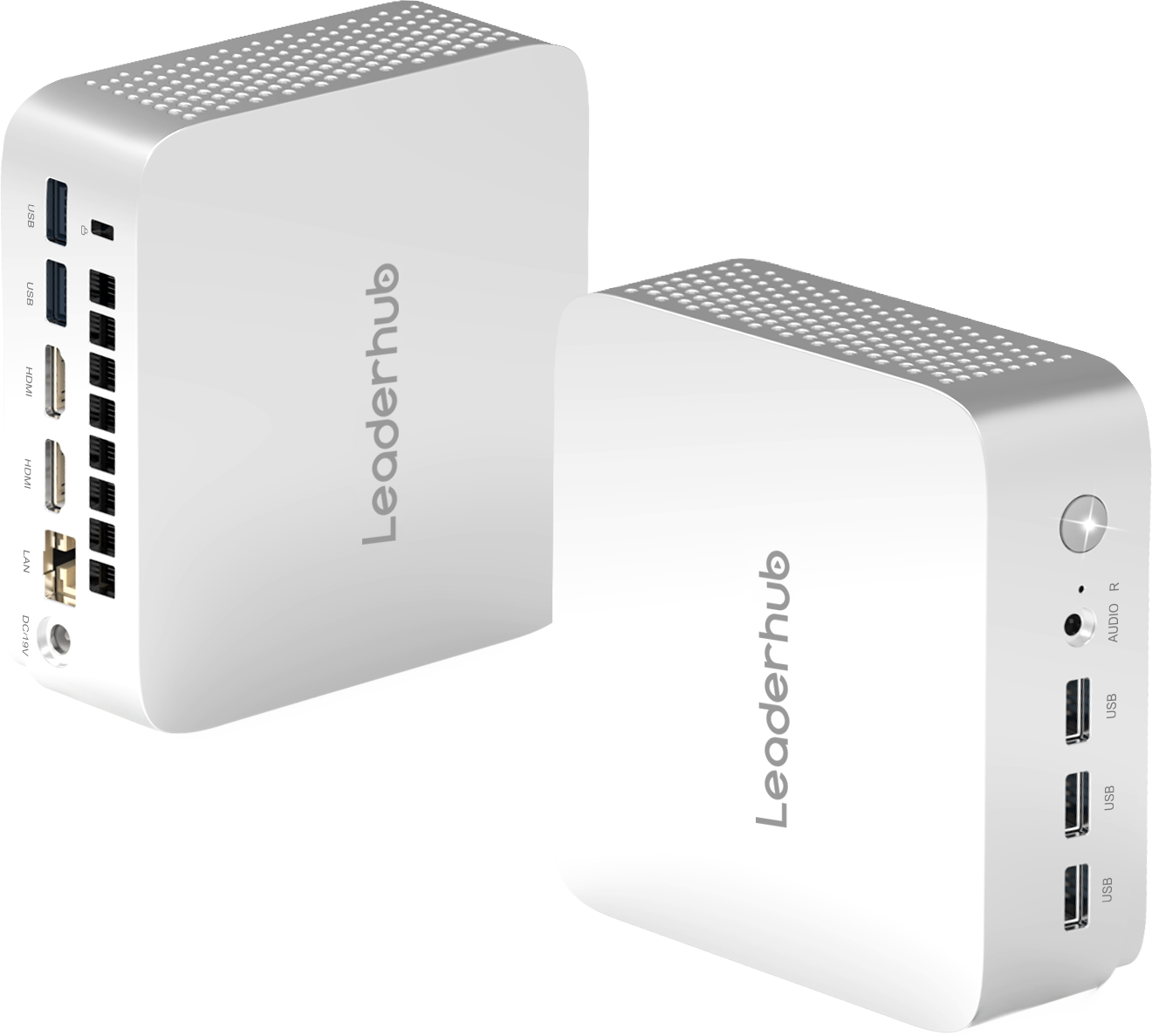
| LeaderHub AD8 | Flagship-class | High-performance configuration | Creative, engineering, and control-room workloads | $999.00 |
In practice, many organizations deploy a 70/25/5 split — roughly 70% entry units, 25% mainstream, and 5% flagship — which keeps the average cost per seat low while still covering specialist roles. Volume pricing on a bulk mini PC for business order is typically negotiated on the total unit count across all models, so mixing tiers does not usually cost you the discount.
Step 3: How to Structure a Bulk Mini PC Purchase
Procurement for a fleet is less about the sticker price and more about reducing risk. Follow this sequence to protect your budget and your rollout timeline.
- Request evaluation samples first. Test two or three units in real roles for two weeks. Validate your software stack, VPN clients, peripherals, and display setups before committing to volume.
- Define a locked specification. Document the exact SKU, BIOS version, RAM, SSD, and OS edition. Ask the supplier to guarantee component consistency across the entire batch so your image does not break mid-rollout.
- Negotiate on total volume. Combine all models and any accessories — VESA brackets, keyboards, cables — into a single quote to maximize your discount tier.
- Clarify warranty and RMA terms. For fleets, a defined advance-replacement or spare-unit allowance (often 2–3% of the order) matters more than a long nominal warranty period.
- Plan phased delivery. Staggered shipments aligned to your deployment schedule reduce storage headaches and let you catch any issues in the first wave.
- Ask about OEM/ODM options. Larger orders may qualify for custom branding, pre-installed OS images, or tailored port configurations.
Questions to Ask Your Supplier Before Signing
- What is the lead time for 100, 500, and 1,000 units?
- Can you pre-load our corporate Windows image or ship with a clean OS?
- Are the memory and storage user-upgradeable, and are spare parts available for five years?
- Do units ship with regional power adapters and certifications for our market?
- What is the defective-on-arrival policy and turnaround time for replacements?
Working with an experienced manufacturer simplifies many of these conversations. LeaderHub is a Shenzhen-based technology company with 16 years of experience in interactive displays and compact computing, serving customers in more than 82 countries and holding strategic partnerships across finance, internet, education, and government sectors — the kind of track record that matters when you are placing a fleet-level order. You can contact the team directly to request samples and volume pricing.
Step 4: Deploying Mini PCs Across Your Organization
Hardware arrival is only the halfway point. A well-planned deployment turns boxes into productive desks in days rather than weeks.
Build One Golden Image
Because every unit in a tier is identical, you can create a single master image with your OS, drivers, security agents, and core applications. Use Windows Autopilot, Microsoft Intune, or your preferred MDM to enroll devices automatically on first boot so that end users can self-provision with minimal IT intervention.
Standardize the Physical Setup
Decide early whether units will sit on desks or mount behind monitors. VESA mounting is the cleanest option for open-plan offices and shared desks, and it dramatically reduces cable clutter and accidental power-offs. Order brackets in the same purchase to guarantee compatibility.
Pair Mini PCs with Meeting-Room Displays
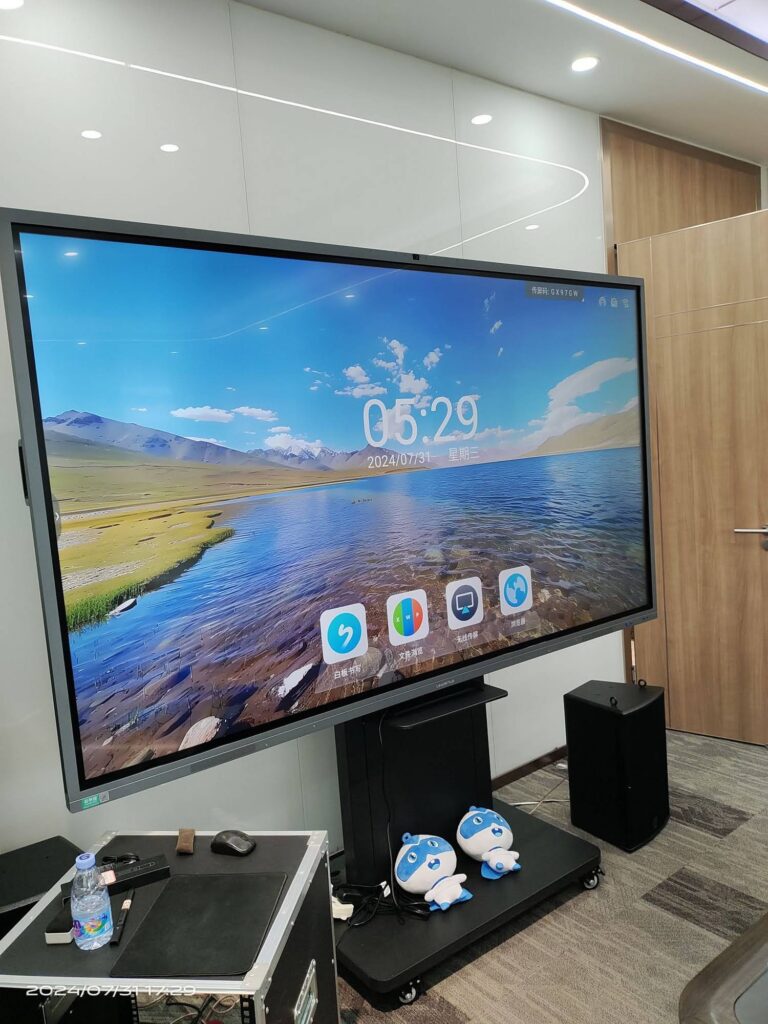
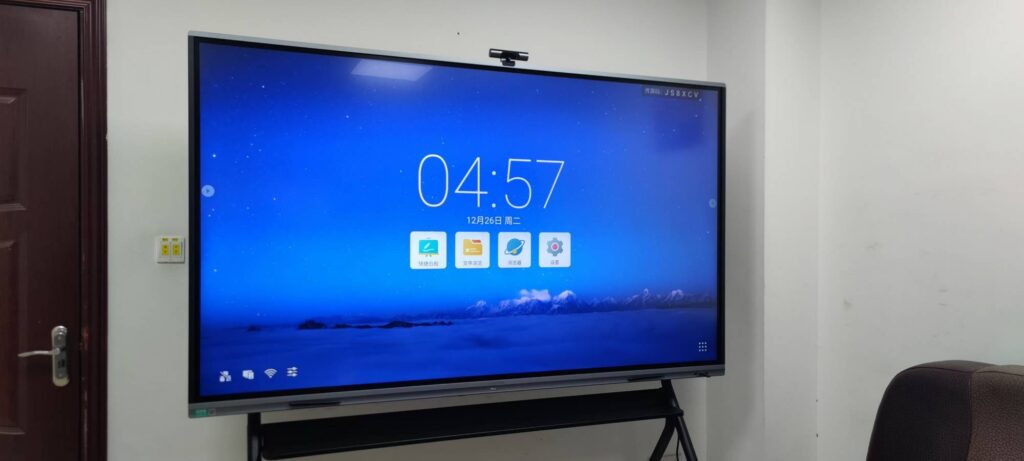
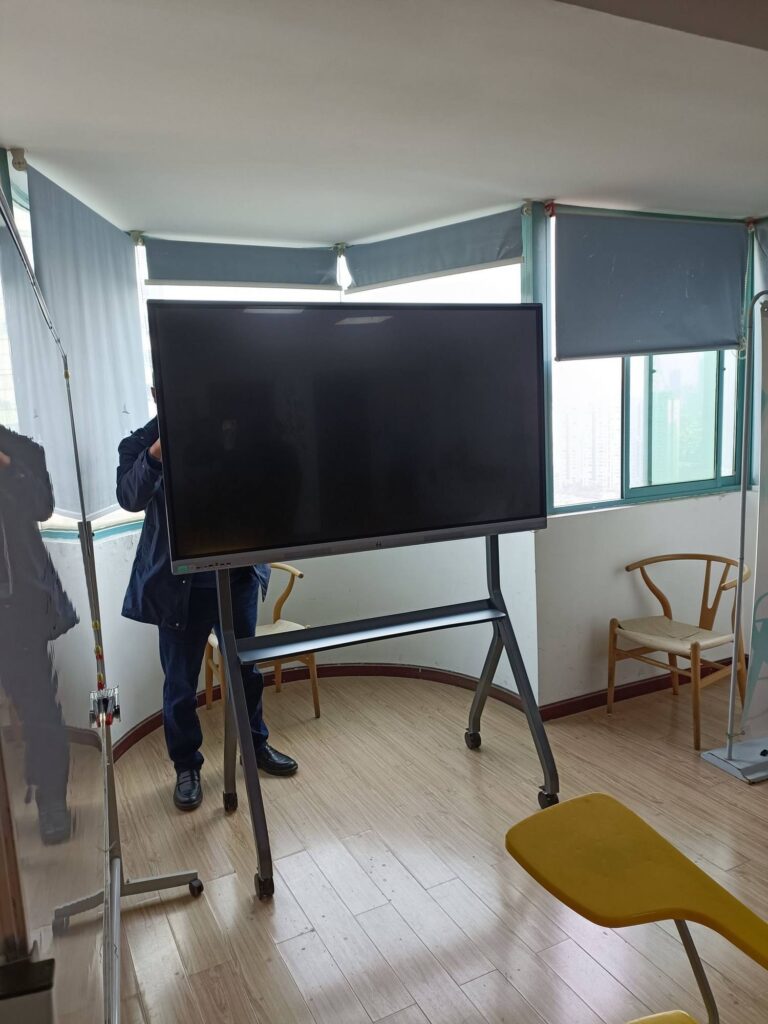
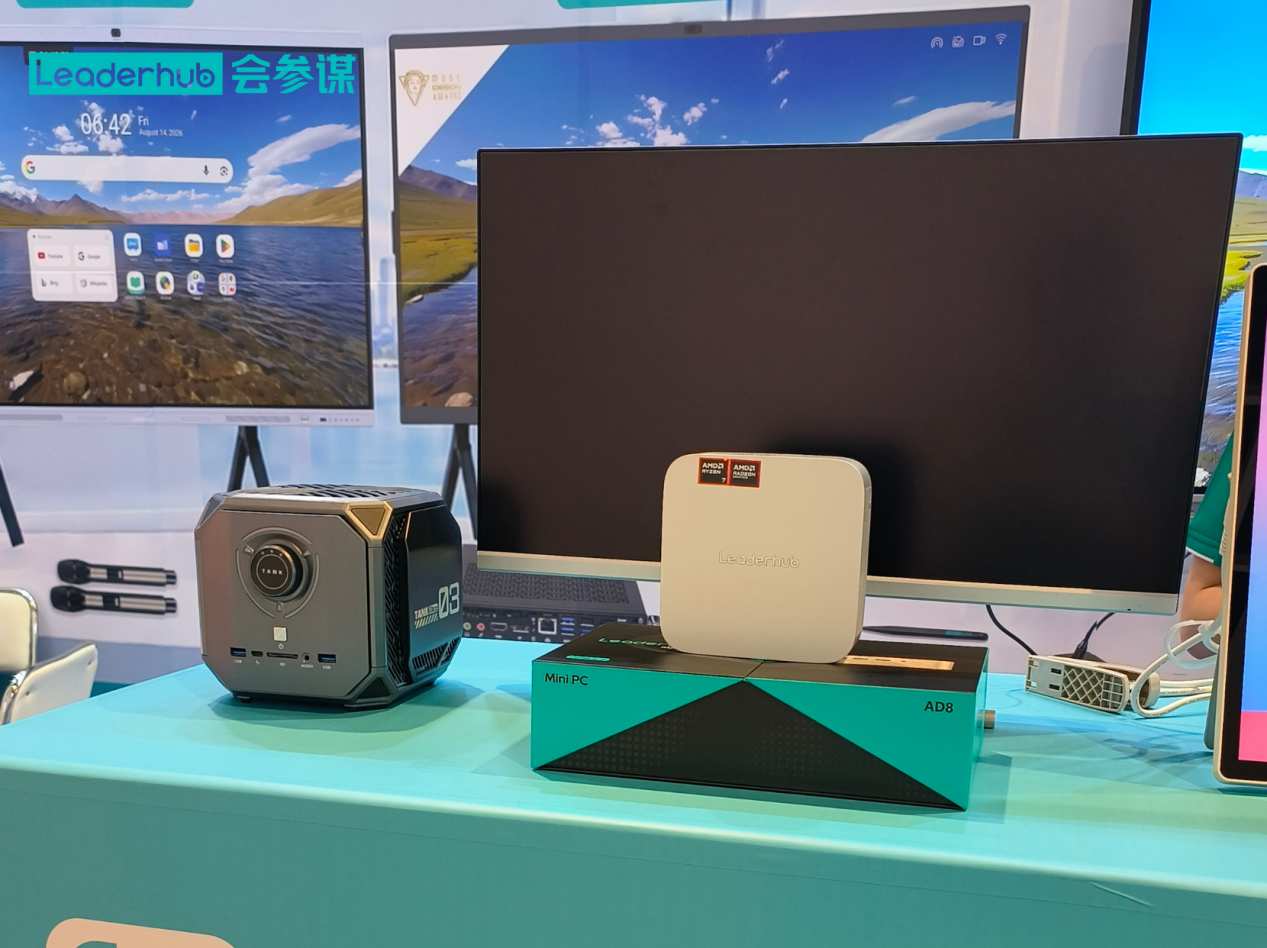
Mini PCs are the natural engine for conference rooms. Mounted behind an interactive smart whiteboard, a compact unit gives the room a full Windows environment for Teams, Zoom, and whiteboarding while keeping the space tidy. Organizations following AV industry standards and resources often specify a dedicated room PC precisely for this reliability and manageability.
Roll Out in Waves
Deploy to one department or floor first, collect feedback for a week, refine the image, then scale. Keep 2–3% of units as hot spares so a hardware fault never leaves a seat empty.
Mini PC vs Desktop Tower vs Laptop: Fleet Cost Comparison
When evaluating a bulk mini PC for business against alternatives, look beyond the purchase price to the five-year picture.
| Factor | Mini PC | Desktop Tower | Business Laptop |
|---|---|---|---|
| Typical power draw | 15–45W | 100–250W | 30–65W |
| Desk footprint | Near zero (VESA mount) | Large | Medium |
| Shipping & storage volume | Very low | High | Low |
| Theft & damage risk | Low when mounted | Low | High |
| Upgradeability | RAM / SSD | Full | Limited |
| Best fit | Fixed desks, rooms, signage, kiosks | Heavy workstation tasks | Mobile and hybrid staff |
For most fixed-seat roles, a mini PC fleet delivers the lowest total cost while giving IT the tightest control. Laptops remain the right choice for genuinely mobile employees, and a small number of towers may still be justified for specialist workstations.
Frequently Asked Questions About Bulk Mini PC Orders
What is the minimum order quantity for bulk pricing?
It varies by supplier, but volume tiers commonly begin around 20–50 units, with deeper discounts at 100, 500, and 1,000+. Always ask for the full tier schedule so you can decide whether consolidating a future order is worthwhile.
Can mini PCs run two or three monitors?
Yes. Most business-class mini PCs support at least dual displays via HDMI and USB-C or DisplayPort, and mainstream models such as the LP5C handle multi-monitor setups comfortably. Confirm the exact output combination for your monitor fleet before ordering.
Are mini PCs powerful enough for video conferencing all day?
Entry-level N100 units handle Teams and Zoom calls with background effects without issue, and Core i5 models offer plenty of headroom for calls alongside heavy multitasking.
How long should a business mini PC fleet last?
Plan on a four-to-five-year refresh cycle. Choosing upgradeable RAM and SSD at purchase time lets you extend that lifespan cost-effectively.
Can I get units pre-imaged or custom branded?
Manufacturers with OEM/ODM capability can often pre-load your operating system image, apply custom branding, or adjust configurations for larger orders. Raise this during the quotation stage.
Ready to Equip Your Team?
A successful bulk mini PC for business purchase comes down to three disciplines: segment your users into clear performance tiers, lock a consistent specification with a supplier who can guarantee it, and deploy in waves with a single managed image. Get those right and your fleet will be quieter, cheaper to run, and far easier to support than the towers it replaces. Browse the full range of business computing and display products, or request samples and a volume quotation to start planning your rollout today.