
Smart boards have transformed modern classrooms and meeting rooms into interactive, collaborative spaces. Whether you’re an educator looking to upgrade your teaching tools or a business professional seeking better presentation technology, understanding smart board pricing is essential before making an investment.
The cost of smart boards varies significantly based on size, features, brand, and intended use. In this comprehensive guide, we’ll break down everything you need to know about smart board pricing, from entry-level options to premium enterprise solutions, helping you make an informed purchasing decision that fits your budget and requirements.
Understanding Smart Board Price Ranges
Smart board prices typically fall into three main categories, each serving different needs and budgets. Understanding these tiers helps you identify which segment offers the best value for your specific requirements.
Entry-Level Smart Boards ($500-$1,500)
Entry-level smart boards are ideal for small classrooms, home offices, or businesses with basic interactive display needs. These models typically range from 55 to 65 inches and include:
- Basic touch functionality with 10-20 touch points
- Standard resolution displays (Full HD 1080p)
- Essential annotation and whiteboarding features
- Limited software ecosystem and app compatibility
- Basic connectivity options (HDMI, USB)
These boards work well for straightforward presentations and simple interactive lessons, though they may lack advanced features like AI-powered collaboration tools or wireless screen sharing.
Mid-Range Smart Boards ($1,500-$4,000)
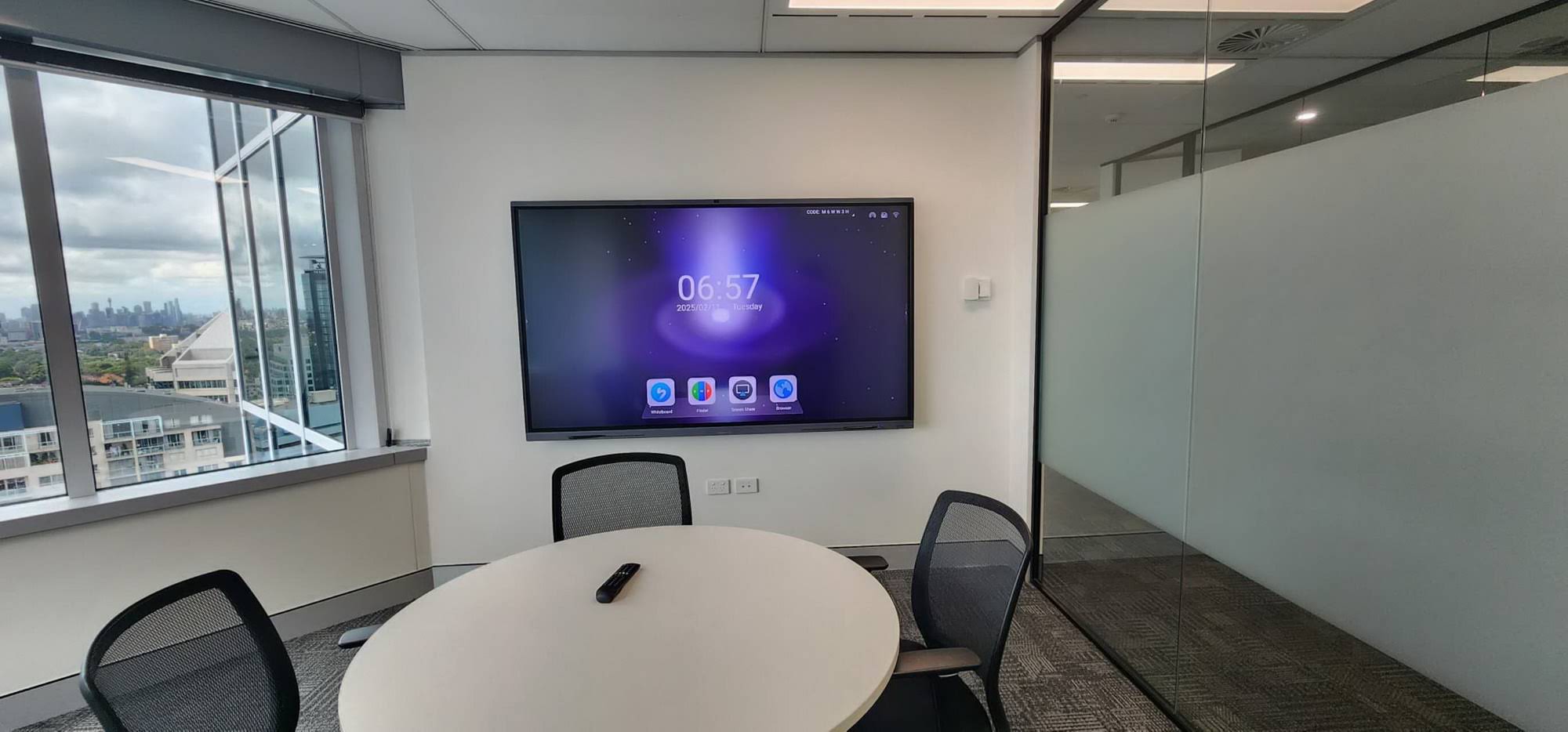
Mid-range smart boards represent the sweet spot for most educational institutions and small-to-medium businesses. Sizes typically range from 65 to 75 inches, offering:
- Enhanced touch responsiveness with 20-40 touch points
- 4K Ultra HD resolution for sharper image quality
- Built-in operating systems (Android or Windows)
- Wireless connectivity and screen mirroring
- Integrated speakers and microphones
- Compatible with popular education and business software
- Cloud storage integration
This category delivers professional-grade performance without the premium price tag, making it suitable for most collaborative environments.
Premium Smart Boards ($4,000-$15,000+)
Premium smart boards cater to large enterprises, universities, and organizations requiring cutting-edge technology. These typically range from 75 to 98 inches and beyond, featuring:
- Ultra-responsive multi-touch with 40+ simultaneous touch points
- 8K or advanced 4K displays with anti-glare technology
- Powerful built-in computing (Intel i5/i7 processors)
- Advanced AI-powered features for smart collaboration
- Professional video conferencing integration
- Enterprise-grade security and management
- Extended warranty and dedicated support
Companies like LeaderHub, with over 16 years of experience in interactive display technology, offer premium solutions that balance advanced features with reliable performance across their product lines.
Key Factors That Affect Smart Board Pricing
Several technical and practical factors influence the final cost of a smart board. Understanding these elements helps you prioritize features that matter most for your specific use case.
Screen Size and Resolution
Screen size is one of the most significant price drivers. Here’s a typical breakdown:
| Screen Size | Resolution | Typical Price Range | Best For |
|---|---|---|---|
| 55″-65″ | Full HD / 4K | $500-$2,000 | Small rooms, huddle spaces |
| 65″-75″ | 4K UHD | $1,500-$4,000 | Standard classrooms, meeting rooms |
| 75″-86″ | 4K UHD | $3,000-$7,000 | Large conference rooms, lecture halls |
| 86″-98″ | 4K / 8K | $6,000-$15,000+ | Auditoriums, executive boardrooms |
Larger screens with higher resolutions naturally cost more due to increased manufacturing complexity and premium panel technology. A 4K display offers four times the pixel density of Full HD, delivering sharper text and images that remain clear even when viewed from various angles.
Touch Technology and Responsiveness
The touch technology used significantly impacts both price and user experience. Modern smart boards typically use one of three technologies:
- Infrared Touch: Most common and cost-effective, using infrared sensors around the screen perimeter. Supports 20-40 touch points and works with fingers or styluses.
- Capacitive Touch: Similar to smartphone technology, offering superior responsiveness and gesture recognition. More expensive but provides smoother interaction.
- Electromagnetic Touch: Requires special styluses but offers precision for detailed drawing and annotation. Typically found in premium artistic or design-focused boards.
Higher-end models support simultaneous multi-user interaction, allowing multiple people to write, draw, or manipulate content at the same time¡ªa critical feature for collaborative work environments.
Built-in Computing Power
Smart boards with integrated computers eliminate the need for external PCs, but they come at a premium. The computing power affects both price and performance:
- Android-based systems: More affordable, sufficient for basic applications, easy to use. Typically add $200-$500 to the base price.
- Windows PC modules: More versatile, support full desktop applications, better for complex tasks. Add $500-$2,000 depending on processor and RAM.
- Dual OS systems: Offer both Android and Windows, providing maximum flexibility. Premium feature adding $800-$2,500.
Processing specifications matter¡ªboards with Intel i5 or i7 processors, 8GB+ RAM, and solid-state drives deliver smoother performance when running multiple applications or handling video conferencing alongside presentation software.
Software and Ecosystem
The included software significantly impacts the total cost of ownership. Some manufacturers bundle comprehensive software suites, while others charge separately:
- Basic whiteboarding apps: Usually included free, offering simple annotation and drawing tools
- Advanced collaboration platforms: May cost $50-$500 annually per device, adding features like cloud storage, lesson templates, and student engagement tools
- Enterprise management systems: For managing multiple devices across organizations, typically $100-$1,000+ annually
- AI-powered features: Emerging technologies like intelligent writing recognition, automated note-taking, and smart meeting assistance may require premium subscriptions
Consider the long-term software costs when evaluating overall value. A slightly more expensive board with lifetime software access may prove more economical than a cheaper model with costly annual subscriptions.
Brand Reputation and Support
Established manufacturers typically charge premium prices but offer superior reliability, comprehensive warranties, and professional support. When evaluating brands, consider:
- Warranty coverage: Standard warranties range from 1-3 years, with extended options available
- Technical support accessibility: 24/7 support, remote troubleshooting, on-site service
- Software updates: Frequency and duration of firmware and feature updates
- Spare parts availability: Easy access to replacement components
- Track record: Manufacturers with extensive industry experience often deliver more reliable products
Manufacturers operating in over 82 countries typically maintain robust support networks and understand diverse market needs, ensuring consistent service regardless of location.
Additional Costs to Consider
The sticker price of a smart board represents only part of your total investment. Planning for these additional expenses ensures you avoid budget surprises.
Installation and Mounting
Professional installation ensures optimal performance and safety. Typical costs include:
| Service | Cost Range | Notes |
|---|---|---|
| Wall mounting hardware | $100-$400 | Varies by size and weight capacity |
| Professional installation labor | $200-$800 | Includes mounting, calibration, basic setup |
| Mobile stands (alternative to wall mounting) | $300-$1,500 | Allows repositioning, height adjustment |
| Cable management and power installation | $150-$500 | Professional wire concealment |
Accessories and Peripherals
Enhance functionality with these common add-ons:
- Wireless presentation systems: $200-$600 for seamless device connectivity
- Document cameras: $150-$500 for displaying physical documents and objects
- Additional styluses: $20-$100 each, depending on technology
- External webcams and microphones: $100-$400 for enhanced video conferencing quality
- Anti-glare screen protectors: $100-$300, extending display life and reducing reflections
Training and Onboarding
Maximizing your smart board investment requires proper training. Budget for:
- Initial training sessions: $500-$2,000 for comprehensive staff training
- Online training resources: Often included, but advanced courses may cost $50-$200 per user
- Ongoing professional development: $200-$1,000 annually for keeping skills current
Organizations that invest in thorough training see significantly higher adoption rates and better return on investment.
Maintenance and Extended Warranties
Protect your investment with extended coverage:
- Extended warranties: Typically 15-20% of purchase price per additional year
- Preventive maintenance contracts: $200-$800 annually for regular inspections and cleaning
- Software updates and upgrades: $100-$500 annually, depending on manufacturer
Smart Board Pricing by Use Case
Different environments have distinct requirements that influence the optimal price point and feature set.
Education Sector
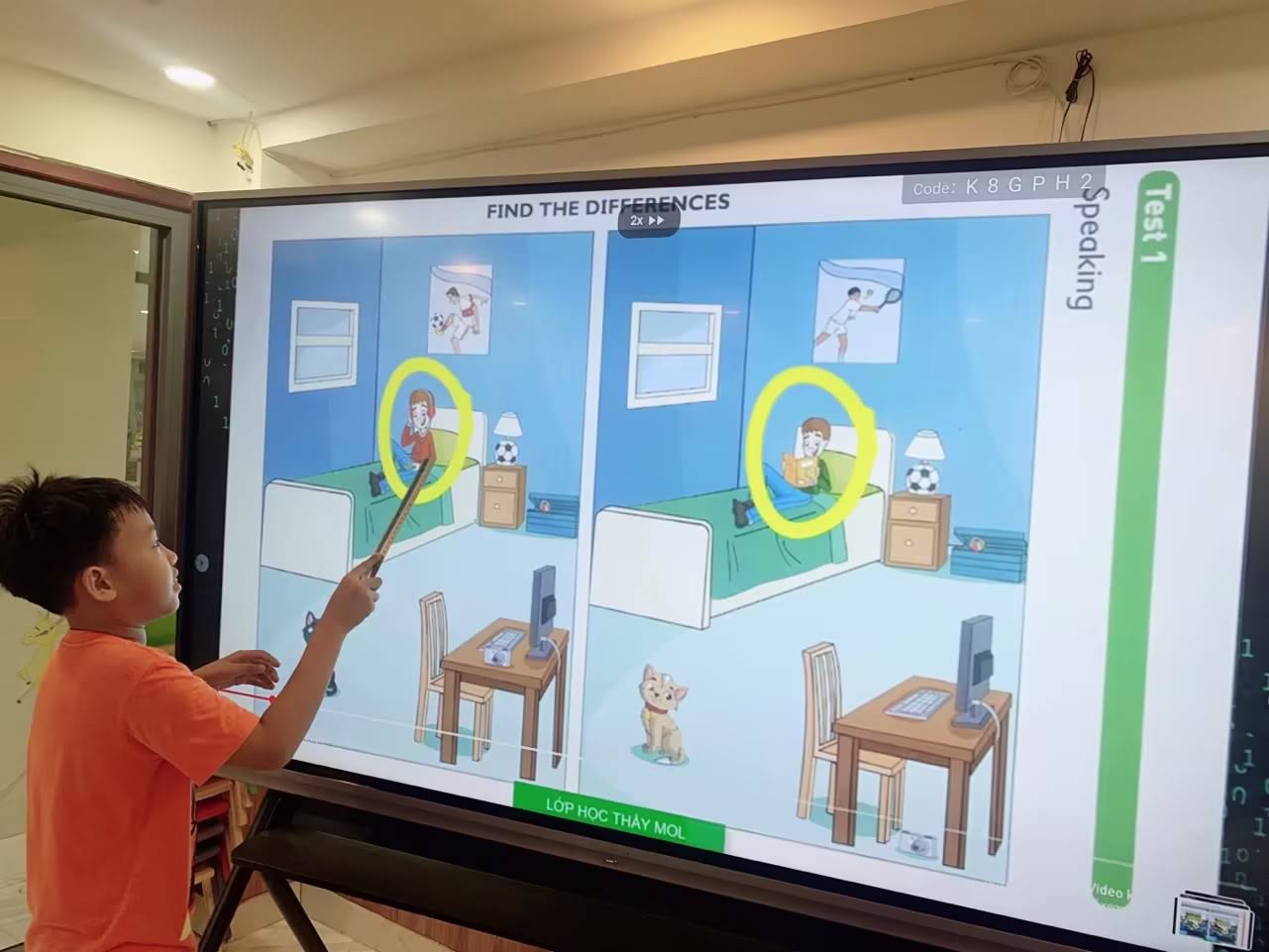
Schools and universities prioritize durability, ease of use, and educational software compatibility. Typical budgets:
- K-12 classrooms: $1,500-$3,500 per board (65-75 inches, 4K resolution, educational software bundles)
- University lecture halls: $4,000-$8,000 (75-86 inches, advanced annotation, wireless connectivity)
- Special education: $2,000-$5,000 (accessibility features, specialized learning apps)
Many educational institutions benefit from volume discounts when purchasing multiple units. Some manufacturers offer educational pricing programs that reduce costs by 10-30% for qualified institutions.
Corporate and Enterprise
Businesses focus on collaboration features, video conferencing integration, and professional aesthetics:
- Standard meeting rooms: $2,000-$5,000 (65-75 inches, video conferencing capable, wireless sharing)
- Executive boardrooms: $5,000-$12,000 (75-86 inches, premium displays, advanced AI features)
- Training centers: $2,500-$6,000 (annotation-focused, content sharing, recording capabilities)
Corporate buyers often prioritize enterprise management features and integration with existing IT infrastructure, which can add $500-$2,000 per unit but significantly simplify deployment and maintenance.
Healthcare and Government
These sectors require HIPAA compliance, security features, and reliability:
- Medical training rooms: $3,000-$7,000 (high-resolution displays, annotation for detailed imagery)
- Government facilities: $3,500-$8,000 (security certifications, encrypted connectivity)
- Patient education: $2,000-$4,500 (user-friendly interfaces, sanitary designs)
Creative and Design Studios
Creative professionals need color accuracy and precision input:
- Graphic design studios: $4,000-$10,000 (color-calibrated displays, pressure-sensitive styluses)
- Architecture firms: $5,000-$12,000 (large formats, CAD software compatibility)
- Marketing agencies: $3,000-$7,000 (presentation-focused, client collaboration features)
Comparing Major Smart Board Brands
Understanding the positioning and pricing philosophy of major manufacturers helps you identify the best fit for your needs.
Premium Brand Tier
Established international brands typically offer:
- Extensive global service networks
- Comprehensive software ecosystems
- Premium build quality and materials
- Advanced proprietary features
- Higher price points: typically 20-40% above market average
Value-Focused Manufacturers
Companies emphasizing cost-effectiveness while maintaining quality:
- Competitive pricing without sacrificing core functionality
- Focus on practical features over brand prestige
- Often based in manufacturing hubs, reducing overhead
- Strong OEM/ODM capabilities
- Pricing typically 15-30% below premium brands
Manufacturers with 16+ years of industry experience often achieve the ideal balance between affordability and reliability, leveraging extensive manufacturing expertise to deliver professional-grade products at competitive prices.
Emerging Technology Brands
Newer companies focusing on innovation:
- Latest technology features and AI integration
- Modern software experiences
- Competitive introductory pricing
- Shorter track records for reliability and support
- Variable pricing depending on feature set
How to Get the Best Value for Your Investment
Smart buying strategies help you maximize features while minimizing costs.
Timing Your Purchase
Strategic timing can yield significant savings:
- End of fiscal quarters: Manufacturers often offer discounts to meet sales targets (March, June, September, December)
- Back-to-school season: Educational discounts and promotions typically peak in July-August
- Holiday sales periods: Black Friday, Cyber Monday, and end-of-year clearances
- Product refresh cycles: New model releases often trigger price reductions on previous generations
Volume Purchasing and Negotiation
Leverage purchasing power for better deals:
- Request quotes for multiple units¡ªdiscounts typically start at 5+ units
- Form purchasing consortiums with other organizations
- Negotiate bundled pricing including installation and training
- Ask about demonstration units or refurbished options at reduced prices
- Explore lease-to-own programs for better cash flow management
Prioritizing Features
Focus spending on features that matter most for your specific use case:
| Priority Level | Essential Features | Nice-to-Have Features |
|---|---|---|
| Education | Multi-touch, educational software, durability | 8K resolution, premium speakers, AI features |
| Business | Wireless sharing, video conferencing, 4K display | Dual OS, advanced annotation, mobile stands |
| Creative | Color accuracy, pressure sensitivity, large format | 8K resolution, electromagnetic touch, premium warranty |
Avoid paying for features you won’t use. A mid-range board with the right feature set often delivers better value than a premium model with unnecessary capabilities.
Evaluating Total Cost of Ownership (TCO)
Look beyond the initial purchase price to understand true long-term costs:
- Upfront costs: Device, mounting, installation, initial accessories
- Annual operating costs: Software subscriptions, electricity, maintenance
- Support costs: Extended warranties, technical support contracts
- Upgrade costs: Future hardware upgrades, software licenses
- Replacement timeline: Expected lifespan (typically 7-10 years for quality boards)
Calculate TCO over 5 years to make fair comparisons. A slightly more expensive board with lower annual costs may prove more economical than a cheaper option with higher operating expenses.
Financing and Budget Planning
Multiple financing options make smart boards accessible to organizations of all sizes.
Purchase Options
- Direct purchase: Best for organizations with available capital, offers lowest total cost
- Leasing programs: Spread costs over 2-5 years, preserve capital for other investments, often include maintenance
- Installment plans: Pay in monthly installments without interest (often 12-24 months)
- Grant funding: Educational institutions can pursue technology grants to offset costs
- Trade-in programs: Some manufacturers accept older equipment as partial payment
Budget Planning Tips
When building your budget proposal:
- Include all associated costs (installation, training, accessories)
- Justify ROI through improved productivity, engagement, or learning outcomes
- Present TCO comparisons against alternatives (projectors, traditional whiteboards)
- Propose phased deployment to spread costs across budget cycles
- Highlight energy efficiency savings compared to older technology
Questions to Ask Before Purchasing
Thorough evaluation prevents costly mistakes. Ask vendors these critical questions:
Technical Specifications
- What is the exact touch point count and touch response time?
- What processor, RAM, and storage come with the built-in computer?
- Does the display support HDR, and what is the actual brightness rating?
- What operating system versions are supported, and how often are updates provided?
- What wireless protocols are supported (Miracast, AirPlay, etc.)?
Software and Compatibility
- What software is included, and what requires additional licensing?
- Is the board compatible with our existing IT infrastructure?
- Can it integrate with our current video conferencing systems?
- What learning management systems or productivity tools does it support?
- Are software updates automatic, and for how long will they be provided?
Support and Warranty
- What does the standard warranty cover (parts, labor, on-site service)?
- What is the typical response time for technical support?
- Are replacement parts readily available?
- What training resources are included?
- What extended warranty options exist, and what do they cost?
Company Stability and Track Record
- How long has the manufacturer been in business?
- How many installations have been completed in our region?
- Can you provide references from similar organizations?
- What is your product failure rate and average lifespan?
- Do you offer pilot programs or demonstration units?
Making Your Final Decision
Choosing the right smart board involves balancing multiple factors against your specific requirements and constraints.
Creating a Decision Matrix
Systematically evaluate options by rating each candidate against your priorities:
- Assign weights to different criteria (price, features, support, brand)
- Score each option on a consistent scale (1-10)
- Calculate weighted scores to identify the best overall value
- Consider qualitative factors that don’t fit numerical scoring
Pilot Testing
Before committing to a large deployment:
- Request demonstration units for real-world testing
- Involve actual end-users in evaluation
- Test in your typical usage environment
- Assess ease of use, training requirements, and technical support responsiveness
- Verify compatibility with your existing systems
Vendor Comparison Checklist
Use this final checklist to compare your top choices:
- Does the price fit within our total budget including all ancillary costs?
- Are all required features included without expensive add-ons?
- Is the warranty comprehensive and reasonably priced to extend?
- Does the vendor have a strong presence in our region?
- Are training and implementation support adequate?
- Will this solution scale if we need to expand in the future?
- Is the manufacturer financially stable with a track record of long-term support?
Future-Proofing Your Investment
Technology evolves rapidly. Ensure your smart board remains relevant and functional for years to come.
Emerging Technologies to Consider
- AI integration: Intelligent features like automated note-taking, real-time translation, and smart meeting summaries
- 5G connectivity: Enhanced wireless capabilities for seamless remote collaboration
- Advanced gesture control: Touchless interaction gaining importance post-pandemic
- Augmented reality support: Emerging applications in education and design
- Enhanced accessibility features: Better support for diverse user needs
Ensuring Longevity
Maximize your smart board’s useful life:
- Choose models with modular computing components that can be upgraded
- Verify the manufacturer commits to long-term software support
- Select standard connectivity options rather than proprietary systems
- Implement proper maintenance schedules to prevent hardware deterioration
- Budget for eventual software subscription renewals
Conclusion: Finding Your Ideal Smart Board Price Point
Smart board costs range from under $1,000 to over $15,000, with most educational and business applications falling in the $2,000-$6,000 range. The right investment depends on your specific needs, room size, intended use, and budget constraints.
Focus on finding the optimal balance between essential features and cost rather than simply choosing the cheapest or most expensive option. A well-selected smart board from a reputable manufacturer with solid support can serve your organization effectively for 7-10 years, making it a worthwhile investment in collaboration and productivity.
Take time to evaluate your requirements, compare options thoroughly, and consider total cost of ownership rather than just the initial price tag. With careful planning and the insights provided in this guide, you’ll find a smart board solution that delivers excellent value for your organization’s needs.








