The global demand for compact computing has never been stronger. From digital signage networks and classroom labs to corporate meeting rooms and retail point-of-sale systems, businesses are replacing bulky desktop towers with small, energy-efficient machines. If you are a distributor, system integrator, IT reseller, or procurement manager, sourcing a wholesale mini PC at the right price from a trustworthy supplier can directly determine your project margins and long-term customer satisfaction. This guide walks you through everything you need to know: how to vet suppliers, how to compare wholesale prices intelligently, and how to execute a bulk order with minimal risk.
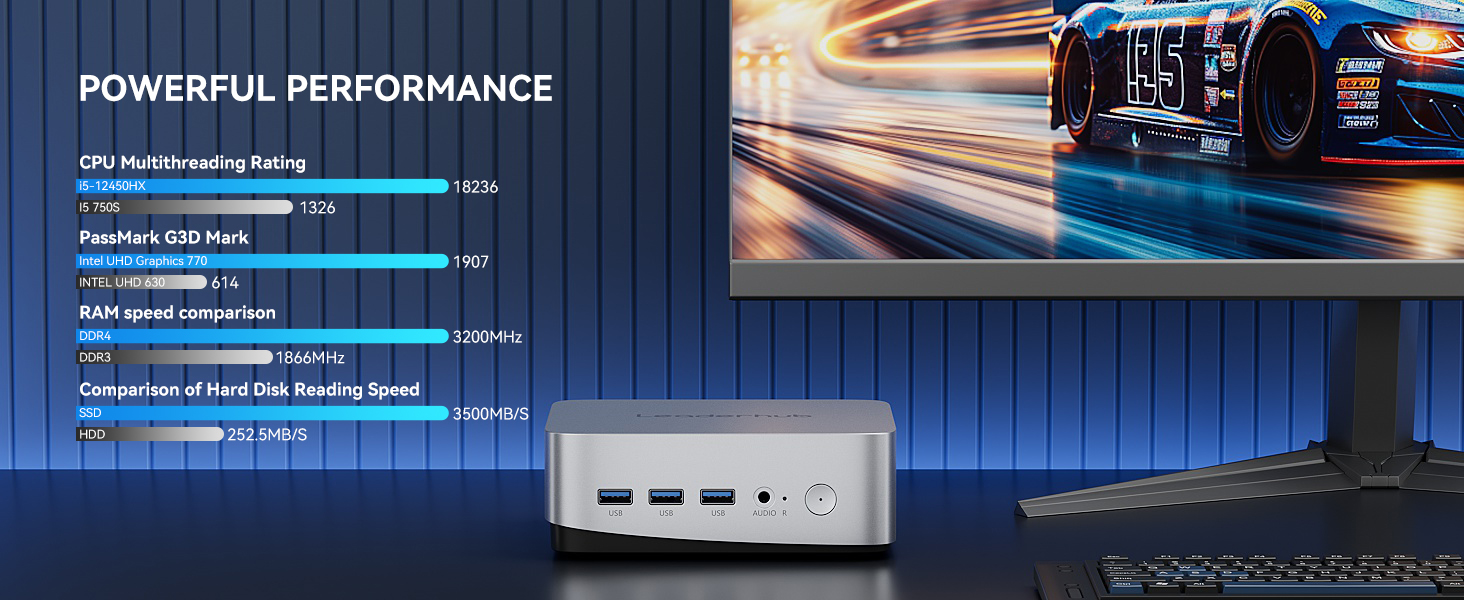
Why the Wholesale Mini PC Market Is Booming
Mini PCs have evolved from niche hobbyist devices into mainstream business hardware. Several trends are pushing bulk buyers toward compact computing:
- Space and energy savings: A typical mini PC consumes 10–35W compared with 150W+ for a traditional tower, which matters enormously when deploying hundreds of units.
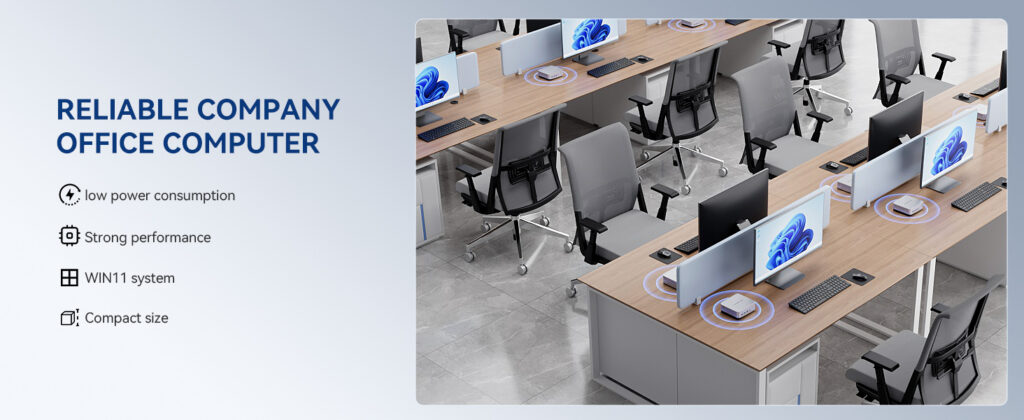
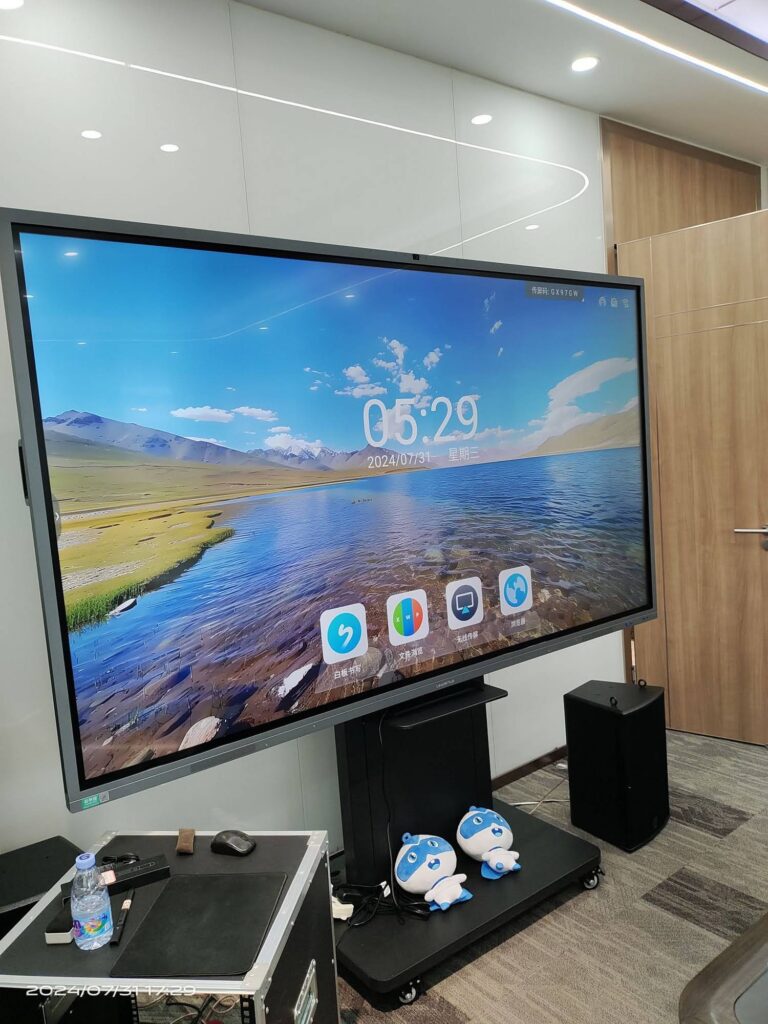
- Hybrid work and smart meeting rooms: Mini PCs act as the brain behind interactive displays, video conferencing systems, and smart whiteboards.
- Digital signage growth: Retail, hospitality, and transport hubs need reliable 24/7 media players.
- Education modernization: Schools are refreshing computer labs with affordable, low-maintenance machines, a shift documented in OECD Digital Devices Research.
- Edge computing and IoT: Small form factor PCs are increasingly used as local controllers for kiosks, factories, and smart buildings.
For wholesalers, this translates into recurring, high-volume demand across multiple verticals, making the mini PC category one of the most attractive segments in B2B hardware distribution today.
Who Buys Mini PCs in Bulk?
Understanding your end customer helps you choose the right product tier and supplier. The most common bulk buyers include:
- IT distributors and resellers stocking inventory for regional markets
- System integrators bundling mini PCs with displays, mounts, and software
- Schools and universities outfitting labs, libraries, and classrooms
- Corporate IT departments standardizing desktop fleets across offices
- Digital signage companies deploying media players at scale
- Retail and hospitality chains running POS, kiosks, and back-office tasks
How to Choose a Reliable Wholesale Mini PC Supplier
The supplier you choose matters more than any single spec sheet. A low unit price means nothing if 8% of units arrive dead or the vendor disappears when you need firmware support. Use the following checklist when evaluating any wholesale mini PC partner.
1. Verify Manufacturing Capability
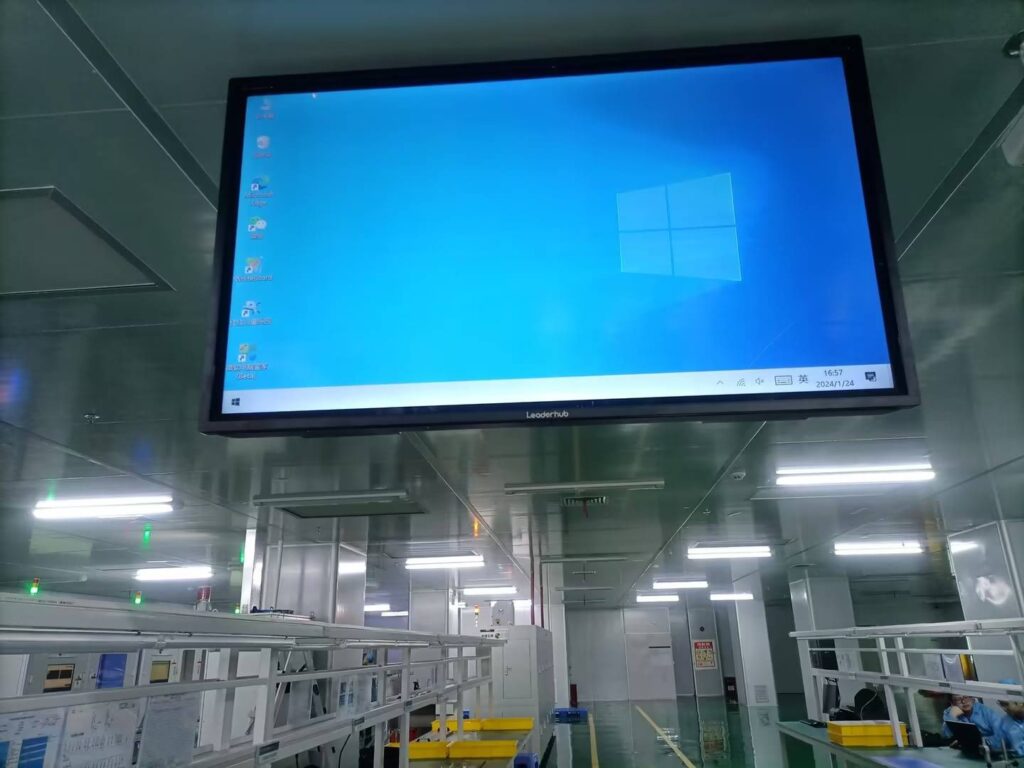
Ask whether the supplier is a genuine manufacturer or a trading company. Both can be legitimate, but manufacturers typically offer better pricing on large volumes, more flexible customization, and faster technical answers. Request factory photos, production line videos, or a virtual tour. A supplier with 10+ years of hardware experience and an established export record is far less likely to cause problems than a newcomer.
2. Check Certifications and Compliance
Depending on your destination market, mini PCs must carry the appropriate certifications. Non-compliant goods can be held at customs or rejected by institutional buyers.
| Market | Required / Expected Certifications |
|---|---|
| United States & Canada | FCC, UL/ETL (power adapter), Energy Star (optional) |
| European Union & UK | CE, RoHS, REACH, WEEE, UKCA |
| Australia & New Zealand | RCM |
| Japan | PSE, VCCI, TELEC (wireless) |
| Middle East & Africa | SASO (Saudi Arabia), G-Mark, KEBS (Kenya), NRCS (South Africa) |
3. Order Samples Before Committing
Never place a bulk order without testing a sample. Evaluate build quality, thermal performance under sustained load, port layout, BIOS stability, Wi-Fi reliability, and driver support. Run the device for 72 hours continuously to simulate signage or server-like conditions. Reliable suppliers will offer samples at or near wholesale cost and often credit the sample fee against your first bulk order.
4. Evaluate Warranty and After-Sales Support
A strong wholesale partner should provide:
- A clearly written warranty of at least 12 months, ideally with a spare-parts commitment
- A defined DOA (dead on arrival) replacement policy
- English-speaking technical support with a response time under 24 hours
- Access to BIOS updates, drivers, and OS recovery images
- Spare parts availability (adapters, fans, SSDs) for the product lifecycle
5. Watch for Red Flags
- Prices dramatically below the market average for the stated specs
- Refusal to provide certification documents or test reports
- No physical address or verifiable business registration
- Pressure to pay 100% upfront via untraceable methods
- Inconsistent spec sheets across their website, catalogs, and quotes
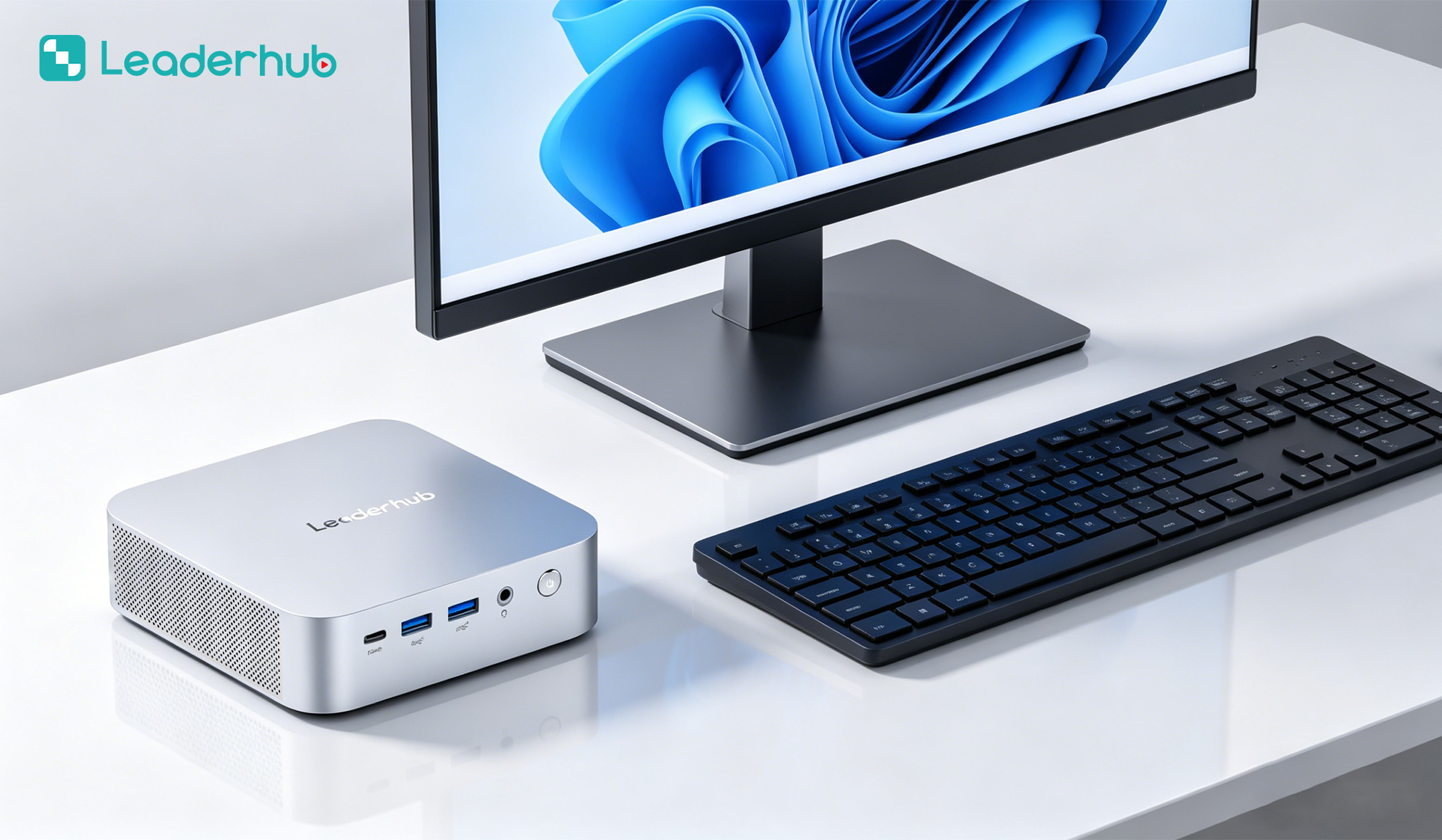
How to Compare Wholesale Mini PC Prices
Comparing quotes is not as simple as lining up unit prices. Two mini PCs that look identical on paper can differ by 30% in real value once you account for component quality, licensing, and logistics.
Key Factors That Drive Wholesale Pricing
| Factor | Impact on Price | What to Ask |
|---|---|---|
| Processor generation | High | Exact CPU model number, not just “Intel i5” |
| RAM type and speed | Medium | DDR4 vs DDR5, single vs dual channel, brand of module |
| Storage | Medium | NVMe vs SATA SSD, TBW rating, controller brand |
| Operating system license | High | Genuine Windows OEM license included or barebone? |
| Chassis and cooling | Low–Medium | Metal vs plastic, fan quality, noise level |
| Order volume | High | Price breaks at 50, 100, 500, 1000 units |
| Packaging and branding | Low | Neutral box, custom retail box, or OEM logo |
Typical Wholesale Price Tiers in 2026
The table below gives a realistic reference range for business-grade mini PCs purchased in volume. Actual quotes will vary by region, volume, and configuration.
| Tier | Typical Specs | Best Use Cases | Retail Reference |
|---|---|---|---|
| Entry | Intel N100 / N series, 8GB RAM, 256–512GB SSD | Digital signage, thin clients, classrooms, kiosks | $299–$450 |
| Mid-range | Intel Core i5 (12th gen+), 16GB RAM, 512GB NVMe | Office desktops, meeting rooms, light design work | $650–$900 |
| Performance | Intel Core i7 / AMD Ryzen 7+, 32GB RAM, 1TB NVMe | Engineering, AI workloads, multi-display control rooms | $950–$1,400 |
Look at Total Landed Cost, Not Just Unit Price
When comparing suppliers, calculate the complete cost per unit delivered to your warehouse:
- Ex-works unit price × quantity
- + Sea or air freight (mini PCs are compact, so sea freight per unit is often under $5 at volume)
- + Import duties and VAT for your country
- + Customs brokerage and insurance
- + Expected failure rate × replacement cost
- + Cost of your own time managing a difficult vendor
A supplier quoting $20 more per unit but offering a 1% defect rate, genuine Windows licensing, and responsive support will almost always outperform a cheaper vendor with a 6% defect rate.
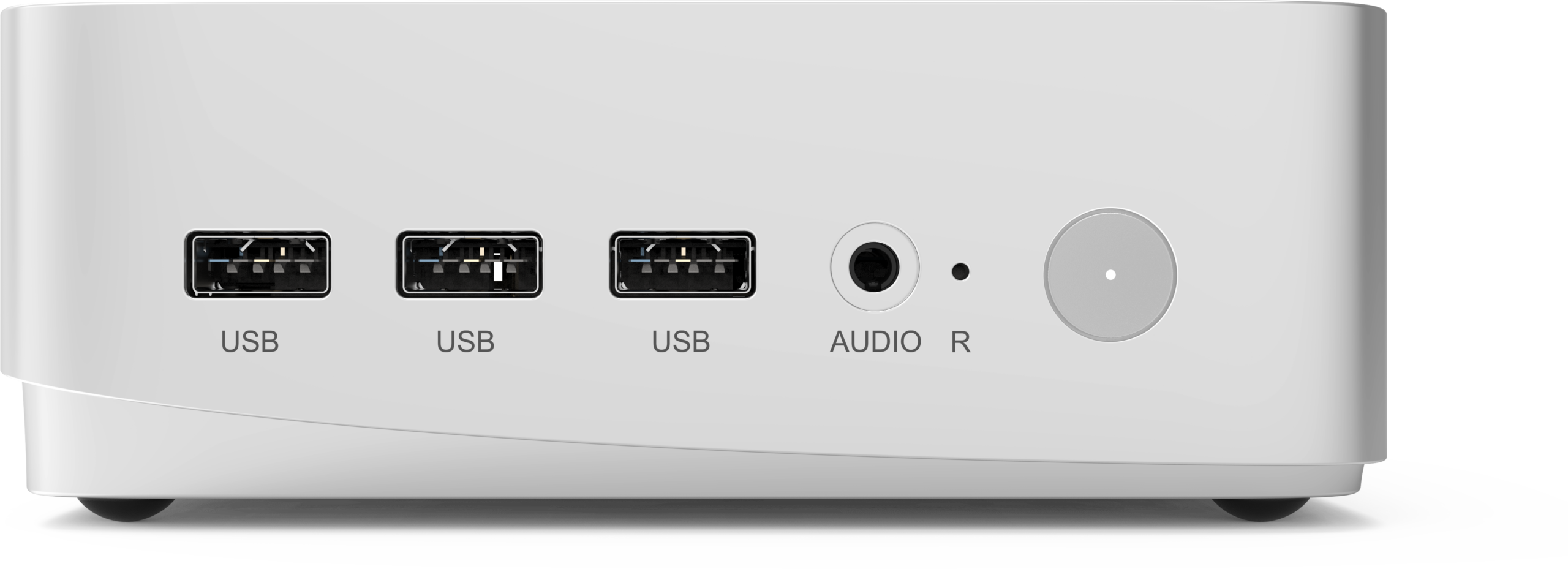
How to Buy Mini PCs in Bulk: Step-by-Step Process
- Define your requirements. Specify CPU tier, RAM, storage, OS, port requirements (HDMI count, USB-C, LAN speed), mounting (VESA), and operating environment (temperature, 24/7 use).
- Shortlist 3–5 suppliers. Use trade shows, B2B platforms, referrals, and direct manufacturer websites. Trade events listed by the Consumer Technology Association and AV Industry Standards and Resources are excellent places to meet verified hardware vendors in person.
- Request detailed quotations. Ask for pricing at multiple volume tiers, MOQ, lead time, payment terms, and warranty in writing.
- Order and test samples. Test every sample under real-world conditions for at least a week.
- Negotiate terms. Common wholesale payment structures are 30% deposit / 70% before shipment, or L/C for large orders. Clarify Incoterms (EXW, FOB, CIF, DDP).
- Sign a purchase agreement. Include specs, quality standards, acceptable defect rate, penalty for late delivery, and warranty terms.
- Arrange pre-shipment inspection. Use your own team or a third-party inspection agency to check a random sample (AQL standard) before final payment.
- Coordinate logistics. Confirm packaging strength, pallet configuration, and documentation for customs clearance.
- Build an ongoing relationship. Repeat buyers typically receive better pricing, priority production slots, and early access to new models.
Understanding MOQ and Lead Times
Minimum order quantities for mini PCs vary widely. Standard off-the-shelf models often start at 10–50 units, while OEM customization (custom logo, BIOS splash screen, pre-installed software) typically requires 100–500 units. Lead times for in-stock models can be as short as 7–15 days; custom configurations usually need 30–45 days after deposit. Plan your procurement calendar accordingly, especially before peak seasons like back-to-school or Q4 corporate budget cycles.
OEM and ODM Options for Wholesale Buyers
Many distributors increase margins by selling under their own brand. Ask potential suppliers about:
- Logo customization on chassis, packaging, and BIOS boot screen
- Pre-installed software images such as signage players, LMS clients, or security agents
- Configuration variants (different RAM/SSD combinations on the same chassis)
- Bundling with displays, keyboards, mounts, or portable smart screens
- Exclusive regional distribution rights for committed volume targets
A Practical Example: Business-Grade Mini PC Lineup
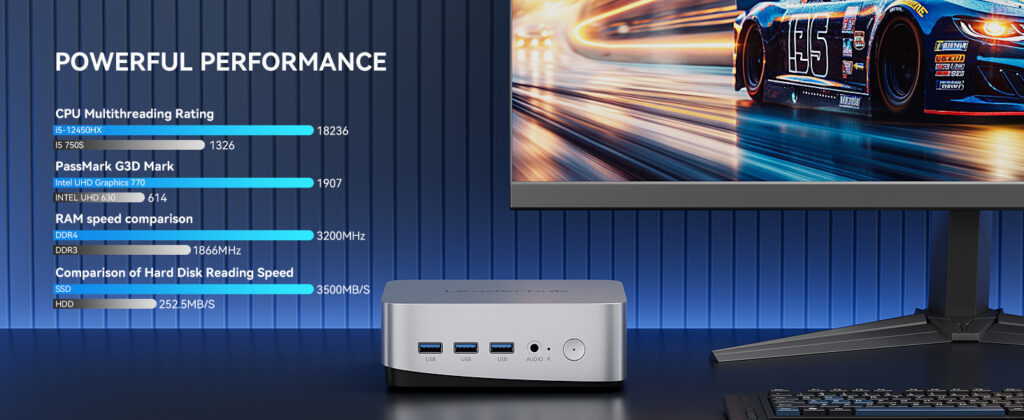
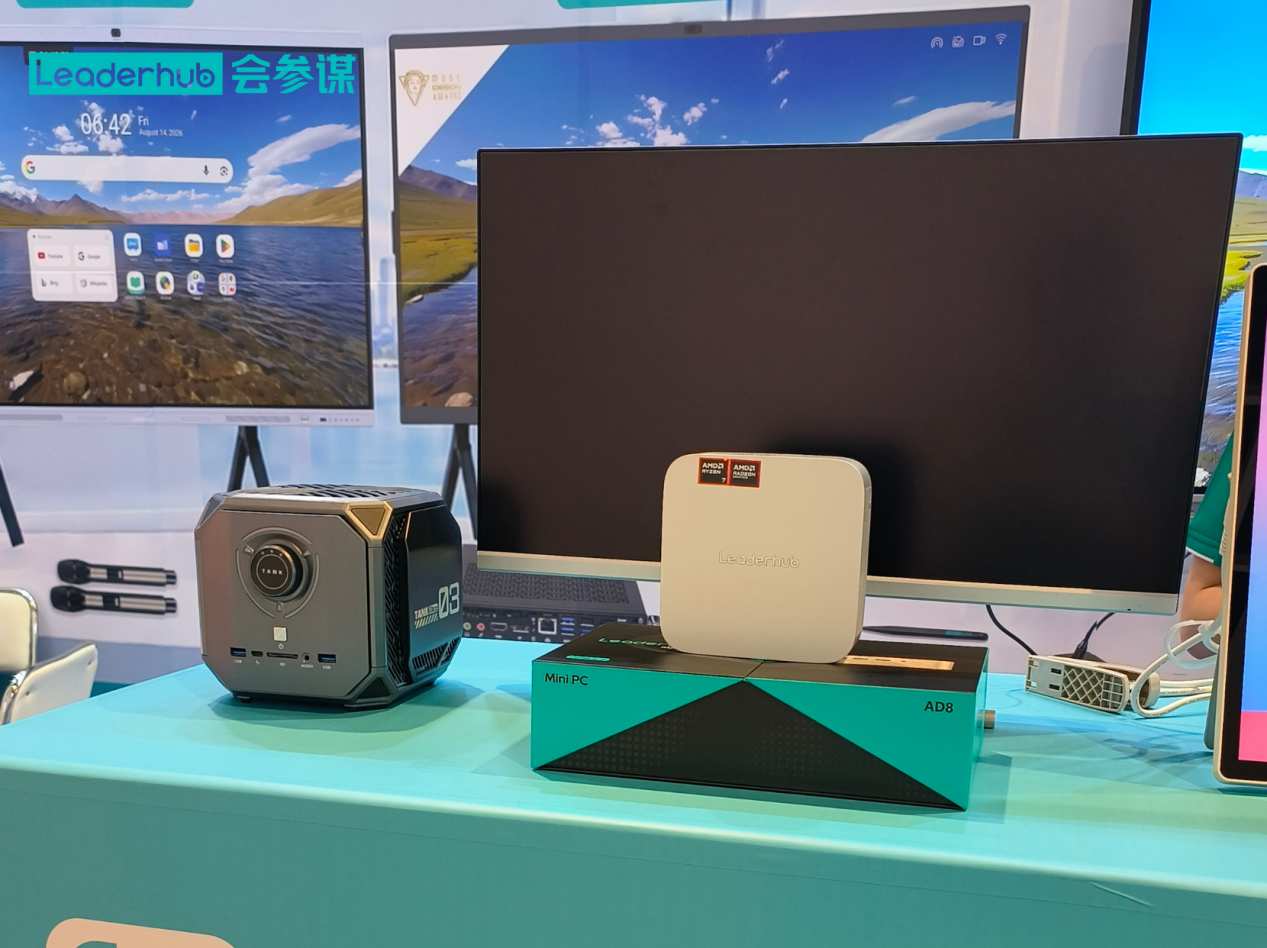
As a reference for what a well-structured wholesale lineup looks like, consider the mini PC range from LeaderHub, a Shenzhen-based technology company with 16 years of experience in interactive display hardware, serving customers in more than 82 countries. Its three-tier mini PC range covers the most common bulk-purchase scenarios, and each model is designed to pair seamlessly with interactive flat panels and meeting room displays.
| Model | Core Specs | Ideal Bulk Application | Retail Price |
|---|---|---|---|
| LP1C Mini PC | Intel N100, 8GB RAM, 512GB SSD | Classrooms, digital signage, thin clients | $399.00 |
| LP5C Mini PC | Intel i5-12450HX, 16GB RAM, 512GB SSD | Office fleets, meeting rooms, hybrid work | $799.00 |
| AD8 Mini PC | High-performance configuration | Control rooms, creative studios, demanding workloads | $999.00 |
Wholesale and project pricing on these models is available on request; you can browse the full mini PC collection or request a bulk quotation directly.
Common Mistakes Wholesale Buyers Make
- Choosing on price alone. The cheapest quote frequently hides refurbished components, unlicensed software, or no warranty.
- Skipping the sample stage. A $50 sample can prevent a $50,000 mistake.
- Ignoring thermal design. Devices that throttle under sustained load will generate end-user complaints in signage and meeting room deployments.
- Under-specifying ports. Confirm HDMI version, USB-C power delivery, and LAN speed match your customers’ displays and networks.
- Forgetting regional power adapters. Specify plug type and voltage for each destination market.
- No pre-shipment inspection. Inspecting after arrival leaves you with limited leverage.
Frequently Asked Questions
What is the typical MOQ for a wholesale mini PC order?
Standard models usually start at 10–50 units. Custom OEM configurations typically require 100 units or more, depending on the degree of customization.
How much discount can I expect when buying mini PCs in bulk?
Volume discounts commonly range from 15% to 40% below single-unit retail pricing, with the largest breaks occurring at 100, 500, and 1,000 units. Long-term distribution agreements may unlock further savings.
Should I buy barebone mini PCs or fully configured units?
Barebone units (no RAM, SSD, or OS) reduce upfront cost and allow you to source components locally, but they add assembly labor and complicate warranty claims. Fully configured units are faster to deploy and simpler to support, making them the preferred choice for most distributors and institutional buyers.
How do I verify a supplier’s certifications are genuine?
Request the full test report, not just the certificate, and check the issuing laboratory’s accreditation. For FCC, you can search the FCC ID database directly; for CE, ask for the Declaration of Conformity and the notified body’s details where applicable.
Which mini PC tier is best for education deployments?
Entry-level Intel N-series models with 8GB RAM handle web browsing, office productivity, and classroom software comfortably while keeping energy costs and noise minimal. Pairing them with an interactive smart whiteboard creates a complete, affordable smart classroom package.
Final Thoughts
Sourcing a wholesale mini PC successfully comes down to three disciplines: verify the supplier, compare total landed cost rather than unit price, and follow a structured bulk purchasing process with samples, written agreements, and pre-shipment inspection. Buyers who invest time in due diligence consistently achieve lower defect rates, stronger margins, and happier end customers. Whether you are outfitting a school district, standardizing a corporate fleet, or building a signage network, the right mini PC partner will grow with your business for years to come.
Ready to start your bulk order? Contact the sales team for volume pricing, samples, and OEM options, or explore the full product range to find the right configuration for your market.