Sourcing a mini PC under your own brand is no longer reserved for large electronics corporations. System integrators, digital-signage operators, education suppliers and B2B resellers are all turning to ODM mini PC suppliers to launch compact computing products without building a factory or an R&D department. The challenge is that the market is crowded, specification sheets look similar, and the difference between a dependable partner and a costly mistake is rarely visible from a product listing. This guide walks through how an ODM relationship actually works, how MOQ is calculated, which customization options are realistic, and the key factors that separate a reliable ODM mini PC supplier from the rest.
What an ODM Mini PC Supplier Actually Does
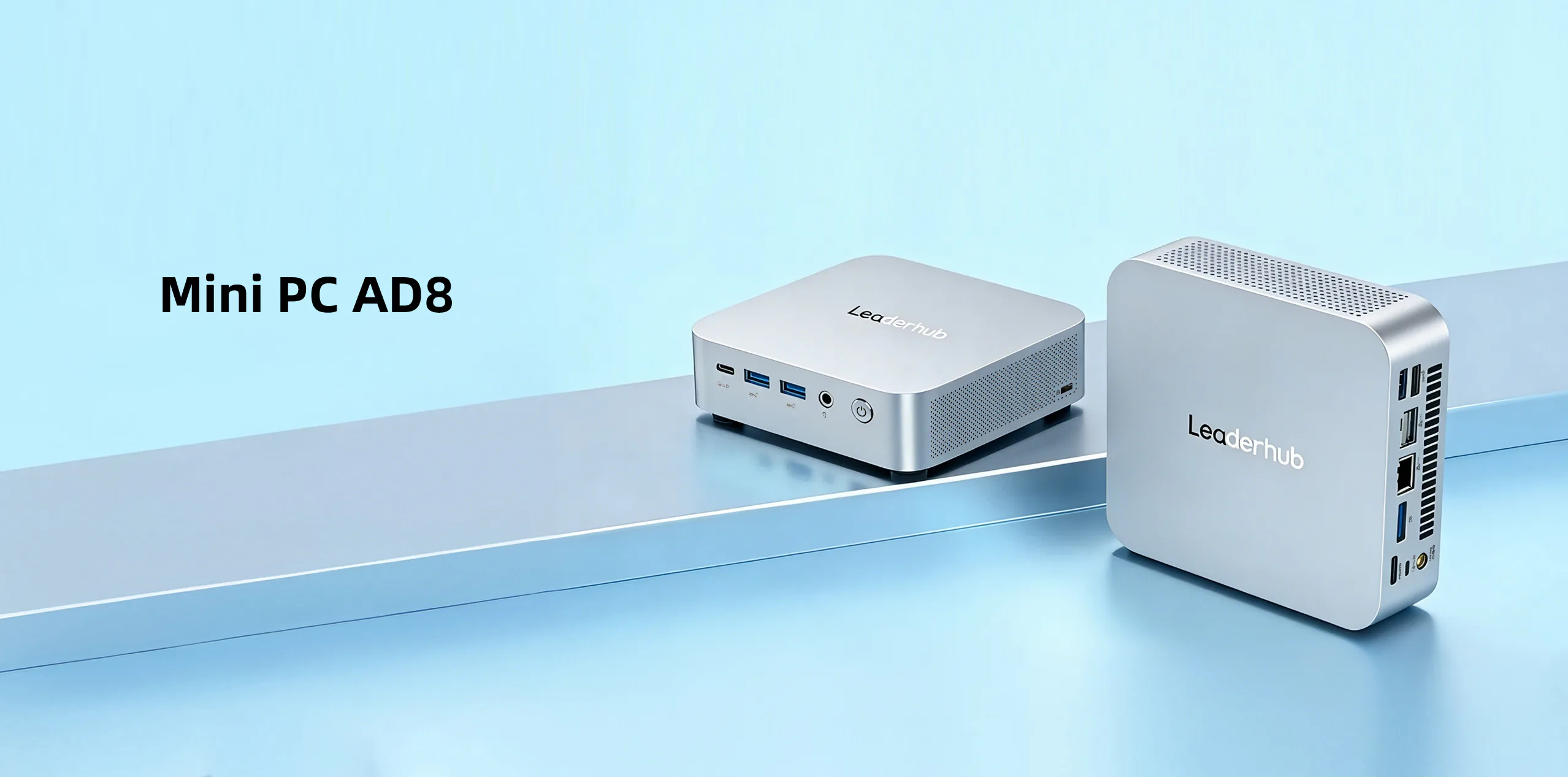
ODM stands for Original Design Manufacturer. An ODM mini PC supplier owns the product design, motherboard layout, thermal solution, firmware and tooling, and then adapts that existing platform to your requirements — your logo, your configuration, your software image, your packaging. You sell the finished product under your brand while the supplier handles engineering, component sourcing and mass production.
Many buyers confuse ODM with OEM, and the distinction matters for budget, timeline and intellectual property. The table below clarifies the two models in the context of mini PCs.
| Aspect | ODM (Original Design Manufacturer) | OEM (Original Equipment Manufacturer) |
|---|---|---|
| Who designs the product | The supplier, using a proven platform | The buyer provides full design files |
| Development cost | Low to moderate (tooling already exists) | High (new PCB, molds, certification) |
| Time to market | Typically 4–10 weeks | Typically 6–12 months |
| Typical MOQ | Lower, often 50–500 units | Higher, often 1,000+ units |
| Customization depth | Branding, configuration, firmware, I/O tweaks | Unlimited, but entirely buyer-funded |
| Best suited for | Resellers, integrators, brands entering the market | Established brands with in-house engineering |
For the vast majority of businesses, the ODM route is the faster and lower-risk path. The real question is not whether to use an ODM, but how to identify one that will still be answering your emails three years from now.
Where Custom Mini PCs Are Being Deployed
Understanding your end application helps you brief a supplier correctly, because the hardware priorities of a classroom device are very different from those of a 24/7 kiosk controller. Common deployment scenarios include:
- Digital signage and retail displays — fanless operation, auto power-on, HDMI/DP outputs for multiple screens, compliance with AV Industry Standards and Resources.
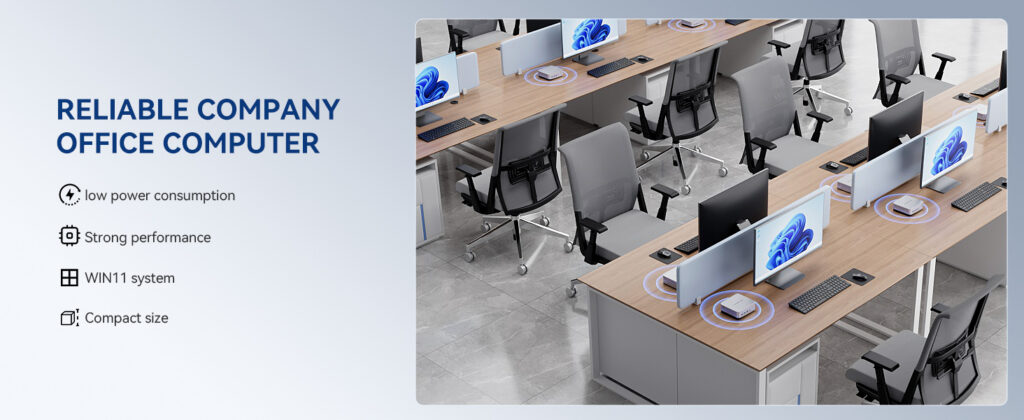
- Education and computer labs — low power draw, VESA mounting behind monitors, easy imaging and remote management.
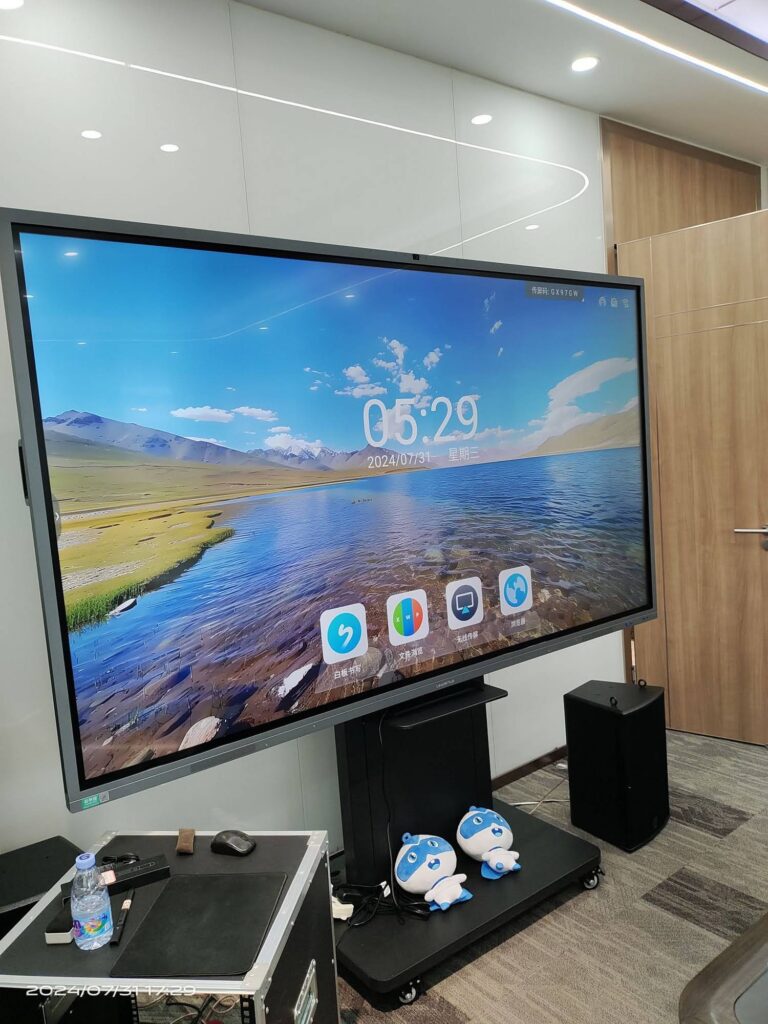
- Conference rooms and interactive displays — pairing an OPS or external mini PC with a smart whiteboard for Windows-based collaboration.
- Office thin clients and workstations — compact desktop replacements with dual-display support and Wi-Fi 6.
- Industrial and edge computing — wide temperature tolerance, serial ports, watchdog timers and long product life cycles.
- Home entertainment and media centers — 4K decoding, quiet cooling and attractive industrial design.
Key Factors When Evaluating an ODM Mini PC Supplier
1. Engineering Depth and Platform Maturity
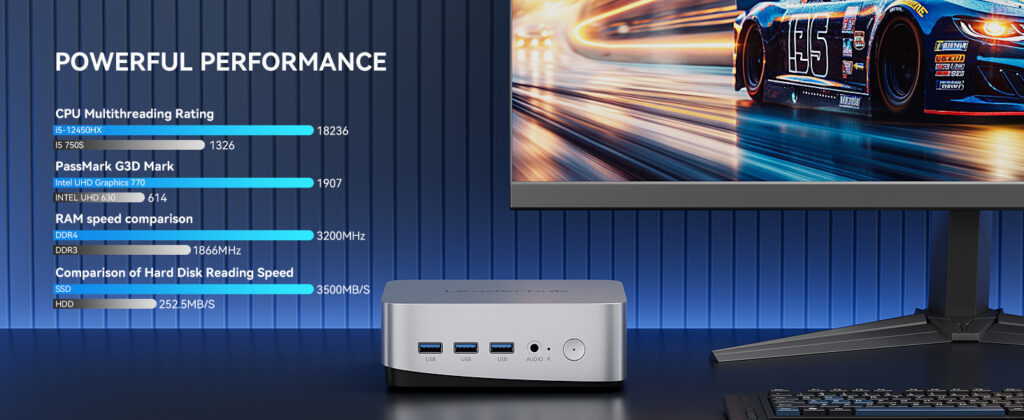
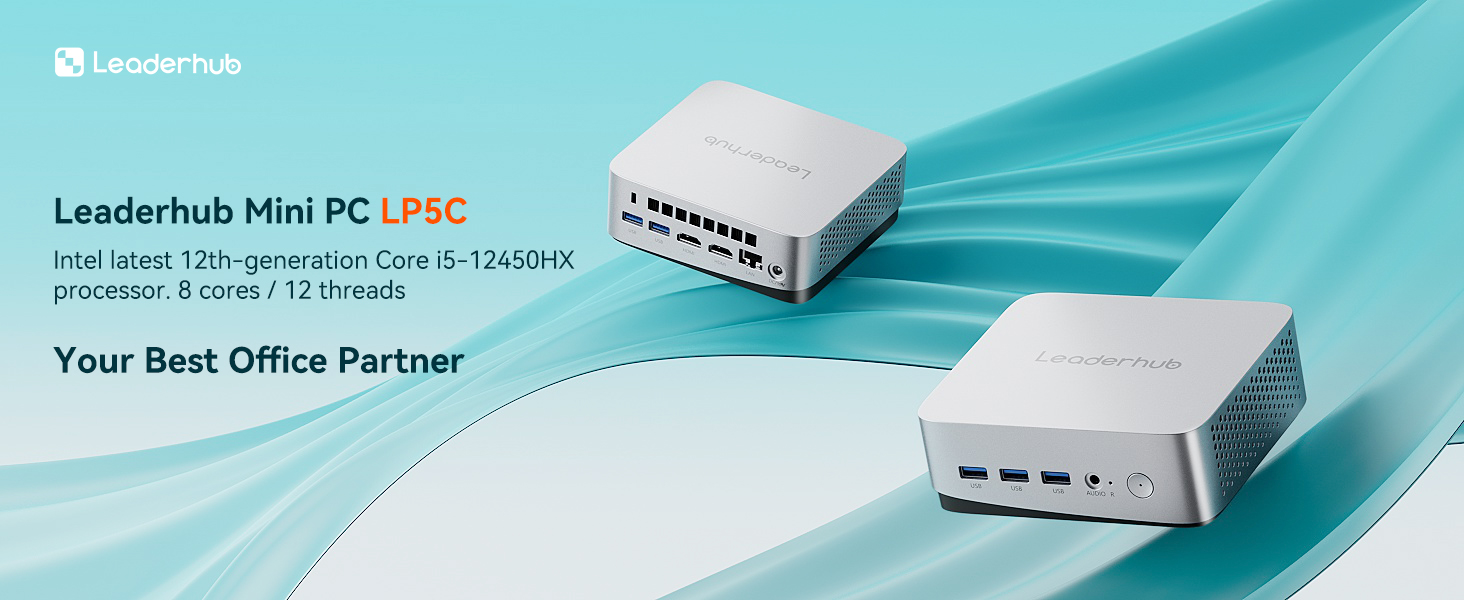
A reliable ODM mini PC supplier should own its reference designs rather than resell a third party’s boards. Ask how many generations of a platform they have shipped, whether the thermal solution was tested across the full CPU power range, and whether they have in-house hardware, BIOS and driver engineers. A supplier that can explain the trade-offs between a fanless Intel N100 chassis and an actively cooled i5-12450HX chassis in detail is demonstrating real engineering ownership.
2. Processor Tiers and Configuration Flexibility
Most ODM catalogs are organized by processor tier. Matching the tier to your use case prevents both under-powered devices and wasted budget.
| Tier | Typical CPU | Cooling | Ideal Use Case |
|---|---|---|---|
| Entry / Efficient | Intel N100 / N-series | Fanless or low-noise fan | Signage, kiosks, classrooms, thin clients |
| Mainstream | Intel Core i5 (12th gen H-series) | Active cooling | Office desktops, conference rooms, light creative work |
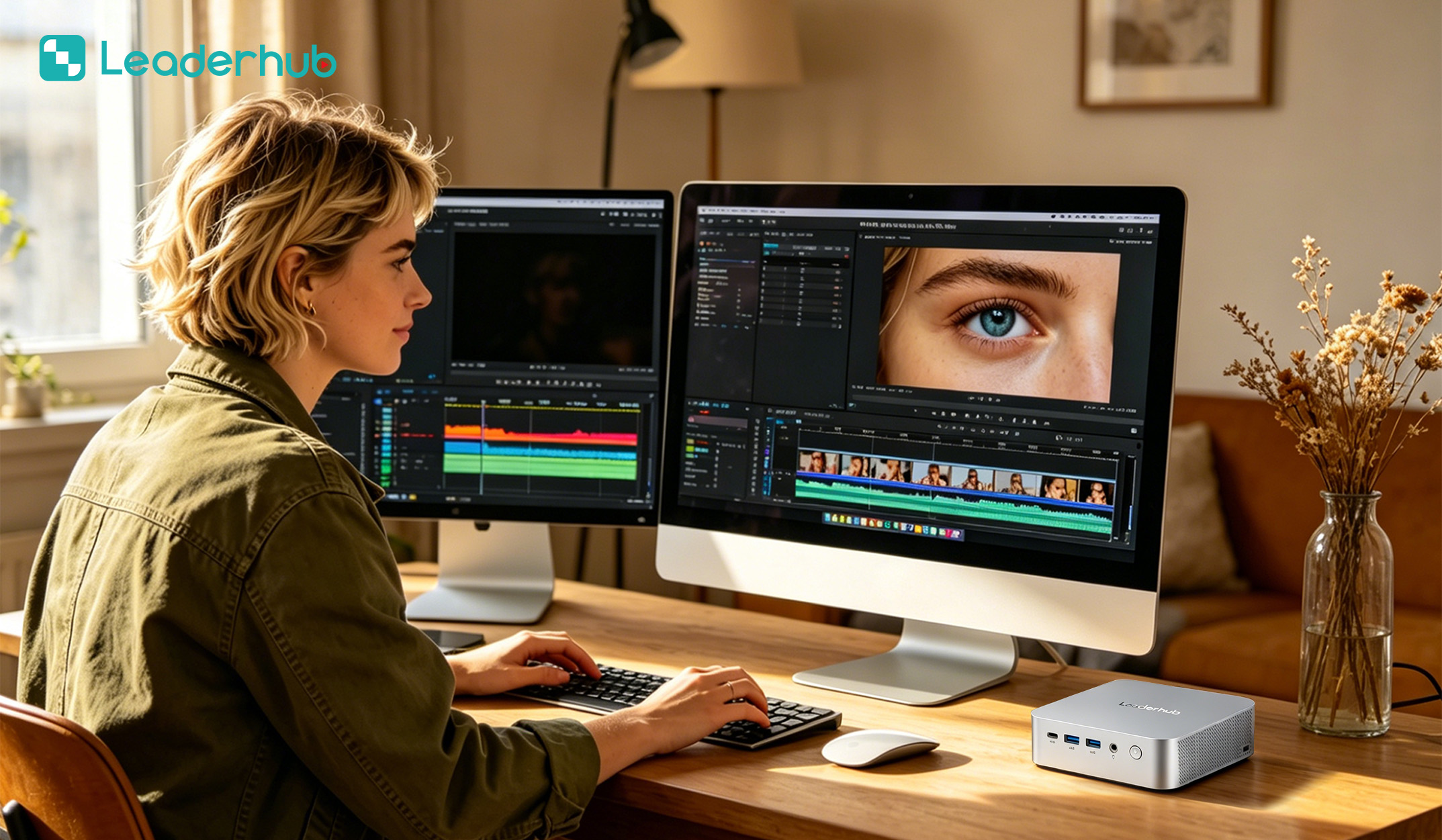
| Performance | Intel Core i7 / AMD Ryzen 7–9 | Dual-fan or vapor chamber | Video editing, AI inference, multi-display control |
Beyond the CPU, confirm that RAM and storage are socketed (SO-DIMM and M.2) rather than soldered, so you can offer multiple SKUs from one chassis without new tooling.
3. Quality Control and Certifications
Request documentation, not promises. A trustworthy supplier will share ISO 9001 certification, CE/FCC/RoHS test reports for the base platform, burn-in test procedures and the defect rate from recent production lots. Ask specifically about aging tests — a 24- to 48-hour full-load burn-in at elevated temperature catches thermal and power-delivery failures before they reach your customers.
4. Component Sourcing and Supply Chain Stability
Mini PCs depend on a handful of critical components: the processor, the Wi-Fi module, the SSD controller and the power adapter. Ask whether the supplier buys CPUs through authorized distribution, how long the chosen SoC is guaranteed to remain in production, and what the plan is if a Wi-Fi module reaches end of life. Suppliers based in Shenzhen typically benefit from proximity to the component ecosystem, which shortens lead times and simplifies substitutions.
5. BIOS, Firmware and Software Customization
This is where many low-cost suppliers fall short. A capable ODM mini PC supplier can deliver a custom BIOS splash screen, locked boot order, auto power-on after power loss, scheduled wake, Wake-on-LAN, and a pre-installed OS image with your drivers and applications. If you serve signage or education customers, these settings are not nice-to-have — they decide whether a device can be deployed unattended.
6. Communication, Warranty and After-Sales
Evaluate response time during the quotation stage; it rarely improves after the deposit is paid. Confirm the warranty term (12 to 36 months is standard), the RMA procedure, who pays return shipping, and whether spare parts such as fans and adapters are stocked for the life of the product.
Understanding MOQ for Custom Mini PCs
Minimum Order Quantity is the most frequently misunderstood figure in ODM negotiations. MOQ is not a single number — it scales with the depth of customization you request, because each additional custom element introduces a setup cost that must be amortized across the order.
| Customization Level | What Changes | Typical MOQ | Lead Time |
|---|---|---|---|
| Stock configuration | Standard product, neutral packaging | 1–10 units (sample) | 3–7 days |
| Light branding | Logo print, BIOS splash, custom box | 50–100 units | 2–4 weeks |
| Configuration + software | Custom RAM/SSD, OS image, firmware settings | 100–300 units | 4–6 weeks |
| Structural changes | New chassis color, modified I/O panel, custom mounting | 500–1,000 units | 8–12 weeks |
| New board design | Custom motherboard, new certification | 1,000+ units or NRE fee | 4–6 months |
Practical Ways to Lower Your Effective MOQ
- Start with light branding. Logo and packaging customization carries minimal setup cost, so suppliers can accept smaller first orders.
- Share a chassis across SKUs. Ordering 100 units split between N100 and i5 configurations in the same housing often counts toward a single MOQ.
- Offer an NRE payment. A one-time engineering fee can unlock structural changes at a lower unit quantity.
- Commit to a forecast. A 12-month rolling forecast with smaller scheduled deliveries is frequently accepted in place of one large order.
- Order samples first. Reliable suppliers encourage paid samples before any MOQ commitment and often credit the sample cost against the first bulk order.
Custom Solutions: What Can Realistically Be Changed
Buyers sometimes assume ODM customization is limited to a sticker. In practice, a mature mini PC platform offers a surprisingly wide customization surface:
- Appearance: laser-etched or silk-printed logo, anodized chassis color, custom top-cover texture, branded LED indicator.
- Hardware configuration: RAM capacity (8GB–64GB), SSD size (256GB–2TB), Wi-Fi 6 / Bluetooth module selection, optional 2.5G dual LAN.
- I/O options: additional COM ports, USB-C with Power Delivery, extra HDMI or DisplayPort outputs for multi-screen signage.
- Firmware: custom BIOS logo, auto power-on, scheduled boot, secure boot keys, locked settings for public deployments.
- Software: pre-installed Windows or Linux image, your management agent, kiosk-mode lockdown, pre-configured display drivers.
- Packaging and documentation: retail gift box, multi-language quick-start guide, warranty card, regional power adapters (US, EU, UK, AU plugs).
- Accessories: VESA brackets for behind-monitor mounting, DIN-rail clips, wireless keyboard bundles.
Red Flags That Signal an Unreliable Supplier
- Spec sheets that list a processor but refuse to confirm the exact SKU or TDP configuration.
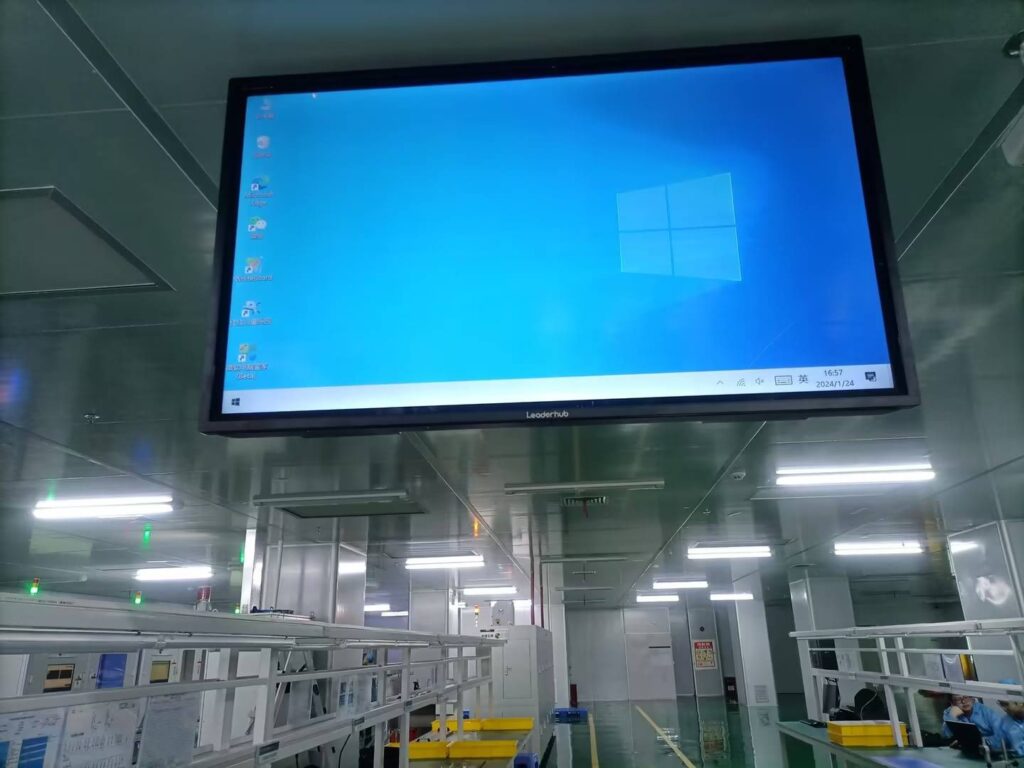
- No physical factory address, or reluctance to arrange a video walk-through of the production line.
- Certification “available on request” that never actually arrives.
- Prices dramatically below the market — usually a sign of refurbished CPUs, recycled SSDs or missing thermal pads.
- Inability to provide a BIOS update or driver package for a product they claim to manufacture.
- Sample units that differ visibly from the photographs or from the eventual bulk shipment.
- Pressure to pay 100% upfront rather than a standard 30% deposit and 70% before shipment.
A Supplier Evaluation Checklist You Can Reuse
| Category | Question to Ask | Good Answer Looks Like |
|---|---|---|
| Experience | How many years in computing hardware and how many export markets? | 10+ years, documented shipments to multiple regions |
| Engineering | Do you own the board design and BIOS source? | Yes, with in-house firmware engineers |
| Quality | What is your burn-in protocol and recent defect rate? | 24–48h full-load aging, under 1% field failure |
| Compliance | Can you send CE, FCC and RoHS reports today? | Reports delivered within 24 hours |
| MOQ | What is the MOQ for logo + custom BIOS? | Clear tiered answer, sample-first policy |
| Support | What warranty and RMA process do you offer? | 12–36 months, documented RMA flow, spare parts stocked |
| Visibility | Do you exhibit at international trade shows? | Regular presence at events such as CES Technology Innovation and regional electronics fairs |
Reference Platforms from a Shenzhen-Based ODM Partner
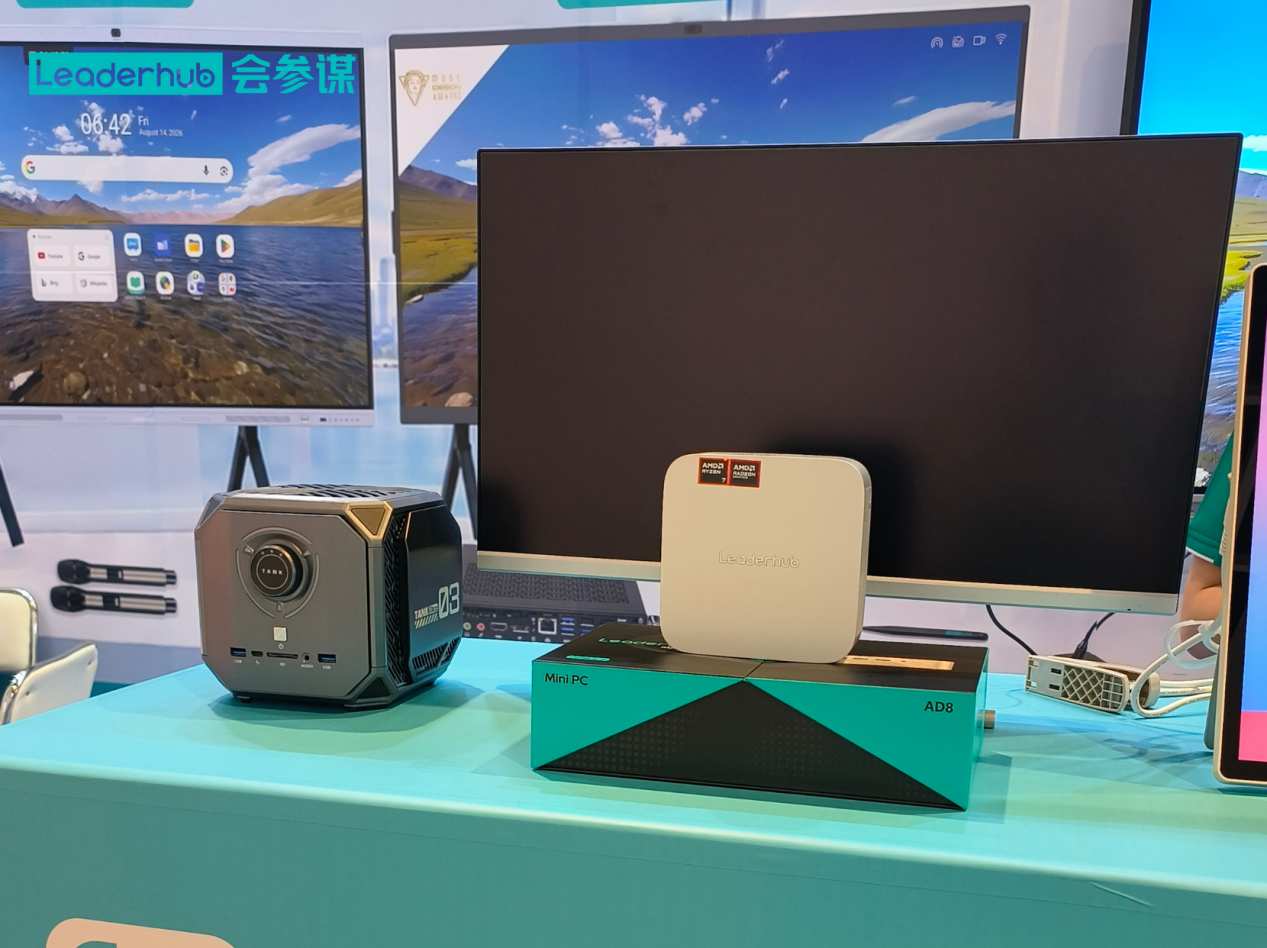
It helps to look at concrete examples when briefing a supplier. LeaderHub, a Shenzhen technology company with 16 years in interactive displays and compact computing, ships mini PCs and smart screens to 82 countries and supports OEM/ODM projects for resellers and integrators. Its current mini PC product line illustrates the three tiers discussed above and is a useful benchmark for comparing other suppliers’ quotations.
| Model | Core Specification | Positioning | Reference Price |
|---|---|---|---|
| LP1C Mini PC | Intel N100, 8GB RAM, 512GB SSD | Entry tier for signage, education and thin clients | $399.00 |
| LP5C Mini PC | Intel i5-12450HX, 16GB RAM, 512GB SSD | Mainstream tier for offices and conference rooms | $799.00 |
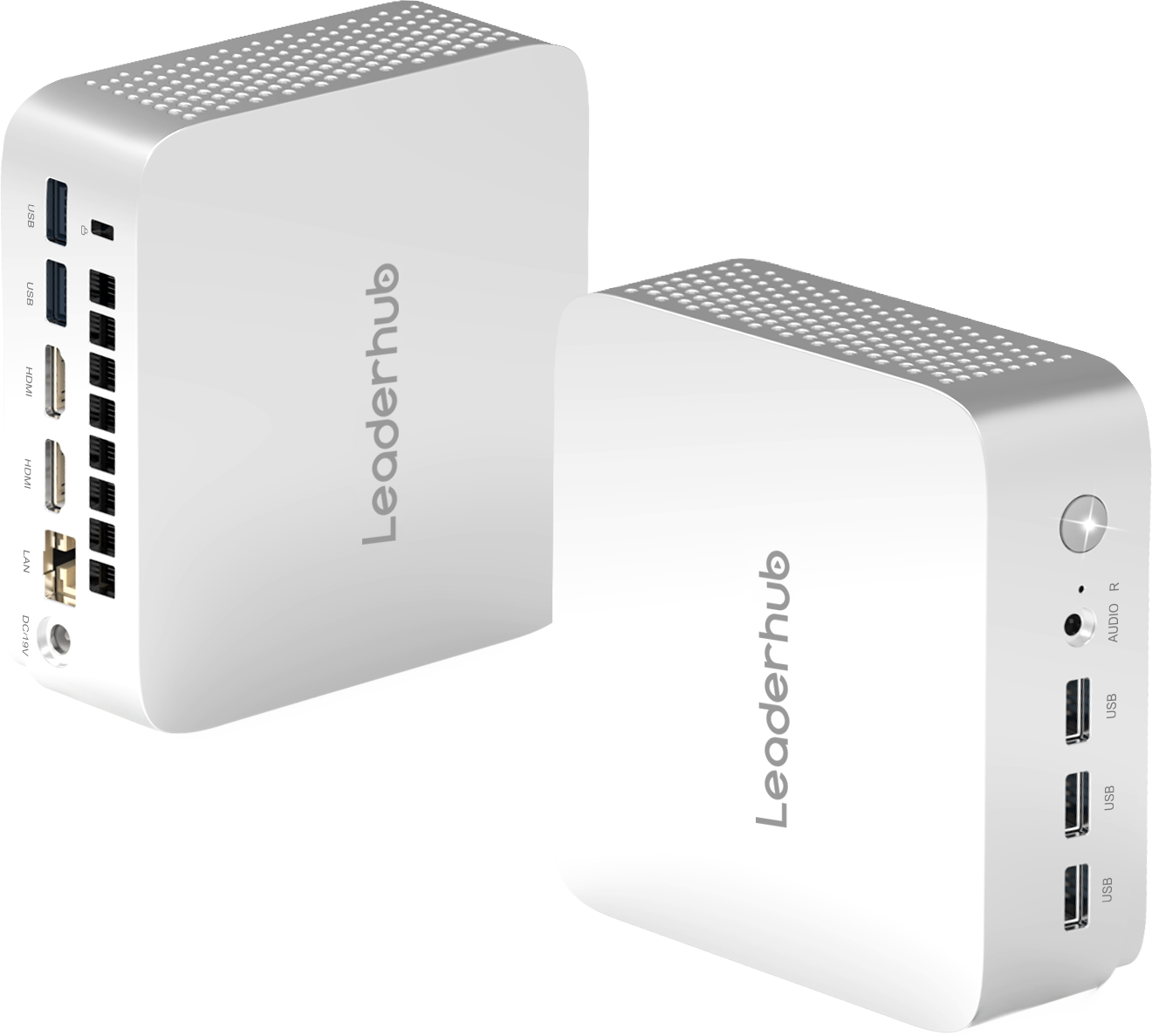
| AD8 Mini PC | High-performance compact platform | Performance tier for creative and multi-display work | $999.00 |
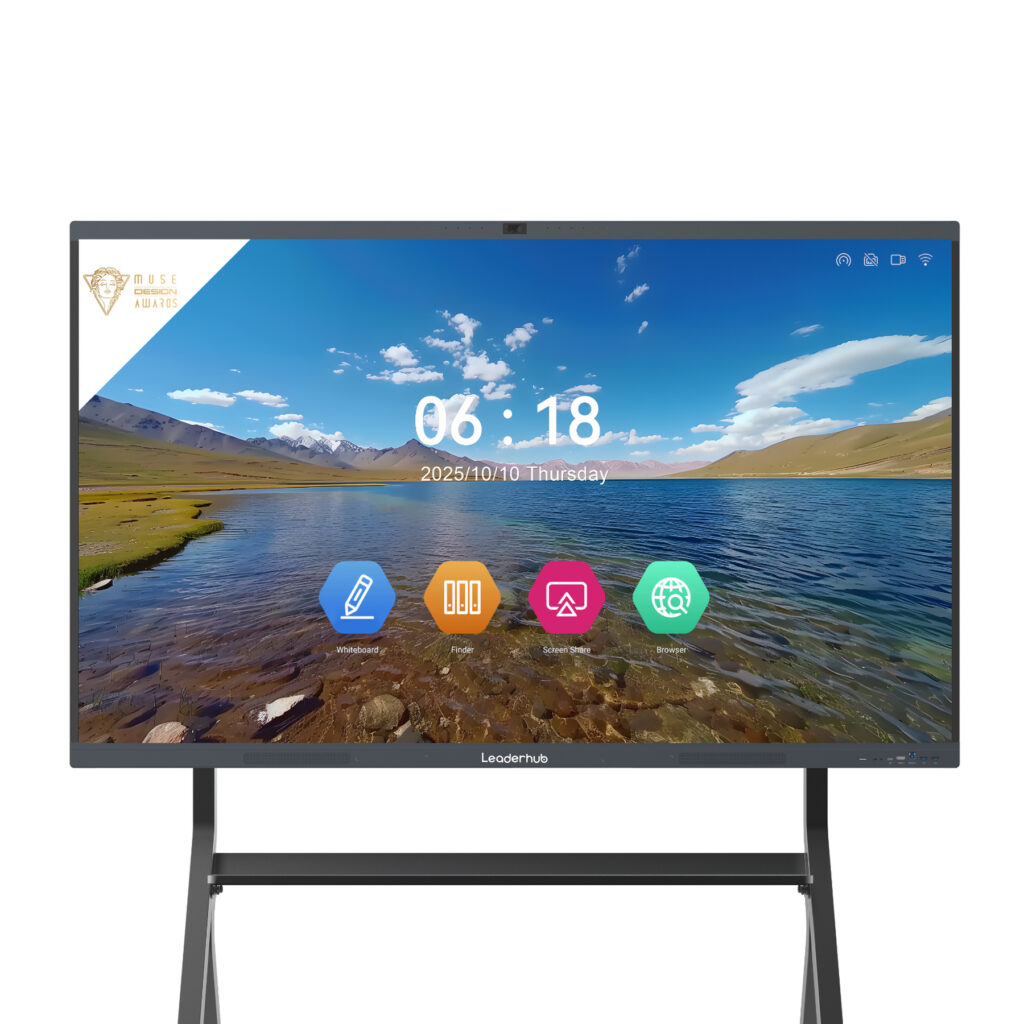
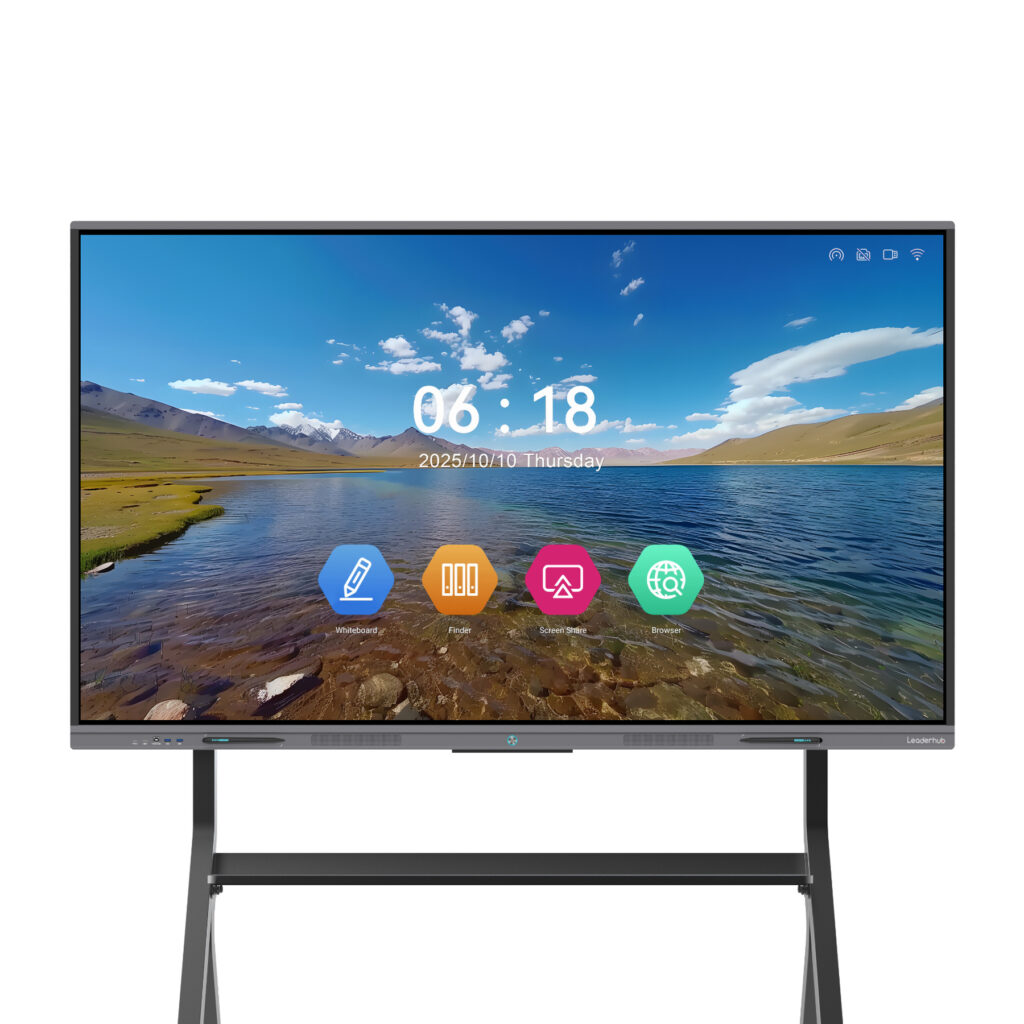
Because the same company also manufactures interactive smart whiteboards, integrators can source a mini PC and a 65″–86″ touch panel from one partner, simplifying firmware compatibility, warranty handling and logistics for classroom or meeting-room bundles.
From First Inquiry to Mass Production: The Typical ODM Workflow
- Requirement brief — share target market, use case, volume forecast, required certifications and desired price band.
- Platform recommendation — the supplier proposes one or two existing chassis and configurations that fit the brief.
- Quotation and MOQ confirmation — tiered pricing by quantity, with customization costs itemized.
- Sample order — 1–5 units, usually with basic branding, shipped by express for hands-on testing.
- Sample validation — your team tests thermals, software compatibility and I/O; feedback is incorporated.
- Pre-production sign-off — artwork files, BIOS settings, OS image and packaging approved in writing.
- Mass production and QC — burn-in testing, random inspection (or third-party inspection you appoint) before packing.
- Shipping and after-sales — consolidated freight, documentation for customs, and an agreed RMA channel.
Frequently Asked Questions
What is a realistic MOQ for a first ODM mini PC order?
For logo branding, custom packaging and a BIOS splash screen, most established suppliers accept 50–100 units. Structural changes to the chassis typically start at 500 units unless you fund tooling separately.
Can I get samples before committing to an MOQ?
Yes, and you should insist on it. Reputable suppliers sell samples at or near the bulk unit price and often deduct the amount from your first production order.
Who owns the design when I customize an ODM product?
The base platform remains the supplier’s intellectual property. Your logo, artwork, software image and any custom tooling you pay for belong to you, and this should be stated explicitly in the contract.
How long does an ODM mini PC project take?
Branding-level projects usually ship within 4–6 weeks of sample approval. Projects involving a new chassis color, modified I/O or additional certification take 8–12 weeks.
Should I choose a supplier that also makes displays?
If your end customers are schools or offices, a supplier covering both mini PCs and interactive panels can bundle hardware, pre-test compatibility and provide a single warranty contact — a meaningful advantage for integrators.
Final Thoughts
Choosing an ODM mini PC supplier is ultimately a decision about engineering ownership, transparency and long-term support, not just unit price. Verify that the supplier designs its own boards and firmware, demands rigorous burn-in testing, documents compliance, explains MOQ tiers clearly and backs the product with a workable warranty. Start with samples, scale with a realistic forecast, and treat the first order as the beginning of a multi-year partnership rather than a one-off purchase. If you are planning a custom mini PC project and want to discuss configurations, branding options or MOQ for your market, you can contact the team here to request samples and a tiered quotation.