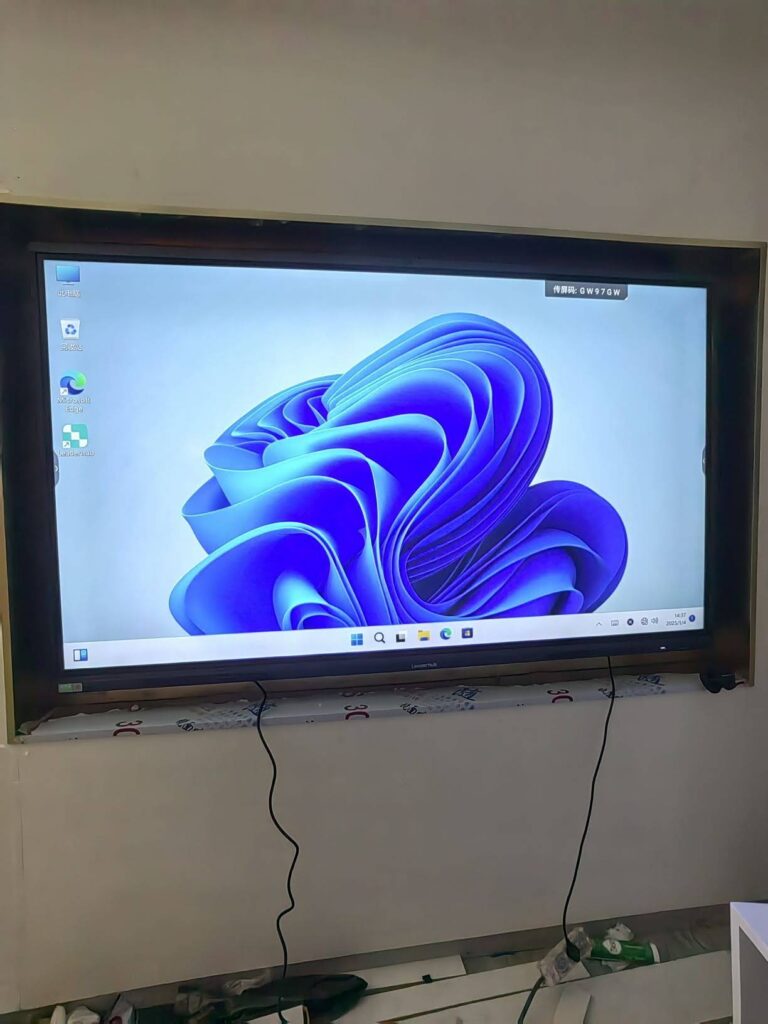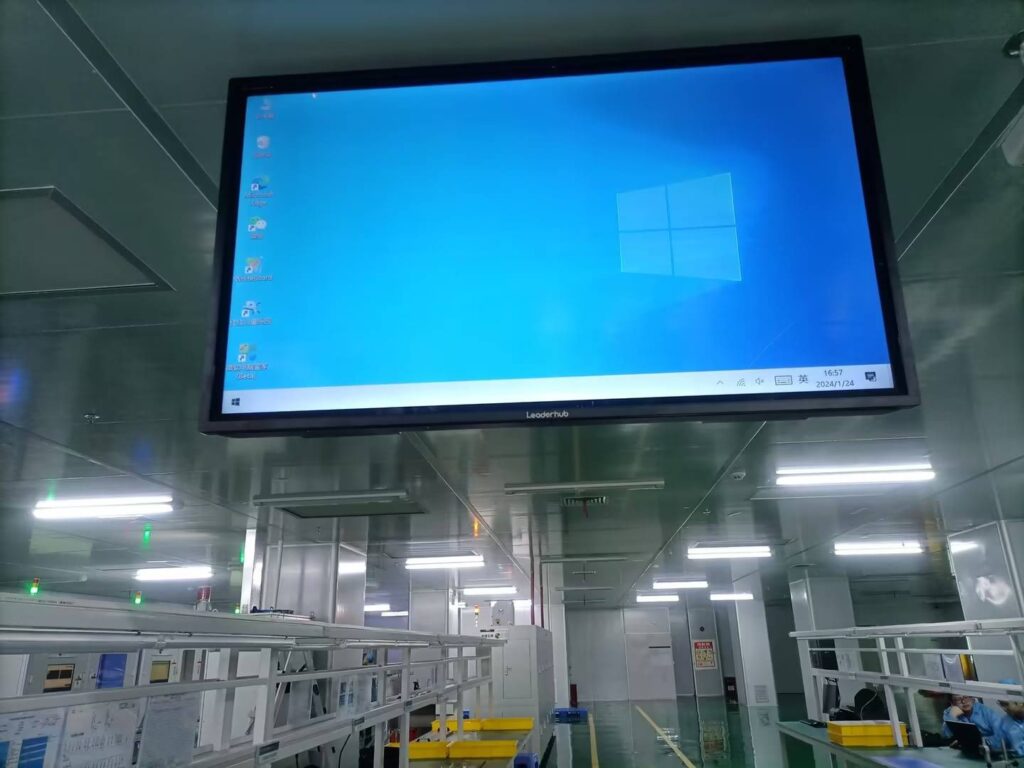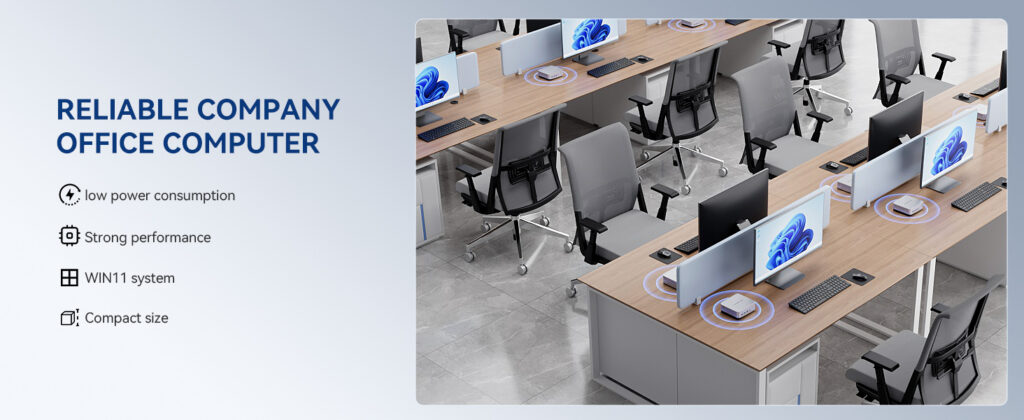
Public-sector IT teams face a procurement challenge that private companies rarely encounter at the same scale: every desktop purchased for a ministry, municipality, courthouse, or school district must be secure by design, verifiably compliant, and defensible to taxpayers. Choosing the right government desktop computer solutions is therefore not a simple spec-sheet exercise. It is a balance between data protection, regulatory obligations, long service life, and total cost of ownership. This guide walks procurement officers, CIOs, and IT administrators through the criteria that matter most, compares the main desktop form factors, and shows how modern mini PCs are reshaping agency workstations.
Why Government Agencies Need Purpose-Built Desktop Solutions
Agency workstations process sensitive citizen records, tax data, legal files, health information, and internal communications. A consumer-grade PC may run the same office software, but it rarely meets the governance expectations that public institutions must satisfy. Government desktop computer solutions need to address four realities at once:
- Threat exposure: public bodies are frequent targets of ransomware and phishing campaigns, so hardware-level security features are essential rather than optional.
- Audit accountability: every device must be traceable, patchable, and documented across its lifecycle.
- Budget cycles: funding is approved annually or multi-year, so devices must deliver predictable costs over 5–7 years, not just a low purchase price.
- Diverse user roles: a front-desk clerk, a GIS analyst, and a council meeting room all require different performance tiers under one procurement framework.
The Three Pillars: Security, Compliance, and Cost-Effectiveness
1. Security Features to Demand at the Hardware Level
Software alone cannot protect a desktop that boots from compromised firmware. When evaluating government desktop computer solutions, request the following as baseline requirements:
- TPM 2.0 chip for encryption key storage, Windows 11 compatibility, and BitLocker full-disk encryption.
- UEFI Secure Boot to block unauthorized operating systems and rootkits.
- Lockable chassis or Kensington slot to prevent physical theft of drives in shared offices.
- Port control options so USB storage can be disabled through policy on devices handling restricted data.
- Long-term driver and BIOS support, ideally with a documented firmware update schedule from the manufacturer.
2. Compliance Checkpoints by Region
Compliance obligations vary widely, so the procurement specification should map hardware capabilities to the frameworks your agency operates under. Common references include:
| Region / Sector | Typical Framework | What It Means for Desktop Selection |
|---|---|---|
| United States (federal) | NIST SP 800-53, FIPS 140, TAA | Validated encryption modules, country-of-origin documentation, configuration baselines |
| European Union | GDPR, NIS2, ENISA guidance | Data-at-rest encryption, incident reporting readiness, supply-chain transparency |
| United Kingdom | Cyber Essentials, NCSC Device Security Guidance | Supported OS versions, secure configuration, patch management within 14 days |
| Education & local government | Student privacy laws, accessibility standards | Content filtering compatibility, assistive technology support, energy labels |
| Environmental procurement | ENERGY STAR, EPEAT, RoHS | Low idle power draw, recyclable materials, documented disposal pathways |
Always ask vendors to supply written documentation for each claim. A compliant-looking spec sheet is not a substitute for test reports and declarations of conformity that can be filed with the procurement record. Public bodies modernizing shared spaces can also consult AV Industry Standards and Resources from AVIXA when the desktop fleet is connected to meeting-room displays.
3. Calculating True Total Cost of Ownership
The purchase price of a desktop typically represents only 25–35% of its lifetime cost. A realistic TCO model for government desktop computer solutions should include:
- Hardware acquisition and any required accessories (monitor mounts, docks, locks).
- Operating system and productivity licensing.
- Energy consumption over 5–7 years — a 15 W mini PC versus a 65 W tower adds up across thousands of seats.
- IT labor for imaging, deployment, and patch management.
- Warranty extensions and expected failure rates.
- Secure data wiping and certified disposal at end of life.
Comparing Desktop Form Factors for Public-Sector Use
Agencies generally choose between four form factors. Each has a place, but the trend across public institutions is clearly toward compact, low-power designs that can be mounted behind monitors or inside secure enclosures.
| Form Factor | Typical Power Draw | Strengths | Limitations |
|---|---|---|---|
| Full Tower | 65–300 W | Maximum expandability, discrete GPUs | Large footprint, high energy cost, easy to tamper with |
| Small Form Factor (SFF) | 35–90 W | Balanced performance, some upgrade room | Still occupies desk space, moderate noise |
| Mini PC | 6–45 W | VESA-mountable, silent, lowest TCO, easy to secure physically | Limited internal expansion |
| All-in-One | 30–80 W | Clean front-desk appearance | Display and PC fail together, costly to repair |
Why Mini PCs Are Becoming the Default Government Desktop
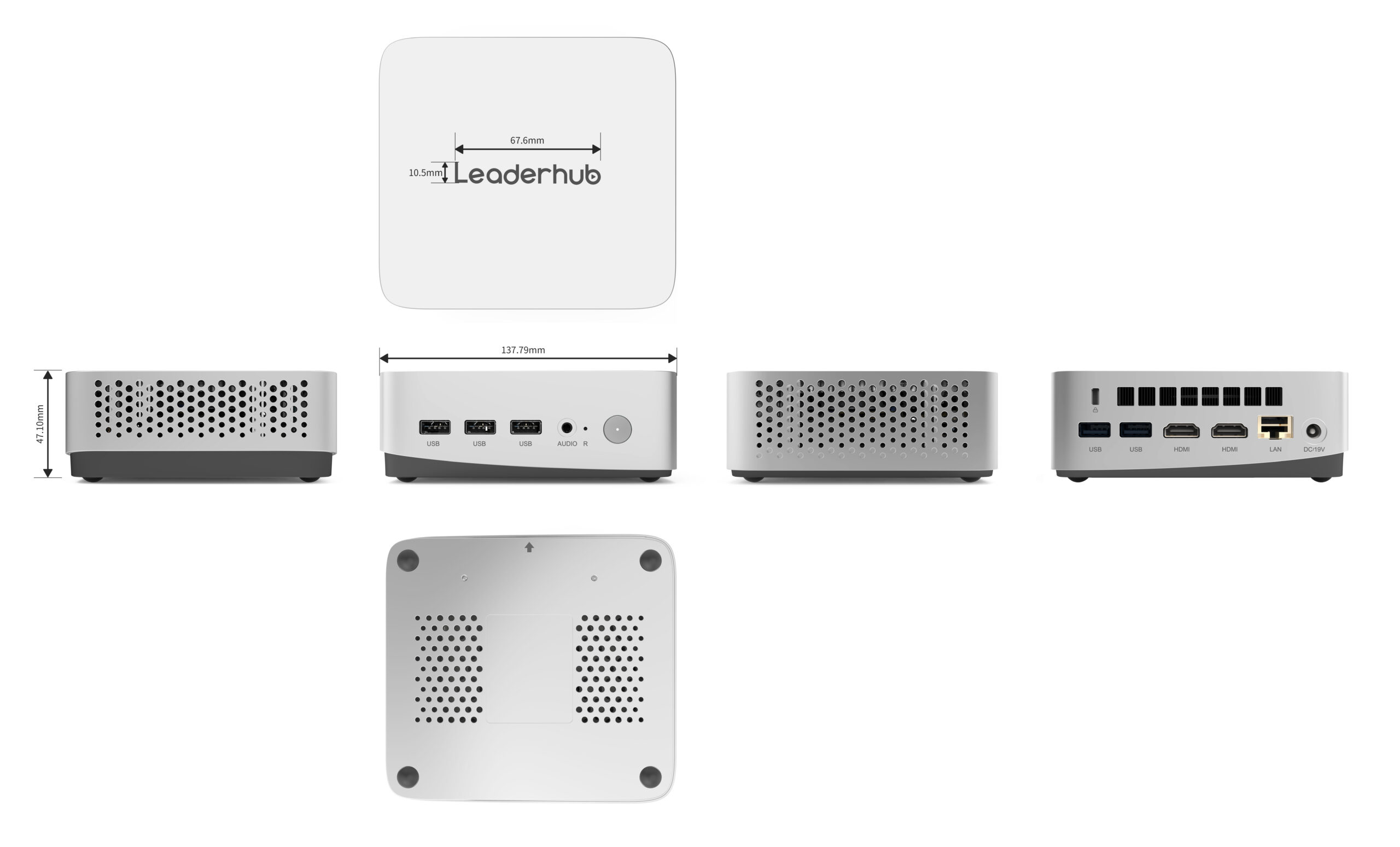
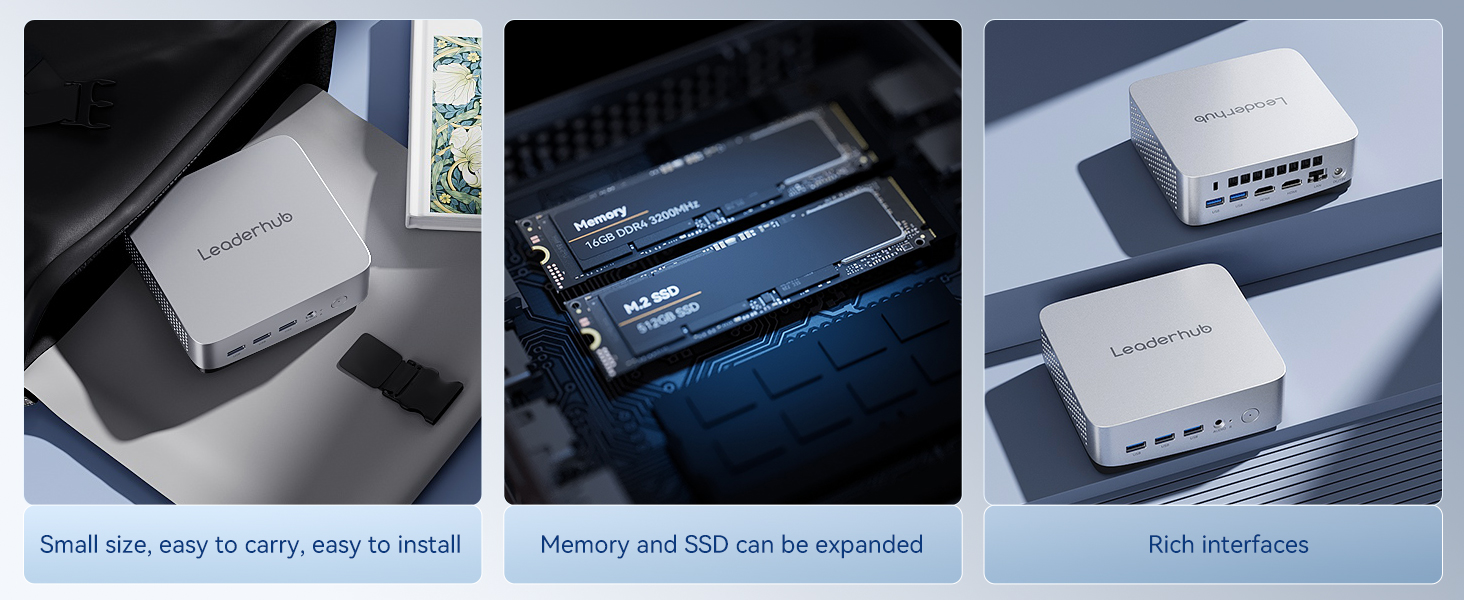
For the majority of administrative roles — document processing, web-based case management, video conferencing, and email — a modern mini PC delivers more than enough performance while cutting energy use by up to 70% compared with a traditional tower. Mounted behind a monitor with a locking VESA bracket, the device is out of reach of casual tampering, frees desk space in crowded offices, and can be swapped in minutes during a hardware refresh.
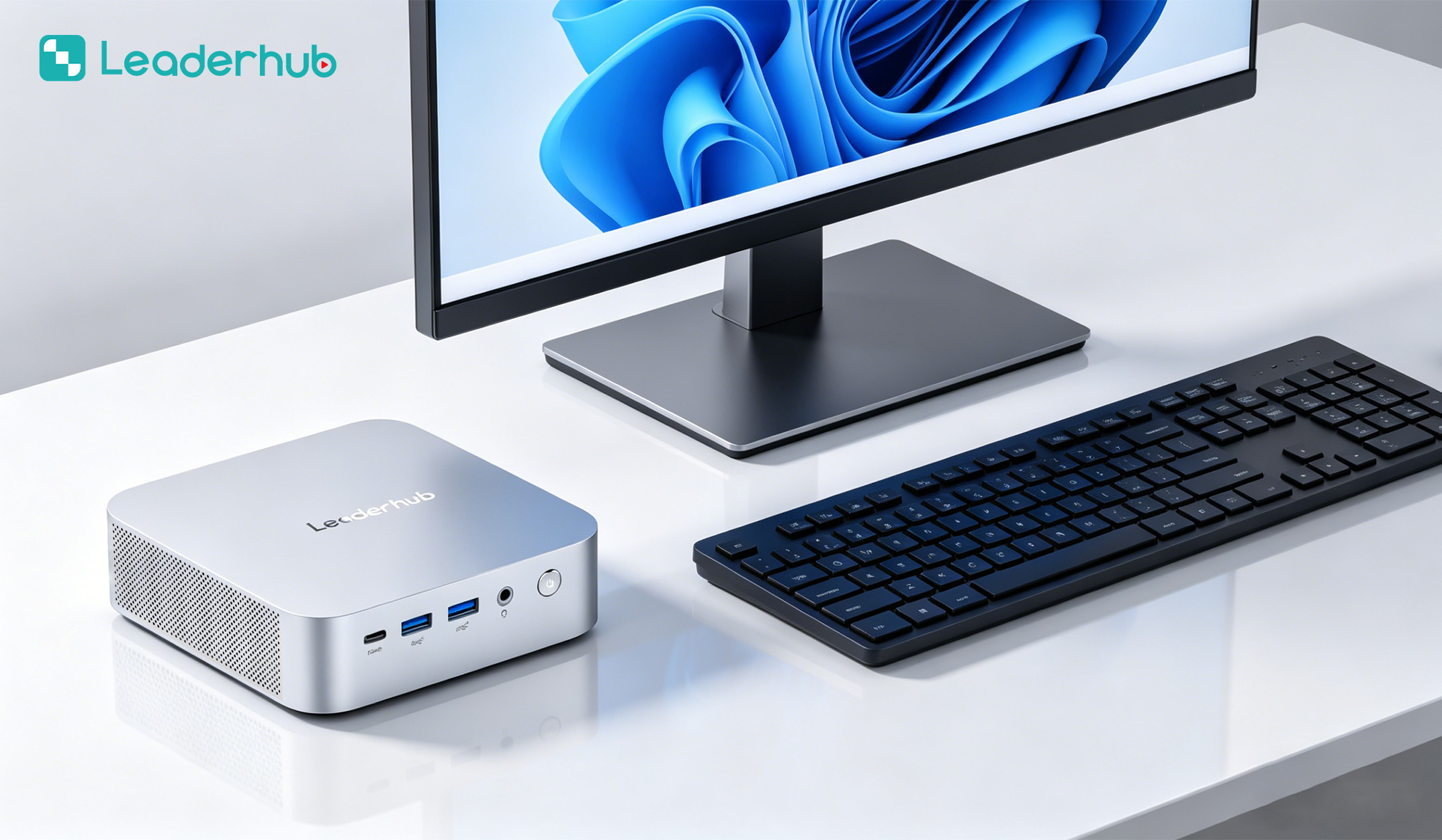
LeaderHub, a Shenzhen-based technology company with 16 years of experience in interactive displays and compact computing, supplies mini PCs for government and enterprise deployments across 82 countries, with strategic partnerships spanning finance, education, and public-sector organizations. Its product range illustrates how agencies can standardize on a single form factor while tiering performance by role.
Recommended Configurations by Government Role
| User Profile | Suggested Model | Key Specs | Reference Price |
|---|---|---|---|
| Front desk, clerks, kiosks, digital signage | LP1C Mini PC | Intel N100, 8GB RAM, 512GB SSD, ultra-low power | $399.00 |
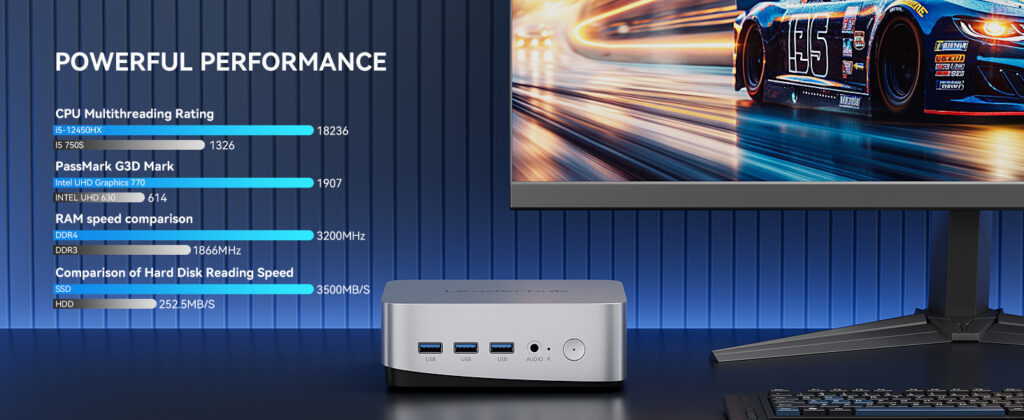
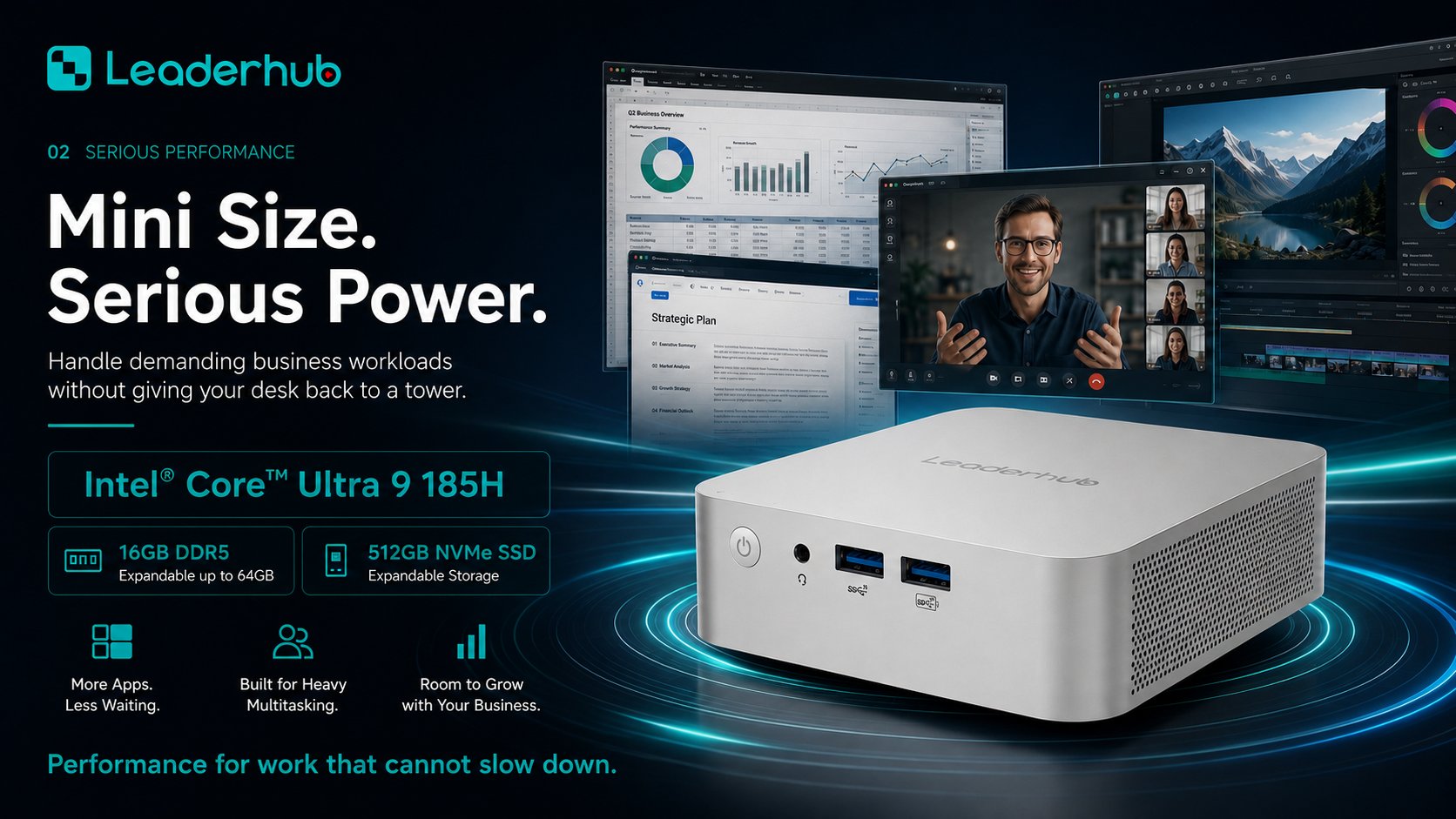
| Case workers, finance, multi-monitor office staff | LP5C Mini PC | Intel i5-12450HX, 16GB RAM, 512GB SSD | $799.00 |
| GIS, planning, engineering, media and data analysts | AD8 Mini PC | High-performance compact workstation class | $999.00 |
Standardizing on two or three tiers of the same product family simplifies imaging, spare-parts inventory, and help-desk training — a quiet but significant saving in multi-year agency budgets.
Extending the Desktop Strategy to Council Chambers and Meeting Rooms
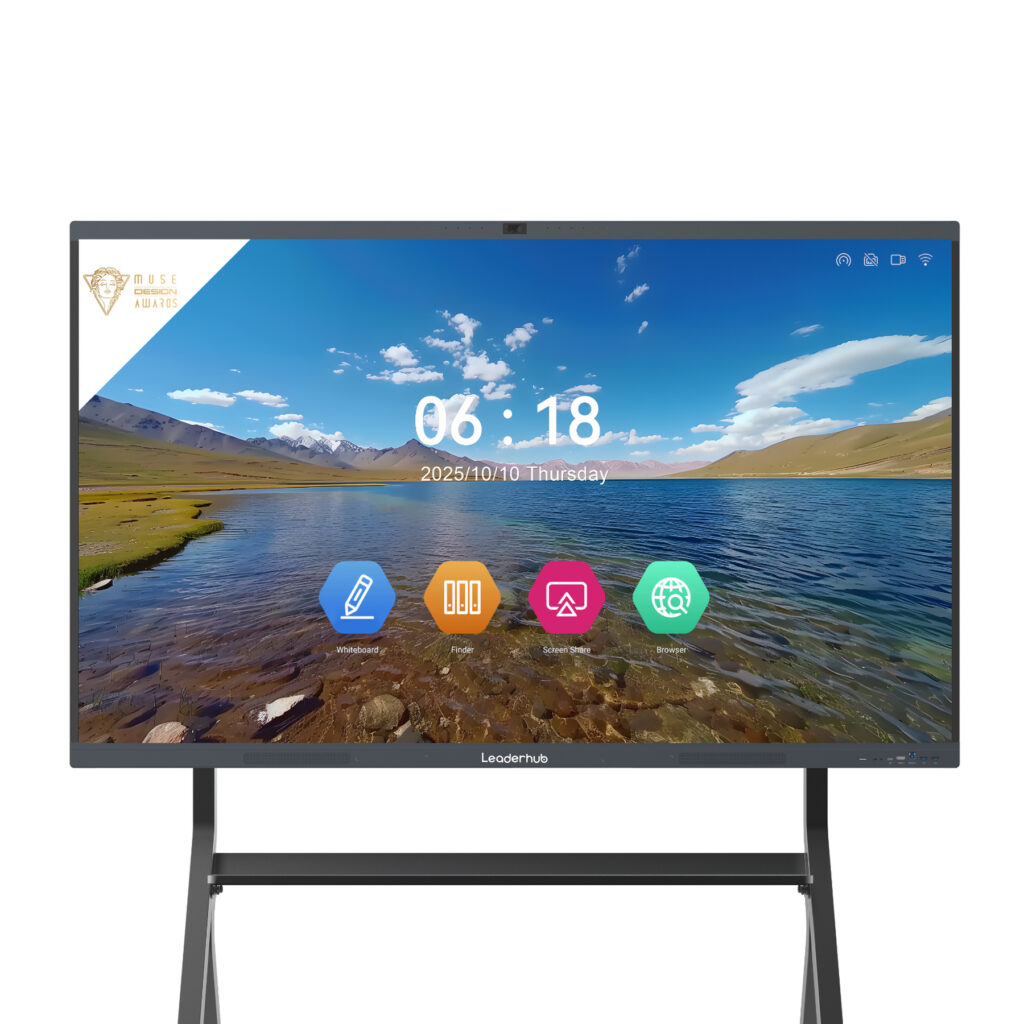
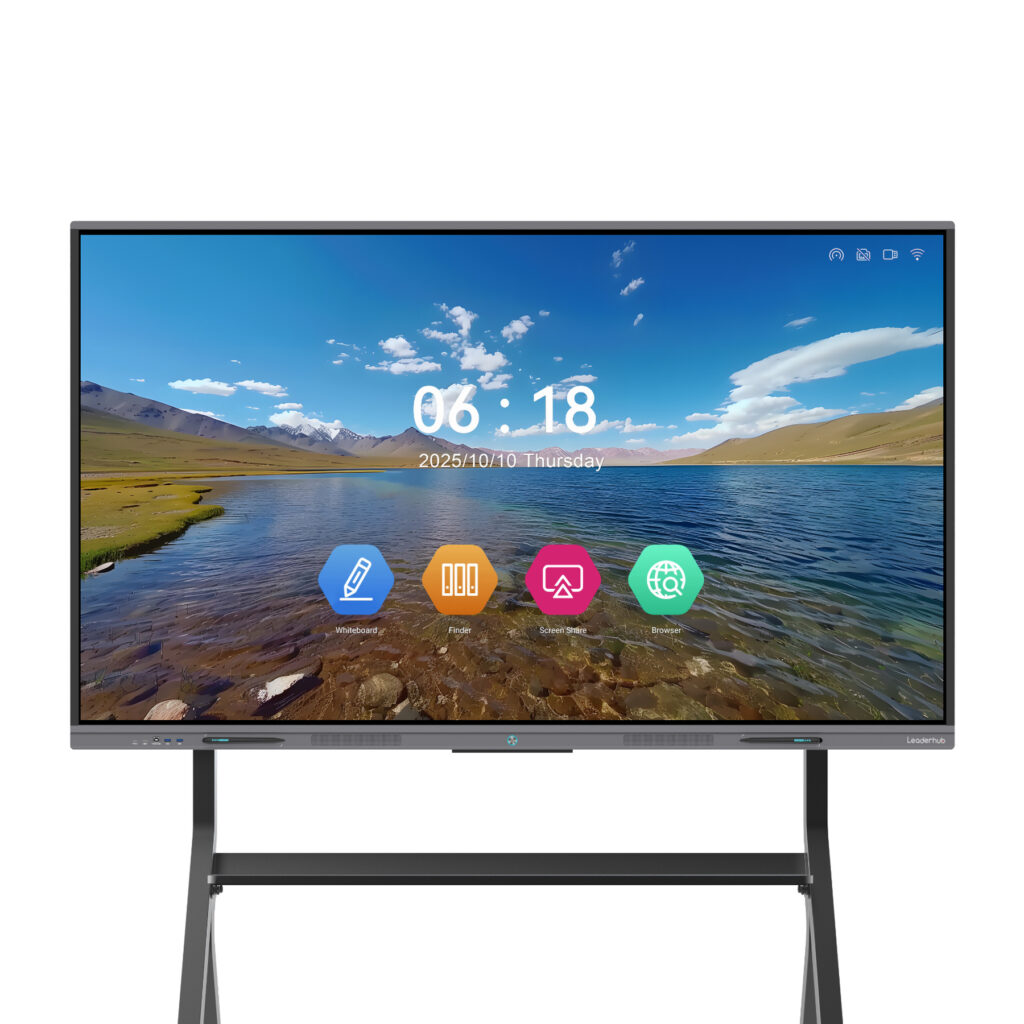
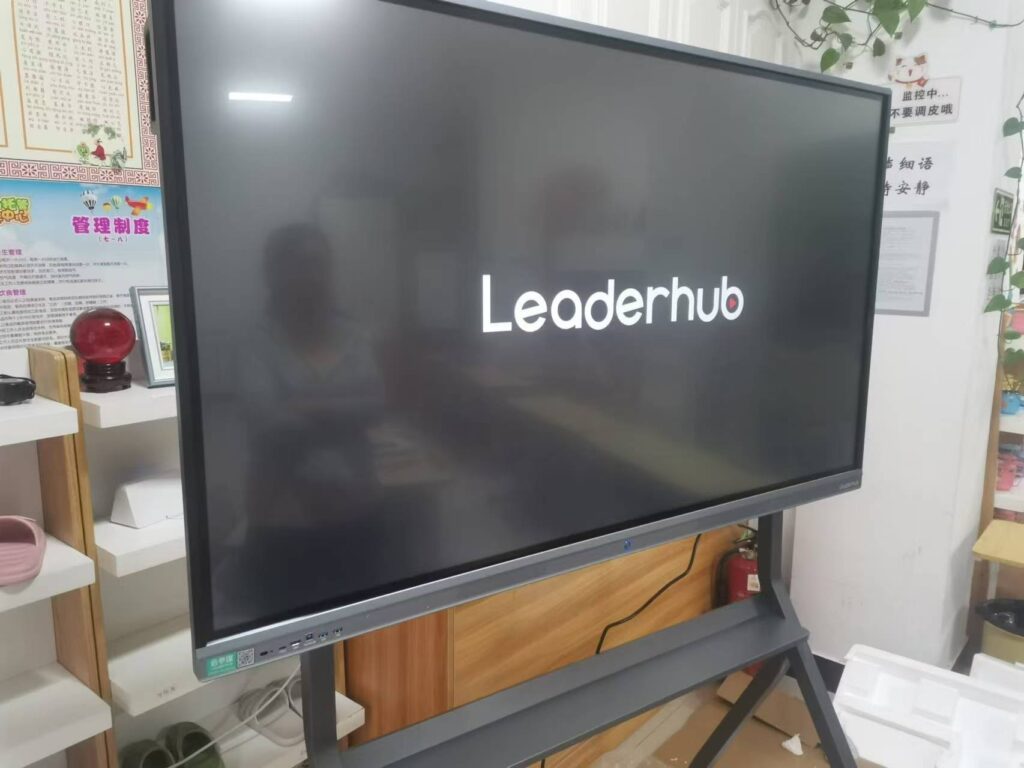
Government desktop computer solutions increasingly extend beyond individual desks. Council chambers, training rooms, emergency operations centers, and public hearing rooms rely on large interactive displays driven by a compact PC. Pairing a mini PC with an interactive smart whiteboard gives staff a secure, domain-joined Windows environment on a 65″ to 110″ touchscreen — ideal for annotating planning documents, running hybrid public meetings, and recording minutes.
For a mid-sized conference room, a 75″ 4K interactive smart whiteboard connected to an LP5C provides a complete collaboration station, while mobile units such as the 55″ mobile interactive flat panel can move between departments on a stand. Educational authorities planning similar rollouts can align device choices with guidance from the Digital Equipment for Schools framework published by the European Commission.
Deployment and Lifecycle Checklist for IT Teams
- Define role-based performance tiers before issuing a tender so bids can be compared on equal terms.
- Create a golden image with Secure Boot, BitLocker, endpoint protection, and USB policy pre-configured.
- Enroll devices in a management platform (Intune, SCCM, or an equivalent) for zero-touch provisioning and remote patching.
- Mount and lock every mini PC with a VESA bracket and cable lock; record serial numbers in the asset register.
- Schedule firmware reviews quarterly and verify the vendor’s BIOS update cadence.
- Plan the refresh at year five, including certified data destruction and recycling documentation.
Questions to Ask Any Vendor Before Signing
- Can you provide written evidence of TPM 2.0, Secure Boot, and relevant energy or environmental certifications?
- How long will you guarantee driver, BIOS, and spare-parts availability for this model?
- What is the documented mean time between failures, and what are the warranty terms for bulk orders?
- Do you offer OEM/ODM configuration — custom BIOS settings, pre-imaging, or agency branding — for large deployments?
- What are the idle and typical-load power figures measured under standardized conditions?
- Can the same product family scale from front-desk machines to analyst workstations?
Frequently Asked Questions
Are mini PCs powerful enough for government work?
Yes. For office productivity, browser-based systems, and video conferencing, an Intel N100-class device is sufficient; for heavier multitasking, an i5 H-series mini PC matches or exceeds a typical SFF desktop while using a fraction of the power.
How do compact desktops improve physical security?
Because they mount behind monitors or inside locked enclosures, mini PCs remove easily accessible drive bays and USB ports from public view, reducing the risk of data theft at service counters and shared workspaces.
What refresh cycle should agencies plan for?
Most public bodies plan five to seven years. Choosing a vendor with long-term firmware support and consistent product families makes staggered refreshes far simpler to manage.
Can the same hardware serve both offices and meeting rooms?
Absolutely. A single mini PC family can power individual desks and drive interactive panels in council chambers, letting IT teams maintain one image and one support process across the agency.
Final Thoughts
Selecting government desktop computer solutions is ultimately about reducing risk while respecting public funds. Prioritize hardware-level security, insist on documented compliance, and model costs over the full lifecycle rather than the invoice alone. Compact, energy-efficient mini PCs — tiered by role and paired with interactive displays where collaboration matters — give agencies a modern, defensible, and scalable foundation. To discuss volume pricing, custom configurations, or a pilot deployment for your department, contact the solutions team or browse the full product catalog.