Government offices run on paperwork, databases, citizen-facing counters and long working hours — not on high-end graphics or gaming performance. That is exactly why the mini PC for public administration has become one of the fastest-growing categories in public-sector IT procurement. A compact, low-power desktop can replace a bulky tower at a fraction of the energy cost, while still meeting strict requirements for data security, uptime and lifecycle management. This guide explains what public administrators, IT managers and procurement officers should look for when selecting mini PCs for municipal offices, tax departments, courts, registries, social services and other government institutions.
Why Government Offices Are Moving to Mini PCs
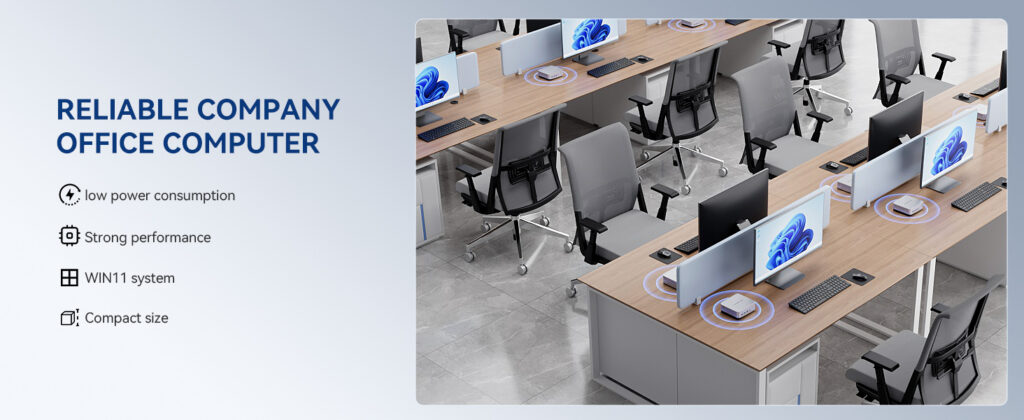
Traditional desktop towers were designed for an era when every workstation needed expansion slots and large storage bays. Today, most administrative tasks — document processing, e-government portals, case management systems, video conferencing and email — run comfortably on a device the size of a book. Public institutions are adopting mini PCs for several practical reasons:
- Lower energy bills: a typical mini PC consumes 10–35 W under normal load, compared with 100–200 W for a conventional tower. Across hundreds of workstations, this translates into significant annual savings for taxpayers.
- Space efficiency: mini PCs can be mounted behind monitors with VESA brackets, freeing up desk space in crowded service counters and open-plan offices.
- Quiet operation: low-noise or fanless designs improve working conditions in reception halls, libraries, courtrooms and council chambers.
- Simplified standardization: deploying a single mini PC model across departments makes imaging, patching and spare-parts management far easier for IT teams.
- Sustainability goals: smaller devices use fewer raw materials and generate less e-waste, supporting green public procurement policies.
The Three Pillars: Security, Reliability and Cost-Effectiveness
When evaluating a mini PC for government use, procurement decisions should be built around three core criteria. Each one carries specific technical requirements that are easy to overlook if you only compare price tags.
1. Security for Sensitive Citizen Data
Public administration handles personal records, financial data, legal documents and critical infrastructure information. A mini PC used in this environment must support the security baseline required by national data-protection regulations and internal IT policies.
- TPM 2.0 chip for hardware-based encryption keys and Windows 11 compliance.
- Support for full-disk encryption (BitLocker or equivalent) to protect data if a device is lost or stolen.
- Secure Boot and a password-protected BIOS/UEFI to prevent unauthorized firmware changes.
- A Kensington lock slot or VESA mounting with anti-theft screws for public-facing counters.
- Remote management capability so IT staff can patch, monitor and wipe devices centrally.
- Ability to disable USB mass storage or Wi-Fi in BIOS for air-gapped or restricted departments.
- Windows Pro or an enterprise-grade Linux distribution with long-term support.
2. Reliability for Long Service Lifecycles
Government IT equipment is typically depreciated over five to seven years and often runs eight or more hours a day, five days a week. The components inside a mini PC must be chosen for endurance rather than peak benchmark scores.
- Processors with a low TDP (6–45 W) generate less heat, which extends the life of SSDs, memory and capacitors.
- Efficient cooling or passive (fanless) designs reduce dust intake and mechanical failure points.
- NVMe SSD storage instead of spinning hard drives eliminates the most common cause of desktop failure.
- Dual-channel, upgradeable memory allows the device to be extended rather than replaced mid-lifecycle.
- Metal chassis and industrial-grade power adapters tolerate variable office environments.
- Manufacturer warranty of at least two years with accessible spare parts.
3. Total Cost of Ownership, Not Just Purchase Price
Procurement officers are increasingly asked to justify spending based on total cost of ownership (TCO). A mini PC that costs slightly more upfront but saves on electricity, maintenance and replacement frequency usually wins over a five-year horizon.
| Cost Factor (per workstation, 5 years) | Traditional Tower PC | Office Mini PC |
|---|---|---|
| Average power draw | 120–180 W | 15–35 W |
| Estimated electricity (2,000 h/year) | 1,200–1,800 kWh | 150–350 kWh |
| Desk / cabinet space | High | Minimal (VESA-mounted) |
| Mechanical failure points | Multiple fans, HDD, PSU | Single fan or fanless, SSD |
| Deployment & logistics | Heavy, bulky shipping | Lightweight, easy to transport |
| Noise in public areas | Noticeable | Near silent |
Matching Mini PC Specifications to Government Job Roles
Not every civil servant needs the same machine. Over-specifying wastes budget; under-specifying creates frustration and support tickets. The table below maps common public-sector roles to sensible hardware tiers.
| Role / Department | Typical Workload | Recommended Tier | Suggested Specs |
|---|---|---|---|
| Front-desk clerks, registry, citizen service counters | Web portals, forms, document scanning, printing | Entry | Intel N100, 8GB RAM, 256–512GB SSD |
| Caseworkers, HR, finance, legal staff | ERP/CRM systems, large spreadsheets, multi-monitor, video calls | Standard | Intel Core i5, 16GB RAM, 512GB SSD |
| Urban planning, GIS, IT administrators, data analysts | Mapping software, virtualization, large datasets | Performance | High-performance CPU, 16–32GB RAM, 1TB SSD |
| Council chambers, meeting rooms, training halls | Driving interactive displays, conferencing, presentations | Standard / Performance | Core i5 or above, 4K output, Wi-Fi 6, Bluetooth |
| Public kiosks, digital signage, queue systems | 24/7 operation, single application | Entry | Low-power CPU, fanless preferred, 8GB RAM |
Step-by-Step Checklist for Selecting a Mini PC for Public Administration
- Audit your software stack. List every application each department uses, including legacy systems that may require specific operating system versions or ports.
- Define the security baseline. Confirm TPM 2.0, Secure Boot, encryption support and compatibility with your endpoint management platform.
- Count your ports. Government desks often need multiple USB-A ports for card readers, signature pads, scanners and label printers, plus HDMI/DisplayPort for dual monitors and a wired Gigabit Ethernet port for the internal network.
- Check connectivity. Wi-Fi 6 and Bluetooth 5 are useful for meeting rooms, but many secure departments rely on wired LAN only — make sure wireless can be disabled.
- Plan for upgradeability. Choose models with SO-DIMM slots and M.2 bays so memory and storage can be expanded later.
- Evaluate thermal design. Ask for sustained-load performance data, not just peak figures; a mini PC that throttles after ten minutes will slow down end-of-month reporting.
- Verify warranty and support. Multi-year coverage, clear RMA procedures and access to spare power adapters are essential for public tenders.
- Calculate TCO. Compare energy consumption, expected lifespan and maintenance effort over the full depreciation period.
- Request samples. Pilot two or three units in a real department for 30 days before committing to a bulk order.
Recommended Mini PC Options for Government Offices
LeaderHub is a Shenzhen-based technology company with 16 years of experience in interactive displays and compact computing, serving education, enterprise and government partners in 82 countries. Its mini PC product line covers the three performance tiers most relevant to public administration.
| Model | Key Specifications | Best For | Price |
|---|---|---|---|
| LeaderHub LP1C Mini PC | Intel N100, 8GB RAM, 512GB SSD, ultra-low power | Service counters, registries, kiosks, large-scale clerical deployments | $399.00 |
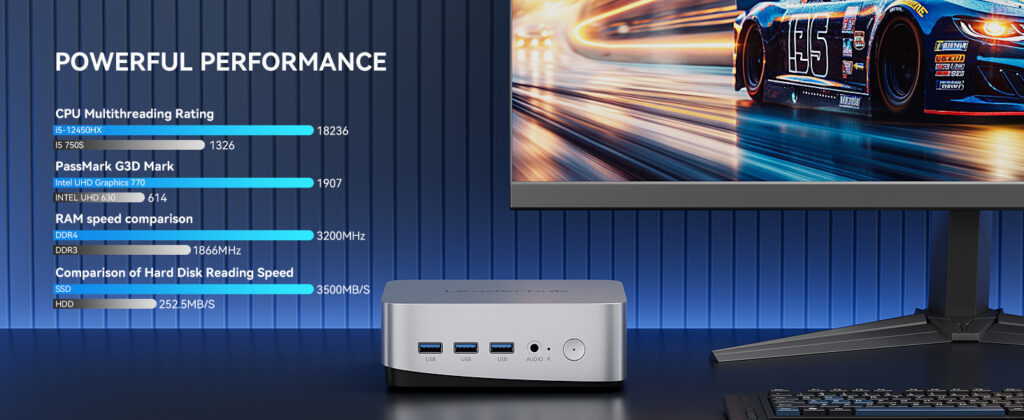
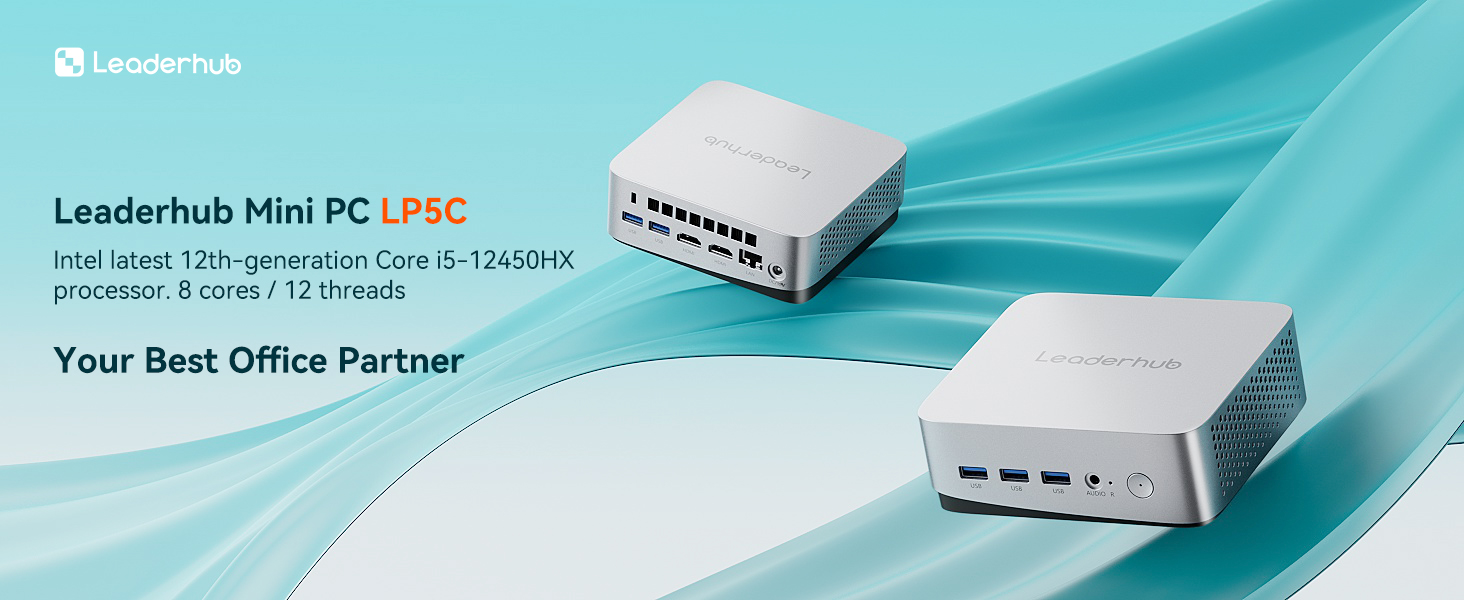
| LeaderHub LP5C Mini PC | Intel Core i5-12450HX, 16GB RAM, 512GB SSD | Caseworkers, finance and legal departments, multi-monitor desks | $799.00 |
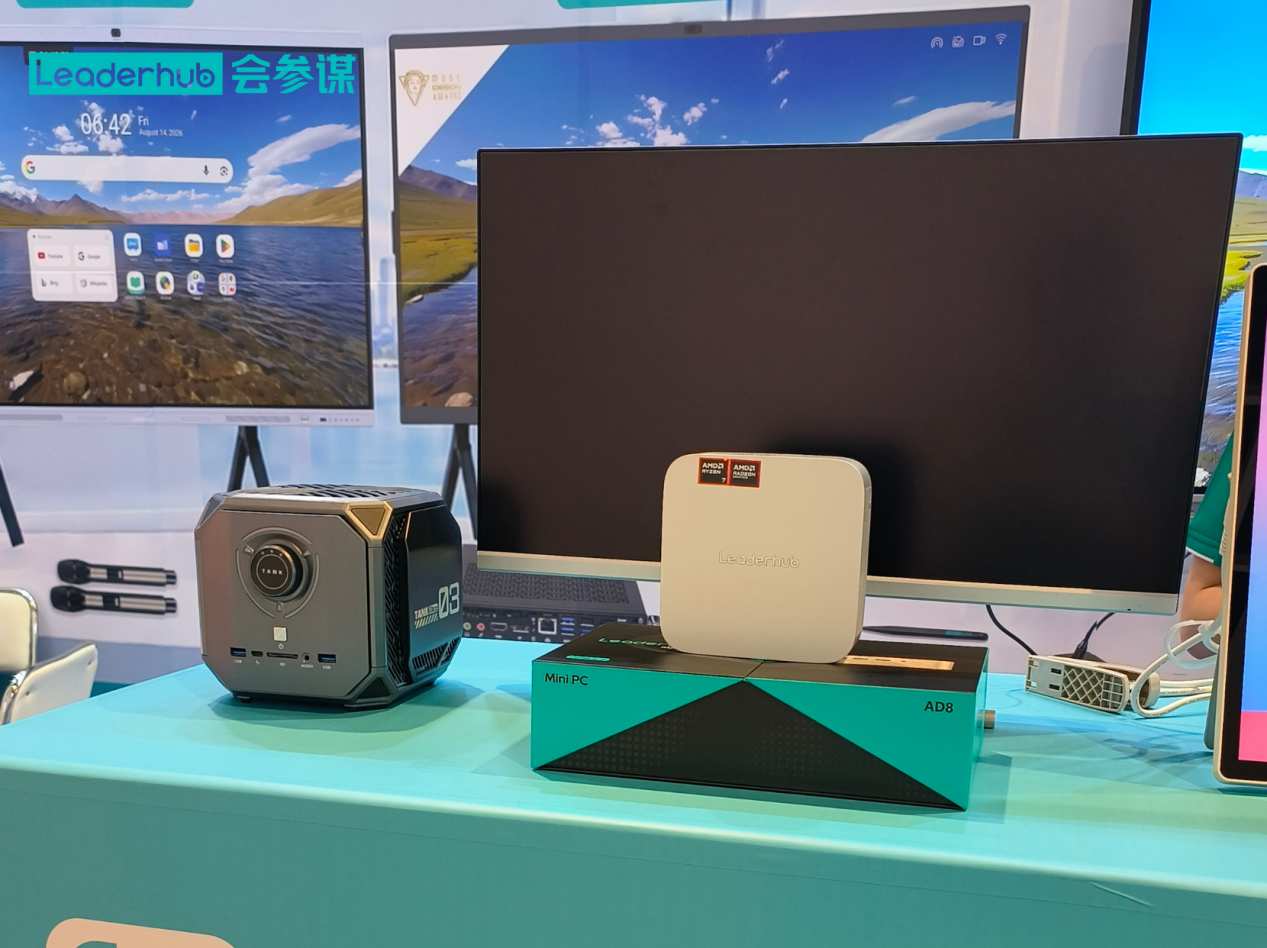
| LeaderHub AD8 Mini PC | High-performance configuration for demanding workloads | GIS and planning teams, IT administration, council meeting rooms | $999.00 |
Entry Tier: LP1C for High-Volume Clerical Workstations
The Intel N100 platform is ideal for departments that need dozens or hundreds of identical, dependable machines. It handles browser-based e-government systems, office suites and PDF workflows with ease while drawing very little power — an important factor for municipalities with energy-reduction targets.
Standard Tier: LP5C for Knowledge Workers
With a 12th-generation Core i5 and 16GB of memory, the LP5C comfortably runs ERP clients, large spreadsheets, video conferencing and multiple browser sessions at once. It is the sensible default for most back-office administrative roles.
Performance Tier: AD8 for Specialist Departments and Meeting Rooms
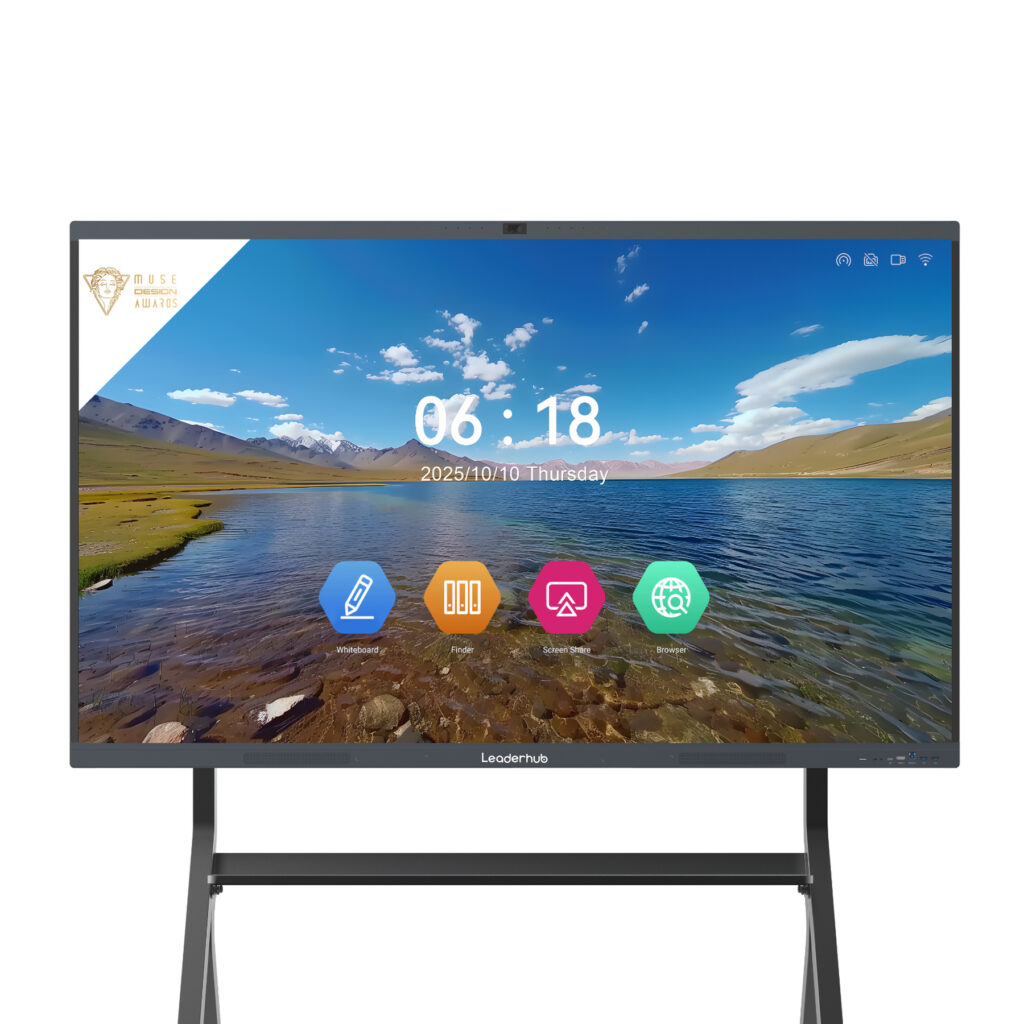
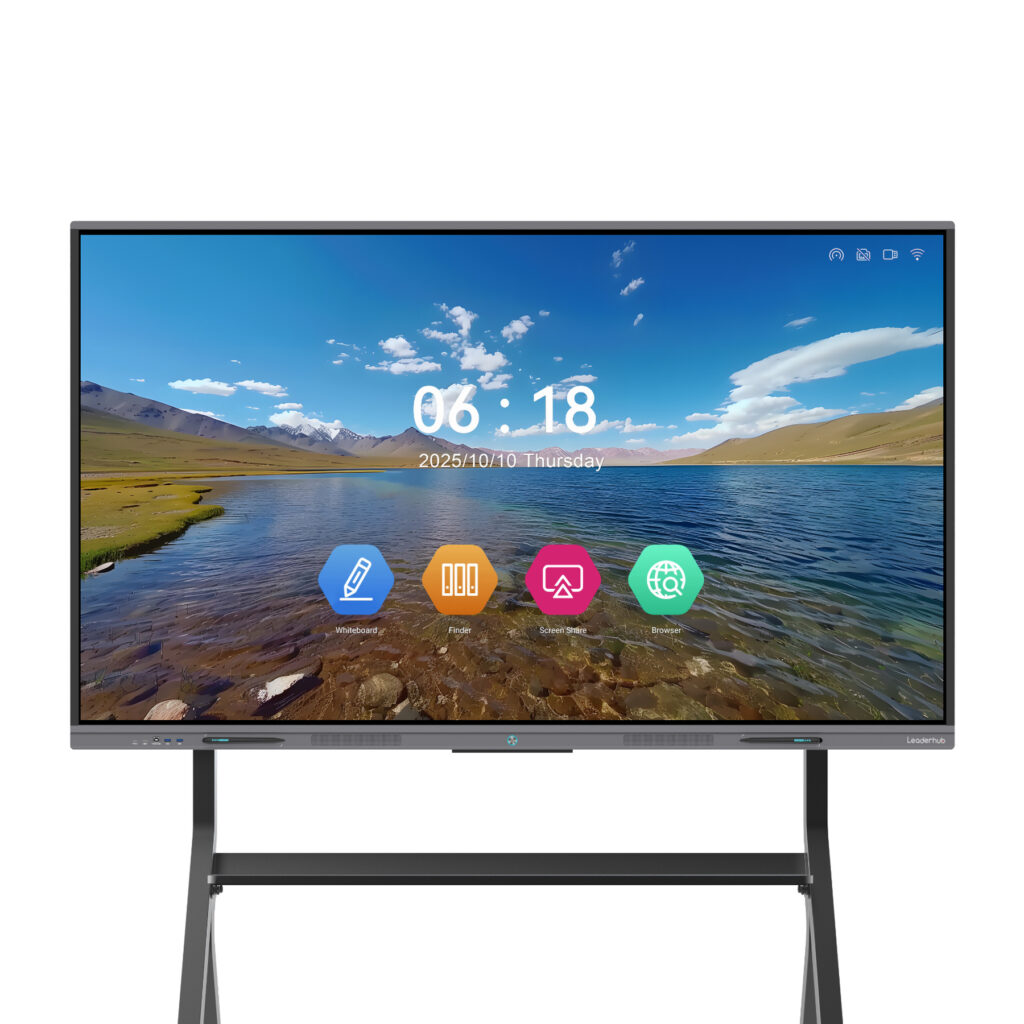
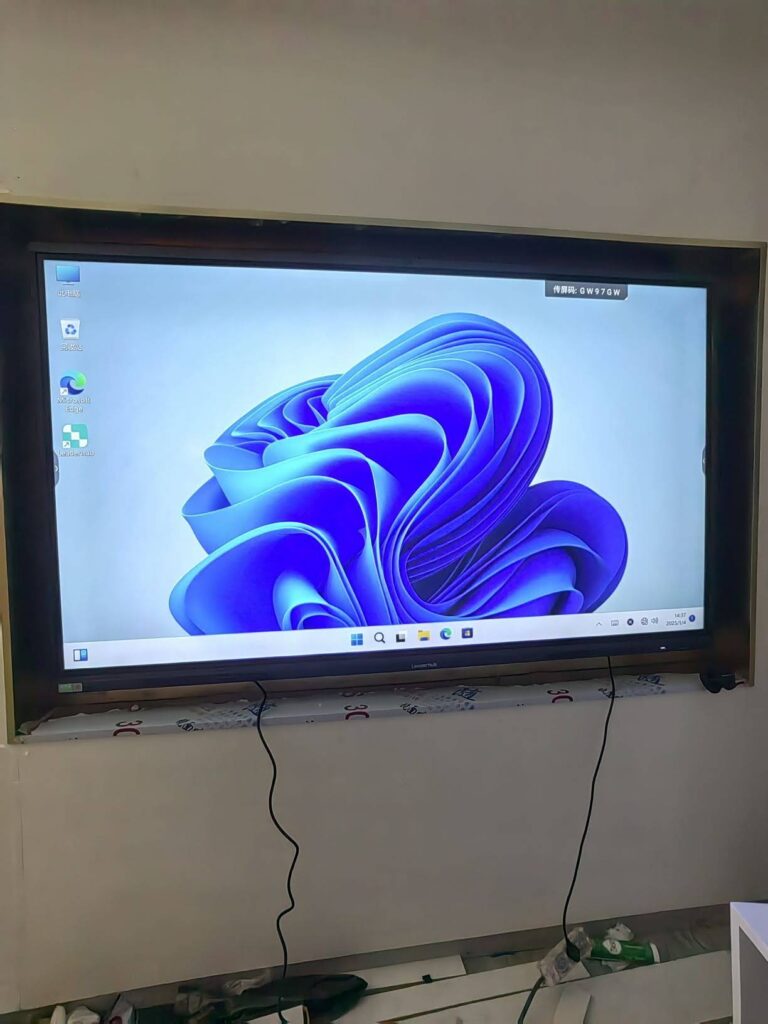
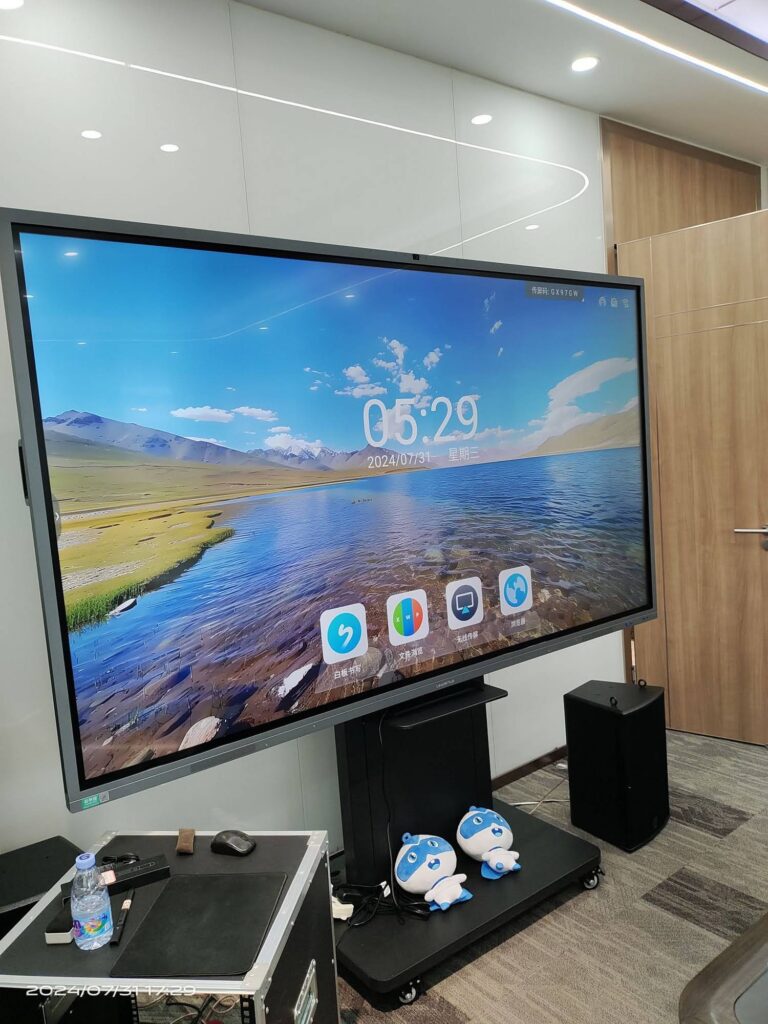
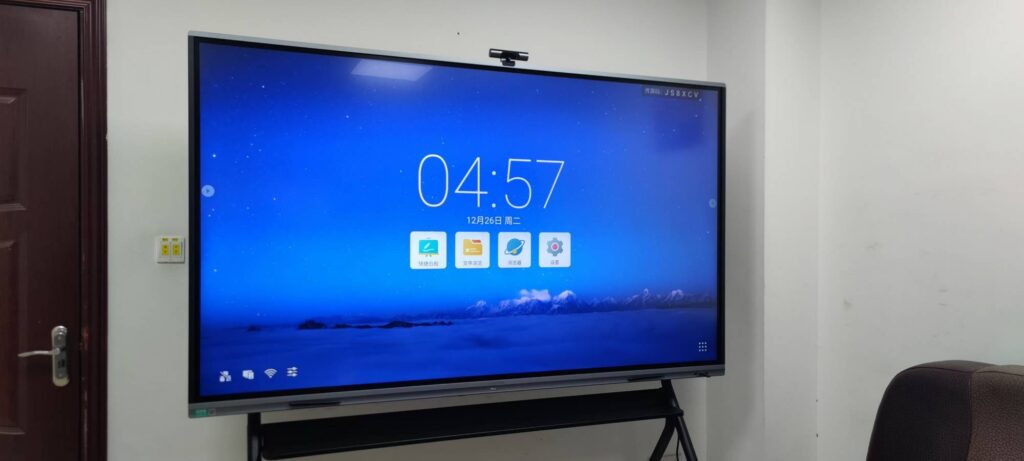
The AD8 is designed for workloads that stress conventional office machines — mapping software, data analysis and driving large 4K displays. Paired with an interactive smart whiteboard, it turns a council chamber or training hall into a fully digital collaboration space.
Deployment Best Practices for Public-Sector IT Teams
Standardize Images and Automate Enrollment
Create a single golden image per hardware tier, pre-loaded with security agents, VPN clients and departmental software. Use zero-touch or autopilot-style enrollment so new mini PCs can be shipped directly to branch offices and configured over the network, reducing travel costs for IT staff.
Mount Behind Monitors in Public Areas
At citizen service desks, VESA-mounting the mini PC behind the monitor keeps cables out of reach, prevents tampering with USB ports and presents a cleaner, more professional environment to the public.
Segment Networks by Sensitivity
Place public kiosks, staff workstations and administrative servers on separate VLANs. Mini PCs with wired Gigabit Ethernet make it easy to enforce 802.1X authentication and avoid reliance on wireless in sensitive areas.
Plan Refresh Cycles in Waves
Rather than replacing every device at once, stagger procurement by department over two to three budget years. This smooths spending, allows lessons from early waves to inform later ones and keeps a consistent pool of spare units.
Frequently Asked Questions
Are mini PCs powerful enough for government software?
Yes. The vast majority of public-administration applications — portals, document management, email, databases and video conferencing — are far less demanding than modern mini PC hardware. Only specialist tasks such as GIS rendering or virtualization require the performance tier.
Can a mini PC be locked down for secure departments?
Absolutely. Models with TPM 2.0, Secure Boot and BIOS-level control over USB, Wi-Fi and Bluetooth can be configured to meet strict internal security policies, and endpoint management tools work exactly as they do on traditional desktops.
How long should a mini PC last in a government office?
With SSD storage, low thermal load and upgradeable memory, a well-chosen mini PC typically delivers five to seven years of reliable service, matching standard public-sector depreciation schedules.
Do mini PCs support dual monitors?
Most office-class mini PCs provide at least two video outputs (HDMI, DisplayPort or USB-C), making dual-monitor setups for caseworkers and analysts straightforward.
Is bulk purchasing available for government tenders?
Yes. Volume pricing, customized configurations and OEM/ODM options are available for institutional buyers. Contact the LeaderHub team to discuss your department’s requirements or browse the full product catalog.
Choosing the right mini PC for public administration is ultimately about balancing three priorities: protecting citizen data, keeping services running without interruption and spending public funds responsibly. By matching hardware tiers to real job roles, insisting on a clear security baseline and measuring total cost of ownership rather than sticker price, government IT teams can modernize their offices with compact computers that serve staff and citizens reliably for years to come.