Finding the right custom mini PC manufacturer is one of the most important decisions a hardware brand, system integrator, or enterprise buyer can make. The mini PC market has moved far beyond simple office desktops—today’s compact systems power digital signage, industrial control rooms, retail kiosks, classrooms, conference rooms, edge AI workloads, and remote workstations. Because each of these use cases demands different processors, I/O layouts, thermal designs, and software images, off-the-shelf products rarely fit perfectly. That is where an experienced OEM/ODM partner becomes a genuine competitive advantage.
This guide walks you through what OEM and ODM actually mean in the mini PC industry, the technical and commercial criteria that separate a reliable factory from a risky one, the questions you should ask before signing a contract, and a practical step-by-step roadmap for launching your own branded mini PC line.
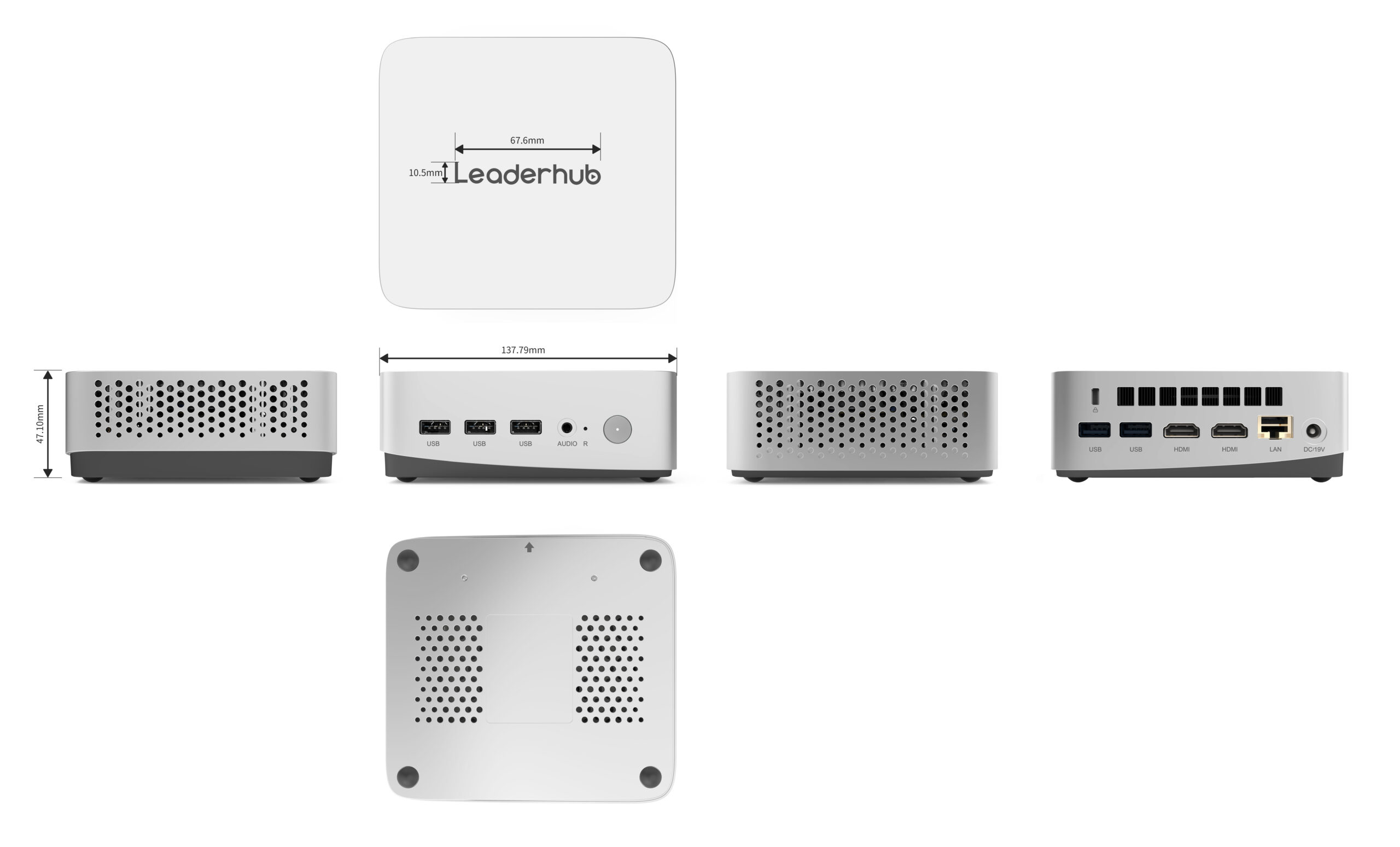
Why Businesses Are Turning to Custom Mini PC Manufacturers
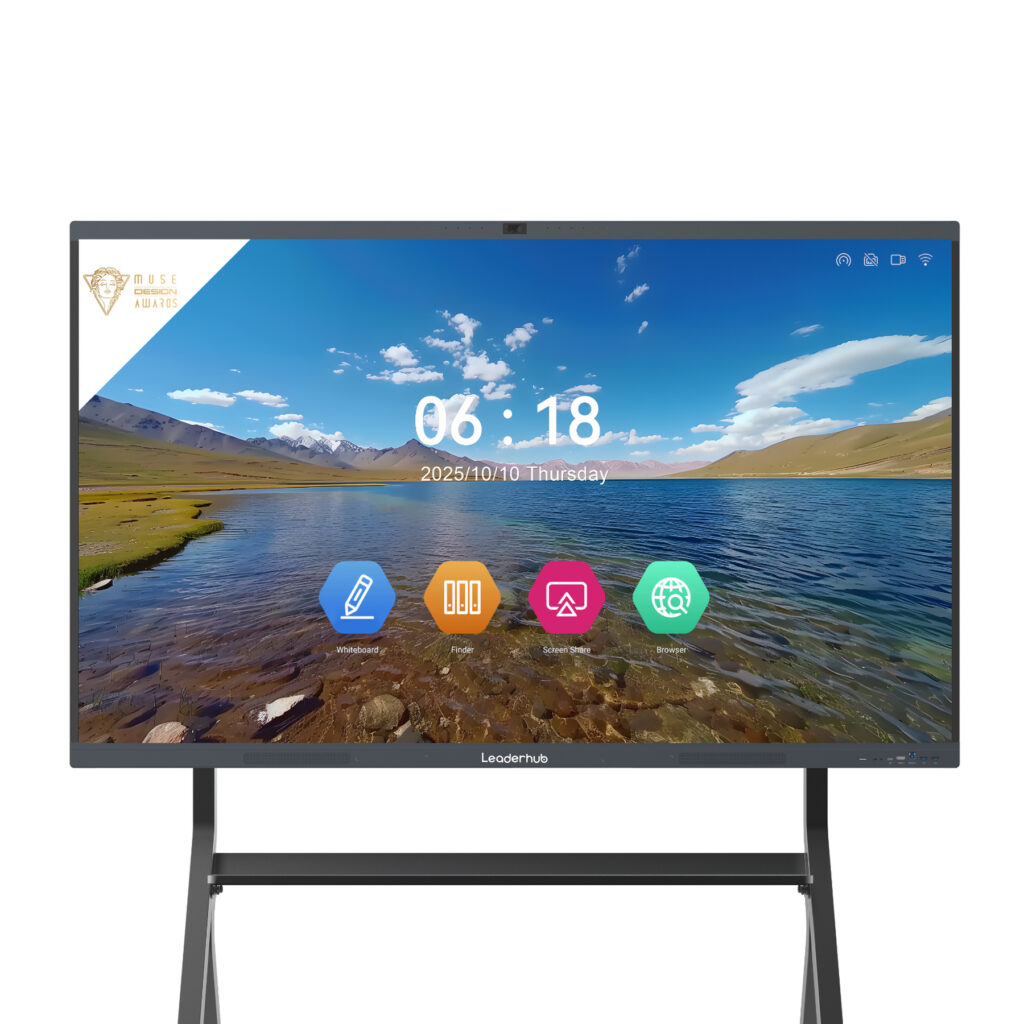
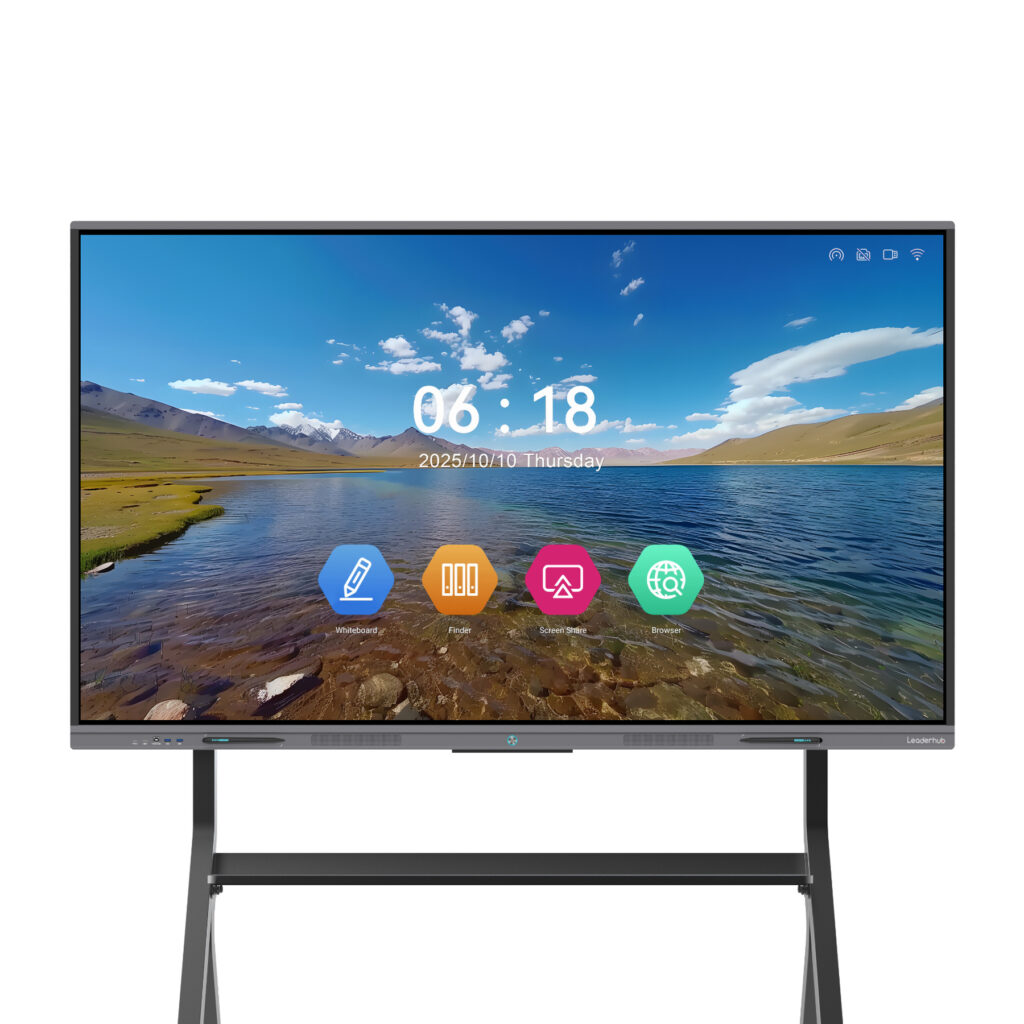
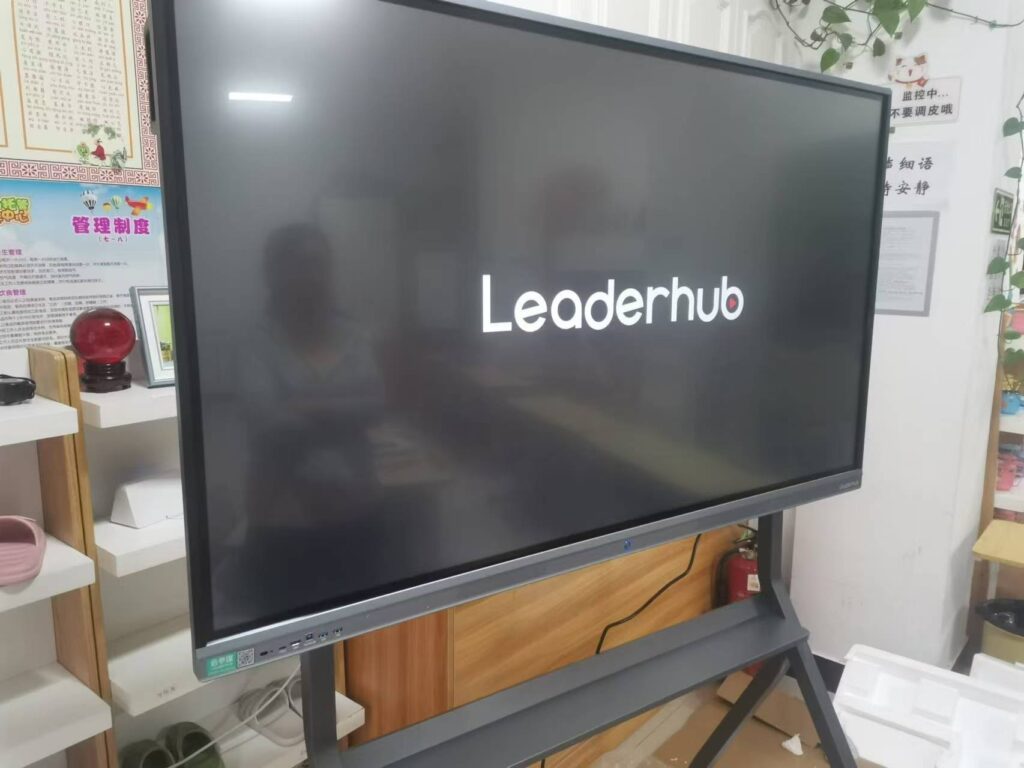
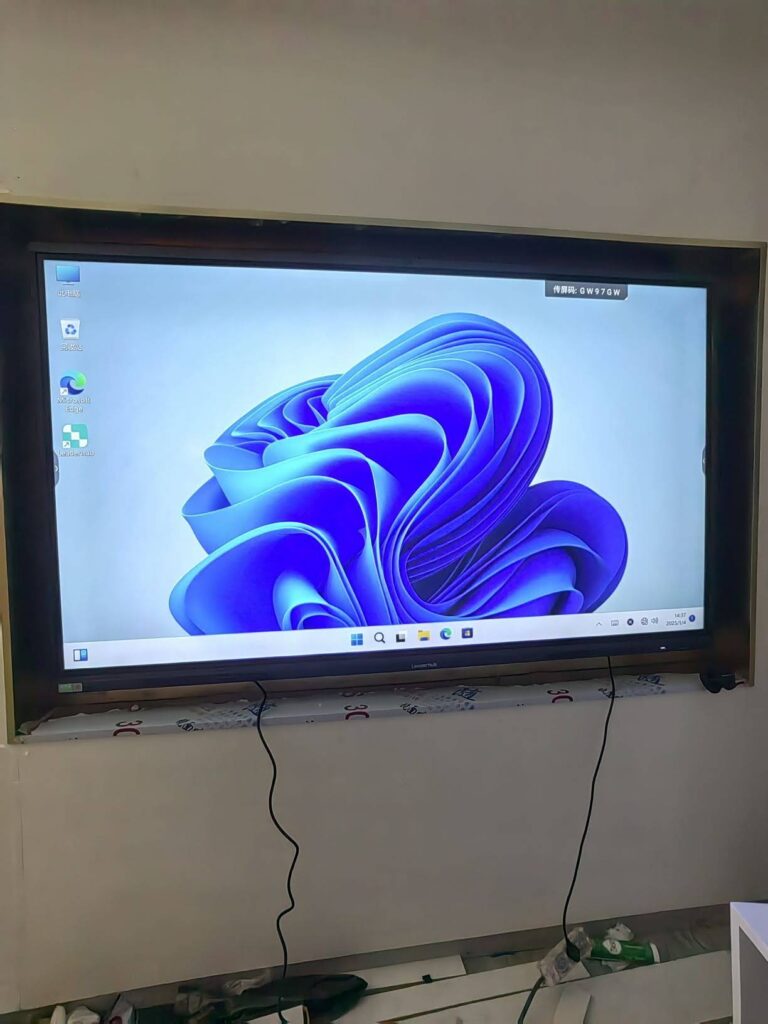
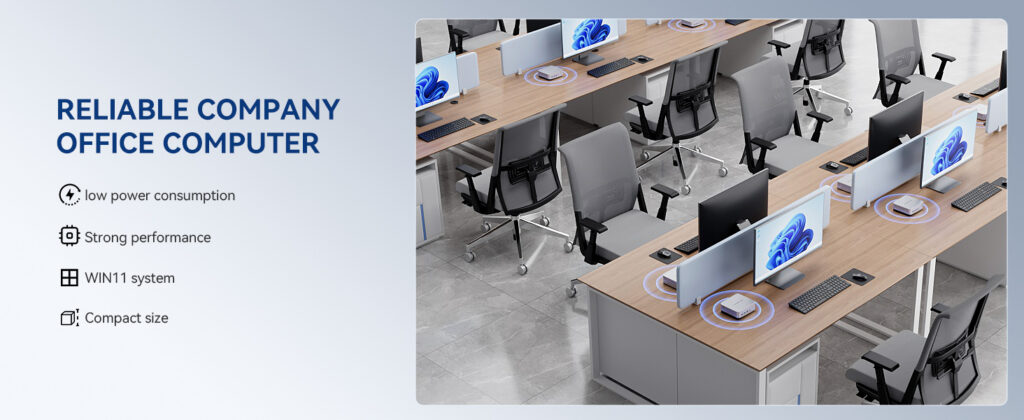
The global shift toward compact, energy-efficient computing is being driven by several converging trends. Hybrid work has made small-footprint desktops attractive for home offices and hot-desking. Digital signage and interactive displays require embedded players that run 24/7 with minimal maintenance. Edge computing pushes processing power closer to sensors and cameras in factories, hospitals, and retail stores. And in education, schools are pairing interactive smart whiteboards with dedicated mini PCs to deliver Windows-based teaching software on large touchscreens.
For brands and integrators, a custom approach offers clear advantages over reselling generic hardware:
- Brand differentiation: your logo, your chassis design, your packaging, and your software experience.
- Application-specific hardware: choose exactly the CPU tier, RAM, storage, Wi-Fi module, and ports your customers need—nothing more, nothing less.
- Better margins: eliminating unnecessary components and middlemen lowers your bill of materials.
- Long-term supply stability: a committed factory partner can lock in component availability and keep your SKU alive for years.
- Software control: pre-installed OS images, custom BIOS logos, locked-down kiosk modes, and remote management agents.
OEM vs. ODM: Understanding the Two Partnership Models
The terms OEM and ODM are often used interchangeably, but they describe very different levels of involvement. Knowing which model fits your business will shape your budget, timeline, and intellectual property position.
| Aspect | OEM (Original Equipment Manufacturer) | ODM (Original Design Manufacturer) |
|---|---|---|
| Who owns the design | You provide the design or detailed specifications; the factory builds it | The factory provides an existing or newly developed design; you brand it |
| Upfront investment | Higher (tooling, PCB layout, certification from scratch) | Lower (shared platforms, existing molds and certifications) |
| Time to market | 6–12 months typical | 4–12 weeks for logo/firmware customization; 3–6 months for semi-custom |
| Minimum order quantity | Usually 1,000+ units to justify tooling | Often 100–500 units for private label |
| Differentiation level | Maximum—fully unique product | Moderate—customized appearance, specs, and software |
| Best for | Established brands with engineering teams and large volumes | Startups, distributors, integrators, and brands testing a new category |
Many of the best factories offer a hybrid model: you start with their proven motherboard and thermal platform, then customize the enclosure, port configuration, memory tiers, and software. This dramatically reduces risk while still giving you a product that looks and feels like your own.
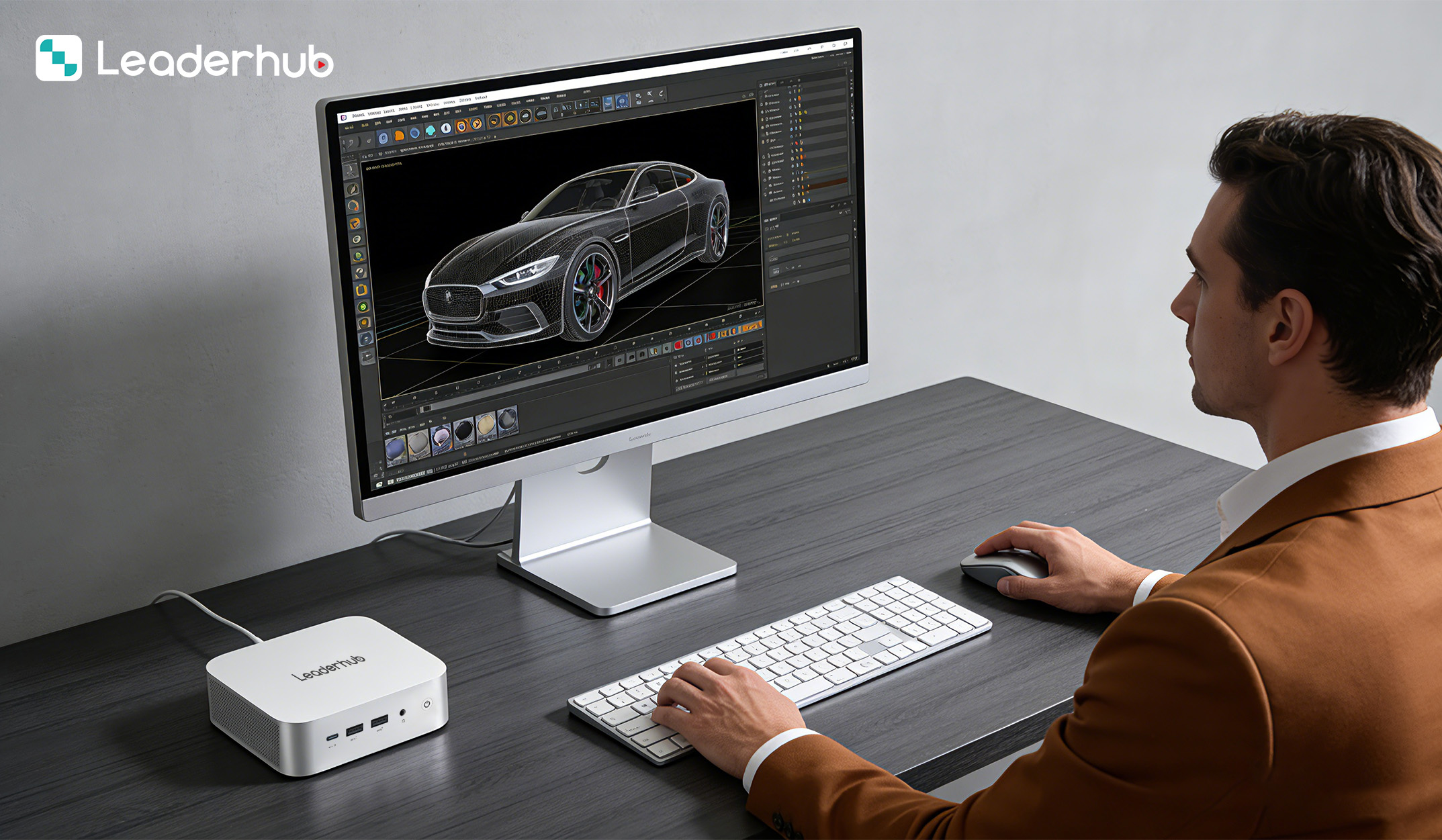
Key Criteria for Evaluating a Custom Mini PC Manufacturer
Not every factory that lists “OEM/ODM available” on its website can actually deliver a reliable product on schedule. Use the following criteria as a structured evaluation framework.
1. In-House R&D and Engineering Depth
Ask whether the manufacturer has its own hardware engineers, firmware developers, and industrial designers—or whether it simply assembles boards purchased from a third party. A factory with in-house R&D can resolve BIOS compatibility problems, tune power profiles for your target workload, and adapt quickly when a chipset reaches end-of-life. Request to see their engineering roadmap and ask how many platform generations they have shipped.
2. Processor Platform Range
A capable partner should cover multiple performance tiers so your product line can grow. Typical segments include:
- Entry level: Intel N-series (such as the N100) for thin clients, signage, education, and light office tasks—see the LP1C Mini PC with Intel N100 as a reference design.
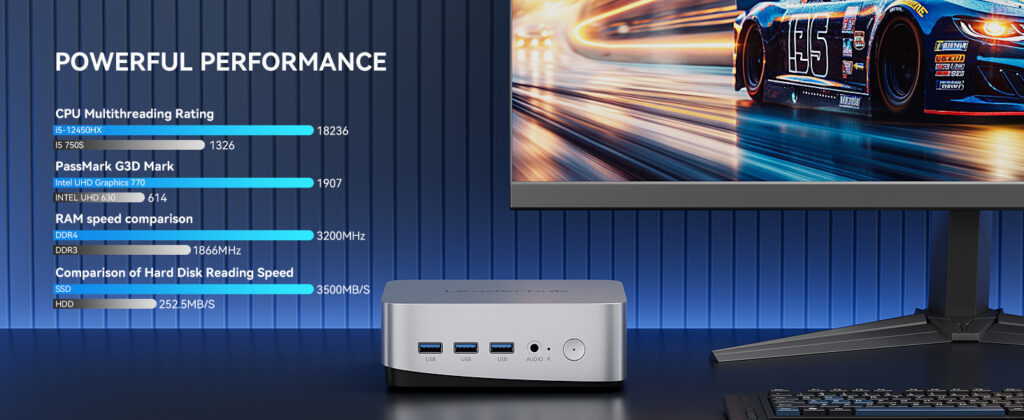
- Mainstream: Intel Core i5/i7 H-series or AMD Ryzen 5/7 for multitasking, video conferencing, and content creation, as in the LP5C Mini PC with Intel i5-12450HX.
- High performance / AI-ready: Ryzen 7/9 or Core i7/i9 class systems with NPU or discrete graphics support, such as the AD8 Mini PC, designed for edge AI, CAD, and multi-display workstations.
3. Thermal Engineering and Reliability Testing
Thermal design is the single biggest differentiator in mini PC quality. A poorly engineered chassis will throttle under sustained load and shorten component lifespan. Ask for burn-in test reports, fan noise measurements (dBA), and sustained-load thermal curves. Reputable factories run high-temperature, low-temperature, humidity, vibration, and drop tests on every new design and perform 24–72 hour aging tests on mass-production units.
4. Certifications and Compliance
Your target markets dictate which certifications you need. At minimum, verify that the factory can provide or support:
| Certification | Region / Purpose | Why It Matters |
|---|---|---|
| CE / RoHS | European Union | Mandatory for sale in the EU; covers safety, EMC, and hazardous substances |
| FCC | United States | Required for any device with Wi-Fi or Bluetooth radios |
| UKCA | United Kingdom | Post-Brexit conformity mark for the UK market |
| ISO 9001 | Factory quality system | Indicates documented, auditable production processes |
| Energy Star / ErP | Energy efficiency | Often required for government and education tenders |
| Windows / Intel / AMD partner status | Software & silicon ecosystem | Ensures legitimate OS licensing and early access to driver updates |
5. Supply Chain Transparency
Component shortages can stall a product launch for months. Ask your prospective partner where they source memory, SSDs, Wi-Fi modules, and power adapters, and whether they hold safety stock for key parts. A manufacturer that works directly with tier-one component distributors and maintains long-term agreements with chipset vendors will be far more resilient than one buying on the spot market.
6. Software and Firmware Customization
Hardware is only half the product. A strong partner should be able to deliver custom BIOS splash screens, pre-configured Windows or Linux images, driver packages, recovery partitions, and remote-management agents. For kiosk, signage, and education deployments, ask about auto-power-on scheduling, Wake-on-LAN, watchdog timers, and secure boot configuration.
7. Flexible MOQ and Scalable Capacity
The ideal manufacturer can start small enough for a pilot program—typically 100 to 300 units—yet scale to tens of thousands of units per month when demand grows. Ask about production line capacity, peak-season lead times, and whether they can hold finished-goods inventory for rolling releases.
8. After-Sales Support and Warranty Terms
Clarify the defect rate guarantee (a mature factory should achieve well under 1% field failure), warranty duration, spare-parts availability, RMA handling procedures, and whether the factory offers technical documentation and training for your support team.
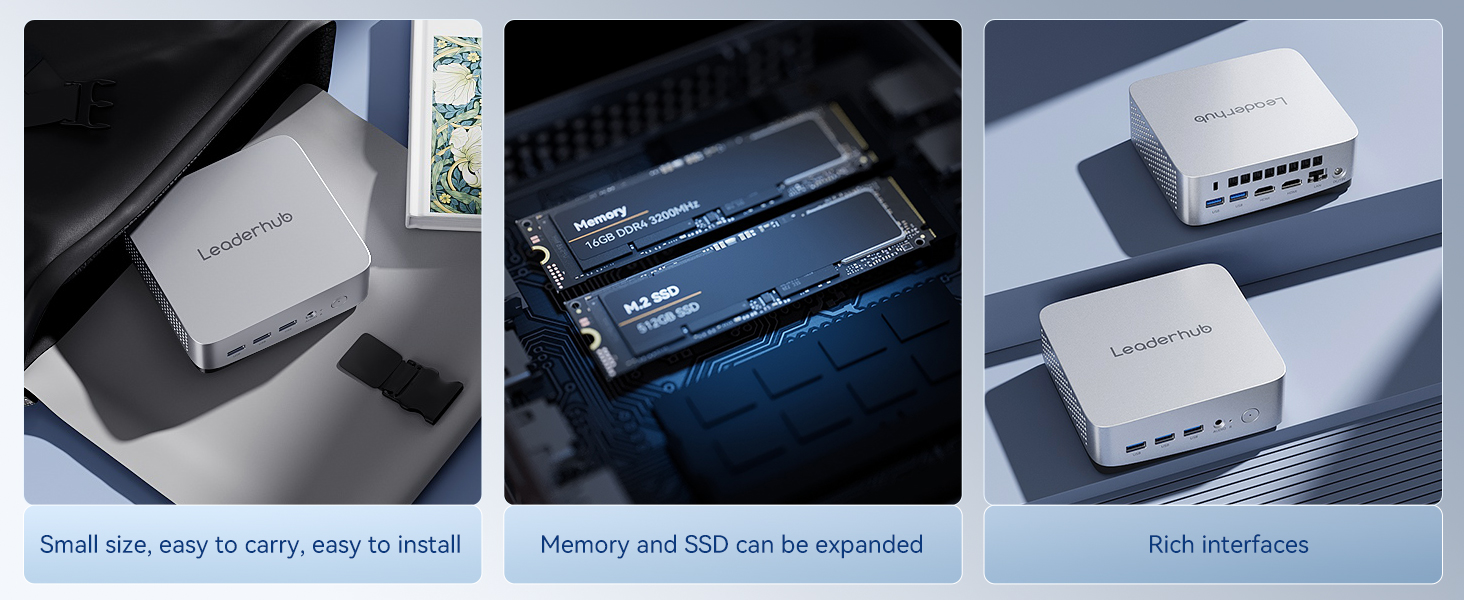
What Can Be Customized on a Mini PC?
Understanding the scope of customization helps you set realistic expectations and budgets. Options generally fall into three tiers:
Tier 1 — Private Label (Fastest, Lowest Cost)
- Laser-etched or silk-screened logo on the chassis
- Custom BIOS boot logo
- Branded retail packaging, manuals, and warranty cards
- Pre-installed OS and software bundle
Tier 2 — Semi-Custom (Moderate Investment)
- Choice of CPU, RAM, and storage configurations
- Modified I/O panel (adding COM ports, extra LAN, HDMI/DP combinations, USB-C PD)
- Chassis color, finish, and VESA mounting options
- Wi-Fi 6E/7, Bluetooth, or 4G/5G module selection
- Fanless conversion for silent or dusty environments
Tier 3 — Full Custom (Highest Differentiation)
- New enclosure industrial design with proprietary tooling
- Custom motherboard layout and dimensions
- Integration with displays, touch controllers, or sensor arrays
- Specialized certifications (medical, industrial, military)
Understanding the Cost Structure of a Custom Mini PC Project
Transparent pricing is a hallmark of a trustworthy manufacturer. Below is a simplified overview of the cost components you should expect to see itemized in a quotation.
| Cost Item | One-Time or Recurring | Notes |
|---|---|---|
| NRE (non-recurring engineering) | One-time | Design work, PCB layout, firmware development; often waived or credited at volume |
| Tooling / molds | One-time | Required only for new enclosure designs; aluminum vs. plastic affects cost |
| Certification testing | One-time per design | CE/FCC/UKCA lab fees; reduced if based on an already-certified platform |
| Unit BOM + assembly | Recurring | Driven by CPU tier, memory, storage, and volume; the largest ongoing cost |
| OS licensing | Recurring | Windows Pro/IoT licenses per unit; Linux reduces this line to zero |
| Packaging and logistics | Recurring | Custom boxes, inserts, sea vs. air freight, DDP or FOB terms |
When comparing quotations, do not fixate on unit price alone. A slightly higher BOM from a factory with lower defect rates, faster support, and stable component sourcing will almost always deliver a better total cost of ownership.
Red Flags to Watch For
Experienced buyers learn to recognize warning signs early. Be cautious if a prospective manufacturer:
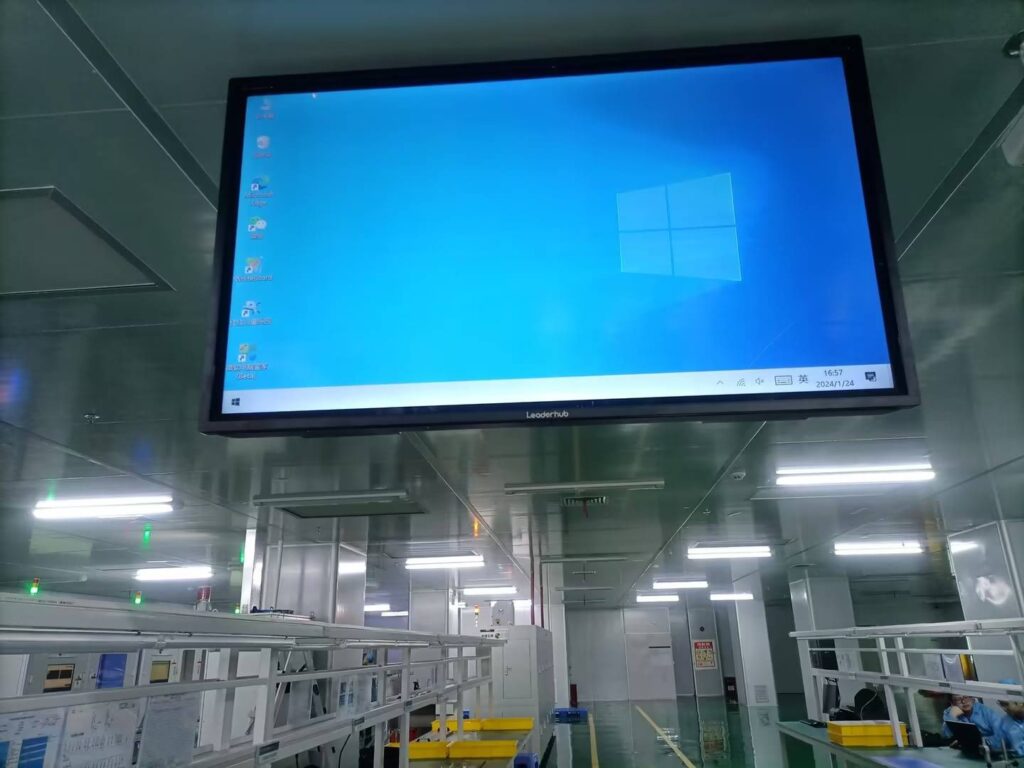
- Cannot provide a factory address, business license, or video tour of the production floor.
- Offers prices far below the market average without explaining how.
- Has no engineers available to join a technical call—only sales representatives.
- Cannot show test reports, certification documents, or reference customers.
- Promises “any specification, any quantity” without asking detailed questions about your use case.
- Avoids putting warranty terms, defect-rate guarantees, and IP ownership in writing.
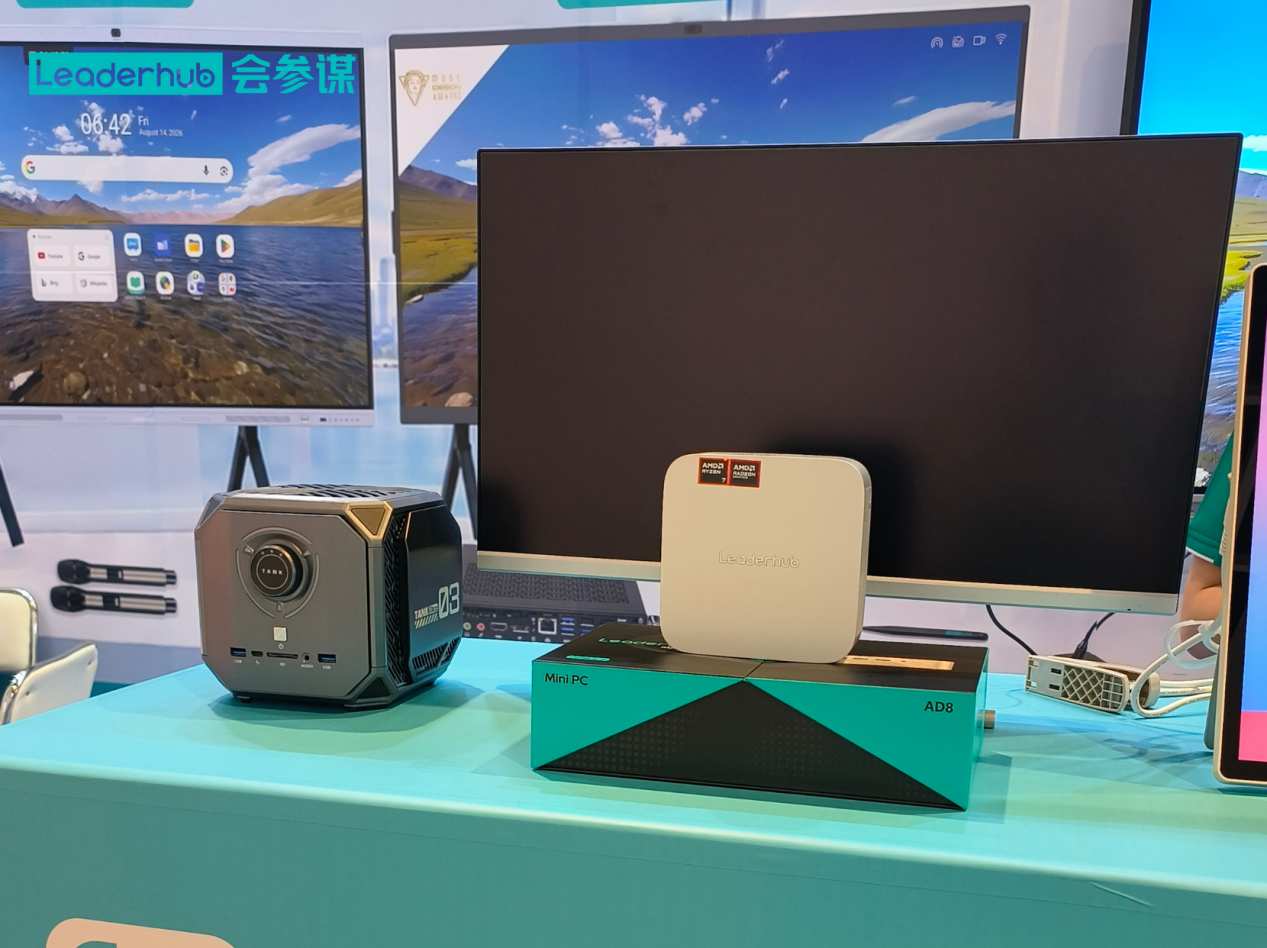
Why Shenzhen Remains the Global Hub for Mini PC Manufacturing
Shenzhen and the surrounding Pearl River Delta host the densest electronics supply chain in the world. Within a few hours’ drive you will find motherboard fabs, CNC and die-casting shops, memory distributors, display panel makers, and certification labs. This proximity translates into faster prototyping, lower logistics costs, and quicker engineering changes. Many of the mini PC designs sold under Western brand names originate here.
One example of a vertically integrated partner is LeaderHub, a Shenzhen-based technology company with 16 years of experience in interactive displays, mini PCs, and portable smart screens, serving customers in more than 82 countries. Because the company designs both the compute modules and the large-format touch displays they often pair with, it can offer integrated OEM/ODM solutions for classrooms, meeting rooms, and digital signage—from a budget N100 system to high-performance AI-ready desktops. You can browse the full mini PC product range to see the reference platforms available for private-label and semi-custom projects, or contact the OEM/ODM team directly to discuss specifications.
Step-by-Step: How to Launch a Custom Mini PC Line
- Define the use case and target customer. Education, enterprise, signage, industrial, or consumer? Each segment has different performance, durability, and price expectations.
- Write a specification sheet. List the CPU tier, RAM/storage, required ports, wireless standards, OS, operating temperature range, mounting method, and target unit price.
- Shortlist 3–5 manufacturers. Use trade shows, B2B directories, and referrals. Industry events listed by the Consumer Technology Association and AVIXA are excellent places to meet factory engineering teams in person.
- Request samples and test them. Run sustained-load benchmarks, thermal checks, connectivity tests, and compatibility tests with your software stack.
- Audit the factory. Visit in person or arrange a third-party inspection covering production lines, QC stations, ESD controls, and warehouse management.
- Negotiate terms. Cover MOQ, lead time, payment schedule, defect-rate guarantee, warranty, IP ownership, and exclusivity if required.
- Approve pre-production samples. Sign off on golden samples for appearance, packaging, firmware, and pre-installed software.
- Run a pilot batch. Deploy 100–300 units with real customers, collect feedback, and refine before scaling.
- Scale and iterate. Establish a rolling forecast, quarterly business reviews, and a roadmap for next-generation platforms.
Questions to Ask Before Signing with a Custom Mini PC Manufacturer
- How many years have you been manufacturing mini PCs specifically, and which platforms have you shipped?
- Do you design your own motherboards and thermal solutions, or source them externally?
- What is your typical field defect rate, and how is it measured?
- Which certifications do your existing platforms already hold?
- Can you guarantee component availability for a 3-year product lifecycle?
- What software customization services do you provide, and is Windows licensing included?
- What are your MOQ, sample lead time, and mass-production lead time?
- Who owns the IP for custom enclosures or firmware developed for my project?
- Can you provide references from customers in my region or industry?
Frequently Asked Questions
What is the minimum order quantity for a custom mini PC?
For private-label customization on an existing platform, MOQs typically start at 100–300 units. Fully custom enclosures with new tooling usually require 1,000 units or more to be economically viable.
How long does it take to develop a custom mini PC?
Logo, packaging, and software customization can be completed in 4–8 weeks. Semi-custom projects with modified I/O or new configurations take 3–6 months. Ground-up designs with new motherboards and enclosures can take 9–12 months including certification.
Should I choose Intel or AMD for a custom mini PC?
Intel N-series processors dominate the entry-level segment thanks to low power draw and cost. For mainstream and high-performance tiers, both Intel Core and AMD Ryzen are strong choices; the decision usually depends on integrated graphics needs, AI acceleration requirements, and long-term supply agreements your manufacturer already holds.
Can a mini PC be integrated with an interactive display?
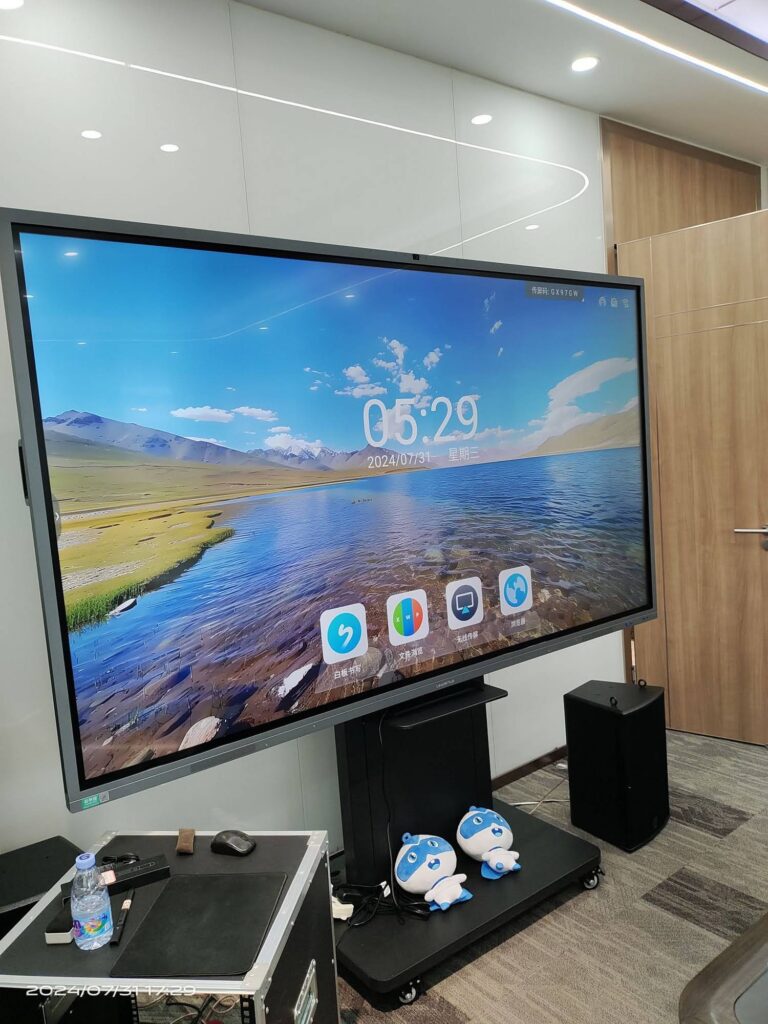
Yes. Many manufacturers offer OPS (Open Pluggable Specification) slot-in modules or standalone mini PCs that pair with 75-inch interactive smart whiteboards and other large-format touchscreens for classrooms and boardrooms.
Who owns the design after the project is complete?
This must be defined in your contract. In OEM projects where you fund tooling and engineering, you should retain ownership. In ODM projects built on the factory’s platform, the factory typically retains core IP while granting you exclusive rights to your branded variant.
Final Thoughts
Choosing a custom mini PC manufacturer is ultimately about choosing a long-term partner rather than a one-time supplier. The right OEM/ODM factory will bring engineering expertise, stable supply chains, rigorous quality control, and a willingness to grow with your business. Take the time to define your requirements clearly, test samples thoroughly, audit the factory, and put every commercial term in writing. Done well, a custom mini PC line can become a durable, high-margin pillar of your product portfolio.
Ready to explore reference platforms for your own branded mini PC? Browse the product catalog or request an OEM/ODM consultation to get started.