Government offices run on documents, databases and secure communication — not on bulky desktop towers. As public agencies modernize workstations, service counters and meeting rooms, compact computers for government offices have become the practical standard: small enough to disappear behind a monitor, powerful enough for daily administrative work, and built with the security controls that public-sector IT teams are required to enforce. This guide explains what to look for when choosing a secure, space-saving mini PC for municipal departments, courts, tax offices, public libraries, licensing centers and other government facilities.
Why Government Offices Are Moving to Compact Computers
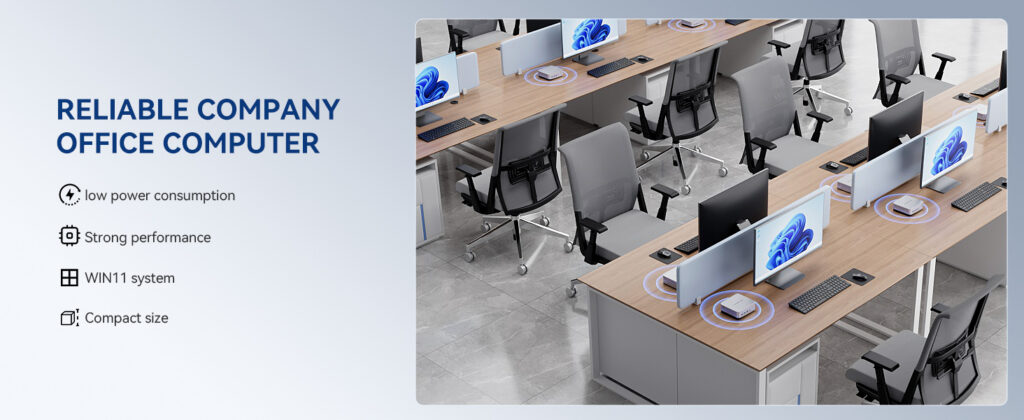
Public-sector procurement is driven by three things: security, budget accountability and long service life. Traditional tower PCs struggle on all three. They consume more power, occupy valuable desk and floor space, and are harder to physically secure in open-plan service halls. Mini PCs solve these problems without sacrificing the performance needed for office productivity.
- Space efficiency: A mini PC typically takes up less than one liter of volume and can be mounted behind a display, freeing desks in crowded front-counter areas.
- Lower energy bills: Modern low-power processors draw a fraction of the electricity used by legacy towers — a measurable saving when multiplied across hundreds of seats.
- Simplified physical security: Small units can be locked inside cabinets or secured with cable locks, reducing the risk of theft or unauthorized access.
- Quiet operation: Fanless or low-noise designs are ideal for courtrooms, archives, libraries and interview rooms.
- Easier standardization: Identical compact units simplify imaging, inventory and replacement across departments.
Security Requirements for Public-Sector Mini PCs
Government data — citizen records, tax information, legal filings, internal correspondence — must be protected at the hardware level, not just through software. Before evaluating performance or price, confirm that a compact computer meets the following baseline requirements.
Hardware-Level Protection
- TPM 2.0 module for hardware-backed encryption keys and secure credential storage.
- Secure Boot and BIOS/UEFI password protection to prevent unauthorized operating systems or firmware changes.
- Drive encryption support (BitLocker or equivalent) to protect data if a unit is lost or removed.
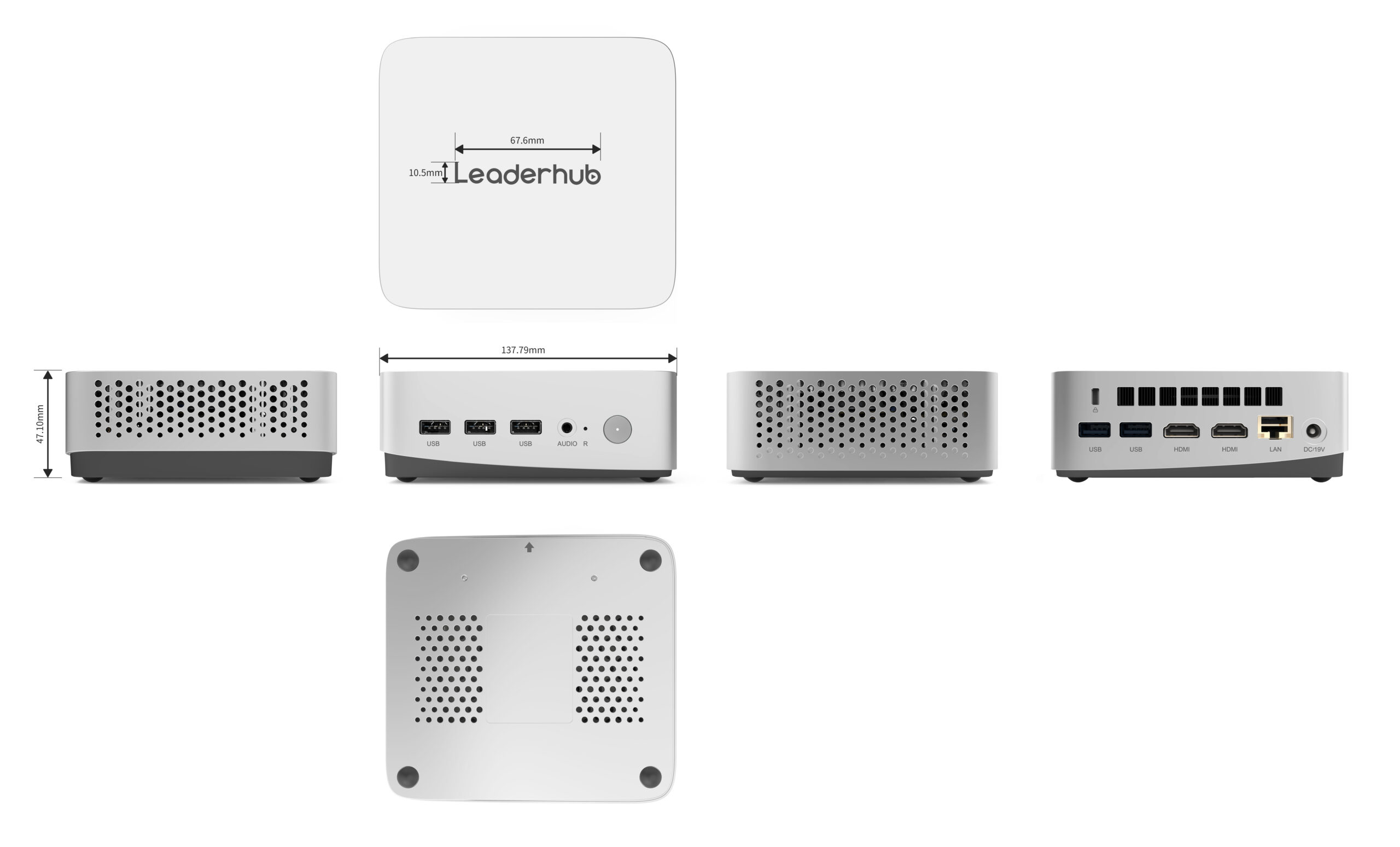
- Physical lock slot and tamper-resistant chassis for public-facing locations.
- Port control options — the ability to disable USB ports in firmware for data-loss prevention.
Data Protection and Policy Compliance
Most agencies operate under national or regional data-protection frameworks and internal IT policies. Choose devices that support centralized management, remote wipe, scheduled firmware updates and compatibility with the agency’s endpoint-protection software. The table below summarizes a practical security checklist you can include in procurement documents.
| Security Feature | Why It Matters for Government Use | Priority |
|---|---|---|
| TPM 2.0 | Required for modern OS security features and encrypted login credentials | Essential |
| Secure Boot | Blocks rootkits and unauthorized boot media | Essential |
| Full-disk encryption | Protects citizen data if hardware is stolen or decommissioned | Essential |
| Kensington-style lock slot | Deters theft in public service halls and shared offices | High |
| USB port management | Prevents data exfiltration via removable media | High |
| Remote management support | Allows IT to patch, monitor and wipe devices across multiple sites | Recommended |
Space-Saving Form Factors Explained
Not every “small” computer is equally suited to government environments. Understanding the main form factors helps you match the device to the physical setting — whether that is a reception desk, a records room or a council chamber.
| Form Factor | Typical Size | Best Government Use Case |
|---|---|---|
| Ultra-compact mini PC | Under 1 liter, palm-sized | Front counters, kiosks, clerical desks, VESA-mounted behind monitors |
| Performance mini PC | 1–2 liters | GIS analysts, planning departments, multi-monitor case management |
| Fanless industrial mini PC | Varies, sealed chassis | Dusty or unattended locations, digital signage, 24/7 information displays |
| Small form factor (SFF) desktop | 5–10 liters | Legacy expansion-card requirements, specialized peripherals |
For the majority of administrative roles, an ultra-compact or performance mini PC delivers the best balance. VESA mounting deserves special mention: attaching the computer to the back of the monitor removes it from view entirely, keeps cables tidy and makes the unit much harder to tamper with.
Matching Performance Tiers to Government Roles
Over-specifying every seat wastes budget; under-specifying creates frustration and support tickets. A tiered approach lets procurement teams standardize on two or three configurations that cover almost every job function.
Tier 1 — Entry-Level Administrative Workstations
Clerks, receptionists and records staff spend their day in web portals, email, spreadsheets and document management systems. An energy-efficient processor such as the Intel N100 paired with 8GB of RAM and a 512GB SSD is more than sufficient, and the low power draw keeps operating costs minimal. The LP1C Mini PC is a representative example of this class.
Tier 2 — Knowledge Workers and Supervisors
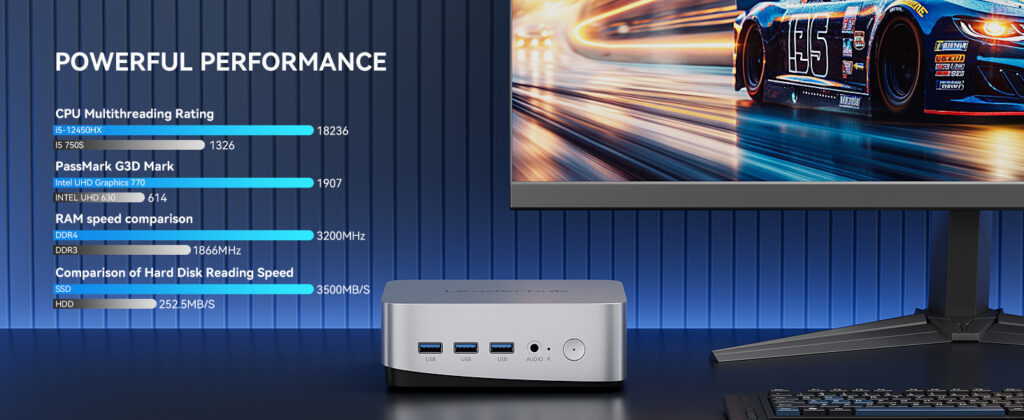
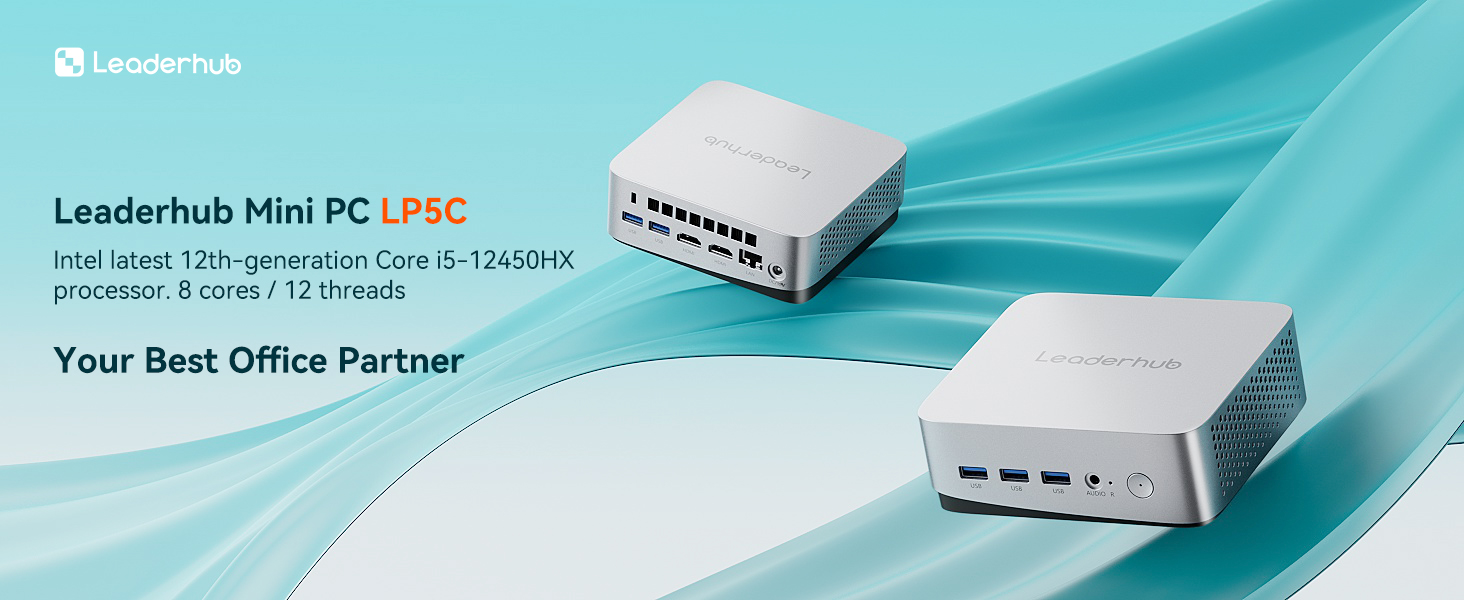
Case managers, analysts, HR and finance staff frequently run multiple applications, video conferences and large spreadsheets simultaneously. A 12th-generation Intel Core i5 with 16GB of RAM — as found in the LP5C Mini PC — handles multi-monitor setups and heavier workloads comfortably while remaining compact.
Tier 3 — Specialist and Meeting-Room Systems
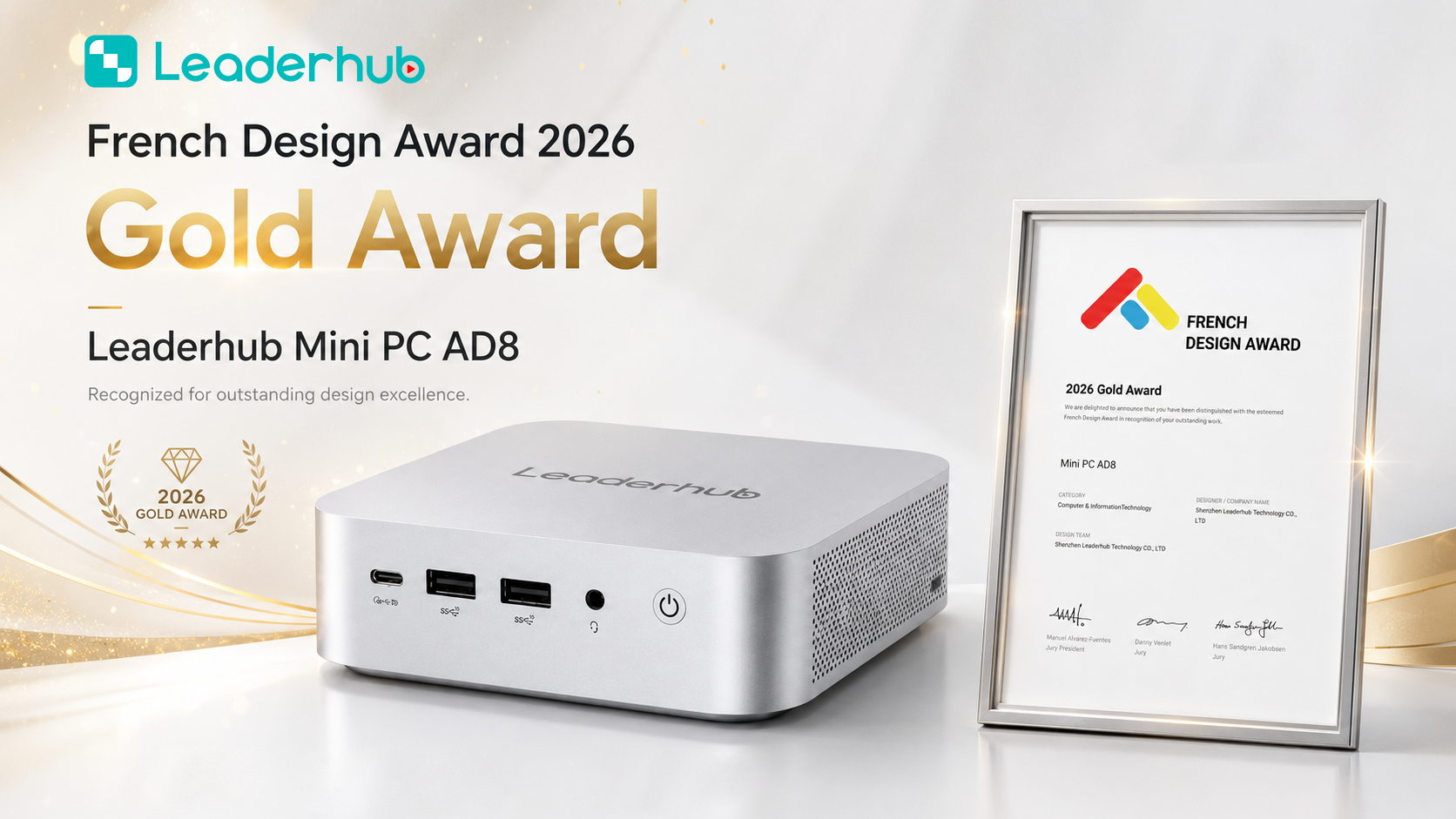
GIS mapping, CAD review, video evidence processing and council-chamber presentation systems benefit from a higher-performance unit such as the AD8 Mini PC, which can also serve as the dedicated computer driving a large interactive display.
| Tier | Typical Roles | Suggested Configuration | Reference Model |
|---|---|---|---|
| Tier 1 | Clerks, counters, libraries, kiosks | Intel N100 · 8GB RAM · 512GB SSD | LP1C — from $399 |
| Tier 2 | Analysts, supervisors, finance, HR | Intel i5-12450HX · 16GB RAM · 512GB SSD | LP5C — from $799 |
| Tier 3 | GIS, planning, meeting rooms, media | High-performance compact platform | AD8 — from $999 |
Connectivity and Peripheral Support
Government offices rely on a surprising number of peripherals: smart-card readers, signature pads, receipt and label printers, barcode scanners, document scanners and sometimes legacy serial devices. Verify that the mini PC offers enough of the right ports before purchase.
- Multiple USB-A and USB-C ports — at least four to six for keyboard, mouse, card reader and scanner without relying on hubs.
- Dual or triple display outputs (HDMI / DisplayPort / USB-C) for multi-monitor case work.
- Gigabit or 2.5G Ethernet — wired networking remains preferred in secure environments; Wi-Fi 6 is a useful backup for temporary offices.
- Audio in/out for headsets used in call centers and interview rooms.
- Optional serial (COM) ports where older queue systems or lab equipment are still in service.
Total Cost of Ownership and Procurement Considerations
Purchase price is only part of the equation for public budgets. Evaluate total cost of ownership across a five- to seven-year lifecycle, taking into account energy use, maintenance, warranty terms and eventual secure disposal.
Energy Consumption
A fleet of 300 compact computers drawing 10–25 watts instead of 60–150 watts can reduce annual electricity costs by thousands of dollars, and the reduced heat output lowers air-conditioning load in dense offices.
Lifecycle, Warranty and Spare Parts
Ask suppliers about warranty length, on-site or advance-replacement options, and how long identical or compatible models will remain available. Consistent hardware over several procurement cycles dramatically simplifies imaging and support.
Secure Decommissioning
Plan for the end of life at the start. Removable SSDs make it easier to destroy or sanitize storage media before devices are recycled or resold.
| Cost Factor | Traditional Tower PC | Compact Mini PC |
|---|---|---|
| Typical power draw | 60–150 W | 10–45 W |
| Desk space required | Significant (floor or desk) | Near zero when VESA-mounted |
| Noise level | Audible fans | Quiet or fanless |
| Physical security | Hard to conceal or lock | Easily locked or hidden |
| Deployment time per seat | Longer, more cabling | Shorter, standardized |
Deployment Best Practices for Public Agencies
- Pilot before scaling. Deploy 10–20 units in one department, collect feedback from staff and IT, then finalize the standard image.
- Standardize on two or three configurations aligned to the tiers above to simplify procurement and support.
- Enable encryption and Secure Boot during imaging, not after deployment.
- Mount behind monitors in public areas and use cable locks where mounting is not possible.
- Document asset tags and serial numbers in the central inventory system at delivery.
- Schedule firmware and driver updates through your endpoint-management platform.
- Train frontline staff on basic security hygiene — locking screens, reporting lost peripherals and avoiding unauthorized USB devices.
Pairing Mini PCs with Interactive Displays in Government Meeting Rooms
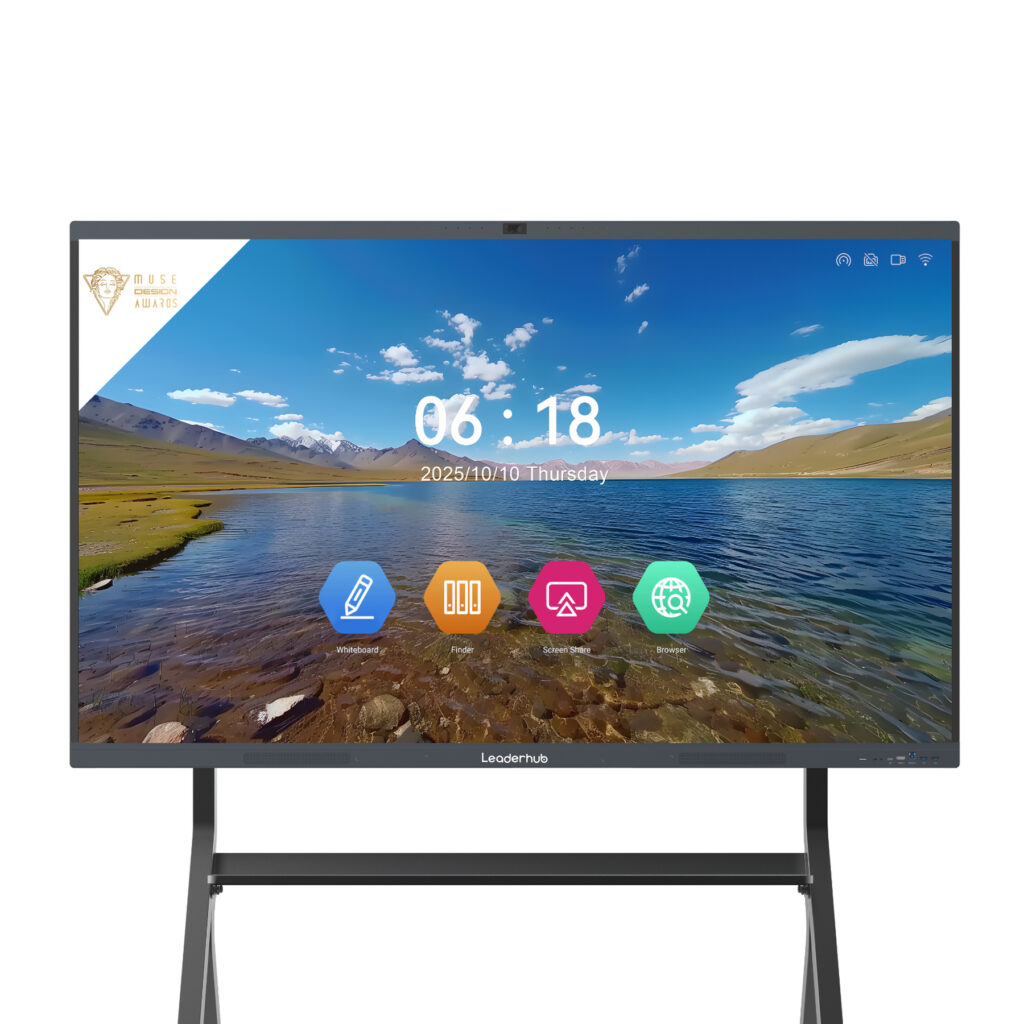
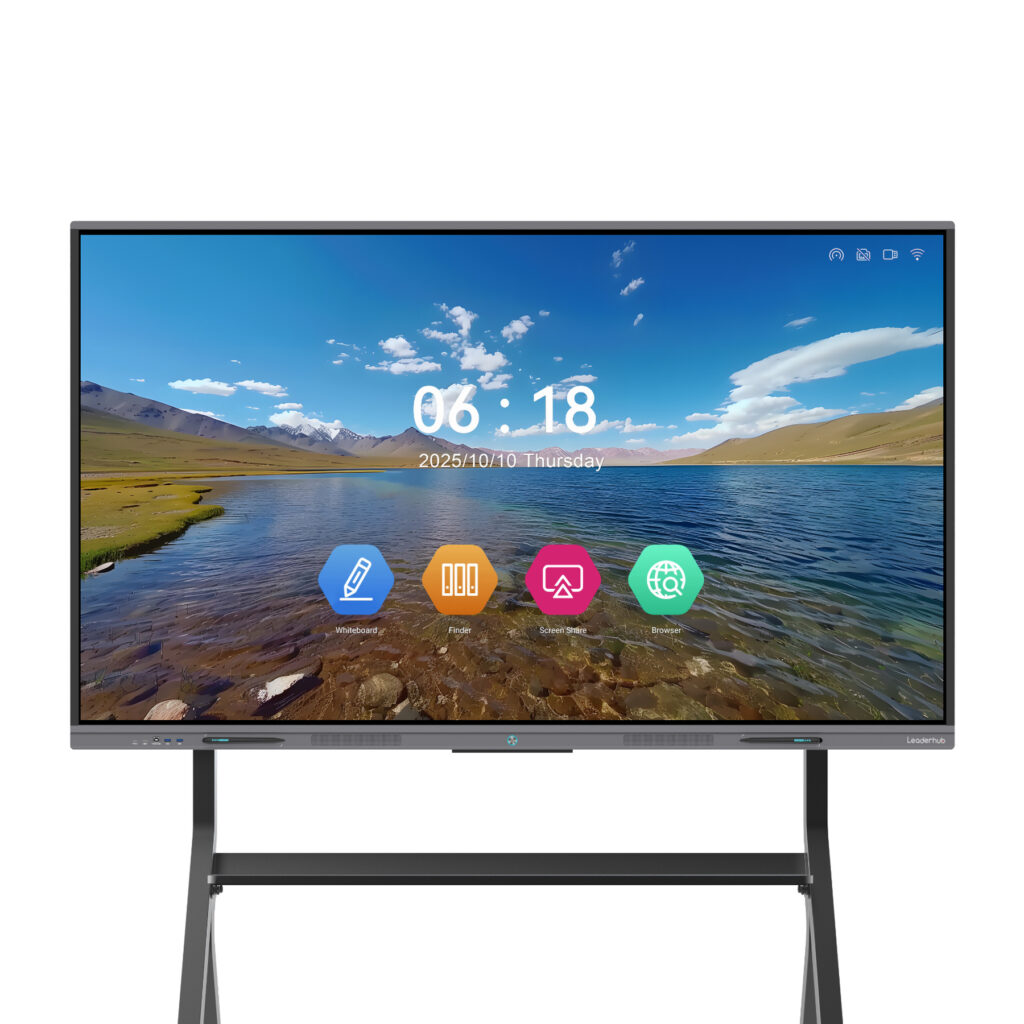
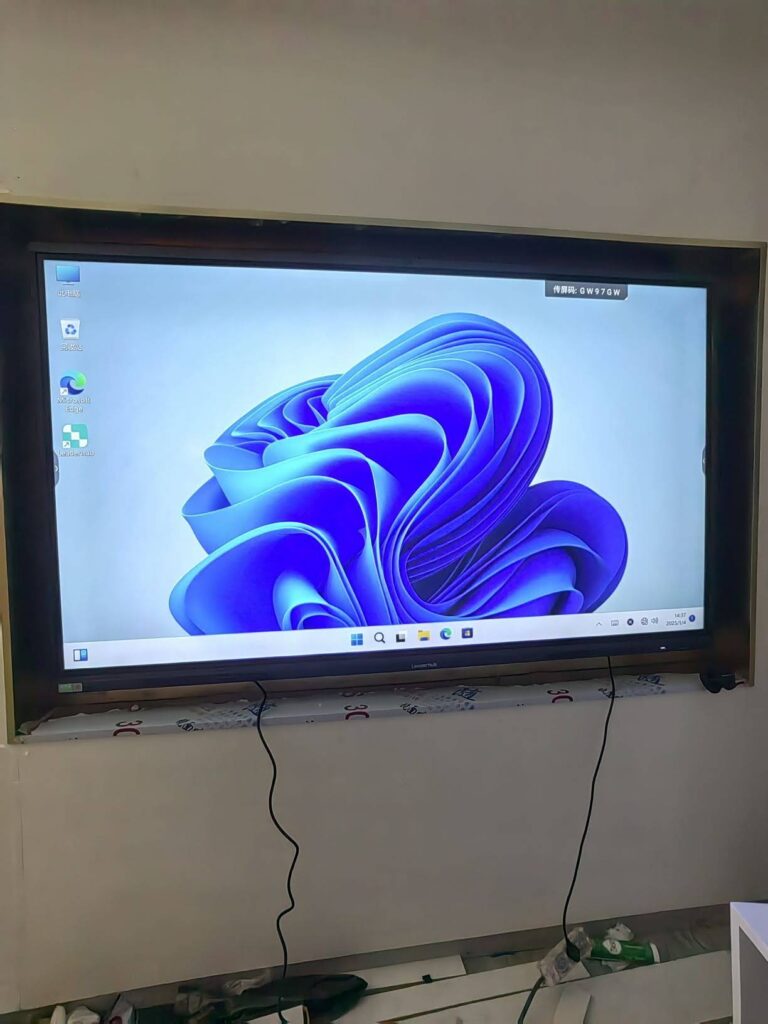
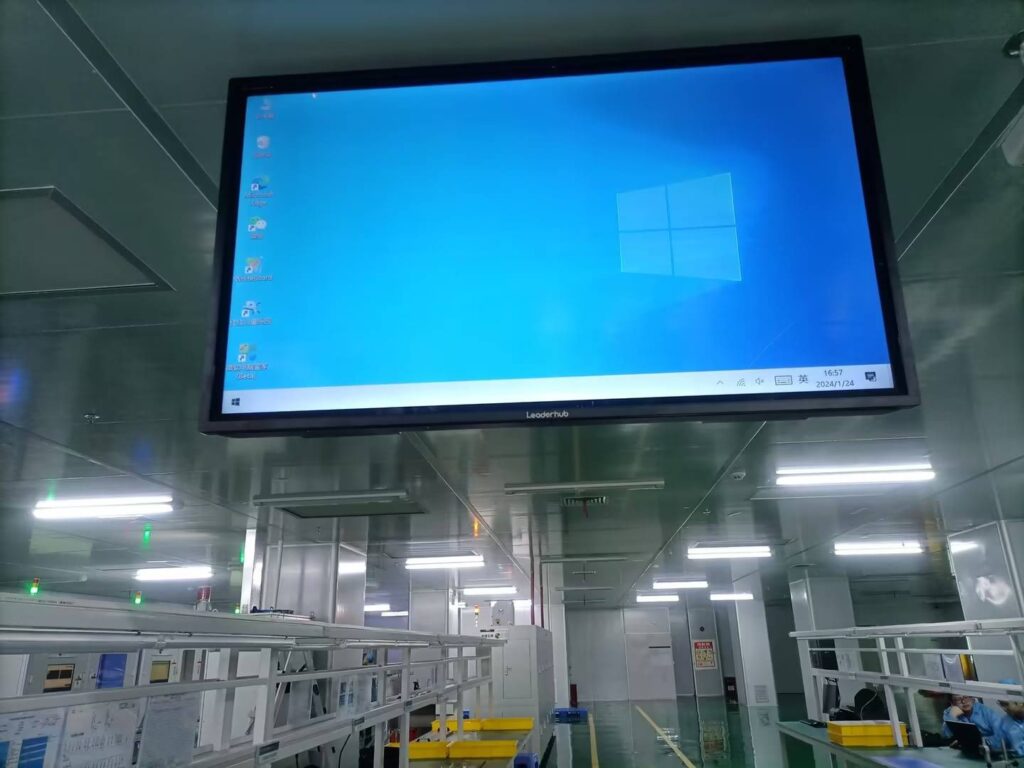
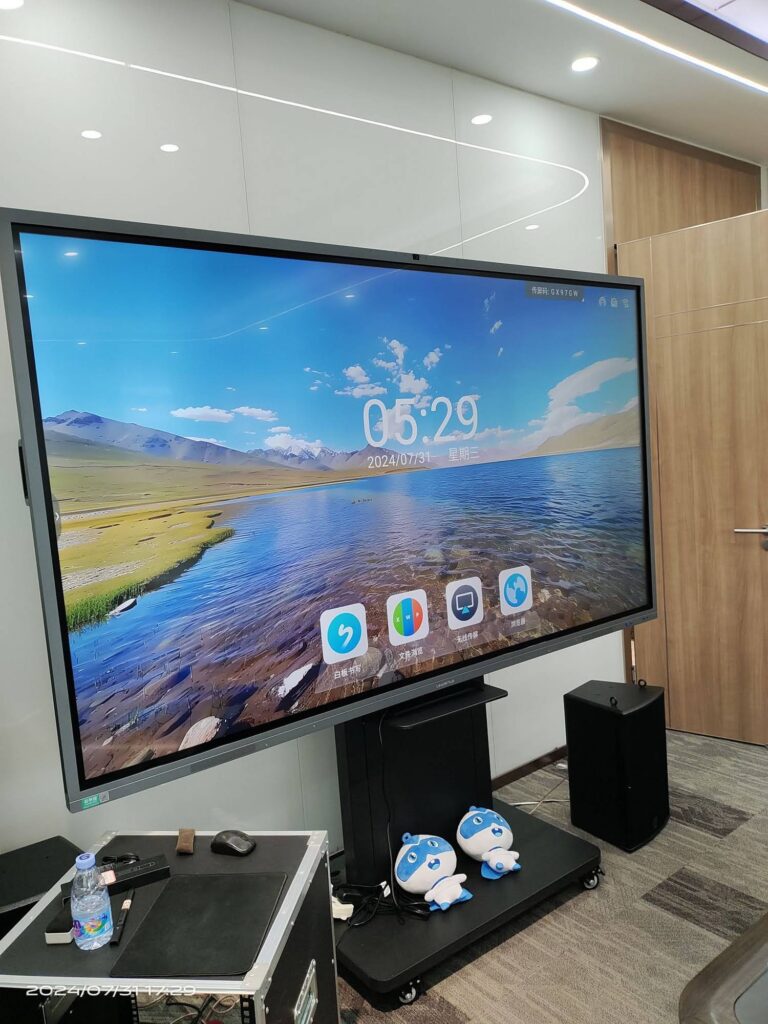
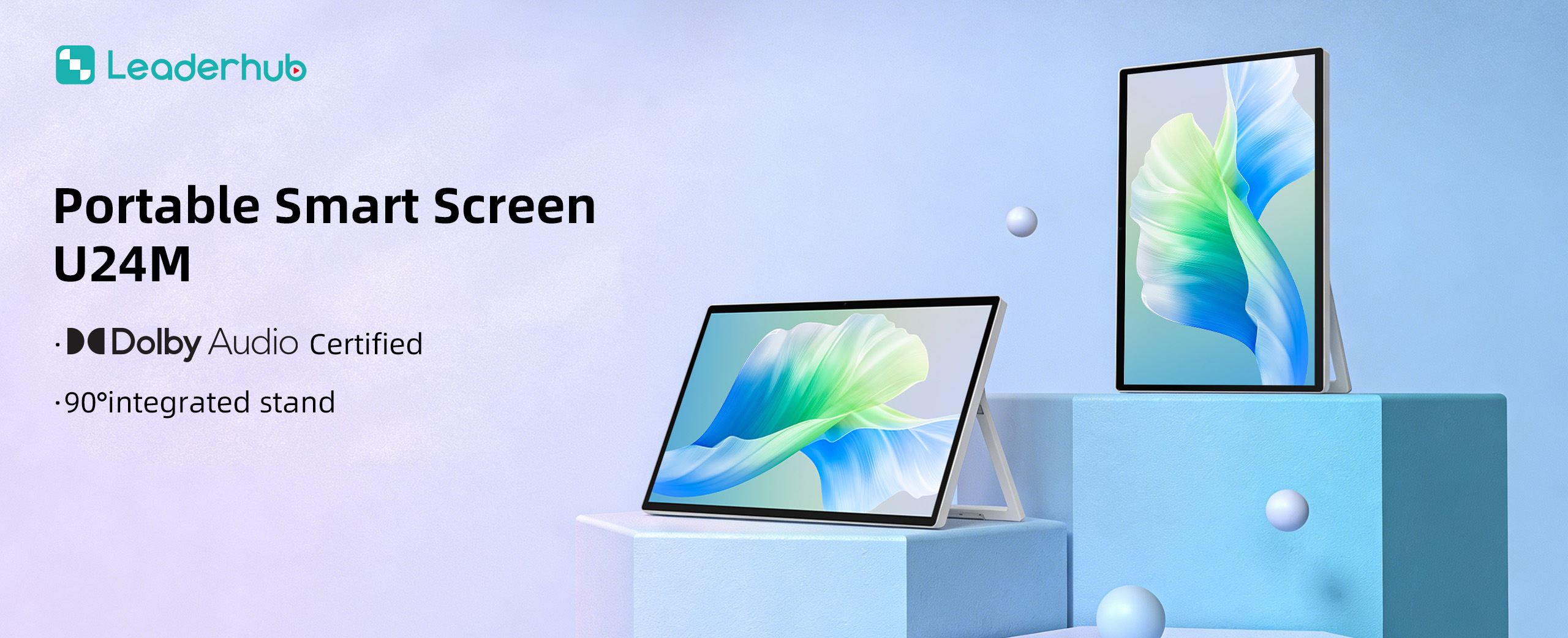
Council chambers, briefing rooms and training centers increasingly use large touchscreens for presentations, public hearings and inter-agency video calls. A compact computer mounted behind an interactive smart whiteboard provides a full Windows environment for secure document access, annotation and conferencing software — while keeping the room free of visible hardware. For smaller huddle spaces or mobile briefings, a battery-powered portable smart screen can be moved between offices without re-cabling.
LeaderHub, a Shenzhen-based technology company with 16 years of interactive-display expertise, supplies mini PCs, smart whiteboards and portable smart screens to institutions in 82 countries and maintains strategic partnerships with government and enterprise organizations worldwide, making it a practical single source for both compact computing and display hardware.
Frequently Asked Questions
Are mini PCs powerful enough for government software?
Yes. Most government applications — document management, ERP portals, email, spreadsheets and video conferencing — run comfortably on modern compact processors. Only specialized workloads such as GIS rendering or video analysis require a higher-tier unit.
Can compact computers be managed remotely across multiple sites?
Compact computers running standard Windows or Linux distributions integrate with the same endpoint-management, patching and remote-wipe tools used for conventional desktops.
How long do mini PCs last in daily office use?
With SSD storage and low thermal load, a quality mini PC typically serves five to seven years in an administrative role, comparable to or longer than a traditional tower.
What is the biggest security mistake agencies make with small computers?
Treating them as peripherals rather than endpoints. A compact PC must receive the same encryption, Secure Boot configuration and patching discipline as any other device holding citizen data.
Quick Selection Checklist
- TPM 2.0, Secure Boot and full-disk encryption confirmed
- Lock slot and VESA mounting available
- Port count matches card readers, scanners and dual monitors
- Configuration matched to role tier (entry, knowledge worker, specialist)
- Power consumption and warranty terms documented for TCO review
- Compatible with the agency’s remote-management platform
- Removable storage for secure end-of-life disposal
Choosing the right compact computers for government offices is less about chasing specifications and more about matching secure, standardized hardware to the real work of public servants. Start with security, size the performance to the role, calculate the full lifecycle cost, and pilot before you scale. If you need help specifying a fleet of mini PCs or pairing them with meeting-room displays, contact the team to discuss configurations and volume options.