Buying one mini PC for a home office is easy. Buying forty of them for a company — across sales desks, meeting rooms, reception kiosks and a remote branch — is a different job entirely. Business mini PC procurement is about matching compute power to real workloads, locking in a fleet that IT can manage for five years, and doing it at a price finance will sign off on. This guide walks you through the full process: defining requirements, comparing specifications, evaluating vendors, calculating total cost of ownership and placing a bulk order with confidence.
Why Companies Are Switching from Towers to Mini PCs
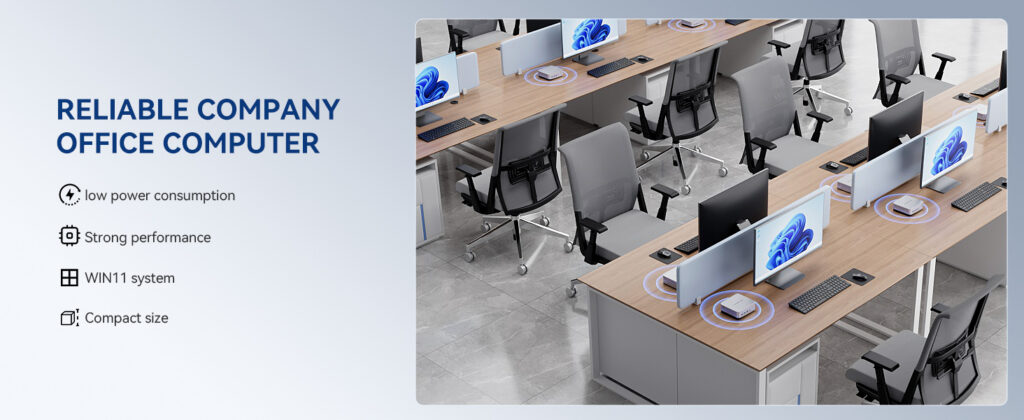
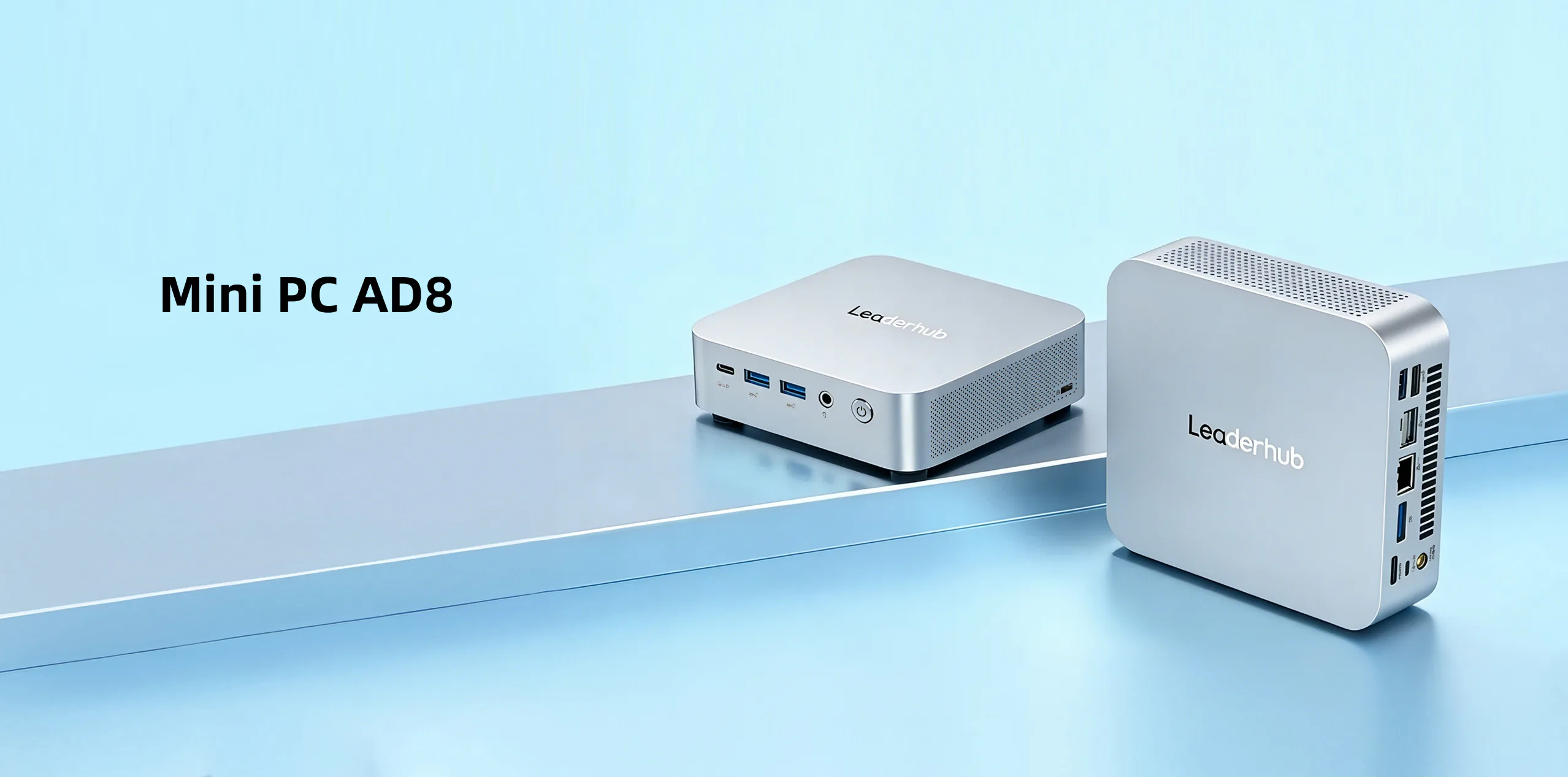
The traditional desktop tower is disappearing from offices for good reasons. A modern mini PC delivers the performance most knowledge workers need in a chassis smaller than a hardback book, and the business case is built on more than desk space:
- Lower energy bills. Most business mini PCs draw 10–35 W under typical office load, compared with 60–120 W for a conventional tower. Across a fleet of 50 units running eight hours a day, that difference pays for several machines over their lifetime.
- Cleaner, safer workspaces. VESA mounting puts the PC behind the monitor, freeing desks and reducing cable clutter and trip hazards.
- Faster deployment. Identical small units are quick to image, label, ship and swap. A failed unit can be replaced in minutes with a spare from the cupboard.
- Versatility. The same device that powers a workstation can drive digital signage, a meeting-room display, a point-of-sale terminal or a thin client.
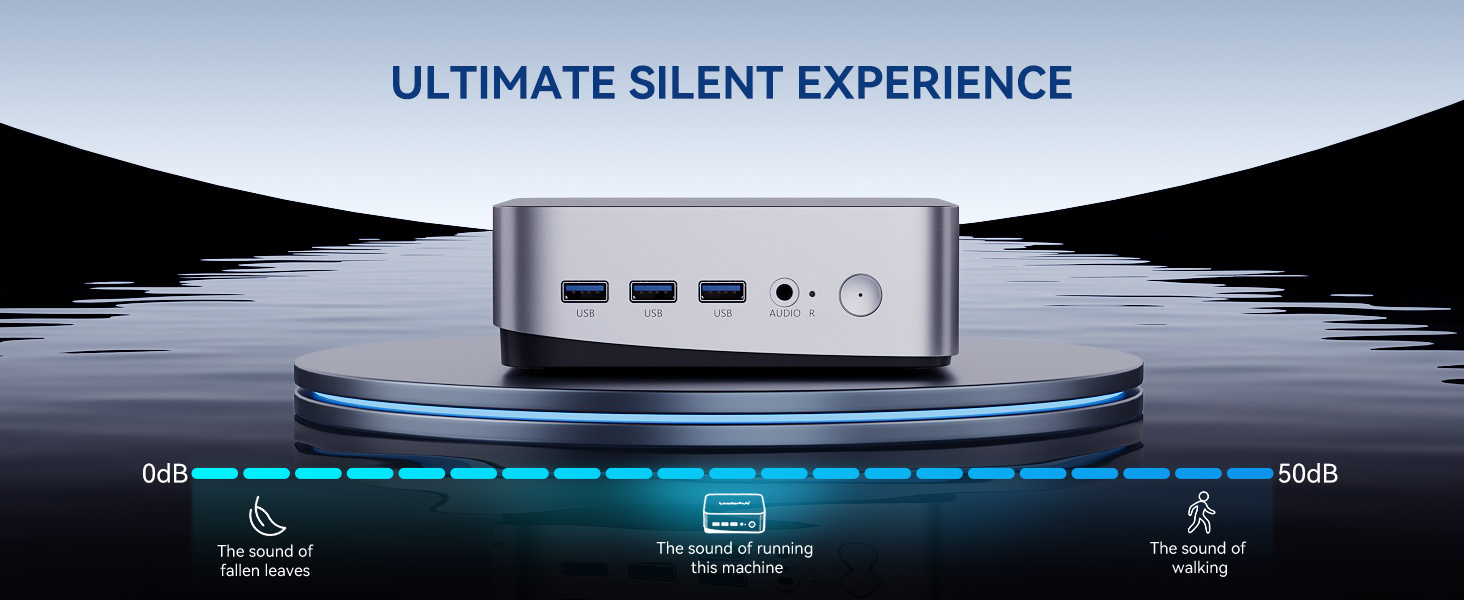
- Quiet operation. Fanless and low-noise designs matter in open-plan offices, clinics and reception areas.
Step 1: Define Your Requirements Before You Look at Specs
The most common procurement mistake is starting with a product catalogue instead of a requirements list. Begin by grouping your users and use cases, because a receptionist, a financial analyst and a conference room do not need the same machine.
Map your user profiles
| User Profile | Typical Workload | Recommended Tier |
|---|---|---|
| Front desk, kiosk, signage | Browser, email, scheduling, single display, 24/7 uptime | Entry — Intel N-series, 8GB RAM |
| Office knowledge worker | Office suite, video calls, CRM, two displays, 30+ browser tabs | Mainstream — Core i5 class, 16GB RAM |
| Analyst, designer, developer | Large spreadsheets, Adobe apps, compiling, virtual machines, 3 displays | Performance — Core i7 / Ryzen 7 class, 32GB RAM |
| Meeting room / huddle space | Video conferencing, wireless casting, 4K display output, always-on | Mainstream with 4K@60Hz output and Wi-Fi 6 |
Ask the questions IT will ask later
- How many displays per seat, and at what resolution?
- Will devices run Windows 11 Pro, Linux, or operate as thin clients?
- Do you require TPM 2.0, BIOS passwords or remote management for compliance?
- What is the expected refresh cycle — three, four or five years?
- Where will the units physically live: on desks, behind monitors or inside cabinets with limited airflow?
- Do you need a percentage of spare units for fast swap-outs?
Step 2: The Specifications That Actually Matter for Business
Consumer reviews obsess over benchmarks. For procurement, the priorities are different. Focus on the attributes that affect productivity, manageability and lifespan.
Processor
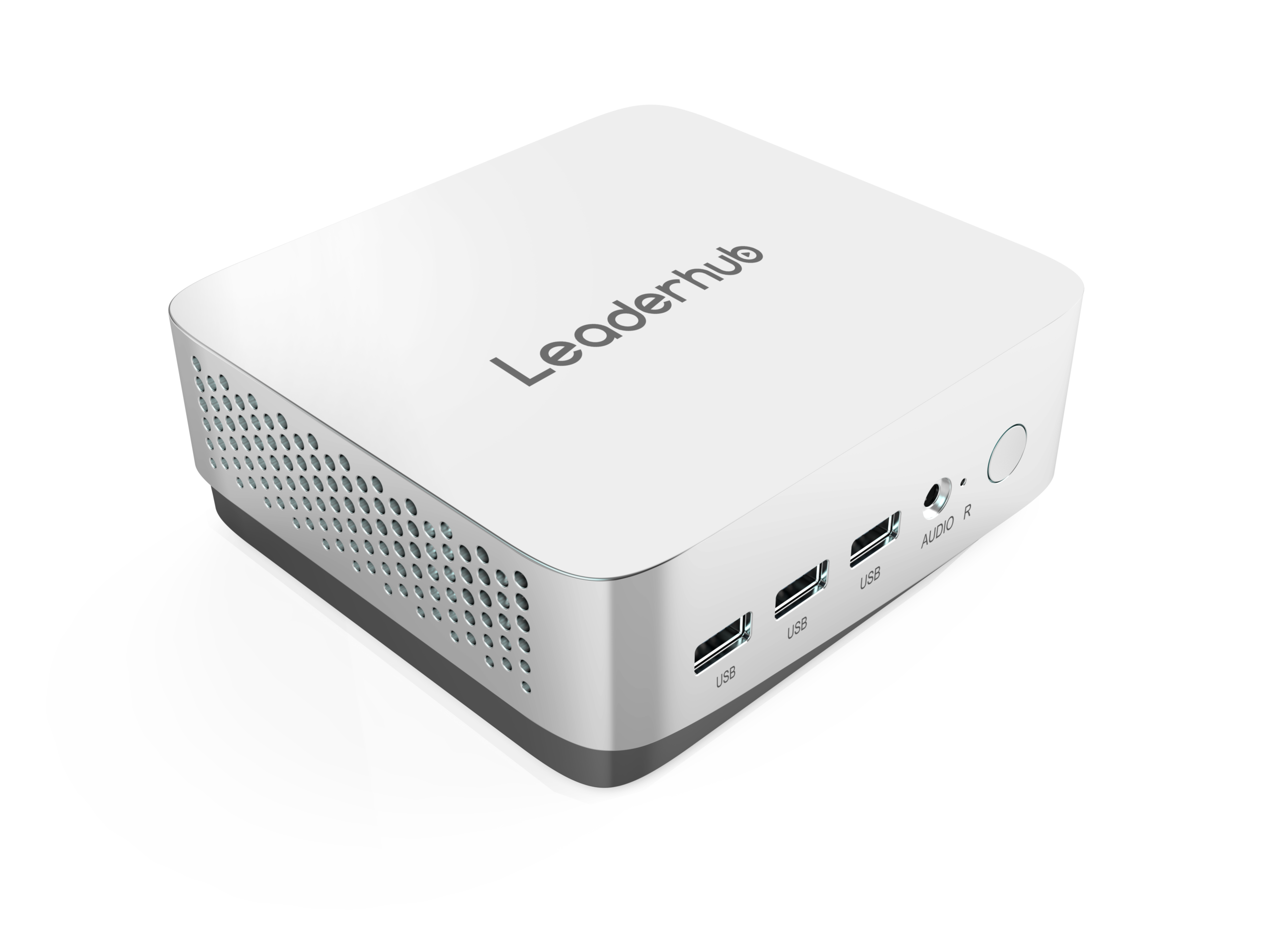
Choose the lowest tier that comfortably handles the role, then step up one notch for headroom over a five-year cycle. Intel N100/N-series chips are excellent for light tasks and signage. Core i5 H-series or equivalent AMD Ryzen 5 processors cover the vast majority of office work, including heavy multitasking and 4K video calls. Reserve i7 or Ryzen 7 class for creative and engineering staff.
Memory and storage
16GB RAM is the sensible baseline for general office use in 2026; 8GB is acceptable only for single-purpose devices. For storage, insist on NVMe SSDs — 512GB is the practical minimum for Windows 11 plus applications plus local caches of cloud-synced files. Check whether memory and storage are upgradeable; soldered components lock you into today’s spec for the life of the device.
Connectivity
- Display outputs: at least two (HDMI 2.0 plus DisplayPort or USB-C with DP Alt Mode). Verify 4K@60Hz support if 4K monitors or interactive displays are in the plan.
- Wired network: Gigabit Ethernet is mandatory; 2.5GbE is a worthwhile future-proofing step for file-heavy teams.
- USB: count the peripherals — keyboard, mouse, webcam, headset, badge reader, printer. Six ports including USB-C is a comfortable number.
- Wireless: Wi-Fi 6 or 6E and Bluetooth 5.2+ for hot-desking and wireless peripherals.
Security and manageability
Windows 11 requires TPM 2.0, and your cyber insurer may too. Look for Kensington lock slots, BIOS-level security, and compatibility with your device-management platform (Intune, Jamf for business or your MDM of choice). Fleet-wide remote imaging, patching and wipe capability save far more money than any hardware discount.
Thermal design and durability
A unit that throttles at 2 p.m. every day because it sits in a sealed cabinet is a productivity cost. Check rated operating temperature, fan noise in decibels, and whether the chassis is metal (better heat dissipation) or plastic. For 24/7 signage or kiosk roles, ask the vendor specifically about continuous-duty ratings.
Step 3: Compare Business Mini PC Tiers Side by Side
Below is a practical comparison using three models from the business mini PC range that map directly onto the entry, mainstream and performance tiers described above.
| Model | Processor | Memory / Storage | Best For | List Price |
|---|---|---|---|---|
| LP1C Mini PC | Intel N100 | 8GB / 512GB SSD | Reception, signage, kiosks, thin clients, light admin | $399 |
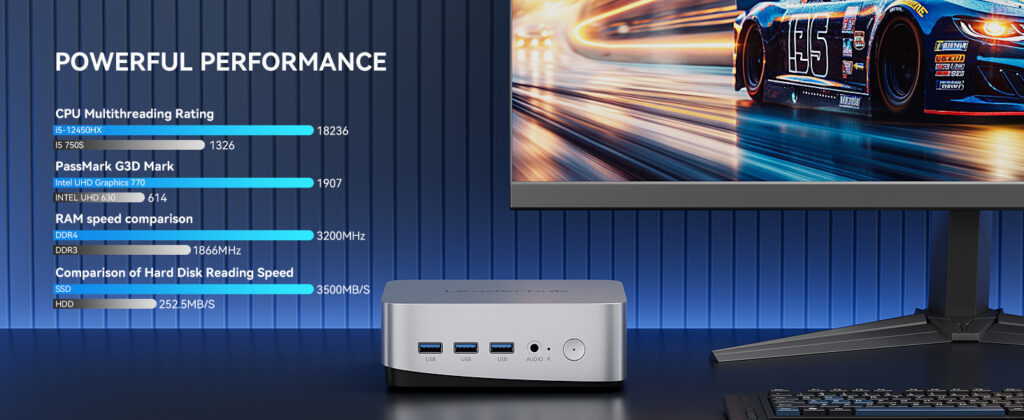
| LP5C Mini PC | Intel Core i5-12450HX | 16GB / 512GB SSD | Everyday office seats, meeting rooms, multi-monitor desks | $799 |
| AD8 Mini PC | High-performance class | Expanded configuration | Analysts, designers, developers, demanding collaboration hubs | $999 |
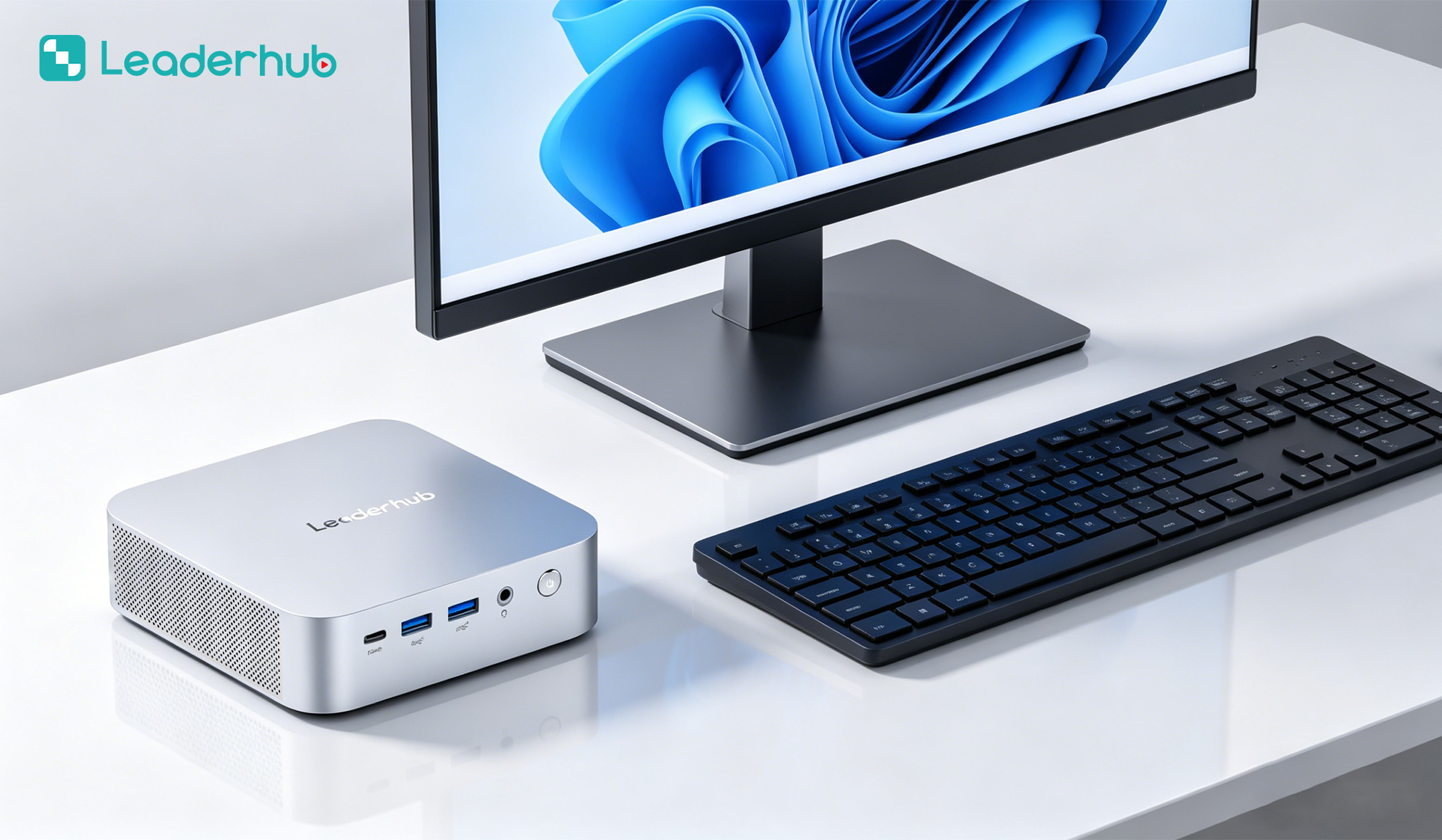
A mixed fleet is usually the most cost-effective answer. A 40-seat company might deploy 8 entry units for shared and front-of-house roles, 26 mainstream units for staff, and 6 performance units for specialist teams — spending roughly 20% less than a one-size-fits-all mainstream order while giving power users the headroom they need.
Step 4: Calculate Total Cost of Ownership, Not Just Unit Price
The purchase price is typically only 50–60% of what a business PC costs over its lifetime. A proper procurement comparison includes:
- Energy consumption — multiply average wattage by operating hours by your electricity tariff by the number of years in service.
- Deployment labour — imaging, mounting, cabling and asset tagging per unit.
- Warranty and support — the cost of extended coverage versus the cost of downtime when a unit fails outside warranty.
- Spare inventory — typically 3–5% of fleet size held in stock.
- Peripherals and mounts — VESA brackets, docks, cables and adapters add up quickly.
- End-of-life — data sanitisation, recycling or resale value.
Quick TCO example
A mainstream mini PC at $799 drawing 25 W for 2,000 hours a year costs about $7 per year in electricity at $0.14/kWh — roughly $35 over five years. A legacy tower drawing 90 W costs $126 over the same period. Multiply by 50 seats and the mini PC fleet saves more than $4,500 in power alone, before counting the smaller UPS capacity and reduced cooling load.
Step 5: Evaluate Vendors Like a Procurement Professional
When specifications are similar, the supplier relationship becomes the deciding factor. Use this checklist when shortlisting manufacturers or distributors:
| Evaluation Area | What to Ask | Why It Matters |
|---|---|---|
| Product lifecycle | How long will this exact SKU remain available? | Consistent images and spares across the fleet |
| Warranty terms | Duration, advance replacement, on-site options | Downtime cost often exceeds hardware cost |
| Bulk pricing | Volume tiers, multi-year framework pricing | Predictable budgets for phased rollouts |
| Customisation | OEM/ODM options, pre-installed OS, custom BIOS, branding | Saves deployment hours per unit |
| Certifications | CE, FCC, RoHS, Energy Star, regional safety marks | Compliance in every country you operate in |
| Sample availability | Can you trial 2–3 units for 30 days? | Validates compatibility before committing |
| Ecosystem fit | Does the vendor also supply displays and collaboration hardware? | Single-source support for meeting rooms |
Industry bodies such as the AV Industry Standards and Resources from AVIXA and the Consumer Technology Association publish useful guidance on integration standards and product certification that procurement teams can reference when drafting tender documents.
Step 6: Think Beyond the Desk — Mini PCs in Meeting Rooms and Shared Spaces
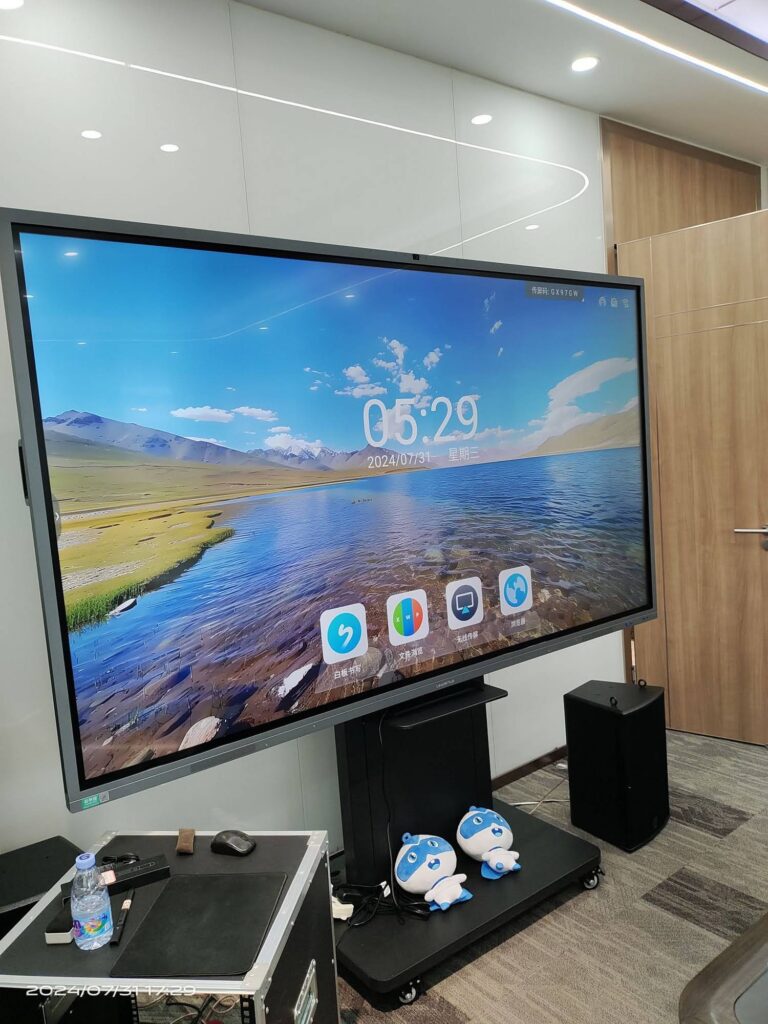
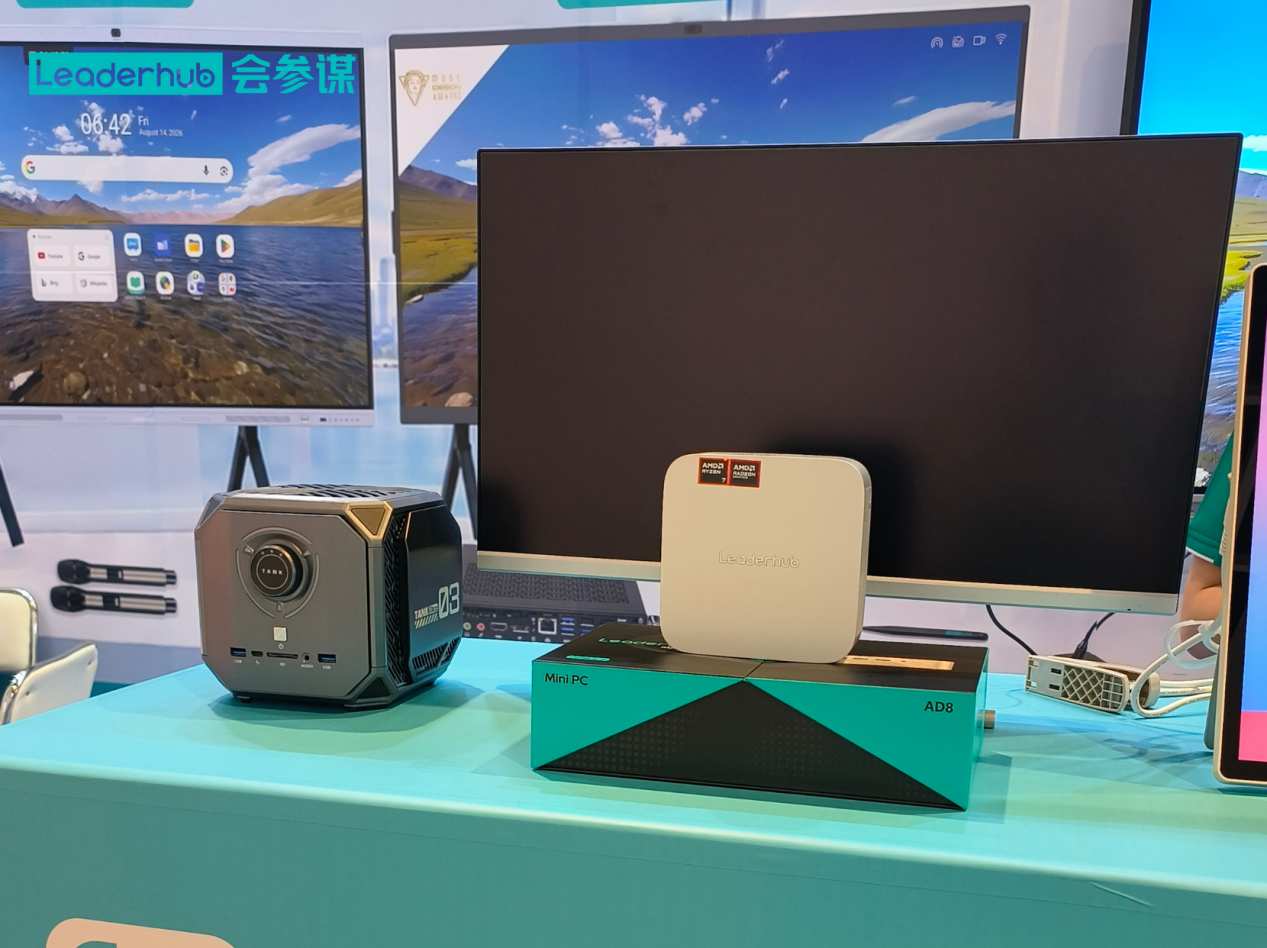
One of the strongest procurement arguments for mini PCs is their role outside individual workstations. A single mainstream unit mounted behind a large display becomes a complete meeting-room system: video conferencing, wireless screen sharing, whiteboarding and calendar integration in one quiet box. Pairing mini PCs with interactive smart whiteboards gives teams a Windows-based collaboration hub that IT can manage exactly like any other endpoint, rather than a proprietary appliance with its own update cycle.
Other high-value shared deployments include:
- Lobby and wayfinding signage driven by an entry-level unit on a scheduled playlist
- Training rooms where a mini PC plus touch display replaces a projector and a laptop cart
- Hot-desking stations with a docked mini PC that any employee can sign into
- Back-office servers for small branches: file sharing, print serving and local backups
Step 7: Run a Structured Procurement Process
- Pilot first. Order two or three units per tier and run them for a month with real users. Confirm driver support, docking behaviour, VPN performance and monitor compatibility.
- Standardise. Lock the approved SKUs, OS image and peripheral bundle. Document them in a hardware standards sheet.
- Negotiate. Use your projected multi-year volume — not just the first order — to secure tier pricing and warranty upgrades.
- Phase the rollout. Deploy by department or site so IT is never overwhelmed and lessons from phase one improve phase two.
- Track assets. Record serial numbers, locations, warranty expiry and assigned users from day one.
- Review annually. Measure failure rates, support tickets and user satisfaction to inform the next refresh.
Common Business Mini PC Procurement Mistakes to Avoid
- Buying on price alone. The cheapest unit with 8GB soldered RAM and an eMMC drive will be the first to be replaced.
- Ignoring display output specs. Many buyers discover too late that their chosen unit cannot drive two 4K monitors at 60Hz.
- Forgetting the power supply. External power bricks need somewhere to live and may need securing in public areas.
- Skipping the pilot. Compatibility issues with badge readers, legacy printers or VPN clients surface only in real use.
- Over-specifying everyone. Giving a receptionist a Core i7 wastes budget that could buy a better display or longer warranty.
- Choosing a vendor with no roadmap. If the SKU vanishes in six months, your fleet becomes a patchwork.
Who Supplies Business Mini PCs at Scale?
LeaderHub is a Shenzhen-based technology company with 16 years of experience in interactive displays, delivering smart whiteboards, mini PCs and portable smart screens to customers in 82 countries. Its mini PC line is designed to pair natively with its interactive panels, giving companies a single supplier for workstations and meeting rooms, with OEM/ODM options for larger deployments. Procurement teams can request samples, volume pricing and configuration advice through the contact page.
Frequently Asked Questions
How many mini PCs should I buy as spares?
Three to five percent of fleet size is standard. For a 40-unit order, keep two spare units imaged and ready. Advance-replacement warranties can reduce this figure.
Is a mini PC powerful enough to replace a desktop tower for office work?
Yes. A Core i5-class mini PC with 16GB RAM and an NVMe SSD handles Office, Teams, Zoom, CRM and dozens of browser tabs across two monitors without compromise. Only GPU-heavy roles such as 3D rendering or video editing still justify a tower.
What warranty should a business expect?
Two years should be the minimum; three years aligned with your refresh cycle is ideal. Ask for advance replacement so a failed unit is swapped before the old one is returned.
Can mini PCs be mounted behind monitors?
Most business models include a VESA bracket or support one as an accessory. Confirm the mount pattern (75×75 or 100×100 mm) matches your monitors and that the monitor stand is not already using those holes.
Should I choose Windows 11 Pro or Home for business units?
Pro. It enables BitLocker encryption, domain or Azure AD join, group policy and remote desktop — all essential for fleet management and compliance.
Final Checklist Before You Place the Order
- User profiles mapped to entry, mainstream and performance tiers
- Display count and resolution confirmed for every seat
- 16GB RAM and NVMe SSD specified for all general-purpose units
- TPM 2.0, Windows 11 Pro and MDM compatibility verified
- Pilot completed with real users and peripherals
- TCO calculated over the full refresh cycle
- Vendor lifecycle, warranty and bulk pricing agreed in writing
- Spare units, mounts and cables included in the purchase order
Business mini PC procurement rewards preparation. Define the workloads, compare the specifications that matter, insist on a pilot, and choose a supplier who will still be shipping the same SKU when you need to expand. Do that, and your company gains a quieter, cheaper, easier-to-manage fleet that will serve reliably for years. Explore the full range of business hardware to start building your shortlist.