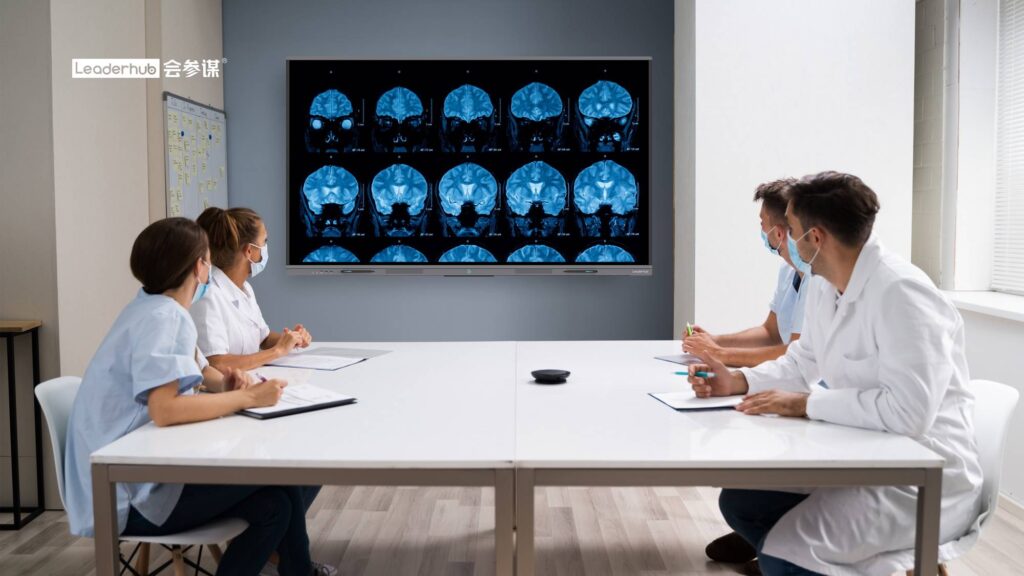
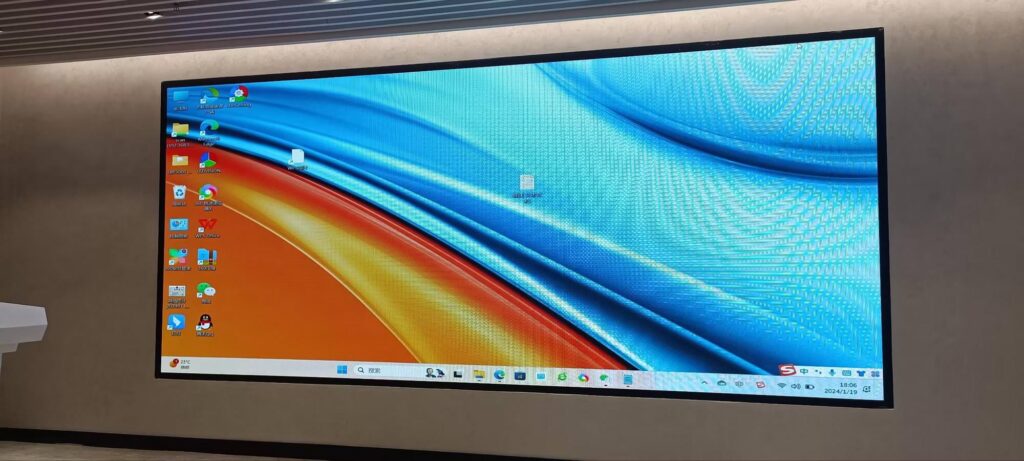
Securing funding often comes down to a single meeting. You have a limited window to communicate your vision, prove traction, and show that your team can execute. In that moment, the smart board for investor presentations you use is far more than a piece of office equipment — it is the stage on which your entire pitch is performed. A sharp 4K screen, fluid touch annotation, and seamless screen sharing signal professionalism before you say a word; a flickering projector or a tangle of cables says the opposite.
This guide walks founders, startup teams, and corporate finance leaders through how to choose an interactive display that elevates a pitch, which specifications matter most in a boardroom, and how to use the technology to keep investors engaged from the opening slide to the closing ask.
Why the Display You Pitch On Influences Funding Decisions
Investors evaluate hundreds of decks a year. Research in presentation psychology consistently shows that audiences form impressions of credibility within the first few minutes, and visual quality is one of the strongest cues. When your financial model, product demo, and market data appear on a large, bright, interactive screen, the information feels tangible and well-prepared. When it is squeezed onto a laptop or a dim projector, even a brilliant business plan can feel improvised.
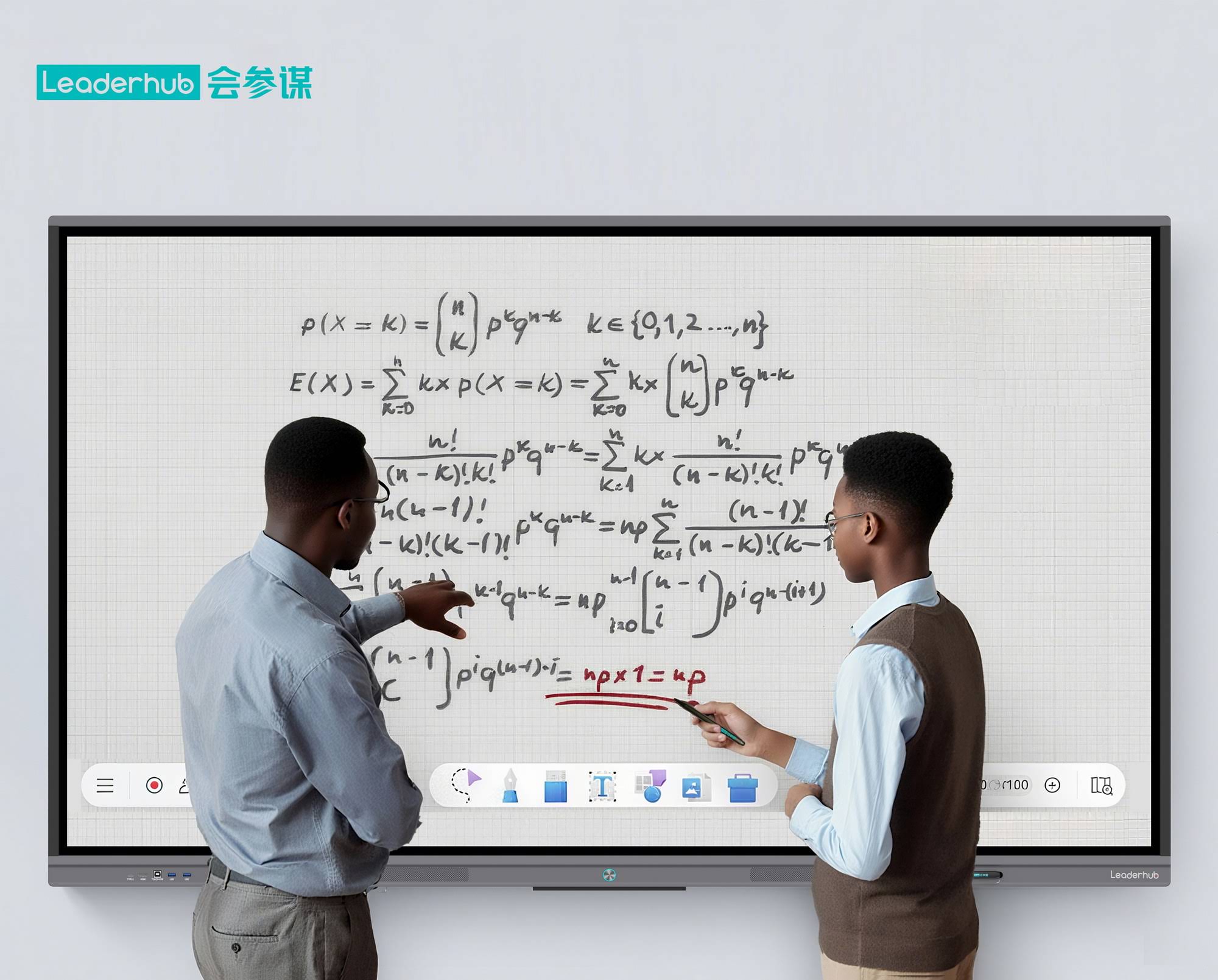
An interactive display also changes the dynamic of the room. Instead of clicking passively through slides, you can pull up a live dashboard, annotate directly on a revenue chart, zoom into a product interface, or sketch a go-to-market timeline in real time. That shift from monologue to collaboration is exactly what investors respond to — it shows command of the material and invites them into the conversation.
What Investors Actually Notice During a Pitch
- Clarity of data — small fonts on dense financial tables must remain legible from the far end of the table.
- Smooth transitions — switching from the deck to a live product demo should take seconds, not minutes.
- Responsiveness — if an investor asks “what happens to margins if CAC rises 20%?”, you should be able to adjust the model on screen immediately.
- Remote inclusion — partners dialing in from another city need to see and hear everything the room sees.
- Follow-up quality — annotated slides and whiteboard notes emailed within the hour reinforce your attention to detail.
Key Features to Look for in a Smart Board for Investor Presentations
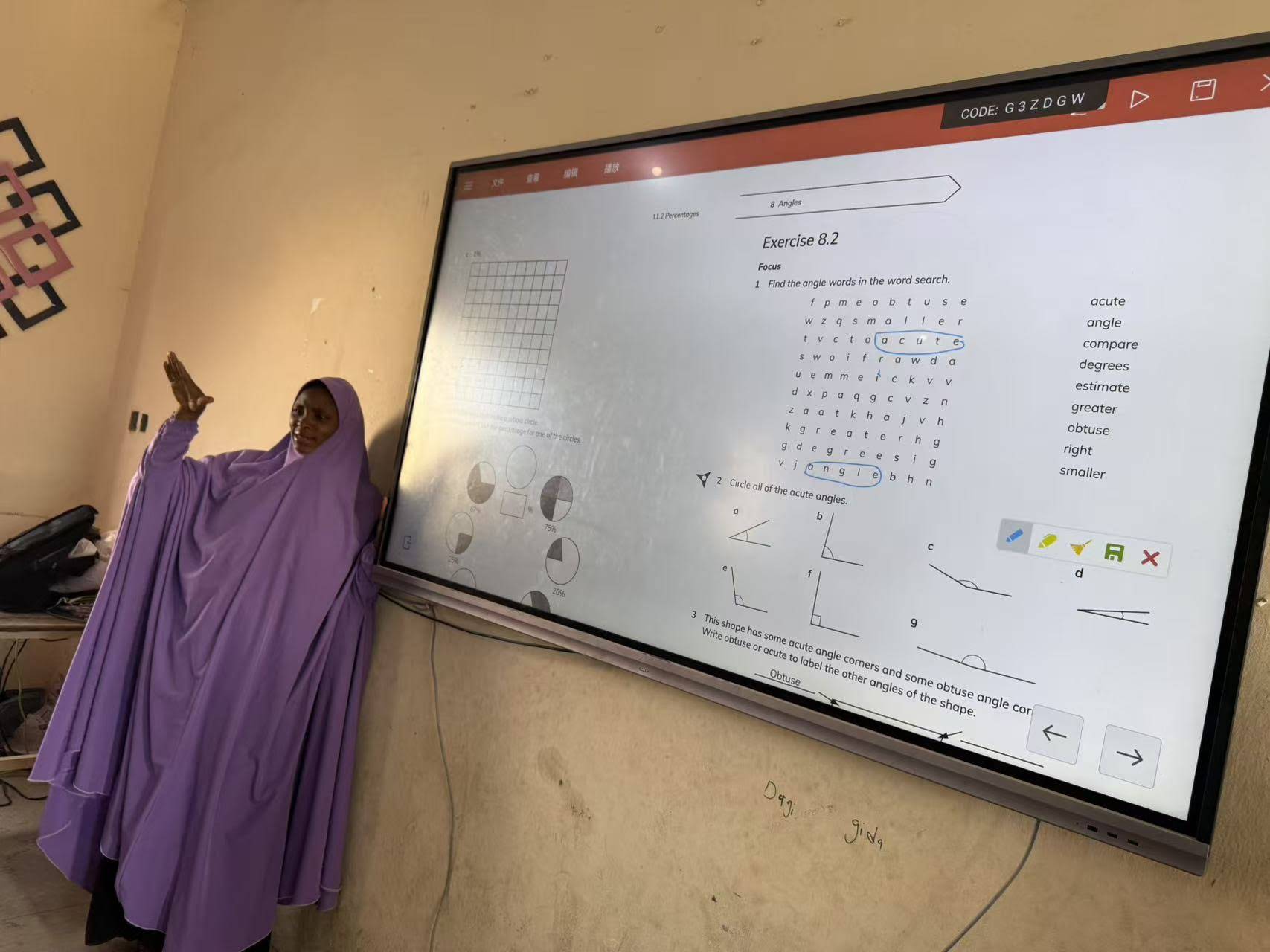
Not every interactive panel is built for a high-stakes pitch. Classroom-oriented boards often prioritize durability and software bundles for teachers, while a boardroom display needs to excel in image quality, connectivity, and speed. Below are the features that matter most.
1. 4K Ultra HD Resolution and Anti-Glare Glass
Financial charts, cap tables, and product screenshots contain fine details. A 4K (3840 × 2160) panel renders text crisply even at 86 inches, so a projection of your three-year P&L remains readable across a 12-person table. Anti-glare, optically bonded glass is equally important: boardrooms frequently have large windows, and reflections can wash out the lower half of a slide at the worst possible moment.
2. Low-Latency Touch and Natural Pen Writing
When you circle a growth metric or sketch a customer journey, the ink should appear instantly under the pen with no visible lag. Look for displays with at least 20-point multi-touch, palm rejection, and a writing latency under 10 milliseconds. Dual-pen support lets a co-founder annotate alongside you during Q&A, which creates a strong impression of team cohesion.
3. One-Tap Wireless Screen Sharing
Fumbling with HDMI adapters is the fastest way to lose momentum. A quality presentation display supports wireless casting from Windows, macOS, iOS, and Android, ideally with a USB dongle option for guests. This also lets you hand control to an investor who wants to share a benchmark from their own laptop — a small gesture that builds rapport.
4. Built-In Android System Plus Optional Windows Compute
Most modern smart boards run Android for whiteboarding and casting. For an investor pitch, however, you may need native Excel, PowerPoint, or a browser-based demo of your SaaS product. An OPS slot or an attached mini PC turns the display into a full Windows workstation, so your entire financial model runs on screen without a laptop in sight.
5. Integrated Camera, Microphone Array, and Video Conferencing
Hybrid pitches are now standard. A 4K camera with auto-framing and a far-field microphone array ensures the partner joining from abroad sees your facial expressions and hears every number clearly. Compatibility with Zoom, Microsoft Teams, and Google Meet should be verified before purchase.
6. Mobility and Flexible Deployment
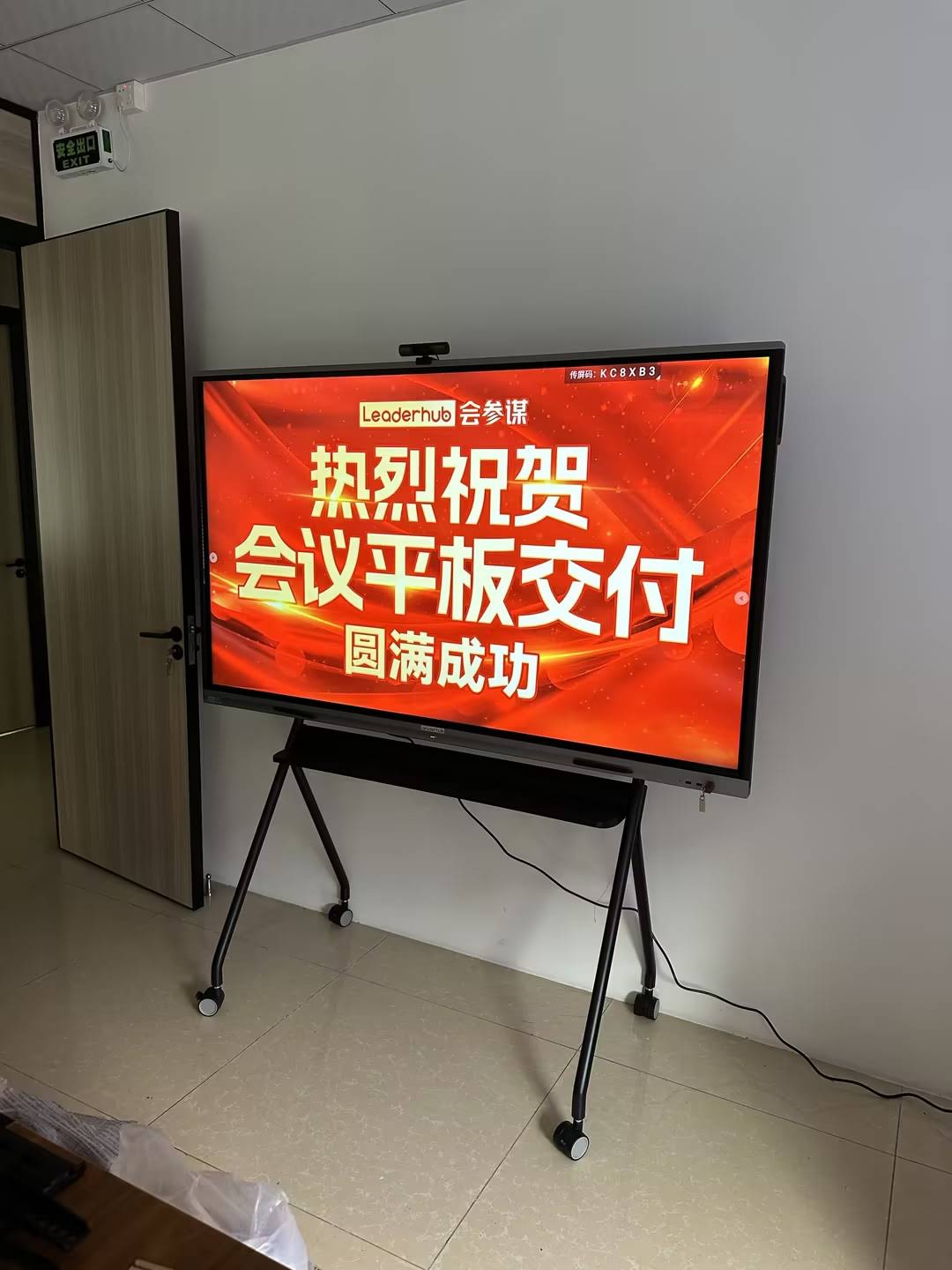
Startups rarely own a dedicated boardroom. A display on a motorized or rolling stand can move from the open office to a rented meeting space, and a rotatable screen allows portrait mode for mobile-app demos. Battery-powered portable screens are also useful for roadshows and demo days.
Feature Priority Checklist for Pitch Rooms
| Feature | Why It Matters to Investors | Priority |
|---|---|---|
| 4K resolution, anti-glare | Keeps dense financial data legible from every seat | Essential |
| Low-latency touch & pen | Enables live annotation and real-time scenario modeling | Essential |
| Wireless casting (multi-OS) | Eliminates cable delays, lets guests share instantly | Essential |
| Windows compute (OPS / mini PC) | Runs native Excel models and live product demos | High |
| 4K camera + mic array | Delivers equal experience to remote partners | High |
| Mobile / rotating stand | Adapts to shared offices, roadshows, portrait app demos | Medium |
| Cloud save & QR export | Sends annotated notes to investors before they leave | Medium |
Choosing the Right Screen Size for Your Pitch Setting
Screen size should be driven by the viewing distance of the farthest investor, not by budget alone. A board that is too small forces people to lean forward and squint; one that is too large in a small room feels overwhelming and makes eye contact difficult. Industry guidance from AV industry standards and resources suggests that for detailed analytical content, the farthest viewer should sit no more than roughly four times the screen height away.
| Pitch Setting | Typical Audience | Recommended Size | Form Factor |
|---|---|---|---|
| Angel / seed meeting, huddle room | 2–5 people | 55″–65″ | Mobile stand or wall mount |
| Series A boardroom | 6–10 people | 75″ | Wall mount with camera bar |
| VC partner meeting, large conference room | 10–16 people | 86″ | Fixed wall mount |
| Demo day, auditorium, roadshow | 20+ people | 110″ or dual 86″ | Stage mount |
| One-on-one follow-up, café or co-working | 1–3 people | 24″–27″ portable | Battery-powered rotating screen |
Recommended Interactive Displays for Investor Pitches
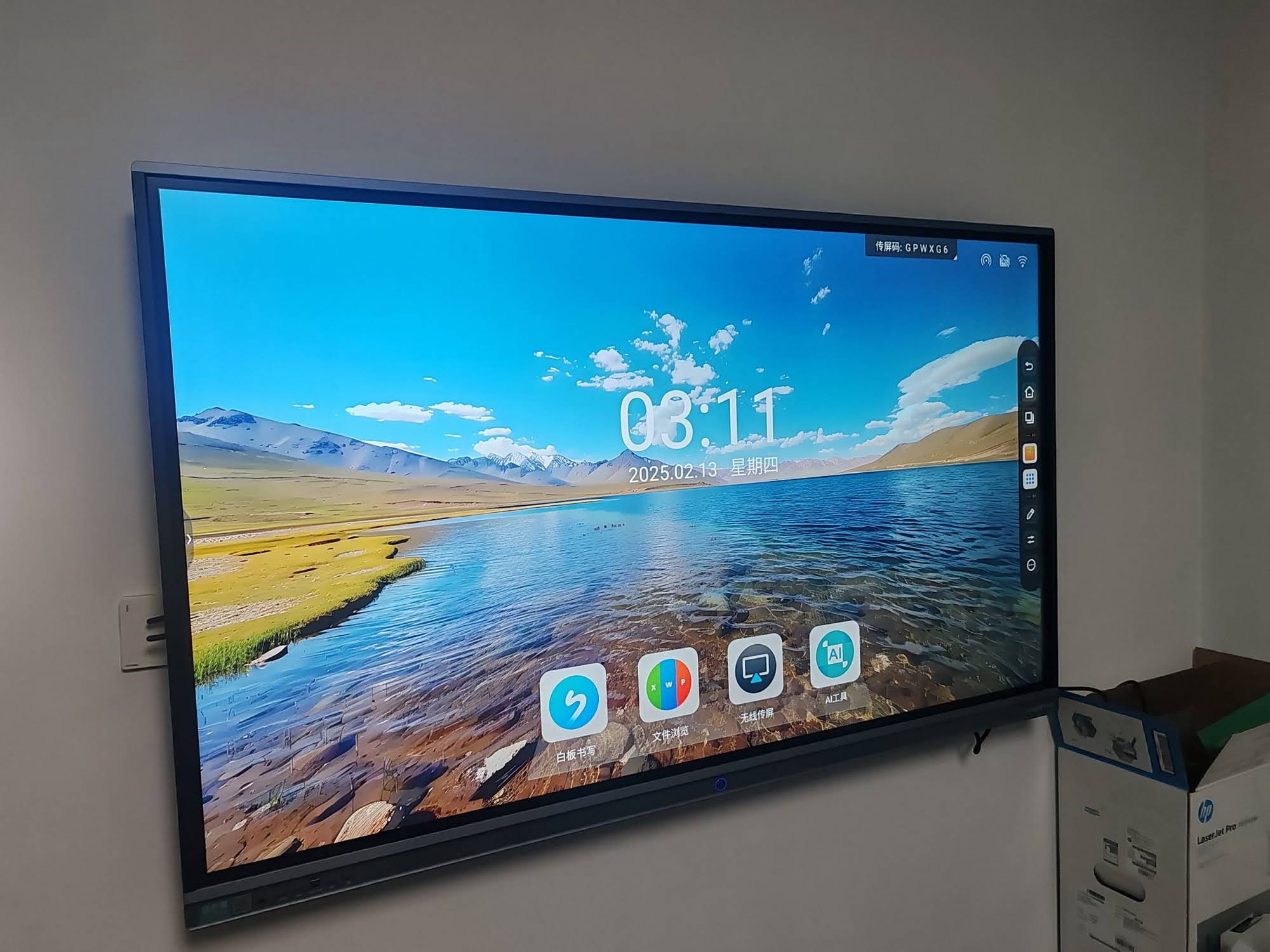
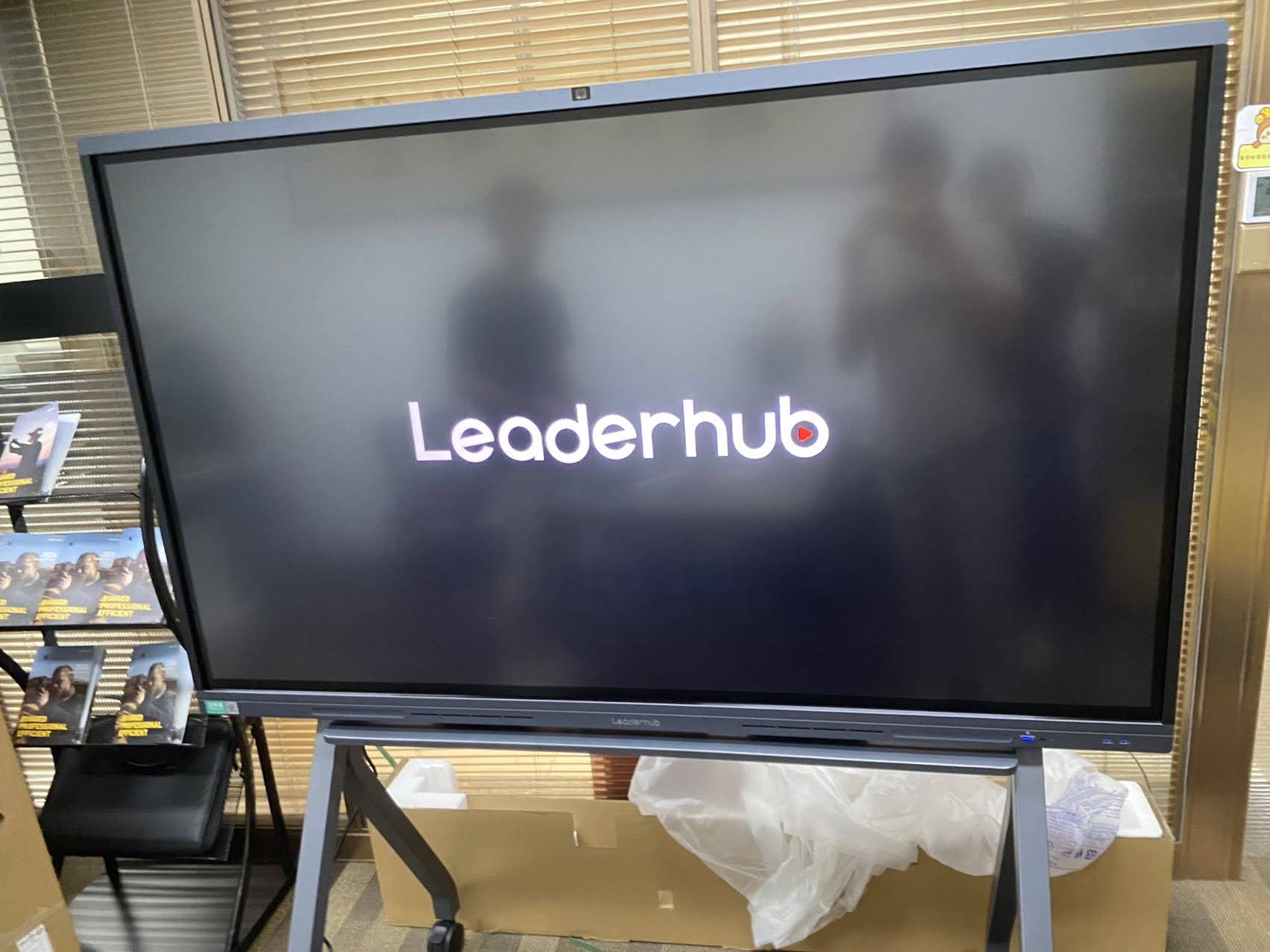
LeaderHub, a Shenzhen-based manufacturer with 16 years of interactive-display experience and customers in 82 countries, designs its smart whiteboards, rotating screens, and mini PCs specifically around business collaboration. Its HM-series rotatable conference hub was recognized by the Muse Design Awards, which reflects the attention paid to boardroom aesthetics as well as function. The models below map well to the pitch scenarios above.
| Model | Best For | Highlights | Price |
|---|---|---|---|
| L65HM 65″ 4K Smart Whiteboard | Seed-stage huddle rooms | Rotatable HM design, 4K touch, wireless casting | $1,299 |
| L75HM 75″ 4K Smart Whiteboard | Series A boardrooms | Balanced size for 6–10 seats, portrait mode for app demos | $1,599 |
| L75H Pro Interactive Flat Panel | Hybrid pitches with remote partners | Pro-grade conferencing, premium panel | $2,399.40 |
| L86ZM 86″ 4K Smart Panel | Large VC partner meetings | Maximum legibility for data-heavy decks at a strong value | $1,699 |
| U55Pro 55″ Mobile Smart Display | Startups without a fixed boardroom | Fully mobile 4K panel, moves between spaces | $2,499 |
| L110H 110″ Interactive Flat Panel | Demo days and auditoriums | Stage-scale presence for 20+ attendees | $7,999 |
| L277M 27″ Smart Rotating Screen | One-on-one follow-ups, travel | Battery-powered, touch, fits a car trunk | $899 |
If your pitch depends on a native Windows demo or a complex spreadsheet model, pairing any of these panels with the LP5C Mini PC (Intel i5, 16GB RAM) gives you desktop-class performance behind the screen for under $800.
How to Run an Investor Pitch on an Interactive Display
Owning the right hardware is only half of the equation. The following workflow helps teams get the maximum persuasive value out of a smart board during a funding meeting.
Before the Meeting
- Pre-load the deck, financial model, and product demo on the board’s local storage or connected mini PC so nothing depends on guest Wi-Fi.
- Create a blank whiteboard page titled with the investor’s firm name — a small personalization that signals preparation.
- Test casting from every device your team will use, and keep a wired HDMI cable as a backup.
- Run a 30-second video-conference check if any participant is remote, confirming camera framing and audio pickup from the far end of the table.
During the Pitch
- Open with the deck in full-screen mode; avoid showing desktop icons or notifications.
- When presenting traction, switch to a live dashboard rather than a static screenshot — moving data is more convincing than a chart exported last week.
- Use the pen to circle, underline, or annotate the two or three figures you want investors to remember.
- During Q&A, pull the financial model on screen and change assumptions live. Showing that unit economics survive a stress test is one of the most powerful moments in a pitch.
- Invite investors to touch the screen when exploring the product. Physical interaction builds ownership of the idea.
After the Meeting
- Save the annotated session and export it as a PDF via QR code or email before investors leave the room.
- Include the annotated pages in your follow-up message within 24 hours, referencing the exact questions raised.
Common Mistakes That Undermine a Pitch Display
- Relying on a projector in a bright room. Washed-out colors make growth charts look flat and uninspiring; an LED panel delivers consistent brightness regardless of ambient light.
- Choosing a panel without Windows compatibility. Android-only boards struggle with complex Excel files and desktop demos.
- Overlooking audio. Investors tolerate average visuals far more than they tolerate hearing half of a sentence.
- Cluttered cabling. Visible wires and adapters contradict a narrative about a clean, scalable product.
- Skipping the rehearsal. Even the best hardware cannot save a presenter who is learning the casting menu in front of a partner.
Budget and Return on Investment
A capable 65-inch to 86-inch 4K interactive panel for business now costs between roughly $1,100 and $3,200 — less than many startups spend on a single month of co-working space. Beyond fundraising, the same display supports board meetings, customer demos, hiring interviews, and daily sprint planning, which spreads the cost across every function in the company. For many founders, the realistic comparison is not “smart board versus nothing” but “smart board versus the opportunity cost of a weak first impression in a meeting that could unlock seven figures of capital.”
For teams evaluating several options, the full product catalog allows side-by-side comparison of sizes, panels, and compute options, while battery-powered rotating screens are a practical low-cost entry point for founders who pitch on the road.
Frequently Asked Questions
Is a smart board better than a large TV for investor presentations?
A large TV can display slides, but it cannot be annotated, does not support wireless casting from multiple devices without extra hardware, and lacks integrated conferencing. An interactive display turns the pitch into a two-way session, which is where investor engagement is won.
What size smart board do most startups buy for a boardroom?
The 75-inch class is the most common choice because it suits rooms of six to ten people, fits on a standard wall, and keeps spreadsheet text readable from four to five meters away.
Can I run my SaaS product demo directly on the display?
Yes. With a built-in Android browser you can demo most web apps, and by adding an OPS module or mini PC you gain a full Windows environment for native software, databases, or developer tools.
How do remote investors join the pitch?
Displays with an integrated camera and microphone array run Zoom, Teams, or Google Meet natively. Remote participants see your shared screen and annotations in real time, and your in-room camera auto-frames the speaker.
Do I need professional installation?
Wall mounting an 86-inch panel is best done by a professional, but mobile-stand models such as the U55Pro and HM-series boards can be assembled in-house and relocated as your office changes.
Final Thoughts
Investors fund teams that look ready to scale. A well-chosen interactive display communicates that readiness instantly — through razor-sharp data, effortless demos, and a collaborative conversation rather than a one-way lecture. Prioritize 4K clarity, low-latency touch, wireless casting, Windows compute, and strong conferencing, then match the screen size to the room where you will actually pitch. Equip your team with the right board, rehearse the workflow, and let the technology fade into the background so your story takes center stage.
Ready to upgrade your pitch room? Contact the team for a tailored recommendation based on your room size, audience, and demo requirements.