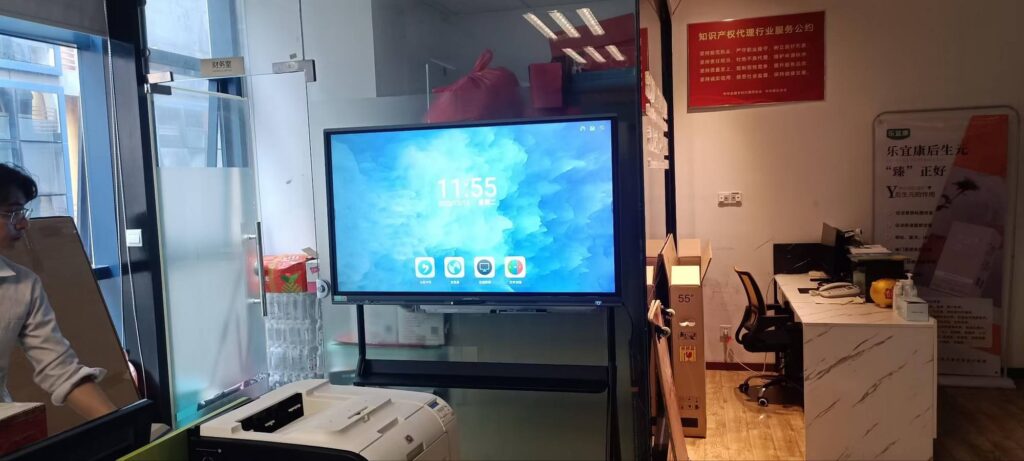
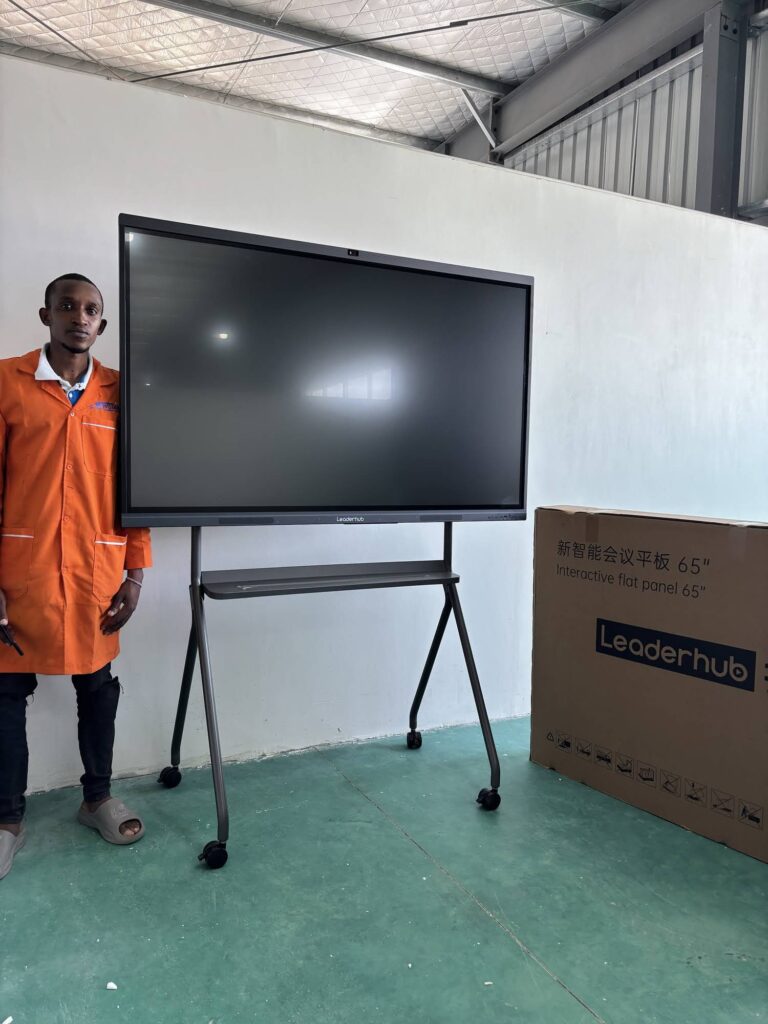
Walk into a classroom where a smart board is doing its job properly and the difference is obvious within minutes. Students are at the front of the room dragging fractions into place, a teacher is annotating a satellite image of a river delta, and the lesson notes are already saved to a shared folder before the bell rings. Understanding how smart boards help students learn means looking past the hardware itself and focusing on what actually changes in the learning process: attention, participation, memory, feedback and access.
This guide breaks down ten benefits of interactive smart boards that are supported by classroom research and by what teachers report every day. Whether you lead a school, manage IT for a district, or teach a class of thirty restless learners, you will find practical reasons here to rethink the front wall of your classroom.
What Is a Smart Board and Why Does It Matter for Learning?
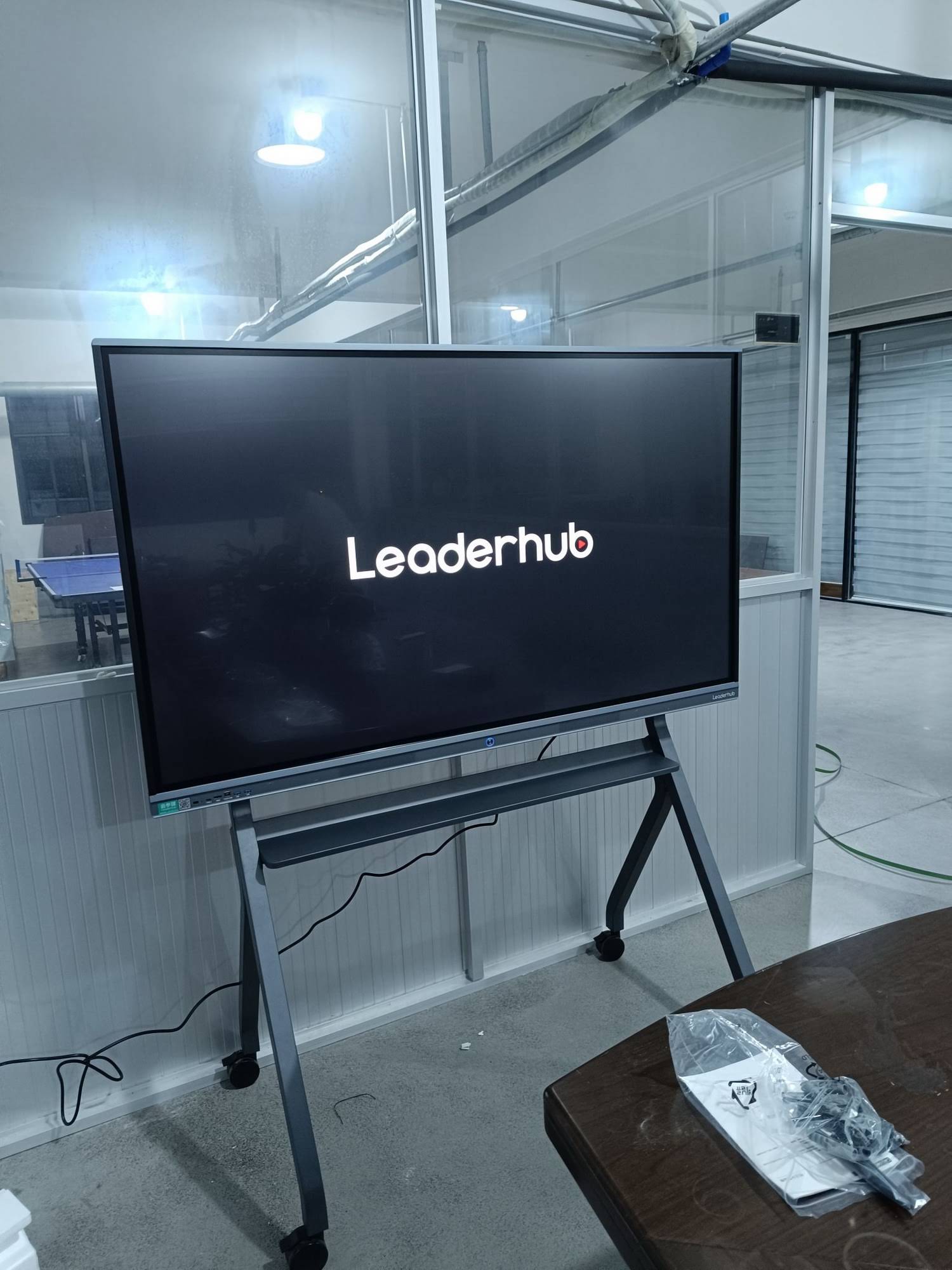
A smart board, also called an interactive whiteboard or interactive flat panel, is a large touch-enabled display that combines the functions of a traditional whiteboard, a projector, a computer and a collaboration hub in one device. Modern smart whiteboards for classrooms typically offer 4K resolution, multi-touch input, built-in Android or Windows systems, wireless screen sharing and cloud storage.
The reason this matters for learning is simple: the way information is presented shapes how well it is understood and remembered. A static chalkboard supports one mode of communication. A smart board supports text, images, video, animation, handwriting, student devices and live web content at the same time, and lets learners interact with all of them physically.
Traditional Whiteboard vs. Smart Board at a Glance
| Feature | Traditional Whiteboard | Interactive Smart Board |
|---|---|---|
| Content types | Handwriting and drawings only | Text, video, 3D models, web, apps, handwriting |
| Student interaction | One student at a time with a marker | Multi-touch, up to 20 points; device casting from seats |
| Saving lessons | Erased at the end of class | Saved to cloud, shared with absent students |
| Accessibility | Fixed size, glare, limited visibility | Zoom, high contrast, text-to-speech, screen recording |
| Assessment | Manual, delayed | Live quizzes, polls, instant feedback |
10 Proven Benefits: How Smart Boards Help Students Learn
1. Higher Engagement Through Active Participation
Engagement is the first and most visible change teachers notice. Research summarised in the EEF Digital Technology Guidance points out that technology improves outcomes most when it increases the quality of student practice and interaction rather than simply replacing a textbook with a screen. Smart boards do exactly this by turning passive listening into doing.
- Physical interaction: students come to the board to sort, match, label, draw and solve, which anchors attention.
- Instant variety: a teacher can switch from a diagram to a video clip to a live poll in seconds, resetting attention spans.
- Gamified activities such as timed challenges and team quizzes make repetitive practice feel purposeful.
2. Multi-Sensory Learning That Fits Every Learning Style
Learners process information differently. Visual learners benefit from diagrams and colour coding, auditory learners from embedded audio and narration, and kinesthetic learners from touching and moving objects on screen. A smart board brings all three channels together in a single lesson, so the same explanation reaches more students the first time it is delivered.
For example, a biology teacher explaining the circulatory system can show an animated heart, pause it, annotate the valves by hand, play the sound of a heartbeat, and then ask a student to trace the blood flow path with a finger. That single sequence covers seeing, hearing and doing.
3. Better Retention and Deeper Understanding
When students manipulate information rather than copy it, they encode it more deeply. Dual-coding theory, which underpins much of modern instructional design, suggests that combining words with relevant visuals strengthens memory. Smart boards make dual coding effortless: every concept can be paired with an image, a graph or a short animation on demand.
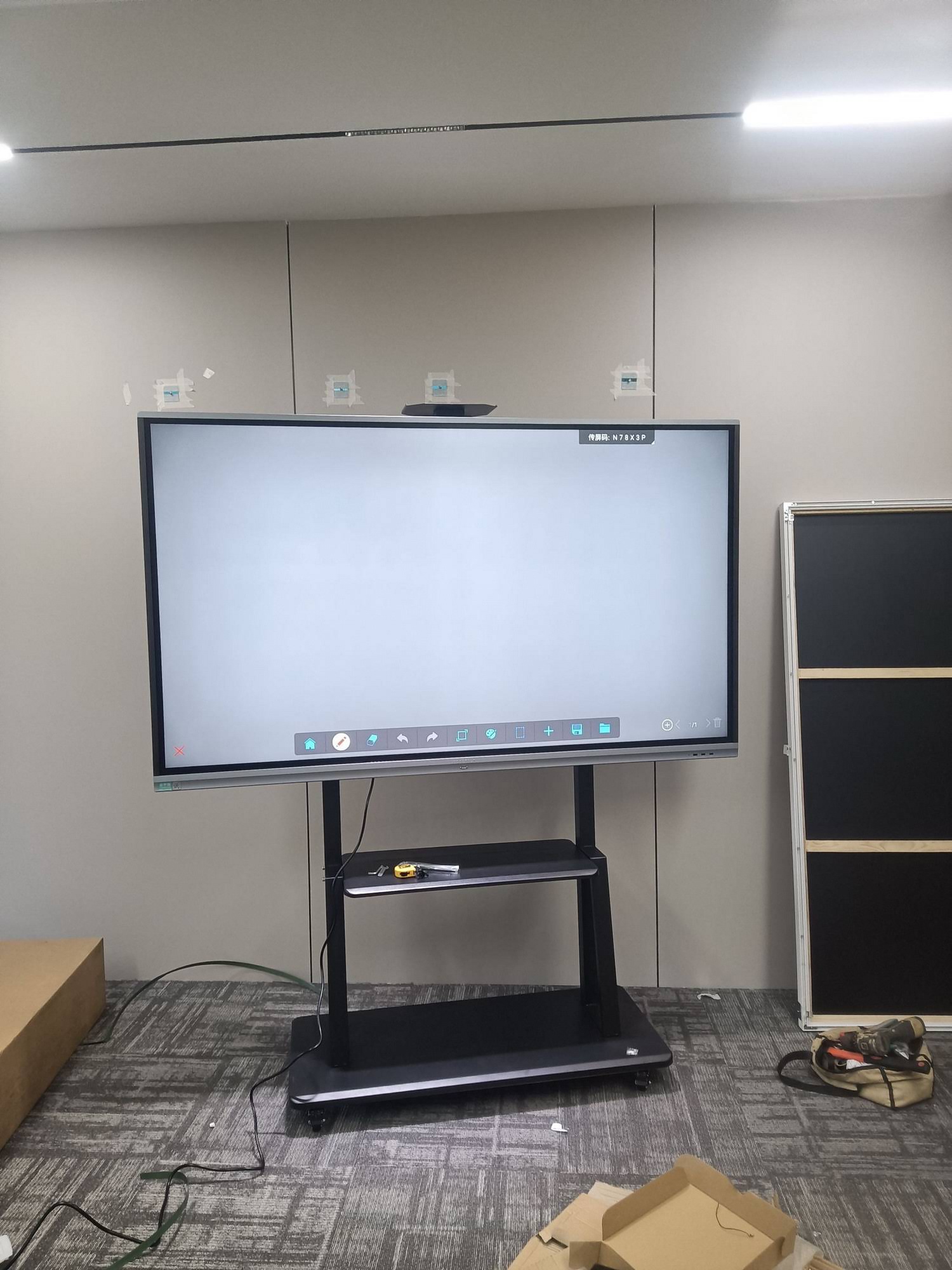
Saved lesson pages add another layer. Because the board records every annotation, teachers can reopen yesterday’s notes at the start of class for a two-minute recap, a retrieval-practice technique that significantly improves long-term recall.
4. Real-Time Feedback and Formative Assessment
One of the most powerful answers to how smart boards help students learn is speed of feedback. Built-in quiz and polling tools let a teacher ask a question, collect responses from every student’s device or by hand on the board, and see results instantly as a chart.
- Teacher poses a question at the board.
- Students respond via tablets, phones or by coming to the board.
- Results display immediately, revealing misconceptions.
- The teacher adjusts the lesson on the spot instead of discovering gaps a week later on a test.
This loop is exactly what the OECD research on technology and student learning identifies as a high-value use of classroom technology: tools that help teachers respond to what students actually understand.
5. Stronger Collaboration and Communication Skills
Multi-touch displays allow several students to work on the board simultaneously. Group problem-solving, shared mind maps and collaborative storyboards become natural classroom activities. Students learn to negotiate, explain their reasoning and build on each other’s ideas, skills that are increasingly emphasised in the ISTE Standards for Students.
Wireless screen sharing extends collaboration to every seat. A student can cast their work from a tablet to the main board for peer review, and the class can annotate it together without anyone leaving their desk.
6. Access to Unlimited Digital Resources
A smart board connected to the internet gives teachers an enormous library at their fingertips: virtual science labs, interactive maps, primary-source archives, language pronunciation tools and open educational resources. Lessons no longer depend on which posters happen to be on the wall or which textbook edition the school owns.
| Subject | Smart Board Activity Example | Learning Gain |
|---|---|---|
| Mathematics | Dynamic geometry tools, drag-and-drop equation solving | Visualising abstract concepts |
| Science | Virtual dissections, 3D molecule models | Safe, repeatable experiments |
| Languages | Audio flashcards, handwriting recognition | Pronunciation and spelling accuracy |
| History & Geography | Interactive timelines, satellite map layers | Contextual, spatial understanding |
| Arts | Digital sketching, music notation editing | Creative expression and iteration |
7. Inclusive Learning for Students With Diverse Needs
Smart boards remove many barriers that traditional boards create. Text can be enlarged for students with visual impairments. High-contrast modes help those with colour vision deficiency. Text-to-speech supports students with dyslexia. Screen recording lets a student with ADHD or a chronic illness review the lesson at their own pace.
Inclusion also means language. Translation tools and bilingual captions make lessons more accessible to English-language learners, a growing population in classrooms worldwide. The Digital Learning for Children report from UNICEF highlights that well-designed digital tools can narrow rather than widen equity gaps when they are used intentionally.
8. Supports Hybrid, Remote and Flipped Learning
Since 2020, schools have needed classrooms that work for students in the room and students at home. A smart board with a built-in camera and microphone array can stream the lesson, share the board view to remote learners and record everything for later viewing. Flipped classrooms also benefit: teachers can record a concise explanation on the board, assign it as homework, and spend class time on application and discussion.
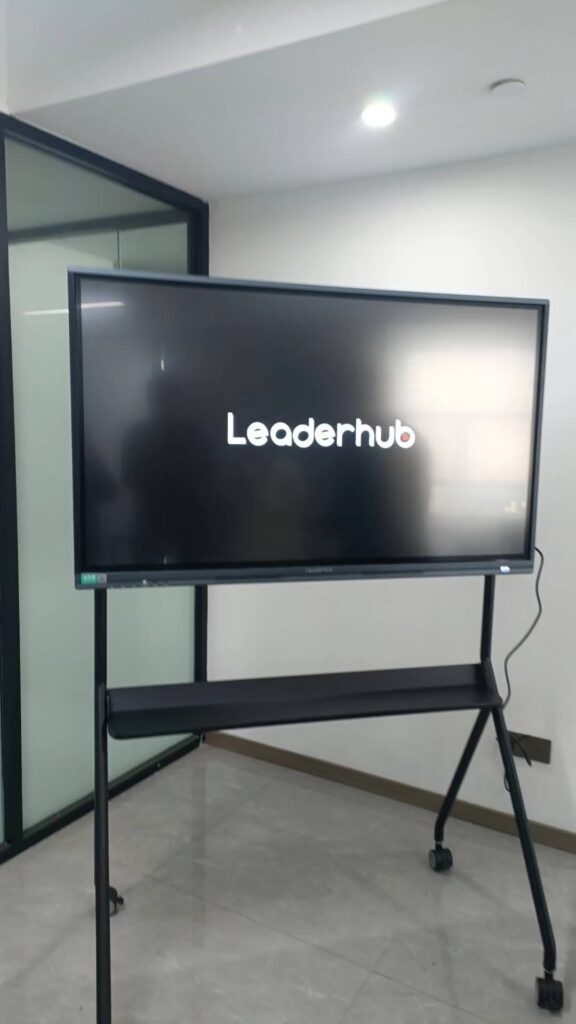
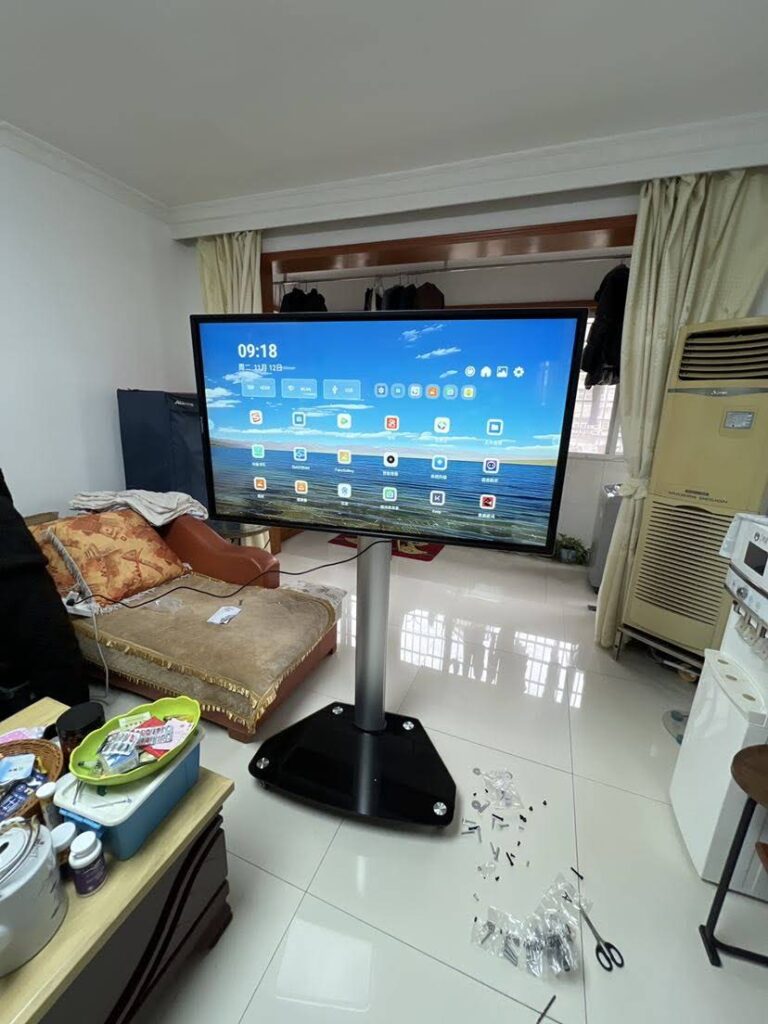
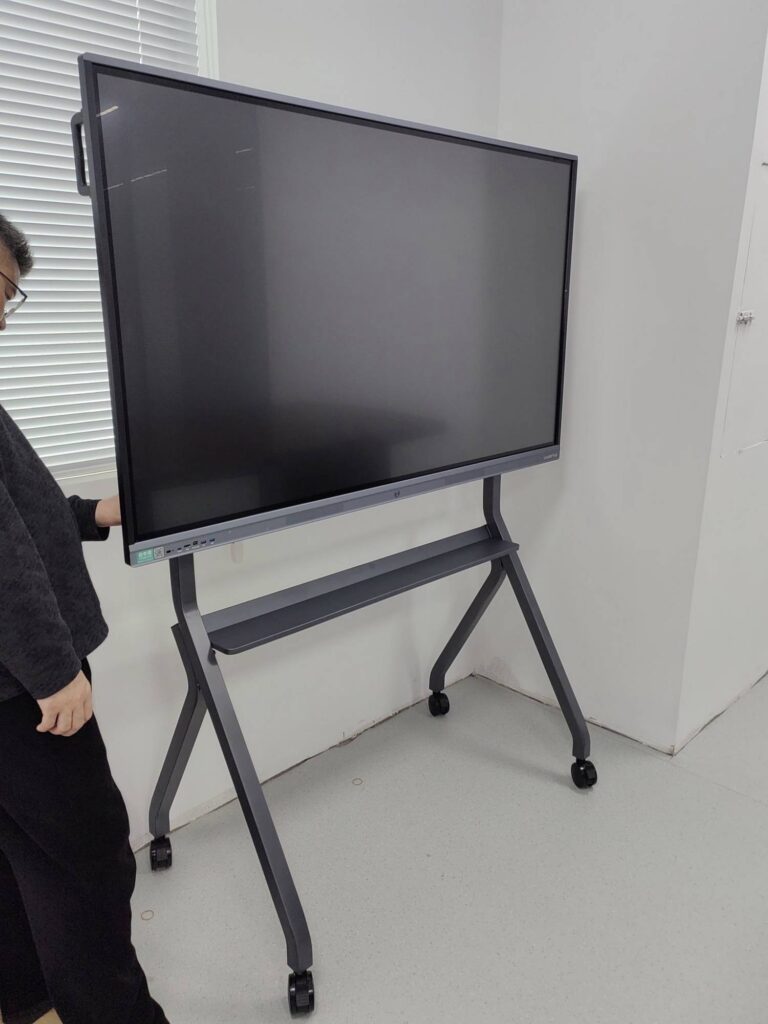
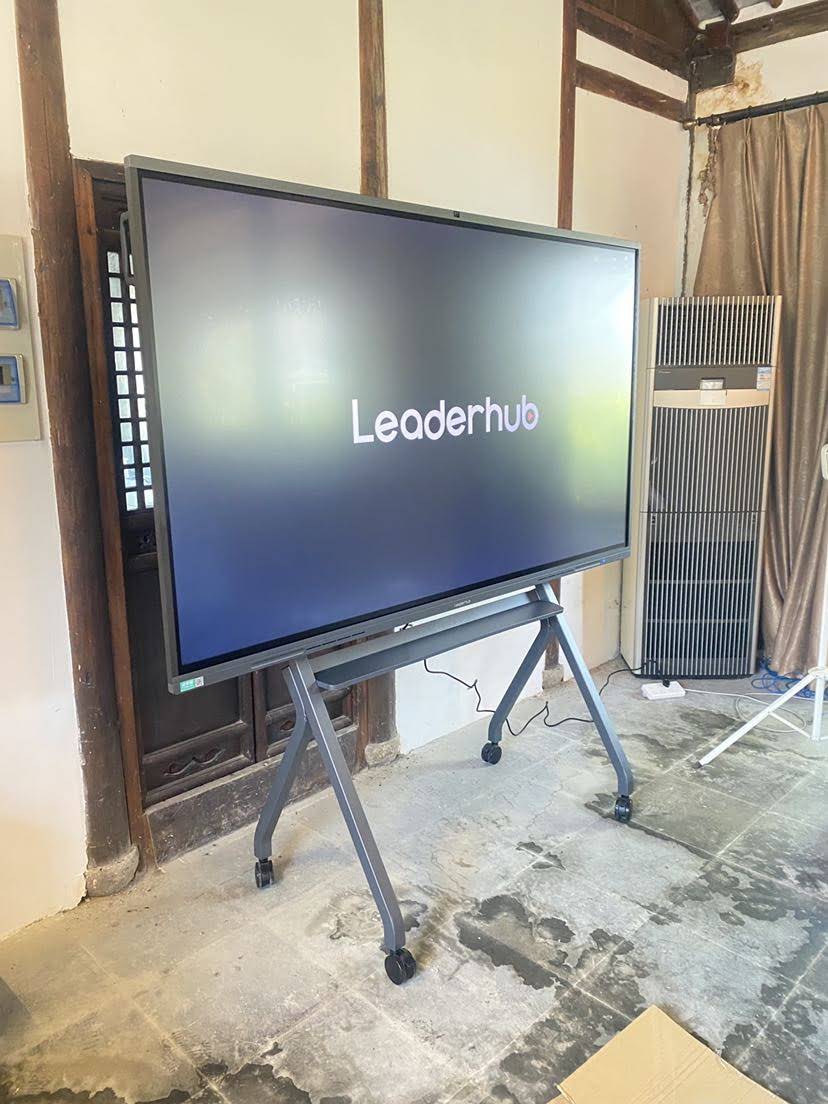
Mobile options matter here too. A 55-inch mobile 4K interactive display on a rolling stand can move between a science lab, a library breakout room and a small-group tutoring space, extending the investment across the whole school.
9. Saves Teacher Time and Improves Lesson Quality
Students learn more when teachers have more time to teach. Smart boards reduce the minutes lost to setting up projectors, hunting for markers, erasing and redrawing. Lessons prepared once can be reused and refined year after year. Annotations made during class become instant handouts, and templates for graph paper, music staves or lined pages appear with a tap.
- Pre-built lesson files replace repetitive board writing.
- One-touch screenshots capture worked examples for absent students.
- Integrated timers, random name pickers and scoreboards manage classroom routines automatically.
- Cloud sync means a teacher can prepare at home and present at school without carrying files.
10. Builds Digital Literacy and Future-Ready Skills
Daily exposure to interactive technology prepares students for workplaces where digital collaboration is standard. They learn to present on a large screen, annotate shared documents, evaluate online sources and co-create in real time. The UNESCO Technology in Education Report stresses that technology should serve learning goals rather than drive them, and smart boards, used well, model exactly that balance: the tool stays in the background while thinking stays at the centre.
What the Evidence Says About Smart Boards and Student Results
It is worth being honest about what research does and does not show. Installing a smart board does not automatically raise test scores. The gains appear when three conditions are met together:
- Teacher training: educators know how to design interactive activities, not just display slides.
- Pedagogical purpose: every use of the board connects to a clear learning objective.
- Reliable hardware: responsive touch, clear 4K visuals and stable connectivity so the technology never becomes the lesson’s obstacle.
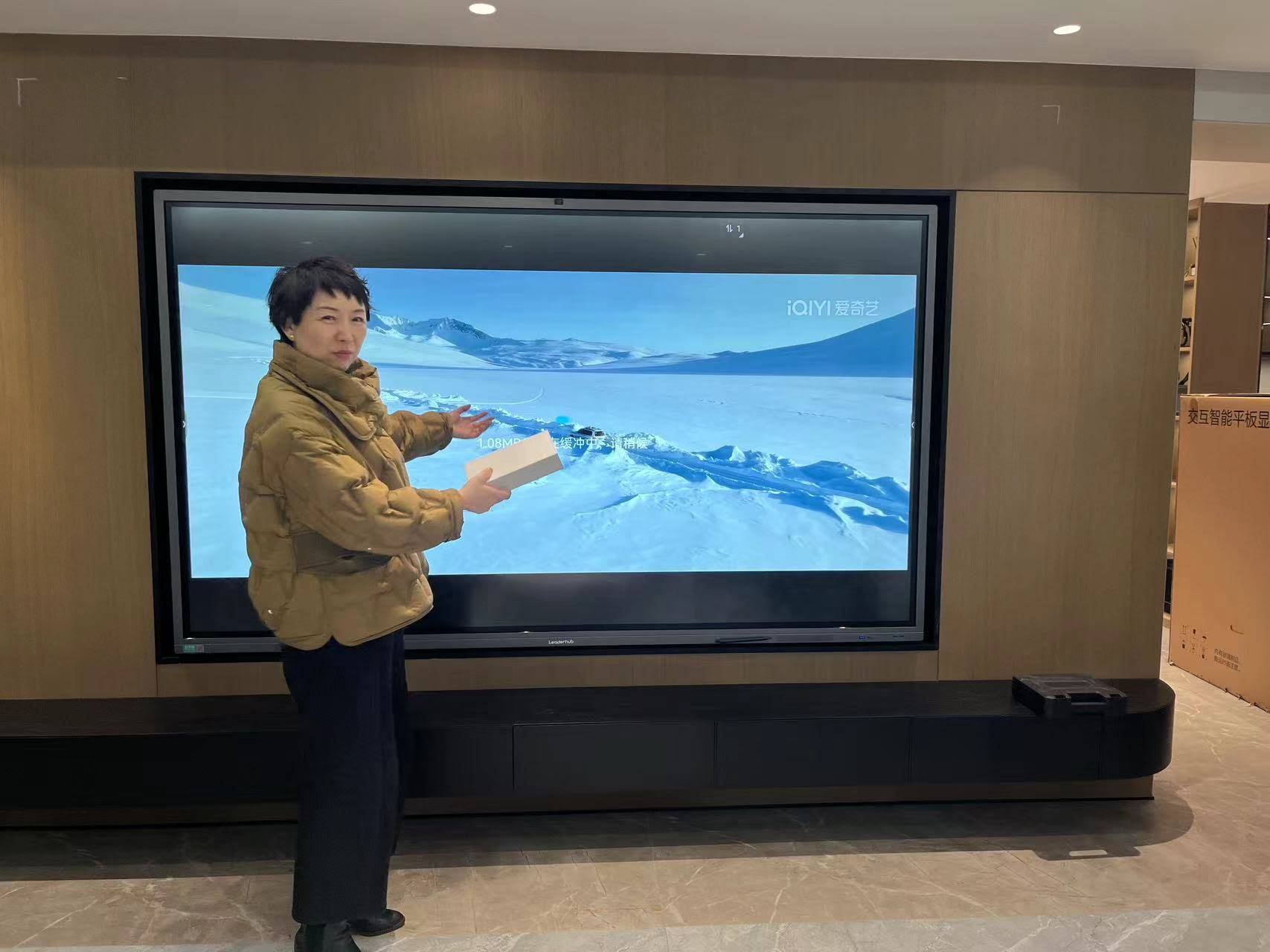
Studies collected under the OECD Digital Education Outlook consistently find that interactive technologies produce their strongest effects on engagement, motivation and formative assessment, which in turn drive achievement over a school year. Schools that pair smart boards with ongoing professional development report the most durable improvements.
Choosing the Right Smart Board for Your Classroom
Not every room needs the same display. Screen size should match room depth, touch technology should match the age group, and the operating system should fit the software your teachers already use. The table below offers a simple starting point.
| Classroom Type | Recommended Size | Key Features to Prioritise |
|---|---|---|
| Early years / small groups (up to 15) | 55″ – 65″ | Height-adjustable or mobile stand, durable glass, simple UI |
| Standard classroom (20–35 students) | 75″ | 4K anti-glare panel, 20-point touch, wireless casting |
| Large classroom / lecture hall | 86″ – 110″ | High brightness, built-in camera and mic for hybrid teaching |
| STEM lab / maker space | 65″ – 75″ mobile | Rolling stand, multiple HDMI/USB-C inputs, Windows mini PC slot |
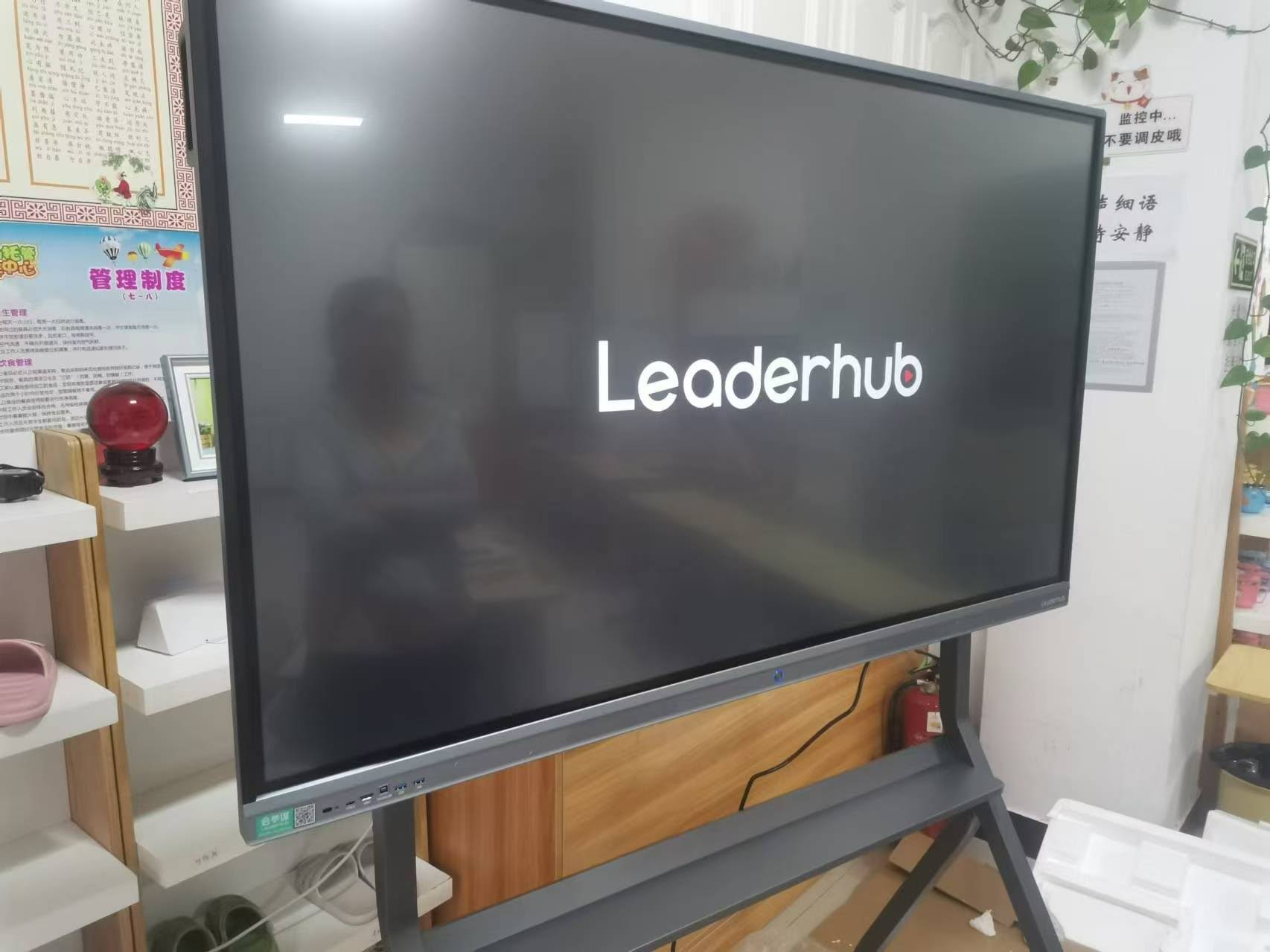
For budget-conscious schools, the LeaderHub L75ZM 75″ 4K interactive whiteboard delivers the core classroom feature set at an accessible price, while the HM series adds a rotatable design for portrait-mode documents and reading activities. Pairing any panel with a compact classroom mini PC gives teachers full Windows compatibility for existing lesson software.
Practical Tips for Teachers Getting Started
Start small and build routines
Begin with one interactive activity per lesson, such as a warm-up poll or a drag-and-drop review. Once students know the routine, expand to collaborative tasks and student-led presentations.
Let students own the board
The biggest learning gains come when students, not just teachers, touch the screen. Rotate roles so every learner presents, annotates or solves at the board each week.
Save and share everything
Export lesson pages to a shared class folder. Absent students catch up faster, and revision before exams becomes far more efficient.
Balance screen time with thinking time
The board is a tool for discussion, not a replacement for it. Pause the display regularly for pair talk, written reflection or hands-on work, in line with guidance from the OECD Screen Time Research.
Why Schools Worldwide Trust LeaderHub
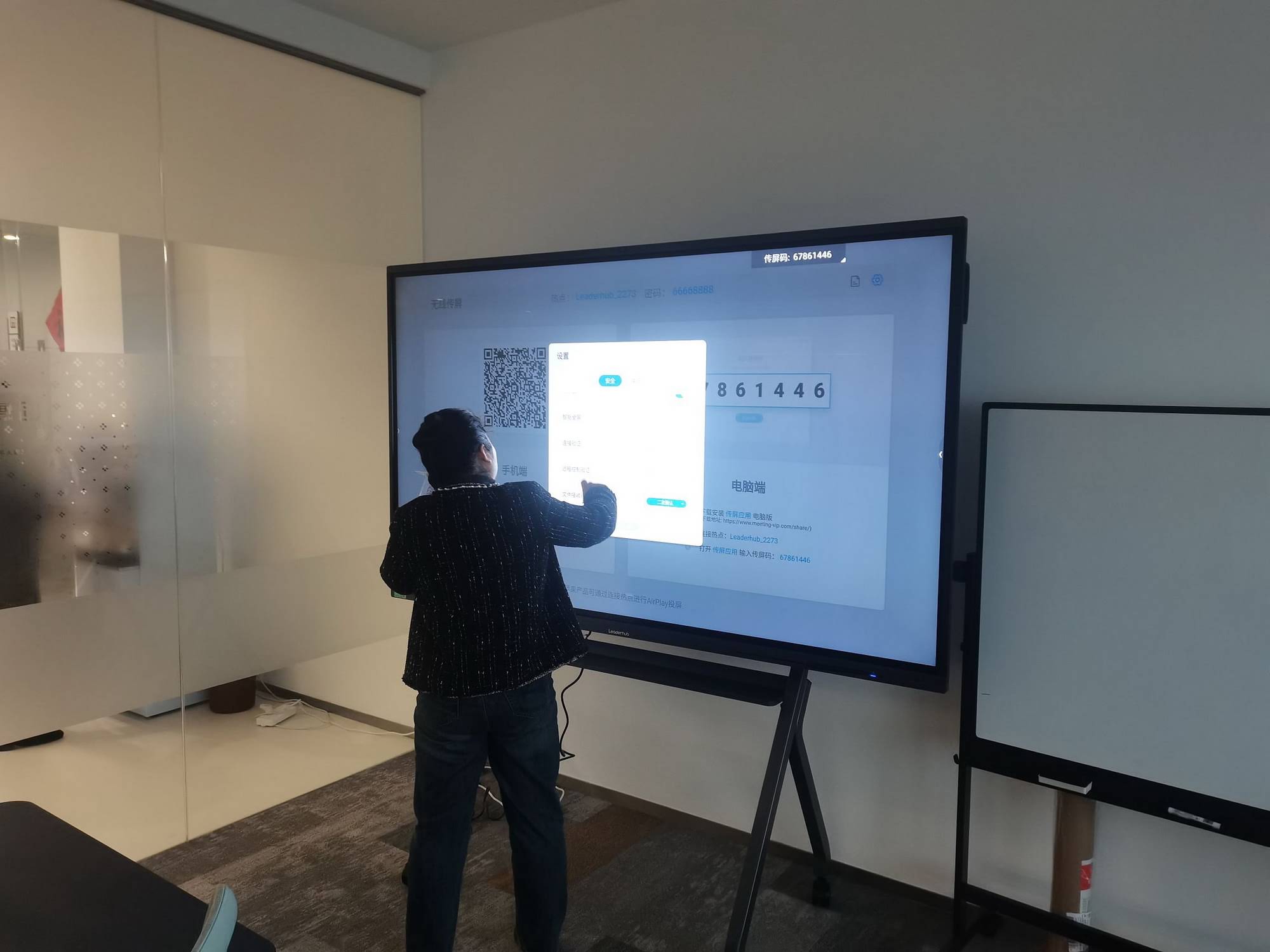
LeaderHub is a Shenzhen-based interactive display manufacturer with 16 years of industry experience, serving schools, universities and training institutions in more than 82 countries. Our smart whiteboards and interactive flat panels are built around one idea, AI Changes Life, and engineered to make interactive learning affordable for every classroom, from a single 65-inch panel to a district-wide deployment. Educators who want to see the panels in action can contact our education team for a demonstration or a tailored quote.
Frequently Asked Questions
Do smart boards really improve student grades?
Smart boards improve the conditions that lead to better grades: engagement, immediate feedback, retention and inclusion. Measurable gains depend on how well teachers integrate the board into instruction, which is why training is essential.
At what age can students start using a smart board?
Children as young as three can benefit from touch-based activities such as sorting shapes or tracing letters. Lower-mounted or height-adjustable panels make this practical in early-years settings.
How long does a classroom smart board last?
Quality LED interactive panels are rated for 50,000 hours or more of use, which typically translates to 8–10 years in a school environment, far longer than a projector-based system.
Can a smart board work without internet?
Yes. Whiteboarding, annotation, saved lessons and most built-in apps function offline. Internet is needed only for live web content, cloud sync and remote learners.
Is a smart board better than a projector and whiteboard combination?
In almost every case. Interactive panels offer sharper 4K images with no shadows or glare, no bulb replacements, faster start-up, and true multi-touch interaction that projectors cannot match.
Final Thoughts
So, how do smart boards help students learn? They make lessons visible, tangible and shared. They give teachers instant insight into understanding, give students a reason to participate, and give every learner, regardless of ability or language, a clearer path into the material. When paired with thoughtful teaching and reliable hardware, an interactive smart board stops being a piece of equipment and becomes the most-used learning tool in the room.
Ready to transform your classroom? Explore the full range of LeaderHub interactive displays and find the right fit for your students.