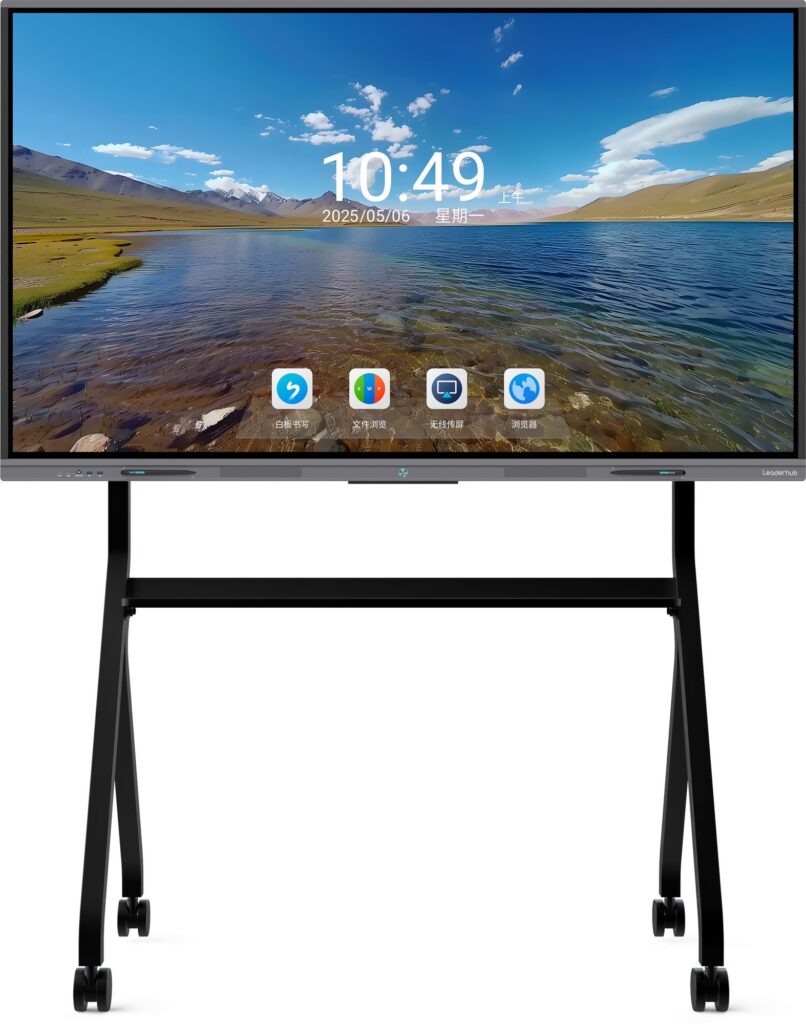
A smart classroom is not simply a classroom with more devices. The most effective smart classroom solutions make teaching easier, student interaction more natural and classroom technology simpler to manage.
For many schools, governments, education distributors and system integrators, the interactive flat panel has become the core device for that transformation. It combines a large 4K display, touch interaction, digital whiteboarding, multimedia presentation and wireless content sharing in one classroom platform.
This matters even more in large education projects. Buying 100 displays is a procurement task. Deploying 100 classrooms that teachers can use every day is an education technology project.
For Leaderhub, the goal is not to make a classroom more complicated with more devices, but to build a practical interactive teaching platform that schools can use, standardize and scale. 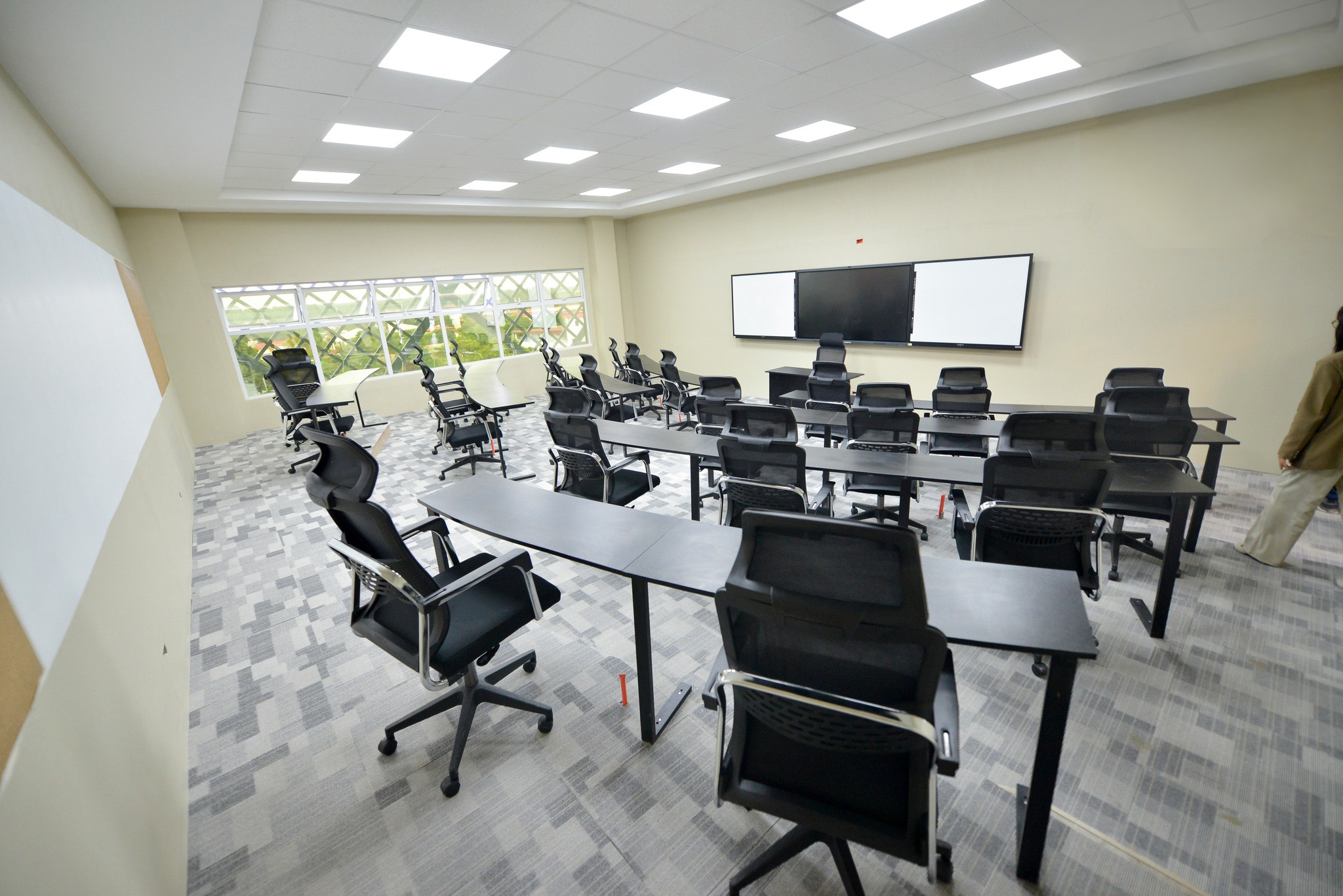
What Is an Interactive Flat Panel Smart Classroom Solution?
An interactive flat panel smart classroom solution uses a large touchscreen display as the main teaching and collaboration platform in the classroom.
Instead of relying on a projector, separate whiteboard and repeated cable connections, teachers can present lessons, write directly on the screen, annotate documents, play multimedia content and share screens from laptops or mobile devices from one central display.
The interactive flat panel is therefore not just a display. In a modern classroom, it can become the daily interface between teachers, students and digital learning content.
Leaderhub starts smart classroom planning from the interactive flat panel itself: the teaching workflow, the screen size, the writing experience, the built-in system and the compatibility required by the school. Optional devices should only be added when a real teaching scenario requires them.
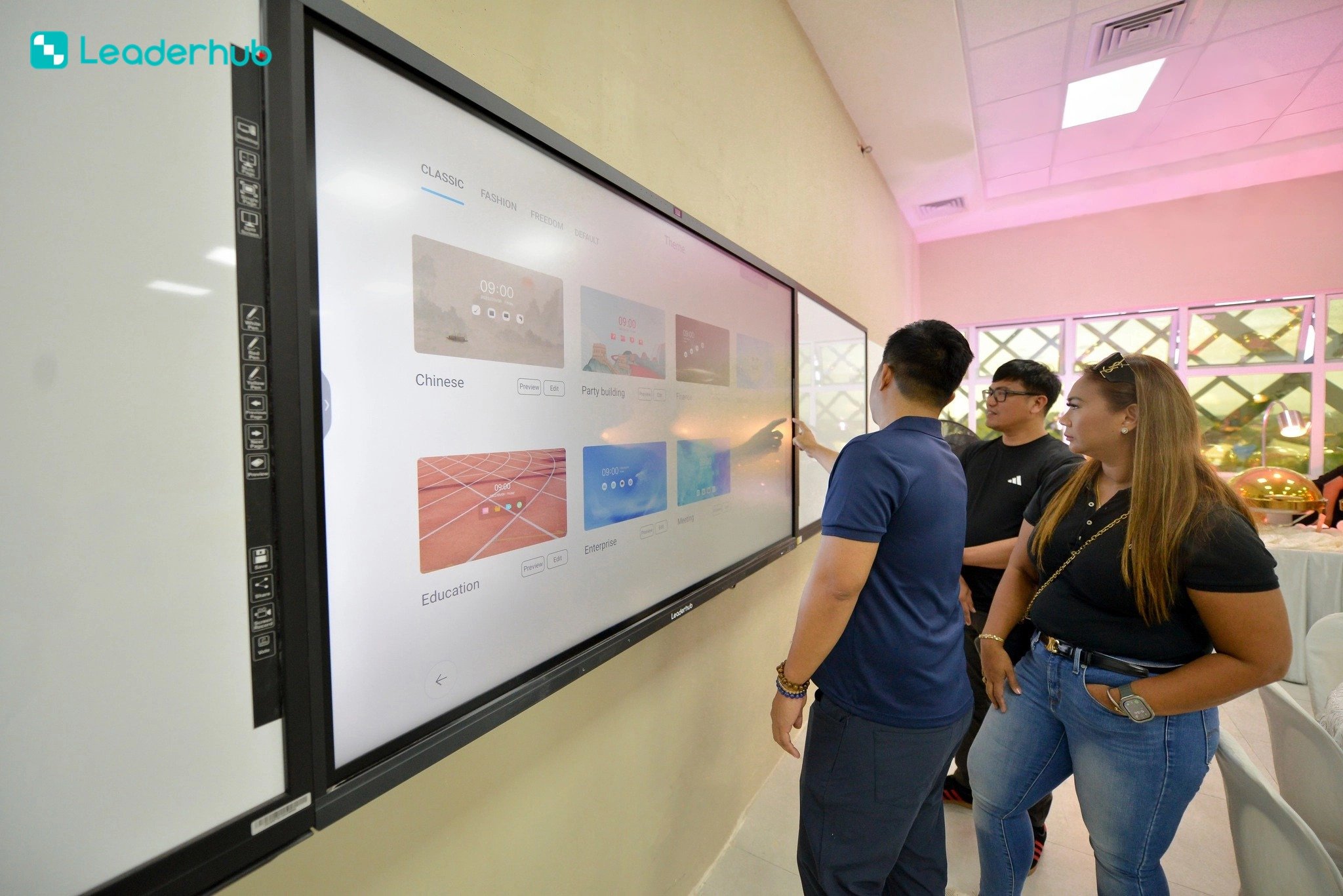
Interactive Flat Panel vs. Traditional Classroom
Traditional classrooms often rely on a blackboard or whiteboard, projector and separate computer. That setup can work, but it usually requires teachers to move between different tools and connection methods during a lesson.
An interactive flat panel brings the most frequently used teaching functions onto one screen, helping reduce setup time and supporting more interactive teaching.
| Traditional Classroom | Interactive Flat Panel Classroom |
| Blackboard or whiteboard | Digital whiteboard and touch interaction |
| Projector | 4K interactive flat panel |
| Separate computer for most tasks | Built-in Android with optional Windows computing |
| HDMI cable switching | Wireless screen sharing plus wired connectivity |
| Static presentation | Touch-based teaching and annotation |
| Manual notes | Digital notes that can be saved and shared |
| Teacher-led display | Multi-user classroom interaction |
| Multiple devices to manage | More classroom functions integrated into one platform |
The value is not the screen itself. The value is a simpler teaching workflow: turn on the display, open the lesson, write, present, interact and save – with fewer steps between each action.
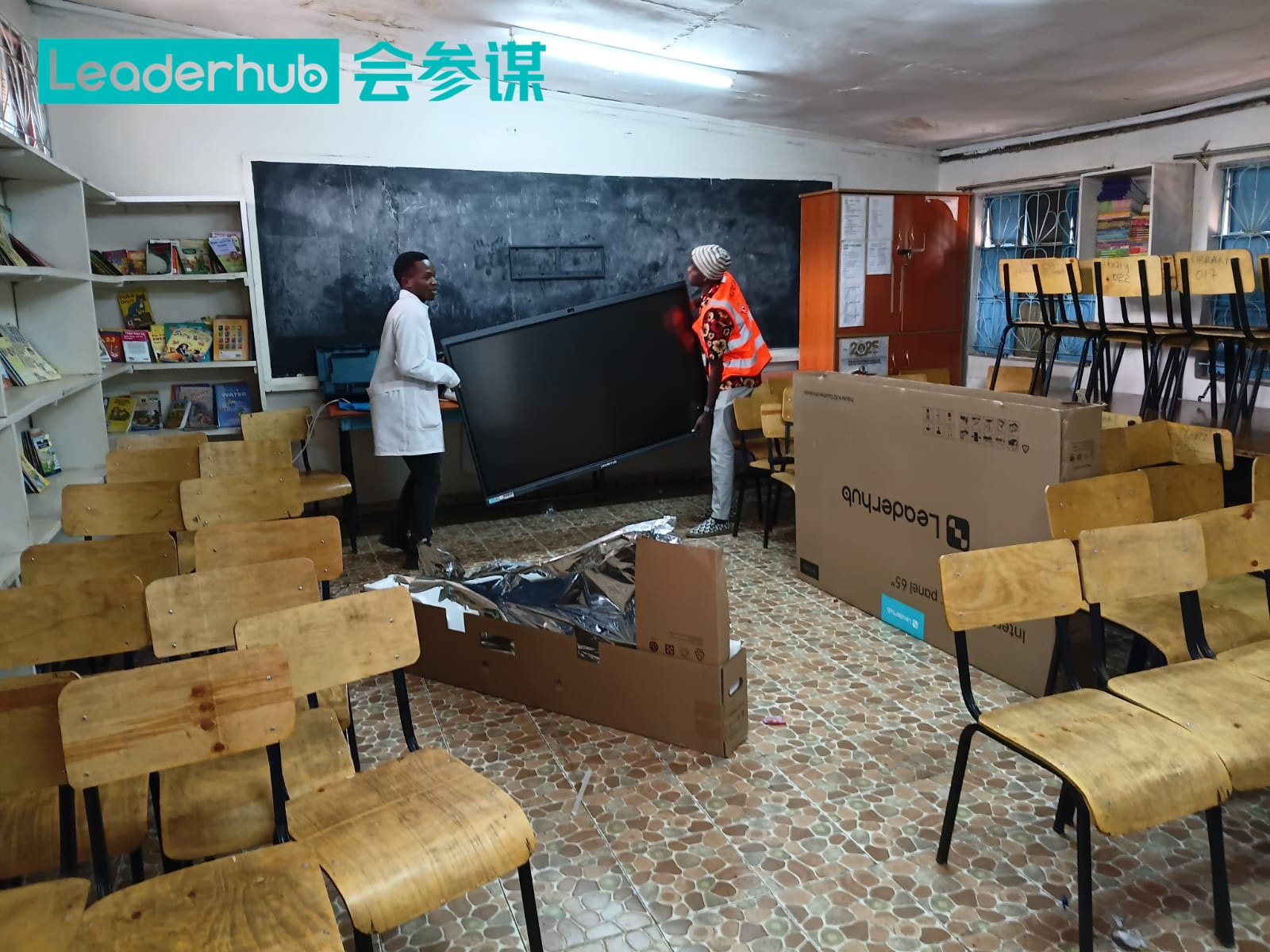
This is also the logic behind Leaderhub’s education solution: the product should reduce the number of steps a teacher needs to complete a lesson, rather than simply adding more technology to the front of the classroom.
Why Interactive Flat Panels Are Becoming the Core of Smart Classrooms
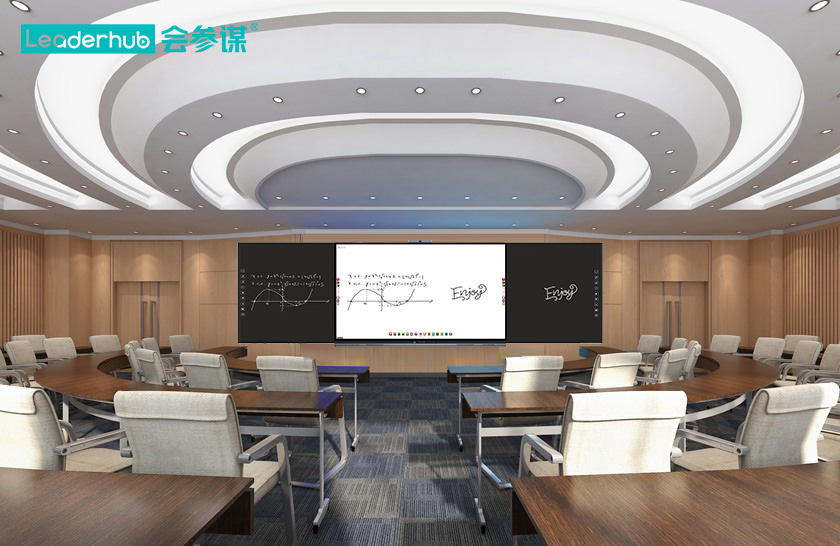
- One Screen for Teaching, Writing and Presenting
Teachers can move between presentations, webpages, videos, documents and whiteboarding without changing the main teaching position. This helps reduce interruptions during class and keeps students focused on the lesson.
- More Natural Classroom Interaction
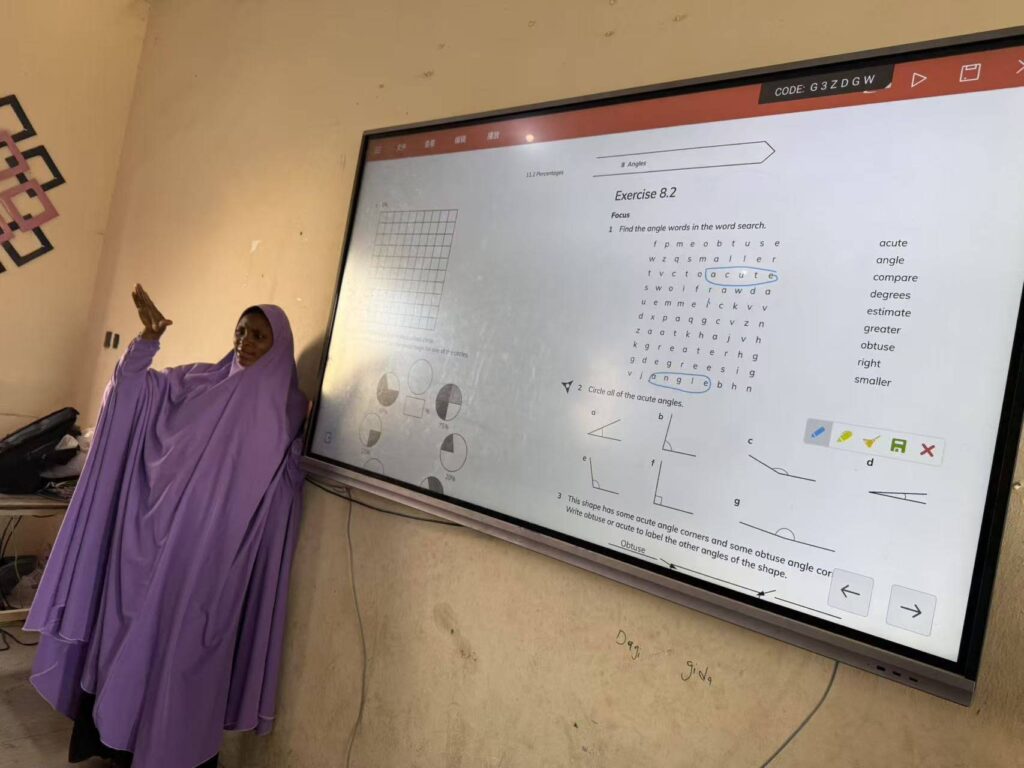
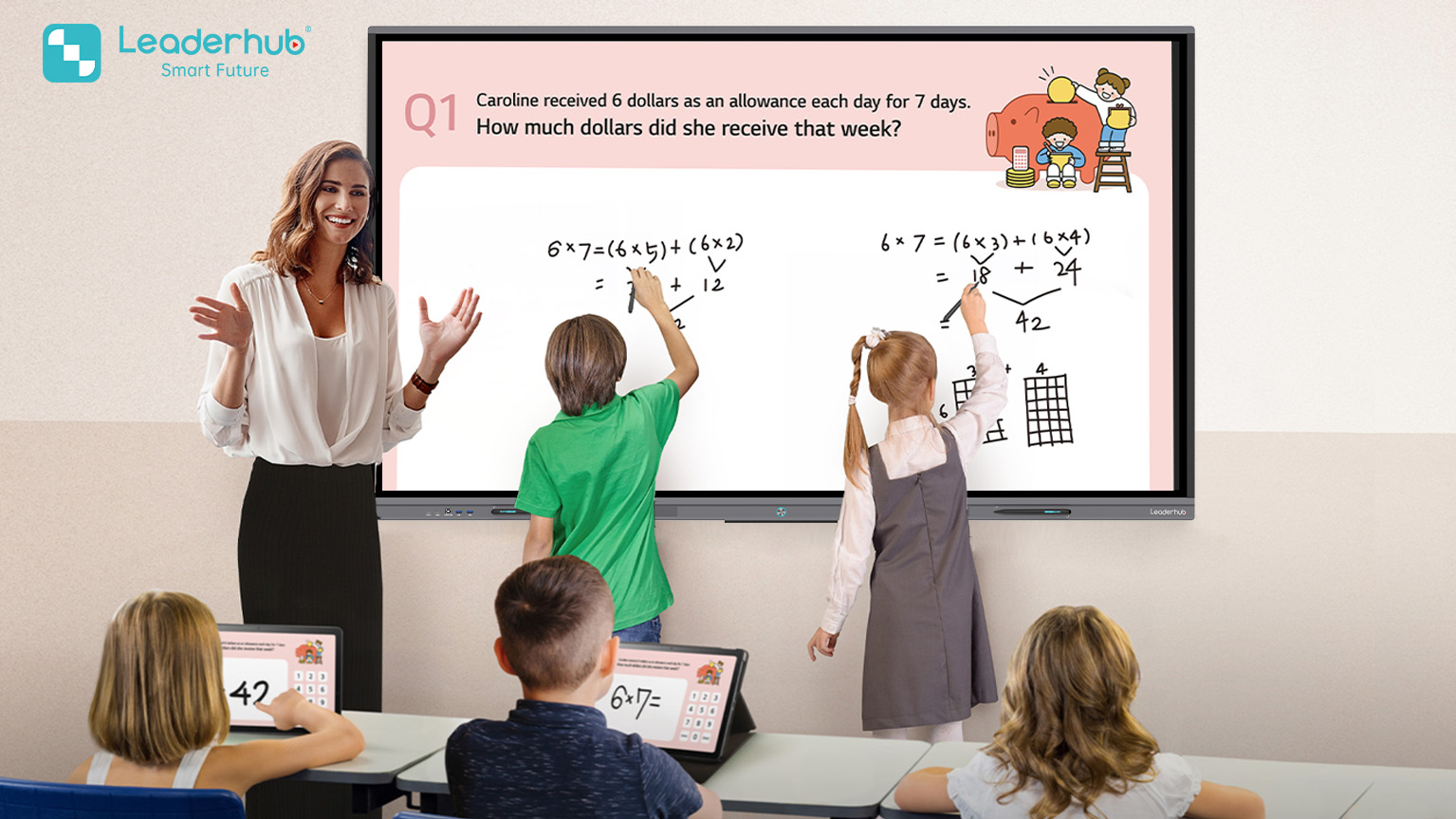
Touch control turns the classroom display into an interactive teaching surface. Teachers can write, draw, highlight, zoom and annotate directly on content, while students can be invited to interact with exercises or learning materials on the screen.
- Better Visibility Than Projector-Based Teaching
A 4K interactive flat panel provides consistent image clarity without the shadowing and ambient-light limitations common with projectors. This is particularly important for classrooms using detailed text, diagrams, videos and digital courseware.
- Easier Access to Digital Learning Content
With a built-in operating system, teachers can access common classroom tools and digital content directly from the display. When a school requires Windows-only applications or specialized curriculum software, optional computing can be added without changing the core classroom workflow.
- Easier Standardization for Education Projects
For a school group or government education project, standardized interactive flat panels can simplify procurement, installation, teacher training and after-sales support. Project teams can define a repeatable classroom standard around one central teaching platform.
If you are planning a school upgrade, distributor project or government education tender, share your target market, classroom quantity, preferred screen sizes and teaching requirements. Our team can help you define a practical interactive flat panel configuration for the project.
Learn more at Leaderhub.com or contact the Leaderhub team for project consultation.