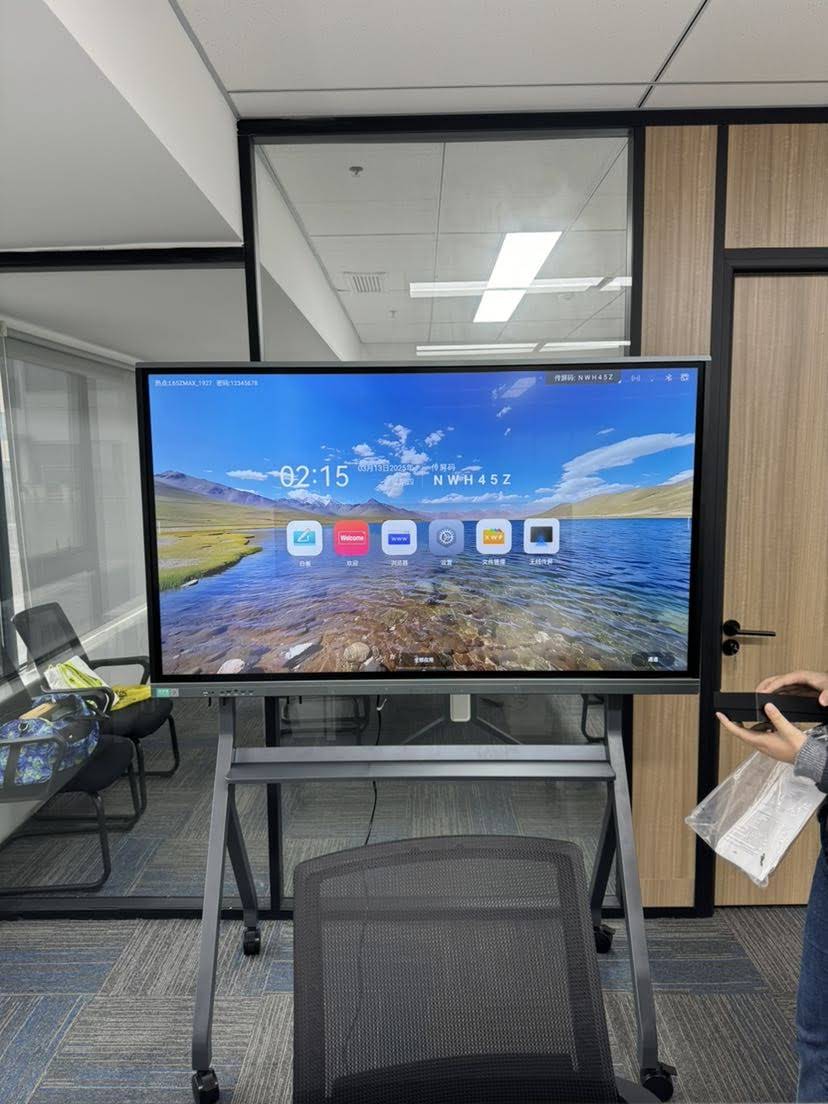
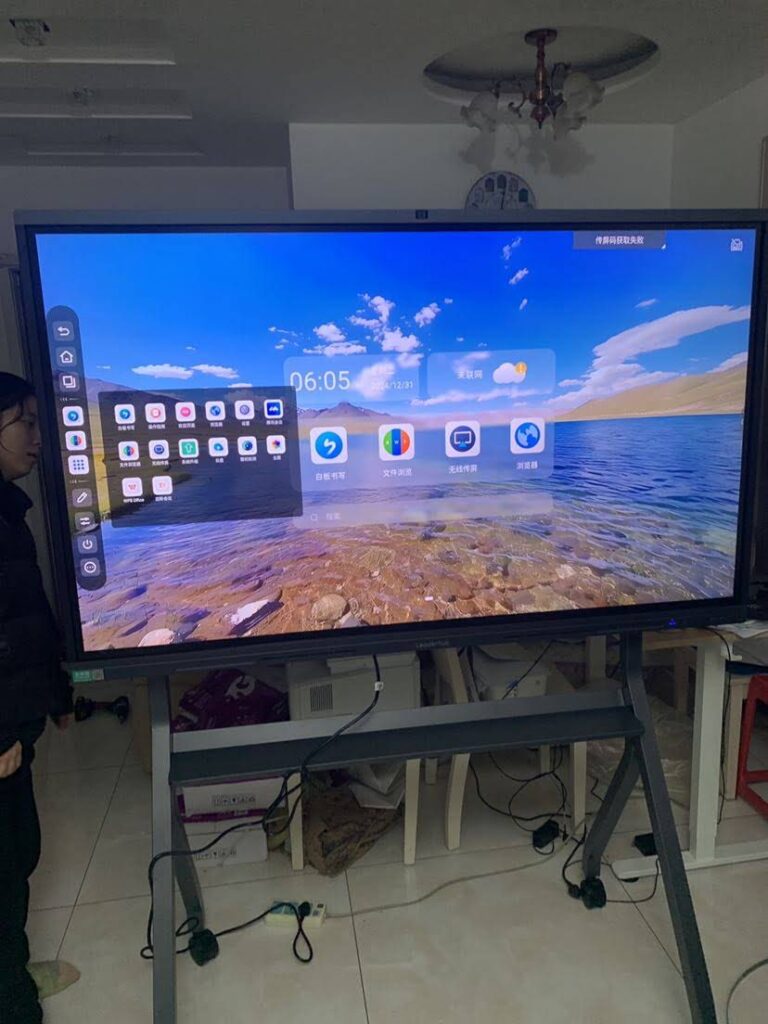
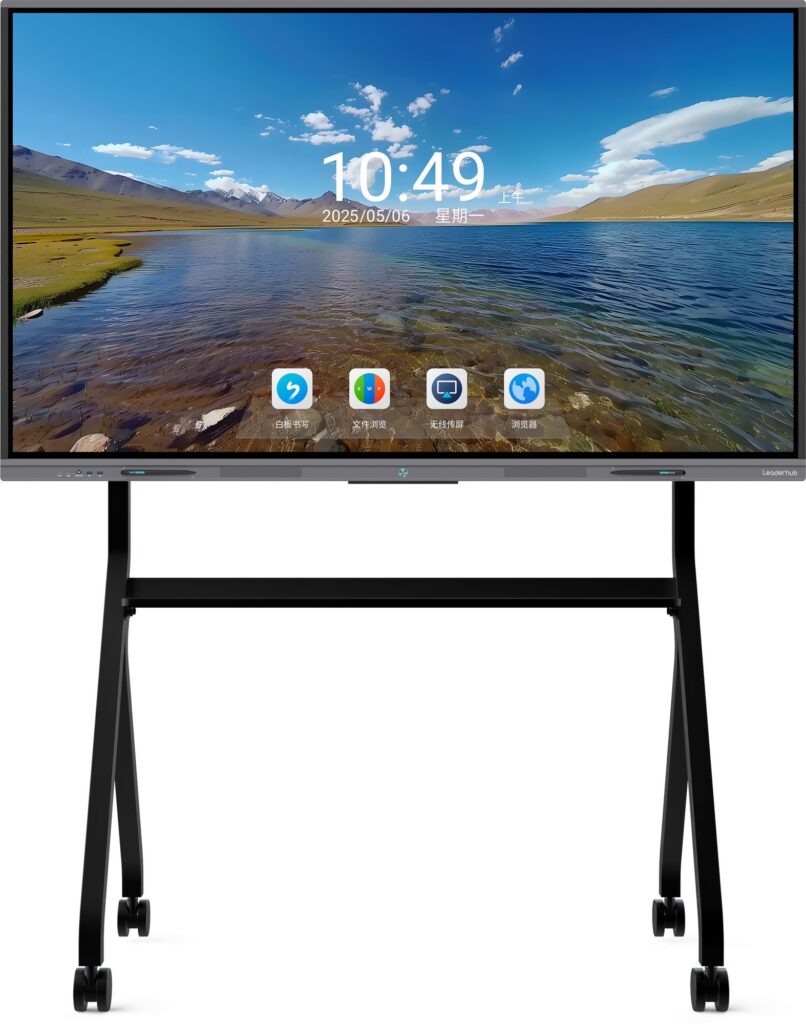
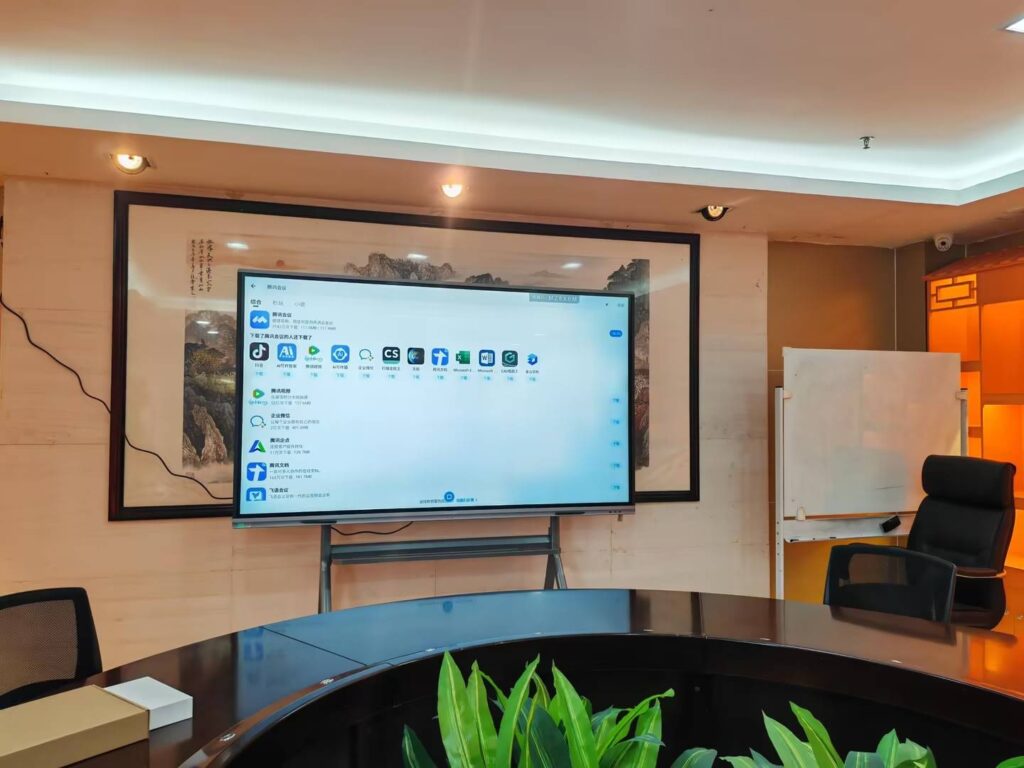
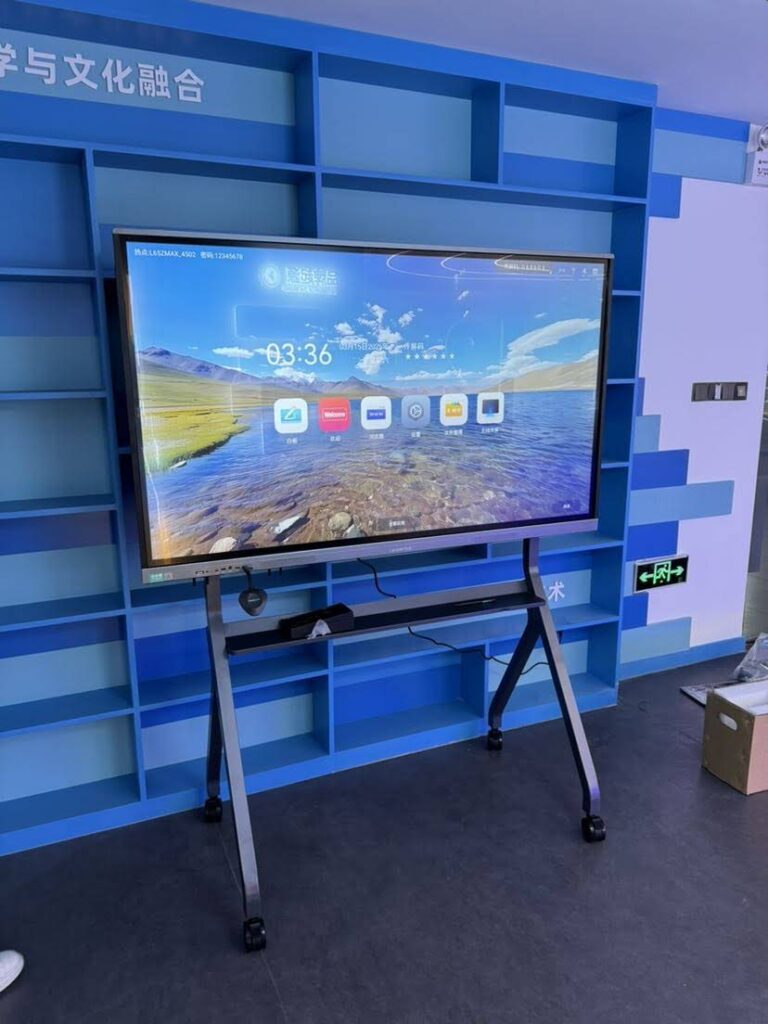
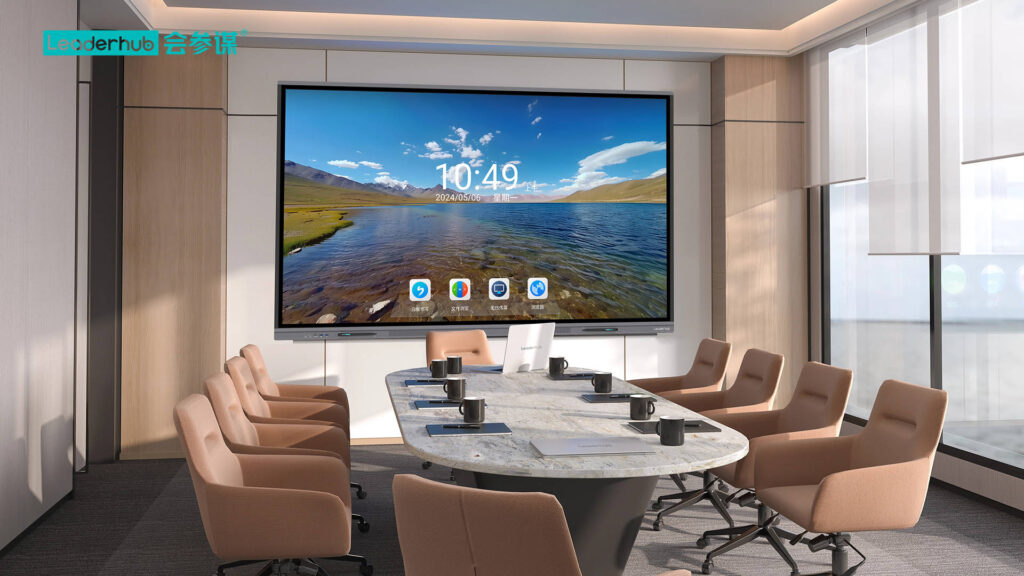
A smart board can turn a passive lesson into an active learning experience. In today’s classrooms, it is not just a digital screen — it is a teaching hub for writing, presenting, collaborating, saving notes, and keeping students engaged.
When used well, a smart board helps teachers explain ideas faster and gives students more ways to interact with content. Research from
UNESCO Global Education Monitoring Report
and
ISTE Standards for Educators
also shows that technology works best when it supports clear pedagogy, collaboration, and meaningful participation.
What Can a Smart Board Do in the Classroom?
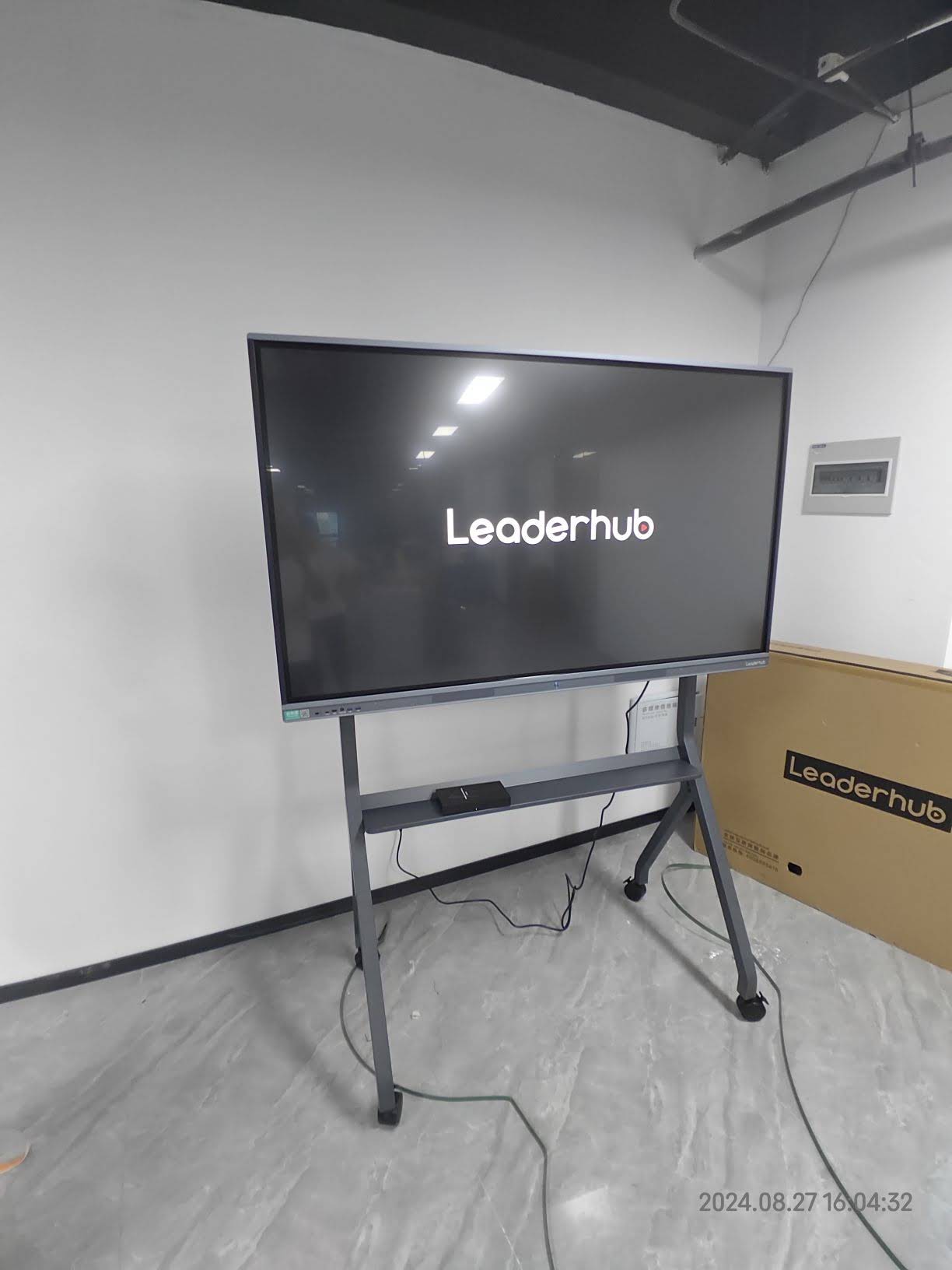
The short answer: a lot. A smart board combines a large display, touch interaction, annotation tools, multimedia playback, and lesson-sharing features in one device. That means teachers can teach from the front of the room while still keeping the lesson interactive.
- Display lesson content such as slides, websites, documents, videos, and live demos.
- Write and annotate directly on the screen with a finger or stylus.
- Invite students to participate by dragging, sorting, solving, and highlighting.
- Save classroom notes for review, absentees, or homework follow-up.
- Support hybrid learning by sharing the same content with remote students.
Top Uses for Teachers
For teachers, the biggest advantage is flexibility. One smart board can replace several separate tools: projector, whiteboard, annotation pad, and presentation display.
1. Deliver more visual lessons
Teachers can open presentations, diagrams, maps, videos, and websites in one place. This makes it easier to explain abstract topics in science, math, history, and language arts.
2. Annotate in real time
Instead of switching between devices, a teacher can circle key words, underline formulas, or draw diagrams while speaking. Real-time annotation helps students follow the logic of the lesson step by step.
3. Save time with reusable lessons
A smart board lets teachers save notes, screenshots, and annotated pages. That means a lesson can be reused, updated, and shared quickly across different classes.
4. Manage class participation
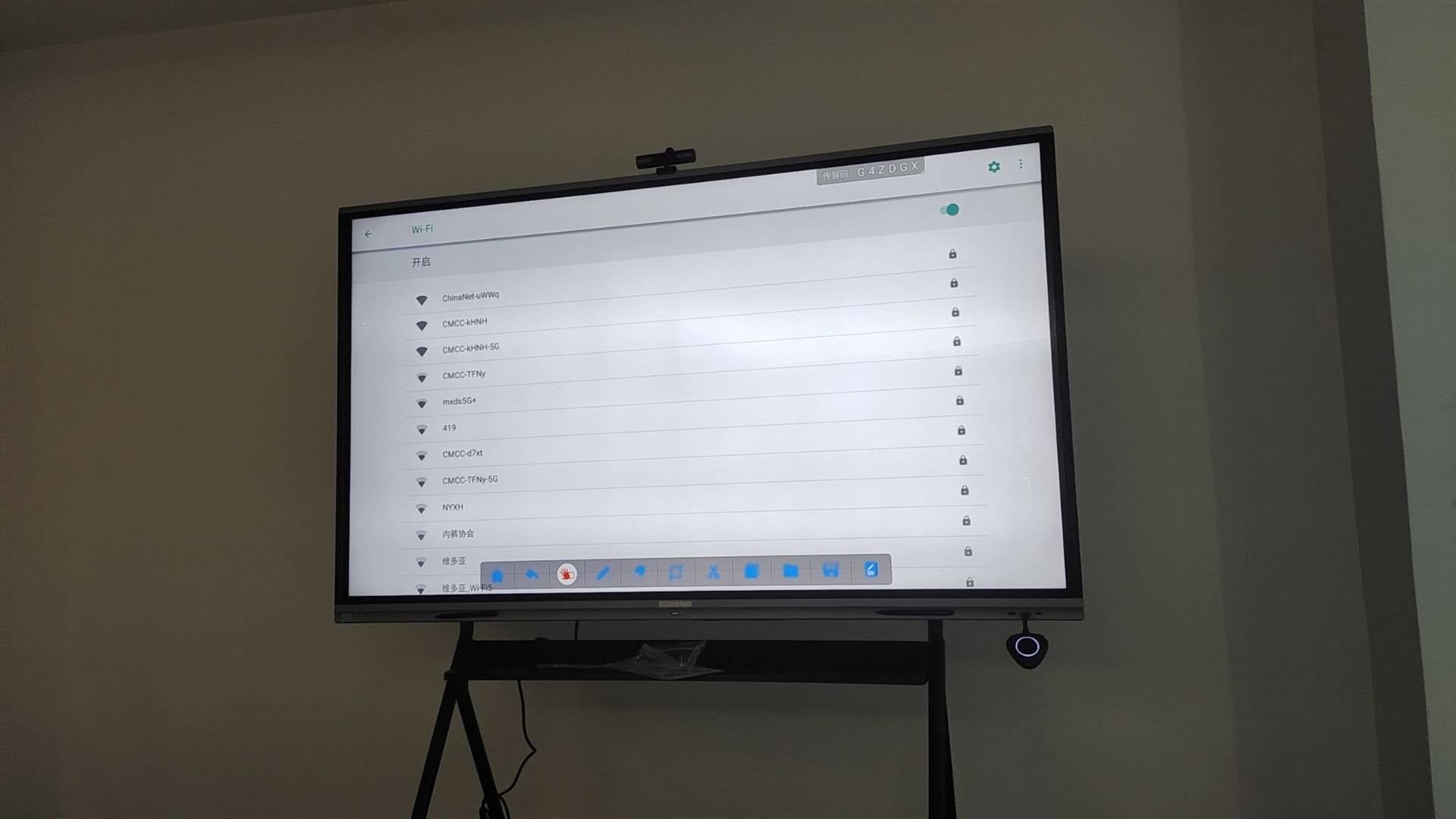
Teachers can use the board for warm-up questions, quick polls, vocabulary sorting, matching games, and exit tickets. These short interactive moments help keep students focused throughout the lesson.
5. Support differentiated instruction
Some students learn best by seeing. Others need to touch, move, or hear information. A smart board supports all of those styles by combining visuals, touch input, audio, and multimedia in one lesson flow.
What Can Students Do with a Smart Board?
A smart board is not just for teacher-led instruction. It can also give students more ownership of the lesson and more chances to practice communication, problem-solving, and teamwork.
- Come to the board and solve a math problem step by step.
- Label parts of a diagram in science or geography.
- Build group ideas during brainstorming and writing tasks.
- Present projects using images, videos, and live notes.
- Review mistakes together and explain reasoning aloud.
Student benefits at a glance
| Classroom Use | What Students Do | Main Benefit |
|---|---|---|
| Interactive problem solving | Write, drag, match, and explain answers | Improves engagement and retention |
| Group brainstorming | Contribute ideas in real time | Strengthens collaboration |
| Student presentations | Present slides, media, and notes | Builds confidence and communication skills |
| Lesson review | Revisit saved annotations and examples | Makes revision easier |
Best Smart Board Features for Modern Classrooms
If you are selecting a smart board for a school, these features usually matter most:
- 4K display quality for clear text, images, and videos.
- Multi-touch support so more than one student can interact at the same time.
- Easy annotation tools for quick marking and note-taking.
- Wireless sharing for teachers and students to present without cable clutter.
- Lesson saving and exporting to keep classroom content organized.
- Compatibility with classroom software and common teaching files.
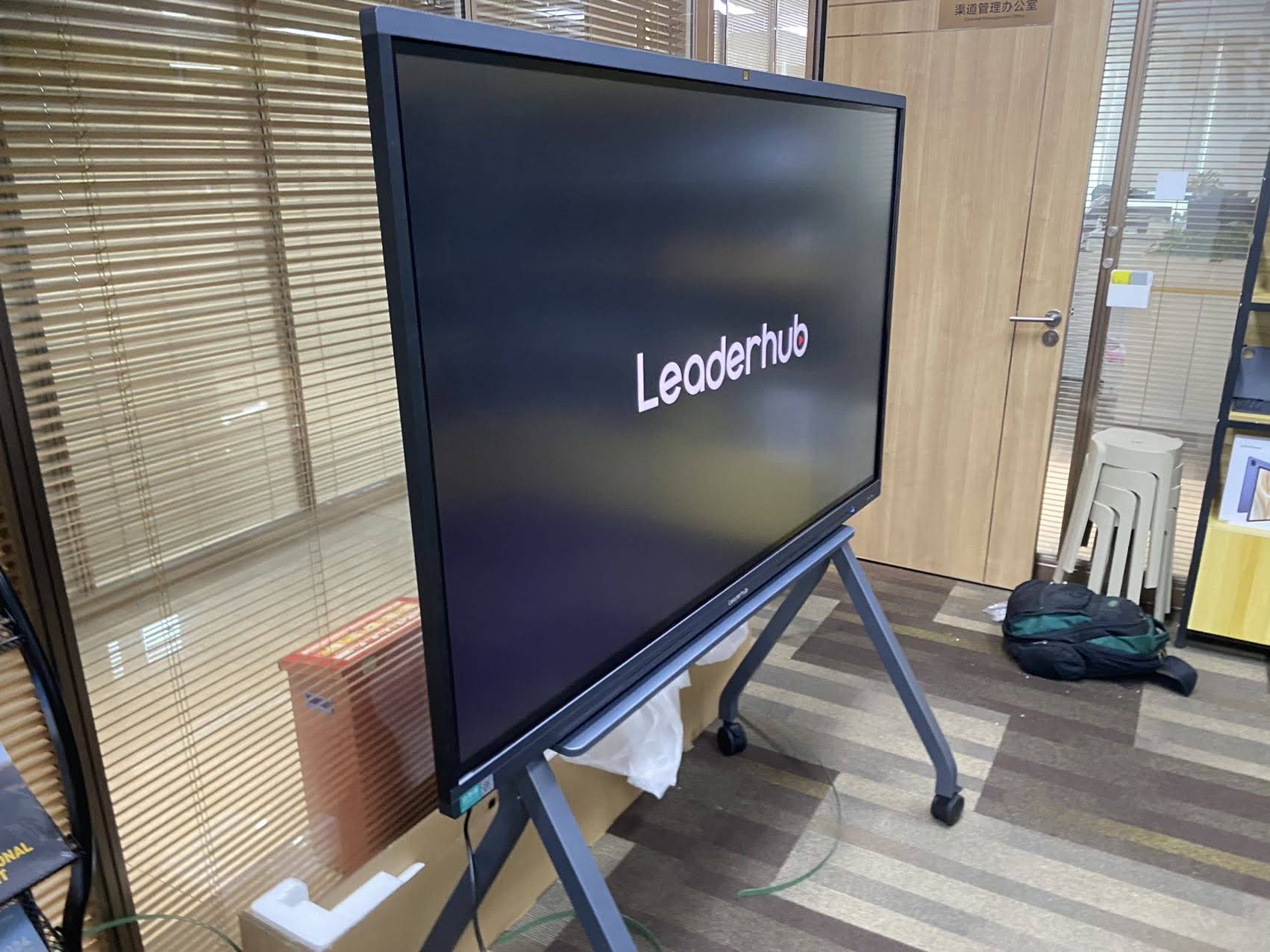
Smart Board Activities That Keep Students Engaged
The best classroom activities are the ones that get students thinking and moving. A smart board makes it easy to turn ordinary lessons into active tasks.
- Warm-up quiz: Start class with a short drag-and-drop activity or quick question set.
- Shared reading: Highlight key sentences, vocabulary, and main ideas together.
- Science demo: Show diagrams, lab steps, or simulations in a bigger and clearer format.
- Math practice: Solve equations publicly and correct mistakes as a class.
- Exit ticket: Ask students to answer one final question before they leave.
How Smart Boards Improve Classroom Collaboration
Collaboration is one of the strongest reasons schools invest in smart boards. Instead of watching from a distance, students can work together on the same task, on the same screen, at the same time.
This is especially helpful in project-based learning, peer review, and group presentations. Students can edit ideas live, discuss changes, and compare answers without waiting for printed handouts or separate devices.
Recommended Setup for Schools
A strong classroom setup usually includes a smart board, a reliable mini PC, and stable internet access. If your school is building a full interactive environment, explore these internal resources:
-
Smart whiteboards
for core classroom teaching. -
Mini PCs
for smooth performance and easy installation. -
Portable smart screens
for flexible teaching spaces. -
Shop products
to compare classroom-ready solutions.
| Product | Best Use | Link |
|---|---|---|
| 65″ Interactive Smart Whiteboard | Smaller classrooms and training rooms | View product |
| 75″ Interactive Smart Whiteboard | Standard K-12 and college classrooms | View product |
| 86″ Interactive Smart Whiteboard | Large classrooms and lecture halls | View product |
Smart Board Teaching Tips for Better Results
- Keep slides simple and leave space for live notes.
- Use the board for interaction, not just projection.
- Save annotated pages so students can review later.
- Balance screen time with discussion, writing, and hands-on work.
- Assign students to use the board regularly, not only the teacher.
For schools that want a dependable rollout, Leaderhub provides interactive display solutions designed for education and collaboration. If you are planning a classroom upgrade, the right board can make lessons more visual, more inclusive, and more memorable.
To learn more, visit
Contact Us
or review
UNESCO Digital Education
and
ISTE Standards for Students
for broader classroom technology guidance.