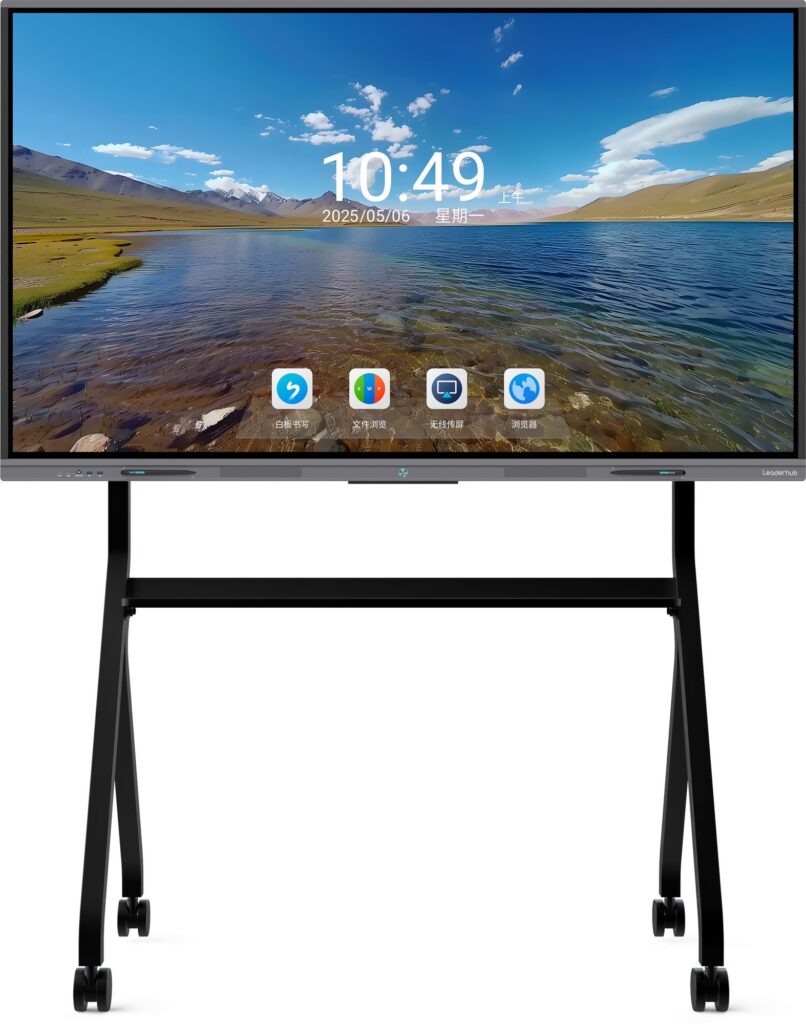
Choosing the right mobile smart whiteboard can be overwhelming when you’re faced with dozens of screen sizes, operating systems, and mounting options. Whether you’re outfitting a classroom, a corporate meeting room, or a training center, the wrong choice can lead to wasted budget and frustrated users. This guide breaks down exactly what to look for, based on real deployment experience across education and enterprise environments in over 80 countries.
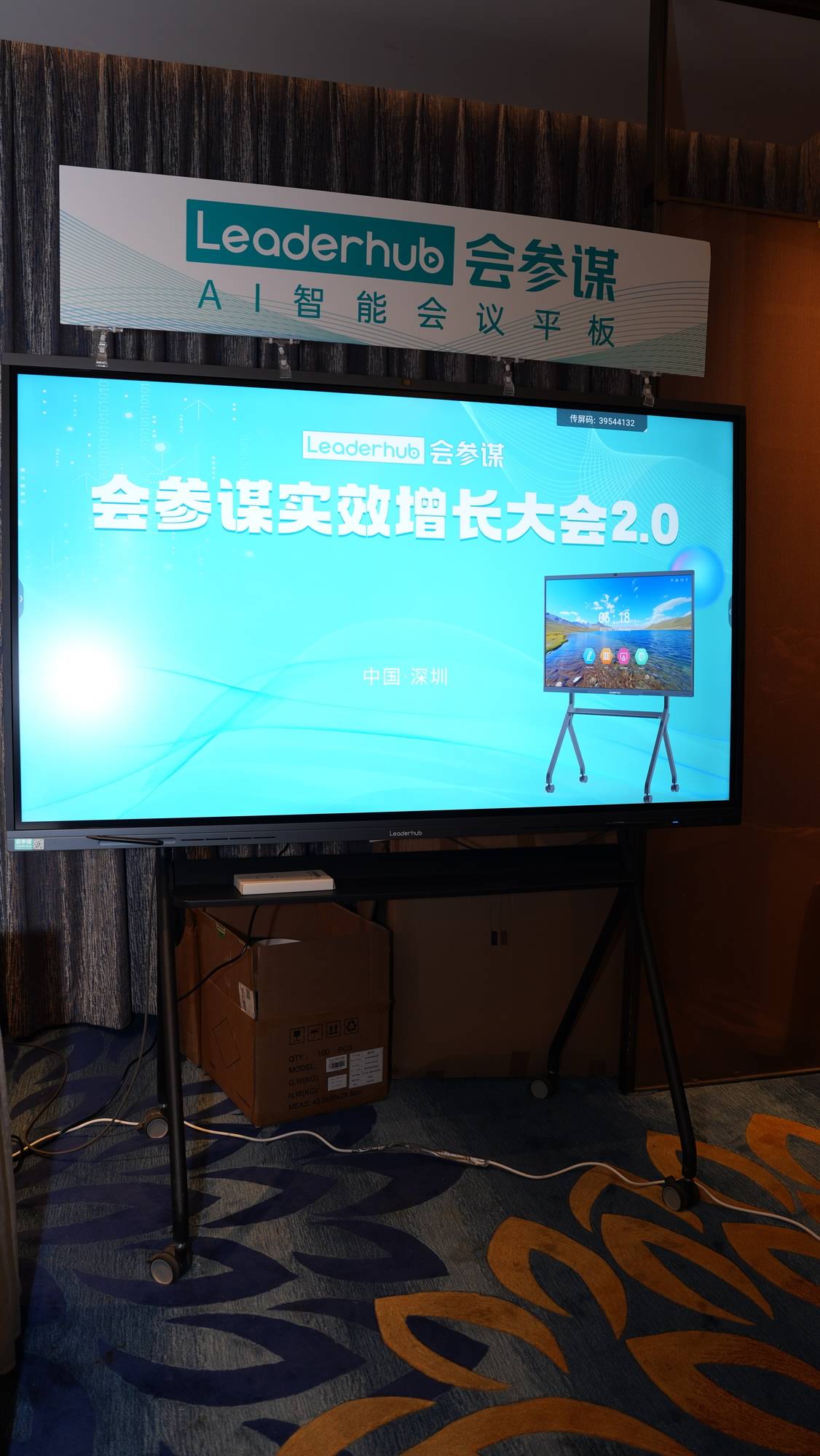
Why Mobility Matters in Modern Whiteboard Deployment
Unlike fixed wall-mounted panels, a mobile smart whiteboard sits on a wheeled stand or trolley, allowing it to move between rooms, floors, or even buildings. This flexibility is why schools with limited classroom space and businesses running hot-desk offices increasingly prefer mobile setups. According to feedback from over 200 institutional deployments we’ve tracked, mobility reduces per-room hardware costs by roughly 30-40% since a single unit can serve multiple spaces throughout the day.
Step 1: Determine the Right Screen Size
Screen size should match the room dimensions, not personal preference. Here’s a practical sizing reference based on viewing distance standards used in AV integration:
| Room Size | Recommended Screen Size | Typical Use Case |
|---|---|---|
| Small huddle room (up to 6 people) | 55″ – 65″ | Team standups, tutoring |
| Medium classroom/meeting room (10-20 people) | 65″ – 75″ | Lectures, board meetings |
| Large hall or lecture theater (20+ people) | 86″ and above | Conferences, training halls |
For example, the 75″ 4K interactive smart whiteboard is a popular middle-ground choice for schools upgrading from projector-based systems.
Step 2: Evaluate the Mobile Stand and Build Quality
A truly mobile unit needs more than just wheels attached to a panel. Look for these features:
- Height-adjustable stand — accommodates both students and adult presenters
- Locking casters — prevents unwanted movement during use
- Cable management channels — keeps power and HDMI cords tidy during transport
- Anti-tip base design — critical for safety in schools with younger children
Step 3: Check the Touch Technology and Display Quality
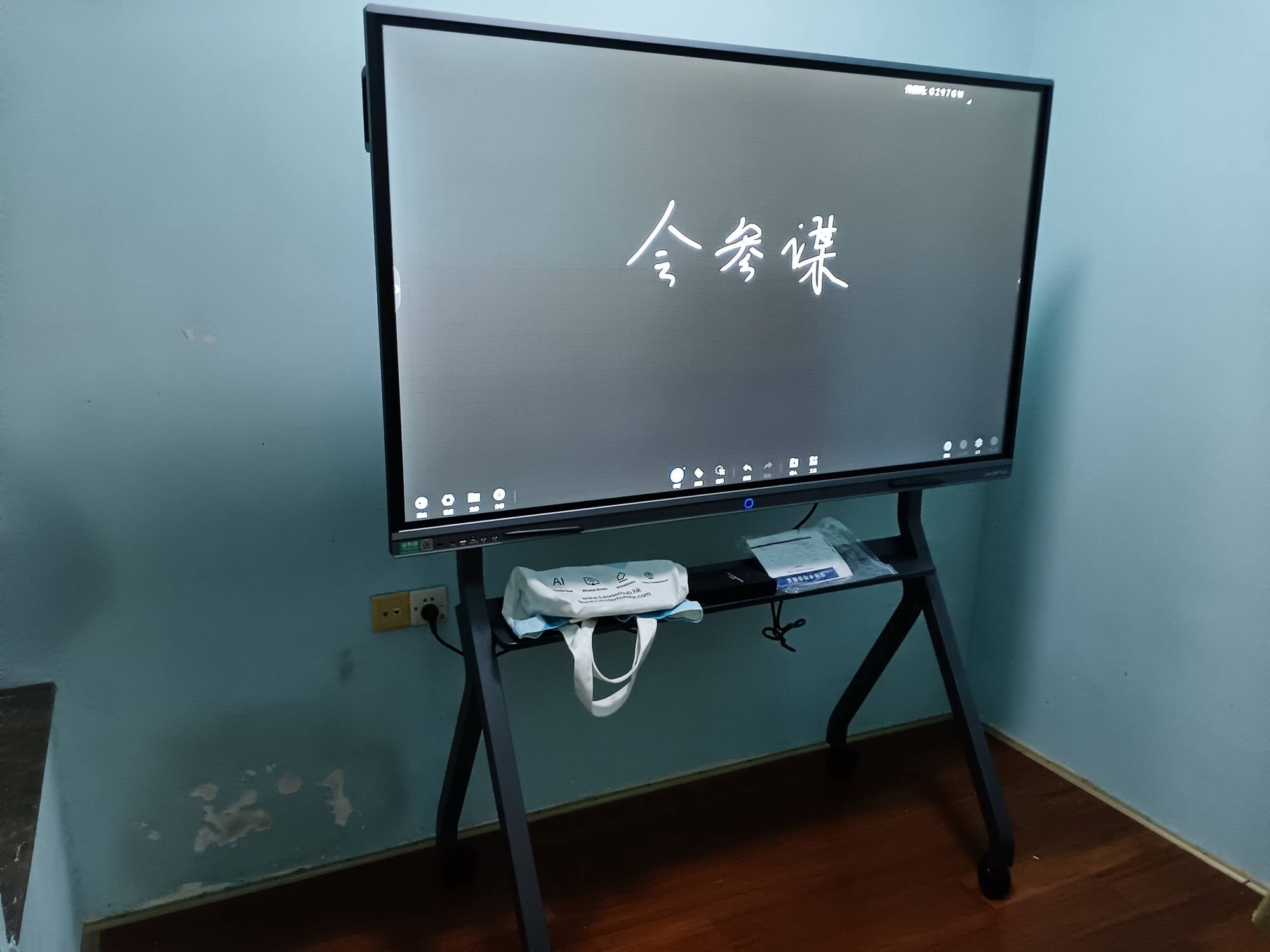
Touch responsiveness makes or breaks the user experience. Infrared (IR) touch technology remains the industry standard for interactive panels because it supports 20+ simultaneous touch points, works reliably with both fingers and styluses, and costs less to maintain than capacitive alternatives at large sizes. When evaluating a panel, ask these questions:
Display Specifications Checklist
| Specification | Recommended Minimum |
|---|---|
| Resolution | 4K UHD (3840×2160) |
| Touch Points | 20-point multi-touch |
| Brightness | 350 nits or higher |
| Response Time | Under 8ms touch latency |
Step 4: Assess Software and Connectivity Needs
A smart whiteboard is only as good as its software ecosystem. Prioritize units running Android 11 or later for app compatibility, built-in wireless screen casting (supporting both AirPlay and Miracast), and pre-loaded annotation or whiteboarding software. For businesses standardizing on Windows environments, pairing the display with a dedicated mini PC module allows full desktop functionality without sacrificing the touchscreen experience.
Many organizations also value OPS slot compatibility, which lets you upgrade the internal computing module independently of the display panel — extending the hardware’s usable life by 3-5 years compared to sealed all-in-one units.

Step 5: Consider Portability Beyond the Room
If you need a display that travels between buildings or client sites, a full-size mobile stand may be impractical. In these cases, a portable handheld smart screen with a built-in battery offers a lighter-weight alternative for field presentations, pop-up training sessions, or sales demos without requiring a power outlet.
Comparing Mobility Options
| Format | Best For | Battery Support |
|---|---|---|
| Wheeled stand whiteboard (65″-86″) | Fixed campus, multi-room office | Usually mains-powered |
| Handheld smart screen (24″-27″) | Field sales, pop-up training | Built-in battery, several hours |
| Rotating smart screen | Retail displays, flexible orientation | Battery optional |
Common Mistakes to Avoid
- Underestimating room lighting — glass-finish panels can create glare under fluorescent lighting; anti-glare coating matters more than resolution in bright rooms.
- Ignoring warranty terms — touch panels and backlights are wear components; look for at least a 3-year warranty on the panel itself.
- Overlooking weight limits on stands — an 86″ panel can weigh over 50kg; confirm the stand’s load rating before purchase.
- Skipping a hands-on trial — touch latency and stylus accuracy vary significantly between brands, even at similar price points.
Real-World Case Example
A vocational training center in Southeast Asia recently replaced eight fixed projectors with four mobile 75″ smart whiteboards, rotating units between rooms based on class schedules. The result: a 45% reduction in AV equipment costs over three years, alongside measurably higher student engagement scores reported by instructors using built-in annotation tools instead of static slides.
Industry Background and Manufacturing Standards
Leaderhub, a Shenzhen-based interactive display manufacturer with 16 years of industry experience, has shipped smart whiteboard and interactive panel solutions to over 82 countries, working with education providers, enterprises, and government partners worldwide. This scale of deployment provides valuable insight into which specifications hold up under daily classroom and boardroom use versus which features are largely marketing add-ons.
Final Checklist Before You Buy
- Confirm screen size matches your room’s viewing distance
- Verify the stand supports height adjustment and secure locking wheels
- Check for at least 20-point IR touch and 4K resolution
- Ensure OPS slot or modular computing support for future upgrades
- Ask about warranty length and local support/service availability
Frequently Asked Questions
What is the average lifespan of a mobile smart whiteboard?
With proper use, a commercial-grade panel typically lasts 6-8 years, though the internal computing module (if modular) can often be upgraded sooner to extend useful life.
Can a mobile smart whiteboard replace a traditional projector setup?
Yes — most institutions find that switching to a smart whiteboard eliminates recurring bulb replacement costs and improves visibility in daylight-lit rooms, making it a practical long-term replacement.
Is a 4K resolution necessary for a 55″ screen?
While Full HD is technically readable at smaller sizes, 4K provides sharper text rendering for handwriting recognition and annotation clarity, which matters significantly in classroom and whiteboard-style use.
Selecting the right mobile smart whiteboard comes down to matching room size, mobility needs, and software ecosystem to your actual daily workflow — not just chasing the largest screen or the newest touch technology. Take time to test touch responsiveness in person where possible, and prioritize modular, upgradeable hardware to protect your investment over the coming years.