Smart boards have revolutionized modern education and business collaboration by transforming traditional whiteboards into powerful interactive displays. Understanding how these devices work helps educators, administrators, and business professionals make informed decisions about integrating them into their learning or working environments.
What Is a Smart Board?
A smart board, also known as an interactive flat panel or interactive whiteboard, is a large-scale touch-sensitive display that combines the functionality of a traditional whiteboard with advanced computing capabilities. Unlike conventional whiteboards that require markers and erasers, smart boards allow users to write, draw, manipulate content, and interact with digital materials directly on the screen using fingers, styluses, or specialized tools.
These devices typically feature high-definition displays ranging from 55 inches to over 100 inches, making them ideal for classrooms, conference rooms, training centers, and collaborative workspaces. Modern smart boards integrate touchscreen technology, built-in computing systems, wireless connectivity, and sophisticated software that enables real-time collaboration, multimedia presentations, and interactive learning experiences.
Core Technologies Behind Smart Boards
Touch Detection Technology
The ability to detect and respond to touch is the foundation of smart board functionality. Different manufacturers employ various touch technologies, each with distinct advantages:
| Technology Type | How It Works | Key Benefits |
|---|---|---|
| Infrared Touch | Uses infrared LED lights and sensors around the screen perimeter to detect touch points | High accuracy, supports multiple simultaneous touches, works with any object |
| Capacitive Touch | Detects changes in electrical fields when conductive objects (like fingers) touch the screen | Precise control, smooth writing experience, durable surface |
| Resistive Touch | Registers pressure when two flexible layers make contact | Works with any stylus or pointer, cost-effective |
| Optical Touch | Uses cameras to track touch positions by detecting shadows or reflections | No overlay required, large-format capability, multi-touch support |
Most modern smart boards use infrared or capacitive touch technology because they offer superior responsiveness, support for multi-touch gestures (pinch to zoom, swipe, rotate), and allow multiple users to interact simultaneously¡ªa critical feature for collaborative learning and brainstorming sessions.
Display Technology
Smart boards utilize advanced LCD (Liquid Crystal Display) or LED (Light Emitting Diode) panels that deliver sharp, vibrant images with high brightness levels. Professional-grade displays typically feature:
- 4K Ultra HD Resolution (3840¡Á2160 pixels): Ensures text remains crisp and images appear detailed even when viewed from different angles or distances
- High Brightness (350-450 cd/m2): Maintains visibility in well-lit classrooms and conference rooms without requiring dimmed lighting
- Anti-Glare Coating: Reduces reflections from windows and overhead lights, improving readability
- Wide Viewing Angles (178¡ã): Allows students or participants seated at different positions to see content clearly without color distortion
- Tempered Glass Surface: Provides durability while supporting smooth writing and touch interactions
Built-In Computing Systems
Modern smart boards integrate powerful computing components directly into the display unit, eliminating the need for external computers in many scenarios. These embedded systems typically include:
- Multi-core processors (quad-core or octa-core ARM or Intel chips)
- 4GB to 8GB of RAM for smooth multitasking
- 32GB to 256GB of internal storage
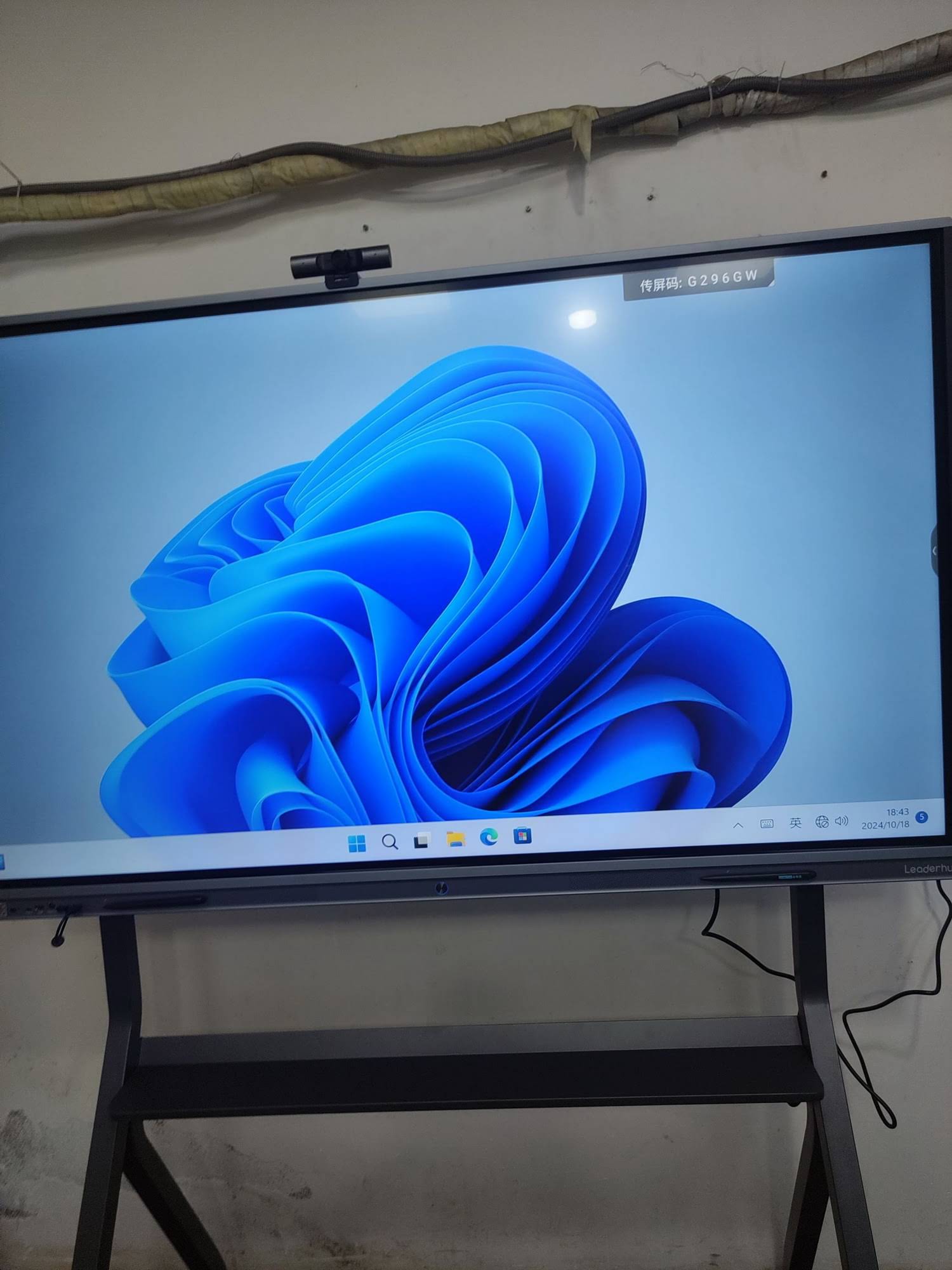
- Android or Windows operating systems optimized for touch interaction
- Built-in speakers and microphones for audio playback and video conferencing
This integration enables smart whiteboards to run applications independently, access cloud-based content, and support wireless screen sharing from laptops, tablets, and smartphones without requiring external hardware connections.
How Smart Boards Process User Input
Touch Recognition and Tracking
When a user touches the smart board surface, the touch detection system identifies the exact coordinates of the contact point. Advanced smart boards support simultaneous multi-touch recognition, allowing up to 20 or more touch points to be tracked at once. This capability enables collaborative activities where multiple students or team members can write, draw, or manipulate objects on the screen simultaneously.
The system distinguishes between different types of touches¡ªfinger touches for navigation, palm rejection to prevent accidental inputs while writing, and stylus recognition for precise drawing. Sophisticated algorithms process these inputs in real time, translating physical gestures into digital actions with minimal latency (typically under 10 milliseconds).
Digital Ink Technology
When users write or draw on a smart board, the system converts their movements into digital ink that appears instantly on the screen. Unlike traditional whiteboard markers, digital ink offers several advantages:
- Infinite color options without needing multiple physical markers
- Adjustable pen thickness and transparency
- Instant erasing without smudges or residue
- Automatic shape recognition that converts rough sketches into perfect geometric shapes
- Handwriting recognition that can convert written text into typed characters
- Complete undo/redo functionality for error correction
Gesture Recognition
Smart boards recognize common touch gestures that users are familiar with from smartphones and tablets:
- Tap: Select objects, buttons, or menu items
- Double-tap: Open files or activate specific functions
- Swipe: Navigate between pages or screens
- Pinch/spread: Zoom in or out on images, documents, or maps
- Drag: Move objects, rearrange elements, or pan across large content
- Rotate: Turn images or objects to desired orientations
Key Features That Enable Classroom and Meeting Room Functionality
Interactive Whiteboard Software
Specialized software transforms smart boards into versatile teaching and collaboration tools. Professional whiteboard applications provide:
- Infinite Canvas: Unlimited workspace that extends beyond the visible screen area
- Template Libraries: Pre-designed layouts for lesson plans, brainstorming sessions, project planning, and presentations
- Multimedia Integration: Ability to embed images, videos, audio files, PDFs, and web content directly into whiteboard sessions
- Screen Recording: Capture entire lessons or presentations for later review or remote participants
- Cloud Synchronization: Automatically save work to cloud storage and access it from any device
- Collaborative Editing: Allow multiple users to contribute simultaneously, whether in the same room or joining remotely
Wireless Connectivity Options
Modern smart boards support various wireless technologies that enhance flexibility and reduce cable clutter:
| Connectivity Type | Primary Use |
|---|---|
| Wi-Fi | Internet access, cloud services, software updates, streaming content |
| Bluetooth | Connecting wireless keyboards, mice, speakers, and other peripherals |
| Miracast/AirPlay | Wireless screen mirroring from laptops, tablets, and smartphones |
| USB-C | Single-cable connection for video, audio, touch control, and device charging |
Split-Screen and Multi-Source Display
Professional smart boards allow users to display content from multiple sources simultaneously. For example, a teacher can show a presentation on one side of the screen while demonstrating a software application on the other, or display student work from two different tablets side by side for comparison.
Practical Applications in Educational Settings
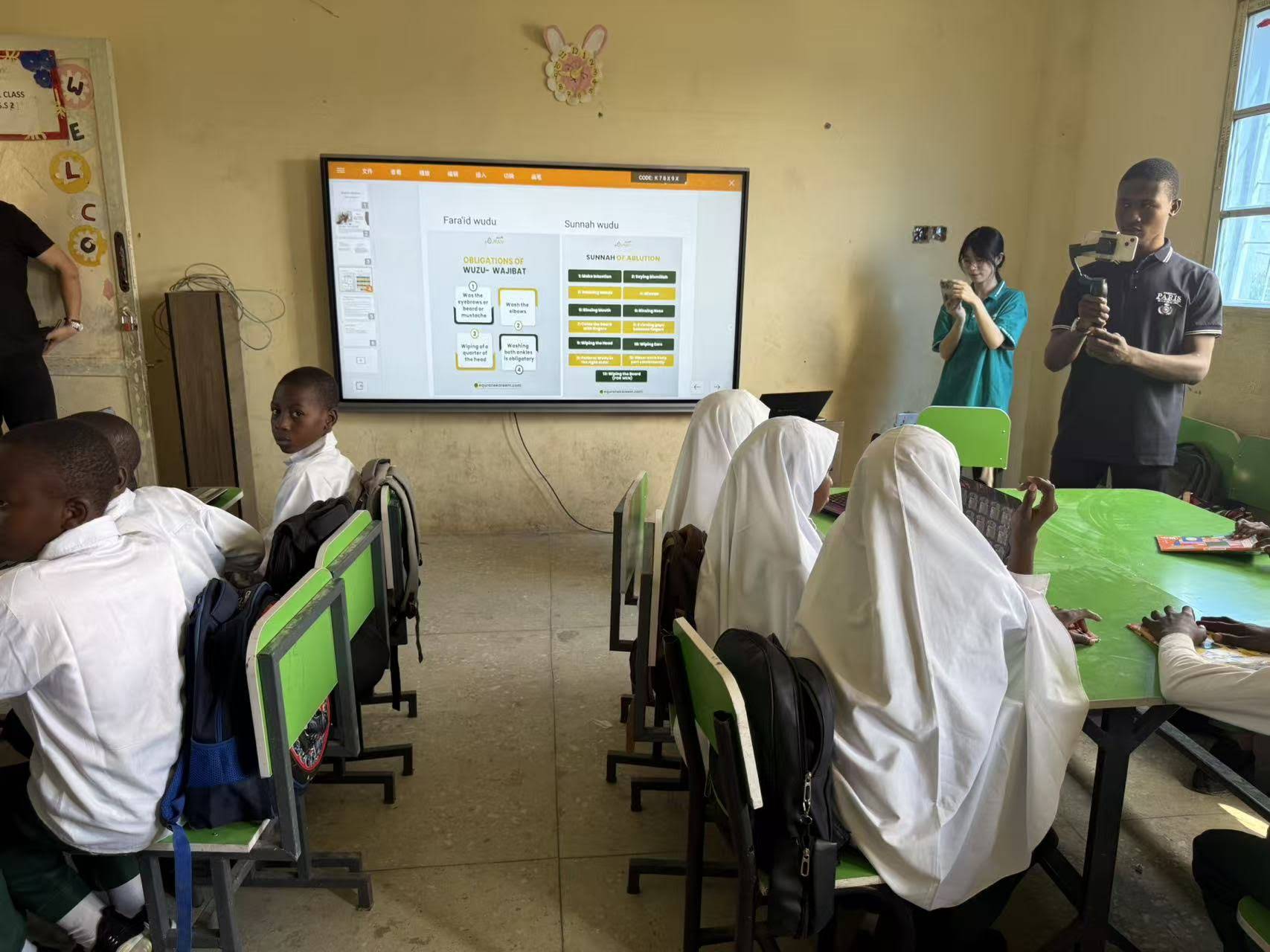
Interactive Lessons and Visual Learning
Smart boards address diverse learning styles by presenting information through multiple modalities. Visual learners benefit from diagrams, animations, and color-coded explanations. Kinesthetic learners engage through direct manipulation of on-screen objects. Auditory learners can access embedded audio content and video explanations.
According to research from education technology studies, classrooms equipped with interactive displays show measurably higher student engagement rates compared to traditional teaching methods. Students pay closer attention when lessons incorporate interactive elements, and retention improves when learners actively participate rather than passively observe.
Real-Time Assessment and Feedback
Teachers use smart boards to conduct instant quizzes and polls. Students respond using their personal devices or by directly interacting with the board. The system aggregates responses immediately, displaying results as charts or graphs that help instructors identify concepts that need additional explanation.
This immediate feedback loop enables adaptive teaching¡ªinstructors can adjust their pace and approach based on real-time understanding rather than waiting for formal assessments to reveal knowledge gaps.
Remote and Hybrid Learning Support
Smart boards bridge the gap between in-person and remote participants. Built-in cameras and microphones enable video conferencing, while screen sharing allows remote students to see everything happening on the board in real time. Some systems even allow remote participants to control the board and contribute to lessons as if they were physically present.
Subject-Specific Applications
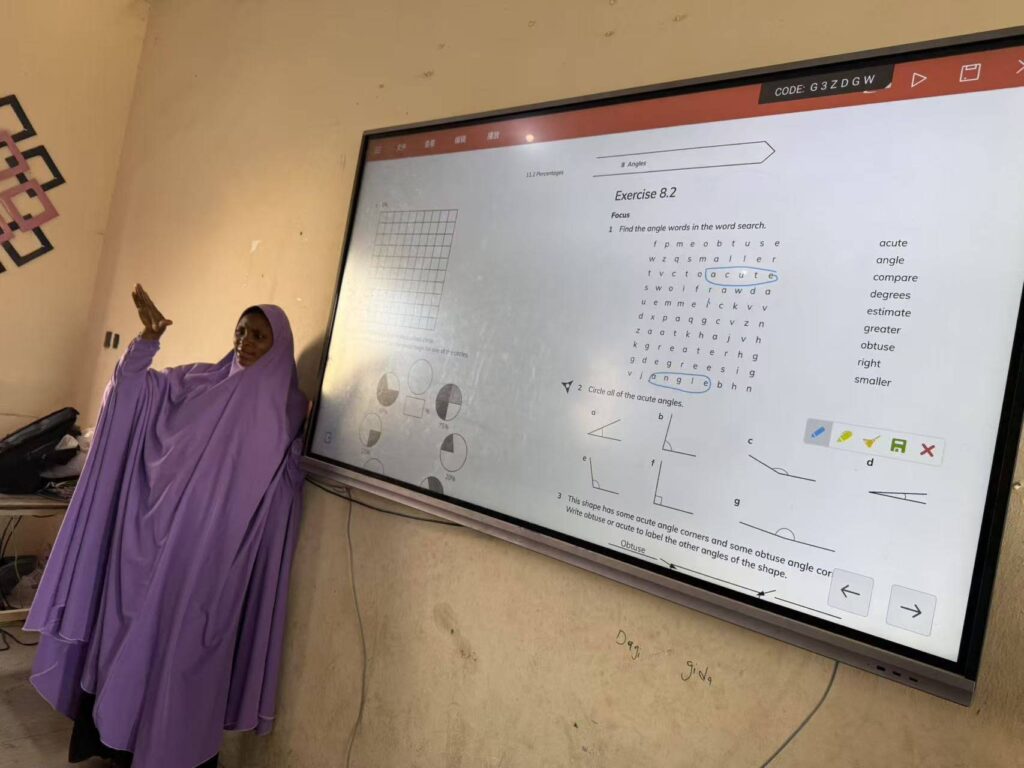
Mathematics: Dynamic geometry software allows students to manipulate shapes and observe how changing one property affects others. Graphing tools enable visualization of functions and equations. Teachers can overlay annotations on problem-solving steps, making abstract concepts more concrete.
Science: Interactive simulations let students conduct virtual experiments that would be impractical, dangerous, or expensive in physical labs. Animated models demonstrate processes like cell division, chemical reactions, or planetary motion with clarity impossible on static diagrams.
Language Arts: Collaborative writing exercises allow multiple students to edit text simultaneously. Grammar lessons become interactive as students drag words to form sentences or identify parts of speech. Reading comprehension improves when teachers annotate texts in real time, highlighting key passages and vocabulary.
Geography and History: Interactive maps enable students to explore geographical features, historical events, and cultural information. Timeline tools help visualize chronological relationships, while primary source documents can be annotated and discussed collectively.
Business and Corporate Applications
Enhanced Presentations and Meetings
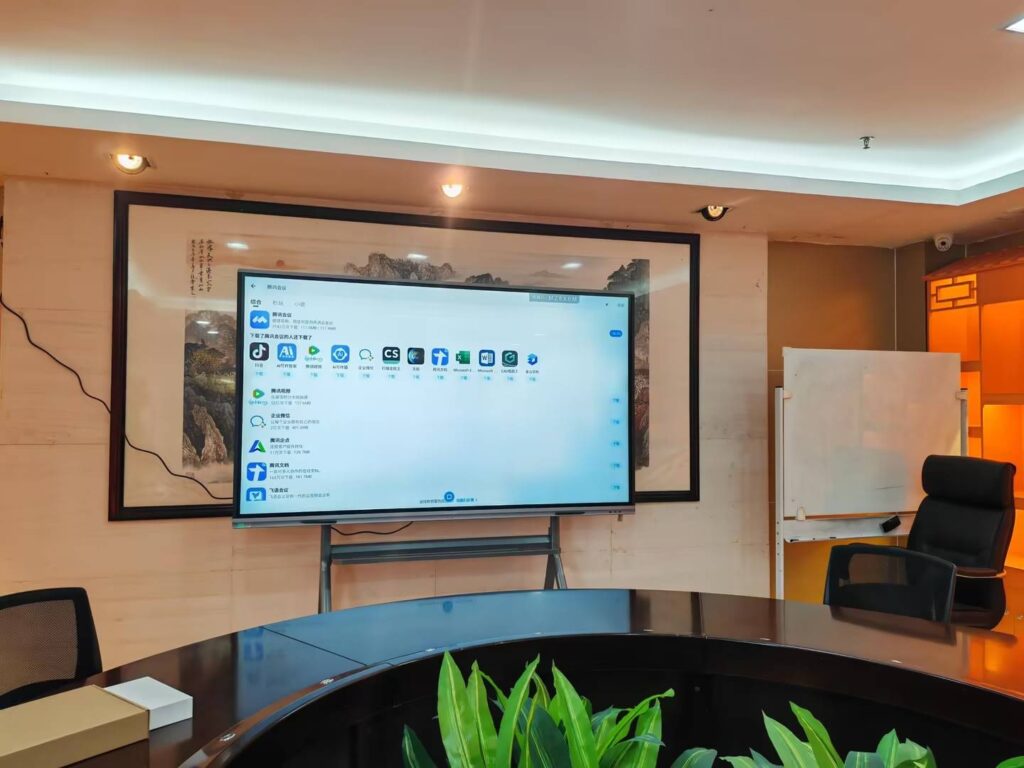
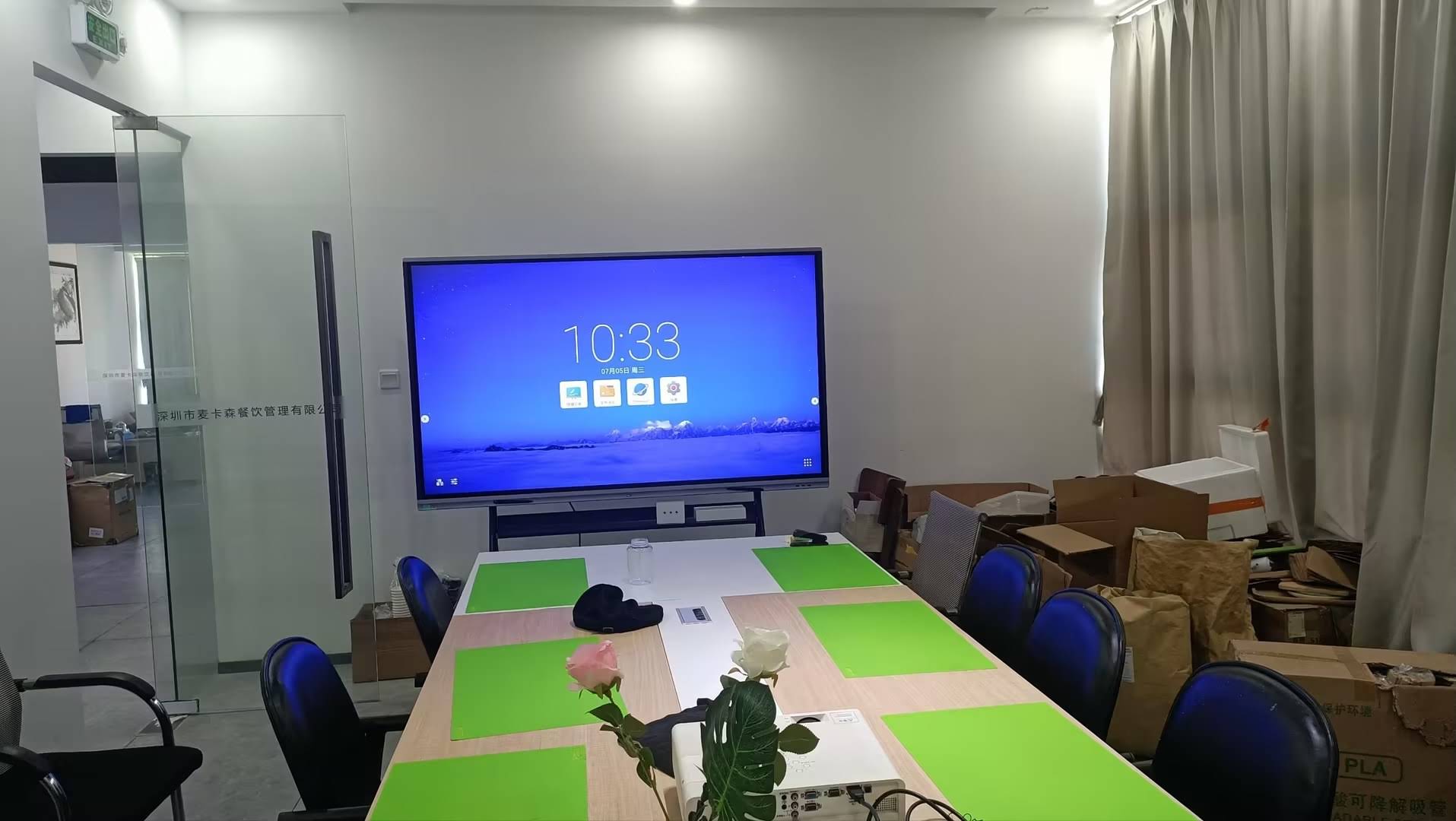
In corporate environments, smart boards transform standard presentations into interactive discussions. Presenters can annotate slides in real time, emphasizing key points or responding to questions by writing directly on displayed content. Participants can wirelessly share their screens to contribute ideas, fostering more dynamic and collaborative meetings.
Brainstorming and Design Thinking Sessions
Design teams and creative professionals use smart boards as digital whiteboards for ideation sessions. Unlike traditional whiteboards with limited space, smart boards offer infinite canvas area. Teams can create mind maps, organize ideas using virtual sticky notes, sketch wireframes, and develop concepts collaboratively. All content is automatically saved and can be exported as images or PDFs for documentation.
Remote Collaboration
Global teams leverage smart boards for distributed collaboration. Team members in different locations can join the same virtual whiteboard session, contributing ideas simultaneously. This real-time collaboration maintains the spontaneity and creativity of in-person brainstorming while accommodating remote participants.
Training and Professional Development
Corporate training programs benefit from smart board interactivity. Trainers can use polling features to assess comprehension, incorporate multimedia content to illustrate concepts, and save session notes for participants to reference later. Interactive simulations allow employees to practice procedures in a risk-free environment.
Choosing the Right Smart Board Technology
Size Considerations
Smart board size should match room dimensions and typical audience size:
- 55-65 inches: Small conference rooms, private offices, huddle spaces (4-8 people)
- 75-86 inches: Standard classrooms, medium conference rooms (15-30 people)
- 98-110 inches: Large lecture halls, auditoriums, executive boardrooms (30+ people)
Viewing distance matters¡ªparticipants should sit no farther than 6-8 times the screen height for comfortable viewing.
Operating System Selection
Smart boards run either Android or Windows operating systems. Android-based systems offer simplicity, fast boot times, and extensive app ecosystems. They work well for straightforward teaching and presentation needs. Windows-based systems provide full desktop computing capabilities, making them suitable for organizations that rely on specialized software applications or need complete compatibility with existing IT infrastructure.
Connectivity Requirements
Evaluate what devices need to connect to the smart board. Educational institutions with diverse device ecosystems benefit from systems supporting multiple wireless protocols. Corporate environments with standardized equipment may prioritize wired connections for reliability.
Software Ecosystem
Consider whether the smart board integrates with existing learning management systems, productivity suites, or collaboration platforms your organization already uses. Seamless integration reduces training time and improves adoption rates.
Installation and Setup Considerations
Mounting Options
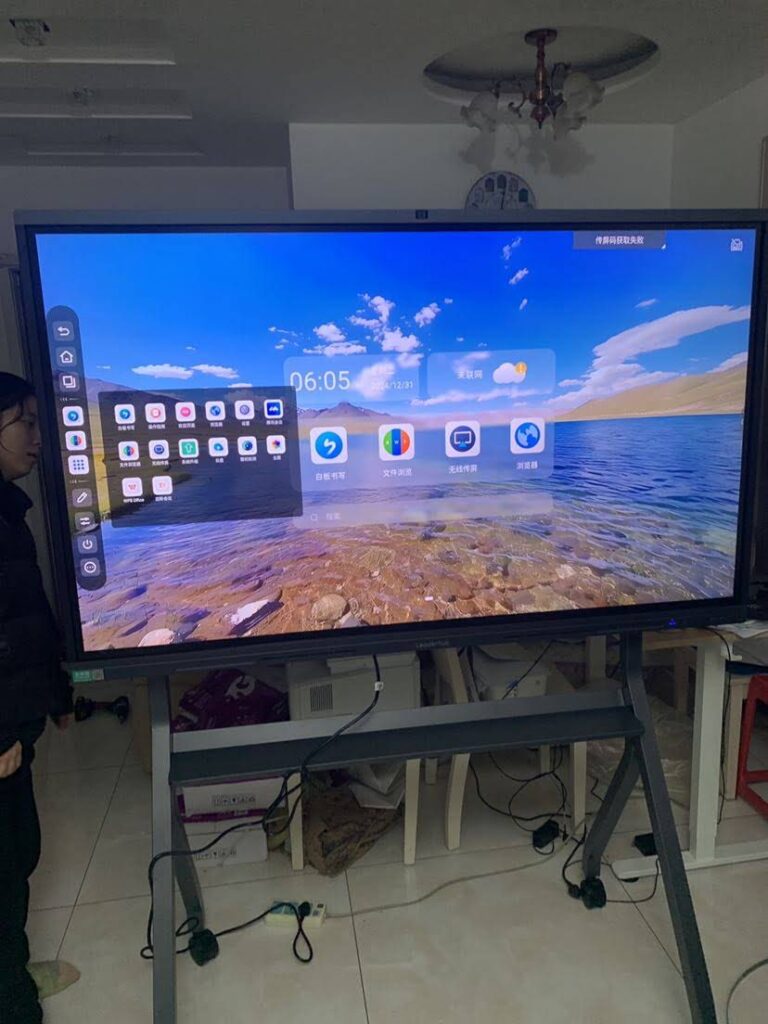
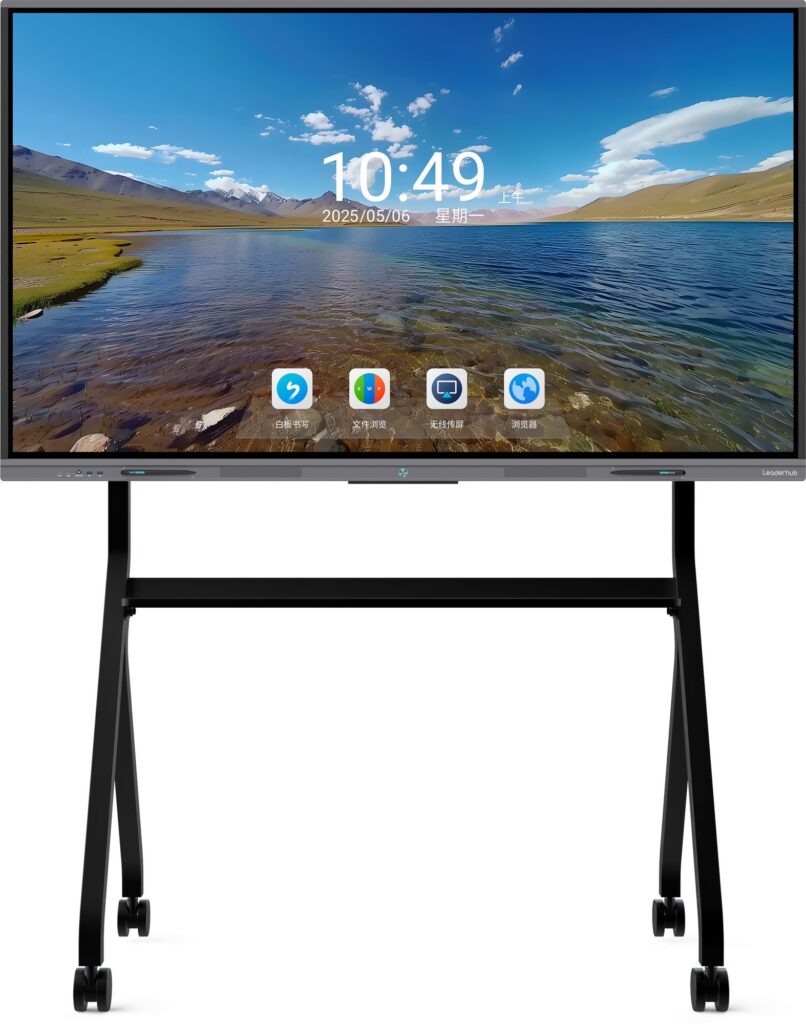
Smart boards can be wall-mounted, installed on mobile stands, or integrated into furniture. Wall mounting provides permanent installation suitable for dedicated classroom or conference room use. Mobile stands offer flexibility for shared spaces where the board moves between rooms. Height-adjustable mounts ensure the screen remains accessible for all users.
Power and Networking Infrastructure
Proper installation requires reliable power sources and network connectivity. Consider whether existing infrastructure supports the smart board’s requirements or if upgrades are necessary. Plan for cable management to maintain a clean, professional appearance.
Room Acoustics and Lighting
While smart boards feature anti-glare surfaces, positioning them away from direct sunlight improves visibility. Room acoustics affect built-in speaker performance¡ªcarpeted rooms with sound-absorbing materials provide better audio quality than hard-surfaced spaces.
Maintenance and Long-Term Care
Cleaning and Surface Care
Smart board screens require regular cleaning to maintain touch sensitivity and display clarity. Use soft, lint-free microfiber cloths and screen-safe cleaning solutions. Avoid abrasive materials that could scratch the protective glass. Many manufacturers recommend specific cleaning procedures to preserve warranty coverage.
Software Updates
Regular software updates deliver security patches, performance improvements, and new features. Enable automatic updates when possible to ensure the system remains current without requiring manual intervention.
Technical Support and Warranty
Professional-grade smart boards typically include multi-year warranties covering hardware failures and technical support. Companies like Leaderhub, with over 16 years of experience manufacturing interactive display solutions, provide comprehensive support throughout the product lifecycle, ensuring schools and businesses can resolve technical issues quickly.
Future Developments in Smart Board Technology
Artificial Intelligence Integration
Emerging smart boards incorporate AI-powered features such as automatic transcription of spoken content, intelligent content suggestions based on lesson context, and adaptive interfaces that adjust to user preferences. Voice control enables hands-free operation, allowing teachers to navigate content while maintaining eye contact with students.
Enhanced Collaboration Features
Next-generation systems will offer deeper integration with cloud collaboration platforms, enabling persistent workspaces that team members can access from any device. Advanced gesture recognition will support more intuitive interactions, while improved camera tracking will automatically frame speakers during video conferences.
Improved Accessibility
Future smart boards will incorporate better accessibility features including real-time captioning, sign language interpretation, screen reader compatibility, and customizable interfaces that accommodate users with visual or motor impairments.
Making the Investment Decision
Total Cost of Ownership
Beyond initial purchase price, consider long-term costs including installation, training, software licenses, maintenance, and eventual replacement. While budget models may seem attractive initially, professional-grade systems from established manufacturers often provide better reliability and lower total ownership costs over their operational lifetime.
Training and Adoption
Successful smart board implementation requires adequate training for teachers, presenters, and IT staff. Allocate resources for professional development and create support systems that help users discover features and troubleshoot common issues. Organizations with strong training programs achieve significantly higher adoption rates and return on investment.
Measuring Impact
Establish metrics to evaluate smart board effectiveness. Educational institutions can track student engagement levels, assessment scores, and teacher satisfaction. Businesses can measure meeting efficiency, collaborative project outcomes, and employee feedback. Regular assessment helps justify continued investment and identify areas for improvement.
Understanding how smart boards work reveals why they have become essential tools in modern education and business environments. By combining sophisticated touch technology, powerful computing systems, intuitive software, and versatile connectivity options, smart boards enable interactive experiences that traditional presentation tools cannot match. Whether supporting student learning in classrooms or facilitating team collaboration in corporate settings, these devices continue evolving to meet the changing needs of digital communication and knowledge sharing.