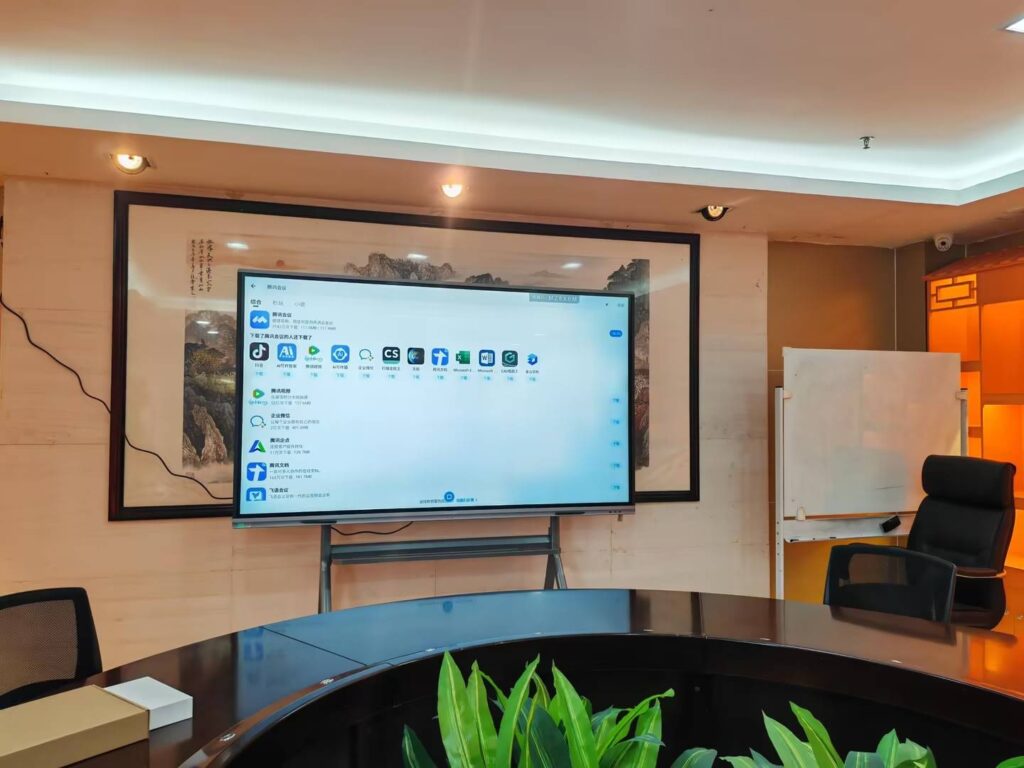
Choosing a smart whiteboard with handwriting recognition is no longer a simple purchase decision — it’s an investment that affects how your team collaborates, how your classroom engages students, and how efficiently your ideas move from thought to digital record. As interactive display technology matures, handwriting recognition has become one of the most requested features among educators, business leaders, and creative professionals worldwide.
In this comprehensive guide, we’ll walk through everything you need to know before buying — from core technology specs to practical use-case scenarios — so you can make a confident, informed decision.
Why Handwriting Recognition Matters
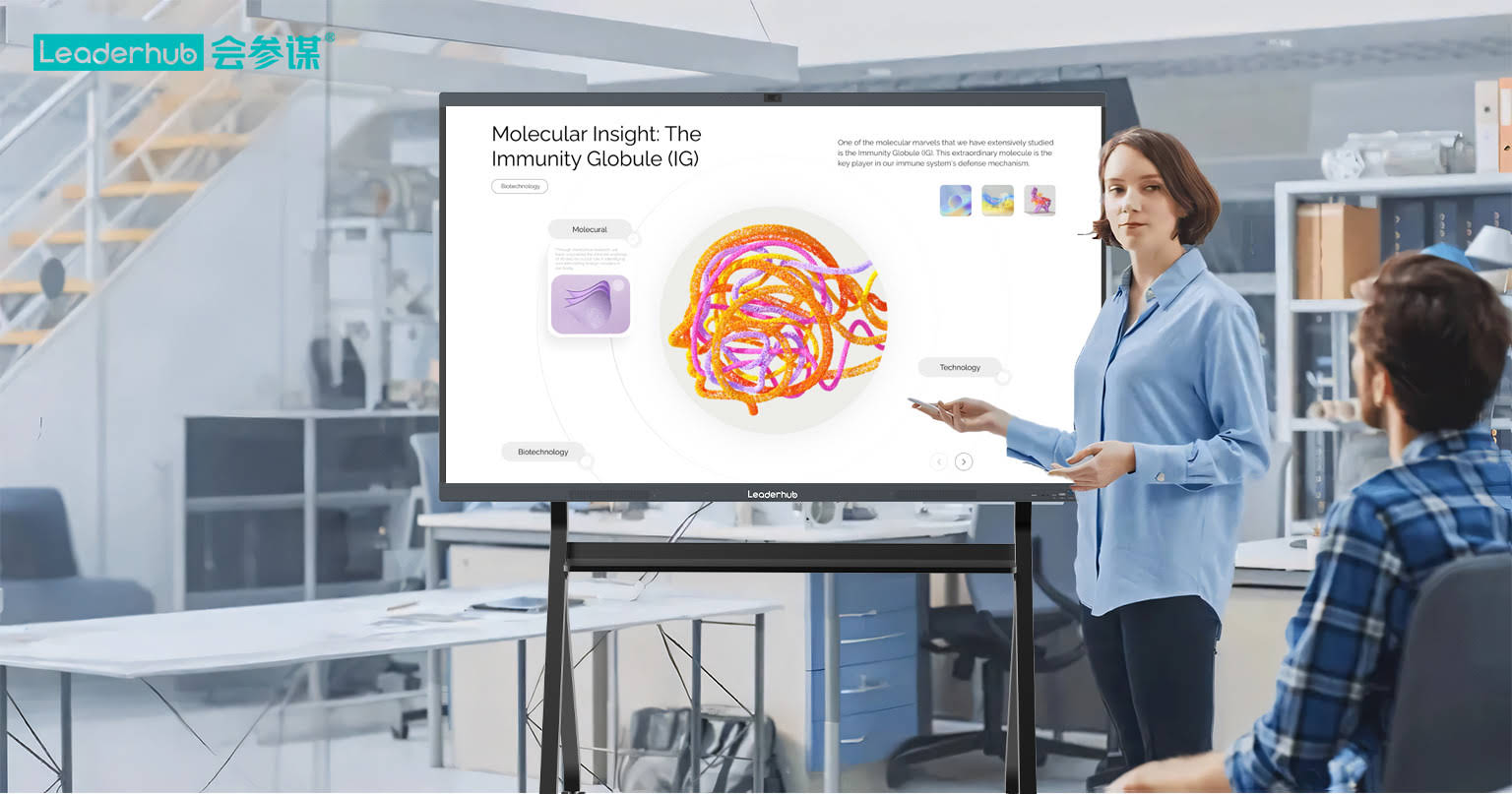
Handwriting recognition technology converts handwritten strokes into digital text in real time. This isn’t just a convenience feature — it fundamentally changes how information is captured and shared. According to industry data from Grand View Research, the global interactive display market is projected to grow at a CAGR of over 8% through 2030, driven largely by demand for AI-powered handwriting and gesture recognition in education and enterprise settings.
From our experience working with schools, training centers, and corporate offices across 82 countries, the biggest pain point users face isn’t the hardware itself — it’s inconsistent recognition accuracy. A board that misreads 1 in 10 words during a fast-paced brainstorming session quickly becomes more frustrating than useful. This is why understanding the underlying technology matters before you buy.
Key Factors to Evaluate Before Buying
1. Recognition Accuracy and Language Support
Not all handwriting recognition engines are created equal. Look for boards that support multi-language recognition, cursive handwriting, and mixed text-and-diagram input. Premium models use on-device AI processing rather than cloud-dependent recognition, which reduces latency and improves reliability even without a stable internet connection.
2. Touch Technology and Palm Rejection
Infrared (IR) touch technology remains the industry standard for large-format displays due to its durability and multi-touch capability. However, the quality of palm rejection — the board’s ability to distinguish between a writing stylus and an accidental hand touch — varies significantly between manufacturers. Test this feature during a live demo whenever possible.
3. Display Resolution and Panel Size
4K UHD resolution has become the baseline expectation for professional and educational environments. Panel size should match your room dimensions — a 65-inch display suits small meeting rooms, while 75-inch to 86-inch panels work better for classrooms and larger conference spaces.
4. Processing Power and Operating System
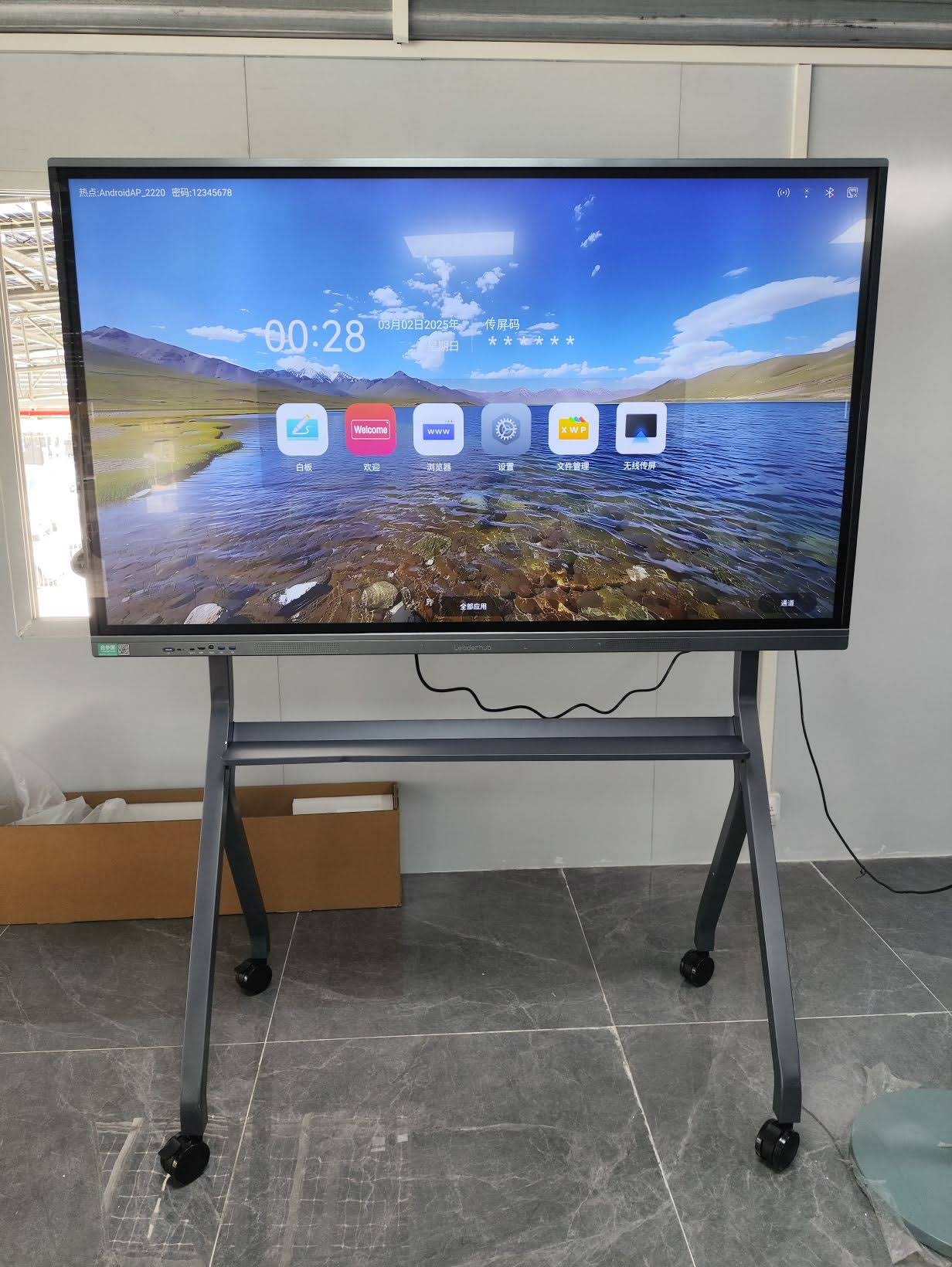
A smart whiteboard’s built-in Android system (or optional Windows mini PC module) directly affects app performance, multitasking, and handwriting-to-text conversion speed. Boards running on outdated processors often lag during complex annotation tasks, which disrupts meeting flow and classroom pacing.
5. Connectivity and Software Ecosystem
Wireless screen casting, cloud file sync, and compatibility with platforms like Zoom, Google Workspace, and Microsoft Teams are essential for hybrid work and remote learning environments. Ensure the board’s software receives regular firmware updates — this is a strong indicator of long-term manufacturer support.
Comparing Smart Whiteboard Specifications
| Feature | Entry-Level | Mid-Range | Premium |
|---|---|---|---|
| Panel Size | 55″–65″ | 65″–75″ | 75″–110″ |
| Touch Points | 10-point | 20-point | 20+ point |
| Handwriting AI | Basic | Advanced | AI-enhanced multi-language |
| Best For | Small offices | Classrooms | Enterprise & large venues |
Real-World Application: Education Sector Case Study
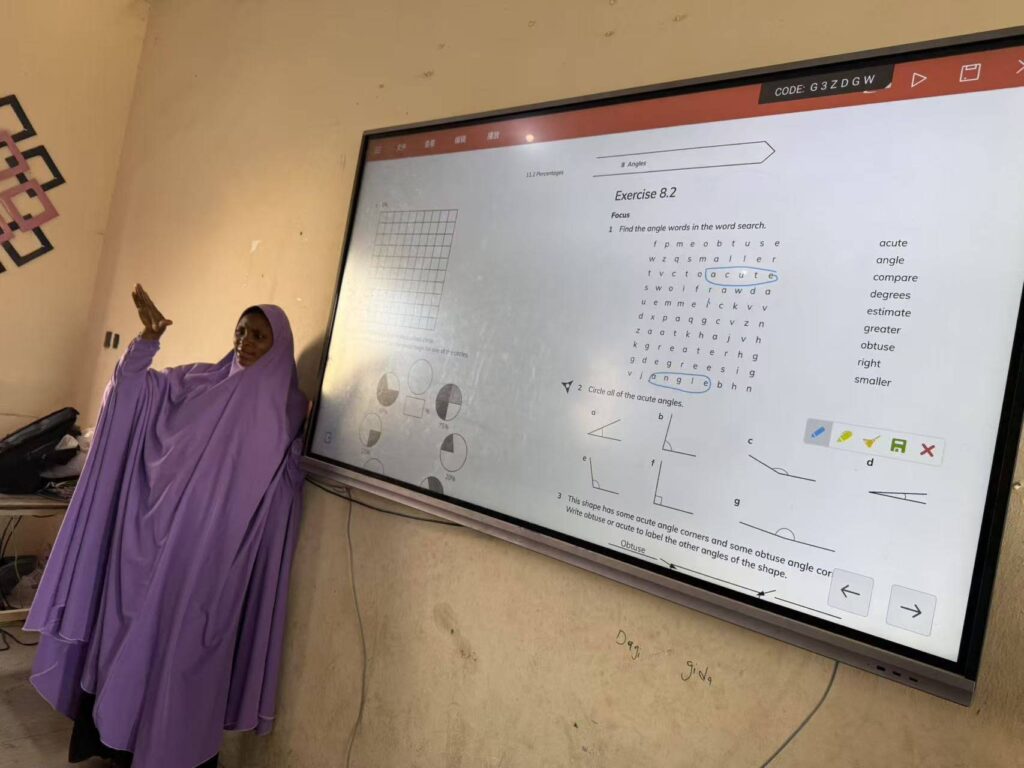
A vocational training center in Southeast Asia recently upgraded its lecture halls with interactive smart whiteboards featuring AI handwriting recognition. According to their internal review, instructor note-taking speed improved by roughly 30%, and student engagement scores rose noticeably because handwritten annotations could be instantly converted, saved, and shared via cloud link after each session — eliminating the need to manually retype lecture notes.
This mirrors a broader trend documented by EdTech Magazine, which reports that classrooms using AI-integrated interactive panels see measurable improvements in lesson retention and collaborative participation compared to traditional whiteboard setups.
Business and Enterprise Use Cases
For corporate environments, handwriting recognition transforms brainstorming sessions into actionable, searchable digital records. Sales teams can annotate directly on shared documents during video calls, while project managers can convert whiteboard sketches into structured task lists without manual transcription.
When evaluating options for enterprise deployment, consider these practical checkpoints:
- Multi-user simultaneous writing — critical for collaborative brainstorming sessions
- Cloud backup and version history — ensures no meeting notes are ever lost
- Cross-platform file compatibility — supports PDF, Word, and PowerPoint annotation
- Remote management capability — IT teams can push updates across multiple devices in different offices
- Warranty and after-sales support — look for manufacturers offering at least 2-3 years of hardware coverage
Common Mistakes to Avoid
Through years of working directly with schools, government offices, and financial institutions, we’ve observed several recurring mistakes buyers make:
- Choosing size over functionality — a larger panel with poor recognition software performs worse than a smaller, well-optimized model.
- Ignoring after-sales service — interactive displays require occasional firmware updates and technical support; verify the manufacturer’s regional service network before purchasing.
- Overlooking stylus quality — cheap styluses often cause lag or inaccurate handwriting capture, undermining the entire recognition experience.
- Skipping a live demo — specifications on paper don’t always reflect real-world touch responsiveness and recognition accuracy.
How Leaderhub Approaches Smart Whiteboard Design
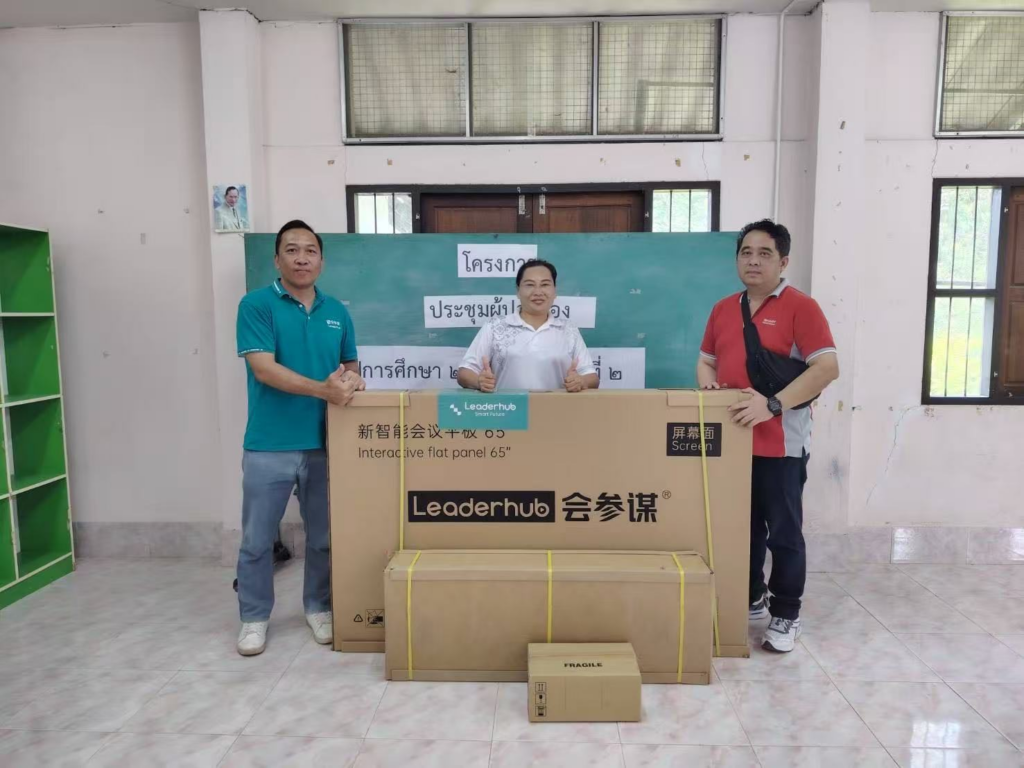
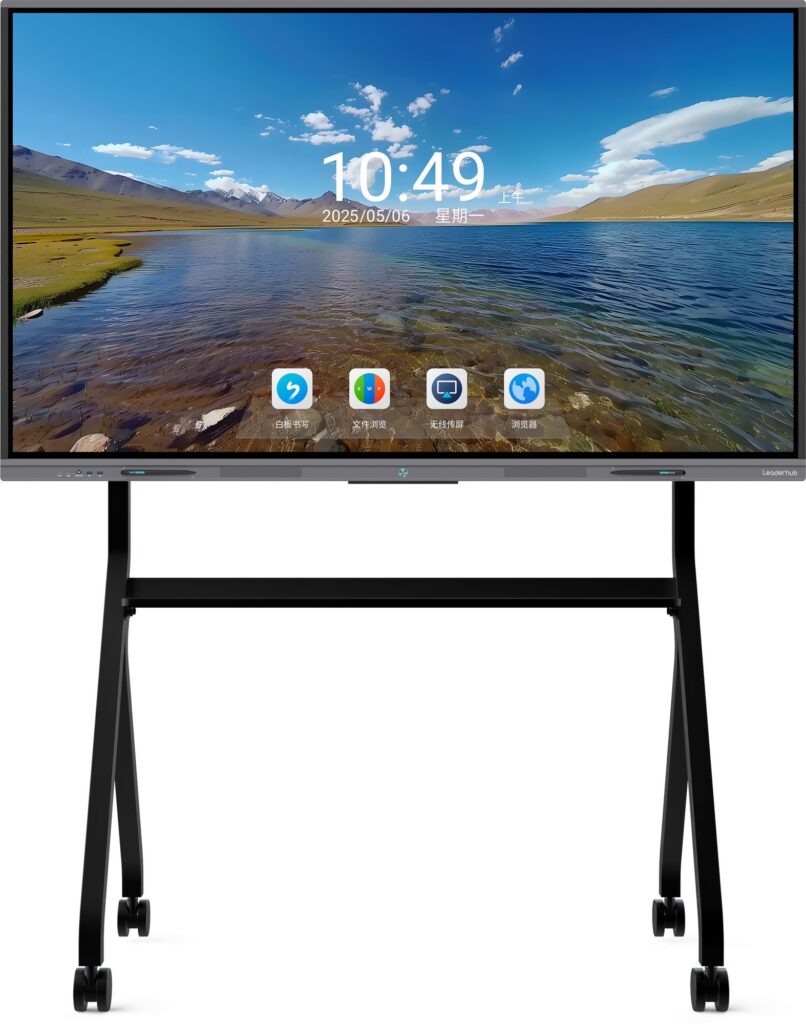
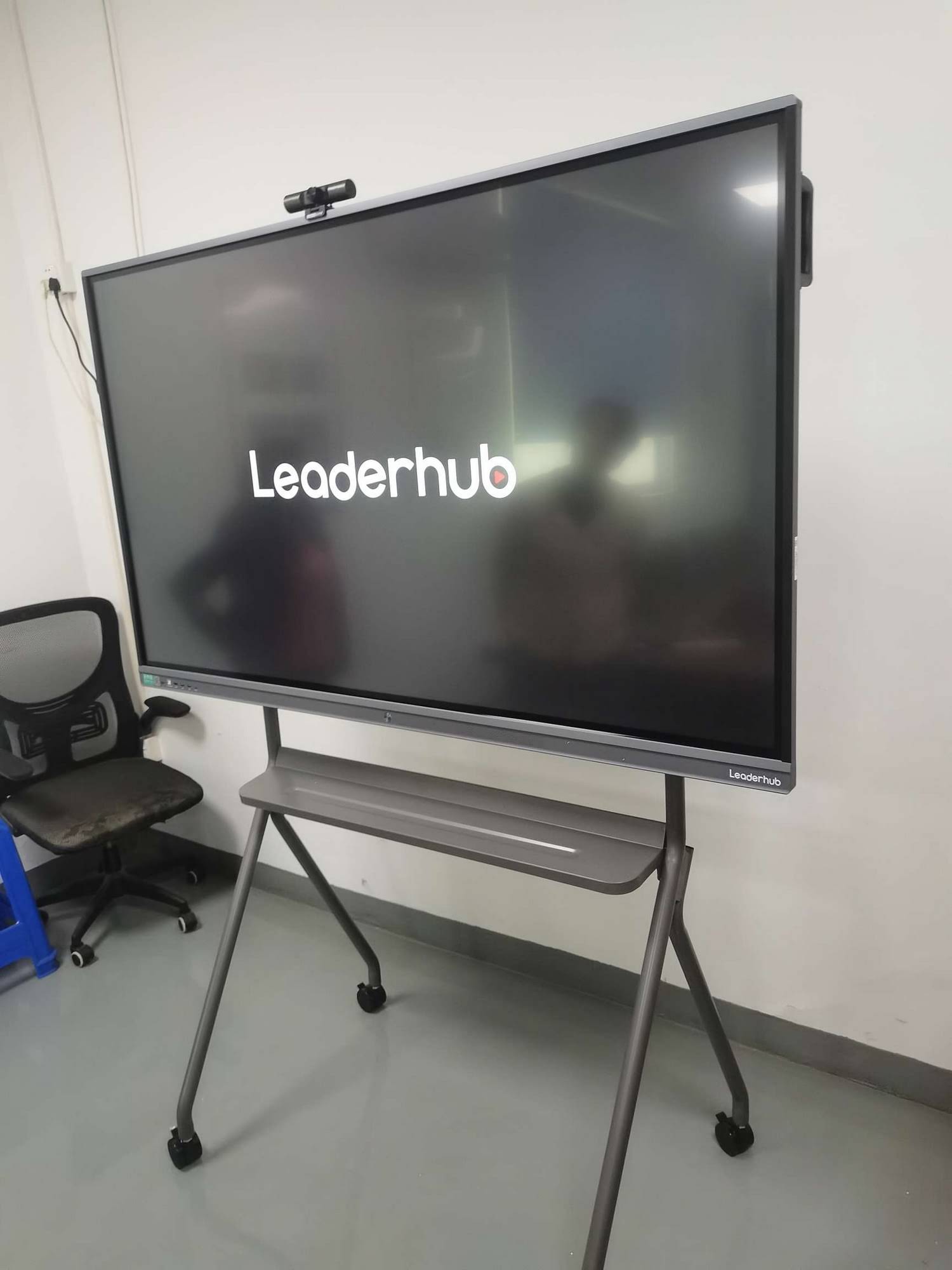
As a Shenzhen-based technology company with 16 years of experience in the interactive panel industry, Leaderhub has shipped smart whiteboards, interactive flat panels, and portable smart screens to businesses and schools in 82 countries. Our engineering team focuses specifically on improving handwriting recognition accuracy through continuous AI model training, ensuring that products like the Leaderhub L65HM and L75HM series deliver consistent, low-latency performance even in fast-paced collaborative settings.
Frequently Asked Questions
Does handwriting recognition work with any stylus?
Most premium interactive whiteboards are optimized for their bundled active stylus. Third-party styluses may work but often lack pressure sensitivity and precision calibration, which can reduce recognition accuracy.
Can handwriting recognition support multiple languages simultaneously?
Advanced AI-driven systems can detect and convert mixed-language handwriting in real time, though accuracy varies by script complexity. Latin-based languages generally see higher accuracy rates than logographic scripts.
Is cloud connectivity required for handwriting recognition to function?
No — most modern smart whiteboards process handwriting recognition on-device using a built-in Android or Windows system, meaning the feature works reliably even without internet access.
Final Recommendations
Selecting the right smart whiteboard with handwriting recognition comes down to balancing three priorities: recognition accuracy, hardware reliability, and long-term manufacturer support. Before making a final decision, request a live product demonstration, compare touch responsiveness across different lighting conditions, and confirm the availability of regional technical support.
Whether you’re outfitting a single classroom or deploying interactive displays across multiple corporate offices, investing time in proper evaluation now will save significant frustration — and cost — down the line. For organizations exploring mini PC integration alongside their whiteboard deployment, pairing displays with compatible computing modules can further extend functionality for video conferencing and multitasking workflows.