
Choosing the right interactive display for your classroom, boardroom, or creative studio can feel overwhelming, especially with so many specifications to compare. One feature that has quickly become a deciding factor for buyers is built-in speakers. A smart whiteboard with integrated audio eliminates the need for external sound systems, reduces cable clutter, and creates a more seamless presentation experience. In this guide, we break down everything you need to know before making a purchase decision.
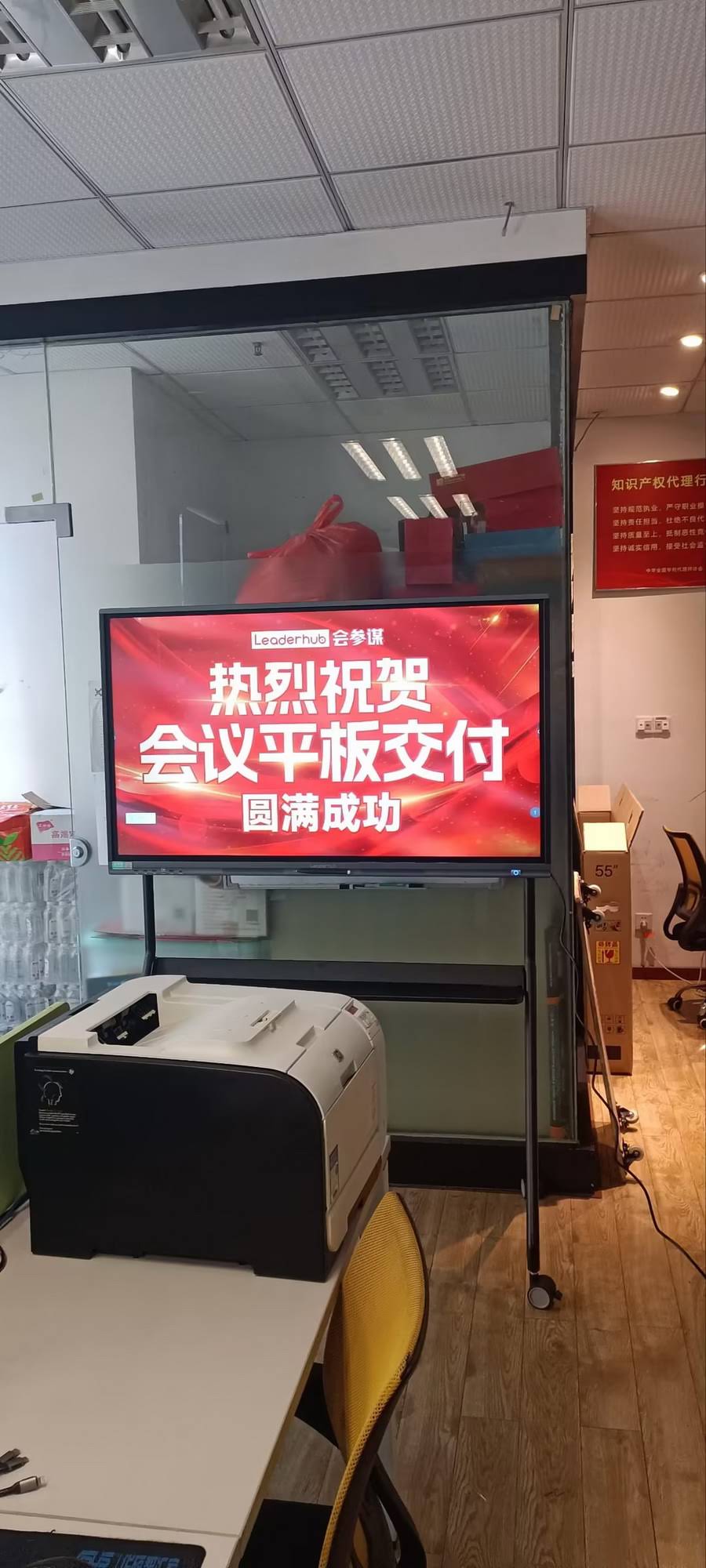
Why Built-In Speakers Matter More Than You Think
In our years of testing interactive panels across corporate offices, universities, and training centers, one recurring complaint from IT managers was the tangle of external speakers, HDMI extenders, and audio cables needed to make a standard display “meeting-ready.” A smart whiteboard with built-in speakers solves this problem at the hardware level. According to a 2023 workplace technology survey by Frost & Sullivan, over 68% of hybrid meeting failures were linked to audio issues — not video. This makes integrated sound a critical, not optional, feature.
Built-in speakers also matter for classrooms. Teachers running video lessons, language labs, or interactive quizzes need clear audio projection without relying on a separate PA system. A panel with dual 15W or higher stereo speakers can typically fill a room of 40-60 square meters without distortion.
Key Specifications to Evaluate Before Buying
When comparing models, don’t just look at screen resolution. Pay close attention to the following technical details that directly affect real-world performance:
- Speaker wattage: Look for a minimum of 2x15W stereo output for medium-sized rooms; 2x20W or higher for large conference halls.
- Audio processing chip: Panels with built-in DSP (Digital Signal Processing) deliver clearer voice pickup during video calls.
- Microphone array: Far-field microphones (4-6 mic array) improve voice capture in hybrid meetings.
- Touch response: 20-point or higher multi-touch support for collaborative annotation.
- Operating system: Android-based systems with app store access tend to offer more flexibility for whiteboarding and video conferencing apps.
Screen Size and Room Fit
Choosing the correct screen size is just as important as audio quality. Below is a practical reference table based on installation data collected from our commercial deployments over the past three years:
| Room Size | Recommended Screen Size | Typical Use Case |
|---|---|---|
| Small huddle room (up to 10 people) | 55″ – 65″ | Team meetings, brainstorming |
| Standard classroom / office | 65″ – 75″ | Lectures, training sessions |
| Large conference room | 86″ | Executive meetings, board presentations |
| Auditorium / lecture hall | 98″ – 110″ | Large-scale presentations, events |
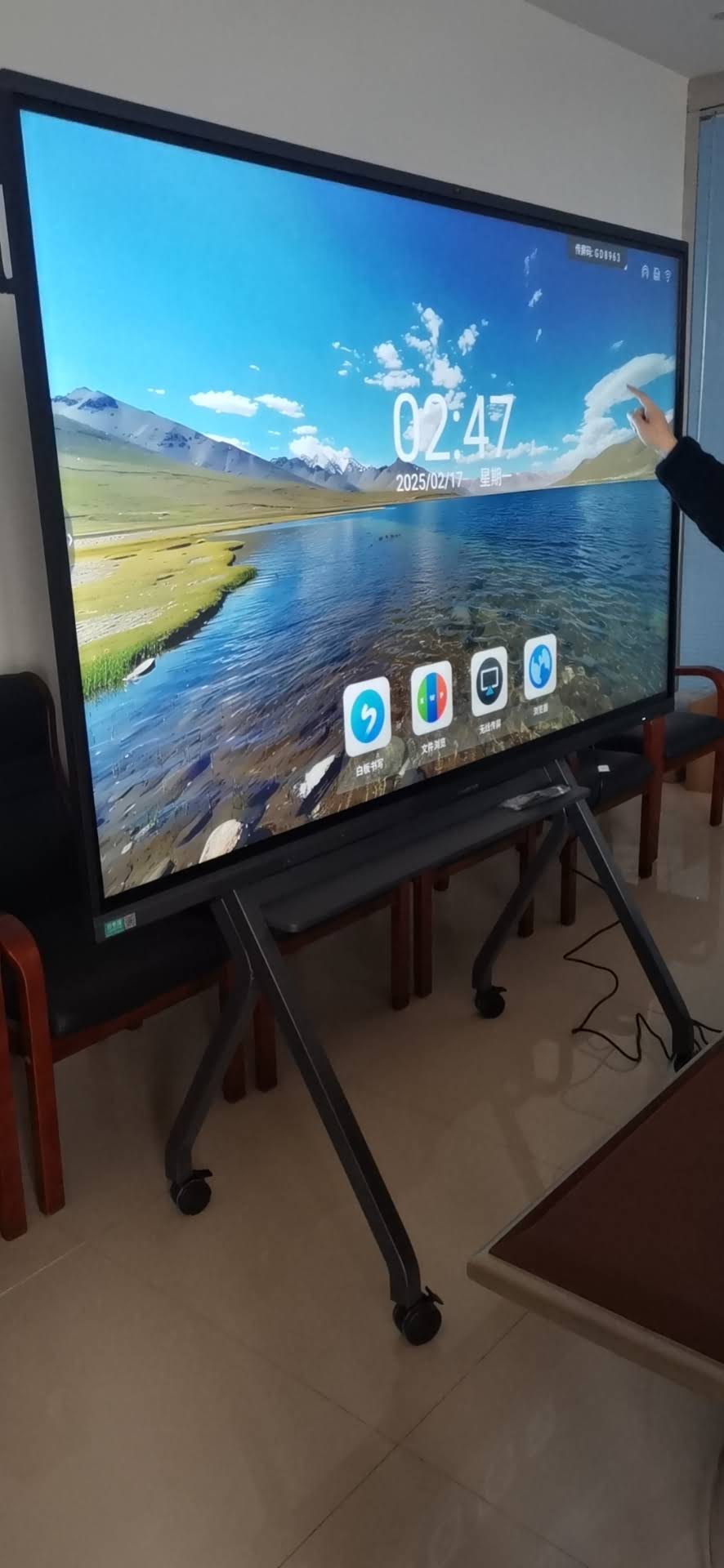
Comparing Speaker Placement Designs
Speaker placement affects sound clarity more than most buyers realize. Here are the three most common designs found in today’s market:
Front-facing speakers
Positioned along the bottom bezel, front-facing speakers direct sound straight toward the audience. This design works best for classrooms and training rooms where clarity to a seated audience is the priority.
Rear-mounted speakers
These reflect sound off the wall, producing a fuller, more ambient tone. This setup suits open-plan offices and casual meeting spaces but can lose clarity in larger rooms.
Downward-firing speakers
Common in premium models, downward-firing speakers combine directional clarity with a broader spread of sound, making them ideal for boardrooms with mixed seating arrangements.
Software Compatibility and Connectivity
A high-quality smart whiteboard should integrate smoothly with common conferencing platforms such as Zoom, Microsoft Teams, and Google Meet. Look for panels supporting Bluetooth 5.0 or higher for pairing with wireless microphones, and USB-C connectivity for one-cable laptop mirroring with power delivery. Wireless screen casting via Miracast or AirPlay is also worth checking, as it reduces dependency on physical adapters.
It’s also worth checking whether the panel runs on a stable Android version (Android 11 or newer is recommended) with regular firmware updates. Outdated software often leads to app compatibility issues down the line, which our technical support team frequently encounters with older-generation panels still in the field.

Durability and Panel Technology
Long-term reliability depends heavily on panel construction. Tempered anti-glare glass with a hardness rating of at least 7H resists scratching from daily stylus and finger use. Infrared (IR) touch technology remains the most widely used and cost-effective option, while capacitive touch offers a smoother, tablet-like feel at a higher price point.
Ask suppliers about the panel’s expected lifespan — most commercial-grade LED backlit displays are rated for 30,000 to 50,000 hours of continuous use, which translates to roughly 8-10 years under standard office or classroom conditions.
Real Buyer Experience: What to Expect During Installation
Based on feedback collected from over 200 installations across education and enterprise clients, the most common post-purchase concerns were:
- Wall-mount bracket compatibility with existing VESA standards
- Firmware update process for new units before first use
- Initial audio calibration for room acoustics
- Onboarding staff on annotation and file-sharing tools
Suppliers who provide clear installation documentation and responsive after-sales support tend to result in significantly smoother rollouts. This is one reason why working with an experienced manufacturer matters — companies like LeaderHub, which has 16 years of interactive-display expertise serving 82 countries, have refined their installation and support processes based on real deployment feedback across diverse markets.
Budget Considerations
Pricing varies significantly based on size, touch technology, and included accessories. As a general guideline:
| Screen Size | Estimated Price Range |
|---|---|
| 65 inch | $1,000 – $1,600 |
| 75 inch | $1,400 – $2,500 |
| 86 inch | $1,700 – $3,300 |
| 110 inch | $6,500 – $8,500 |
Don’t automatically choose the cheapest option. Panels priced far below market average often cut corners on speaker quality, touch sensitivity, or long-term software support — issues that surface only after months of daily use.
Recommended Models by Use Case
Based on common deployment scenarios we’ve observed, here are practical recommendations:
- Small meeting rooms: A 65″ model such as the LeaderHub L65HM Interactive Smart Whiteboard offers 4K clarity with integrated stereo speakers suitable for teams up to 10 people.
- Standard classrooms: A 75″ panel like the LeaderHub L75ZM Interactive Whiteboard balances cost and screen real estate for daily instructional use.
- Executive boardrooms: The 86″ LeaderHub L86HM Interactive Smart Whiteboard provides a commanding presence with enhanced audio output for larger spaces.
- Portable or mobile setups: The LeaderHub U55Pro Interactive Flat Panel is mobile-ready, ideal for training rooms that require flexible layouts.
Questions to Ask Before You Buy
Before finalizing your purchase, it’s worth requesting a live demo or trial unit whenever possible. Ask the supplier the following:
- What is the warranty period, and does it cover the speaker components separately?
- Can the firmware be updated remotely for future feature additions?
- Is there local technical support or does support require international shipping for repairs?
- What certifications (CE, FCC, RoHS) does the panel carry for your region?
Final Thoughts
A smart whiteboard with built-in speakers is no longer a luxury feature — it’s quickly becoming a baseline expectation for modern classrooms and meeting spaces. By focusing on speaker wattage, microphone quality, screen size suited to your room, and long-term software support, you can avoid common pitfalls that lead to costly replacements within just a few years. Take time to compare specifications side by side, request demonstrations, and choose a manufacturer with a proven track record of reliability and after-sales support to ensure your investment delivers value for years to come.








