
Corporate training rooms have evolved far beyond a projector and a flip chart. Today’s most effective learning-and-development spaces rely on interactive touch displays that combine video conferencing, annotation, wireless screen sharing, and cloud collaboration in a single device. But with dozens of brands, panel sizes, and touch technologies on the market, choosing the right smart whiteboard for a corporate training environment can be overwhelming.
Having worked with L&D managers, IT procurement teams, and facilities directors across finance, tech, and manufacturing sectors, we’ve seen firsthand which specifications actually matter in day-to-day training use — and which are just marketing fluff. This guide breaks down exactly what to evaluate before you invest in a smart whiteboard for your training room.
Why Training Rooms Need More Than a Basic Display
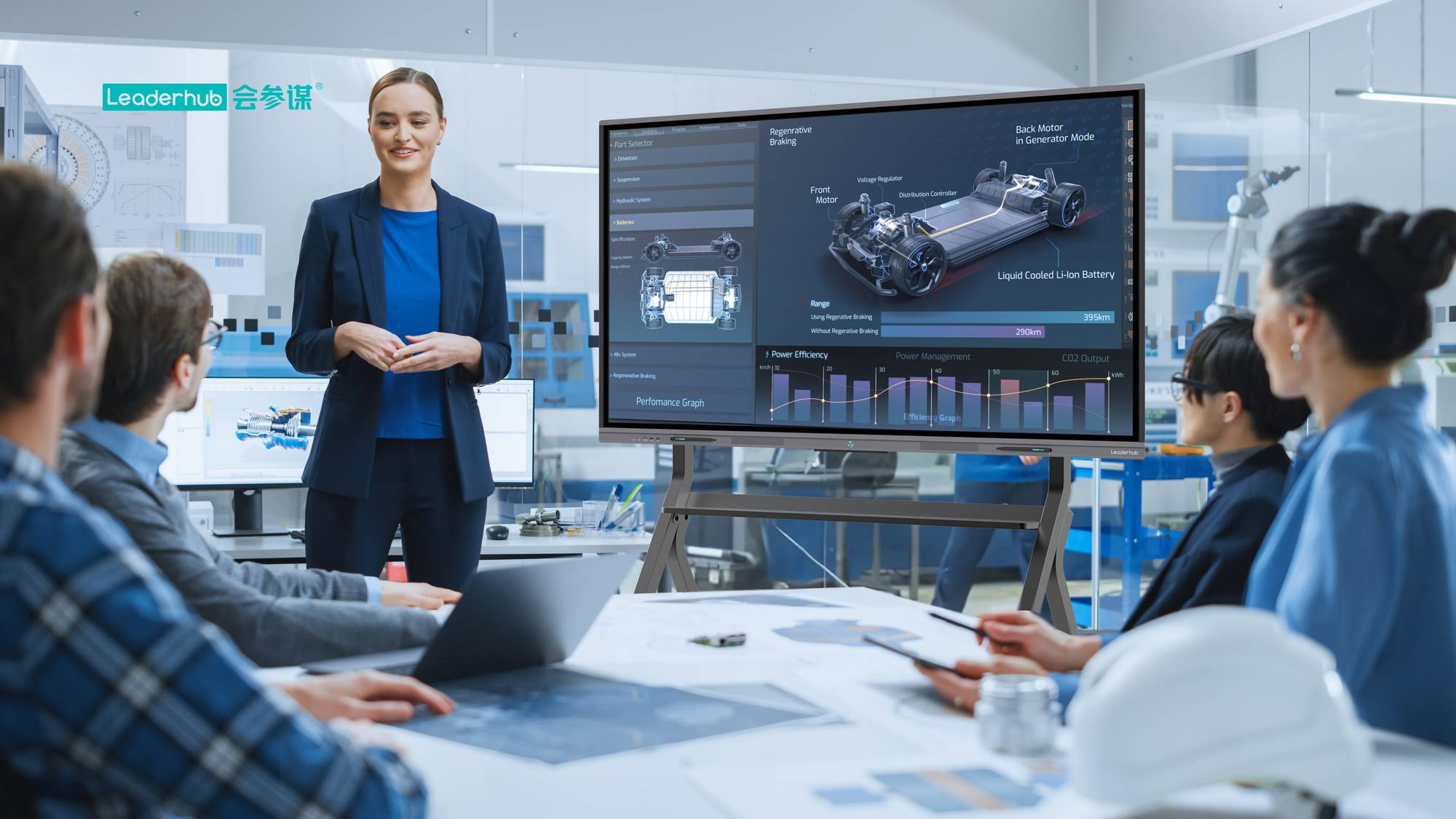
Unlike a boardroom used mostly for video calls, a corporate training room typically hosts interactive workshops, live annotation, group breakout sessions, and hands-on software demonstrations. This means the display needs to handle frequent touch input, multi-user writing, real-time content sharing from trainee devices, and integration with learning management systems (LMS).
According to a 2023 workplace technology survey by Frost & Sullivan, organizations that upgraded to interactive flat panels in training environments reported a 27% increase in participant engagement and a measurable reduction in post-session information retention gaps. This aligns with what we’ve observed across corporate clients — the interactivity itself drives comprehension, not just the screen size.
Key Factors to Evaluate Before Buying
When corporate IT teams ask us how to shortlist a smart whiteboard, we always recommend evaluating these five categories first:
- Screen size relative to room capacity — undersized displays hurt visibility in the back rows.
- Touch accuracy and simultaneous touch points — critical for group annotation exercises.
- Built-in vs. external computing (OPS/Mini PC) — affects upgrade flexibility and total cost of ownership.
- Wireless screen casting compatibility — must support both Windows and macOS trainee laptops.
- Software ecosystem — whiteboard apps, cloud sync, and LMS integration capability.
Screen Size Guide by Room Capacity
One of the most common mistakes we see in corporate procurement is choosing screen size based on budget rather than room dimensions. Below is a practical sizing reference based on typical training room layouts:
| Room Capacity | Recommended Screen Size | Viewing Distance |
|---|---|---|
| Up to 10 people | 55″ – 65″ | 1.5m – 4m |
| 10–20 people | 75″ – 86″ | 3m – 6m |
| 20+ people | 98″ – 110″ | 5m – 10m |
For most mid-sized corporate training rooms hosting 15–25 employees, a 75″ or 86″ 4K interactive panel strikes the best balance between visibility, cost, and available floor space. This is reflected in real deployment data — the vast majority of enterprise training room installations we’ve supported fall within this size range.
Touch Technology: Why It Matters More Than You Think
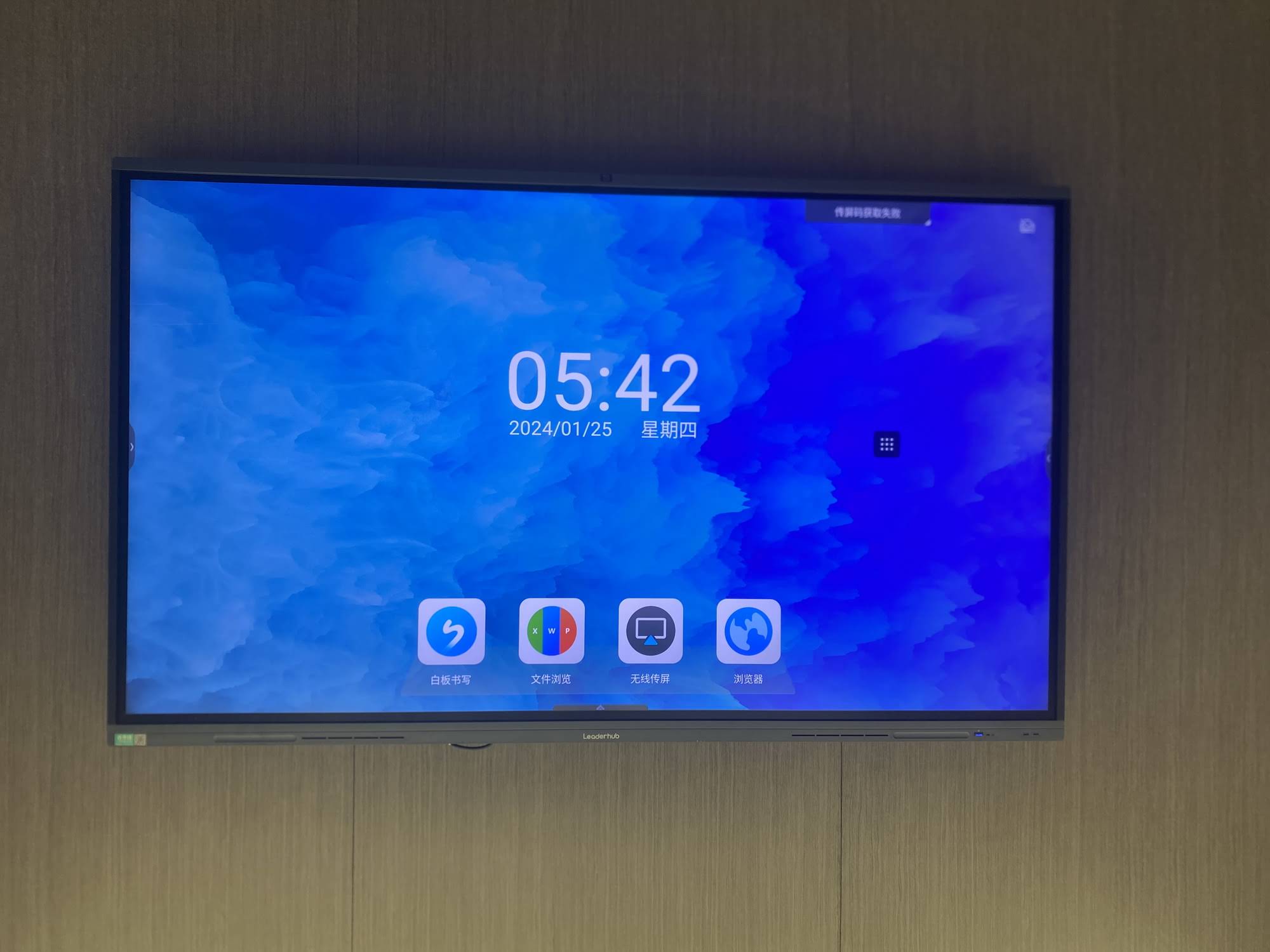
Not all touchscreens are built the same. Infrared (IR) touch technology remains the most common and cost-effective for training rooms, but the quality of the touch sensor layer varies significantly between manufacturers. Look for panels supporting at least 20-point simultaneous touch so multiple trainees can annotate or interact at once during breakout exercises.
Capacitive touch panels — similar to smartphone screens — offer smoother writing precision and are increasingly used in premium interactive whiteboard models. If your training sessions involve detailed diagramming, engineering walkthroughs, or design collaboration, capacitive touch is worth the investment.
Built-In Computing vs. External Mini PC
Many corporate buyers overlook the computing architecture behind the display. There are generally two approaches:
| Approach | Pros | Cons |
|---|---|---|
| Built-in Android system | Lower upfront cost, plug-and-play | Limited software compatibility |
| External OPS Mini PC (Windows) | Full Windows app support, easy hardware upgrade | Slightly higher initial investment |
For corporate training rooms that rely on Microsoft Teams, PowerPoint macros, or proprietary LMS software, we strongly recommend pairing your display with a dedicated mini PC module rather than relying solely on the built-in Android OS. This gives IT teams the flexibility to upgrade processing power without replacing the entire panel.
Real-World Case Example
A regional financial services firm with a 22-person training room replaced its aging projector setup with an 86″ 4K interactive panel paired with an external Windows mini PC. Within three months, their L&D team reported a 35% reduction in session setup time and eliminated recurring connectivity complaints from previous BYOD (bring-your-own-device) casting issues. The switch also allowed trainers to record annotated sessions directly to cloud storage — something their old projector-based system could never support.
This kind of outcome is common when procurement decisions are based on actual usage patterns rather than price alone.
Connectivity & Software Considerations
A smart whiteboard is only as useful as its ecosystem. Before finalizing a purchase, confirm the following:
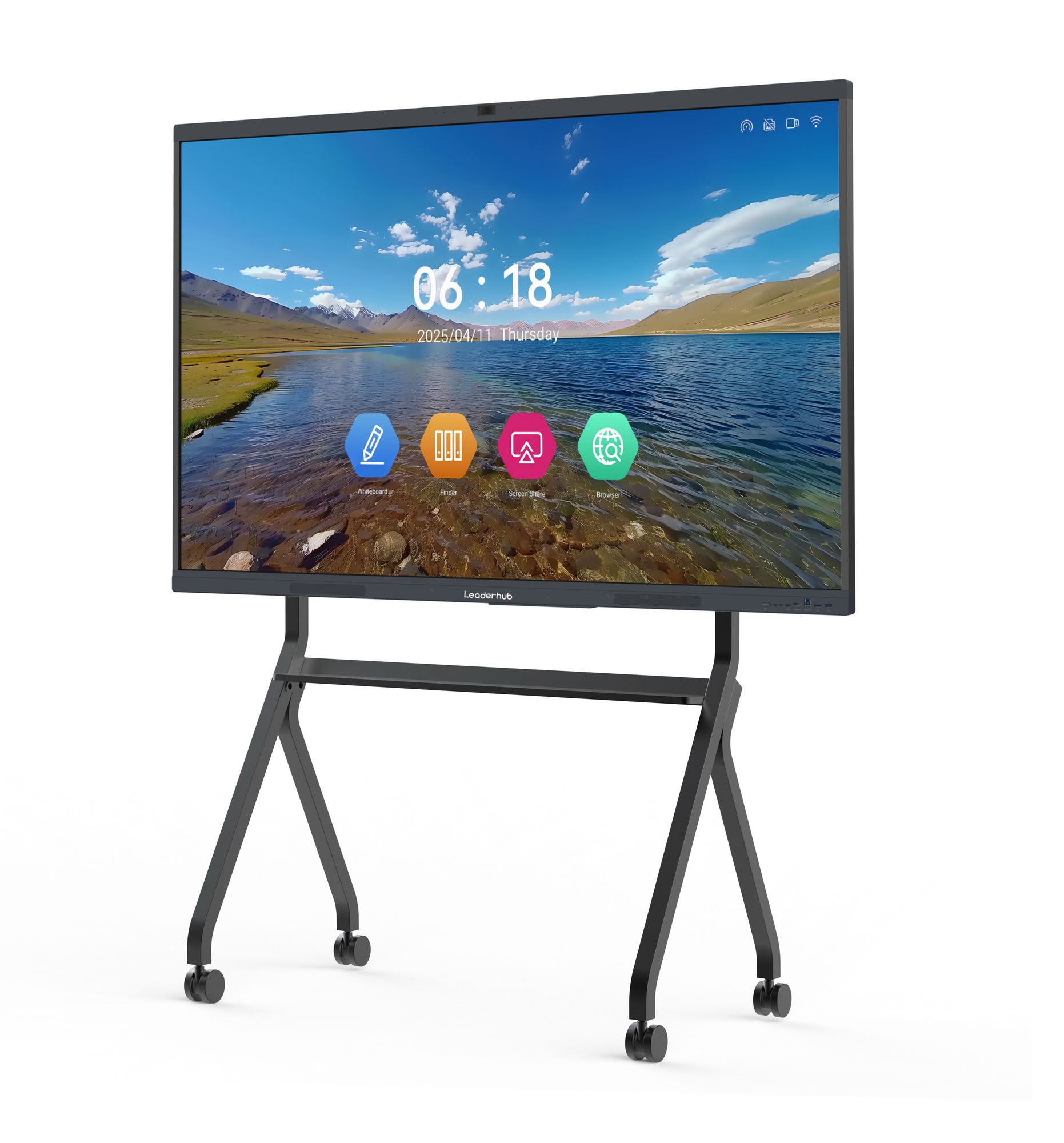
- Native support for wireless screen mirroring from both Windows and Mac devices
- Compatibility with video conferencing platforms (Zoom, Teams, Google Meet)
- Cloud whiteboard save/export options (PDF, PNG, cloud drive sync)
- Remote device management for multi-room corporate deployments
- Security certifications — especially important for finance and government-sector training rooms
Budget Planning: What Should You Actually Spend?
Enterprise-grade interactive panels for training rooms typically range from $1,000 to $8,000 depending on size, touch technology, and included computing hardware. As a general rule:
| Budget Tier | Typical Panel Size | Best Suited For |
|---|---|---|
| Entry ($1,000–$1,600) | 65″–75″ | Small teams, single-department training |
| Mid ($1,700–$3,500) | 75″–86″ | Cross-department training, multi-site rollouts |
| Enterprise ($4,000–$8,000+) | 98″–110″ | Large auditoriums, executive briefing centers |
Installation & Mounting Considerations
Corporate training rooms often need flexible layouts for different session formats — lecture-style, workshop, or roundtable. Mobile stand mounts with height adjustment give facilities teams the freedom to reconfigure the room without professional reinstallation. If your organization frequently hosts hybrid sessions with remote attendees, prioritize panels with built-in wide-angle cameras and echo-cancelling microphones to reduce dependency on separate conferencing hardware.
Choosing a Reliable Manufacturer
Hardware specifications matter, but long-term reliability and after-sales support are equally important for enterprise deployments spanning multiple offices or countries. LeaderHub, a Shenzhen-based manufacturer with 16 years of experience in the interactive panel industry, has supplied smart whiteboards and mini PC solutions to businesses and training institutions across 82 countries, offering a practical example of the kind of manufacturer support corporate buyers should look for — including firmware updates, multi-language interfaces, and OEM/ODM customization for large-scale rollouts.
When evaluating vendors, ask about warranty terms, regional service centers, and whether the company offers pilot units for on-site testing before a full department-wide purchase.
Final Checklist Before You Buy
- Confirm screen size matches your room’s actual seating capacity
- Verify touch-point support for group collaboration exercises
- Decide between built-in OS or external Windows mini PC based on your software needs
- Test wireless casting with your team’s actual devices before purchase
- Request a warranty and service-level agreement in writing
Choosing the right smart whiteboard for a corporate training room isn’t just about picking the biggest or cheapest screen — it’s about matching the technology to how your teams actually train, present, and collaborate. By evaluating screen size, touch technology, computing architecture, and vendor reliability together, L&D and IT teams can make a purchase that improves engagement metrics while reducing long-term technical friction.








