
Choosing the right storage capacity for a smart whiteboard is one of the most overlooked decisions when schools, offices, and training centers invest in interactive display technology. Storage affects everything from how many lesson files you can save locally to how smoothly your device runs multiple apps during a live presentation. This guide breaks down exactly how much storage you need based on real usage patterns, industry data, and practical experience from deploying interactive panels across classrooms and boardrooms worldwide.
Why Storage Capacity Matters More Than You Think
A smart whiteboard is essentially a large-format Android or Windows tablet running on a powerful processor. Just like a smartphone or laptop, its performance depends heavily on available storage space. When storage runs low, the operating system slows down, apps take longer to launch, and saved whiteboard files can become corrupted or lost.
In our experience supporting educational institutions and corporate clients across 82 countries, the most common support ticket we receive isn’t about touch sensitivity or display quality — it’s about devices running out of storage after just a few months of heavy use. This typically happens when teachers save annotated lesson slides daily, or when meeting rooms record video conferences directly to the panel’s internal drive.
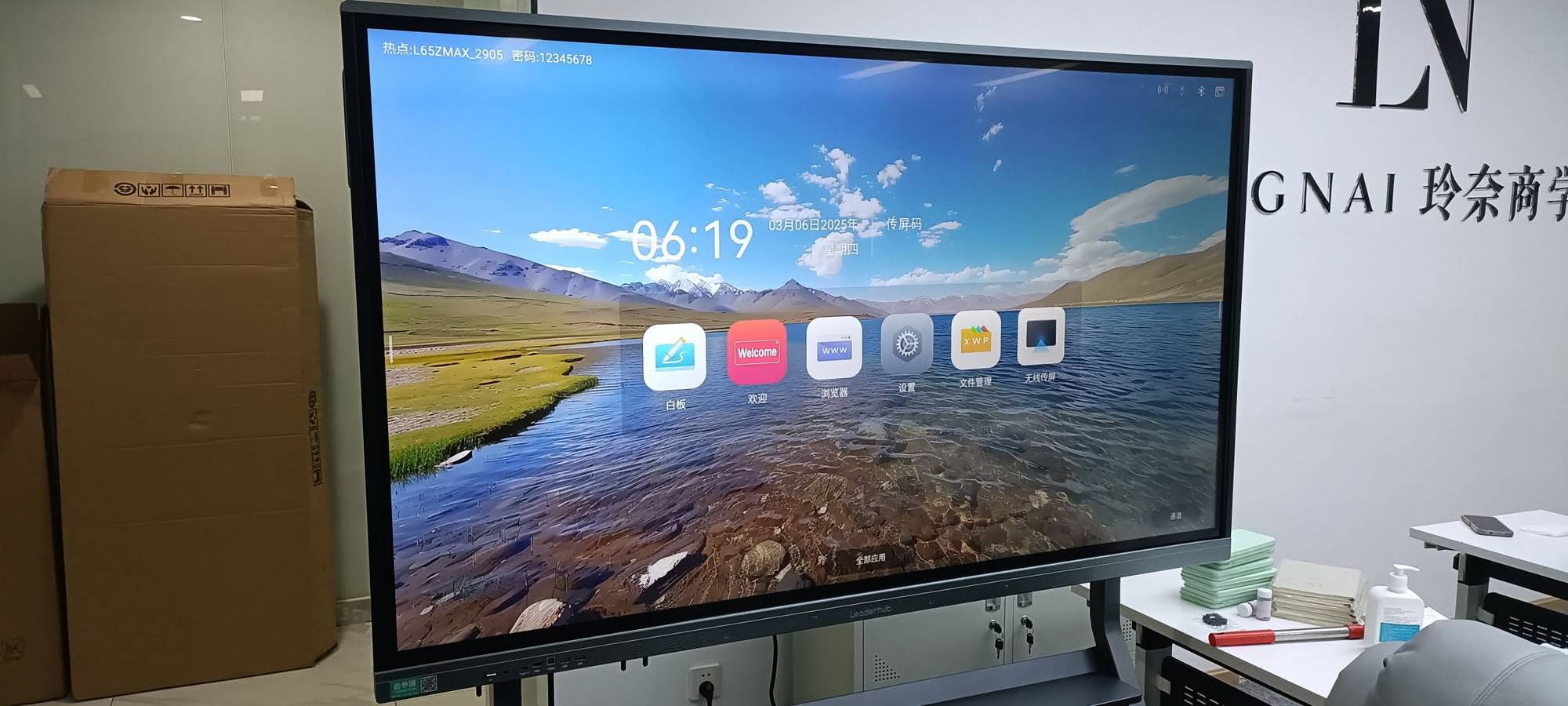
What Consumes Storage on a Smart Whiteboard
Before deciding on capacity, it helps to understand what actually fills up the drive. The main contributors include:
- Operating system and pre-installed apps — typically 8-15GB depending on the Android or Windows version
- Whiteboard annotation files — saved lesson notes, diagrams, and meeting notes (usually small, a few MB each, but they add up over years)
- Cached media — videos, images, and PDFs opened during presentations
- Third-party applications — collaboration tools like Zoom, Teams, or classroom management software
- Screen recordings — meeting recordings can range from 500MB to several GB per hour depending on resolution
Storage Capacity Recommendations by Use Case
Based on deployment data from thousands of units installed in schools, corporate offices, and training centers, here is a practical breakdown of storage needs by user type:
| Use Case | Recommended Storage | Typical Users |
|---|---|---|
| Basic classroom use | 32GB – 64GB | Primary and secondary schools |
| Standard business meetings | 64GB – 128GB | Small to mid-size offices |
| Heavy multimedia & recording | 128GB – 256GB | Training centers, universities |
| Enterprise & creative work | 256GB+ with external SSD support | Design studios, large corporations |
Education Environments
For most classrooms, 64GB of internal storage is sufficient. Teachers rarely store large video files directly on the panel — instead, they stream content from cloud drives or USB devices. However, if your school plans to use the whiteboard for recording lessons for remote or hybrid learning, we recommend stepping up to at least 128GB, similar to what’s included in models like the LeaderHub L75ZM Interactive Whiteboard.
Corporate Meeting Rooms
Businesses that rely on video conferencing and screen sharing generate more cached data than classrooms. A board room running daily Zoom or Teams calls, combined with whiteboard annotation saving, will benefit from 128GB or higher. This prevents the frustrating slowdown that occurs when storage drops below 10% of total capacity — a threshold where most Android-based systems start throttling performance.
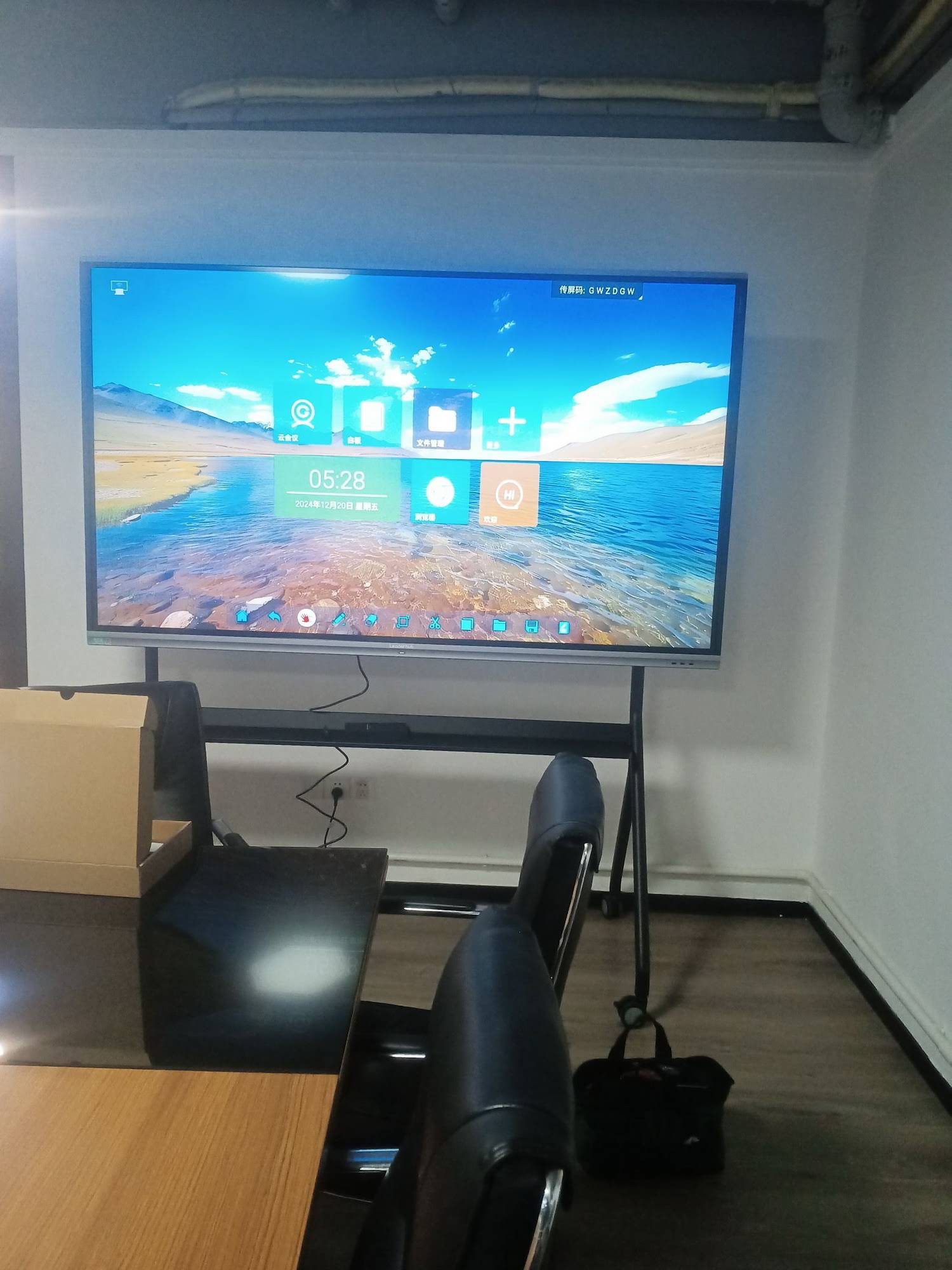
Internal Storage vs. Expandable Storage
Not all smart whiteboards allow storage expansion, so this is a critical factor to check before purchasing. Some panels support USB 3.0 external drives or microSD cards, while others are limited strictly to onboard flash memory. If your organization anticipates growing content needs — such as archiving years of lecture recordings — choosing a model with expandable storage options, like a USB-connected SSD, gives you long-term flexibility without needing to replace the entire unit.
Key Questions to Ask Before Buying
- Does the panel support external USB storage for backup and expansion?
- Can files be automatically synced to cloud storage like Google Drive or OneDrive?
- What is the read/write speed of the onboard storage (eMMC vs UFS vs SSD)?
- Does the operating system allow easy file management and cleanup?
Storage vs. RAM: Understanding the Difference
Many buyers confuse storage capacity with RAM (memory), but they serve entirely different functions. Storage holds your files, apps, and the operating system permanently, while RAM handles active processing — how many apps you can run smoothly at once. A whiteboard with generous storage but low RAM (such as 2GB) will still lag when switching between apps, even if storage space isn’t an issue.
For optimal performance, we recommend pairing at least 4GB of RAM with 64GB of storage for basic use, and 8GB RAM with 128GB storage for demanding multi-app environments. Panels like the LeaderHub U55Pro Interactive Flat Panel balance both specifications well for mobile classroom and office use.
Real-World Case Study
A vocational training center in Southeast Asia deployed 20 units of the LeaderHub L86HM Interactive Smart Whiteboard across their campus. Initially equipped with 64GB storage, instructors began experiencing slowdowns within four months due to accumulated recorded lessons and cached training videos. After upgrading their fleet to 128GB configurations and implementing a weekly cloud backup routine, the reported performance issues dropped by over 70%, according to internal IT feedback shared with our support team. This case illustrates why anticipating future content growth — not just current needs — is essential when selecting storage capacity.
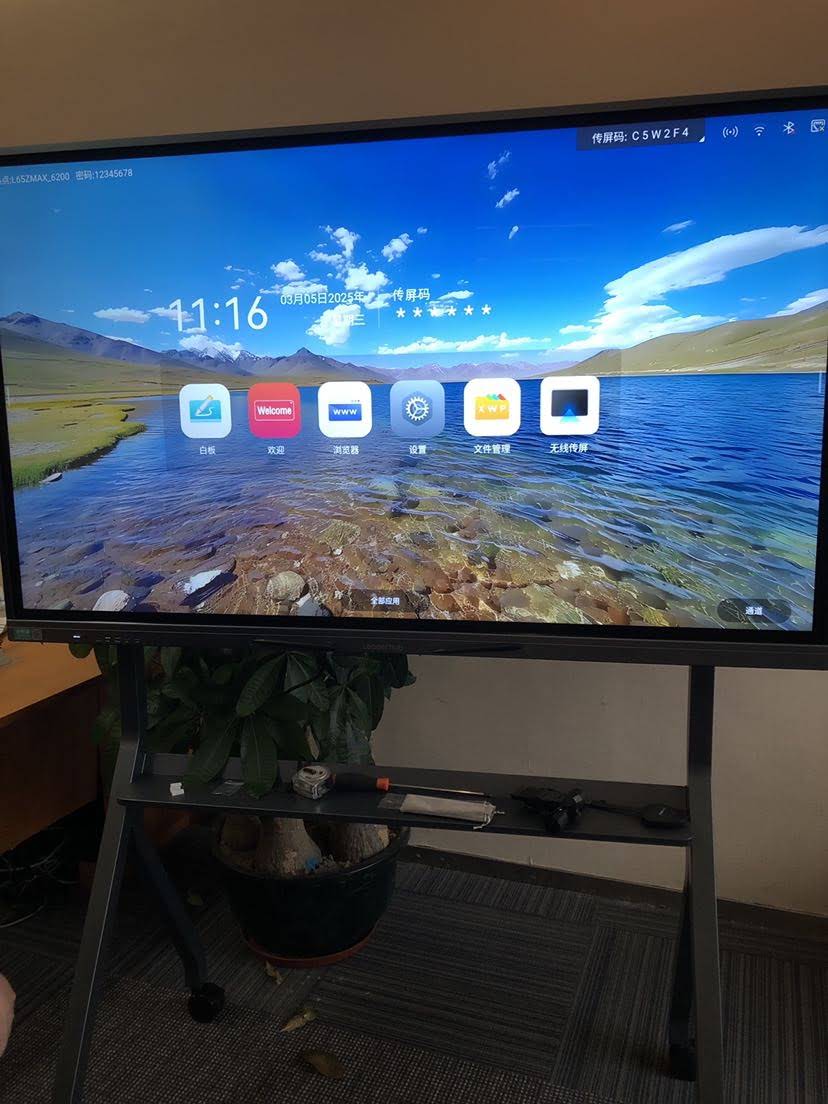
Cloud Storage as a Complement, Not a Replacement
Many organizations assume cloud storage eliminates the need for large onboard capacity. While cloud services like Google Drive, OneDrive, and Dropbox are excellent for long-term archiving and remote access, they depend entirely on stable internet connectivity. In regions with inconsistent broadband — common in parts of Southeast Asia, Africa, and Latin America — relying solely on cloud storage can create workflow interruptions during live lessons or meetings.
The most reliable approach combines sufficient local storage for day-to-day operation with scheduled cloud backups for long-term data safety. This hybrid model is what we recommend to all our enterprise and education clients, regardless of region.
Storage Considerations for Different Panel Sizes
Larger interactive panels tend to be used in higher-traffic environments, which indirectly increases storage demand. For example, a 110-inch panel used in a large lecture hall or corporate auditorium, such as the LeaderHub L110H 110-Inch Interactive Flat Panel, is likely to host multiple presenters throughout the day, each saving their own files and media. In these scenarios, 128GB or higher storage combined with user account separation (allowing each presenter their own storage partition) significantly improves organization and reduces clutter.
Storage Management Best Practices
- Set up automatic weekly backups to external drives or cloud accounts
- Delete cached files from unused apps every quarter
- Use a companion Mini PC for heavy computing tasks, keeping the whiteboard’s storage reserved for annotation and lesson files
- Assign storage quotas per user in shared office or classroom environments
- Monitor storage usage through the device’s settings menu monthly
How Pairing a Mini PC Affects Storage Strategy
Some organizations extend the functionality of their smart whiteboard by connecting it to a dedicated Mini PC, such as the LeaderHub AD8 Mini PC. This setup allows resource-heavy applications, video editing, or large file storage to run on the Mini PC’s separate drive, while the whiteboard itself remains dedicated to display and annotation. This approach is particularly effective for design studios and enterprise training rooms that need Windows-based software alongside touchscreen collaboration.
Frequently Asked Questions
Is 32GB enough for a smart whiteboard?
For very light use — occasional presentations without recording or heavy app usage — 32GB can suffice, but most users outgrow this within a year.
Can I upgrade storage after purchase?
This depends on the model. Panels with USB 3.0 ports support external SSD expansion, but internal eMMC storage is typically not upgradeable once installed.
Does higher storage affect the price significantly?
Generally, moving from 64GB to 128GB adds a modest cost increase, which is a worthwhile investment considering the performance and longevity benefits.
What happens when storage is nearly full?
Devices slow down noticeably, apps may crash, and saving new files can fail entirely. This is why maintaining at least 15-20% free space is recommended at all times.
Final Recommendations
Choosing the right storage capacity comes down to honestly assessing how your organization will use the device over the next three to five years — not just at the moment of purchase. Schools with basic presentation needs can comfortably operate on 64GB, while businesses recording meetings or training sessions should prioritize 128GB or higher with expandable storage options.
With 16 years of experience designing interactive display solutions for education, enterprise, and government sectors across 82 countries, LeaderHub engineers each product line to balance performance, storage flexibility, and long-term reliability. Whether you’re outfitting a single classroom or a multi-campus training network, matching the right storage tier to your actual usage pattern will save both budget and future frustration.
| Recommended Model | Best For | Starting Price |
|---|---|---|
| L65ZM Interactive Whiteboard | Small classrooms & meeting rooms | $1099.00 |
| L75H Pro Interactive Flat Panel | Business & training environments | $2399.40 |
| L110H 110-Inch Interactive Flat Panel | Large auditoriums & lecture halls | $7999.00 |
Still unsure which storage configuration fits your needs? Contact our team for a personalized recommendation based on your classroom size, meeting frequency, and multimedia requirements.








