
Choosing the right smart whiteboard for your office, classroom, or training center is no longer a simple hardware decision — it’s a strategic investment that directly affects how well your teams communicate, brainstorm, and execute projects. With dozens of interactive display brands flooding the market, buyers often struggle to separate genuine value from marketing hype. This guide breaks down exactly what to look for, based on real deployment experience across corporate offices, universities, and government agencies in more than 80 countries.
Whether you’re outfitting a single conference room or rolling out displays across an entire campus, understanding the technical and practical criteria below will help you avoid costly mistakes and select a device that actually improves collaboration outcomes.
Why Smart Whiteboards Have Become Essential for Modern Teams
Remote and hybrid work models have fundamentally changed how meetings happen. A 2023 Owl Labs workplace report found that 68% of hybrid employees say collaboration tools directly impact their sense of engagement during meetings. A traditional whiteboard and a projector simply can’t keep pace with distributed teams who need real-time annotation, cloud file access, and video conferencing in one workflow.
A quality smart whiteboard consolidates writing, screen sharing, video calls, and cloud storage into a single touchscreen surface — eliminating the need for separate projectors, speakers, and cameras cluttering the room.
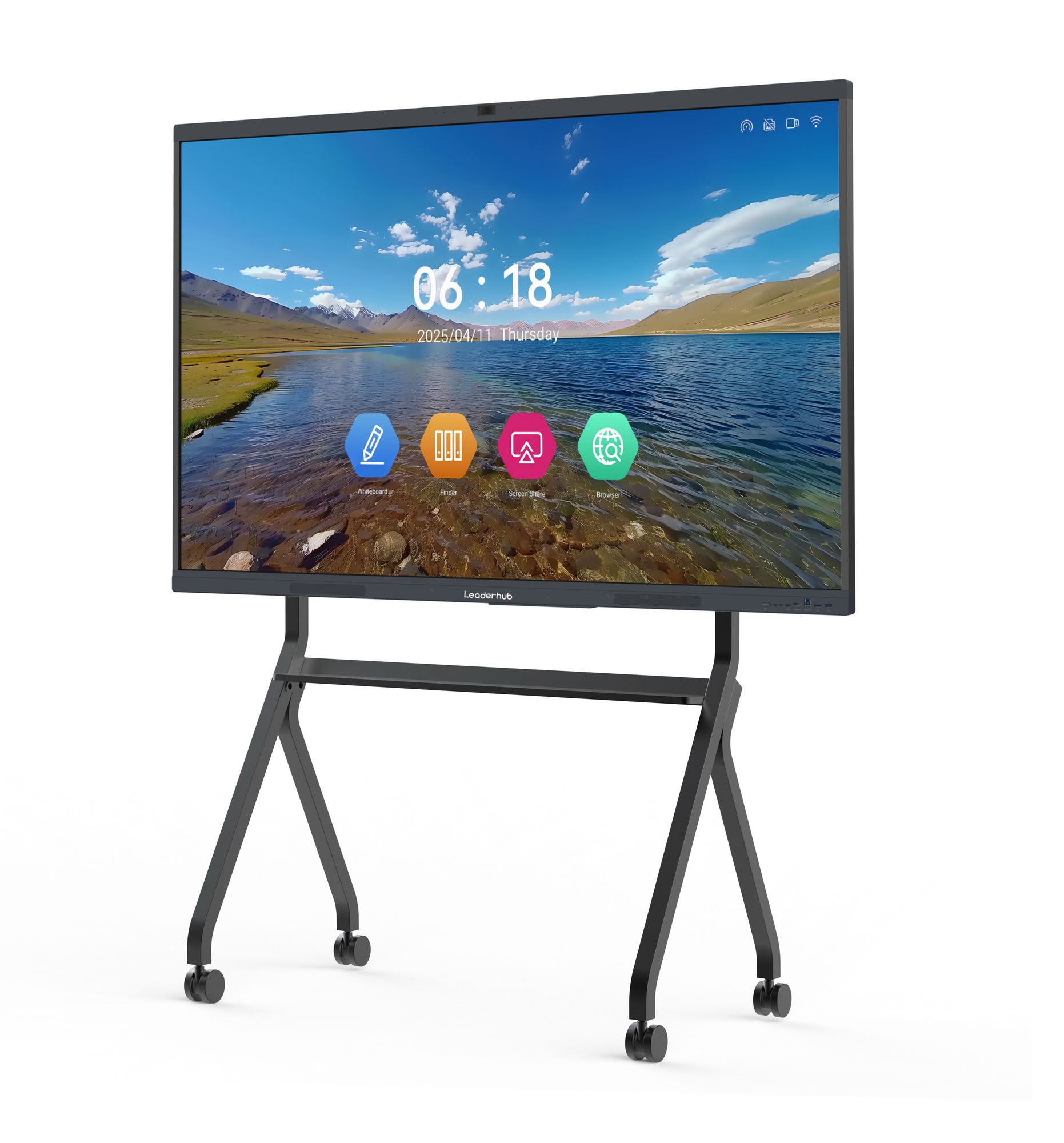
Key Factors to Evaluate Before Buying
After testing and deploying interactive panels across education, finance, and enterprise settings, the following criteria consistently determine whether a smart board delivers long-term value or becomes an underused expense.
1. Screen Size and Room Fit
Screen size should match room dimensions and typical audience size, not just budget. A common mistake is buying a 55″ panel for a boardroom that seats 15 people — text and annotations become unreadable from the back rows.
| Room Capacity | Recommended Size | Best Use Case |
|---|---|---|
| Up to 6 people | 55″ – 65″ | Small huddle rooms, personal offices |
| 6–15 people | 75″ – 86″ | Standard conference rooms, classrooms |
| 15+ people | 98″ – 110″ | Auditoriums, training halls, large boardrooms |
2. Touch Technology and Responsiveness
Not all touchscreens are equal. Infrared (IR) touch technology remains the industry standard for interactive panels because it supports multi-point touch (typically 20+ simultaneous touches), palm rejection, and pen writing without lag. When evaluating a unit, test writing speed with a stylus — any noticeable delay between pen movement and ink appearing on screen is a red flag for daily classroom or meeting use.
3. Operating System and Software Ecosystem
Most modern smart whiteboards run on Android for built-in apps and whiteboard software, while offering an optional Windows OPS module for full desktop functionality. Look for:
- Pre-installed annotation and whiteboard software with cloud sync
- Native support for video conferencing platforms (Zoom, Teams, Google Meet)
- Screen mirroring/casting from laptops and mobile devices
- Regular firmware and security updates from the manufacturer
4. Connectivity and Ports
A board is only as useful as its ability to connect with existing office equipment. Prioritize models with HDMI in/out, USB-C with power delivery, built-in Wi-Fi 6, and optional OPS slots for external mini PCs. Teams that frequently swap between laptops benefit greatly from one-cable USB-C connectivity that handles video, audio, and touch-back simultaneously.
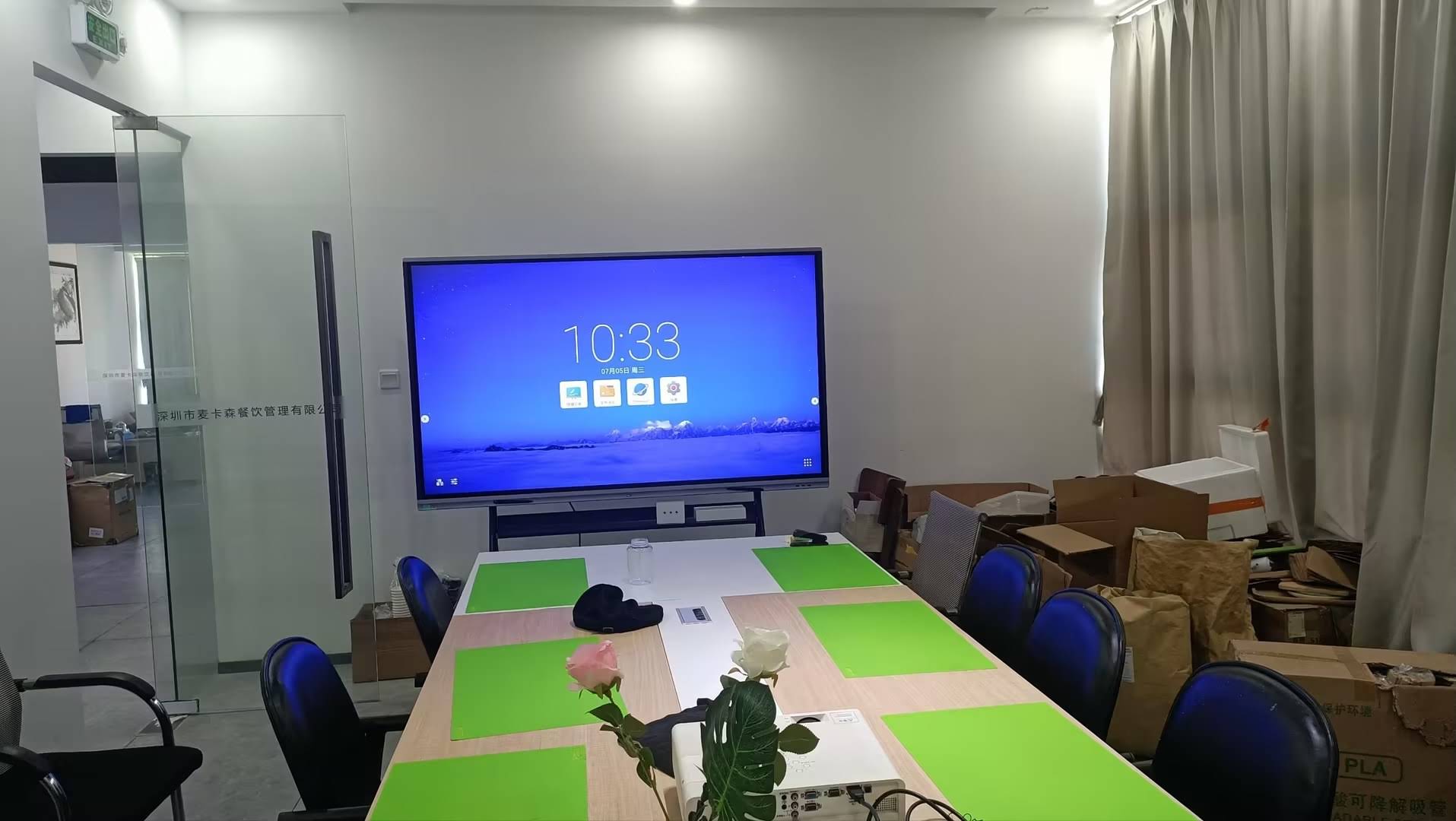
5. Fixed vs. Mobile/Rotating Displays
Fixed wall-mounted panels suit permanent conference rooms and classrooms, while rotating smart screens offer flexibility for training centers, retail spaces, and shared meeting rooms that need to be reconfigured frequently. A rotating display can switch between landscape presentation mode and portrait mode for document review or vertical content — a growing trend in creative and design teams.
Comparing Popular Smart Whiteboard Configurations
Below is a practical comparison of common configurations found in today’s market, useful as a reference point when requesting quotes from vendors.
| Model Type | Screen Size | Approx. Price Range | Ideal For |
|---|---|---|---|
| Entry 4K Smart Panel | 65″ | $1,000 – $1,300 | Small teams, startups |
| Mid-Range Interactive Flat Panel | 75″ – 86″ | $1,400 – $3,200 | Standard offices, classrooms |
| Large-Format Display | 98″ – 110″ | $5,000+ | Auditoriums, executive boardrooms |
| Portable Rotating Screen | 24″ – 27″ | $700 – $900 | Flexible huddle spaces, mobile teams |
Real-World Experience: What Actually Matters After Deployment
Based on feedback collected from IT administrators managing fleets of interactive displays across corporate campuses, three issues consistently determine long-term satisfaction more than initial specs:
- Reliability under daily use. Panels used in classrooms or meeting rooms may be touched thousands of times per week. Durable anti-glare glass with scratch resistance (Mohs hardness 7+) significantly reduces replacement costs.
- Ease of IT management. Centralized device management (MDM) support lets administrators push updates, restrict app access, and monitor usage across dozens of units remotely — critical for organizations with 10+ rooms.
- Vendor support and warranty terms. A 3-year minimum warranty with local service support is a strong indicator of manufacturer confidence in build quality.
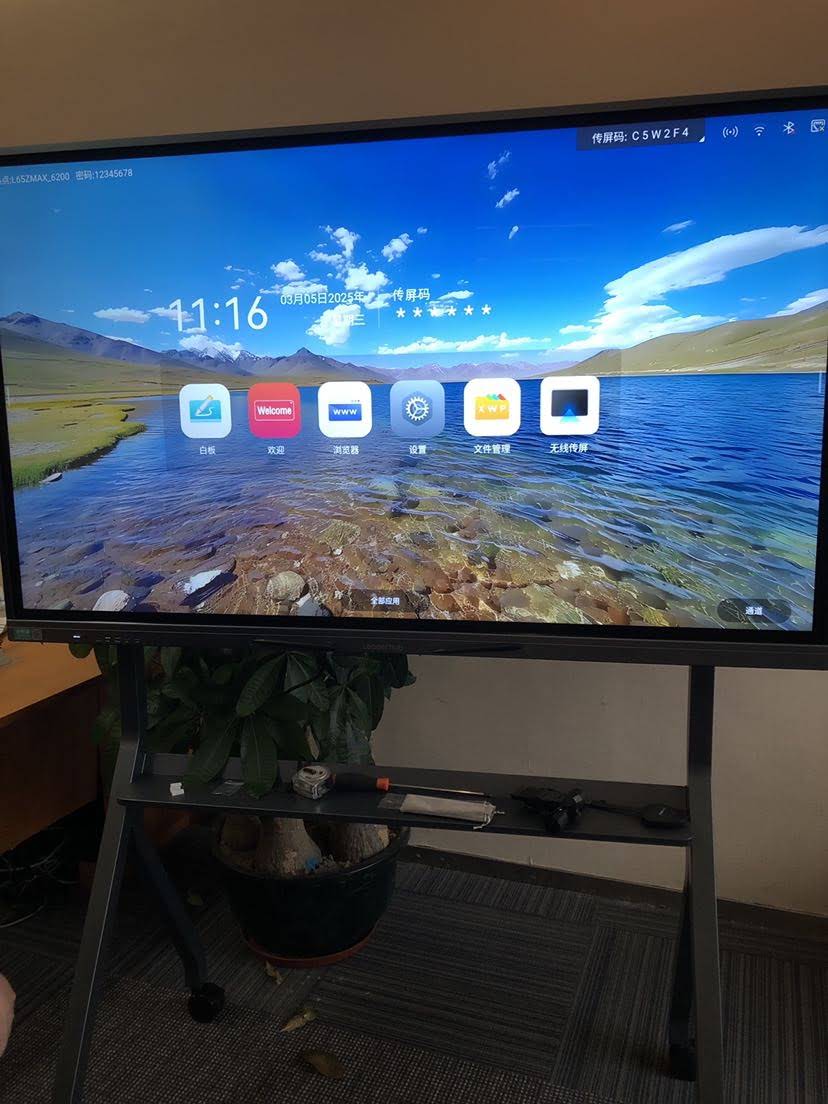
Pairing Your Whiteboard With the Right Compute Hardware
Many organizations overlook that the panel itself is only half the equation. The onboard Android chip in most whiteboards is optimized for annotation and casting, but resource-intensive tasks like video editing, CAD review, or multi-window productivity work require a dedicated mini PC module slotted into the display’s OPS bay. This modular approach lets teams upgrade compute power independently of the display, extending the panel’s usable life by 3–5 years beyond a typical all-in-one refresh cycle.
Recommended Configuration Checklist
- 4K UHD resolution (3840×2160) minimum for text clarity
- 20-point (or higher) infrared multi-touch support
- Built-in dual microphone array and noise-cancelling speakers for video calls
- Wireless screen-casting compatible with iOS, Android, Windows, and macOS
- OPS slot for optional Windows mini PC upgrade
- VESA-compliant mount for flexible wall or mobile stand installation
Budgeting Tips for Multi-Room Deployments
Organizations deploying more than five units should negotiate bulk pricing and request extended on-site warranty terms. It’s also worth comparing total cost of ownership rather than sticker price alone — a slightly higher upfront cost with a 3-year warranty and free firmware updates often proves cheaper than a budget unit requiring frequent repairs or software patches.
As one example, LeaderHub, a Shenzhen-based interactive display manufacturer with 16 years of industry experience serving 82 countries, structures its smart whiteboard lineup across multiple size tiers and price points specifically to help small and mid-sized businesses scale deployments without overspending on unnecessary features.
Common Mistakes to Avoid
| Mistake | Consequence | How to Avoid It |
|---|---|---|
| Buying based on price alone | Poor touch accuracy, short lifespan | Request live demo before purchase |
| Ignoring room lighting conditions | Glare reduces visibility | Choose anti-glare, high-brightness panels |
| Skipping IT compatibility checks | Integration issues with existing systems | Confirm MDM and network compatibility upfront |
Final Thoughts
The best smart whiteboard for your team isn’t necessarily the one with the most features — it’s the one that matches your room size, workflow needs, and IT infrastructure while offering reliable long-term support. Prioritize touch accuracy, display clarity, software compatibility, and vendor warranty terms over flashy marketing claims.
Before finalizing a purchase, request a live product demonstration, review at least two vendor comparisons, and confirm warranty and support terms in writing. Teams that follow this structured evaluation process consistently report higher satisfaction and stronger ROI from their interactive display investment over the following 3–5 years.








