
Smart Board for Classes
Enhancing Interactive Learning in Schools
Unlock the future of education with LeaderHub’s AI-driven interactive flat panels. Designed to boost engagement, foster collaboration, and streamline classroom management for educators worldwide.
The Evolution of the Classroom: Why Smart Boards Matter
The traditional classroom setting—once dominated by blackboards, chalk dust, and passive listening—is undergoing a profound digital transformation. Today, a smart board for classes is no longer a luxury; it is a foundational tool that bridges the gap between pedagogical theory and active student engagement.
Modern educational systems demand dynamic environments where lessons come alive. By integrating high-definition visuals, intuitive touch interfaces, and advanced cloud connectivity, smart boards enable teachers to present complex concepts visually. This active approach caters directly to diverse learning styles, ensuring that visual, auditory, and kinesthetic learners all thrive simultaneously.
LeaderHub is at the forefront of this educational revolution. With 16 years of expertise in interactive display technology, we provide solutions that empower educators to create immersive, collaborative, and highly effective learning spaces.

How Smart Boards Transform Classroom Dynamics
Immersive Multi-Touch Interaction
Supports multiple students writing or drawing simultaneously. Multi-touch technology turns learning into a collaborative physical activity, promoting teamwork directly at the board.
Stunning 4K Visual Clarity
High-resolution 4K screens ensure that text, diagrams, and educational videos are crystal clear from the front row to the back of the classroom, minimizing eye strain.
Seamless Cloud Connectivity
Teachers can access and load lesson plans instantly from Google Drive or OneDrive. Save annotations, share documents, and distribute homework directly via QR code scans.
AI-Enabled Whiteboard Tools
Features intelligent handwriting recognition, auto-shapes, and AI-assisted search tools. Instantly convert sketches into clean vector art and lookup educational assets on the fly.
Featured Interactive Smart Boards for Education

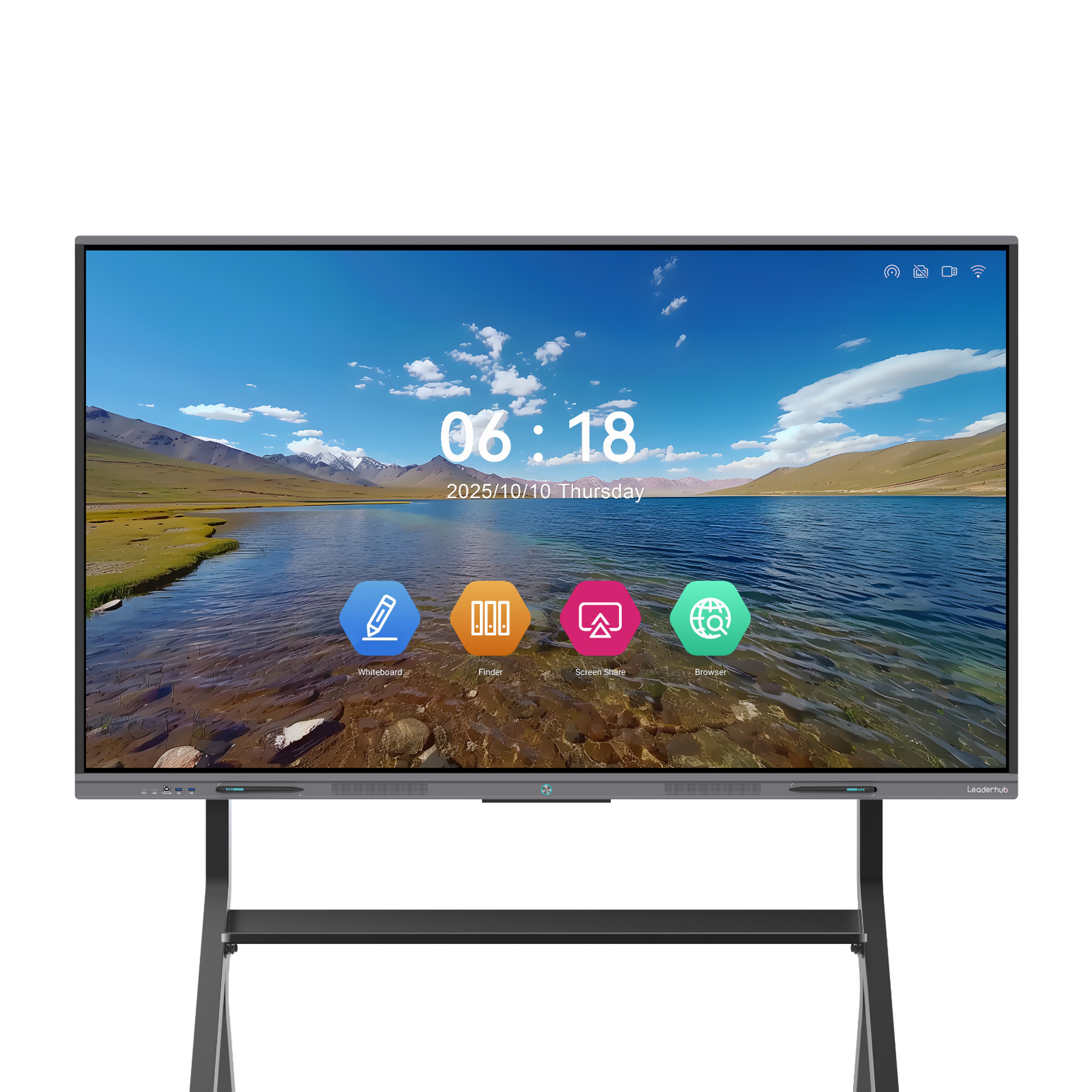
HM Series vs. ZM Series Comparison
| Model Series | Screen Sizes | Resolution | Touch Technology | Operating System | Key Target Application |
|---|---|---|---|---|---|
| HM Series (L65HM, L75HM, L86HM) | 65″, 75″, 86″ | 4K UHD (3840 x 2160) | 20-Point Infrared Touch | Android & Windows OPS Optional | Highly Interactive Classrooms |
| ZM Series (L65ZM, L75ZM, L86ZM) | 65″, 75″, 86″ | 4K UHD (3840 x 2160) | 20-Point Touch (Zero Bonding) | Android & Windows OPS Optional | Budget-Friendly Smart Schools |
| H Pro Series (L75H Pro, L110H) | 75″, 110″ | 4K UHD (3840 x 2160) | Advanced Multi-touch | Dual-OS Architecture | Large Lecture Halls & Auditoriums |
Enhance Classrooms with Mini PCs & Portable Screens
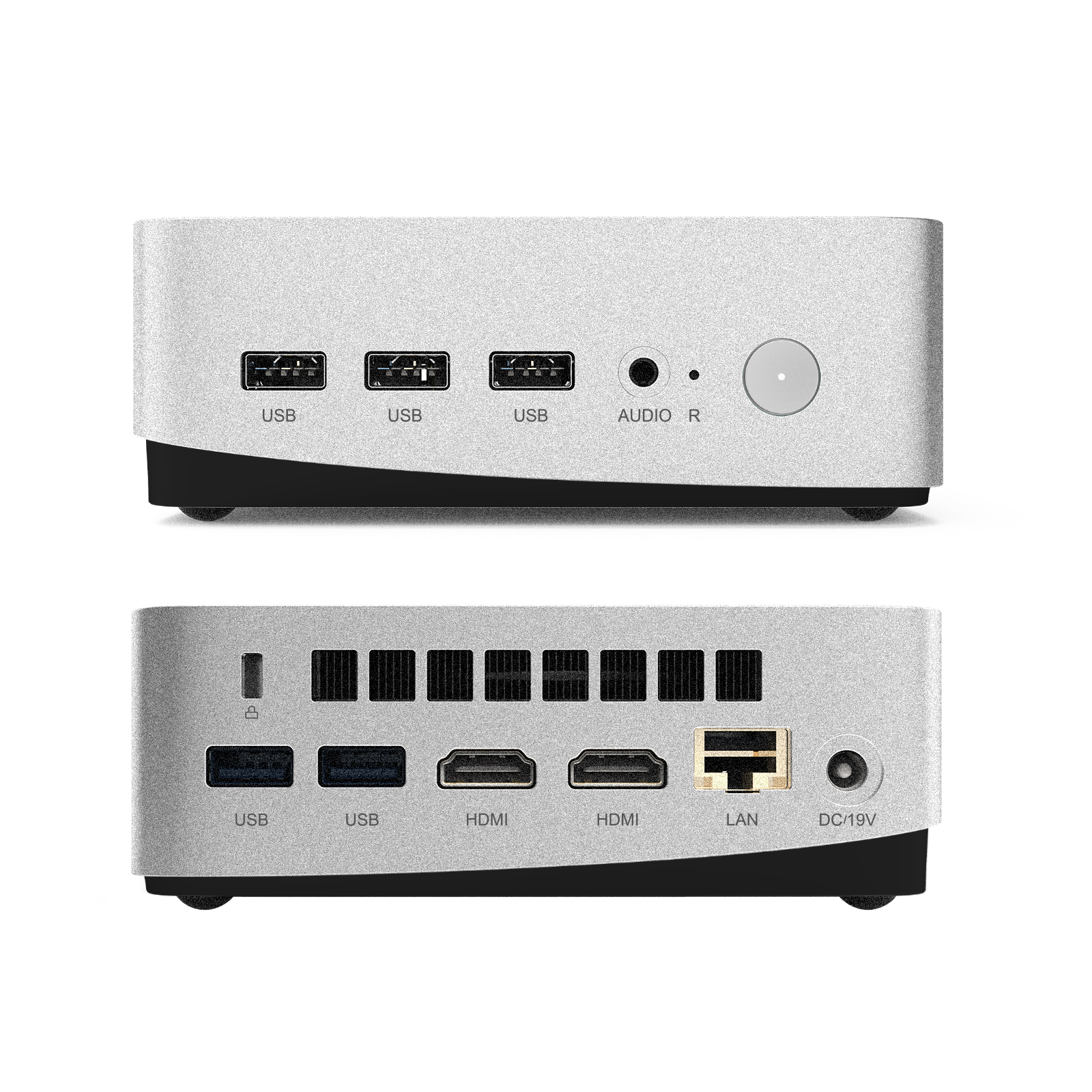
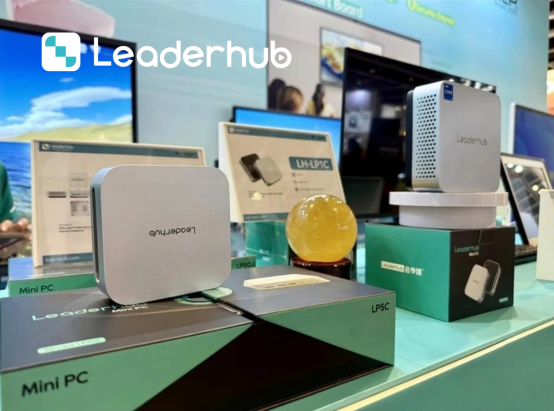
LeaderHub LP5C Mini PC
Equipped with Intel i5-12450HX, 16GB RAM, and 512GB SSD. Perfect for running heavy educational software, 3D simulators, and dual-OS setups on your smart board.
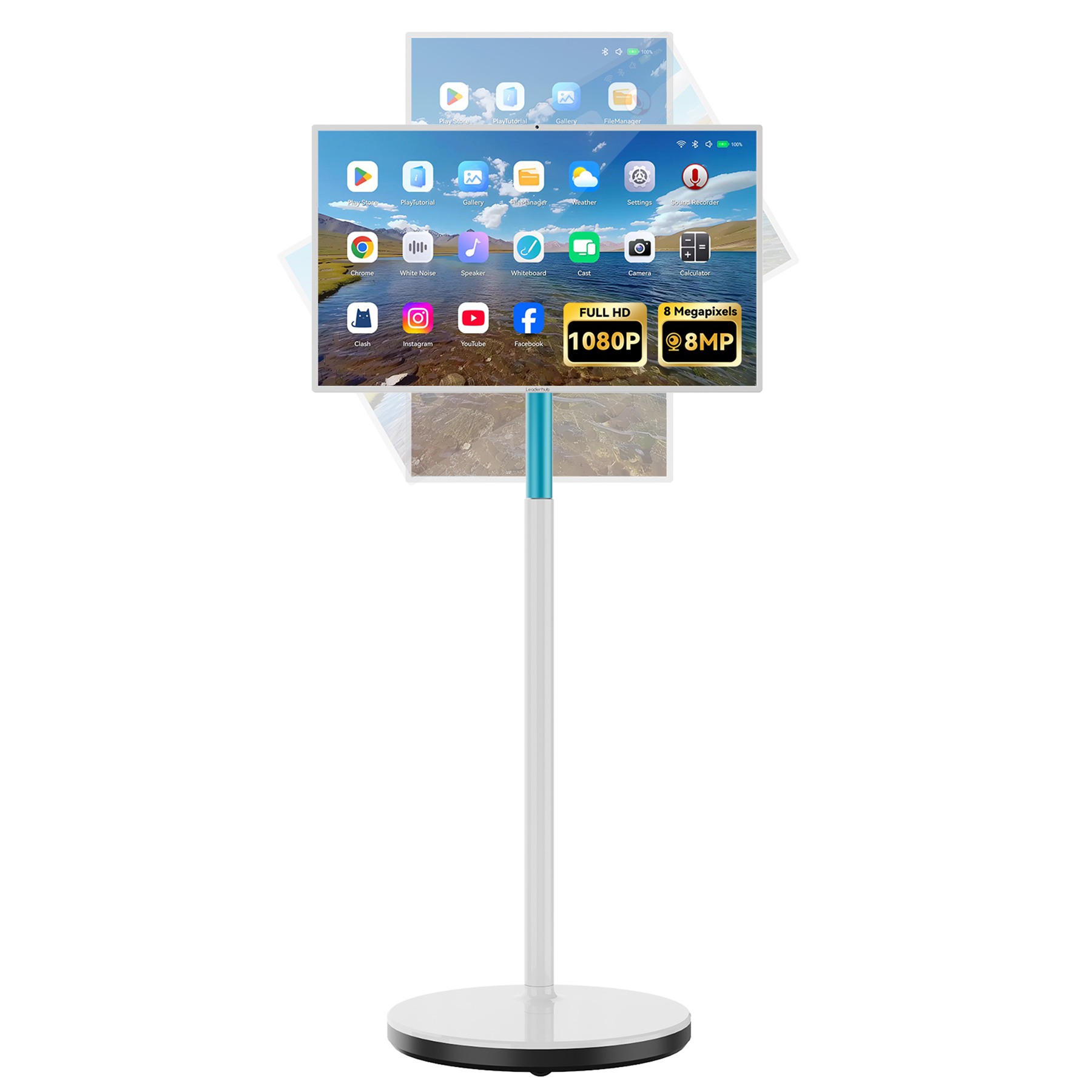
LeaderHub L277M Smart Rotating Screen
A 27″ touchscreen with built-in battery. Ideal for small-group student collaborations, mobile teacher podiums, or flexible learning stations anywhere in the school.
Smart Board Applications & Demonstrations
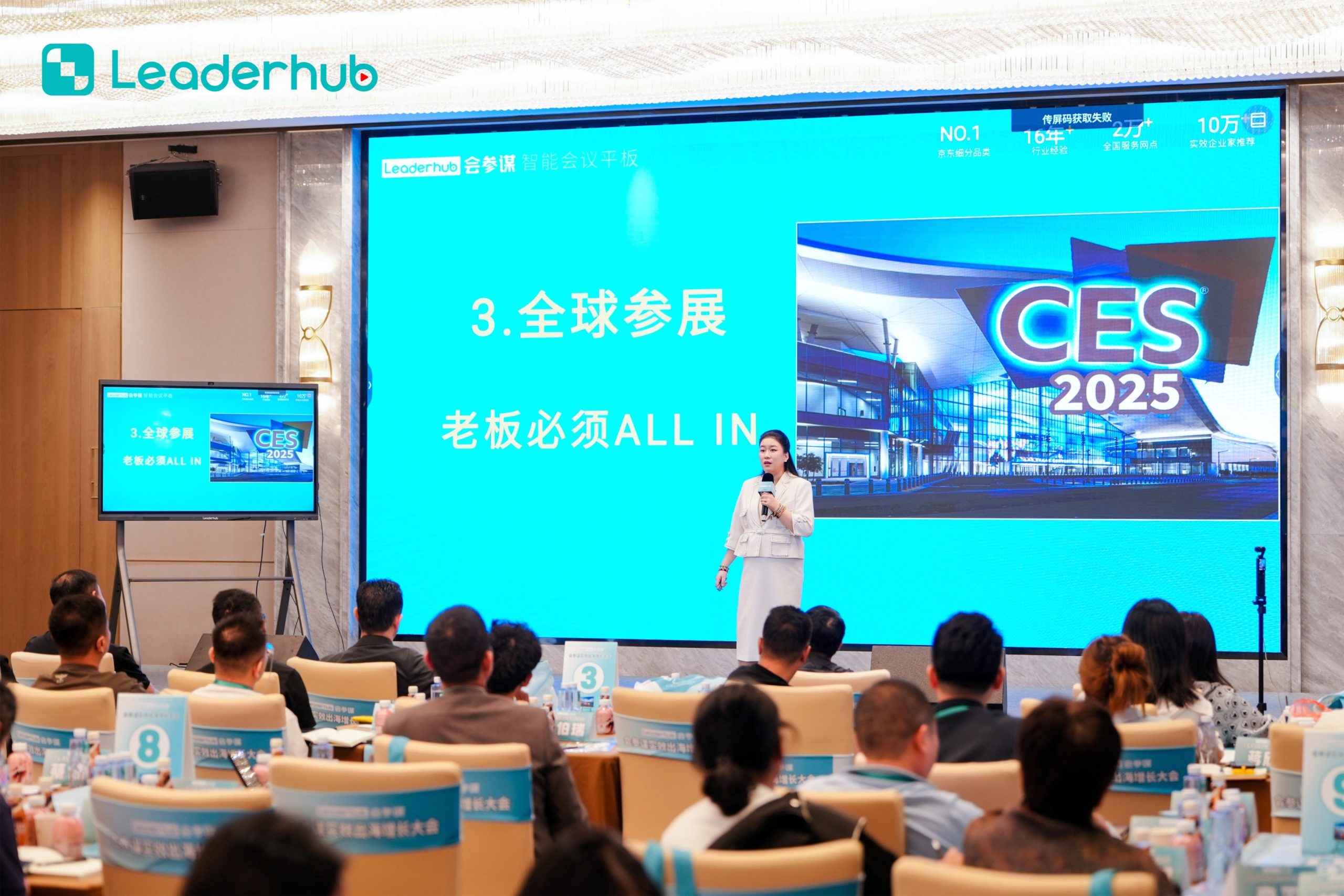
Smart Board in Action
Experience interactive technology designed for modern education and business environments.
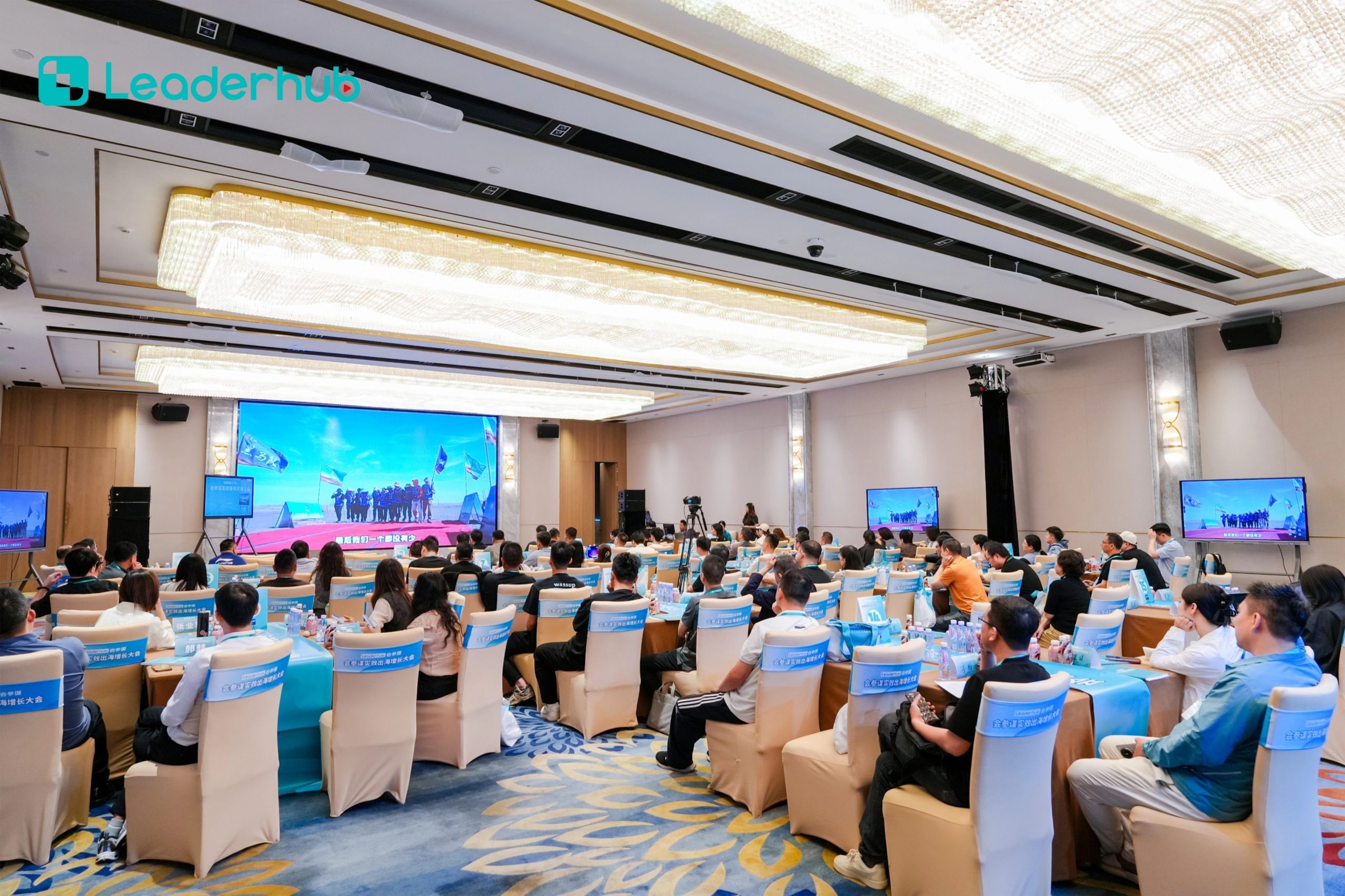
Interactive Display Demonstration
Explore intuitive touch interaction and smart collaboration features.

Classroom Application
Enhancing collaboration between students and teachers through multi-screen sharing.
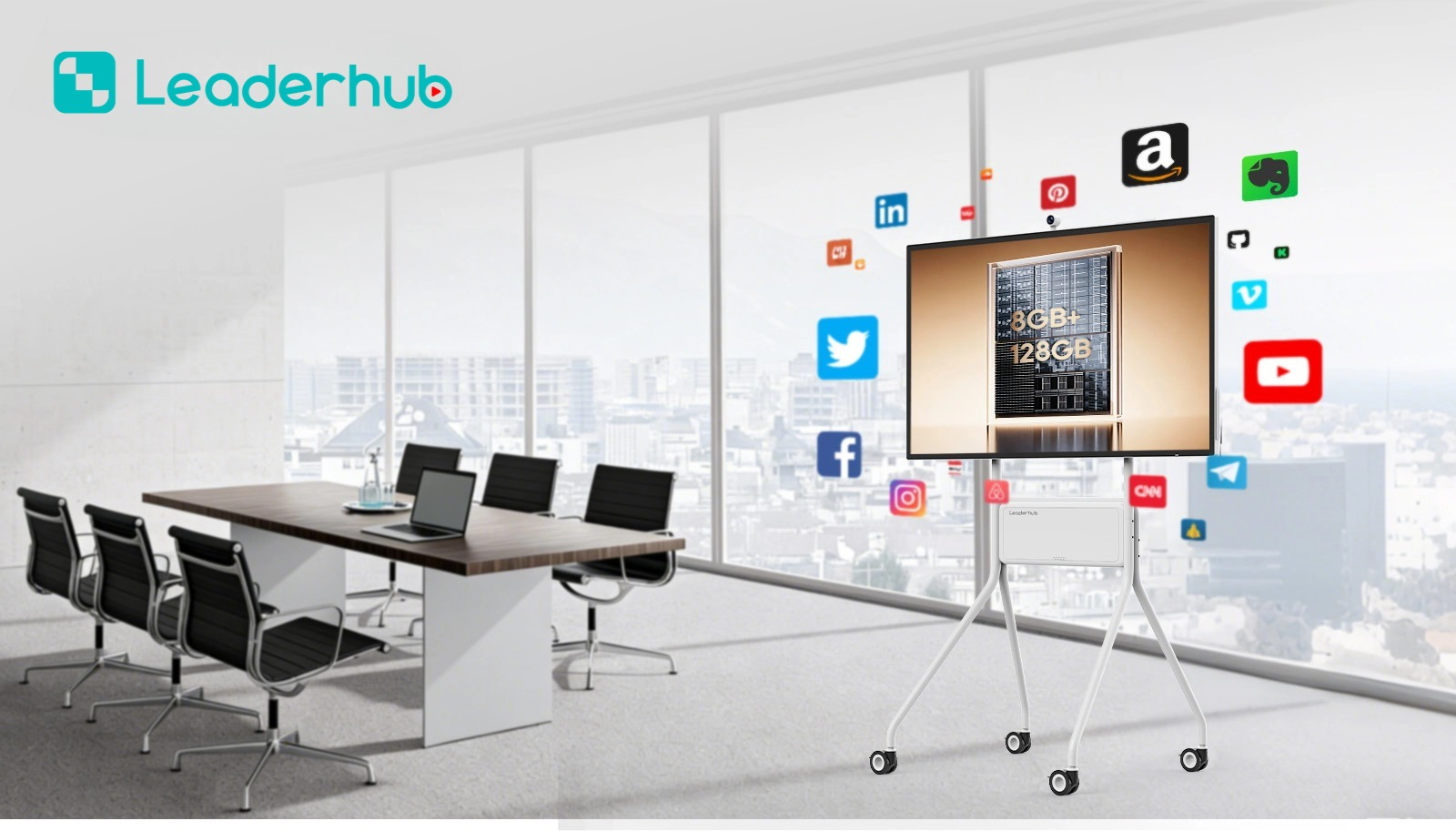
Business & Training Seminars
Integrating AI capabilities to streamline corporate presentations and dynamic training workshops.
Who We Are: LeaderHub
LeaderHub is a Shenzhen-based technology leader specializing in interactive flat panels, smart whiteboards, mini PCs, and portable smart screens. We are dedicated to providing cutting-edge hardware integrated with AI features to maximize learning and working efficiency.
By offering accessible, reliable, and premium interactive tools, we help primary schools, universities, and training institutes transition into fully connected, smart educational hubs.
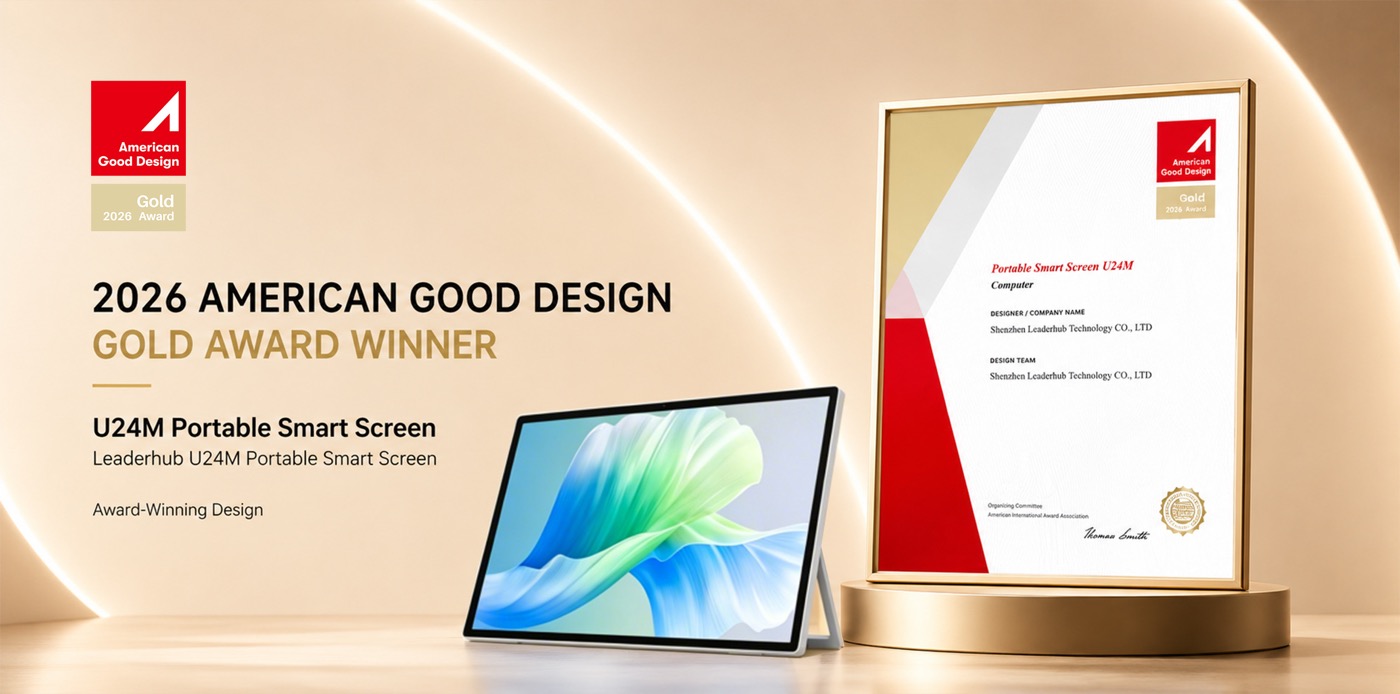
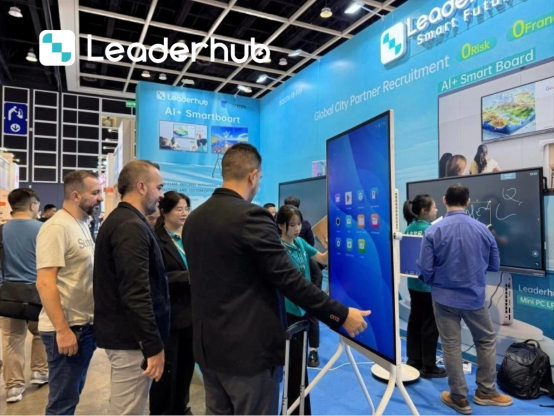
Meet LeaderHub at Electronics Exhibitions
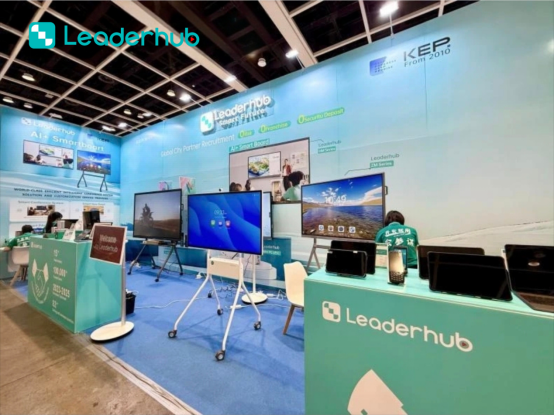
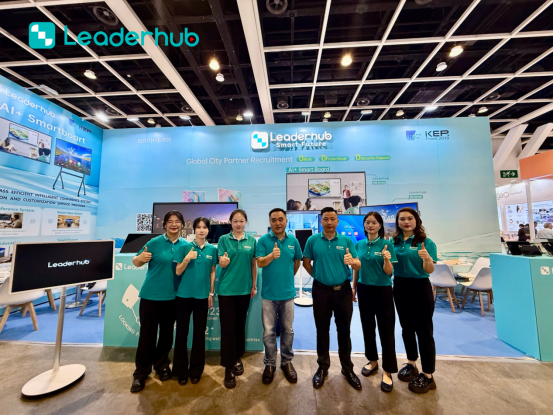
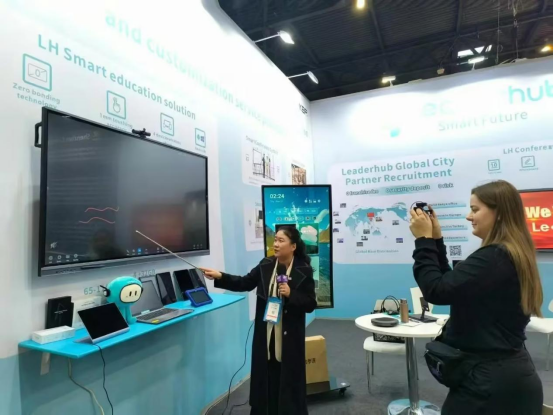
We showcase our latest smart boards, interactive flat panel displays, and smart collaboration solutions worldwide. Discover OEM/ODM opportunities and meet our team at international tech trade shows.



Comprehensive Buying Guide: Selecting a Smart Board for Classes
Investing in interactive screens for your school is a long-term decision. To ensure you select the best hardware that aligns with your teachers’ needs and your school’s curriculum, consider these crucial factors:
1. Screen Size & Room Dimensions
The physical size of the smart board directly impacts readability and engagement. Choosing the right size ensures that students in the back row can clearly read small text and annotations:
- 65-Inch Screens (e.g., L65HM, L65ZM): Best suited for small classrooms, seminar rooms, and breakout spaces. Recommended for groups of up to 15 students.
- 75-Inch Screens (e.g., L75HM, L75ZM): The industry standard for medium-sized classrooms. Offers the perfect balance of display area and space optimization for 15 to 30 students.
- 86-Inch to 110-Inch Screens (e.g., L86HM, L110H): Designed for large lecture halls, auditoriums, and school assembly halls where maximum visibility is required.
2. Screen Bonding Technology: Zero Bonding vs. Optical Bonding
Modern smart boards utilize advanced bonding technologies to reduce the air gap between the LCD panel and the protective glass. LeaderHub’s ZM series utilizes Zero Bonding, which drastically minimizes parallax errors. This ensures that when a teacher or student writes on the screen, the digital ink aligns perfectly with the tip of the stylus, offering a natural pen-on-paper writing experience.
3. Dual Operating Systems (Android & Windows OPS)
Having a flexible OS allows teachers to switch between simple whiteboarding and complex educational software applications:
- Android OS: Runs instantly upon startup. Ideal for quick brainstorming, whiteboard sketching, basic web browsing, and simple educational apps.
- Windows OPS (Open Pluggable Specification): Powered by high-performance Mini PCs (like the LeaderHub LP5C). It unlocks the full desktop capabilities of Windows, allowing schools to run complex educational administration platforms, Microsoft Office, and advanced interactive simulators.
4. Connectivity & Screen Sharing
A modern smart board must support multi-device environments. Teachers and students should be able to project screens from their laptops, tablets, or smartphones wirelessly. LeaderHub screens support multi-screen casting, enabling up to four devices to share content side-by-side on the 4K display, promoting interactive student presentations and healthy classroom competition.
Frequently Asked Questions
What makes a smart board for classes different from a standard TV?
Unlike standard TVs, smart boards feature highly sensitive multi-touch screens, specialized writing surfaces, built-in interactive whiteboard software, and comprehensive connectivity options (like dual OS compatibility). They are engineered for active, collaborative input rather than passive media viewing.
Can LeaderHub smart boards run Microsoft Windows applications?
Yes! By inserting an optional OPS (Open Pluggable Specification) Mini PC module (such as the LeaderHub LP1C or LP5C), the smart board can seamlessly run a full version of Windows, allowing teachers to use desktop applications, run complex simulators, and access files directly from local network servers.
How do teachers share lesson materials with students?
Teachers can easily save whiteboarding sessions, complete with handwritten annotations, and generate a QR code directly on the screen. Students can scan this QR code with their mobile devices to download the entire lesson file in PDF format, eliminating the need to manually copy notes.
Is training required to use LeaderHub interactive flat panels?
LeaderHub interfaces are designed to be extremely intuitive, mimicking standard smartphone and tablet gestures. Most educators can master basic whiteboarding, screen casting, and file opening within minutes. We also provide comprehensive user guides and video tutorials to ensure smooth adoption.
Ready to Upgrade the Way You Teach and Collaborate?
Explore our full line of interactive screens, smart whiteboards, and high-performance mini PCs to equip your educational facilities today.
