
Best Smart Board for Home Office Productivity and Collaboration
Transform your remote workspace with cutting-edge interactive displays. Experience seamless brainstorming, real-time collaboration, and high-impact presentations directly from your home office.
Why a Smart Board for Home Office is the Ultimate Productivity Upgrade
The modern home office has evolved significantly over the past few years. What started as temporary laptop setups on kitchen counters has transformed into dedicated, highly optimized professional workspaces. However, while high-speed internet, ergonomic chairs, and dual monitors have become standard, one major challenge remains: effective visual collaboration. Standard screens and traditional video conferencing tools often fail to capture the dynamic, organic flow of in-person brainstorming sessions.
This is where the smart board for home office steps in. Far from being just a luxury, an interactive smart board bridges the gap between physical isolation and collaborative teamwork. By combining a high-definition 4K touchscreen, digital whiteboarding capabilities, and seamless screen sharing, these devices allow remote professionals to write, draw, annotate, and present ideas just as they would in a corporate boardroom.
“A home office smart board is not just an extra monitor; it is a gateway to seamless visual communication, turning abstract remote discussions into actionable, collaborative realities.”
Whether you are an enterprise executive hosting global strategy calls, a creative designer mapping out wireframes, an educator conducting online classes, or an entrepreneur pitching to investors, integrating a smart board into your home office workspace drastically enhances engagement and clarity. It enables you to move away from static slide decks and embrace interactive, live-edited workflows that keep your team aligned and inspired.
Key Benefits of a Home Office Smart Board
Intuitive Writing & Drawing
Ditch the mouse-drawn sketches. Write naturally with low latency and smart pressure sensitivity, simulating the precise feel of pen on paper.
Seamless Screen Sharing
Cast your laptop, tablet, or phone screens wirelessly with a single click. Share multiple screens simultaneously for real-time comparative analysis.
Instant Annotation
Annotate on top of PDFs, presentations, spreadsheets, or web pages instantly. Save, export, and email your notes directly from the board.
Global Collaboration
Integrate effortlessly with major meeting platforms like Zoom, Microsoft Teams, and Google Meet. Turn remote calls into active visual workshops.
Cloud Storage Sync
Never lose your meeting notes. Sync your whiteboard sessions automatically to Google Drive, OneDrive, or Dropbox for easy access anywhere.
All-in-One Integration
Replace projectors, speakers, webcams, and physical whiteboards with a single, sleek, high-tech interactive panel that declutters your space.
How to Choose the Best Smart Board for Your Home Office Space
Selecting the perfect smart board for a home office requires balancing screen size, software compatibility, hardware performance, and space constraints. Unlike a corporate conference room, a home office demands a display that is powerful yet compact enough to integrate harmoniously with residential spaces.
-
Screen Size & Space: For smaller rooms, a highly portable 24″ or 27″ rotating screen provides incredible flexibility. For dedicated home office rooms, a 55″ or 65″ interactive board mounted on a mobile stand offers the perfect balance between workspace real estate and room aesthetics.
-
Operating System (OS): Decide between Android (great for quick app access and screen mirroring) and Windows OPS (essential for running full desktop applications, heavy CAD files, or complex corporate software). LeaderHub OPS Mini PCs make upgrading to Windows seamless.
-
Touch & Writing Precision: Look for displays featuring 20-point multi-touch capability and high-precision infrared touch technology. This ensures ultra-smooth writing with virtually zero lag, vital for detailed sketching or quick brainstorming.
-
Mobility & Mounting: A heavy wall mount might not be ideal for home walls. Opting for a mobile rolling stand allows you to easily move the screen out of the way or reposition it for video calls.

Best LeaderHub Displays for Your Home Office
Explore our top-rated smart boards, interactive flat panels, and rotating displays designed specifically to enhance home productivity, video conferencing, and digital collaboration.
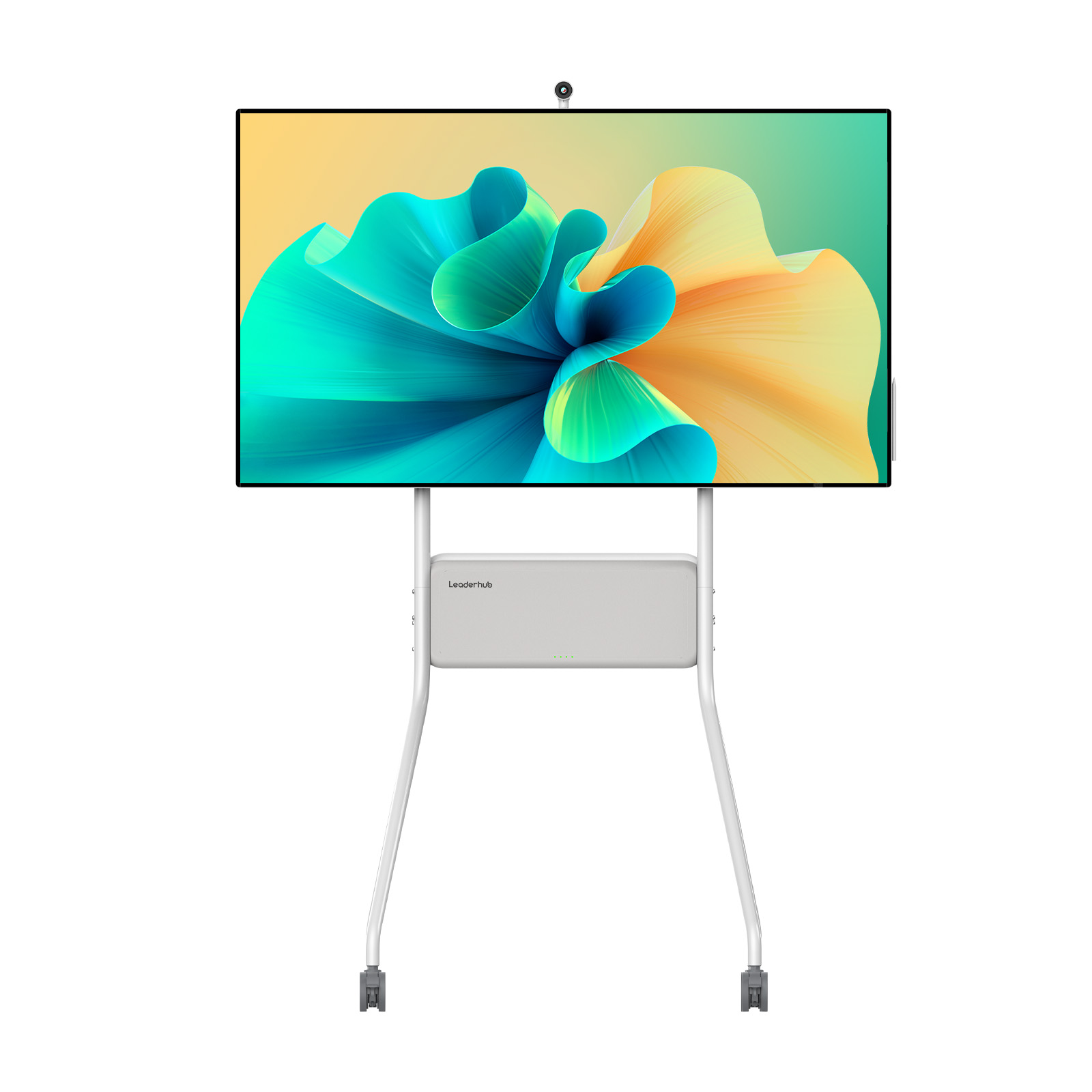
LeaderHub U55Pro Interactive Flat Panel — 55″ Mobile 4K Smart Display
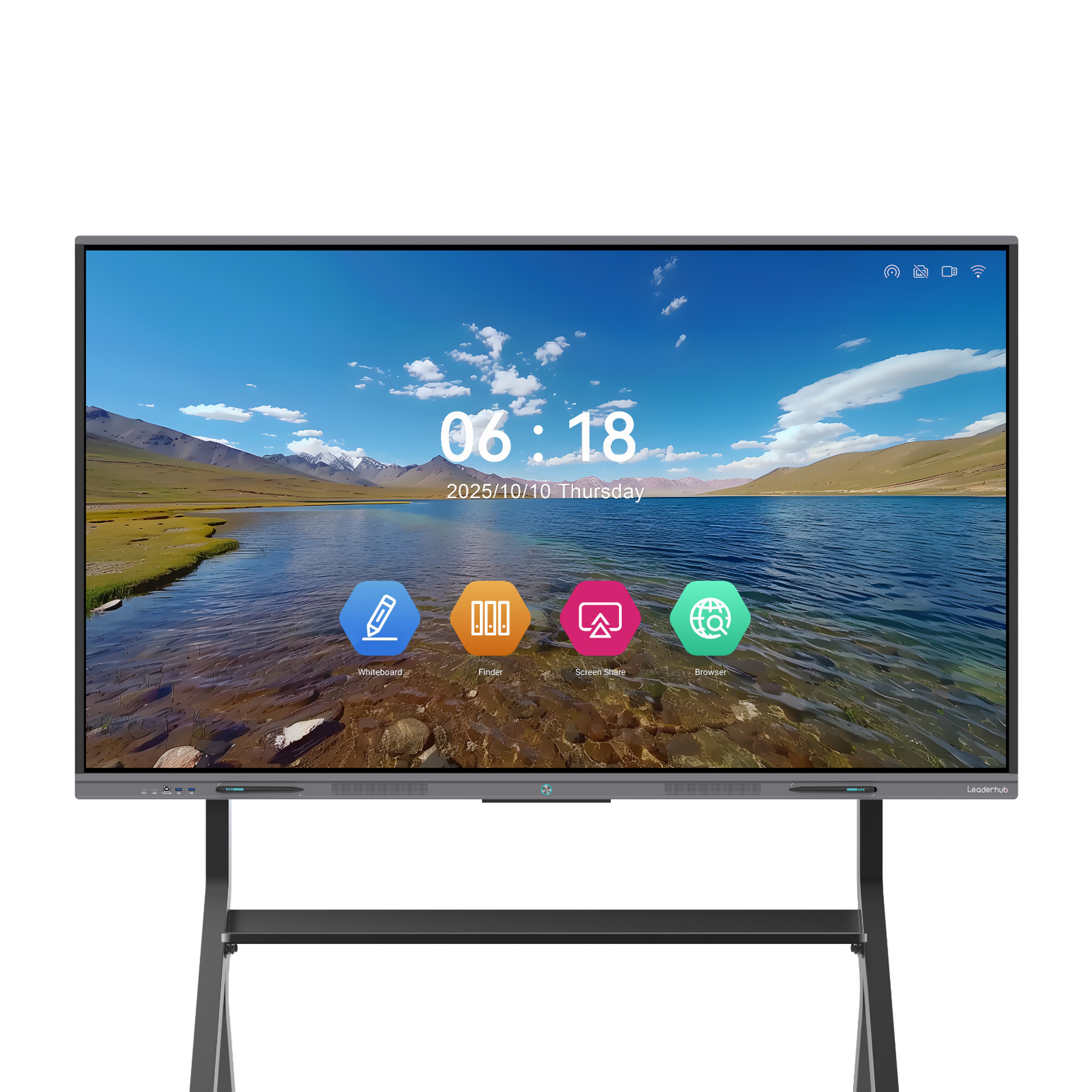
LeaderHub L65ZM Interactive Whiteboard — 65″ 4K Smart Panel
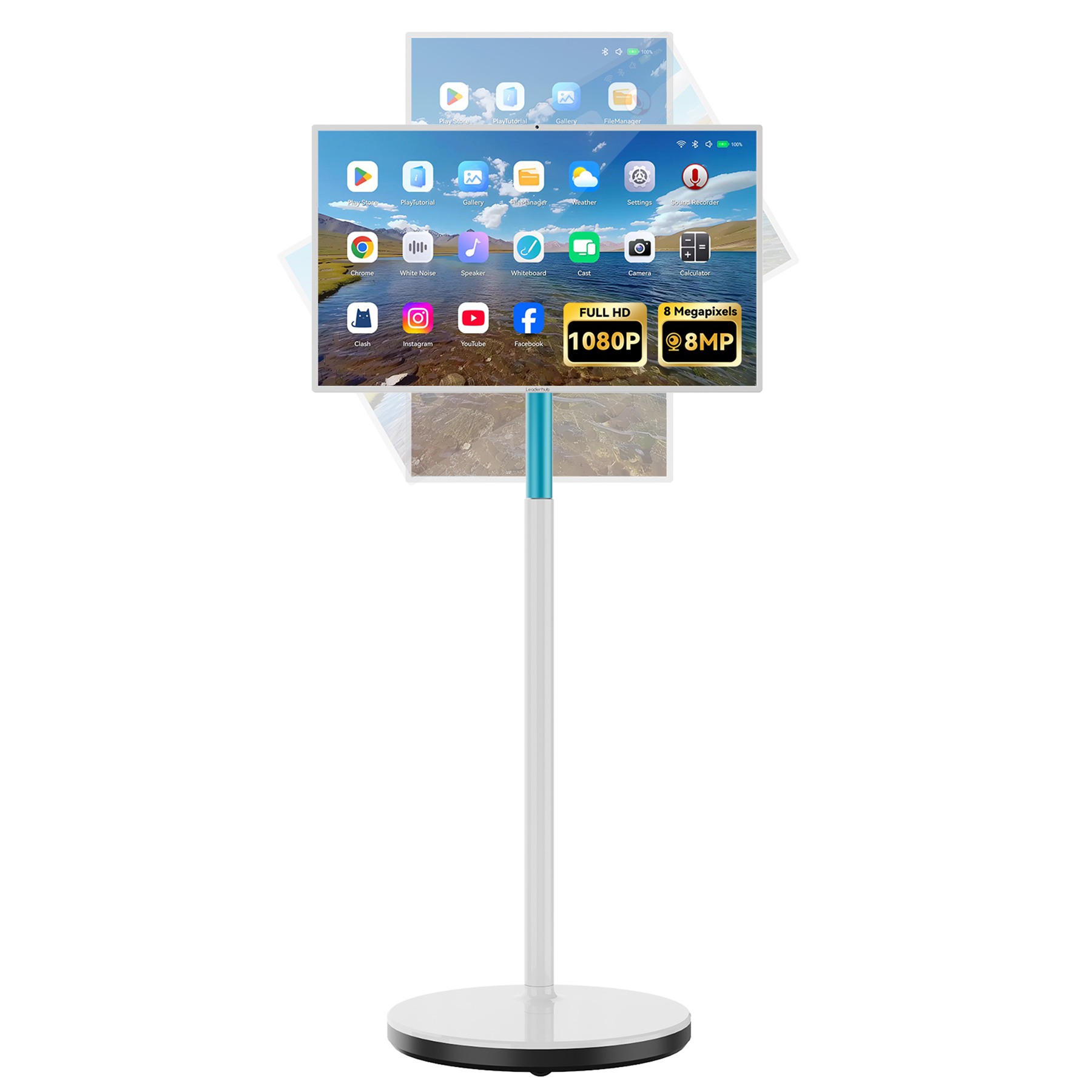
LeaderHub L277M Smart Rotating Screen — 27″ Touchscreen with Battery
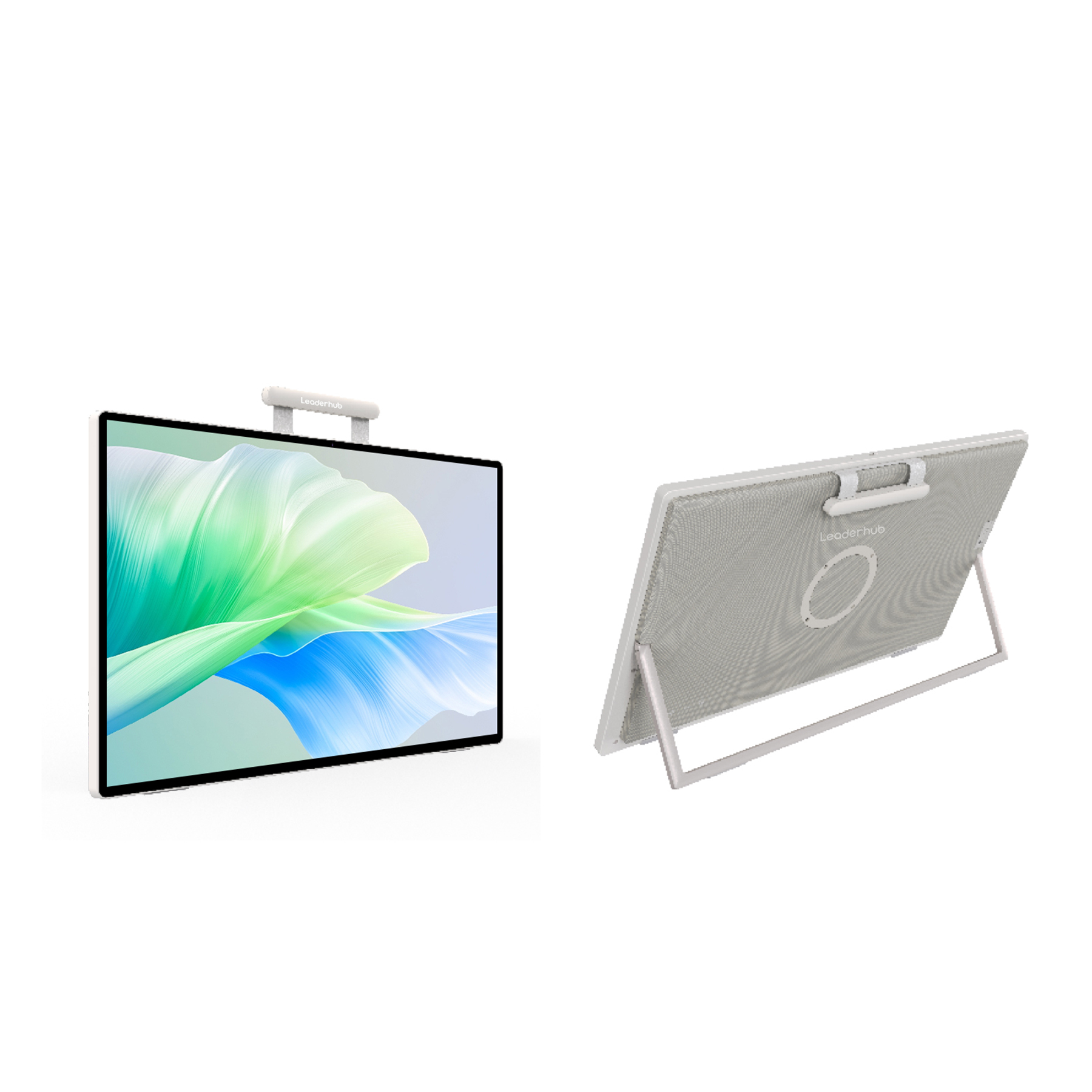
LeaderHub U24M 24.5″ Handheld Smart Screen — Android 14 with Battery
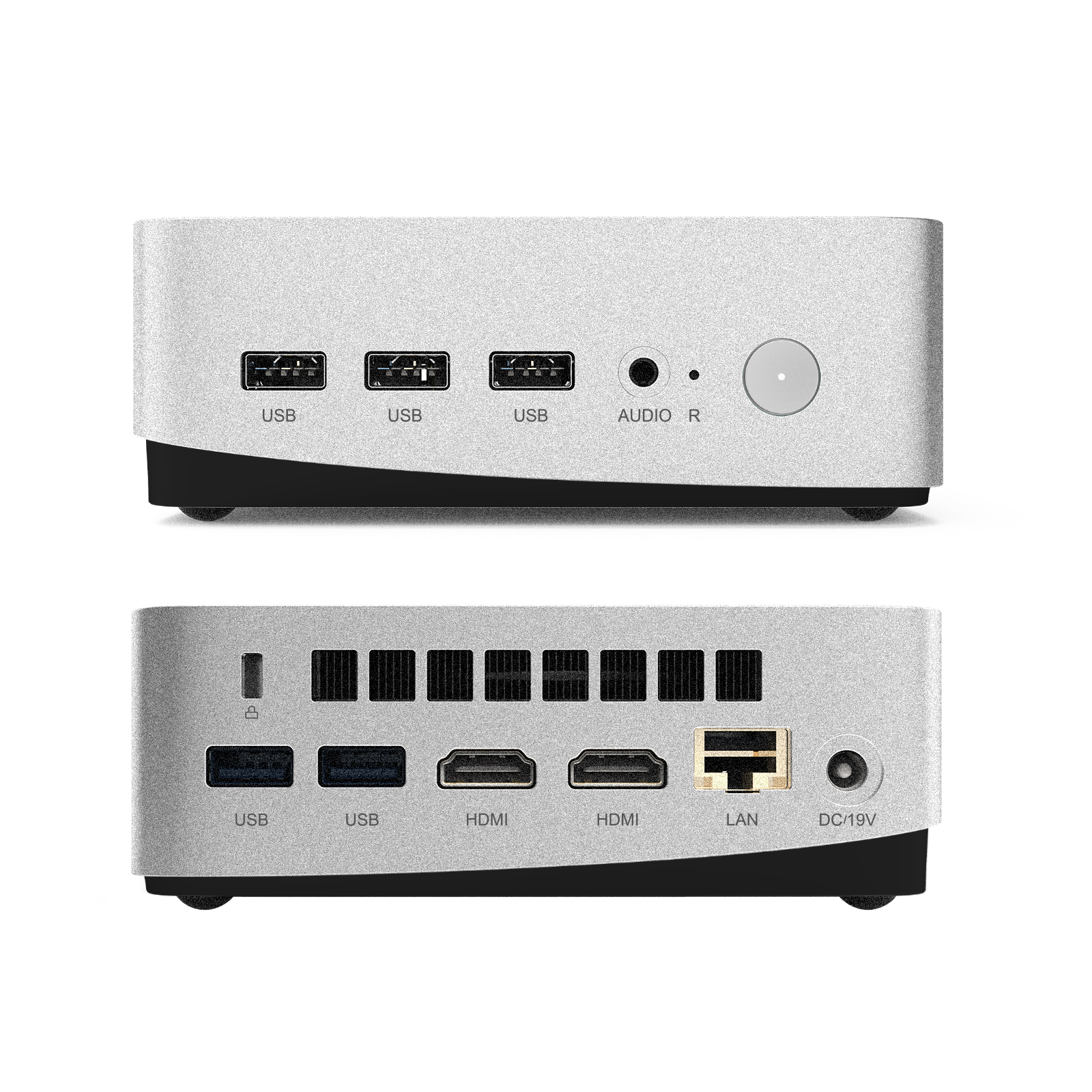
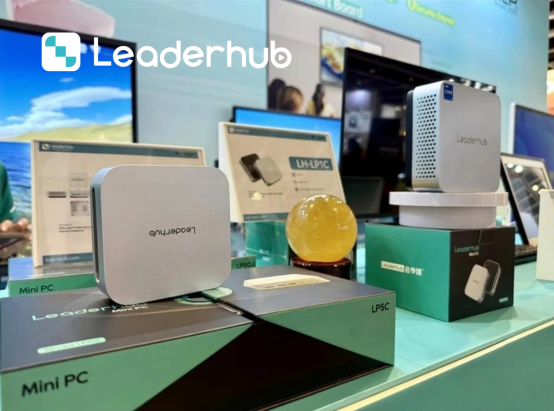
LeaderHub LP5C Mini PC — Intel i5-12450HX 16GB RAM 512GB SSD

LeaderHub L65HM Interactive Smart Whiteboard — 65″ 4K Touchscreen
Comparing Top Home Office Smart Boards
To help you decide, here is a detailed breakdown of the key specifications and primary use cases for LeaderHub’s top home office options.
| Model | Size & Screen Type | Best Suited For | Key Feature | Price |
|---|---|---|---|---|
| LeaderHub U55Pro | 55″ 4K Mobile Display | Dedicated Home Offices / Meeting Rooms | Built-in mobile stand & high mobility | $2499.00 |
| LeaderHub L65ZM | 65″ 4K Interactive Panel | Creative design & collaborative planning | Affordable entry-level 4K smartboard | $1099.00 |
| LeaderHub L277M | 27″ Touchscreen with Battery | Compact desks & multi-room use | 90° rotation & built-in battery | $899.00 |
| LeaderHub U24M | 24.5″ Handheld Smart Screen | Personal desk setups & remote teaching | Android 14 system & portable battery | $699.00 |
| LeaderHub L65HM | 65″ 4K Professional Whiteboard | High-end executive home offices | Ultra-precise writing & premium design | $1299.00 |
How to Maximize Productivity with Your Smart Board
Buying a smart board is only the first step. To fully unlock its productivity potential in your home office, you need to integrate it effectively into your daily workflow. Here is how you can use LeaderHub’s advanced interactive displays to transform the way you work:
1. Active Meeting Participation
Instead of sitting passively during video calls, stand up and present. Use the interactive screen to sketch diagrams, map out mind maps, and write down action items live. This physical movement keeps you energized and makes presentations significantly more engaging for remote participants.
2. Dual-OS Flexibility
Using a LeaderHub Mini PC (like the LP5C with Intel i5) allows your board to run Windows alongside Android. This means you can run lightweight Android whiteboarding apps for quick ideas, and swap instantly to Windows for full desktop applications like Photoshop, AutoCAD, or Microsoft Excel.
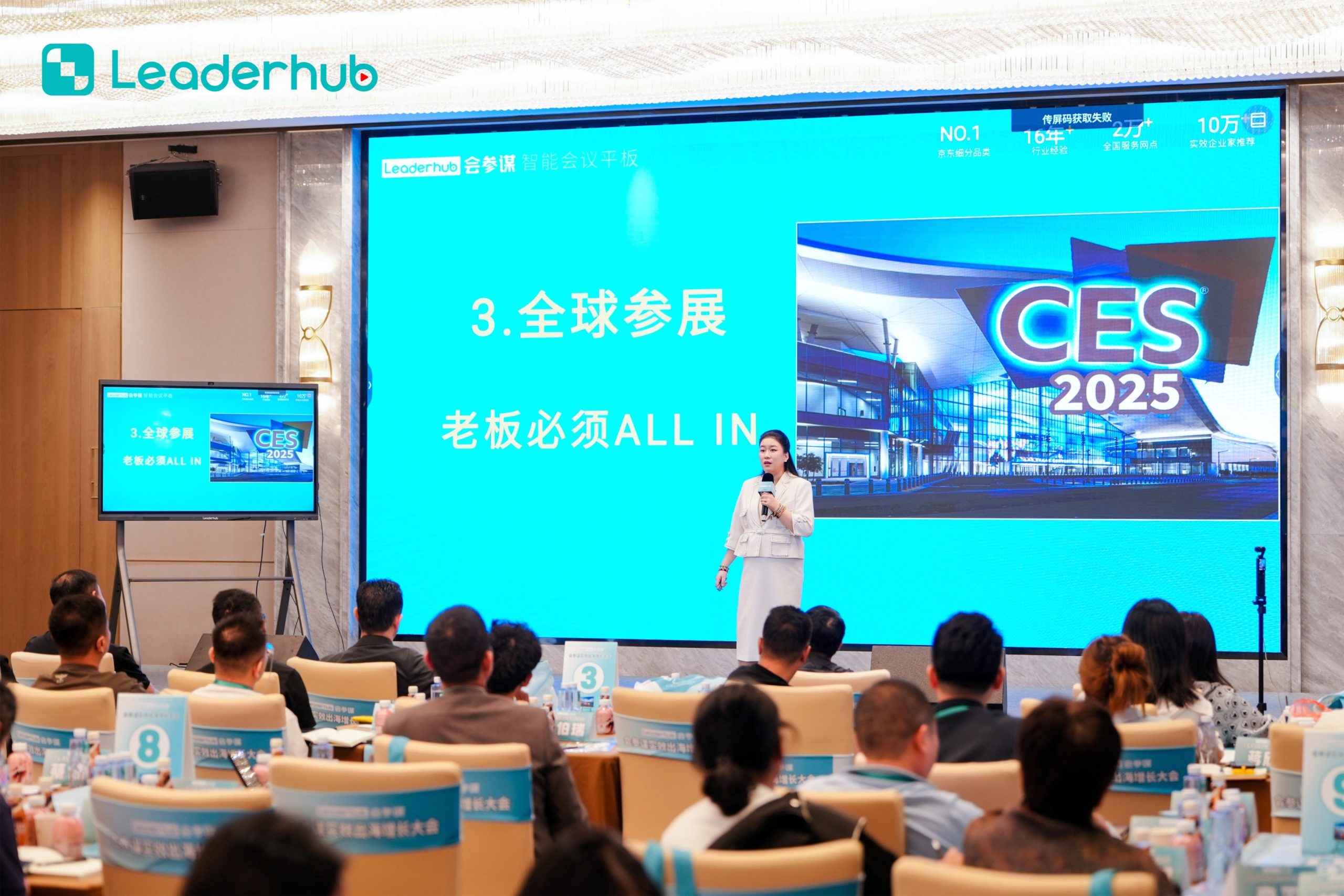
About LeaderHub: AI Changes Life
LeaderHub is a Shenzhen-based pioneering technology company with 16 years of professional expertise in the interactive panel industry. We specialize in designing and manufacturing smart whiteboards, interactive flat panels, mini PCs, and portable smart screens — delivering innovative, high-performance solutions to education, enterprise, and creative professionals in 82 countries worldwide.
Recognition & Achievements
Our commitment to quality, accessibility, and cutting-edge hardware design has earned LeaderHub several prestigious domestic and international awards:
- No.1 in JD.com subcategory (interactive panels)
- Annual Most Invested-Value Brand
- Annual Consumer Trustworthy Brand
- Annual Conference Tablet — Most Innovative Product Award
- Shenzhen Famous Brand
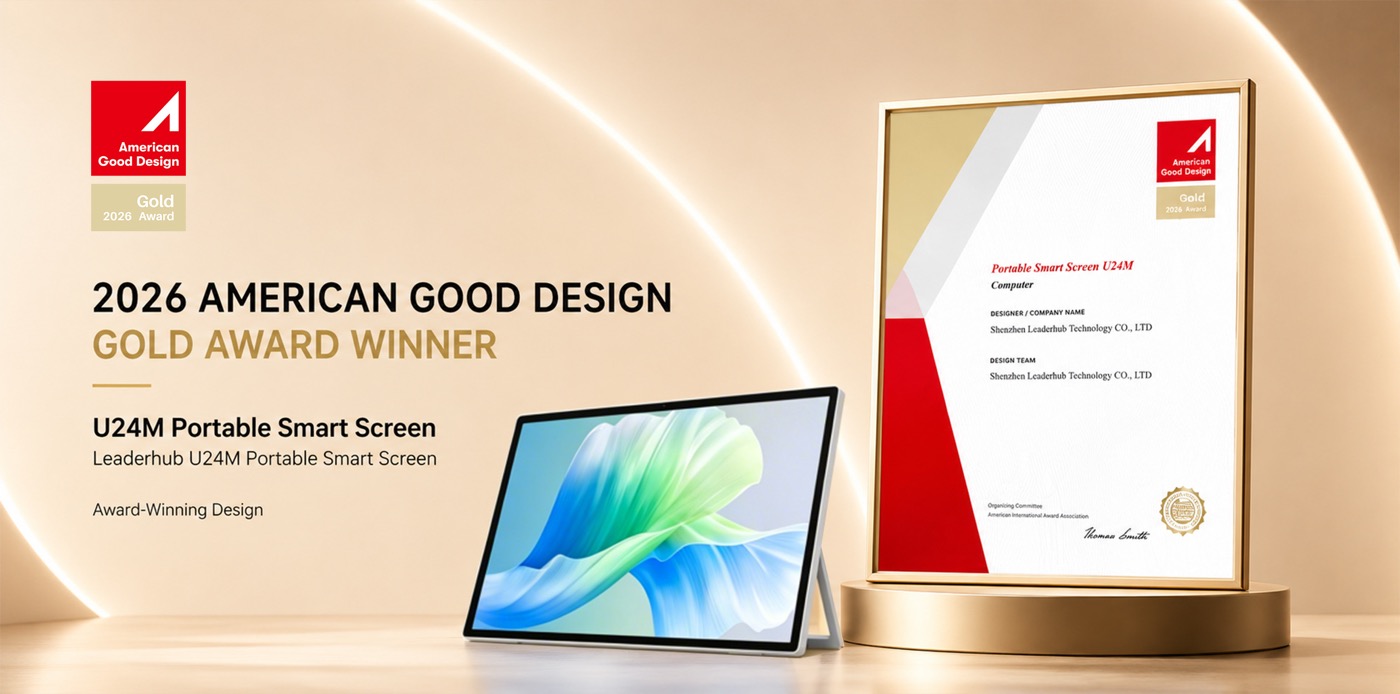
Meet LeaderHub at Global Electronics Exhibitions
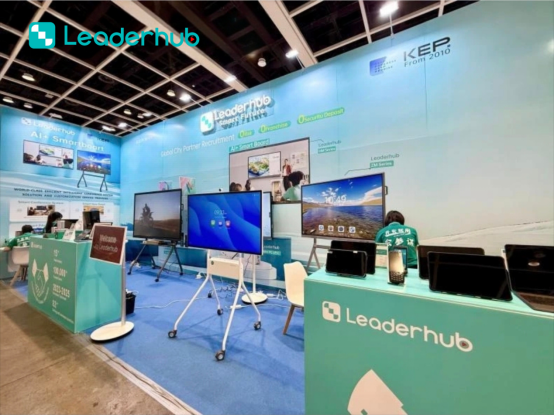
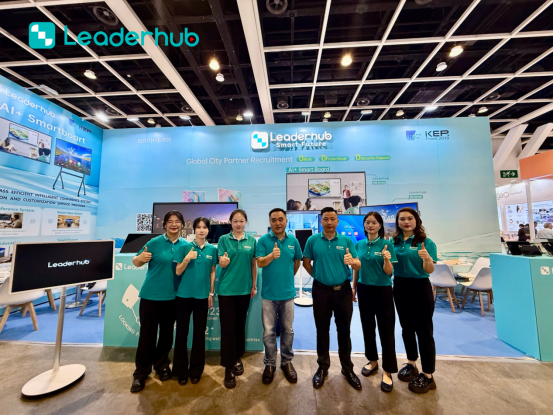
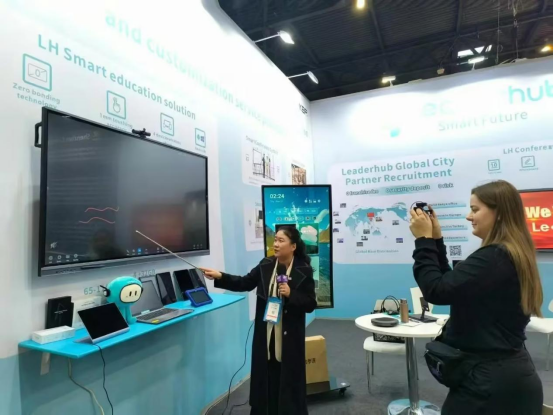
We actively showcase our latest smart boards, interactive flat panel displays, and portable smart screens at major global electronics and technology exhibitions, connecting with distributors and partners worldwide.



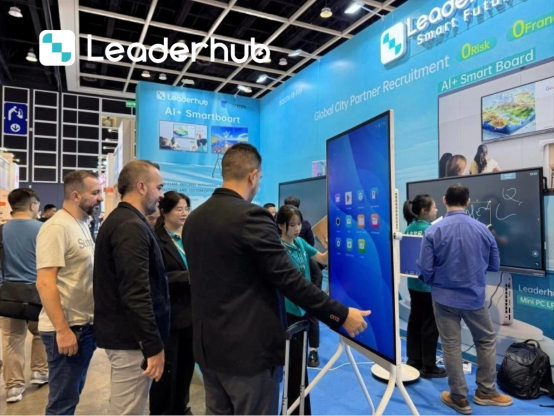
Smart Board Applications & Demonstrations
Discover how LeaderHub smart boards support modern home classrooms, corporate visual meetings, presentations, and creative work.

Interactive Display Demonstration
Explore intuitive touch interaction and smart collaboration features that speed up remote decision-making.

Remote Education & Tutoring
Deliver engaging lectures using high-precision digital ink that makes virtual learning feel personal.
Business Meeting Integration
Bring corporate-level efficiency into your home office with direct integration into Zoom and Teams.
Frequently Asked Questions
Can I use Zoom and Microsoft Teams on a LeaderHub Smart Board?
Yes, absolutely. LeaderHub smart boards run on Android and can be upgraded with Windows OPS Mini PCs. You can download and run Zoom, Microsoft Teams, Google Meet, and Webex directly on the board, utilizing its built-in camera and microphone capabilities for seamless video conferencing.
What size smart board is best for a standard home office?
For most home offices, a 55-inch display (like the LeaderHub U55Pro) is the ideal size. It provides ample writing space without overwhelming the room. If space is extremely limited, our 24.5-inch or 27-inch rotating smart screens are perfect desktop alternatives that offer full touch and smart capabilities on a smaller footprint.
How does screen sharing work? Can I cast from my Mac or iPhone?
LeaderHub displays support multi-platform wireless screen mirroring. You can easily cast your screen from macOS, iOS, Windows, and Android devices with a single tap, allowing you to share presentations, code, or designs instantly.
Do I need a separate PC to run the smart board?
No. LeaderHub smart boards come with a built-in Android operating system that handles whiteboarding, web browsing, and basic app usage out of the box. However, for heavy desktop software or a full Windows experience, we recommend adding one of our OPS Mini PCs (like the LP1C or LP5C) which slide directly into the display.
Ready to Upgrade Your Home Office Productivity?
Explore our full line of interactive displays, rotating screens, and powerful mini PCs designed to make remote collaboration effortless.
