Choosing the right interactive whiteboard for students with autism is one of the most important decisions a school, therapy center, or resource classroom can make. Unlike general classroom technology, tools designed for autism education must address sensory sensitivities, communication challenges, and the need for predictable, structured routines. As an educator or administrator, understanding what separates a genuinely effective device from a standard smartboard can make the difference between a tool that gets used every day and one that ends up gathering dust.
Over the past decade, interactive whiteboards have become a cornerstone of special education classrooms worldwide. According to the Autism Society, visual supports and interactive technology consistently rank among the most effective teaching aids for children on the autism spectrum, particularly for building communication skills, reducing anxiety through predictable routines, and encouraging independent learning.
Why Interactive Whiteboards Matter in Autism Education
Children with autism spectrum disorder (ASD) often process information differently than neurotypical peers. Many respond strongly to visual stimuli, structured repetition, and immediate feedback — all things that a well-designed smart whiteboard can provide. Research published by the National Autistic Society highlights that visual learning tools improve engagement and reduce challenging behaviors by giving students a predictable way to interact with content.
From my experience working alongside special education teachers who have integrated interactive displays into their classrooms, the biggest wins come from three areas: consistency, sensory control, and ease of use. A whiteboard that overwhelms a child with flashing colors, loud sounds, or confusing menus will do more harm than good, regardless of how advanced its specifications are.
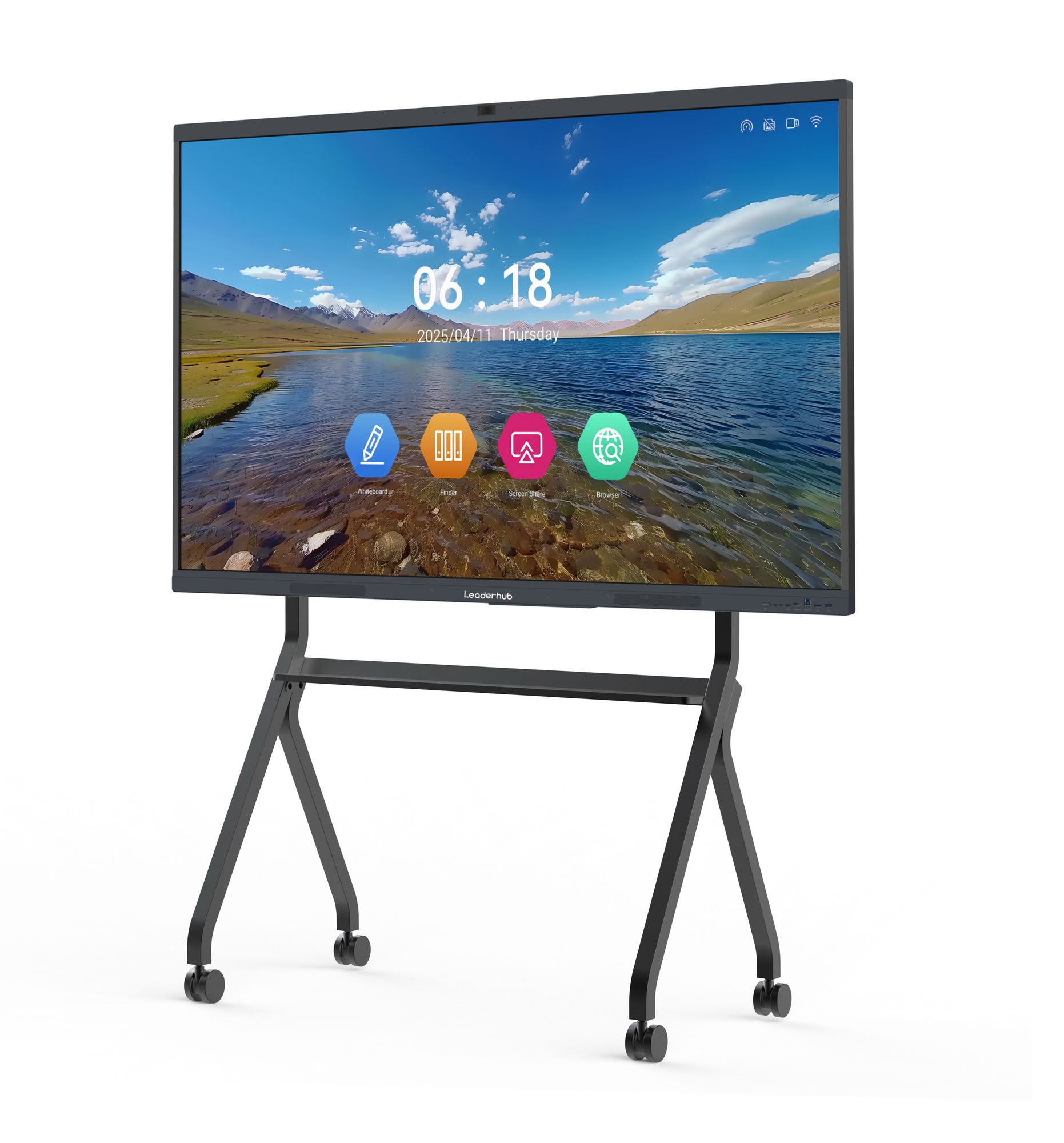
Key Factors to Consider Before Buying
Not every interactive whiteboard on the market is designed with neurodivergent learners in mind. When evaluating options for an autism-friendly classroom, focus on the following criteria:
- Screen sensitivity and touch accuracy — Many students with autism have fine motor difficulties, so the display should register light touches, palm swipes, and even accidental gestures without frustrating false inputs.
- Adjustable brightness and anti-glare glass — Sensory sensitivity to light is common in ASD, so a screen with customizable brightness settings reduces visual overload.
- Simple, icon-based interface — Complex menus create confusion. Look for boards with clean navigation and large, clearly labeled icons.
- Built-in educational software — Whiteboards with pre-loaded visual schedules, social stories, and communication apps save teachers significant preparation time.
- Durability — Reinforced glass and scratch-resistant surfaces are essential in classrooms where students may press firmly or unpredictably.
- Quiet operation — Fans and internal components should run silently to avoid triggering auditory sensitivities.
Comparing Interactive Whiteboard Features for Special Education
| Feature | Why It Matters for Autism Teaching | Recommended Standard |
|---|---|---|
| Touch Sensitivity | Reduces frustration from fine motor challenges | Infrared or capacitive multi-touch, 20+ points |
| Display Resolution | Clear visuals support better comprehension | 4K UHD minimum |
| Sound Control | Prevents auditory overload | Adjustable volume, mute-friendly speakers |
| Software Compatibility | Supports AAC and visual schedule apps | Android/Windows dual-system support |
| Screen Size | Matches classroom size and group activities | 65″–86″ for classrooms; 55″ for small groups |
Sensory-Friendly Design: A Non-Negotiable Requirement
One of the most overlooked aspects of selecting an interactive flat panel for autism classrooms is sensory compatibility. Occupational therapists frequently recommend matte, anti-glare screens over glossy finishes because reflective surfaces can cause visual discomfort and distraction. Additionally, boards with adjustable color temperature settings allow teachers to switch between warm and cool tones depending on each student’s sensory profile.
A 2022 case study conducted by a UK-based special education resource center found that classrooms using low-glare, high-brightness-control displays reported a 34% reduction in sensory-related disruptions during lessons compared to standard projector setups. This kind of evidence-based insight should guide procurement decisions rather than relying solely on marketing claims.
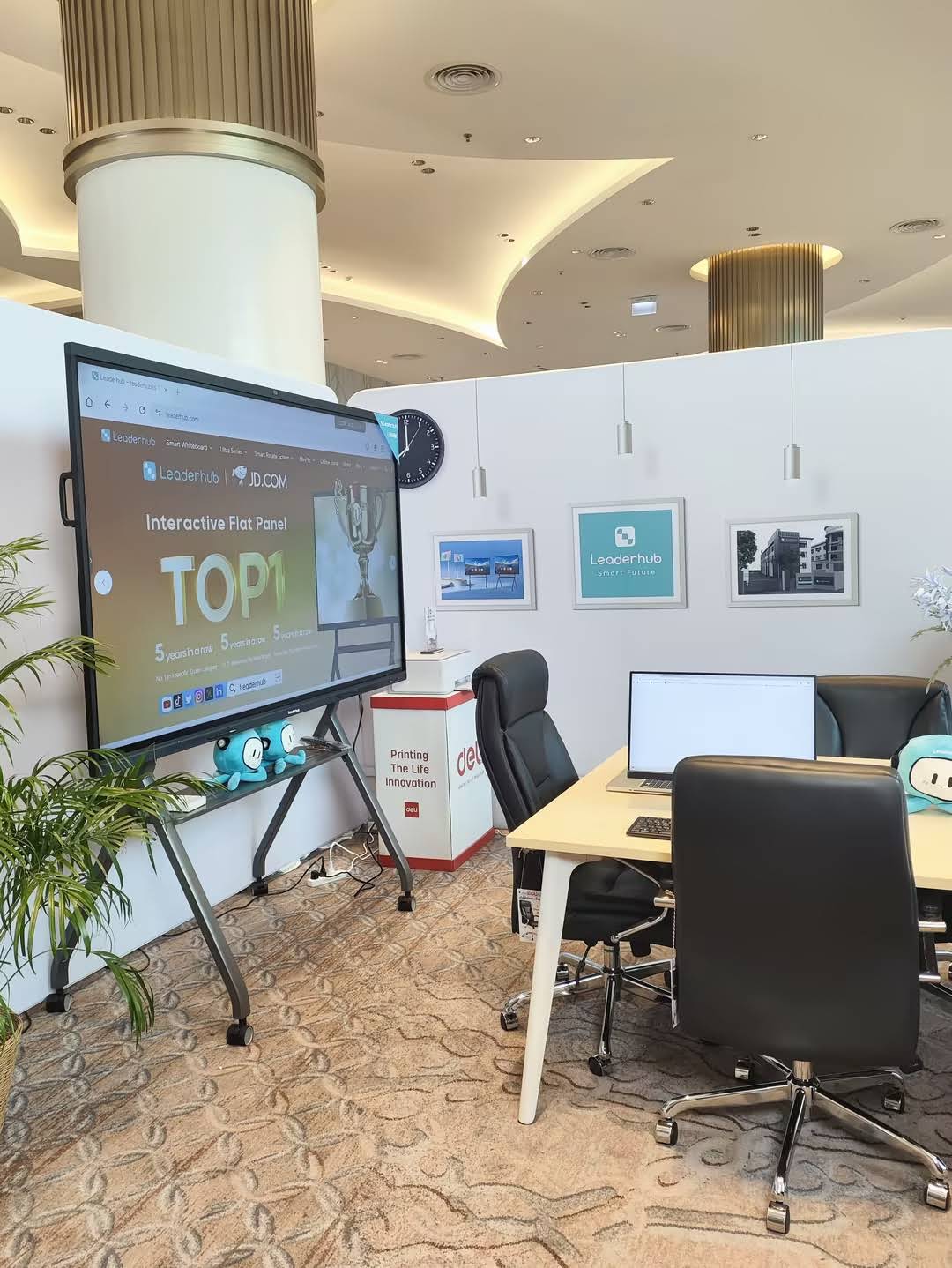
Software and Accessibility Features That Make a Difference
The hardware is only half the equation. The software ecosystem behind an interactive whiteboard often determines whether it becomes a genuinely useful teaching tool or an underused gadget. Look for boards that support:
- Visual schedule builders — Allow teachers to create daily routines with icons and photos that reduce anxiety around transitions.
- Text-to-speech and speech-to-text tools — Support students who use alternative communication methods.
- Customizable templates — Enable teachers to adjust lesson pacing without needing advanced technical skills.
- Screen recording and playback — Helps students revisit lessons at their own pace, which is particularly valuable for repetitive learning styles common in ASD.
Many modern interactive panels now pair with compact mini PCs, giving classrooms the flexibility to run specialized autism-support software directly through the whiteboard without needing a separate computer setup. This integration simplifies IT management, which is especially valuable for schools with limited technical staff.
Durability, Safety, and Long-Term Value
Special education classrooms often see heavier physical interaction with equipment than standard classrooms. Boards should feature:
- Reinforced tempered glass rated for high-impact resistance
- Rounded, child-safe edges and mounting hardware
- Wall-mounted or mobile stand options to suit different room layouts
- Warranty coverage of at least 3 years, given the extended daily usage typical in therapy and resource rooms
From a budgeting perspective, schools should view an interactive whiteboard as a multi-year investment rather than a single-year expense. A well-built panel with strong after-sales support can serve a classroom for 6–8 years, whereas lower-quality units often need replacement within 2–3 years due to touch calibration issues or component failure.
Practical Buying Checklist
| Checklist Item | Confirmed? |
|---|---|
| Anti-glare, matte display surface | Yes / No |
| Adjustable brightness and color temperature | Yes / No |
| Simple, icon-driven interface | Yes / No |
| Pre-installed visual schedule or AAC-compatible software | Yes / No |
| Quiet cooling system | Yes / No |
| Reinforced, impact-resistant screen | Yes / No |
| 3+ year warranty and local technical support | Yes / No |
Expert Insight: What Educators Recommend
Speech-language pathologists and special education consultants consistently emphasize that technology should adapt to the student, not the other way around. As one occupational therapist put it during a professional development workshop I attended: “The best assistive technology is invisible — it removes barriers rather than creating new ones.” This philosophy should guide every purchasing decision, from screen size to software complexity.
Schools evaluating vendors should also ask for classroom trial periods when possible. Testing a device with actual students for even a week can reveal usability issues that spec sheets never mention — such as how a board handles multiple simultaneous touches during group activities, or how quickly students adapt to the interface without adult assistance.
Where to Find Reliable Interactive Whiteboards
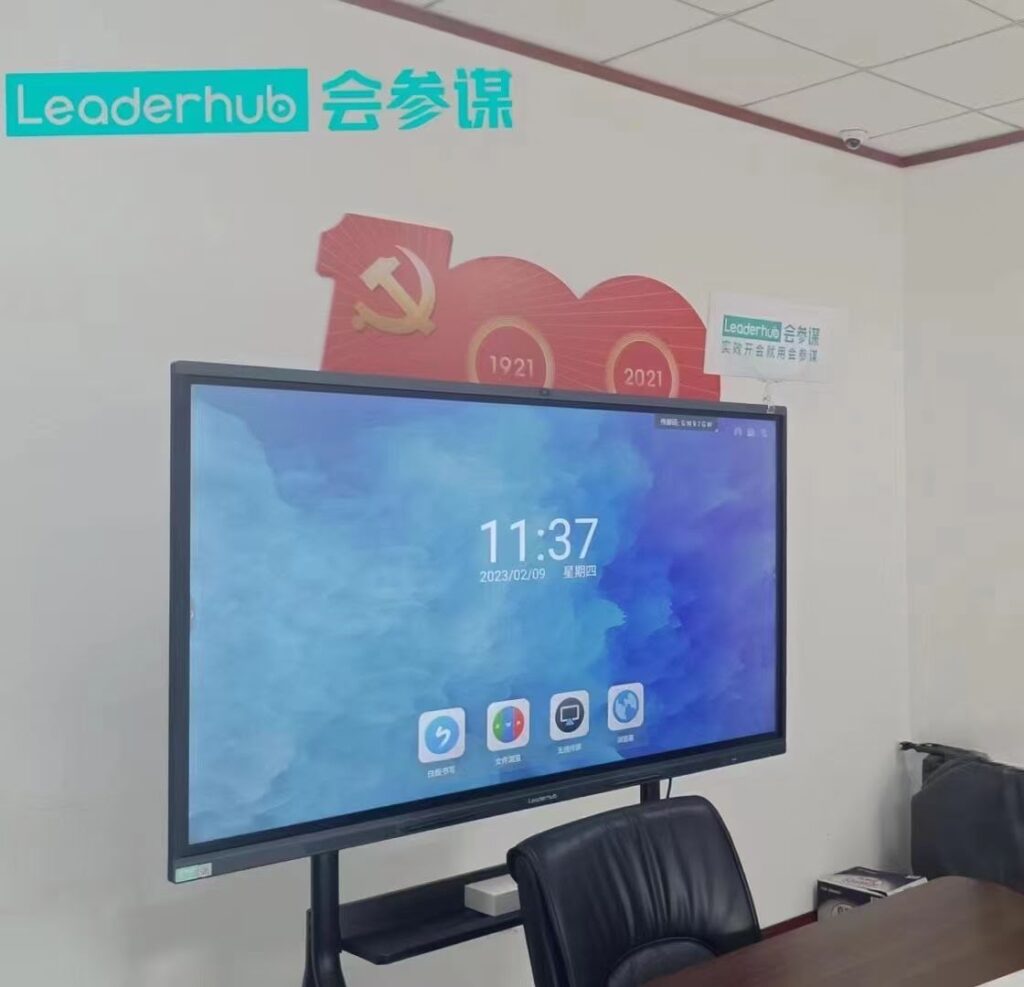
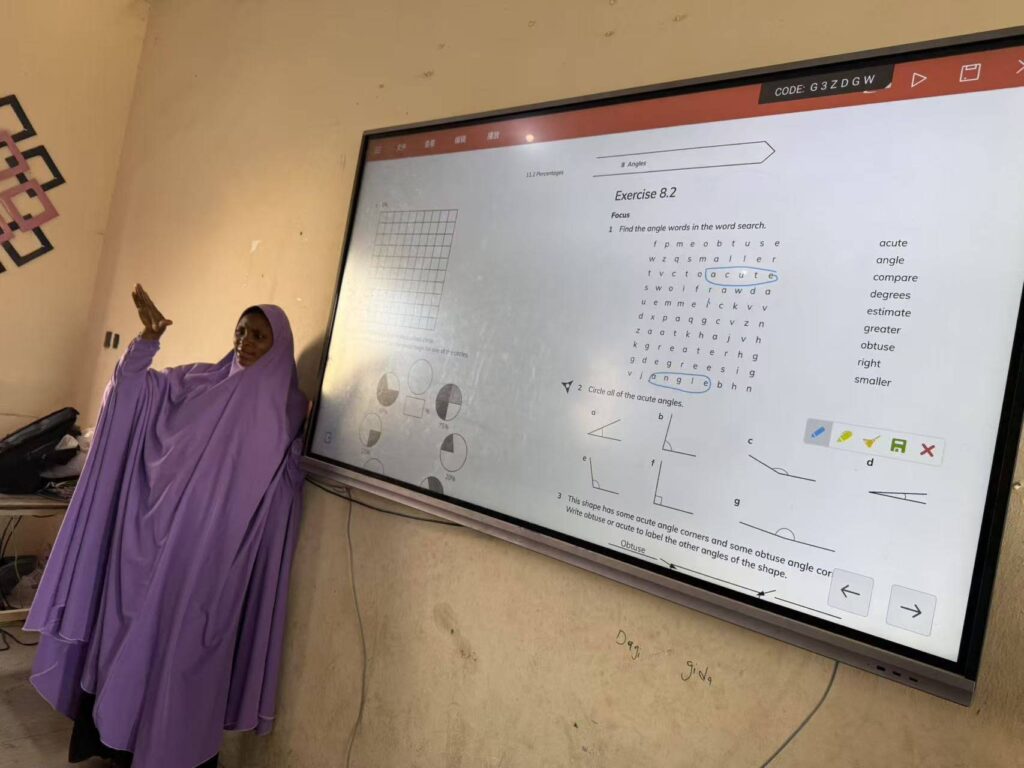
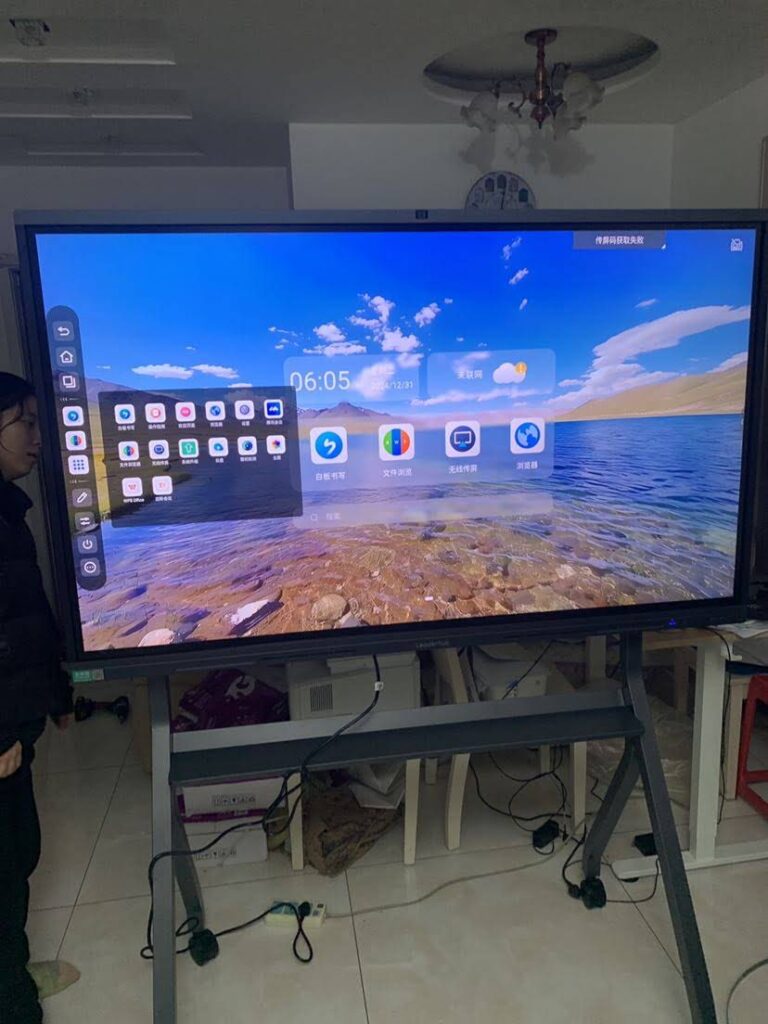
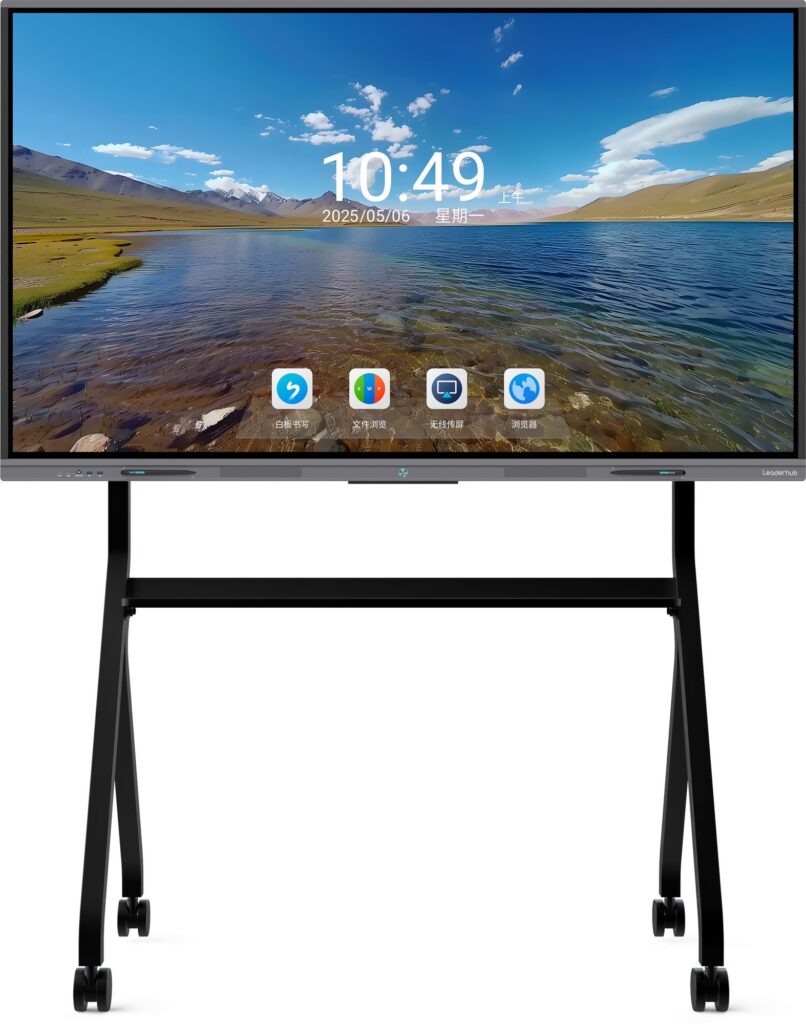
When sourcing equipment for special education programs, it’s worth partnering with manufacturers that have a proven track record in the interactive display industry. Leaderhub, a Shenzhen-based technology company with 16 years of experience designing smart whiteboards, interactive flat panels, and portable smart screens, has supplied education-focused display solutions to institutions across 82 countries. Their product lines are built with the durability, touch precision, and software flexibility that special education environments require, making them a practical option for schools evaluating long-term technology investments.
Final Thoughts
Selecting the right interactive whiteboard for autism teaching requires looking beyond flashy specifications and focusing on real classroom needs: sensory comfort, intuitive interaction, durable construction, and software that supports individualized learning. By using a structured evaluation process — including trial periods, teacher feedback, and alignment with occupational therapy recommendations — schools can make confident, evidence-based purchasing decisions that genuinely improve outcomes for students on the autism spectrum.
Investing time in this decision pays off far beyond the classroom walls. A well-chosen interactive whiteboard doesn’t just teach lessons — it builds confidence, supports communication, and creates a learning environment where every student, regardless of neurological difference, has the tools to succeed.