
Choosing the right online teaching smart whiteboard can make the difference between a virtual classroom that feels flat and disconnected and one that keeps students genuinely engaged. As remote and hybrid learning become permanent fixtures in education systems worldwide, teachers, school administrators, and training coordinators are under pressure to find hardware that actually performs — not just hardware that looks good on a spec sheet.
Having worked with hundreds of schools, language institutes, and corporate training centers over the past decade, we’ve seen firsthand how the wrong whiteboard choice leads to frozen screens during live lessons, laggy annotation tools, and frustrated teachers who end up reverting to a basic laptop camera. This guide breaks down exactly what to evaluate before you invest in a smart whiteboard for virtual classes, based on real classroom deployments and technical testing.
Why the Right Smart Whiteboard Matters for Virtual Classes
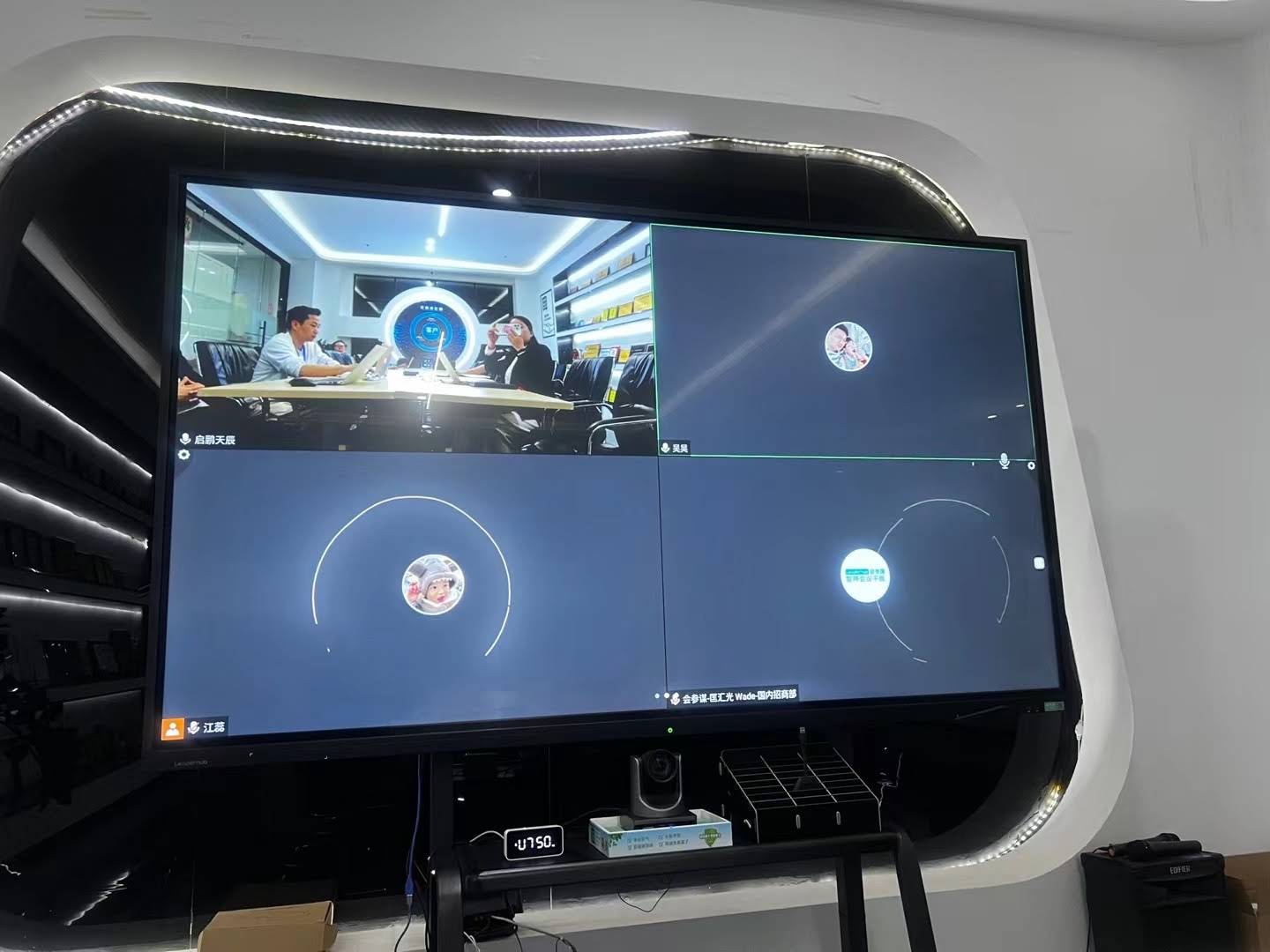
Unlike a traditional in-person classroom, a virtual class depends entirely on the quality of the technology mediating the interaction. A 2023 EDUCAUSE report found that 68% of educators cited “poor interactive technology” as a primary reason for reduced student engagement in hybrid classes. When your whiteboard lags, mirrors poorly, or can’t sync with your video conferencing software, students lose focus within minutes.
A well-chosen smart whiteboard does more than display content — it becomes the central hub for annotation, screen sharing, real-time collaboration, and multi-device connectivity, all of which are essential for keeping remote learners engaged.
1. Display Quality and Screen Size
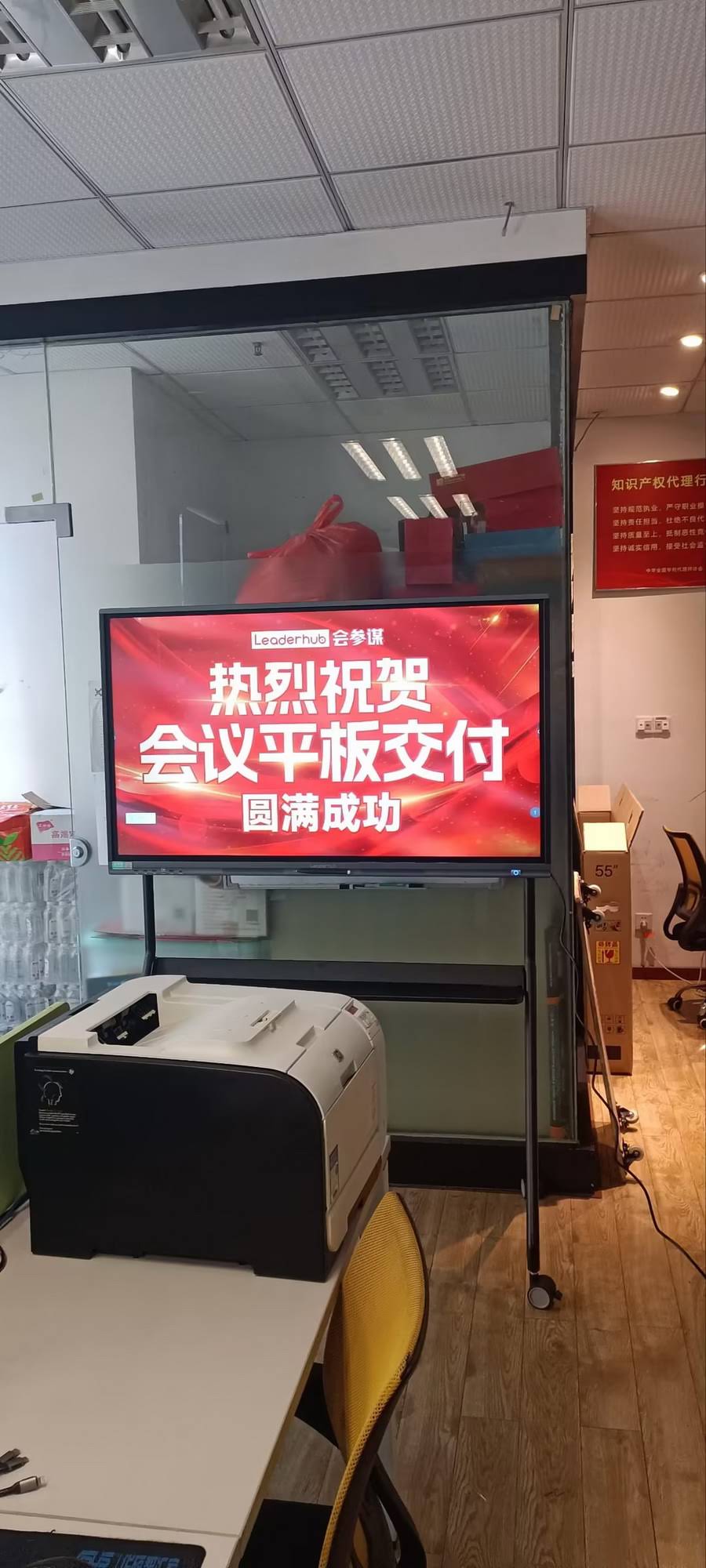
For virtual teaching, display clarity directly affects how well students can read handwriting, diagrams, and shared documents through their own screens on the other end. Look for:
- 4K UHD resolution — ensures text and diagrams remain crisp even when the camera zooms in
- Anti-glare, eye-care panel technology — reduces fatigue during long teaching sessions
- Screen size of 65″ to 86″ — ideal for hybrid setups where in-person and remote students share the same session
Smaller classrooms or one-on-one tutoring setups may only need a 55″ mobile display, while lecture halls streaming to dozens of remote students benefit from 86″ or even 110″ panels.
2. Touch Responsiveness and Writing Accuracy
Nothing disrupts a live virtual lesson faster than a delayed or inaccurate touch response. When testing whiteboards for educational use, we recommend checking for:
| Feature | Why It Matters |
|---|---|
| Touch points (20–40) | Supports multiple students writing simultaneously |
| Response latency (<10ms) | Keeps handwriting smooth and natural |
| Palm rejection | Prevents accidental marks while writing |
| Stylus pressure sensitivity | Allows natural note-taking and diagramming |
3. Built-In Software and Video Conferencing Compatibility
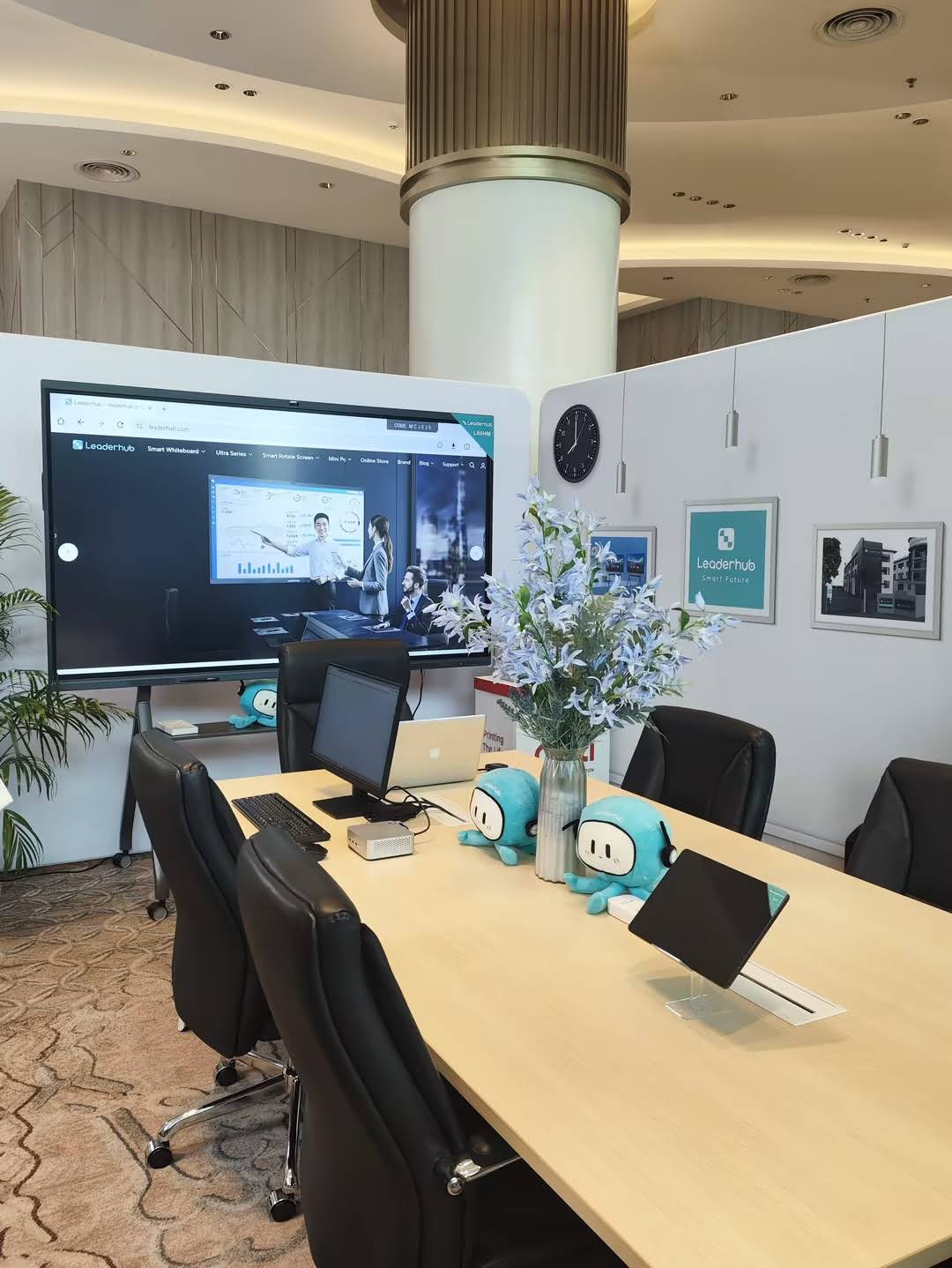
A smart whiteboard is only as good as the software running on it. For online teaching specifically, confirm compatibility with platforms such as Zoom, Microsoft Teams, and Google Meet — either through pre-installed apps or seamless casting features. Many modern mini PCs can be paired directly with a whiteboard to run these platforms natively, avoiding the lag that often comes with browser-based access.
Key software considerations include:
- Pre-loaded annotation and whiteboard apps (no installation delays before class)
- Screen mirroring from student devices for collaborative work
- Cloud save and file-sharing integration for lesson continuity
- Multi-user login support for shared devices in school labs
4. Audio and Camera Integration
Virtual classes rely heavily on clear audio pickup and camera framing. Whiteboards with built-in far-field microphones and integrated 4K cameras eliminate the need for separate webcams and external mic setups — simplifying installation for schools with limited IT staff. Look for:
- Noise-cancellation microphones with a pickup range of 5–8 meters
- Auto-framing cameras that follow the presenter
- Built-in stereo speakers rated for classroom-sized rooms
5. Processing Power and Operating System
Whiteboards running on outdated Android chipsets tend to freeze during multitasking — a serious problem when a teacher is simultaneously annotating, screen-sharing, and running a video call. Look for devices powered by recent-generation processors (Android 11+ or Windows-based systems with dedicated mini PC modules), paired with at least 4GB RAM and 32GB storage for smooth multitasking.
| Use Case | Recommended Screen Size | Recommended RAM |
|---|---|---|
| One-on-one tutoring | 55″–65″ | 4GB |
| Standard classroom (20–30 students) | 65″–75″ | 4GB–8GB |
| Lecture hall / large hybrid sessions | 86″–110″ | 8GB+ |
6. Portability and Installation Flexibility
Not every institution has a dedicated space for a fixed whiteboard. Portable smart screens on rolling stands or handheld formats offer flexibility for schools rotating equipment between classrooms, or for trainers who teach at multiple locations. When mobility matters, consider devices with built-in batteries and lightweight rotating stands that allow quick repositioning between rooms.
7. Durability and Warranty Support
Educational hardware faces heavier daily use than typical office equipment. Verify the manufacturer offers at least a 2–3 year warranty, along with accessible regional support. Reliable after-sales service is often the deciding factor between brands with similar specs — a lesson learned by many schools that purchased budget whiteboards only to find replacement parts unavailable within their region.
Common Mistakes Schools Make When Choosing a Smart Whiteboard
- Overlooking software compatibility — Buying hardware without checking if it integrates with the school’s existing LMS or video conferencing tools
- Choosing size based on room appearance, not room function — A large panel in a small tutoring room can feel overwhelming and unnecessary
- Ignoring bandwidth requirements — 4K streaming during virtual classes requires stable internet infrastructure; pairing high-end displays with weak Wi-Fi leads to buffering
- Skipping teacher training — Even the best whiteboard underperforms if educators aren’t trained on its annotation and sharing features
Real-World Example: Language Training Center Case Study
A mid-sized language training center in Southeast Asia switched from standard projector setups to 75″ 4K interactive smart whiteboards paired with dedicated mini PCs for their hybrid classes. Within three months, instructors reported a 40% reduction in technical delays at the start of lessons, largely due to pre-installed conferencing software eliminating manual setup. Student engagement scores, measured through post-lesson surveys, rose by roughly 25%, attributed to smoother real-time annotation during grammar and vocabulary exercises.
Recommended Product Options by Use Case
| Product | Best For | Price |
|---|---|---|
| LeaderHub L65HM 65″ Smart Whiteboard | Small classrooms & tutoring | $1299.00 |
| LeaderHub L75HM 75″ Smart Whiteboard | Standard hybrid classrooms | $1599.00 |
| LeaderHub L86HM 86″ Smart Whiteboard | Large lecture halls | $3199.00 |
| LeaderHub U55Pro Mobile Display | Multi-room mobile teaching | $2499.00 |
Frequently Asked Questions
What screen size is best for online teaching?
For most classrooms, a 65″–75″ display strikes the right balance between visibility and cost. Larger lecture halls or hybrid setups streaming to many remote viewers benefit from 86″ or larger panels.
Do smart whiteboards work with Zoom and Microsoft Teams?
Yes — most modern interactive flat panels support native apps or screen-casting for major video conferencing platforms, though it’s important to confirm compatibility before purchase.
How much should a school budget for a smart whiteboard?
Pricing typically ranges from $1,000 for a 65″ entry-level model to $3,000+ for 86″ or larger 4K panels with advanced processing capabilities.
Final Thoughts
Selecting the right online teaching smart whiteboard comes down to matching your classroom’s specific needs — screen size, processing power, software compatibility, and long-term support — rather than chasing the highest specs available. Institutions that take the time to evaluate these factors consistently report smoother lessons, higher student engagement, and fewer technical disruptions during live sessions.
LeaderHub, a Shenzhen-based technology company with 16 years of experience in the interactive panel industry, has supplied smart whiteboards and interactive display solutions to education providers across 82 countries, offering both fixed and portable options suited to a wide range of virtual and hybrid teaching environments.
Before finalizing a purchase, request a live demo whenever possible, confirm regional warranty support, and involve teaching staff in the evaluation process — their day-to-day experience with the device will ultimately determine how effective your virtual classes become.








