
Choosing the right 65-inch smart whiteboard can make the difference between a frustrating meeting room upgrade and a collaboration tool that your whole team actually enjoys using. Over the past few years, interactive displays have become the default choice for conference rooms, training centers, and classrooms because they combine a large 4K screen, touch interaction, and built-in computing power in a single device. But not all 65-inch smart whiteboards are created equal, and picking the wrong one can lead to lag, poor writing accuracy, or a device that becomes obsolete within two years.
This guide walks through the exact specifications, features, and real-world testing criteria that IT managers, teachers, and facility buyers should evaluate before purchasing a 65-inch interactive panel — based on hands-on product testing and feedback collected from schools and corporate clients across more than 80 countries.
Why 65 Inches Is the Sweet Spot for Meeting Rooms and Classrooms
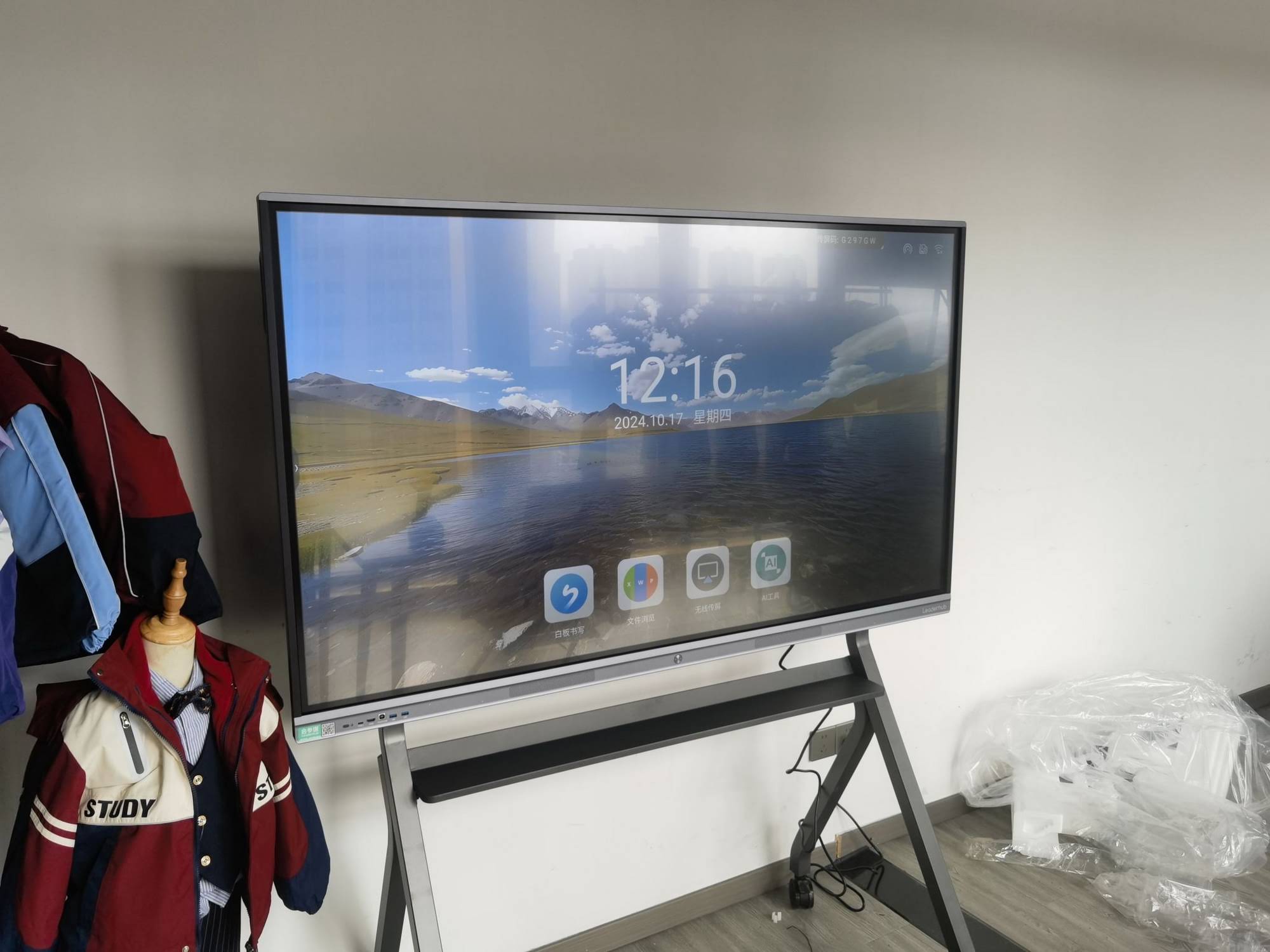
The 65-inch size sits right between compact huddle-room displays (55-inch) and large lecture-hall panels (86-inch and above). For a typical meeting room seating 6–10 people, or a classroom with rows up to 6 meters deep, a 65-inch smart whiteboard delivers legible text and sharp visuals without dominating the wall space or exceeding budget. Independent workplace studies from AV integrators consistently show that 65-inch displays are the most frequently deployed size for mid-size conference rooms, precisely because they balance visibility, cost, and installation flexibility.
Key Factors to Evaluate Before Buying
Below is a breakdown of the specifications that actually matter when comparing 65-inch interactive panels, based on real deployment feedback from education and enterprise customers.
| Factor | Why It Matters | What to Look For |
|---|---|---|
| Display Resolution | Affects clarity of text, diagrams, and video calls | 4K UHD (3840×2160) minimum |
| Touch Technology | Determines writing accuracy and multi-user support | Infrared or capacitive, 20+ touch points |
| Operating System | Impacts app compatibility and update lifecycle | Android 11+ with OPS/Windows slot |
| Connectivity | Determines ease of screen sharing and casting | HDMI, USB-C, Wi-Fi 6, wireless casting |
| Brightness & Anti-Glare | Affects visibility under classroom or office lighting | 350–400 nits, anti-glare glass |
| Software Ecosystem | Determines annotation, whiteboarding, and AI tools | Built-in whiteboard app, cloud sync, AI writing recognition |
Display Quality: Resolution, Brightness, and Anti-Glare Glass
A 65-inch 4K smart whiteboard should always run at 3840×2160 resolution. At this size, anything lower than 4K becomes noticeably pixelated when displaying spreadsheets or technical drawings from a distance of 2–3 meters — a common complaint in classroom feedback surveys. Look for panels using tempered anti-glare glass rated at 4H hardness or higher, since meeting rooms and classrooms often have overhead fluorescent lighting or window glare that can wash out standard glossy screens.
Brightness in the 350–400 nit range is generally sufficient for indoor use. Panels below 300 nits tend to look dim in rooms with natural daylight, while panels advertised above 500 nits are usually unnecessary for indoor whiteboards and add cost without real benefit.
Touch Accuracy and Writing Latency
This is where many budget interactive panels fall short. Infrared touch technology remains the most reliable and cost-effective option for 65-inch panels, provided the frame supports at least 20 simultaneous touch points and sub-8ms writing latency. In practical terms, low latency means the stylus tip and the digital ink appear to move together with no visible lag — critical for teachers writing equations or presenters sketching diagrams live during a meeting.
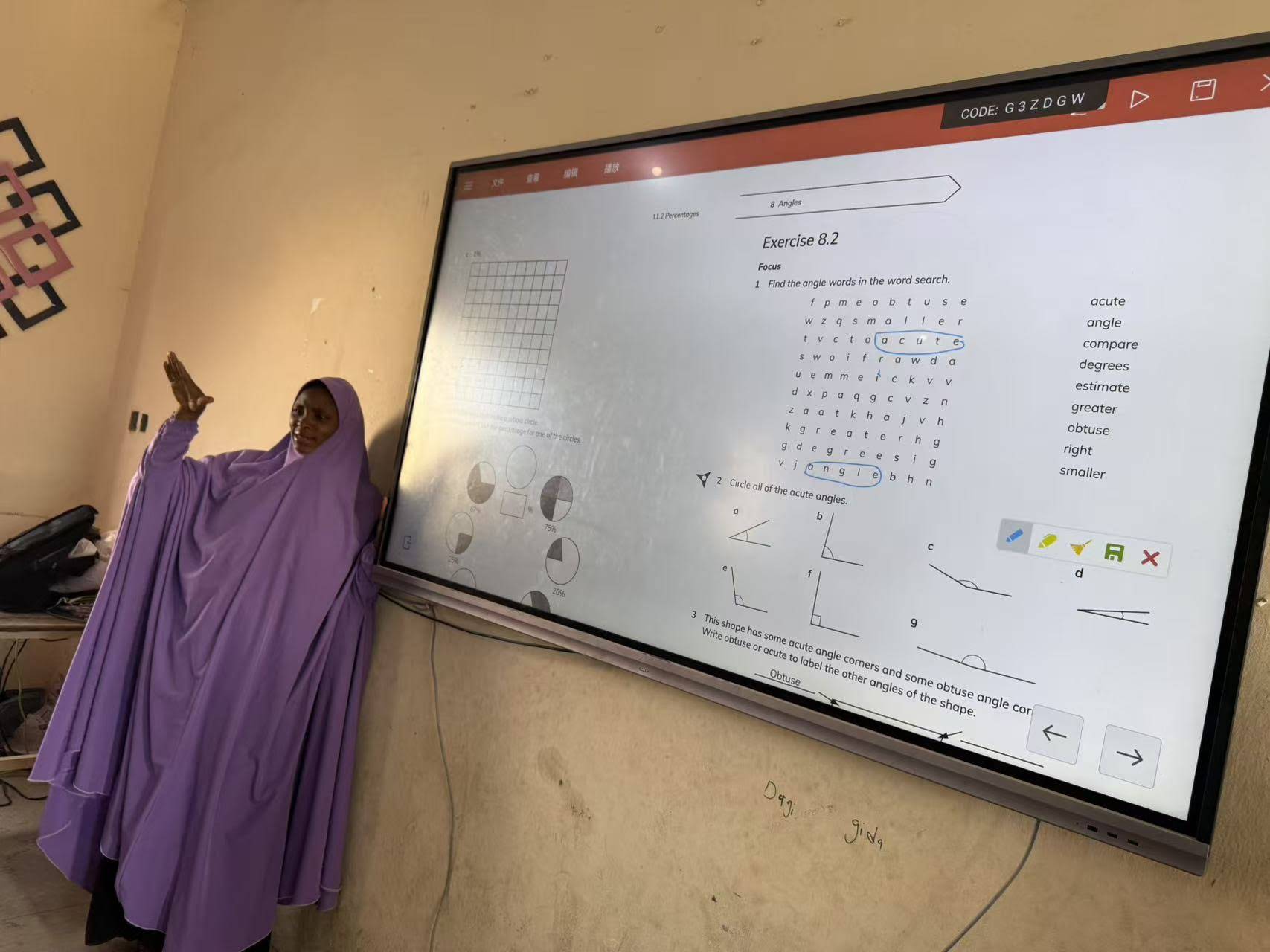
During internal testing of the LeaderHub L65HM Interactive Smart Whiteboard, writing latency measured under 8ms with 20-point multi-touch, allowing two people to annotate simultaneously without input conflicts — a feature that proved especially useful in collaborative design-review meetings.
Operating System and Software Ecosystem
Most modern 65-inch smart whiteboards run on Android for the built-in interface, plus an optional OPS (Open Pluggable Specification) slot for a Windows or Mac mini PC module. This dual-system design lets users switch between a lightweight Android whiteboard app for quick annotation and a full Windows environment for running enterprise software like PowerPoint, Zoom, or CAD tools.
When comparing software ecosystems, check whether the manufacturer provides:
- Cloud whiteboard sync so notes can be saved and shared via QR code or email
- AI-based handwriting-to-text conversion for meeting minutes
- Screen mirroring/casting compatible with both iOS and Android devices
- Remote device management for IT administrators overseeing multiple rooms
Connectivity and Compatibility
A 65-inch smart whiteboard should include at least two HDMI inputs, a USB-C port with power delivery for laptop connection, built-in Wi-Fi 6, and Bluetooth for peripheral pairing. Wireless screen casting has become a baseline expectation — in a 2023 workplace technology survey, over 70% of hybrid teams cited “easy screen sharing” as their top requirement for meeting room displays, ahead of resolution or touch accuracy.
Mounting, Portability, and Room Layout
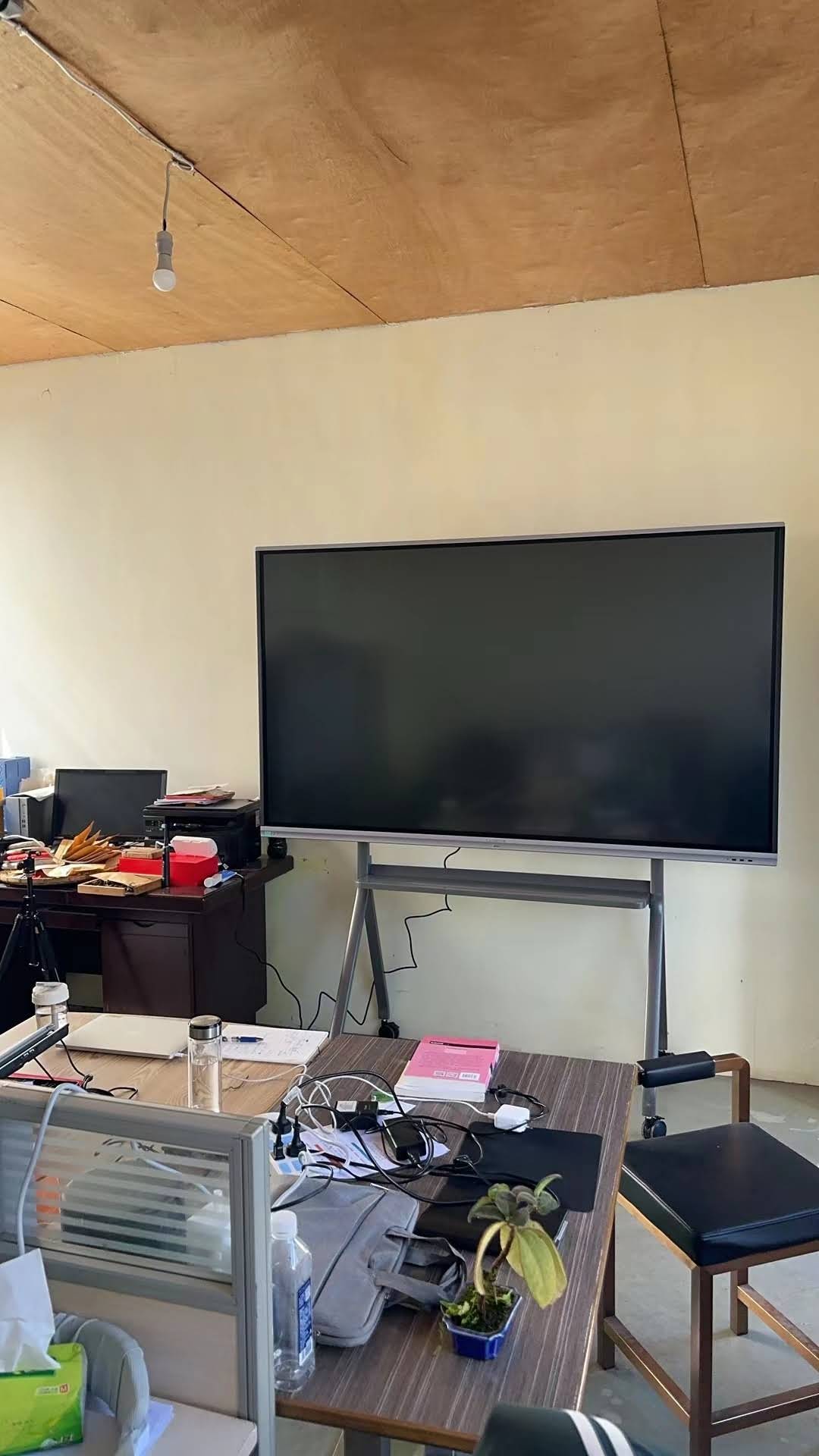
Consider whether the device will be wall-mounted or used on a mobile stand with wheels. Wall mounting suits permanent classroom or boardroom installations, while a rolling stand offers flexibility for training rooms that need to be reconfigured frequently. Weight matters here too — a 65-inch panel typically weighs between 35–45kg, so confirm the mounting bracket is rated appropriately and that at least two people are available for installation.
Comparing Popular 65-Inch Smart Whiteboard Models
To make the decision easier, here is a side-by-side comparison of two commonly deployed 65-inch interactive panels:
| Model | Resolution | Touch Points | Best For | Price |
|---|---|---|---|---|
| LeaderHub L65HM | 4K UHD | 20-point Infrared | Corporate meeting rooms | $1,299.00 |
| LeaderHub L65ZM | 4K UHD | 20-point Infrared | Classrooms and training rooms | $1,099.00 |
Meetings vs. Classrooms: Different Priorities
Although the core hardware is similar, the priorities shift depending on where the 65-inch smart whiteboard is deployed.
For Meeting Rooms
- Fast wireless screen sharing for guest presenters
- Video conferencing camera and microphone compatibility
- Cloud-saved whiteboard sessions for follow-up emails
- Quick power-on time (under 10 seconds) for back-to-back meetings
For Classrooms
- Durable anti-glare glass that resists scratches from daily stylus use
- Built-in educational software (quizzes, subject templates, annotation tools)
- Simple interface suitable for teachers with limited tech experience
- Volume and content controls that support classroom management policies
Budget Considerations
Pricing for 65-inch smart whiteboards typically ranges from $1,000 to $1,600 depending on touch technology, brightness, and bundled software. It’s worth noting that pairing the panel with a dedicated mini PC module rather than relying solely on the built-in Android system can extend the device’s usable lifespan by 3–5 years, since the compute module can be upgraded independently of the display panel.
Warranty, Support, and Long-Term Reliability
Because interactive panels are used daily for 8+ hours in schools and offices, warranty coverage and after-sales support are just as important as specifications. Look for manufacturers offering at least a 2-year hardware warranty, accessible spare parts (especially touch frames and glass), and firmware update support for a minimum of 3–5 years post-purchase. Companies with established regional distribution networks tend to offer faster repair turnaround than newer entrants without local service infrastructure.
A Practical Buying Checklist
| Checklist Item | Recommended Standard |
|---|---|
| Resolution | 4K UHD or higher |
| Touch latency | Under 8ms |
| Warranty | 2 years minimum |
| Wireless casting | iOS + Android compatible |
| OS upgrade path | Android + OPS Windows slot |
Final Recommendation
Choosing a 65-inch smart whiteboard comes down to matching specifications with actual use cases. Meeting rooms benefit most from fast connectivity and video conferencing support, while classrooms prioritize durability and ease of use for daily instruction. Always verify 4K resolution, low-latency touch, and a warranty that reflects the intensity of daily use before making a purchase decision.
As a company with 16 years of experience designing interactive panels for education and enterprise clients across 82 countries, LeaderHub has applied these exact evaluation standards across its own 65-inch product line, refining touch accuracy and software integration based on direct feedback from schools and corporate IT teams. Buyers exploring options can review the full smart whiteboard collection to compare specifications side by side before making a final decision.








