
Choosing the right smart whiteboard can completely transform how a classroom teaches or how a training room delivers content. With so many brands, screen sizes, and touch technologies on the market, it’s easy to feel overwhelmed. This guide breaks down everything you need to know before making a purchase — from screen resolution to software compatibility — so you can invest in a device that truly fits your teaching or training environment.
Why Smart Whiteboards Matter in Training and Teaching
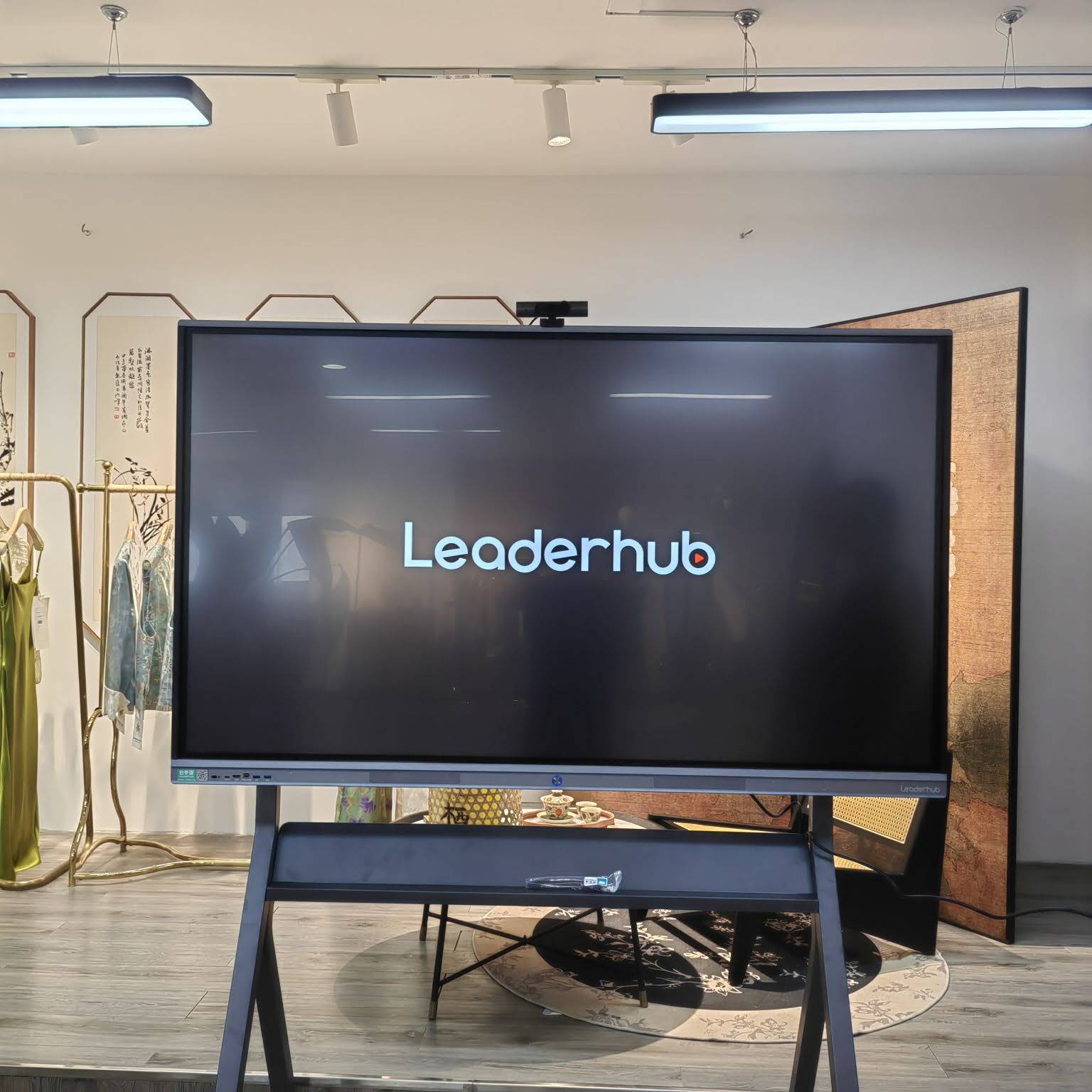
Traditional whiteboards and projectors are quickly being replaced by interactive flat panels because they combine display, computing, and collaboration tools into a single device. According to a 2023 EdTech industry survey, over 68% of corporate training centers and 74% of K-12 schools in North America and Europe have adopted or plan to adopt interactive display technology within the next two years. This shift is driven by three main benefits:
- Higher engagement — touch interaction keeps learners and trainees actively involved instead of passively watching a screen.
- Remote collaboration — built-in video conferencing and screen sharing make hybrid training sessions seamless.
- Content retention — annotation tools, cloud saving, and instant playback help reinforce learning material.
Key Factors to Consider Before Buying
Not every smart whiteboard is built the same. Below are the most important specifications to evaluate before making a purchase decision.
1. Screen Size and Room Layout
Screen size should match the size of your room and the distance between the display and the farthest viewer. A general rule used by AV integrators:
| Room Size | Recommended Screen Size | Typical Use Case |
|---|---|---|
| Small meeting room / classroom (up to 15 people) | 55″ – 65″ | Team training, small lectures |
| Medium classroom / conference room (15-30 people) | 75″ – 86″ | University lecture halls, corporate training |
| Large auditorium (30+ people) | 98″ – 110″ | Large seminars, product launches |
2. Touch Technology and Accuracy
Look for infrared (IR) touch or capacitive touch technology with at least 20-point multi-touch support. This allows multiple students or trainees to write and interact simultaneously — essential for group activities and collaborative brainstorming sessions.
3. Display Resolution
A true 4K UHD resolution (3840 x 2160) is now the industry standard for training rooms. It ensures text, diagrams, and video content remain sharp even when viewed from the back of a large room.
4. Operating System and Software Compatibility
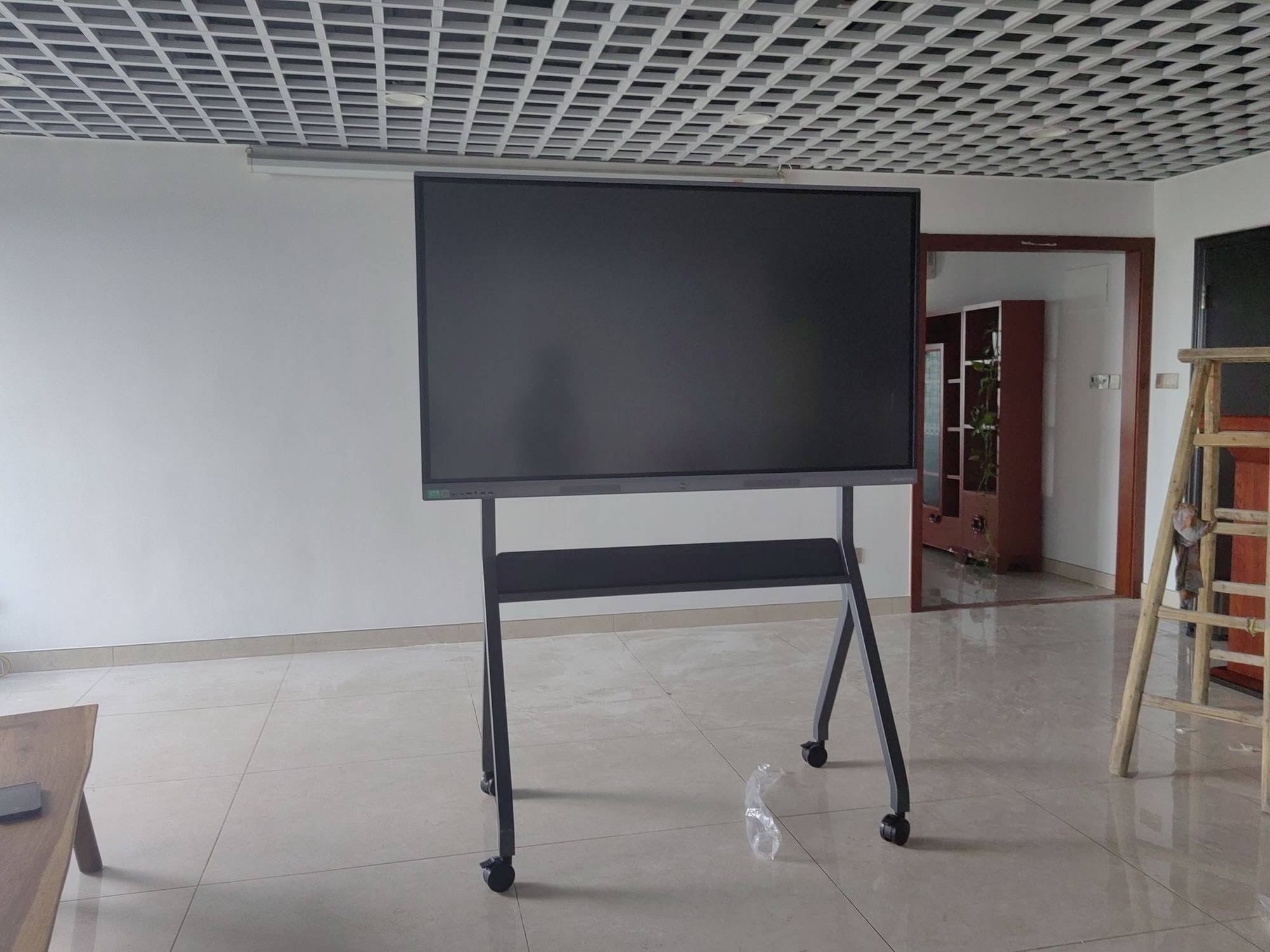
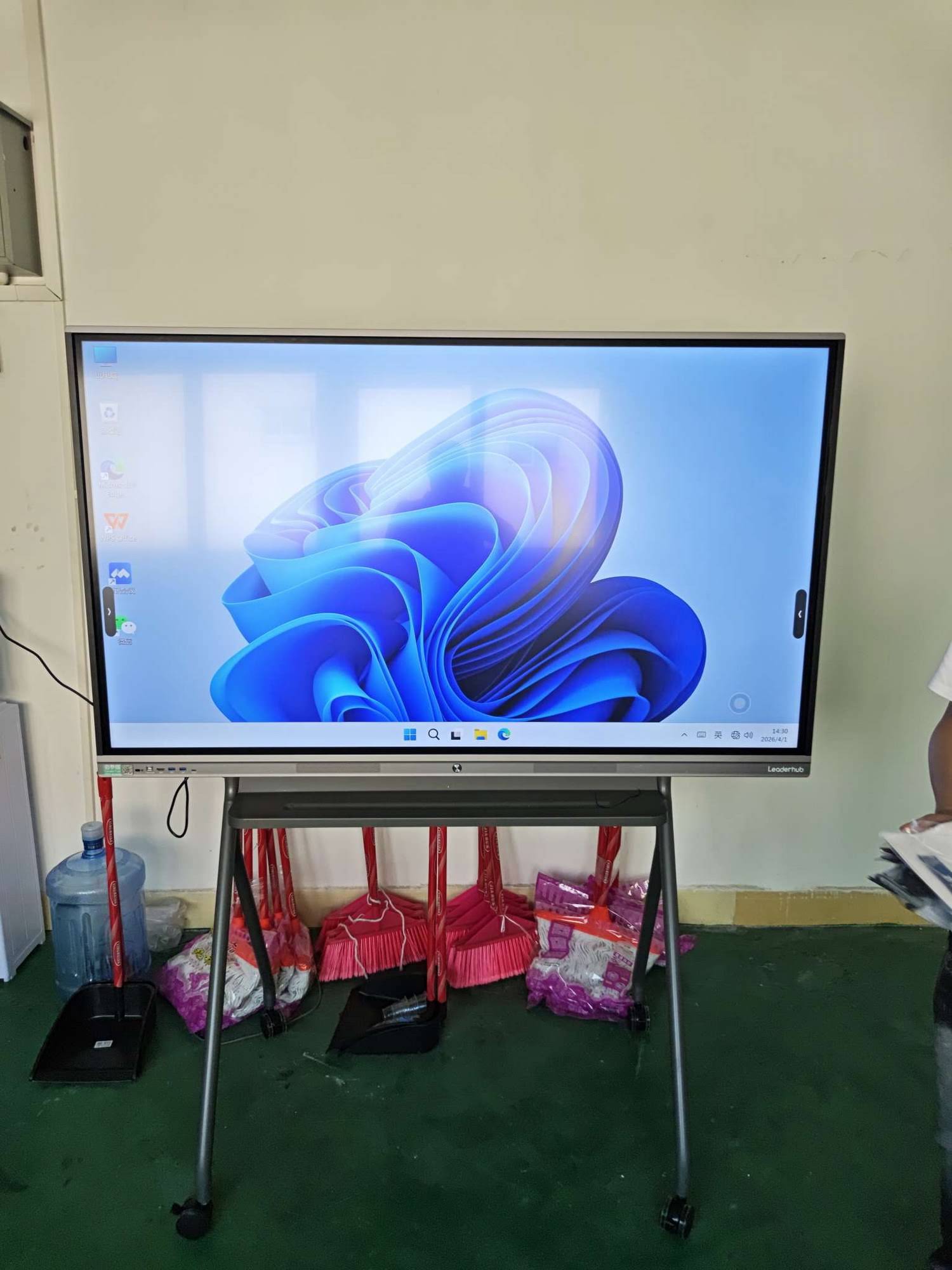
Most modern smart whiteboards run on Android for built-in apps and whiteboard tools, while offering an optional Windows OPS module for full desktop software compatibility. This dual-system flexibility means trainers can switch between simple annotation tools and full presentation software like PowerPoint or Zoom without needing a separate computer.
5. Connectivity Options
Check for HDMI in/out, USB-C with power delivery, wireless screen casting, and built-in Wi-Fi/Bluetooth. Wireless casting is particularly valuable in training environments where multiple presenters need to share content quickly without cable swapping.
6. Built-in Camera and Microphone for Hybrid Learning
With hybrid and remote training becoming standard practice, a built-in camera (ideally 4K with auto-framing) and noise-canceling microphone array are no longer optional extras — they’re essential for video conferencing quality.
Comparing Smart Whiteboard Options by Use Case
Different environments call for different specifications. Here’s a quick breakdown based on real deployment scenarios we’ve observed across education and corporate clients:
| Use Case | Recommended Features | Suggested Size |
|---|---|---|
| K-12 Classroom | Durable anti-glare glass, built-in education apps, easy lesson recording | 65″ – 75″ |
| Corporate Training Room | Wireless casting, video conferencing camera, cloud file sharing | 75″ – 86″ |
| University Lecture Hall | High brightness, wide viewing angle, multi-source input switching | 86″ – 110″ |
| Mobile / Portable Training | Built-in battery, rotating stand, lightweight design | 24″ – 27″ portable screens |
Common Mistakes to Avoid When Buying a Smart Whiteboard
- Ignoring brightness ratings — a screen with less than 350 nits will appear washed out in rooms with natural light.
- Overlooking after-sales support — always check warranty length and whether the manufacturer offers local technical support.
- Choosing size based on budget alone — a screen too small for the room defeats the purpose of the investment.
- Skipping a hands-on demo — touch responsiveness and writing latency vary significantly between brands.
Real-World Experience: What Trainers and Educators Say
In our work supplying interactive flat panels to schools and corporate clients across 82 countries, one pattern is consistent: institutions that prioritize touch accuracy and software flexibility report significantly higher long-term satisfaction than those who buy based on price alone. A regional training center in Southeast Asia reported a 40% reduction in session setup time after switching from projector-based systems to a 4K interactive panel with wireless casting.
Recommended Smart Whiteboard Models
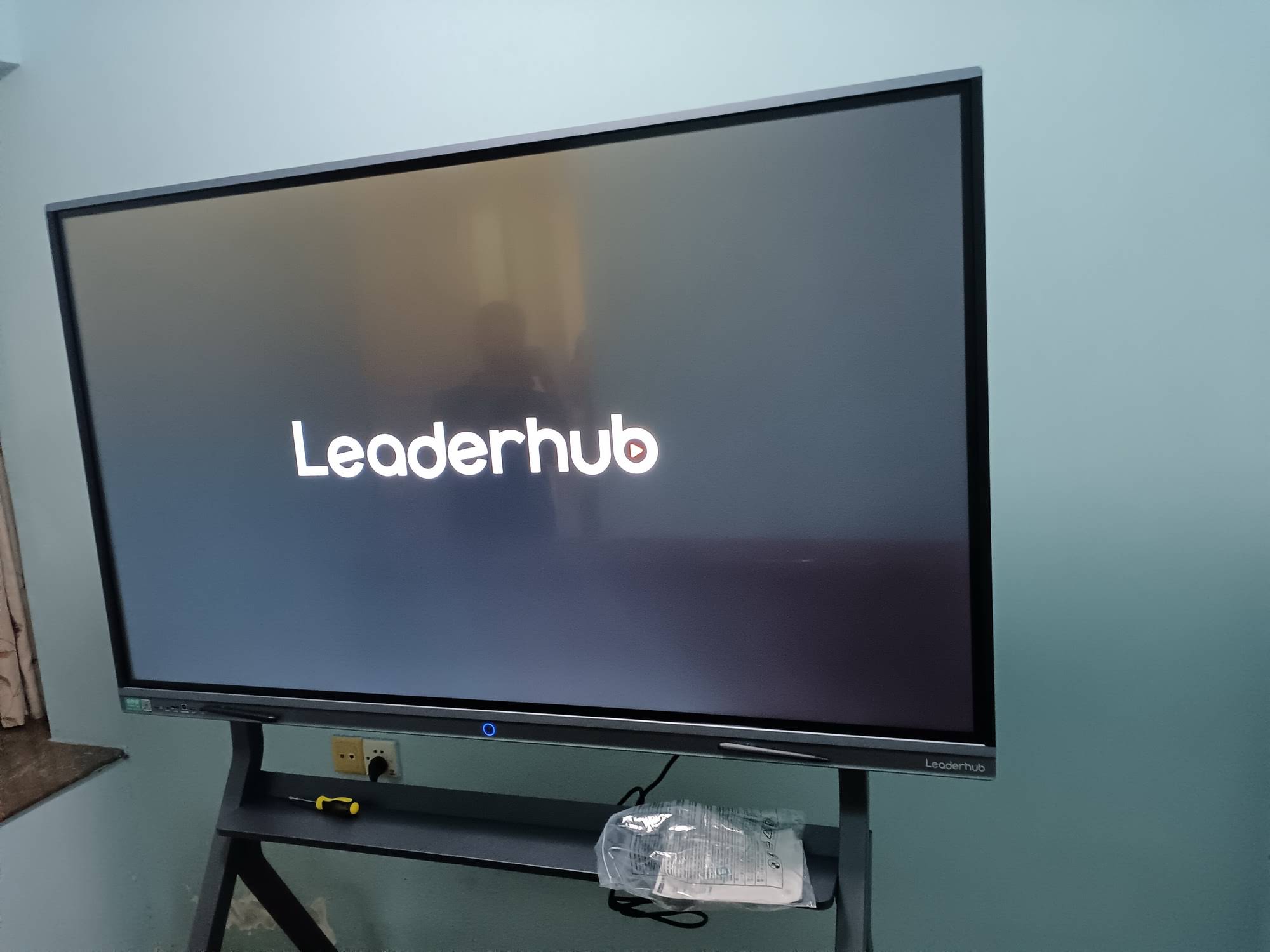
Based on the criteria above, here are some well-suited options for different training and teaching environments:
- LeaderHub L65HM Interactive Smart Whiteboard — 65″ 4K, ideal for small classrooms and training rooms.
- LeaderHub L75HM Interactive Smart Whiteboard — 75″ 4K, a strong middle-ground choice for medium-sized rooms.
- LeaderHub L86HM Interactive Smart Whiteboard — 86″ 4K, suited for larger training halls and lecture rooms.
- LeaderHub U24M Handheld Smart Screen, a portable option for mobile trainers and small group sessions.
How to Test Before You Buy
Whenever possible, request a live demonstration or trial unit. Test the following during the demo:
- Write with a finger and stylus simultaneously to check multi-touch accuracy.
- Connect a laptop wirelessly to test casting speed and latency.
- Check viewing angle by standing at the side of the room.
- Test built-in software such as annotation tools, whiteboard apps, and file-sharing features.
Maintenance and Long-Term Value
Smart whiteboards are a long-term investment, typically lasting 7-10 years with proper care. To protect your investment:
- Clean the screen with a microfiber cloth and non-abrasive solution only.
- Keep firmware updated to maintain software compatibility.
- Avoid extreme temperature and humidity exposure, especially in mobile training setups.
About LeaderHub
LeaderHub is a Shenzhen-based technology company with 16 years of professional experience in the interactive panel industry, delivering smart whiteboards, mini PCs, and portable smart screens to over 82 countries. Our mission, “AI Changes Life,” drives us to combine hardware innovation with AI to make training and teaching more effective, accessible, and affordable for institutions worldwide.
Final Thoughts
Selecting the right smart whiteboard comes down to matching your room size, use case, and software needs with the right specifications. Whether you’re outfitting a single training room or an entire campus, prioritizing touch accuracy, resolution, and connectivity will ensure your investment delivers real value for years to come. Take time to test devices hands-on, compare warranty terms, and choose a manufacturer with proven experience supporting education and enterprise clients globally.
Ready to explore your options? Browse the full range of smart whiteboards and mini PCs designed for modern classrooms and training environments.








