
Choosing the right smart whiteboard for students can feel overwhelming, especially with dozens of brands, screen sizes, and specifications flooding the market. Whether you’re a school administrator in the United States, a university IT manager in the UK, or a parent looking to support home learning, this guide walks you through everything you need to know before making a purchase decision in 2024.
Over the past few years, interactive displays have moved from “nice-to-have” to essential classroom infrastructure. According to a 2023 report from the Consortium for School Networking, over 68% of K-12 schools in North America now use some form of interactive display technology, up from just 34% in 2019. This shift reflects a broader recognition that visual, touch-based learning improves student engagement and retention.
Why Smart Whiteboards Matter in Modern Education
Traditional whiteboards and projectors are quickly becoming outdated. A smart whiteboard combines a high-resolution touchscreen with built-in software, annotation tools, and often a computer system — allowing teachers to write, draw, share multimedia, and collaborate in real time. From our experience working with schools across 82 countries, the difference in classroom energy and participation is immediately noticeable once a smart display replaces a static chalkboard.
Educators consistently report three major benefits:
- Higher engagement — interactive lessons keep students focused longer than passive lectures.
- Better accessibility — zoom, annotation, and screen-sharing help students with different learning styles.
- Time savings — teachers can save, replay, and share lesson content instantly, reducing prep time for repeat lessons.
Key Factors to Consider Before Buying
Not every smart whiteboard is built the same. Before comparing brands, it helps to understand which specifications actually impact classroom performance versus which are simply marketing buzzwords.
| Feature | Why It Matters | Recommended Spec |
|---|---|---|
| Screen Resolution | Sharper visuals reduce eye strain for students at the back of the room | 4K UHD minimum |
| Touch Points | Allows multiple students to interact simultaneously | 20+ touch points |
| Operating System | Determines app compatibility and update support | Android 11+ or Windows-based |
| Built-in Speakers | Clear audio for video lessons without extra equipment | Dual 15W+ speakers |
| Screen Size | Should match room size and viewing distance | 65″–86″ for standard classrooms |
Choosing the Right Screen Size for Your Classroom
One of the most common mistakes schools make is purchasing a screen that’s too small for the room. As a general rule, the viewing distance should be no more than 2-3 times the screen’s diagonal width for clear visibility.
| Room Size | Recommended Screen Size | Best For |
|---|---|---|
| Small classroom (up to 15 students) | 55″–65″ | Primary schools, tutoring rooms |
| Medium classroom (15–30 students) | 65″–75″ | Middle and high school classes |
| Large lecture hall (30+ students) | 86″ and above | Universities, training centers |
Software and Connectivity: The Hidden Deciding Factor
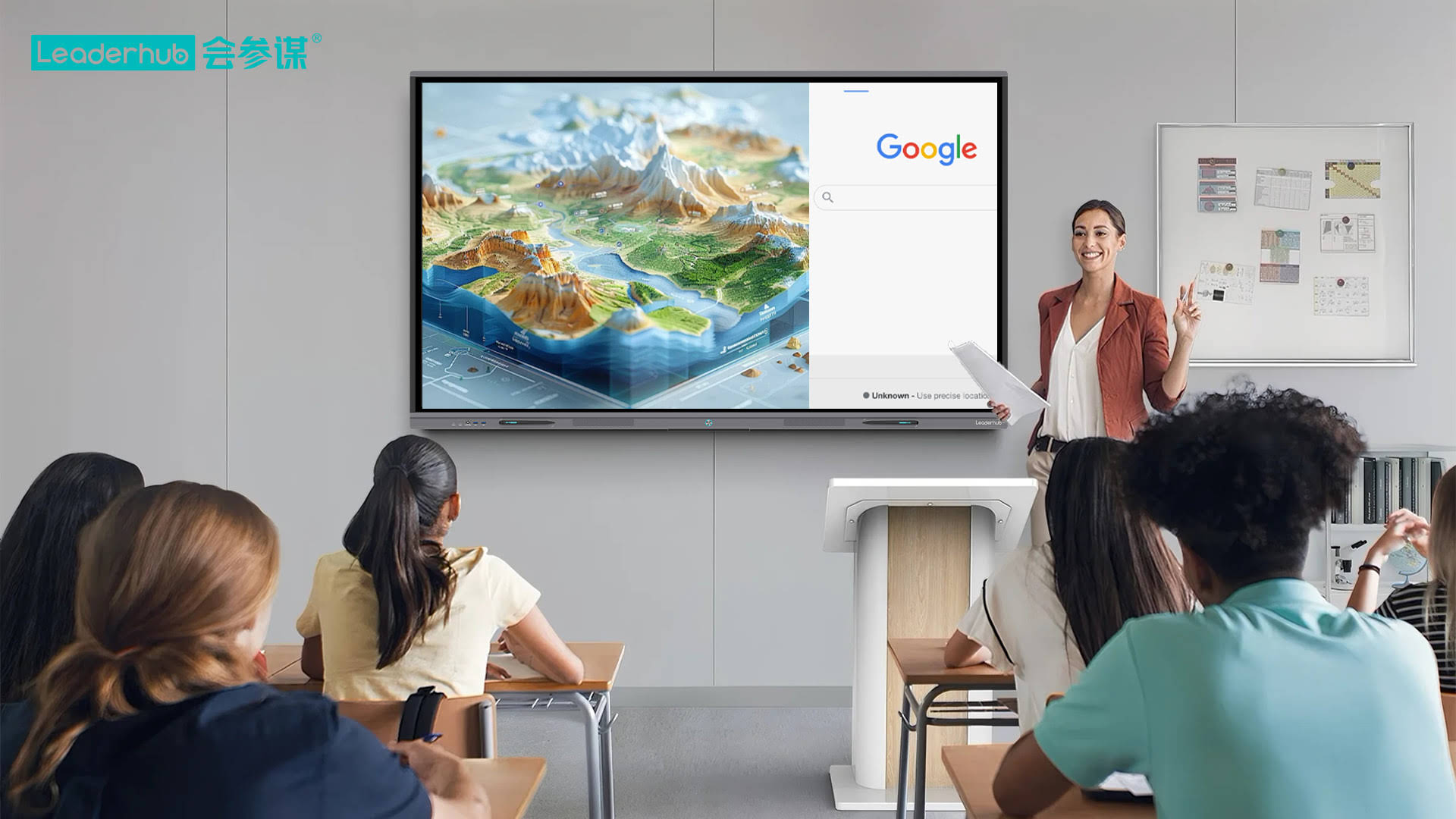
Hardware specs get most of the attention, but software experience often determines whether teachers actually adopt the technology. Look for a smart whiteboard with an intuitive annotation toolkit, wireless screen casting, and cloud-based lesson storage. Compatibility with common platforms like Google Classroom, Microsoft Teams, and Zoom is also essential for hybrid or remote learning scenarios.
In our own testing across dozens of school deployments, we’ve found that boards with a dedicated mini PC module tend to run smoother than fully integrated Android systems when running heavier applications like video editing software or 3D modeling tools used in STEM classes.
Budget Planning: What Should You Expect to Pay?
Pricing for interactive displays varies significantly based on size, resolution, and brand reputation. Based on current market data, here’s a realistic breakdown:
- Entry-level (55″–65″): $1,000 – $1,600
- Mid-range (65″–75″): $1,600 – $2,500
- Premium large format (86″–110″): $3,000 – $8,000
For schools working with tight budgets, it’s often smarter to invest in one high-quality board per grade level rather than spreading funds across many lower-spec units. Durability matters — a well-built panel with a 3-5 year warranty will typically outlast three cheaper alternatives combined, reducing total cost of ownership significantly.
Portable vs. Fixed Installation
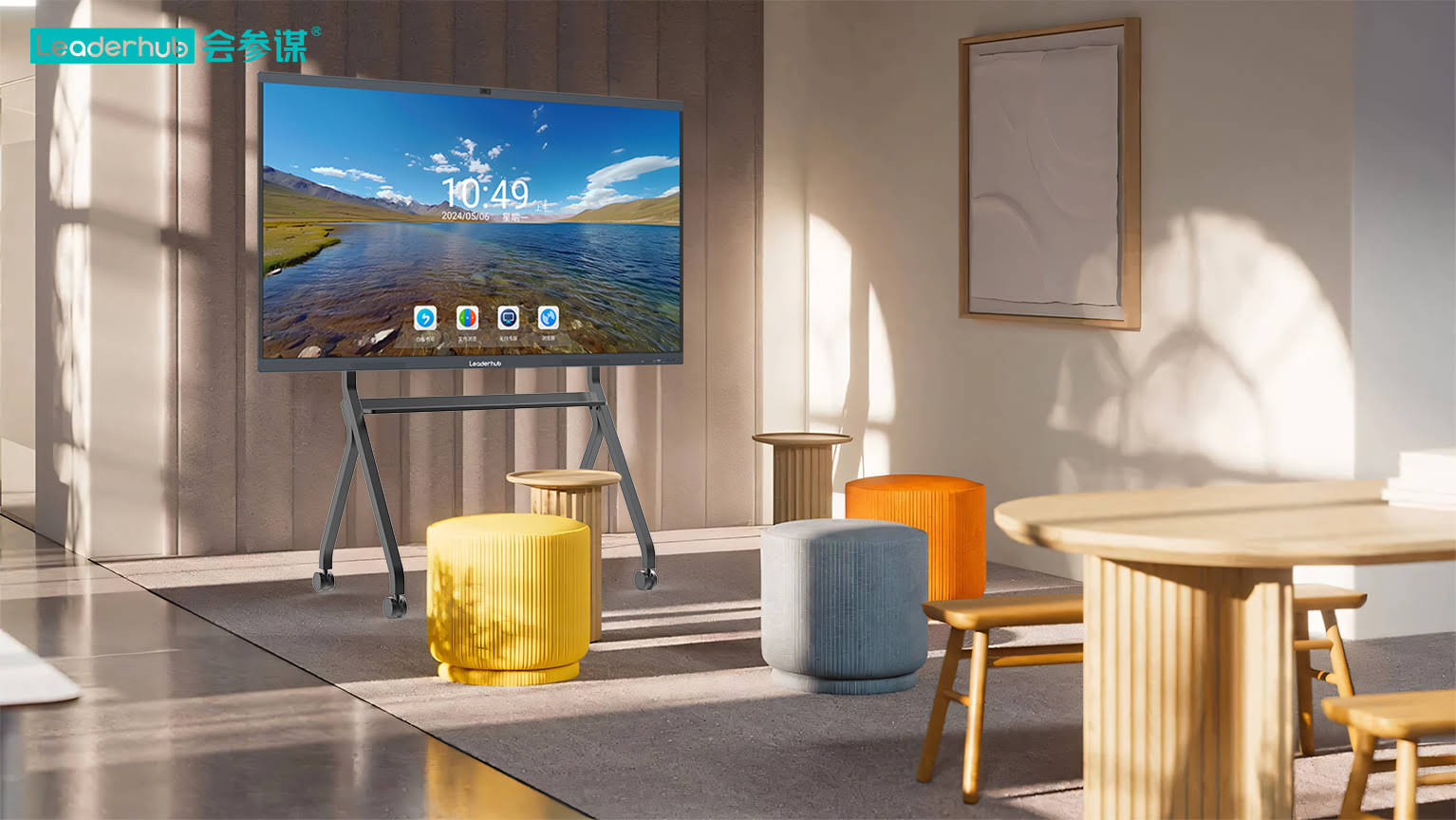
Not every classroom needs a permanently mounted board. Portable smart screens mounted on wheeled stands offer flexibility for schools that share equipment across multiple rooms, or for training centers that need to reconfigure spaces frequently. Rotating screen models, in particular, are gaining popularity for their ability to switch between portrait and landscape orientation depending on the content being displayed.
Real-World Case Study
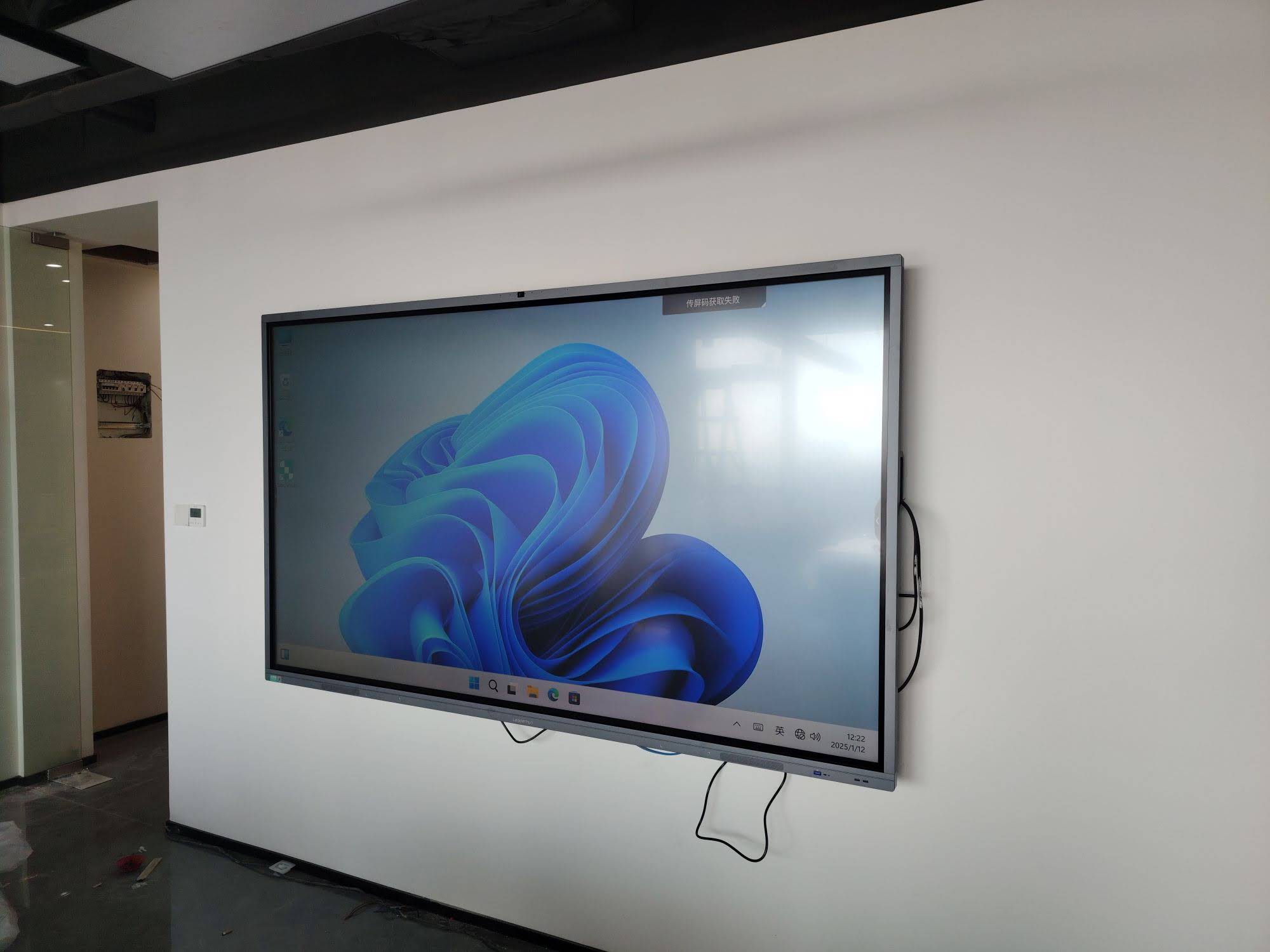
A secondary school in Texas recently upgraded 12 classrooms from projector-based setups to 75-inch interactive panels. Within one semester, teachers reported a 40% reduction in lesson setup time and a noticeable increase in student participation during group activities, according to internal feedback surveys shared with their district technology coordinator. This mirrors findings from a 2022 study published by the International Society for Technology in Education, which found that classrooms using interactive displays saw measurable improvements in collaborative learning outcomes.
Maintenance and Long-Term Support
Before purchasing, always ask about warranty terms, spare parts availability, and firmware update policies. A board that isn’t supported with regular software updates can quickly become a security liability, especially in networked school environments. Reliable manufacturers typically offer at least 2-3 years of active firmware support along with accessible customer service channels.
A Trusted Manufacturer Behind the Scenes
LeaderHub, a Shenzhen-based technology company with 16 years of experience in the interactive display industry, has shipped smart whiteboards and rotating screens to over 82 countries, ranking as the No.1 subcategory brand on JD.com. Their engineering background in both education and enterprise interactive technology gives useful insight into what separates a durable classroom investment from a short-lived one.
Quick Checklist Before You Buy
- Confirm the screen resolution is at least 4K for clarity
- Check touch responsiveness with multiple simultaneous users
- Verify compatibility with your existing classroom software (Google Classroom, Teams, etc.)
- Compare warranty length and local support availability
- Match screen size to your actual classroom dimensions, not just budget
- Ask for a live demo or trial unit whenever possible before bulk purchasing
Final Thoughts
Selecting the right smart whiteboard for students isn’t just about picking the biggest screen or the flashiest features — it’s about matching the technology to your classroom’s actual needs, budget, and long-term support requirements. Take time to test different models, read verified reviews, and speak directly with suppliers about warranty and software support before making a bulk purchase decision. A well-chosen interactive display can serve a classroom reliably for 5-8 years, making it one of the more impactful investments a school can make in modern education infrastructure.








