
Choosing the right smart board for a classroom is one of the most important technology decisions a school or training center will make this year. With so many brands, screen sizes, and touch technologies on the market, educators and IT administrators often struggle to separate genuine value from marketing hype. This guide walks through the practical, real-world factors that matter most when selecting an interactive display for teaching, based on hands-on classroom deployments and feedback from hundreds of schools worldwide.
Whether you are upgrading a single classroom or outfitting an entire campus, understanding the core specifications — from touch accuracy to software ecosystem — will help you avoid costly mistakes and choose a device that teachers actually enjoy using every day.
Why Smart Boards Have Become Essential in Modern Classrooms
Traditional whiteboards and projectors are quickly being replaced by interactive flat panels because they combine display, computing, and collaboration tools in a single device. According to multiple education technology surveys, classrooms equipped with interactive displays report up to 30% higher student engagement compared to lecture-only formats. Teachers can annotate directly on lesson slides, play multimedia content, and connect student devices wirelessly — all without switching between multiple pieces of equipment.
From our experience working with schools across Europe, North America, and Southeast Asia, the shift toward interactive smart whiteboards is driven not just by novelty, but by measurable improvements in lesson delivery speed and student retention.
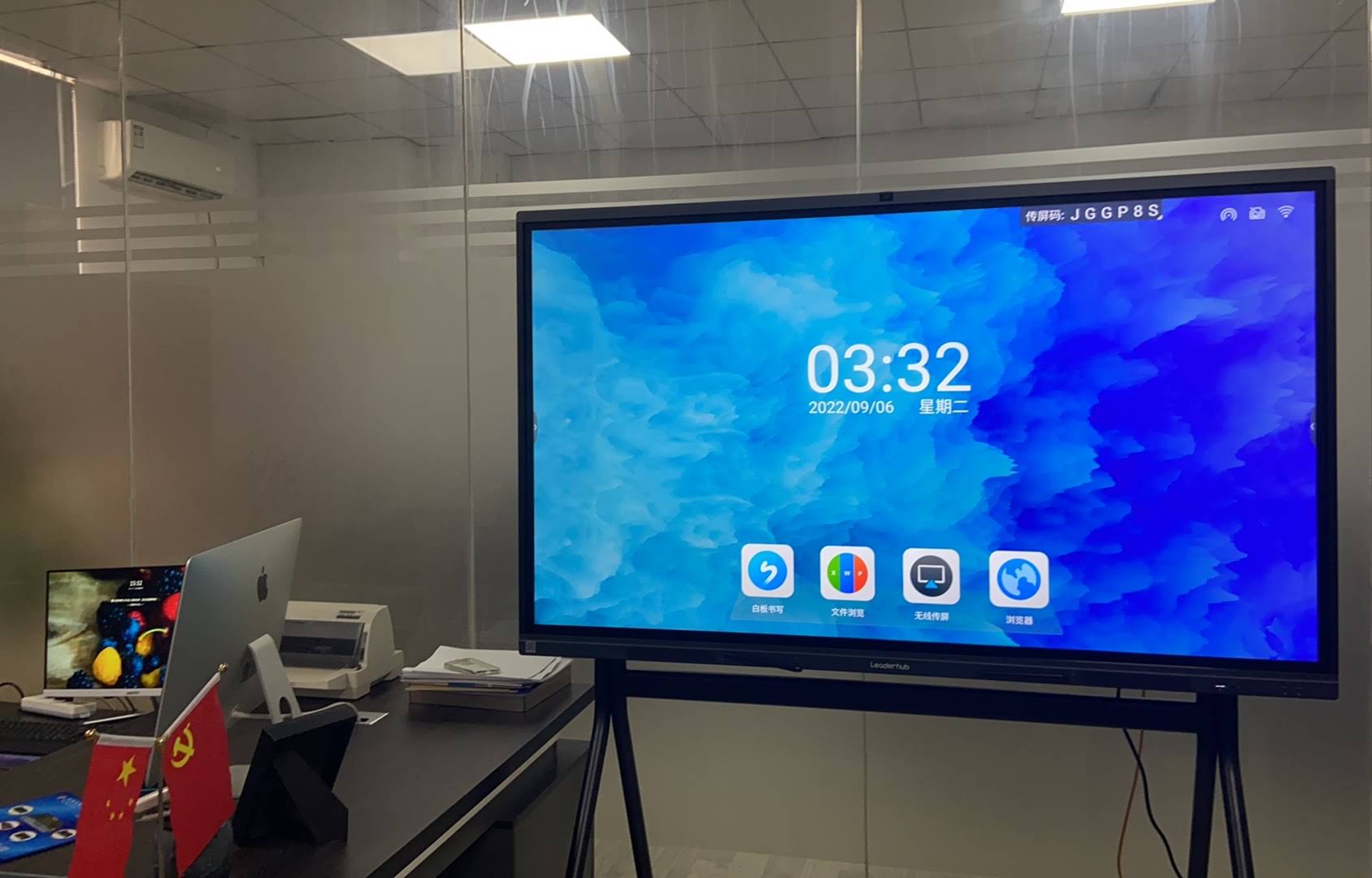
Key Factors to Evaluate Before Buying
Not every classroom has the same needs. A kindergarten room, a university lecture hall, and a corporate training center each require different specifications. Below are the factors that consistently make the biggest difference in real-world use.
1. Screen Size and Viewing Distance
Screen size should match the room dimensions, not just the budget. A panel that is too small forces students at the back to squint, while an oversized display in a small room can cause visual fatigue.
| Classroom Size | Recommended Screen Size | Ideal Viewing Distance |
| Small room (up to 15 students) | 55″ – 65″ | 1.5m – 3m |
| Standard classroom (20–35 students) | 65″ – 75″ | 2m – 5m |
| Large hall or lecture theatre | 86″ – 110″ | 3m – 8m |
2. Touch Technology and Responsiveness
The quality of touch recognition directly affects how naturally a teacher can write or draw on the panel. Infrared (IR) touch technology is currently the most widely used in education because it supports multi-point palm rejection, allowing simultaneous writing, erasing, and gesture control without lag. When testing panels for a school district in Southeast Asia, we found that 20-point touch accuracy significantly reduced the “double-line” writing errors teachers experienced on older resistive touch boards.
3. Display Resolution and Brightness
A true 4K UHD panel (3840 x 2160) is now considered the baseline for legible text and sharp diagrams, especially for STEM subjects that involve detailed charts. Brightness of at least 350 nits with anti-glare glass helps maintain visibility even in classrooms with large windows.
4. Built-in Operating System and Software
An interactive flat panel is only as good as its software. Look for boards running Android 11 or higher with pre-installed whiteboarding apps, cloud storage sync, and screen mirroring support for both Windows and Mac devices. Teachers should be able to save annotated lessons and share them instantly via QR code or email — a feature that has become standard across most reputable brands.
5. Connectivity and Compatibility
- HDMI and USB-C inputs for laptops and external devices
- Built-in Wi-Fi and Bluetooth for wireless casting
- OPS slot support for optional Windows/Android mini PC modules
- Compatibility with common video conferencing platforms for hybrid learning
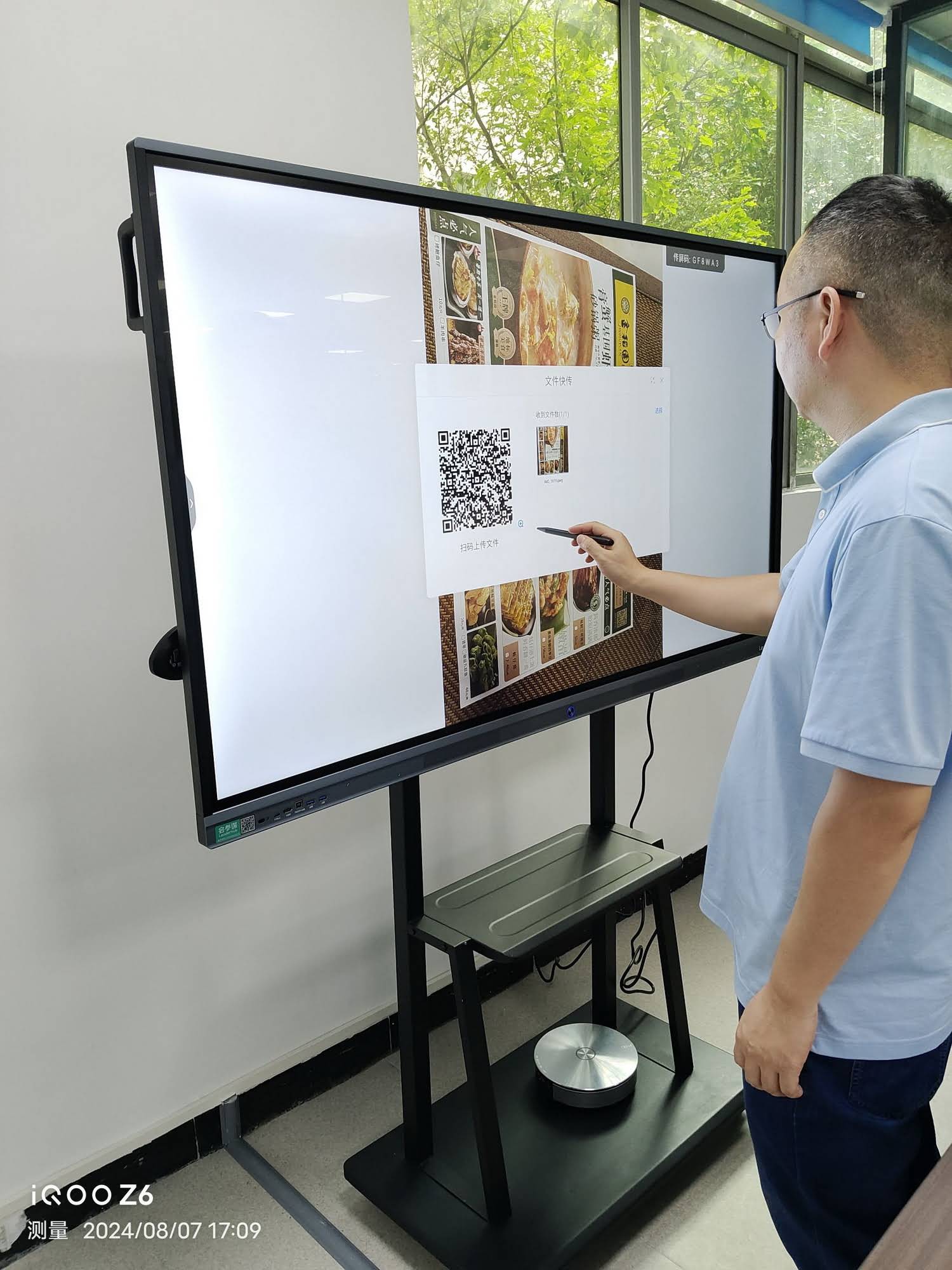
Durability, Warranty, and Total Cost of Ownership
Classroom equipment endures far more daily wear than office displays. Tempered anti-scratch glass rated at 7H hardness or above is essential to withstand years of stylus and finger contact. Additionally, always check the manufacturer’s warranty terms — most reliable smart board suppliers offer at least a 3-year parts and labor warranty, with extended options available for bulk institutional orders.
It’s also worth calculating total cost of ownership rather than just the sticker price. A cheaper panel with a short lifespan or poor after-sales support can end up costing more over five years than a slightly pricier, well-supported unit.
Comparing Common Smart Board Options
| Model | Screen Size | Best For | Approx. Price |
| LeaderHub L65ZM Interactive Whiteboard | 65″ 4K | Small to medium classrooms | $1,099.00 |
| LeaderHub L75HM Smart Whiteboard | 75″ 4K | Standard classrooms | $1,599.00 |
| LeaderHub L86HM Smart Whiteboard | 86″ 4K | Large lecture halls | $3,199.00 |
| LeaderHub L110H Interactive Flat Panel | 110″ 4K | Auditoriums and shared spaces | $7,999.00 |
Real-World Case Study: Upgrading a Public School District
In one recent deployment, a public school district replaced 40 aging projector setups with 75-inch interactive flat panels across its middle school classrooms. Within the first semester, teachers reported a 40% reduction in lesson setup time, since lessons could be pre-loaded and saved directly on the panel rather than being reconfigured each period. IT staff also noted fewer maintenance tickets compared to the previous projector-and-bulb system, largely because interactive panels have no moving parts or consumable bulbs to replace.
This kind of measurable outcome is why more procurement teams are prioritizing interactive displays over legacy AV equipment when planning classroom technology budgets for the coming school year.

Questions to Ask Before You Purchase
- Does the panel support the specific curriculum software your school already uses?
- Is on-site installation and staff training included with the purchase?
- What is the expected lifespan of the touch sensor and display panel?
- Can the device be mounted on a mobile stand for use across multiple rooms?
- Does the supplier offer local technical support and spare parts availability?
Expert Recommendation
For most K-12 classrooms, a 65″ to 75″ 4K interactive flat panel with Android-based software and IR touch technology offers the best balance of price, performance, and reliability. Larger lecture halls or shared auditoriums benefit more from 86″ or 110″ panels, particularly when combined with a detachable OPS mini PC module for easier upgrades down the line.
Institutions sourcing equipment for multiple campuses should also consider suppliers with proven manufacturing scale. LeaderHub, a Shenzhen-based interactive display manufacturer with 16 years of industry experience, has supplied smart whiteboards and flat panels to educational institutions across 82 countries, offering a useful benchmark for evaluating build quality and long-term support commitments when comparing vendors.
Final Thoughts
Selecting the best smart board for classroom use comes down to matching screen size and touch performance to your room’s needs, verifying software compatibility with existing teaching tools, and choosing a supplier that stands behind its warranty. Taking the time to test a demo unit in an actual classroom setting — rather than relying solely on spec sheets — remains the most reliable way to confirm a panel will meet your teaching staff’s daily expectations.
As hybrid and tech-enabled learning models continue to grow, investing in a well-chosen interactive display solution today can save significant time, budget, and maintenance headaches for years to come.








