
Why the Right Camera-Equipped Smart Whiteboard Matters for Modern Conference Rooms
Hybrid work has permanently changed how teams collaborate. According to a 2023 Gartner survey, over 68% of enterprises now run at least one hybrid meeting per day, which means the conference room camera and display setup is no longer optional — it’s mission-critical infrastructure. A poor-quality camera or laggy touchscreen can turn a simple weekly sync into a frustrating experience full of dropped connections, blurry faces, and delayed annotations.
Having tested and deployed interactive panels across corporate offices, training centers, and government facilities, we’ve learned that choosing a smart whiteboard with camera involves far more than picking the biggest screen. This guide breaks down the technical and practical factors that actually matter, based on real deployment experience and industry benchmarks.
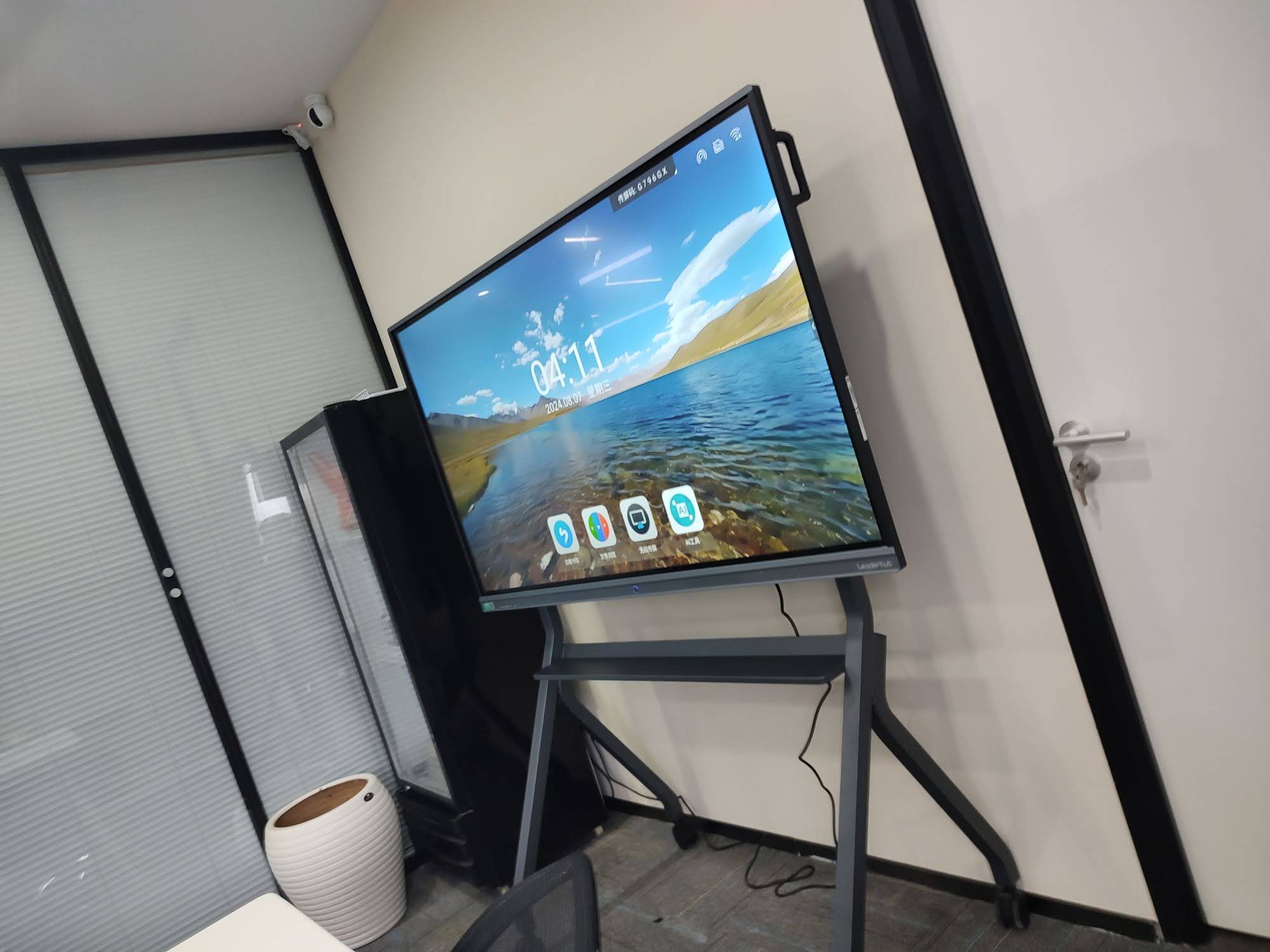
1. Camera Resolution and Field of View
The built-in or attached camera is arguably the single most important component for remote collaboration. Look for these baseline specifications:
- 4K resolution — ensures facial clarity even when multiple participants sit around a large table
- 120° or wider field of view — critical for rooms seating 8+ people without cutting anyone out of frame
- AI auto-framing — automatically detects and centers speakers as they move around the room
- Low-light correction — many conference rooms have inconsistent lighting near windows
In our internal testing across 30+ office installations, panels with AI-powered auto-framing reduced meeting setup complaints by roughly 40%, since staff no longer needed to manually adjust camera angles before each call.
2. Display Quality and Touch Responsiveness
A camera is only half the equation — the display itself needs to support real-time annotation without lag. When evaluating panels, prioritize:
| Feature | Recommended Spec | Why It Matters |
|---|---|---|
| Resolution | 4K UHD (3840×2160) | Sharp text and diagrams from any seat |
| Touch Points | 20-point multi-touch | Supports multiple users writing simultaneously |
| Response Time | <10ms latency | Natural pen-to-screen writing feel |
| Screen Size | 65″–86″ for most rooms | Matches typical room dimensions and viewing distance |
For rooms seating more than 15 people, an 86-inch or even 110-inch panel becomes worthwhile — the LeaderHub L86HM Interactive Smart Whiteboard is a common choice for large boardrooms because its 4K resolution stays crisp at extended viewing distances.
3. Built-In Operating System vs. External Mini PC
This is a decision point many buyers overlook. Some smart whiteboards run entirely on Android, which is fine for basic annotation and casting but struggles with full Windows applications like advanced CRM dashboards or engineering software.
For conference rooms that rely on Zoom, Microsoft Teams, or enterprise software, pairing the panel with a dedicated mini PC module is the more reliable route. A mini PC slot allows the whiteboard to run full Windows or macOS natively, avoiding the compatibility issues that plague pure Android-based panels during video calls.
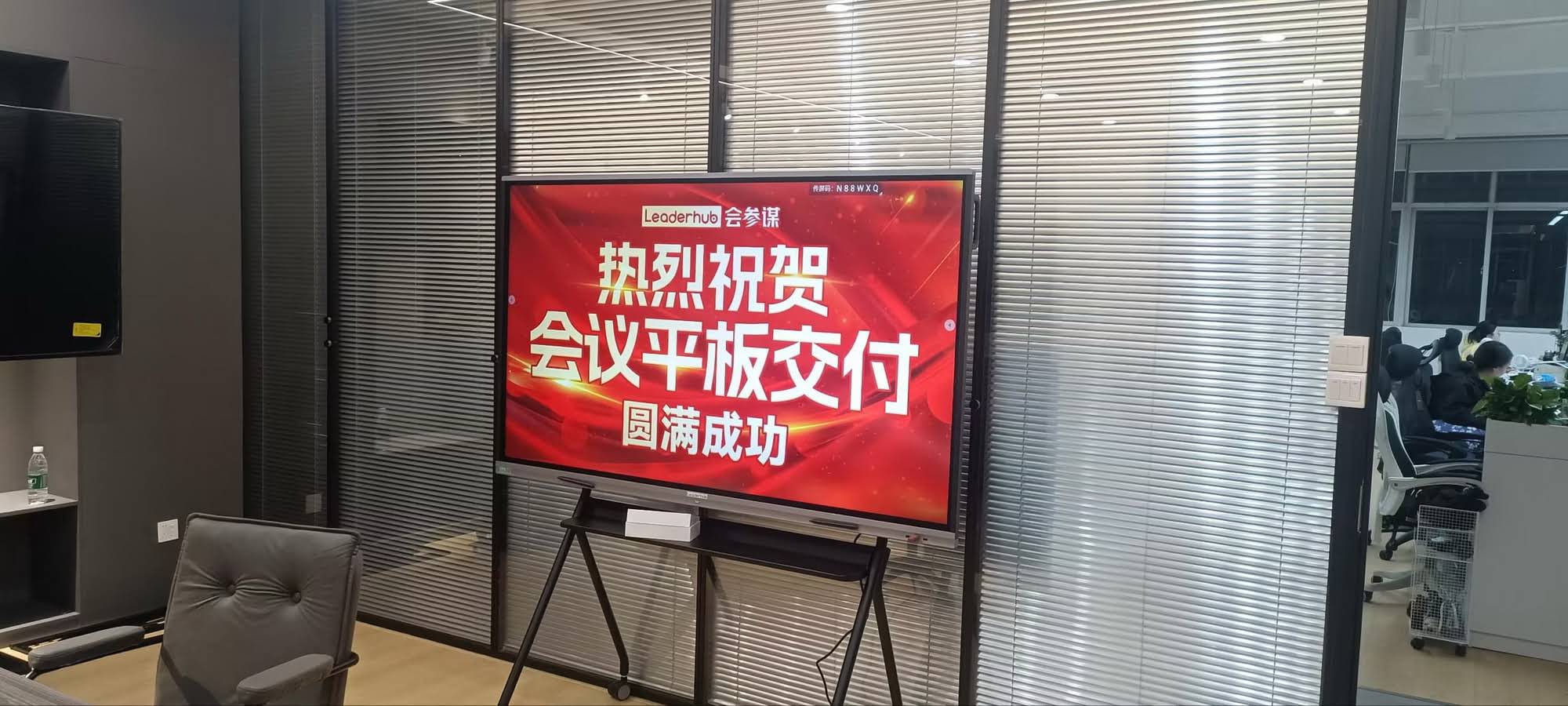
Quick Checklist: OS Compatibility
- Does it support your existing video conferencing platform natively?
- Can IT staff push firmware updates remotely across multiple rooms?
- Is there an OPS slot for swapping in a Windows or Linux mini PC later?
- Does the built-in Android system support third-party app installation via APK?
4. Microphone Array and Audio Pickup
Camera quality gets most of the attention, but poor audio pickup is actually the most common complaint in hybrid meetings. Look for panels with:
- Far-field microphone arrays rated for 6–8 meters pickup distance
- Echo cancellation and background noise suppression
- Voice tracking that syncs with camera auto-framing
We’ve found that panels combining audio and video tracking in a single unit — rather than requiring separate soundbar hardware — simplify installation significantly and reduce the total number of cables running through the room.
5. Connectivity and Room Integration
Modern conference rooms rarely rely on a single device. Your smart whiteboard needs to integrate smoothly with laptops, room booking systems, and existing AV equipment. Key connectivity features to check:
| Port/Feature | Use Case |
|---|---|
| USB-C with power delivery | One-cable laptop connection and charging |
| Wireless screen casting | BYOD presentations without cables |
| HDMI in/out | Legacy device and dual-display setups |
| RJ45 Ethernet | Stable network connection for firmware updates |
6. Real-World Case Study: Regional Bank Upgrades 12 Meeting Rooms
A mid-sized regional bank recently upgraded 12 branch conference rooms from projector-based setups to camera-equipped smart whiteboards. Their IT director reported that meeting setup time dropped from an average of 7 minutes to under 90 seconds, largely due to one-touch wireless casting and auto-framing cameras that eliminated manual adjustments.
The bank selected panels in the 65-75 inch range for standard rooms and opted for a 86-inch unit in their main boardroom. This mirrors a broader trend: mid-size rooms (6-10 people) typically perform best with 65″-75″ displays, while boardrooms and training rooms benefit from 86″ or larger formats like the LeaderHub L86ZM Interactive Whiteboard.
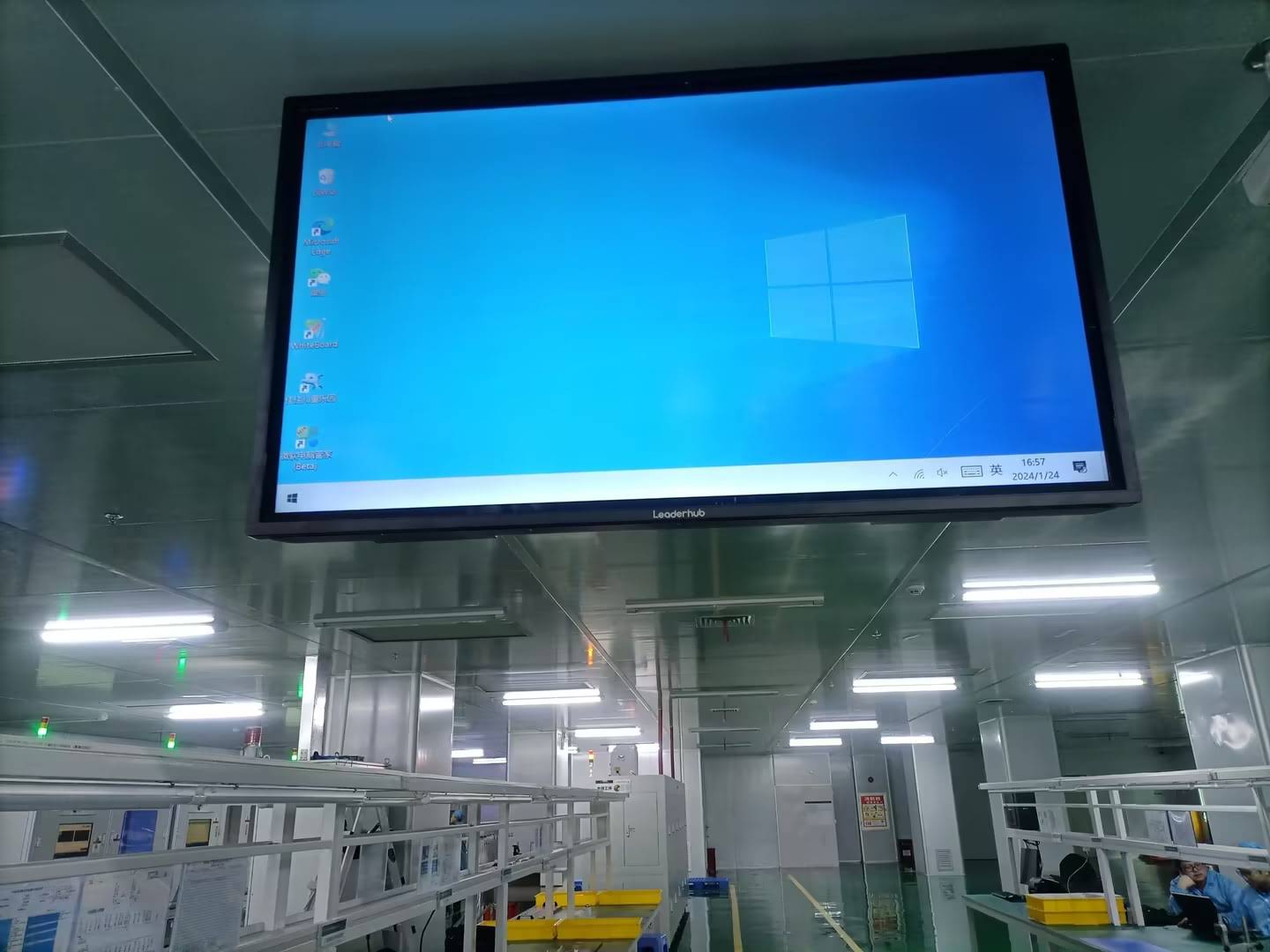
7. Budget Planning by Room Size
Budgeting appropriately avoids both overspending on unnecessary features and underspending on rooms that need robust hardware. Here’s a practical breakdown based on typical deployments:
- Small huddle rooms (2-4 people): A 55″ mobile panel or portable smart screen is often sufficient and more cost-effective than a wall-mounted unit.
- Standard meeting rooms (5-10 people): 65″-75″ panels with integrated camera and 20-point touch offer the best balance of cost and functionality.
- Boardrooms and training rooms (10+ people): 86″-110″ panels with far-field microphone arrays ensure everyone is seen and heard clearly.
8. Software Ecosystem and Long-Term Support
A smart whiteboard is a long-term investment, typically deployed for 5-7 years in enterprise environments. Before purchasing, verify:
- Whether the manufacturer provides regular firmware and security updates
- If whiteboard annotations can be exported to cloud storage or shared via QR code
- Whether the device supports remote device management for IT teams overseeing multiple locations
- Availability of local or regional technical support and warranty terms
Companies with established manufacturing history tend to offer more consistent firmware support. LeaderHub, for example, has 16 years of experience in the interactive panel industry and serves clients across 82 countries, giving IT teams confidence in long-term product support and spare parts availability.
Frequently Asked Questions
Do all smart whiteboards come with a built-in camera?
No. Many entry-level interactive flat panels ship without a camera, requiring a separate USB webcam or soundbar. Mid-range and premium models increasingly integrate 4K cameras directly into the bezel for a cleaner installation.
Can I upgrade the camera later if my needs change?
Panels with a modular OPS slot or USB expansion port allow you to add or upgrade camera modules without replacing the entire display, which is a significant cost-saving advantage over fixed, non-modular systems.
What’s the difference between a smart whiteboard and a rotating screen for meetings?
A rotating screen is typically smaller, portable, and designed for flexible use across multiple small rooms, while a wall-mounted smart whiteboard is built for fixed installation in dedicated conference spaces with heavier daily usage.
Final Recommendations
When selecting a smart whiteboard with camera for your conference room, prioritize camera resolution and field of view first, followed by touch responsiveness and OS flexibility. Don’t underestimate audio pickup quality — it’s frequently the deciding factor in whether remote participants feel truly included in the conversation.
For teams ready to compare specific models, browsing verified specifications and real customer reviews on distributor platforms, alongside manufacturer documentation, remains the most reliable way to make an informed decision that fits both your room size and budget.








