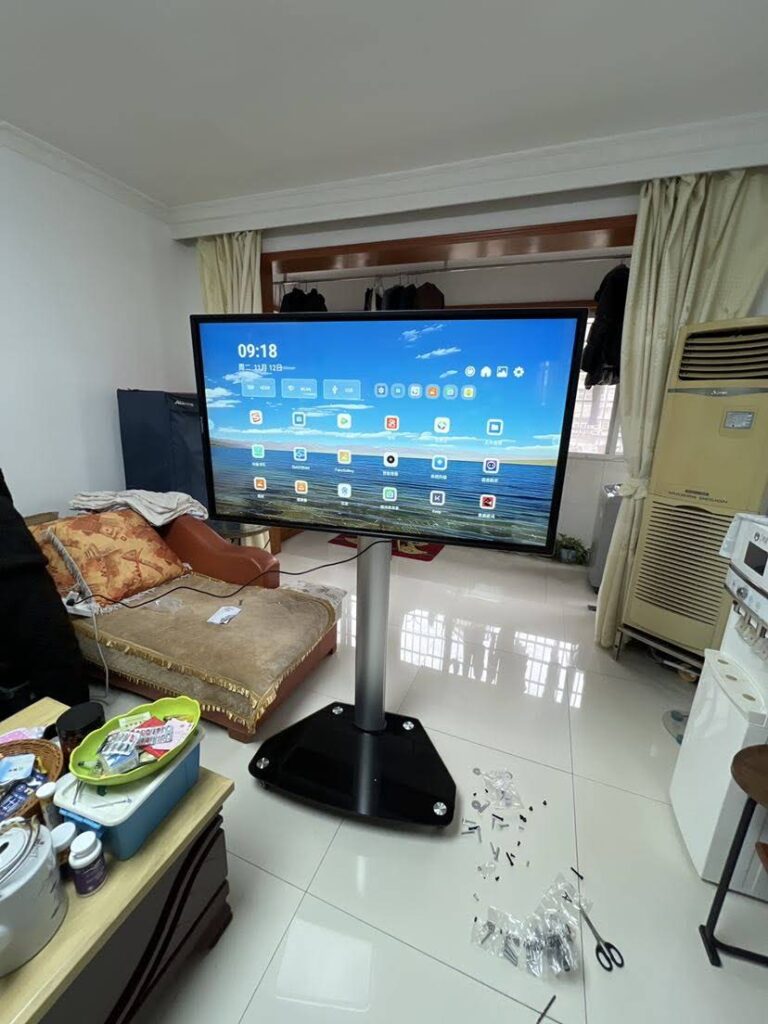
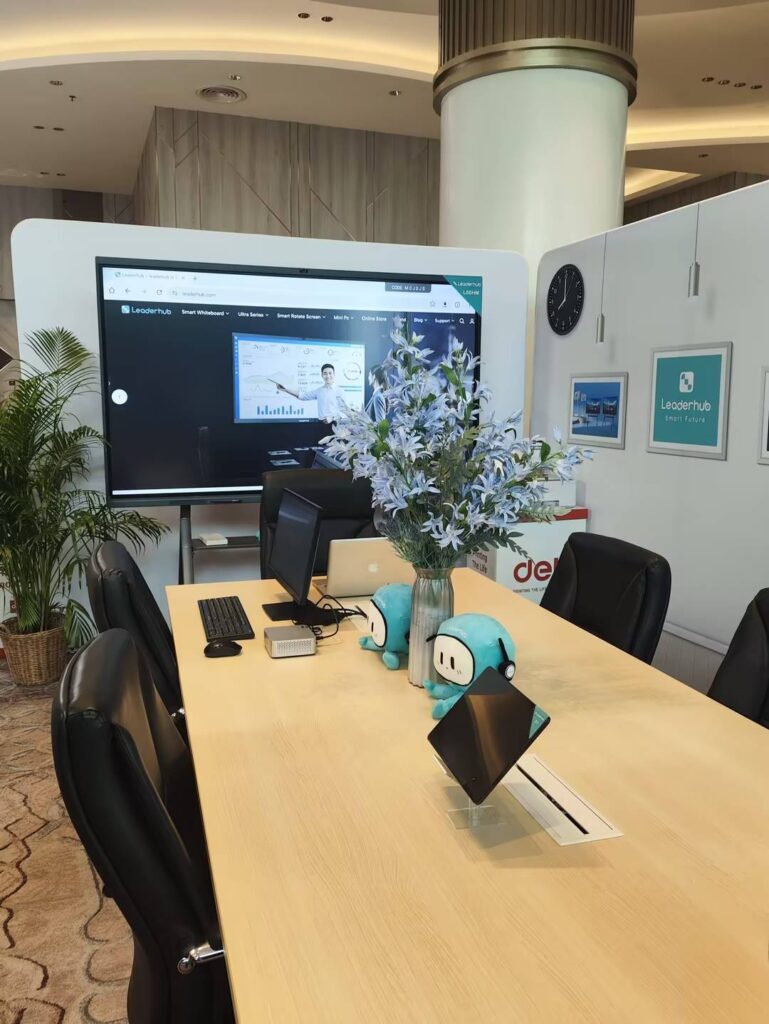
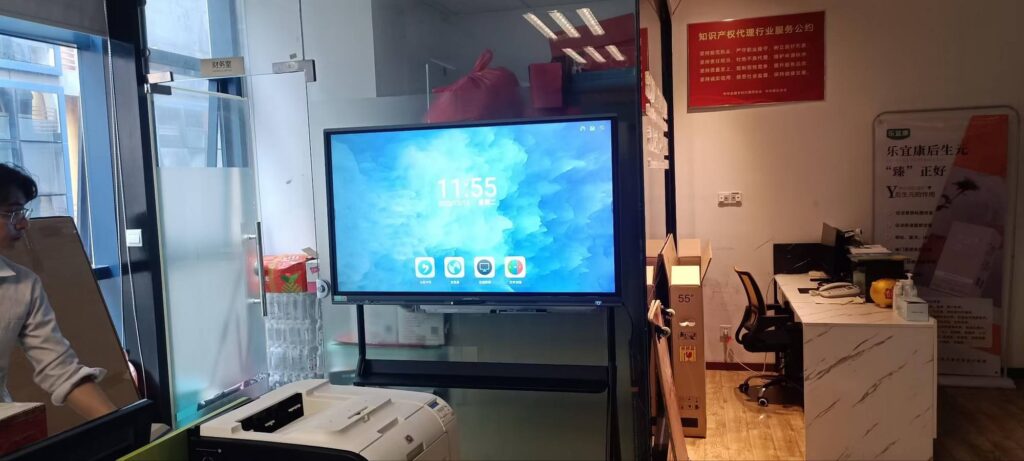
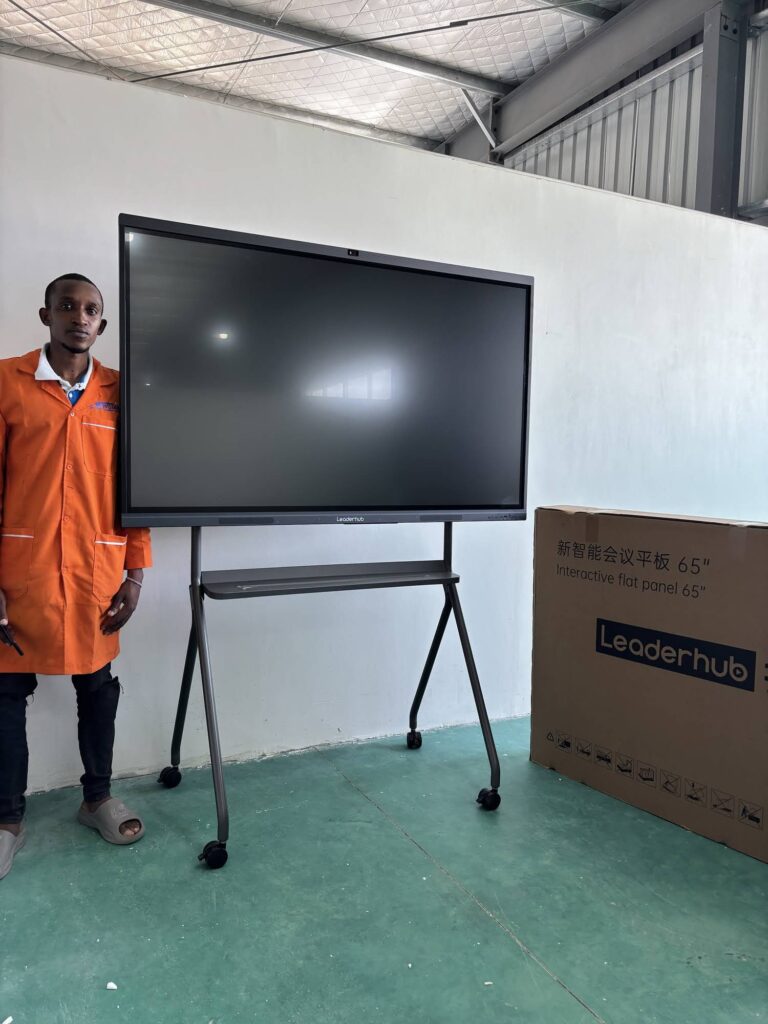
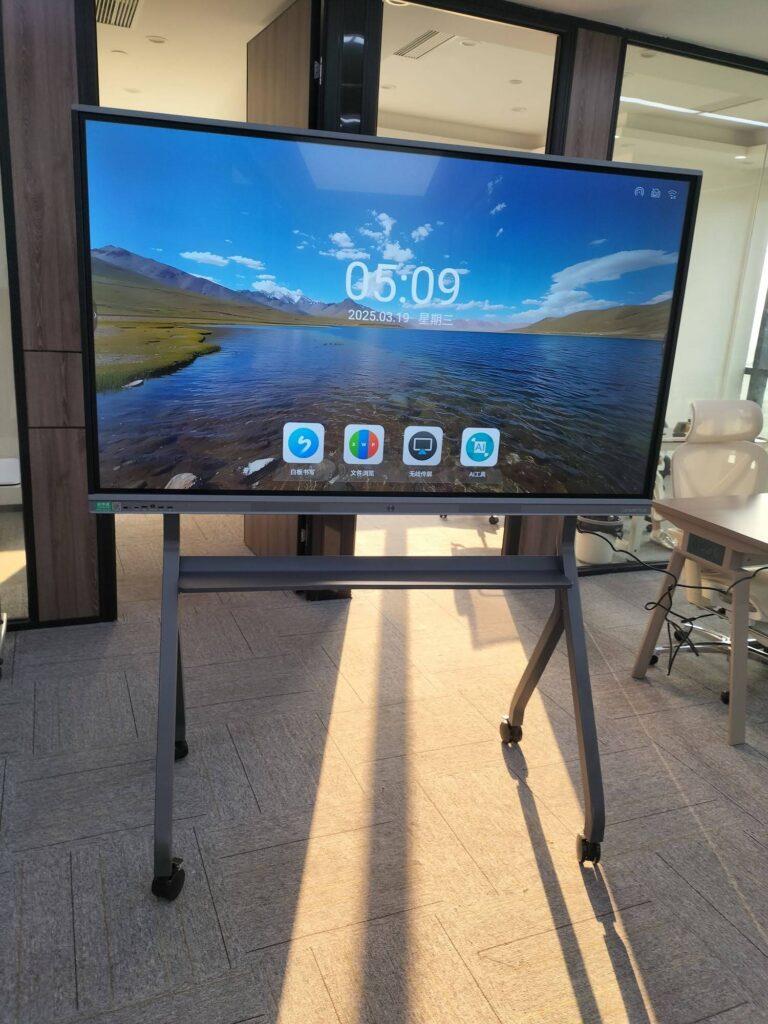
Walk into almost any modern classroom and you will notice the same thing: the chalkboard is gone, and in its place is a large interactive touchscreen that students gather around, write on, and interact with together. Educators, school leaders and corporate trainers keep asking the same question — why smart boards are effective, and whether the investment really changes how people teach and learn. The short answer is yes. Interactive displays combine visual, auditory and hands-on learning in a single surface, give teachers instant access to digital resources, and turn passive lessons into active, collaborative experiences. This guide breaks down the 10 proven benefits of smart boards, what the research says, and how to get the most out of one in your classroom or training room.
What Is a Smart Board and How Does It Work?
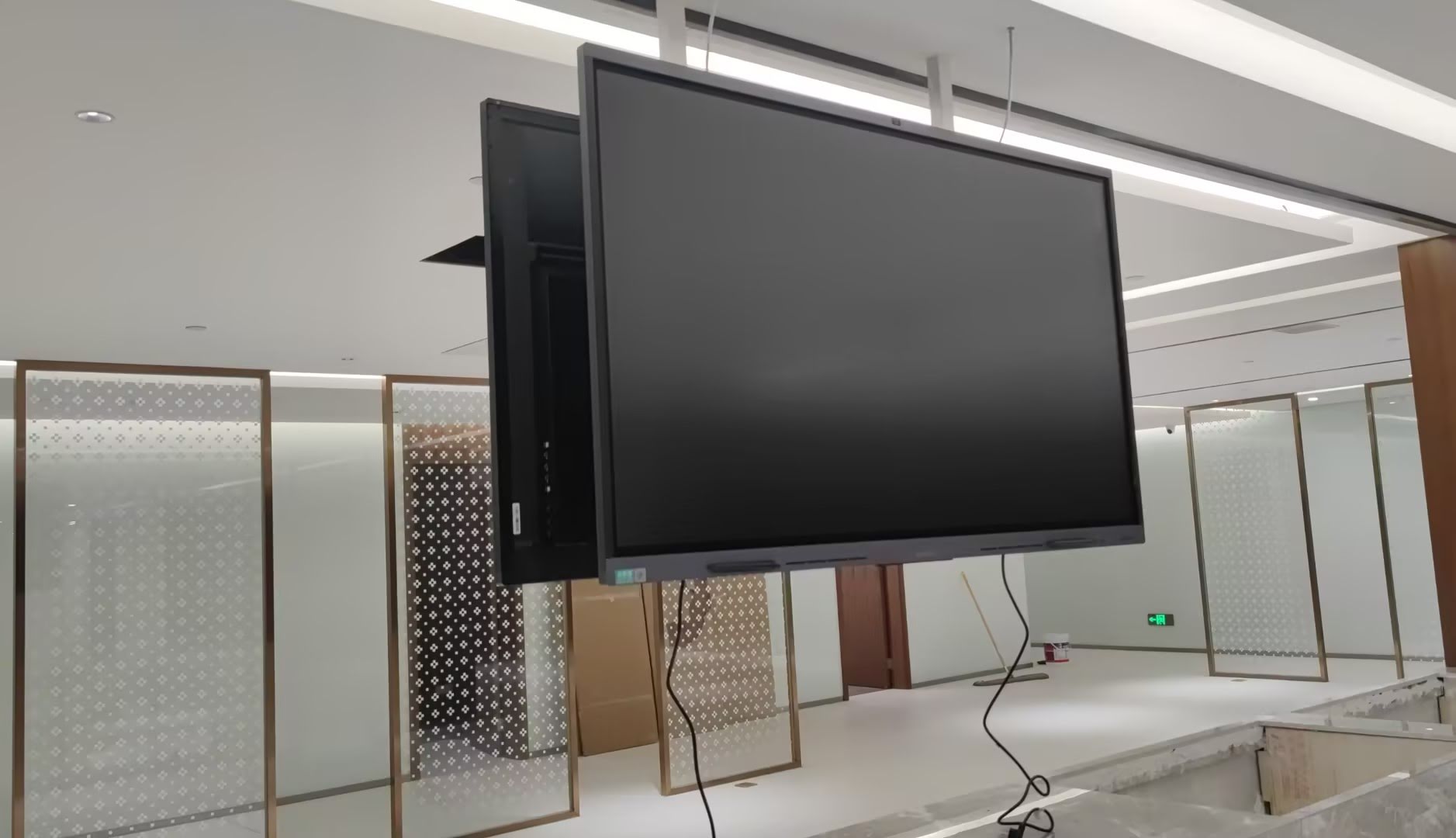
A smart board — also called an interactive whiteboard, interactive flat panel (IFP) or smart whiteboard — is a large touch-enabled display that functions as a computer screen, whiteboard, media player and collaboration hub at the same time. Modern panels run on Android or Windows, support 20 to 40 simultaneous touch points, and connect wirelessly to laptops, tablets and phones. Instead of simply projecting an image, the board lets users write, annotate, drag, zoom, save and share content directly on the screen.
Compared with projector-based whiteboards from a decade ago, today’s 4K smart whiteboards are brighter, sharper, require no calibration, and have no bulb to replace. That hardware leap is one reason smart boards have become standard equipment in schools, universities and corporate learning spaces worldwide.
Traditional Whiteboard vs. Smart Board at a Glance
| Feature | Traditional Whiteboard | Smart Board |
|---|---|---|
| Content types | Handwriting and marker drawings only | Handwriting, video, images, web, 3D models, apps |
| Saving lessons | Erased at the end of class | Saved, exported as PDF, shared by QR code or cloud |
| Student participation | One student at the board at a time | Multi-touch for several students simultaneously |
| Remote learners | Not supported | Built-in camera, mic and video conferencing |
| Ongoing costs | Markers, erasers, printed handouts | Minimal consumables; software updates |
10 Proven Benefits of Smart Boards for Teaching and Learning
1. Multi-Sensory Learning Improves Retention
The core reason smart boards are effective is that they engage more than one sense at once. A lesson on the water cycle can combine a narrated animation, a diagram students label by hand, and a short quiz — all on the same screen. Research summarized in the EEF Digital Technology Guidance indicates that technology delivers the strongest gains when it supports explanation, modelling and practice rather than replacing the teacher. Smart boards are built for exactly that type of use: the teacher remains at the center, but the explanation becomes visual, dynamic and memorable.
2. Higher Student Engagement and Participation
Students who are invited to touch, drag and solve problems at the board are far more likely to stay focused than those copying notes from a static surface. Multi-touch panels allow several learners to work at the display at the same time, which turns whole-class instruction into a participatory activity. Teachers consistently report fewer off-task behaviours and more volunteers when lessons are delivered on an interactive display.
3. Instant Access to Digital Resources
With a built-in browser, app store and wireless screen sharing, a smart board puts maps, simulations, documentaries, primary-source documents and interactive math tools one tap away. Teachers no longer need to book a computer lab or wheel in a projector cart. A single 75-inch interactive whiteboard can replace the projector, the DVD player, the document camera and the whiteboard in one device.
4. Supports Every Learning Style
Visual learners benefit from diagrams and video; auditory learners from embedded audio and narration; kinesthetic learners from handwriting and manipulating objects on screen. Because the board supports all three modes simultaneously, differentiated instruction becomes practical in a mixed-ability classroom without preparing three separate lessons.
5. Real-Time Feedback and Formative Assessment
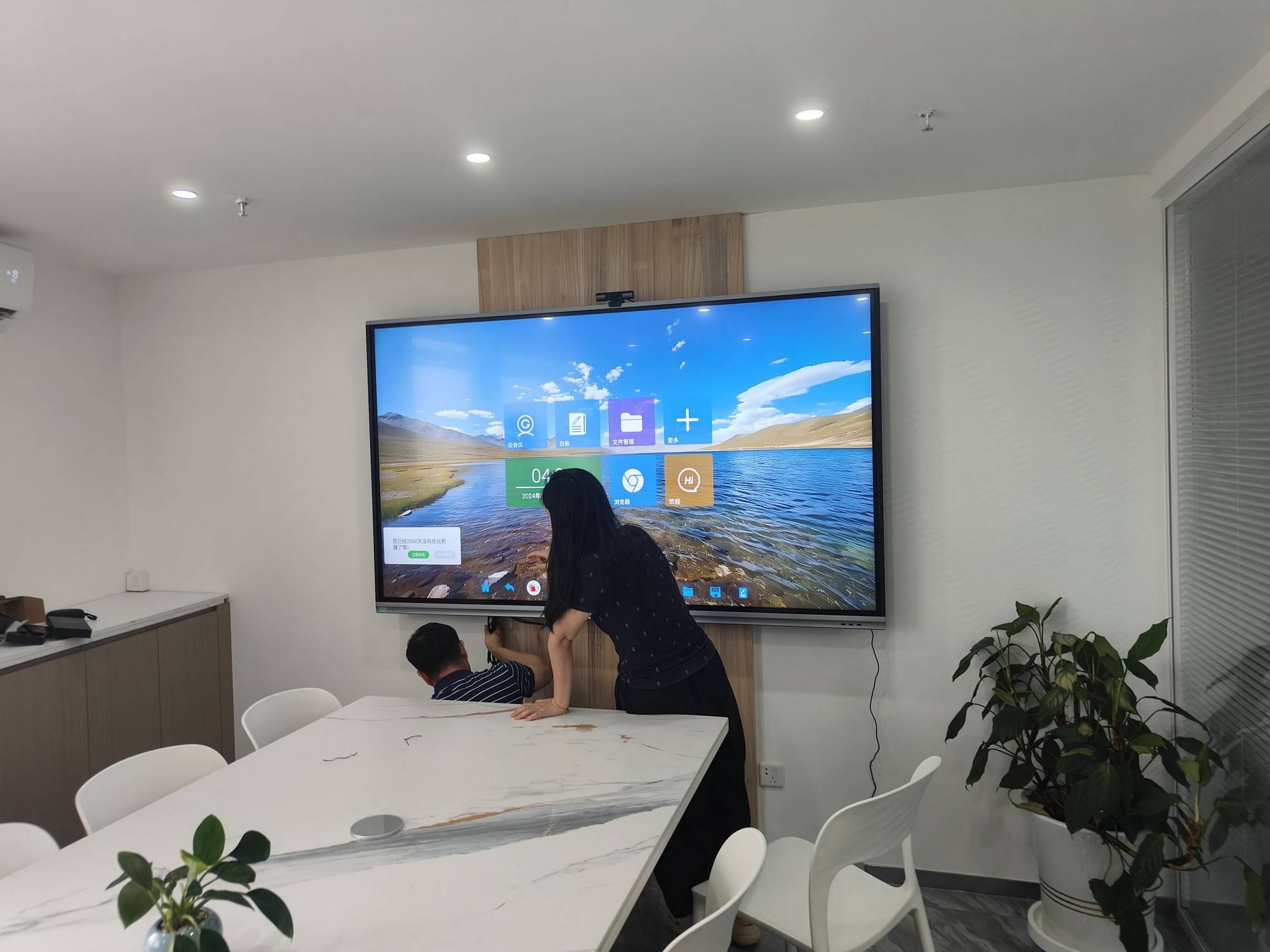
Interactive polling, quick quizzes and drag-and-drop sorting tasks let teachers check understanding on the spot. Instead of discovering misconceptions a week later on a test, educators can see within seconds which concepts need re-teaching. This immediate feedback loop is one of the most consistently documented drivers of learning gains in education research.
6. Saves Teacher Preparation and Administrative Time
Every annotation, worked example and brainstorm can be saved and reused. Teachers build a library of lessons that improves year after year, export notes as PDFs for absent students, and share board content with a QR code at the end of class. The hours once spent rewriting the same material on a chalkboard are redirected toward planning and individual student support.
7. Encourages Collaboration and Group Work
Smart boards make group problem-solving visible. Teams can split the screen, work on separate sections, and then combine their results. Wireless casting means students can push work from their own tablets to the big screen for peer review. These collaborative habits mirror the skills described in the ISTE Standards for Students — communication, creativity and knowledge construction.
8. Seamless Hybrid and Remote Learning
Panels with built-in cameras, microphone arrays and video-conferencing apps allow remote students to see the board, hear the teacher clearly and even annotate from home. For universities, training centers and schools serving dispersed communities, this turns a single classroom into a shared learning space regardless of distance.
9. Greater Accessibility and Inclusion
Smart boards help remove barriers for learners with different needs:
- Zoom and high-contrast modes support students with low vision
- Text-to-speech and captions assist learners with reading difficulties or hearing impairments
- Height-adjustable or mobile stands allow younger children and wheelchair users to reach the screen
- Saved notes reduce the cognitive load for students who struggle to copy and listen at the same time
10. Long-Term Cost Efficiency and Sustainability
Although an interactive panel costs more upfront than a marker board, it replaces multiple devices and eliminates projector bulbs, printing and consumables. Commercial panels are rated for 50,000 hours or more of operation, which translates into a decade of daily classroom use. Many schools find that the total cost of ownership over seven to ten years is lower than maintaining a projector-and-whiteboard setup.
What the Research Says About Smart Board Effectiveness
Global bodies have examined classroom technology closely over the past decade. The UNESCO Technology in Education Report stresses that technology improves learning when it is used purposefully, with trained teachers and clear pedagogical goals — conditions smart boards are well suited to meet because they keep the teacher in control of the lesson. The OECD Digital Education Outlook similarly highlights the value of shared classroom displays that promote interaction over isolated individual screen time. Academic studies on Interactive Displays in Education point to measurable gains in attention, participation and content recall when large interactive surfaces are integrated into daily instruction.
Benefits Mapped to Classroom Outcomes
| Smart Board Capability | Teaching Practice Enabled | Learning Outcome |
|---|---|---|
| Multi-touch writing | Several students solve problems together | Higher participation and peer learning |
| Embedded video and simulations | Visual modelling of abstract concepts | Improved comprehension and retention |
| Instant polls and quizzes | Formative assessment every lesson | Faster correction of misconceptions |
| Lesson saving and sharing | Reusable lesson libraries, notes for absent students | Continuity of learning, reduced teacher workload |
| Camera and conferencing | Hybrid classes and guest speakers | Equal access for remote learners |
How to Maximize the Effectiveness of Your Smart Board
Hardware alone does not transform a classroom. Schools that see the biggest gains follow a few consistent practices:
- Train teachers first. Short, hands-on sessions focused on three or four everyday features deliver more impact than a one-time technical overview.
- Plan for interaction, not presentation. Build at least one moment into every lesson where students, not the teacher, use the board.
- Use the save-and-share workflow. Export notes after each class so revision material builds automatically.
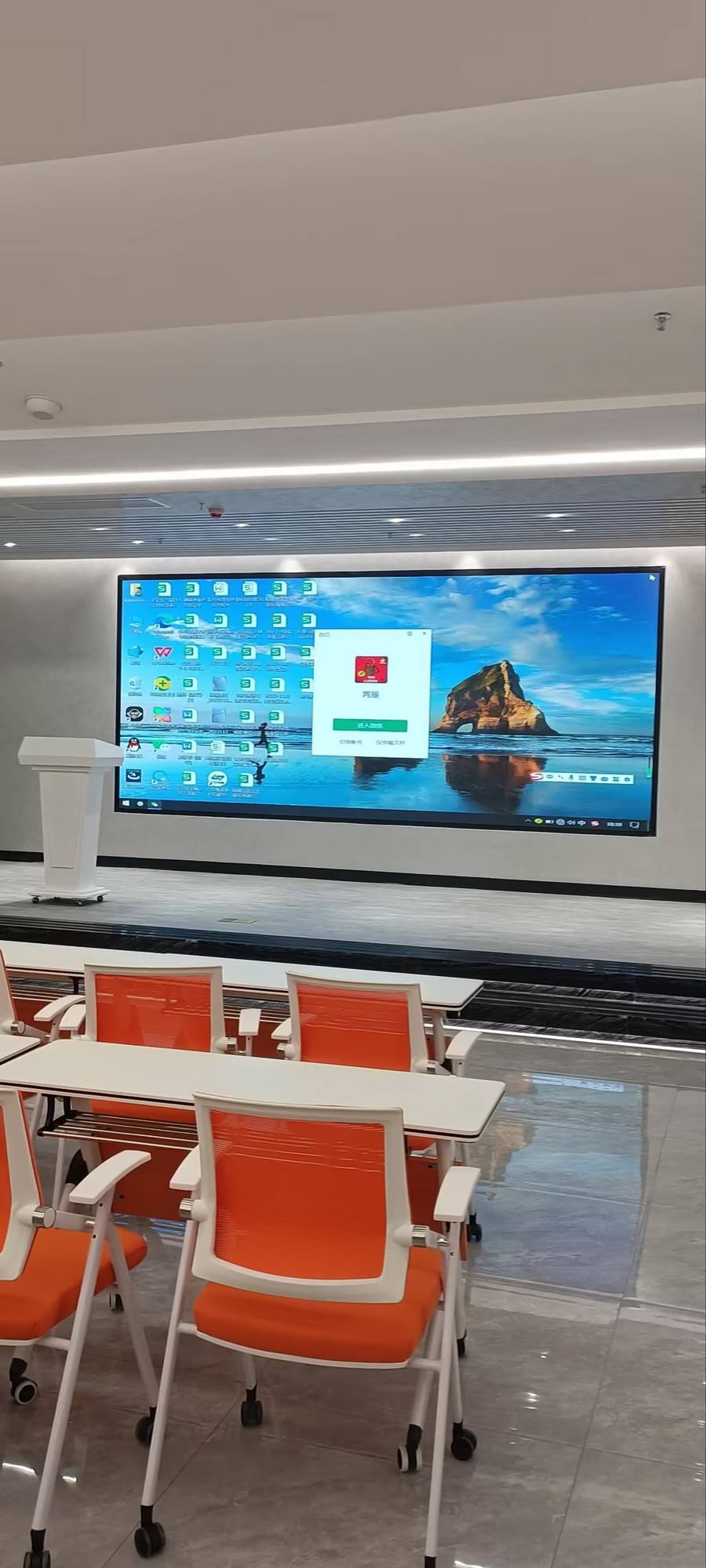
- Match screen size to room size. A 65-inch panel suits small classrooms of up to 20 students; 75 to 86 inches is recommended for standard classrooms; 110 inches for lecture halls.
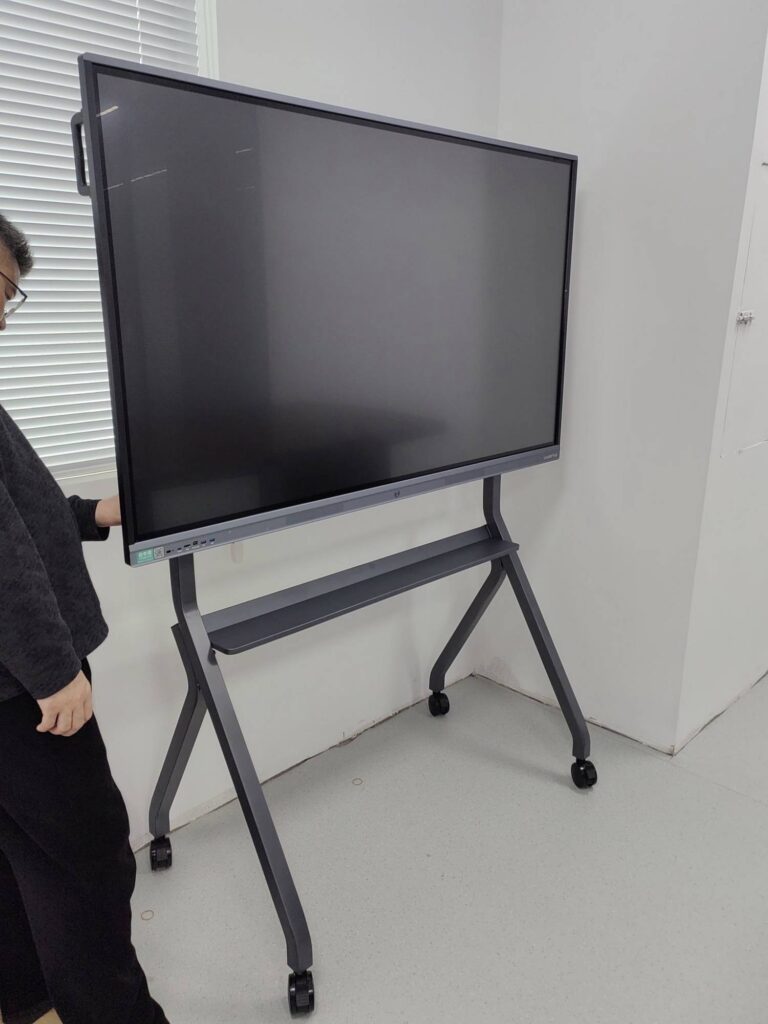
- Choose mobility where needed. A mobile 55-inch smart display on a rolling stand lets several rooms or breakout areas share one device.
Choosing the Right Smart Board for Your Classroom
Effectiveness also depends on selecting a panel that fits the room, the budget and the teaching style. The table below compares popular classroom options across screen size and price point.
| Model | Screen Size | Best For | Price |
|---|---|---|---|
| LeaderHub L65ZM | 65″ 4K | Small classrooms, tutoring centers | $1,099 |
| LeaderHub L75HM | 75″ 4K | Standard K-12 and university classrooms | $1,599 |
| LeaderHub L86ZM | 86″ 4K | Large classrooms, STEM labs | $1,699 |
| LeaderHub L110H | 110″ 4K | Lecture halls, auditoriums | $7,999 |
Schools that already own a panel but need more processing power can pair it with a compact mini PC to run Windows-based curriculum software, while small-group or mobile teaching scenarios benefit from a battery-powered rotating smart screen that can move between desks.
Frequently Asked Questions
Do smart boards actually improve test scores?
Smart boards are a tool, not a guarantee. Studies show the most reliable gains come when teachers use interactive features for modelling, practice and formative feedback. Schools that invest in teacher training alongside the hardware report the strongest improvements in engagement and achievement.
Are smart boards suitable for young children?
Yes. Early-years classrooms use them for letter tracing, counting games and storytelling. Mobile or height-adjustable stands make the screen reachable for small children, and anti-glare, low-blue-light panels reduce eye strain.
How long does a smart board last?
Commercial-grade interactive panels are typically rated for 50,000 hours of use, equivalent to roughly 8 to 10 years of normal school operation, with no bulbs or filters to replace.
Can a smart board work without internet?
Absolutely. Core functions such as whiteboarding, annotation, screen mirroring over a local connection and saving lessons to USB all work offline. Internet is only needed for web resources, cloud sync and video conferencing.
Final Thoughts
Understanding why smart boards are effective comes down to one principle: they make learning visible, interactive and shared. By combining multi-sensory content, real-time feedback, collaboration tools and hybrid connectivity in a single device, interactive displays help teachers do what they already do well — explain, demonstrate and engage — with far greater reach and efficiency. LeaderHub, a Shenzhen-based interactive display manufacturer with 16 years of industry experience and products delivered to more than 82 countries, designs its smart whiteboards and interactive flat panels specifically around these classroom needs. If you are planning a classroom upgrade or a district-wide rollout, contact the LeaderHub team for sizing advice, education pricing and a product demonstration.