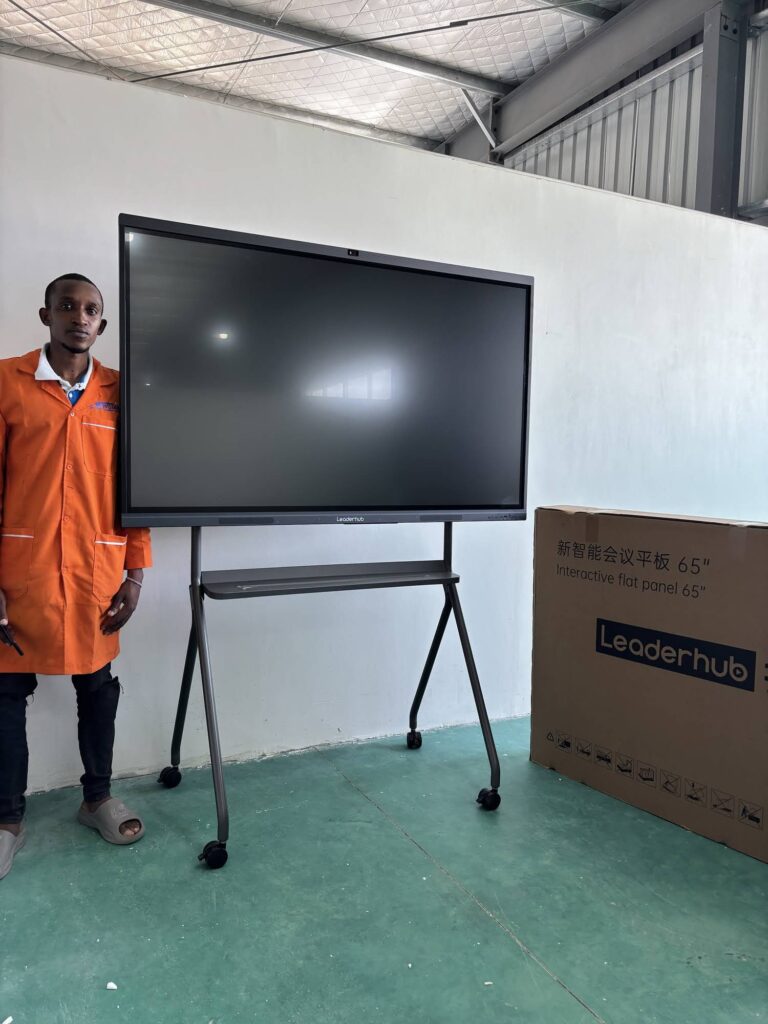
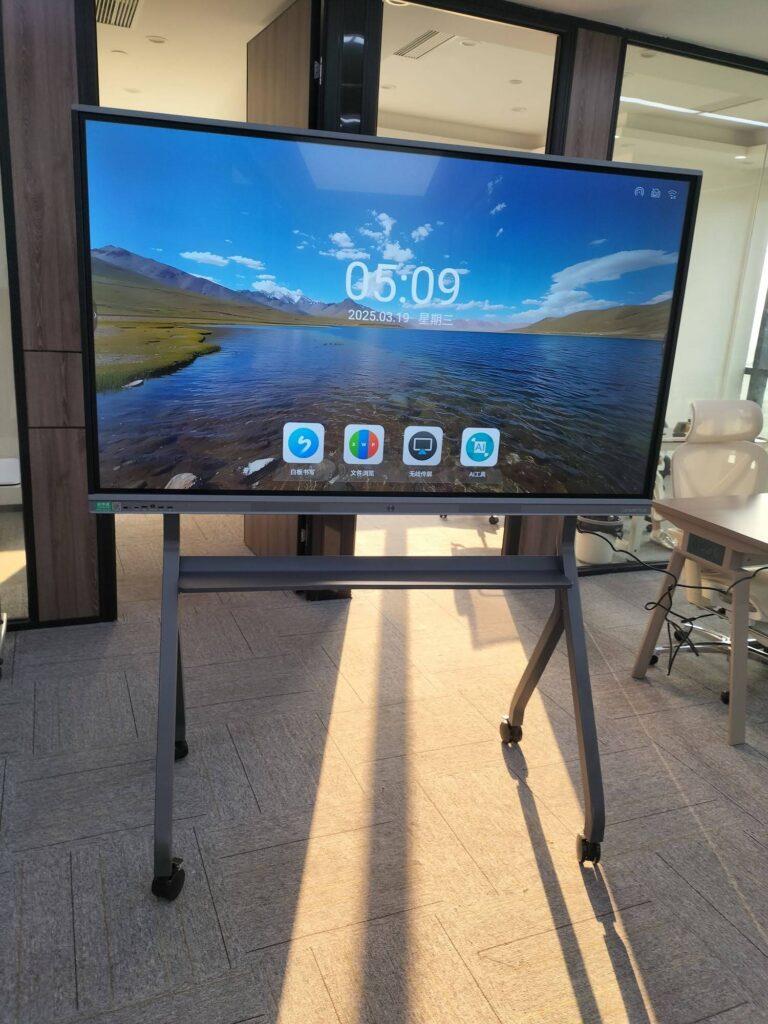
Buying interactive displays for a classroom or a conference room is rarely a one-click decision. Most schools, universities, and companies must issue a formal purchase order (PO) before a vendor will ship, and a poorly written PO is one of the most common reasons smart board projects stall, arrive incomplete, or exceed budget. This guide breaks down the smart board purchase order requirements that procurement teams, IT managers, and school administrators should verify before signing — from technical specifications to warranty language, delivery terms, and compliance documentation.
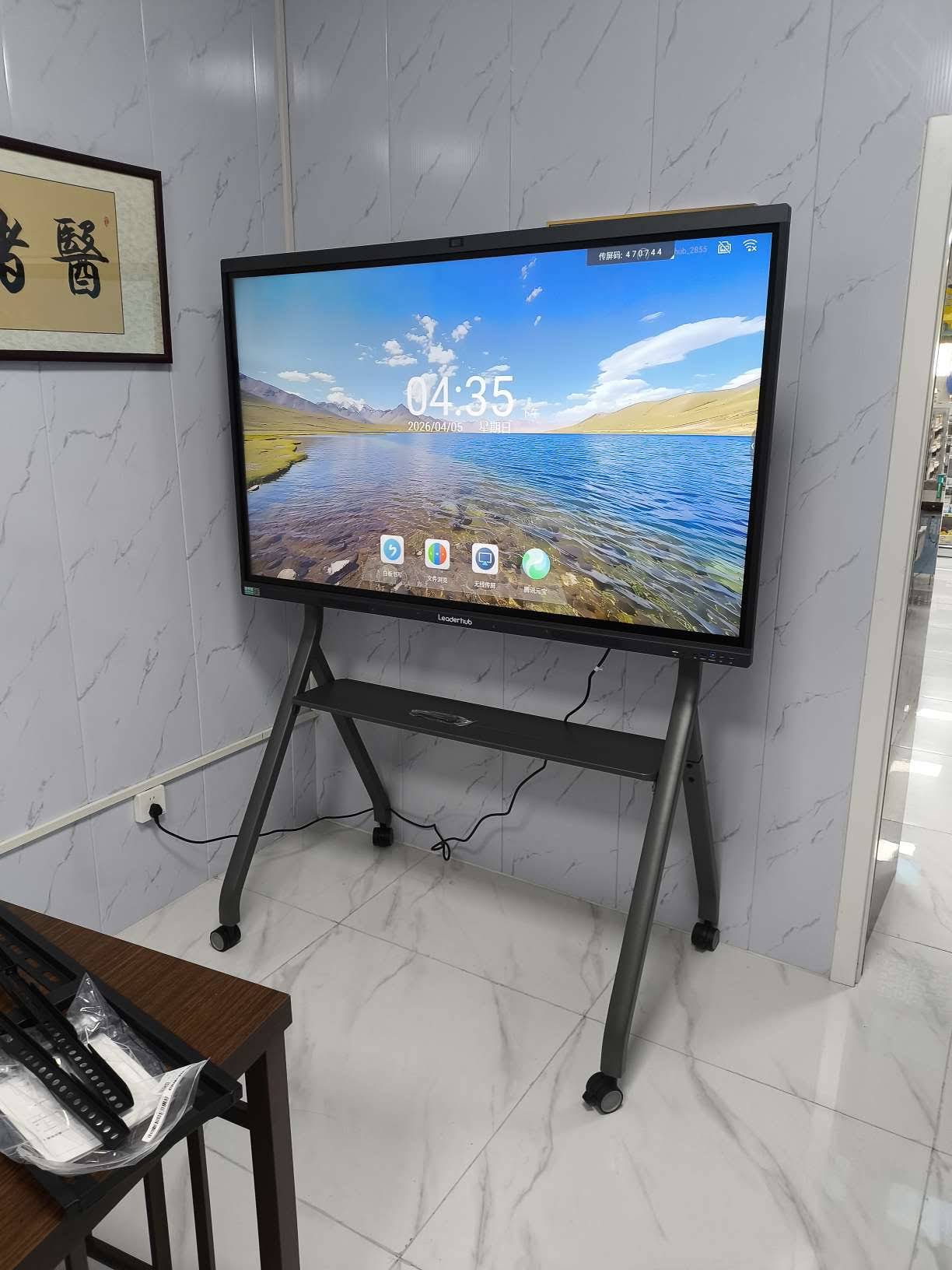
Why Smart Board Purchase Orders Need Extra Attention
A smart board is not a commodity like a box of printer paper. It combines a large-format display, a touch sensor, an embedded operating system, speakers, cameras, mounting hardware, and software licenses. Each of these elements can vary between models and even between batches, so a PO that simply says “75-inch interactive display, qty 10” leaves far too much room for interpretation.
Public institutions face additional pressure. School districts typically follow bid thresholds, approved vendor lists, and audit requirements. Organizations such as UNESCO recommend that educational technology decisions be guided by clear evidence of need and fit — see their guidance on Choosing Technology in Education. A well-structured PO is the document that translates those decisions into enforceable terms.
The Core Smart Board Purchase Order Checklist
Below are the sections every smart board PO should contain, regardless of whether you are ordering two units for a small office or two hundred for a district-wide rollout.
1. Buyer and Vendor Identification
- Legal entity name, billing address, and tax ID of the purchasing organization
- Ship-to address for each delivery location (schools often need multiple campus addresses)
- Vendor legal name, registration number, and designated account contact
- PO number, issue date, and requested delivery date
- Authorized signatory and approval chain references
2. Detailed Product Specifications
This is the section where most errors occur. Rather than relying on a marketing product name, list the exact technical parameters the vendor must meet. The table below shows the minimum fields to include on a smart board PO.
| Specification Field | What to Specify | Why It Matters |
|---|---|---|
| Model number | Exact SKU (e.g., L75HM, L86ZM) | Prevents substitution with a lower-tier variant |
| Screen size and resolution | 65″ / 75″ / 86″ / 110″, 4K UHD (3840×2160) | Determines readability from the back of the room |
| Touch technology | Infrared or capacitive, number of touch points (20–40) | Affects multi-user collaboration and pen accuracy |
| Operating system | Android version, optional Windows OPS slot | Impacts app compatibility and security updates |
| Memory and storage | RAM (GB) and internal storage (GB) | Determines multitasking speed and file capacity |
| Connectivity | HDMI, USB-C, USB-A, LAN, Wi-Fi 6, Bluetooth | Ensures compatibility with existing laptops and networks |
| Camera and microphone | Built-in or external, resolution, array type | Essential for hybrid classes and video conferencing |
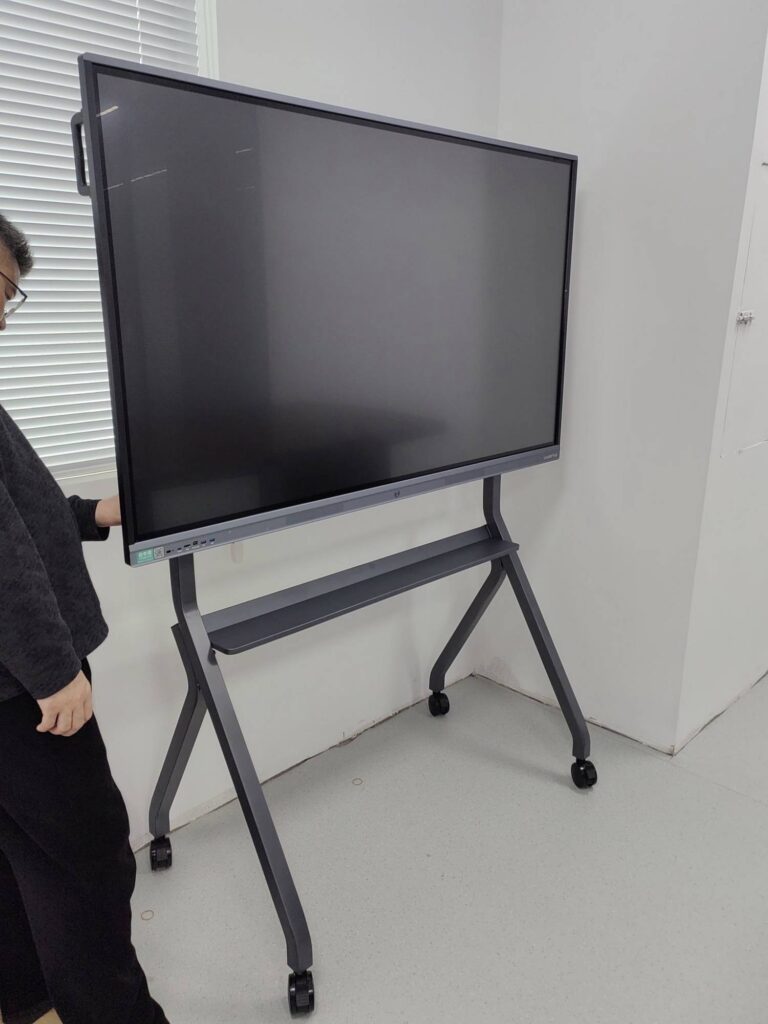
| Mounting | Wall bracket, mobile stand, or motorized stand included | Avoids a separate order and installation delay |
| Accessories | Styluses, remote, cables, wireless dongle | Prevents “missing parts” disputes at delivery |
If you are comparing panel families before writing the PO, browsing a full smart whiteboard product lineup side by side makes it easier to copy exact specifications directly into your requisition.
3. Quantity, Unit Pricing, and Payment Terms
- Quantity per model and per delivery location
- Unit price, extended price, and currency
- Volume discounts clearly broken out as separate line items
- Taxes, duties, and import fees — state who is responsible
- Payment schedule (e.g., 30% deposit, 70% before shipment, or Net 30 for approved accounts)
- Accepted payment methods and late-payment terms
4. Delivery, Shipping, and Installation
Large-format displays are heavy and fragile. An 86-inch panel can weigh over 60 kg with packaging, so your PO should define Incoterms (FOB, CIF, DDP), the carrier type, pallet requirements, and whether inside delivery to a specific floor or room is included. For schools, specify delivery windows that avoid exam weeks or holiday closures, and for businesses, confirm loading-dock hours and elevator access.
- Shipping method and estimated transit time
- Packaging standard (wooden crate vs. carton with foam corners)
- Installation scope: mounting, cable management, network configuration
- Acceptance testing criteria and sign-off procedure
- Penalty or remedy clause for late or damaged delivery

5. Warranty, Support, and Compliance Documentation
Warranty language is where cheap quotes often reveal hidden costs. A PO should state the warranty length (typically 1–3 years), whether it covers the panel, touch frame, and internal PC separately, and whether on-site service or advance replacement is included. Also request the following certifications as attachments to the PO:
- Safety and EMC certifications (CE, FCC, UL/ETL, RoHS, depending on your region)
- Energy efficiency documentation where required by public procurement rules
- Software licensing terms for whiteboarding, screen-sharing, and device management tools
- Data privacy and security statement for networked devices
- Firmware update commitment period
Smart Board PO Requirements Specific to Schools
Educational buyers operate under rules that private companies rarely face. School boards and university procurement offices should add the following items to their PO or attached statement of work.
Procurement and Funding Compliance
- Reference to the approved bid, RFP number, or cooperative purchasing contract
- Grant or funding source codes (many technology grants require itemized hardware lists)
- Asset tagging requirements for inventory tracking
- Fiscal-year delivery deadline so funds are not lost
Classroom Suitability
- Anti-glare, low-blue-light panel certification for student eye comfort
- Height-adjustable or mobile stand for younger students and accessibility needs
- Teacher training sessions included in the price (number of hours and format)
- Compatibility with the learning management system and classroom software already in use
Research summarized by EdTech Magazine on Choosing an Interactive Display for K-12 stresses that districts should match panel features to pedagogy rather than buying the largest screen available. Writing those pedagogical requirements into the PO ensures the vendor delivers equipment that teachers will actually use.
Smart Board PO Requirements Specific to Businesses
Corporate buyers prioritize integration with existing collaboration platforms and IT security policies. Your PO should address the items below.
| Business Requirement | PO Language Example |
|---|---|
| Video conferencing compatibility | “Device must run Zoom, Microsoft Teams, and Google Meet natively or via certified OPS module.” |
| Wireless screen sharing | “Support for Miracast, AirPlay, and Chromecast with at least 4 simultaneous split-screen sources.” |
| Device management | “Remote MDM enrollment for firmware updates and screen lock, with admin documentation.” |
| Mobility | “Rolling stand with locking casters; battery-powered option for huddle spaces.” |
| Computing power | “Windows OPS or external mini PC with minimum Intel i5, 16GB RAM, 512GB SSD.” |
For teams that prefer a Windows environment alongside the embedded Android system, pairing the display with a compact mini PC for conference rooms can be listed as a separate PO line item, which simplifies later upgrades without replacing the panel itself.
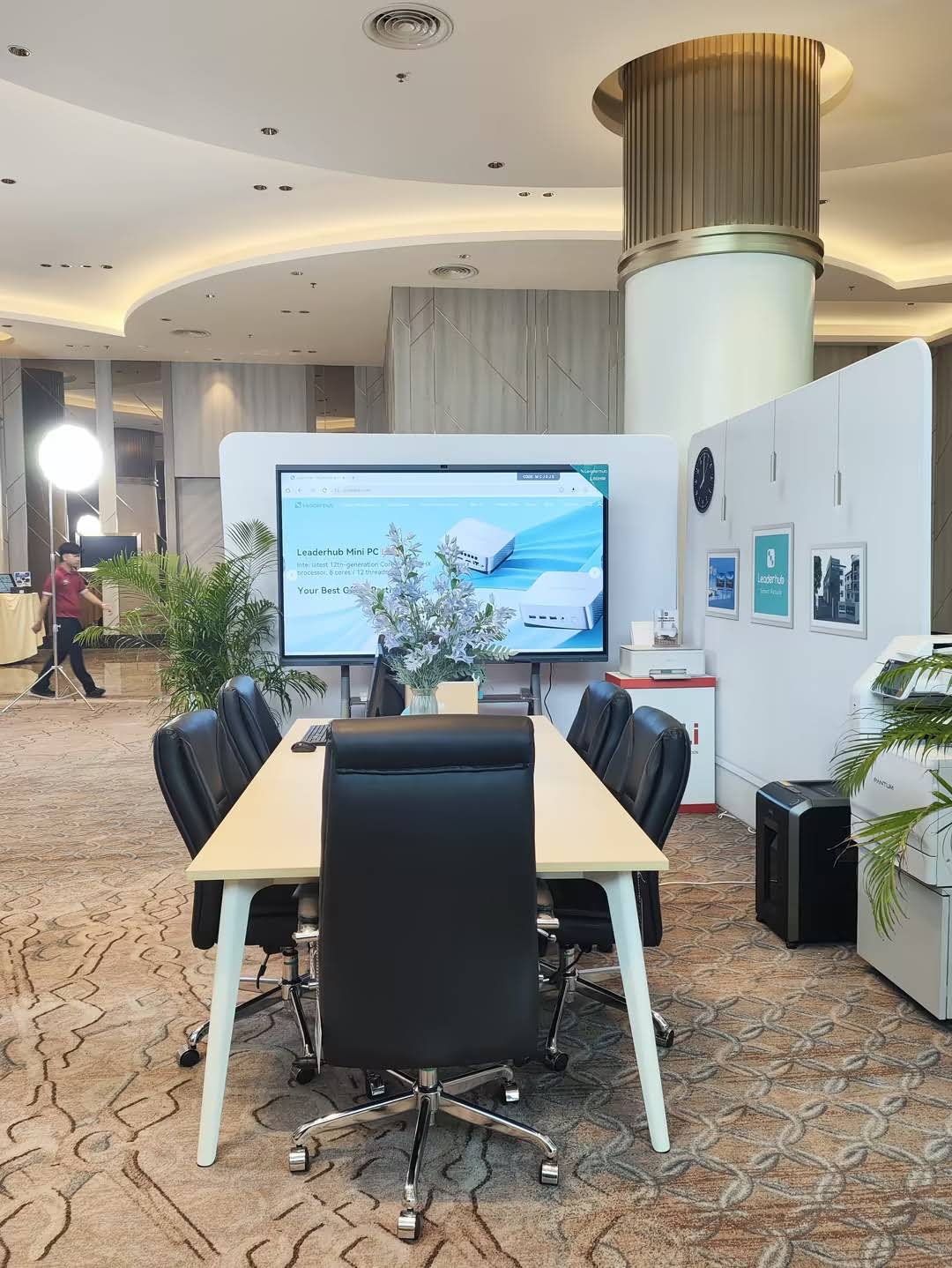
Choosing the Right Screen Size Before You Write the PO
Screen size is the single most expensive variable on a smart board PO, and it should be driven by room dimensions, not by budget alone. Use the reference table below as a starting point, then confirm sightlines on site.
| Room Type | Typical Viewing Distance | Recommended Size | Reference Model |
|---|---|---|---|
| Huddle room / small office | Up to 3 m | 55″ | U55Pro mobile 55″ 4K panel |
| Standard classroom (25–30 students) | 3–6 m | 65″–75″ | L75HM 75″ 4K smart whiteboard |
| Boardroom / large classroom | 6–9 m | 86″ | L86ZM 86″ interactive whiteboard |
| Lecture hall / training center | 9 m and beyond | 110″ | L110H 110-inch interactive flat panel |
Industry bodies such as AVIXA publish detailed display sizing standards; their AV Industry Standards and Resources are a useful reference to cite in a PO when you need to justify a size choice to a finance committee.
Common Mistakes That Delay Smart Board Orders
Omitting the mounting solution
Panels ship without brackets more often than buyers expect. If the wall mount or stand is not a line item, installation stops the moment the crates arrive.
Vague warranty terms
“Standard manufacturer warranty” means nothing in a dispute. Spell out the duration, coverage, and service method.
Ignoring power and network infrastructure
Each panel needs a nearby power outlet and, ideally, a wired network drop. Note on the PO whether electrical work is in or out of scope.
Forgetting software and training
Hardware is only half the purchase. Licenses for annotation software, cloud storage, and staff onboarding sessions should appear as explicit deliverables.
No acceptance criteria
Define what “accepted” means — for example, panel powers on, touch calibration passes, all ports function, and no dead pixels exceed the stated tolerance.
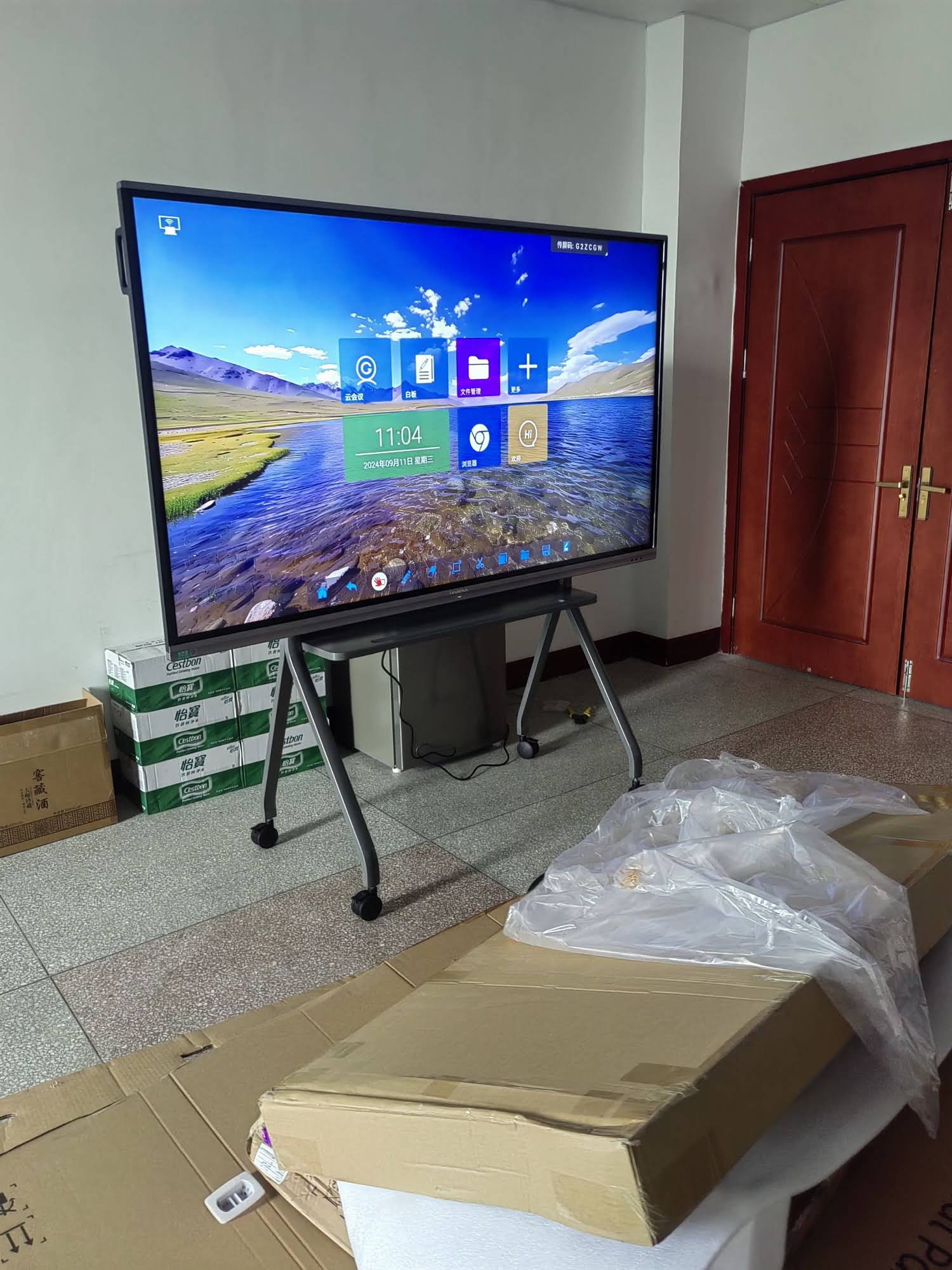
Working With a Manufacturer That Understands PO Requirements
Vendors that regularly serve institutional buyers can usually supply pre-formatted specification sheets, certification bundles, and sample PO templates that shorten approval cycles. LeaderHub, a Shenzhen-based interactive display manufacturer with 16 years of industry experience and deliveries to 82 countries, supports education and enterprise buyers with OEM/ODM customization, multi-location shipping, and documentation tailored to regional procurement rules. If your organization needs a quotation formatted to match an internal PO template, you can request a smart board quotation with your room list and required specifications.
Quick-Reference Smart Board PO Checklist
- Buyer and vendor legal details, PO number, and dates
- Exact model numbers with screen size, resolution, and touch specification
- Operating system, RAM, storage, and connectivity ports
- Camera, microphone, and speaker requirements for hybrid use
- Mounting hardware and accessories as separate line items
- Quantity, unit price, discounts, taxes, and payment schedule
- Incoterms, packaging, delivery windows, and inside-delivery scope
- Installation, network configuration, and acceptance testing
- Warranty length, coverage, and service method
- Certifications, software licenses, and data-security documentation
- Training hours and ongoing support contacts
- Funding codes, asset tags, and fiscal-year deadlines (schools)
- MDM, conferencing platform, and wireless sharing compatibility (businesses)
Frequently Asked Questions
Do I need a separate PO for installation services?
Not necessarily. Many organizations include installation as a service line on the same PO, but some accounting systems require goods and services to be separated. Check with your finance department before submitting.
How long should the quoted price remain valid?
Request a minimum 30-day price validity, and 60–90 days for public tenders where board approval may take several weeks. Display panel prices fluctuate with component costs, so a locked quotation protects your budget.
Should the PO specify the Android version?
Yes. Newer Android versions receive longer security support and better app compatibility. Specifying a minimum version prevents the vendor from shipping older stock.
What is a reasonable dead-pixel tolerance?
Most manufacturers follow ISO 9241-307 Class II, allowing a small number of defective sub-pixels. If your use case demands a flawless panel, state a stricter tolerance in the acceptance criteria and expect a modest price increase.
Can one PO cover multiple delivery sites?
Yes, as long as each site is listed with its own ship-to address, quantity, and delivery window. This is standard practice for school districts and multi-office companies.
A complete, specific purchase order protects both buyer and vendor. By covering specifications, logistics, warranty, compliance, and training in writing, schools and businesses can move from approval to a fully working interactive classroom or meeting room with far fewer surprises along the way.