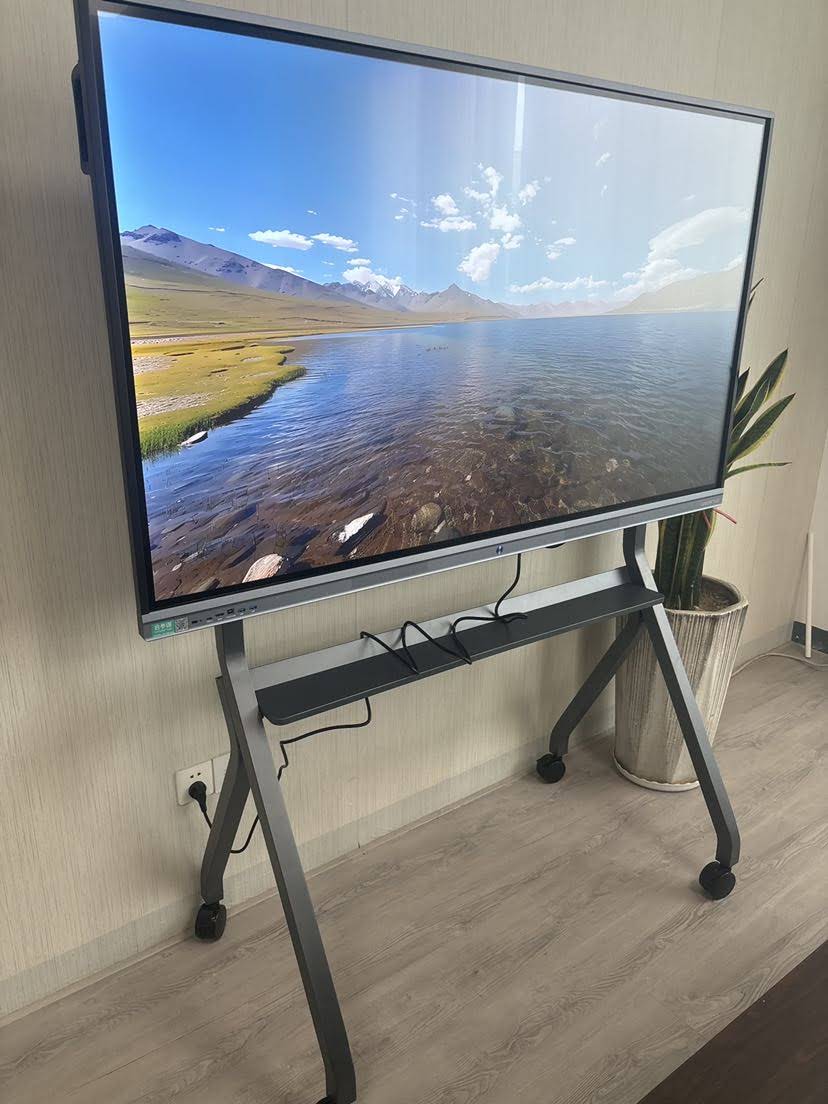
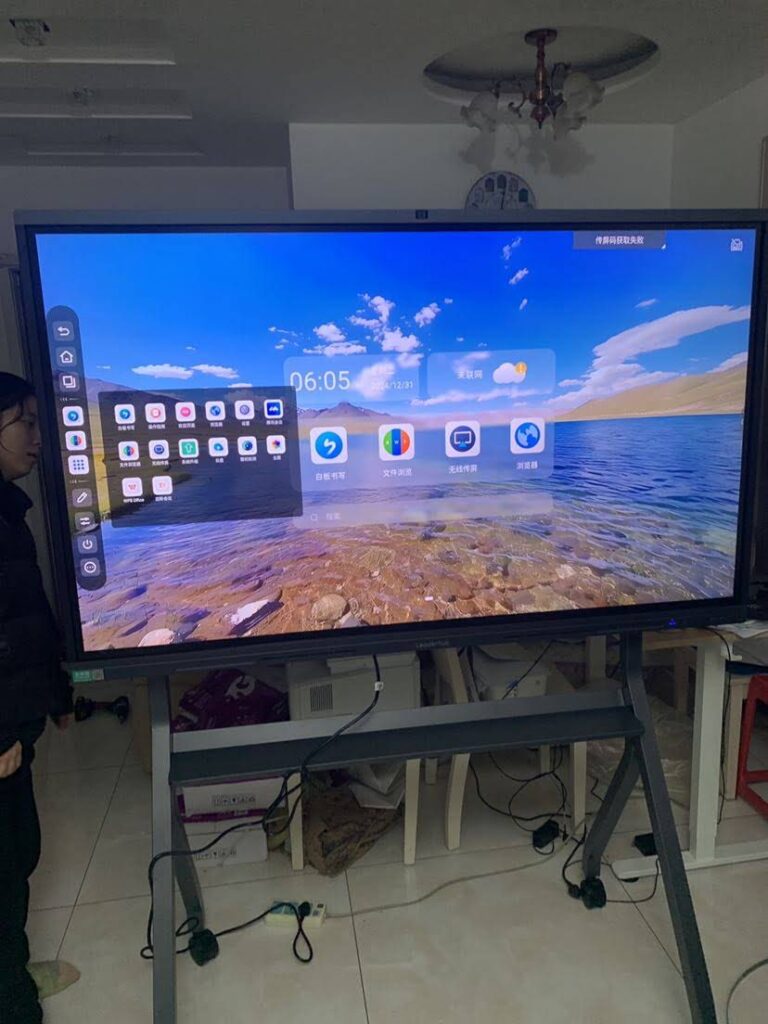
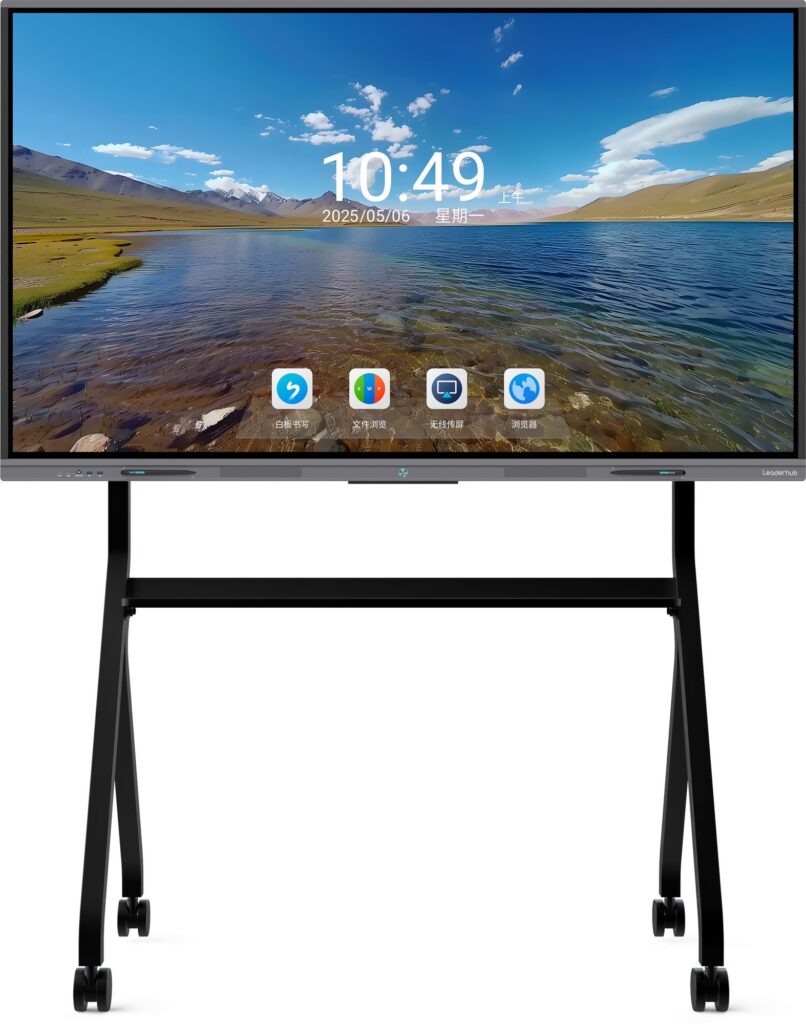
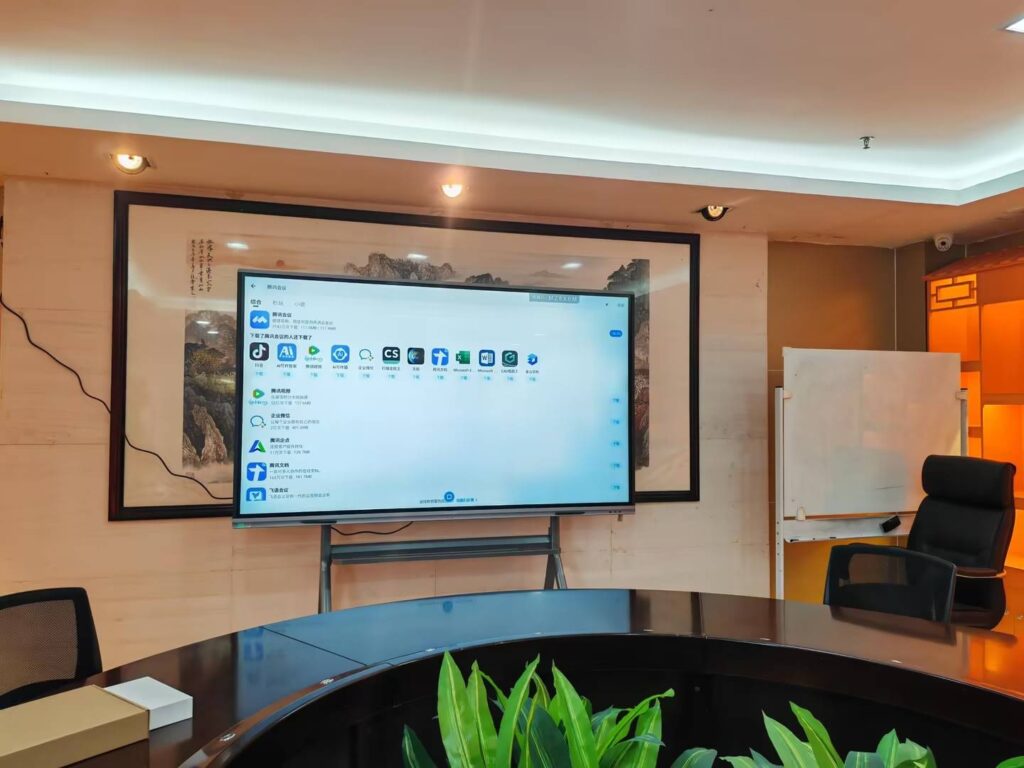
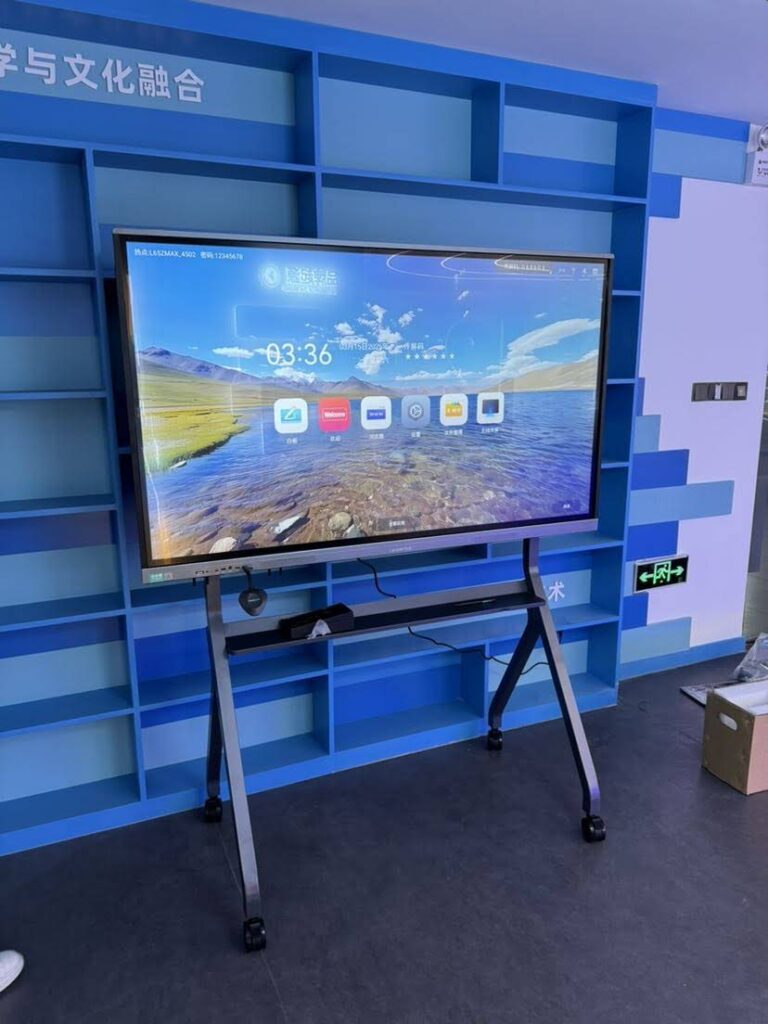
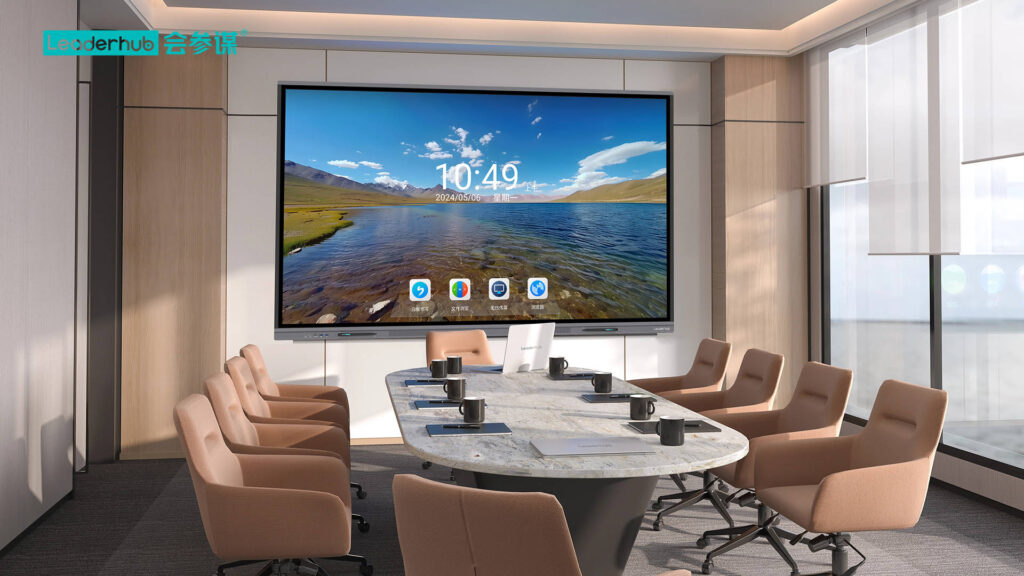
What can you do with a smart board? A lot more than write on a screen. A smart board can help you teach, present, brainstorm, annotate, share files, run hybrid sessions, and keep everyone engaged in real time. Whether you’re in a classroom, a meeting room, or a training space, the right setup turns passive viewing into active collaboration.
In modern digital environments, people expect fast content sharing, touch interaction, and flexible collaboration. That is why smart boards have become a practical tool for schools, companies, and training teams that want to improve communication and save time.
Quick navigation:
Classroom uses ·
Meeting uses ·
Training uses ·
What to look for
1) Use a smart board to make lessons more interactive
In classrooms, a smart board is most valuable when it helps teachers move from one-way teaching to active learning. Instead of projecting static slides, teachers can write, draw, move objects, open apps, and invite students to participate directly on the screen.
- Annotate lessons live so students can see key ideas highlighted in real time.
- Display multimedia such as videos, maps, charts, and simulations.
- Save and share notes after class so students can review them later.
- Support group work with drag-and-drop exercises and shared problem solving.
- Connect remote learners through video calls and shared digital whiteboarding.
For schools evaluating classroom technology, research from UNESCO Global Education Monitoring Report highlights the importance of using technology with clear teaching goals rather than simply adding devices for novelty.
2) Use a smart board to run faster, clearer meetings
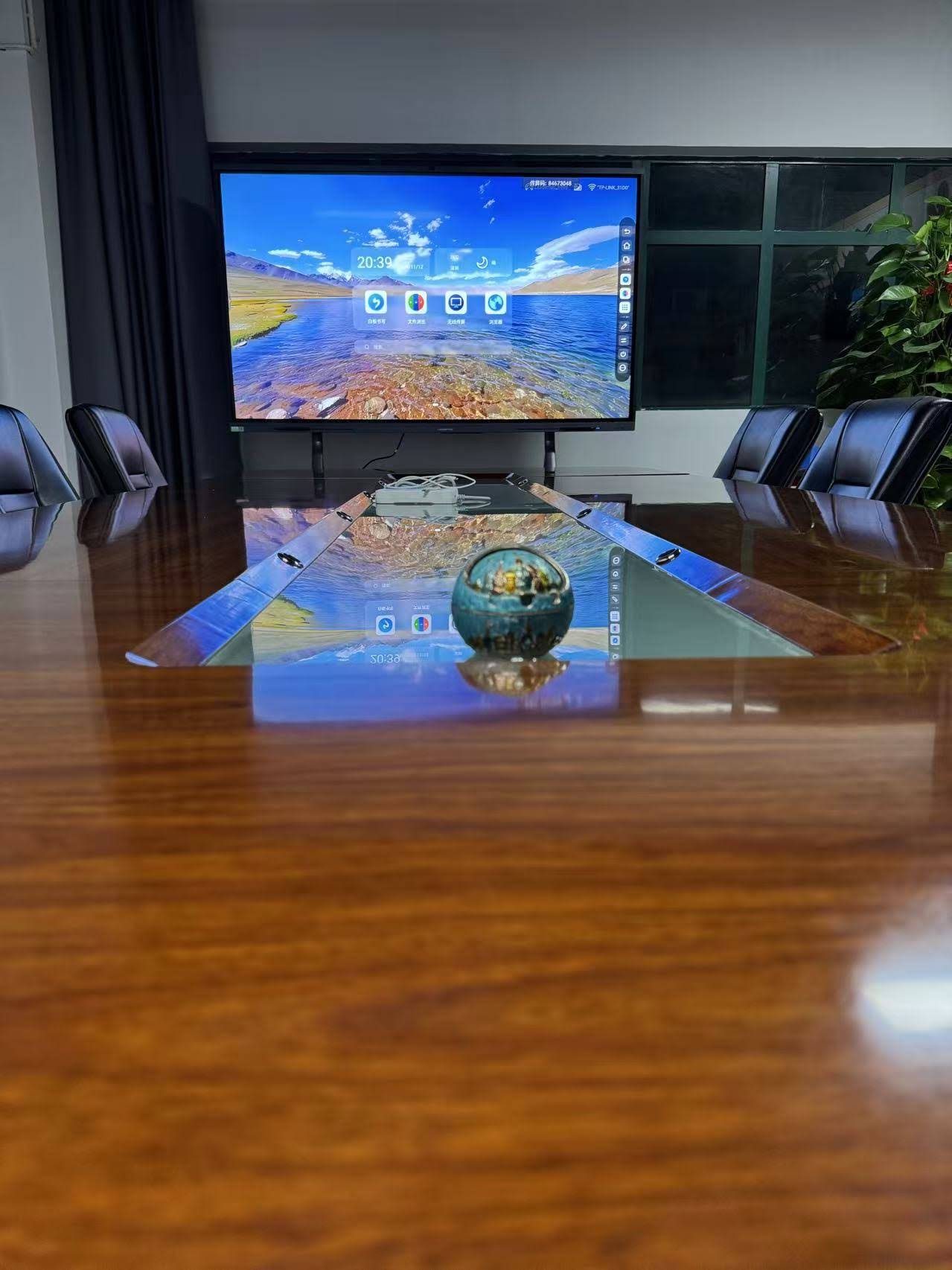
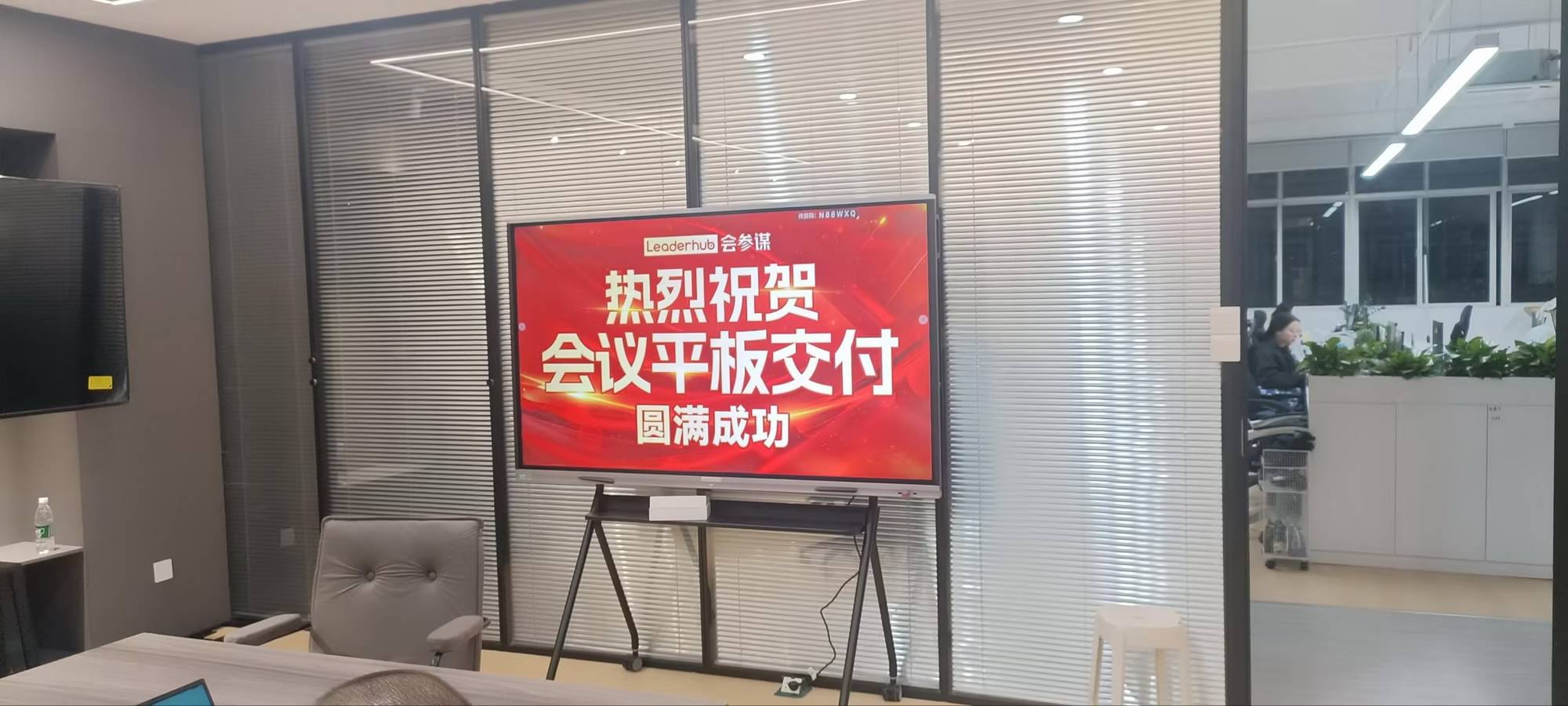
In business meetings, a smart board helps teams present ideas, align on decisions, and capture action items without wasting time switching between laptops, cables, and paper notes. It is especially useful for strategy reviews, sales presentations, project planning, and hybrid meetings.
- Share a laptop screen quickly for presentations and demos.
- Mark up documents during discussions to clarify feedback instantly.
- Brainstorm visually with digital sticky notes and mind maps.
- Store meeting outputs so decisions do not get lost after the call.
- Improve hybrid collaboration for teams joining from different locations.
| Meeting Need | What You Can Do with a Smart Board | Business Benefit |
|---|---|---|
| Project planning | Map milestones, assign tasks, and edit plans in real time | Faster alignment |
| Sales demos | Show product details, zoom in, and annotate key points | Stronger engagement |
| Hybrid meetings | Combine video conferencing with shared on-screen collaboration | Better participation |
3) Use a smart board to improve training and workshops
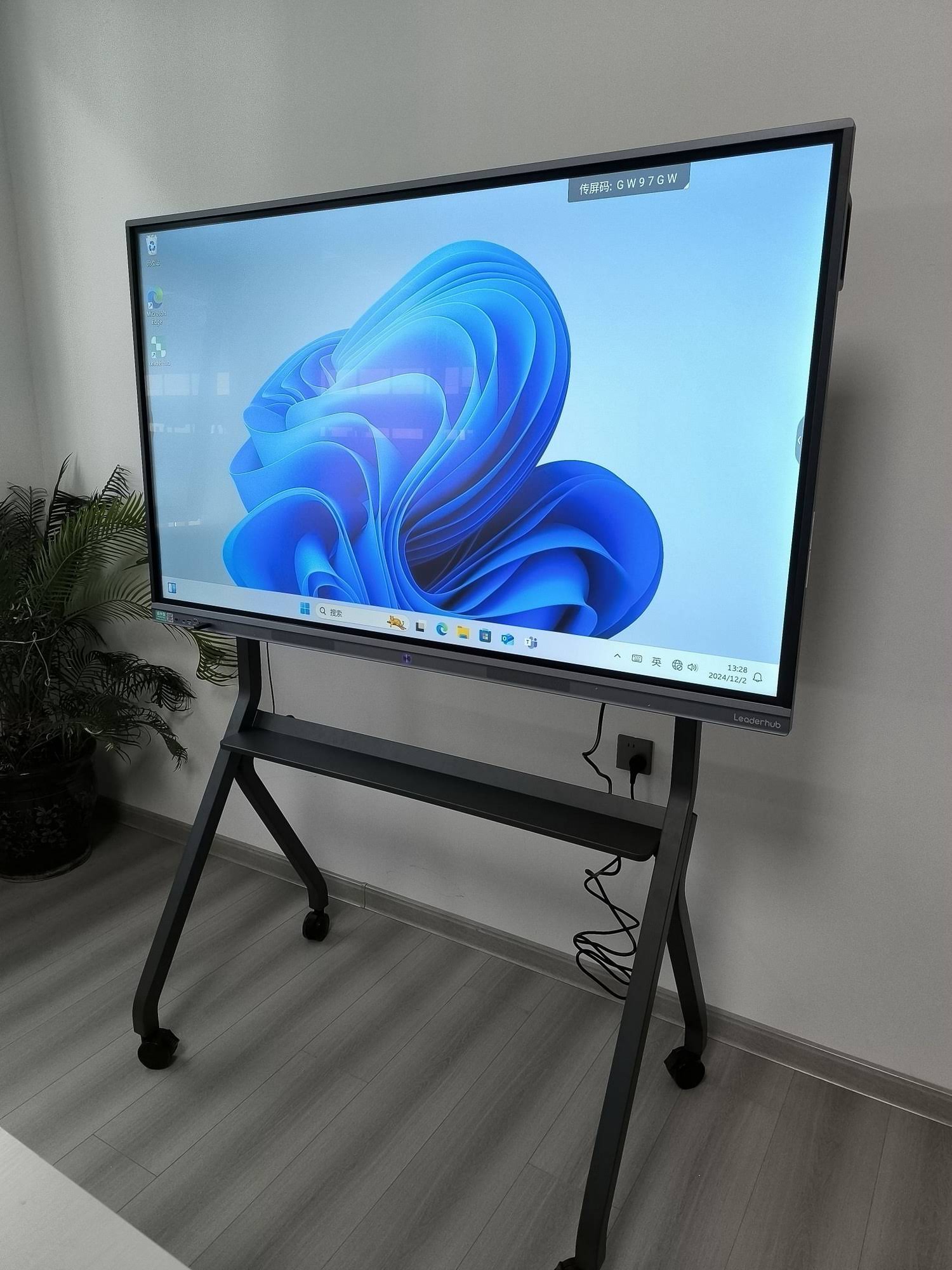
Training sessions work better when participants can see, touch, and practice the material. A smart board supports that by combining slides, annotation, exercises, and live collaboration in one place. This is ideal for employee onboarding, certification classes, product training, and workshop-based learning.
- Show step-by-step demos for software, product, or process training.
- Capture questions visually so the trainer can answer them on the spot.
- Break content into modules and move smoothly between them.
- Use interactive quizzes to check understanding during the session.
- Record key screens and notes for follow-up learning materials.
If you are planning a modern training room, combining smart whiteboards with mini PCs and a stable collaboration workflow can make sessions smoother and easier to manage.
4) What to look for before buying a smart board
The best answer to what can you do with a smart board also depends on choosing the right hardware and software. A good setup should feel fast, intuitive, and dependable for everyday use.
| Feature | Why It Matters |
|---|---|
| 4K touch display | Keeps text sharp and makes handwriting and visuals easier to read. |
| Low-latency touch | Makes writing and drawing feel natural and responsive. |
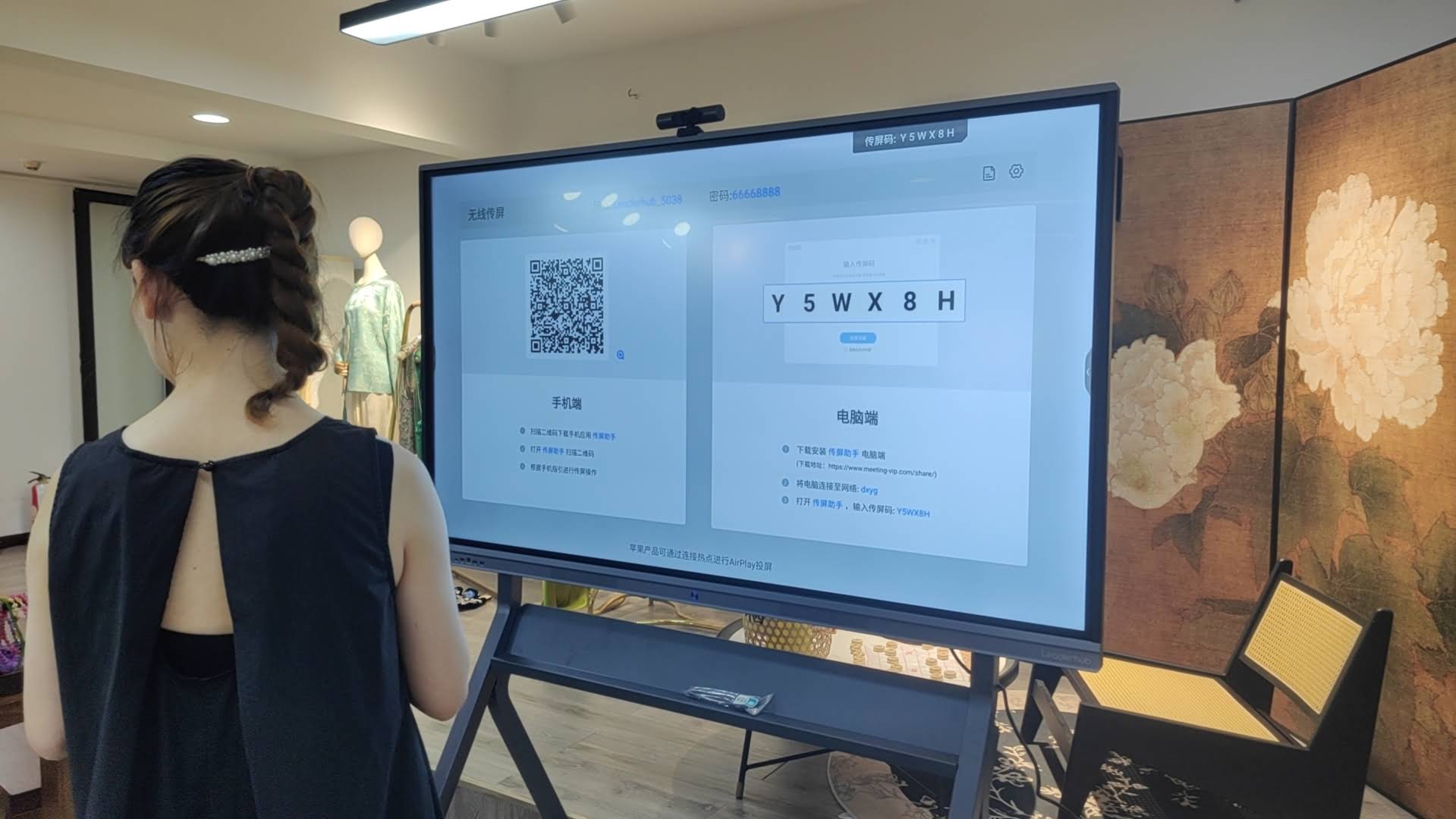
| Wireless sharing | Helps people present without long setup times or cable clutter. |
| Multi-user collaboration | Lets several people interact at once during meetings or lessons. |
| Easy content saving | Ensures notes and ideas can be reused after the session ends. |
For broader collaboration setups, you may also want to explore rotating screens or browse the full product shop to compare different room sizes and usage scenarios.
5) Smart board use cases by environment
| Environment | Best Uses | Ideal Result |
|---|---|---|
| Classroom | Teaching, annotation, student interaction, quizzes | Higher participation |
| Meeting room | Presentations, whiteboarding, hybrid discussions | Faster decisions |
| Training room | Workshops, demos, guided practice, documentation | Better retention |
| Creative studio | Sketching, brainstorming, concept reviews | More ideas, faster |
6) Why smart boards work so well in modern digital environments
Smart boards fit the way people work today: visual, fast, and connected. They reduce friction between devices, help teams stay focused, and give presenters one central place to teach or explain. When used well, they can improve attention, participation, and decision-making.
For organizations that want a practical framework for digital tools in education, the ISTE Standards provide useful guidance on effective technology integration, while the UNESCO Digital Education resources offer a broader view of responsible digital learning.
7) Final takeaways
- A smart board can be used for teaching, presenting, training, planning, and collaboration.
- Its biggest value comes from making content interactive and easy to share.
- The best setups combine the right display size, touch performance, and software workflow.
- For long-term value, choose a solution that fits your room, users, and daily tasks.
If you are comparing options for your next project, start with the right category, then build the room around the way your team actually works. For a customized solution, you can contact us and explore the most suitable interactive display setup for your classroom, meeting room, or training center.