Choosing between a smart board subscription and a one-time purchase is one of the biggest budgeting decisions a school or company makes when upgrading its classrooms or meeting rooms. On paper, a low monthly fee looks painless, while a single upfront invoice can feel heavy. But the real answer depends on how long you will use the display, how many rooms you are equipping, and how much control you want over your hardware and software. This guide breaks down the true costs, hidden fees, and practical trade-offs so you can decide with confidence.
What Is a Smart Board Subscription?
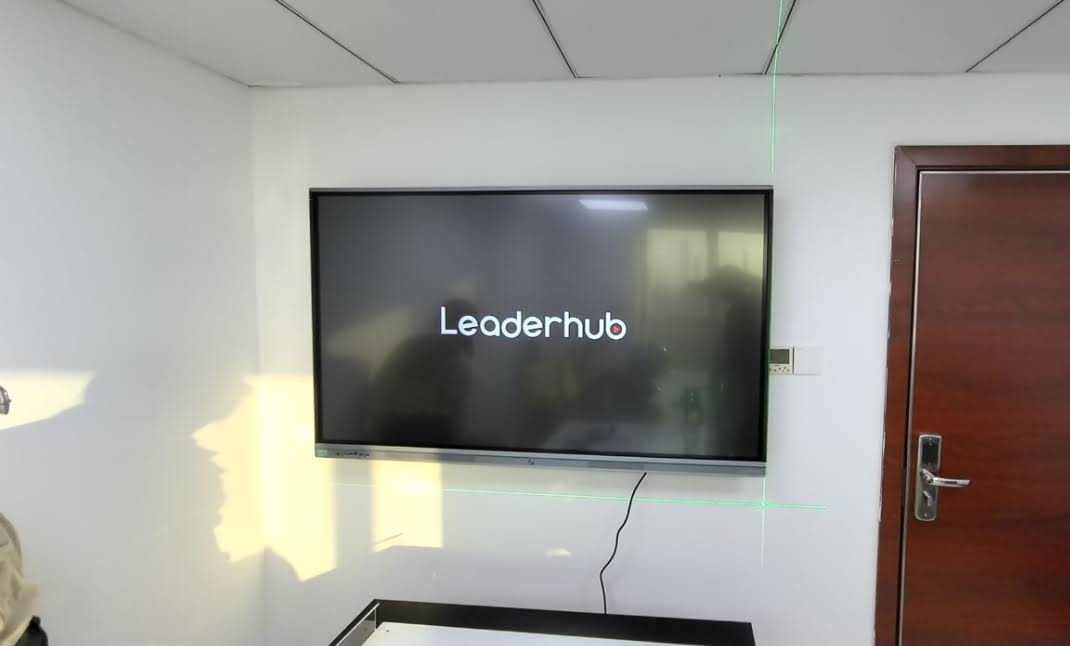
A smart board subscription (sometimes called Display-as-a-Service or hardware leasing) means you pay a recurring monthly or annual fee instead of buying the panel outright. The provider usually retains ownership of the hardware, and the fee bundles several services together.
A typical subscription package includes:
- Hardware access — the interactive panel itself, often with a mandatory upgrade cycle every 3–5 years
- Cloud software licenses — whiteboarding apps, device management, and collaboration tools
- Support and maintenance — remote troubleshooting, on-site repairs, and sometimes loaner units
- Installation and training — initial setup plus periodic teacher or staff onboarding
The appeal is obvious: predictable monthly spending, minimal upfront cash, and someone else handling repairs. The downside is that you never stop paying — and you never own the asset.
What Is a One-Time Smart Board Purchase?
With a one-time purchase, you buy the interactive display outright and it becomes your property. Most modern interactive smart whiteboards now ship with built-in Android systems, whiteboarding software, wireless screen sharing, and a multi-year manufacturer warranty, so the “software gap” that once justified subscriptions has largely closed.
A one-time purchase usually includes:
- The 4K touchscreen panel with embedded OS and pre-installed teaching or meeting apps
- A standard manufacturer warranty (commonly 2–3 years, often extendable)
- Free firmware and app updates for the life of the device
- Full freedom to install any third-party software, OPS module, or mini PC
Smart Board Subscription vs One-Time Purchase: Side-by-Side Comparison
| Factor | Subscription | One-Time Purchase |
|---|---|---|
| Upfront cost | Low or zero | Full price paid at once |
| Ongoing cost | Monthly/annual fee, indefinitely | None (optional extended warranty) |
| Ownership | Provider owns the hardware | You own it outright |
| Software flexibility | Often locked to vendor ecosystem | Install anything you want |
| Maintenance | Included in fee | Warranty period, then self-managed |
| Contract lock-in | Usually 36–60 months with early-exit penalties | None |
| Budget accounting | Operating expense (OpEx) | Capital expense (CapEx), depreciable asset |
| Best for | Short-term projects, cash-constrained startups | Schools and businesses planning 4+ years of use |
The Real Numbers: 5-Year Total Cost of Ownership
Marketing brochures rarely show the full picture, so let’s run an illustrative calculation for a single 75-inch 4K interactive panel. Subscription fees for displays in this class commonly fall between $50 and $90 per month, depending on the service tier. We’ll use $65/month as a middle-of-the-road estimate and compare it with buying a Leaderhub L75ZM 75″ 4K Smart Panel outright.
| Cost Item | Subscription ($65/mo) | One-Time Purchase (L75ZM) |
|---|---|---|
| Year 1 | $780 | $1,399 |
| Year 2 | $1,560 | $1,399 |
| Year 3 | $2,340 | $1,399 (+ optional $150 extended warranty) |
| Year 4 | $3,120 | $1,549 |
| Year 5 | $3,900 | $1,549 |
| 5-Year Total | $3,900 | $1,549 |
| Per classroom / room saving | — | ≈ $2,350 saved |
The break-even point arrives at roughly month 22. After that, every month on a subscription is money you would have kept with ownership. Scale that to a school with 30 classrooms and the five-year difference exceeds $70,000 — enough to fund an entire second phase of devices. Figures are illustrative and will vary by provider and region, but the pattern is consistent across the industry.
Pros and Cons of Each Model
Subscription Advantages
- Minimal upfront outlay — ideal when cash flow is tight
- Maintenance, repairs, and replacements are someone else’s problem
- Hardware refresh is built into the contract
- Easy to budget as a flat monthly operating expense
Subscription Disadvantages
- You pay 2–3x the hardware value over a typical contract term
- Long-term lock-in with early termination fees
- Limited freedom to switch software platforms or integrate third-party tools
- Price increases at renewal are common and hard to negotiate
- No residual asset value at the end of the term
One-Time Purchase Advantages
- Lowest total cost of ownership for any deployment lasting more than two years
- Full ownership — resell, redeploy, or repurpose the panel whenever you like
- Open ecosystem: Android apps, Windows via mini PC, any video conferencing platform
- Qualifies for capital grants and equipment funding programs
- No contract, no renewal surprises
One-Time Purchase Disadvantages
- Higher initial invoice that must be approved in a single budget cycle
- Post-warranty repairs are your responsibility (though modern panels are highly reliable)
- Hardware upgrades require a new purchasing decision
Which Is Better for Classrooms?
For most schools, a one-time purchase wins. Education budgets are structured around annual or multi-year capital allocations, and a growing number of national and regional programs fund classroom technology as equipment rather than services. The UNESCO Technology in Education Report emphasizes that technology spending should be evaluated against long-term learning value and sustainability — a standard that recurring fees with no asset at the end struggle to meet.
Consider these classroom-specific factors:
Usage lifespan
Interactive panels in schools are routinely used for 6–8 years. A subscription over that period can cost four times the purchase price of the same display.
Software independence
Teachers want to use Google Classroom, Microsoft Teams, Kahoot, or district-mandated platforms. Owned panels running open Android or Windows let them do exactly that without vendor restrictions.
Grant eligibility
Many education grants reimburse capital equipment purchases but exclude ongoing service subscriptions. Buying outright often unlocks funding that leasing cannot touch.
Where subscriptions can make sense in education: pilot programs testing a single classroom before district-wide rollout, or temporary learning spaces that will close within two years. For more on evaluating options, this guide on choosing an interactive display for K-12 offers a useful framework.
Which Is Better for Businesses?
The business answer is more nuanced, because companies have different financial structures and growth trajectories.
Startups and Fast-Scaling Teams
If you are not sure how many meeting rooms you will have in 18 months, or your office lease is short, a subscription’s flexibility may justify its premium. That said, with 65-inch 4K panels now available for around $1,099, the “I can’t afford to buy” argument is far weaker than it was five years ago. Many startups find that a mid-range owned panel costs less than a year of coworking-space AV rental.
Established SMEs and Enterprises
For companies with stable headcount and long office leases, buying outright is almost always cheaper. Finance teams also appreciate that owned panels can be depreciated as capital assets, and IT teams gain full control over security policies, software deployment, and integration with existing conferencing platforms.
Hybrid Approach
Some organizations purchase panels outright and then add an optional support plan or extended warranty only for high-traffic rooms. This captures most of the maintenance peace of mind at a fraction of full subscription pricing.
Hidden Costs to Watch in Both Models
Whichever route you choose, read the fine print for these commonly overlooked items:
- Installation and wall mounts — sometimes excluded from “all-inclusive” subscriptions and quoted separately
- Early termination fees — often the remaining contract balance in full
- Software seat limits — subscriptions may cap the number of teacher or employee accounts
- Renewal pricing — introductory rates frequently rise 10–20% at renewal
- Return condition charges — normal classroom wear can trigger damage fees when leased hardware is returned
- Extended warranty — for purchases, factor in optional coverage beyond the standard term
- OPS or mini PC — if you need full Windows, budget for a compute module such as the Leaderhub LP1C Mini PC
When a Subscription Makes Sense
- Deployment lasting less than 24 months
- Zero available capital budget but approved operating budget
- No in-house IT staff and a strong need for white-glove support
- A pilot program where you want to test before committing
When a One-Time Purchase Wins
- Any deployment planned for 3 years or longer
- Multiple rooms or classrooms (savings multiply with scale)
- Need for open software and third-party integrations
- Access to equipment grants or capital funding
- Desire to avoid long-term contracts and renewal risk
Affordable One-Time Purchase Options for Every Room Size
If the numbers above have convinced you that ownership is the smarter path, the next question is which panel fits your space and budget. Leaderhub is a Shenzhen-based technology company with 16 years of experience in interactive displays, serving education and enterprise customers in 82 countries, and its lineup is priced specifically to make outright purchase realistic for small and medium-sized organizations.
| Model | Size | Ideal For | One-Time Price |
|---|---|---|---|
| L65ZM Interactive Whiteboard | 65″ 4K | Small classrooms, huddle rooms | $1,099 |
| L65HM Smart Whiteboard | 65″ 4K | Premium meeting rooms | $1,299 |
| L75ZM Interactive Whiteboard | 75″ 4K | Standard classrooms, mid-size boardrooms | $1,399 |
| L86ZM Interactive Whiteboard | 86″ 4K | Large classrooms, lecture halls | $1,699 |
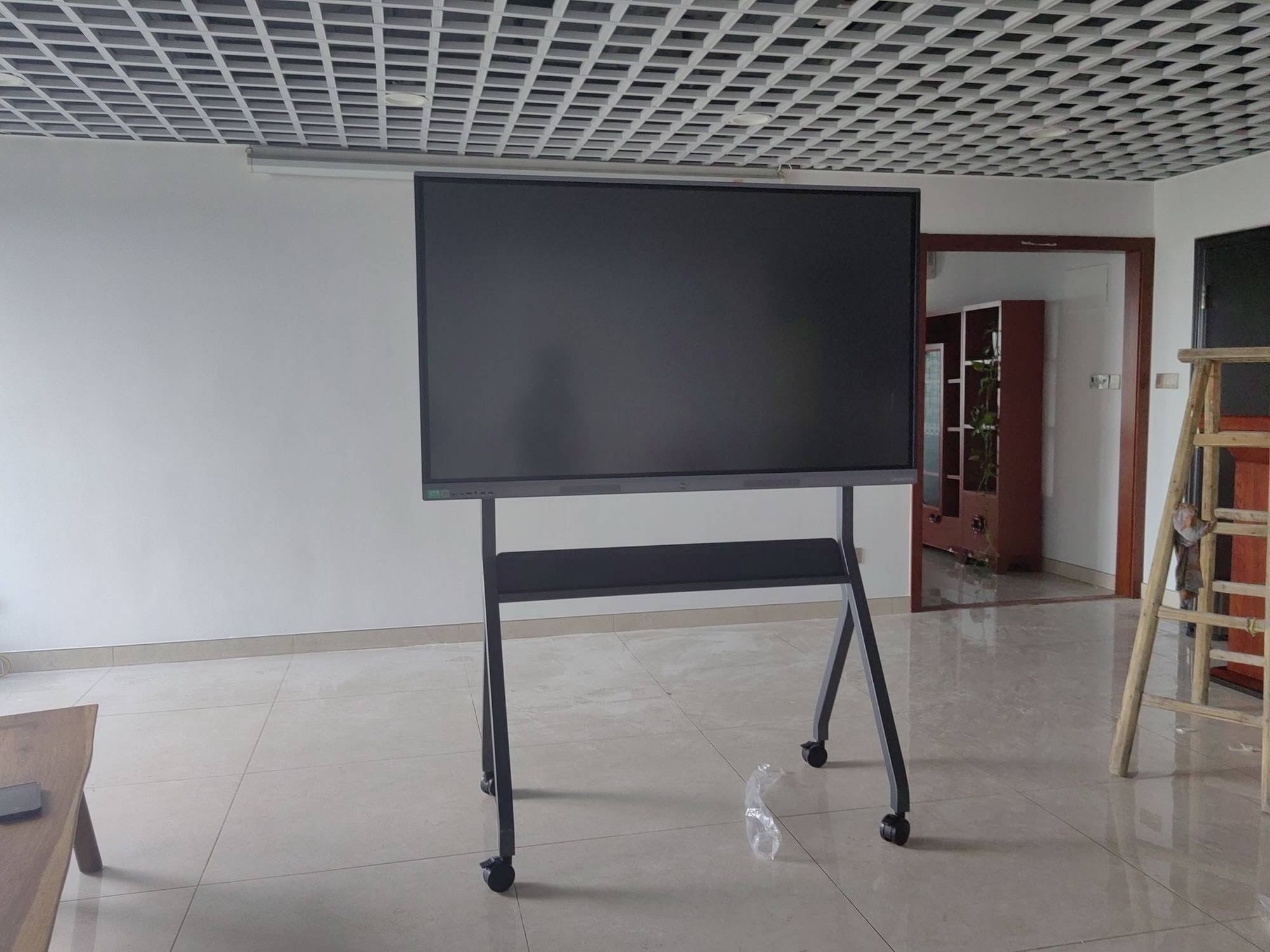
| U55Pro Mobile Flat Panel | 55″ 4K | Shared spaces needing a movable display | $2,499 |
At these price points, an 86-inch panel bought outright costs less than two years of a typical subscription for a 75-inch unit — and you keep the hardware.
Decision Checklist: 6 Questions to Ask Before You Sign Anything
- How many years will this display realistically be in service?
- Is my funding classified as capital or operating budget — and can it be reclassified?
- Do I need software freedom, or am I comfortable inside one vendor’s ecosystem?
- What is the total contract value, including renewals, over the full expected lifespan?
- What does the warranty cover, and what would an extended plan cost?
- Can I pilot one owned unit first and scale after staff feedback?
The OECD Digital Education Outlook notes that institutions achieve the best outcomes when technology procurement is aligned with long-term pedagogical and organizational goals rather than short-term convenience. The same principle applies to businesses: buy for how you will work in year four, not just year one.
Final Verdict: Which Is Cheaper and Better?
Cheaper: For any deployment longer than about two years, a one-time purchase is significantly cheaper — typically saving 50–65% over five years per display.
Better: For classrooms, ownership is better in almost every scenario thanks to grant eligibility, software freedom, and long usage lifespans. For businesses, ownership is better for stable organizations, while subscriptions suit only very short-term or highly uncertain situations.
Modern interactive panels have become affordable and reliable enough that the traditional argument for leasing — “it’s too expensive to buy” — no longer holds. Explore the full range of smart boards and interactive displays, or contact the Leaderhub team for a bulk pricing quote tailored to your school or office.
Frequently Asked Questions
Is a smart board subscription ever cheaper than buying?
Only for very short deployments, generally under 20–24 months. Beyond that, cumulative fees exceed the purchase price of a comparable panel.
Do I lose software updates if I buy a smart board outright?
No. Reputable manufacturers provide firmware and app updates for the life of the device at no extra charge, and open Android or Windows systems let you install any software you need.
What happens when a purchased panel goes out of warranty?
You can buy an extended warranty, pay for repairs as needed, or simply rely on the panel’s reliability — commercial-grade displays are rated for 50,000+ hours of use, equivalent to well over a decade of school days.
Can I finance a one-time purchase instead of subscribing?
Yes. Many buyers use equipment financing or installment plans, which spread the cost like a subscription but end in full ownership at a far lower total price.
How do I handle hardware upgrades if I own the panel?
Because 4K touch panels remain relevant for many years, most owners upgrade only the compute side by adding or swapping a mini PC, which costs a fraction of replacing the entire display.