Walk up to a smart board under bright office lighting and try to read a spreadsheet from the side of the room. If the text looks washed out, if your finger seems to hover a few millimeters above the ink, or if reflections from the window bounce straight back at you, the problem usually isn’t the LCD panel itself — it’s the air gap between the cover glass and the display. Smart board optical bonding technology was created to eliminate that gap, and it has quietly become one of the most important differences between an interactive display that feels sharp and natural and one that feels like a TV with a touch sensor taped on top.
This guide explains what optical bonding is, how the bonding process works, the measurable benefits it delivers in classrooms and meeting rooms, how it compares with traditional air-gap construction, and which questions to ask before you choose a bonded smart board for your school or business.
What Is Smart Board Optical Bonding Technology?
Every interactive flat panel is built from a layered stack: a protective tempered-glass cover on the outside, a touch-sensing layer, and the LCD module underneath. In a conventional, non-bonded display, these layers are held together only at the edges with tape or a frame. Between the cover glass and the LCD there is a thin layer of air — typically 1 to 3 millimeters.
Optical bonding replaces that air layer with a transparent adhesive that fills the gap completely and cures into a solid, optically clear bond. The result is a single fused unit where glass, touch sensor and display behave as one surface rather than three separate parts.
The adhesive is engineered to have a refractive index close to that of glass (around 1.5). That matters because light bends and reflects every time it crosses a boundary between materials with different refractive indices. Air has a refractive index of about 1.0, so each glass-to-air transition reflects roughly 4% of incoming light. In an air-gap panel there are two such transitions, which means a significant portion of ambient light is bounced back toward the viewer — and a portion of the image light is lost on its way out.
Air Gap vs. Optically Bonded Construction
| Characteristic | Air-Gap Smart Board | Optically Bonded Smart Board |
|---|---|---|
| Internal reflections | Two glass/air surfaces reflect ambient light | Internal reflections largely eliminated |
| Perceived contrast in bright rooms | Drops noticeably under sunlight or strong LEDs | Stays high; blacks look deeper |
| Parallax (pen-to-ink distance) | Visible offset, especially at side angles | Near zero — ink appears directly under the pen tip |
| Dust and moisture ingress | Possible; condensation can form in the gap | Sealed; no space for particles or fog |
| Impact resistance | Glass flexes independently of panel | Adhesive layer absorbs shock; glass shards stay bonded |
| Manufacturing cost | Lower | Higher, but increasingly standard on quality panels |
How Optical Bonding Works: The Manufacturing Process
Optical bonding is a precision process carried out in a cleanroom environment. Even a single dust particle trapped under the glass of an 86-inch panel would be visible forever, so the manufacturing discipline matters as much as the adhesive chemistry. The process generally follows these steps:
- Surface preparation. The cover glass and the LCD module are cleaned with ionized air and solvent to remove dust, oils and static charge.
- Adhesive application. A liquid optically clear adhesive (LOCA) is dispensed in a controlled pattern across the panel, or a pre-cut optically clear adhesive film (OCA) is laminated onto the glass.
- Lamination. The glass is lowered onto the display inside a vacuum chamber. Vacuum pressure pushes the adhesive outward evenly and prevents air bubbles from forming.
- Curing. The assembly is exposed to UV light, heat, or a combination of both so the adhesive solidifies. Some processes use a two-stage cure: a quick edge cure to fix alignment, followed by a full cure.
- Defoaming and inspection. The bonded panel passes through an autoclave to dissolve any microscopic bubbles, then undergoes optical inspection for clarity, uniformity and alignment before it moves to final assembly.
LOCA vs. OCA: Two Bonding Methods
Both liquid and film adhesives achieve the same optical goal, but they suit different production needs:
- Liquid Optically Clear Adhesive (LOCA) — flows to fill irregular surfaces and thicker gaps, making it well suited to large-format panels. It is often silicone- or acrylic-based and tolerates wide temperature swings.
- Optically Clear Adhesive film (OCA) — a pre-formed sheet with uniform thickness, offering excellent consistency and faster cycle times for mass production. It is more common on smaller displays but is increasingly used on 55- to 75-inch smart boards.
Key Benefits of Optical Bonding for Interactive Displays
1. Dramatically Better Readability in Bright Rooms
Classrooms with large windows and conference rooms with overhead LED arrays are the natural habitat of smart boards — and the worst-case scenario for glare. By removing the internal glass/air boundaries, optical bonding can cut reflected ambient light by a large margin and improve effective contrast ratio under bright conditions. Students at the back of the room and participants seated at a sharp angle to the screen both see clearer text and more accurate colors.
2. Natural Writing With Zero Parallax
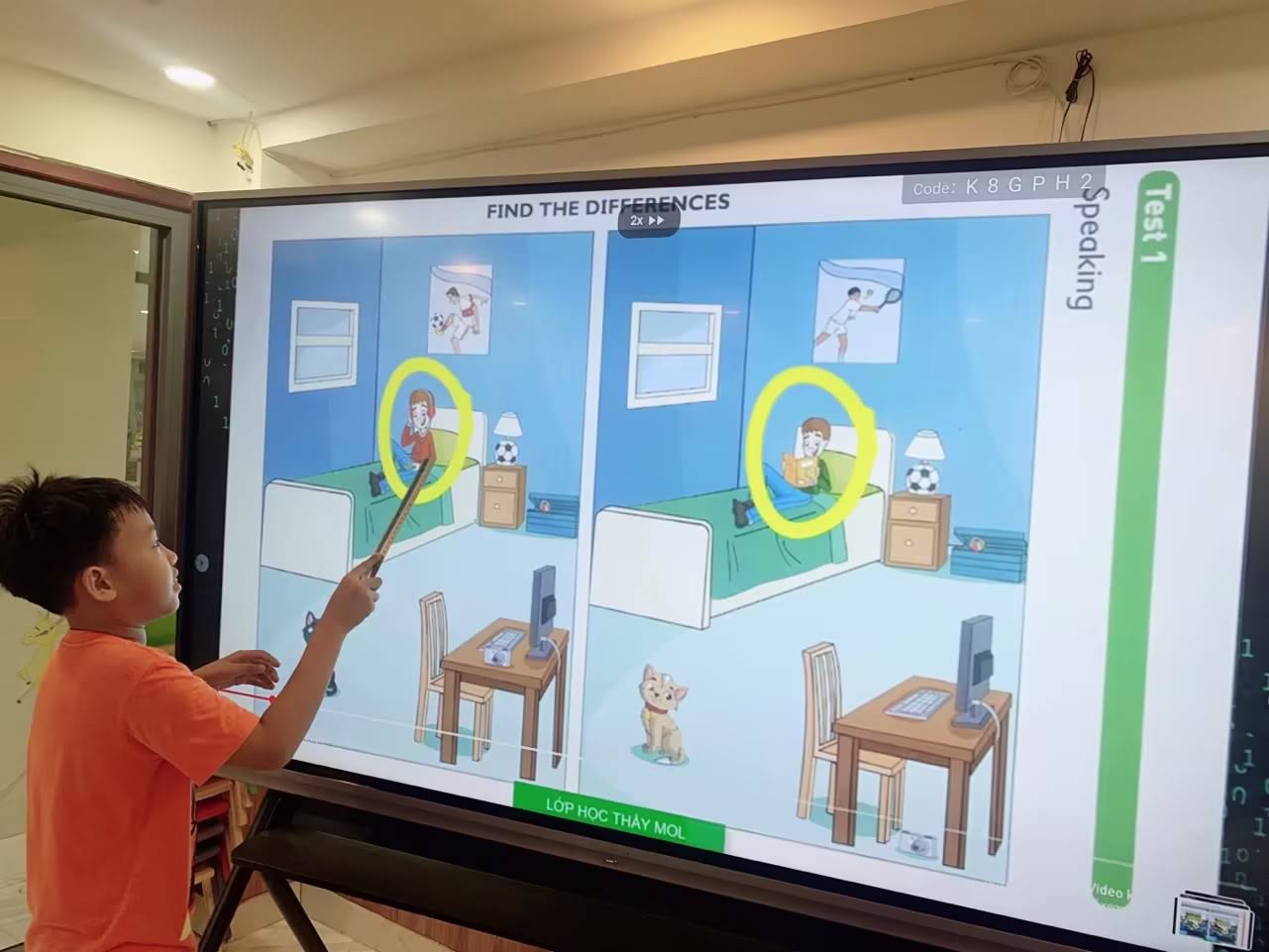
Parallax is the visual offset between where a pen physically touches the glass and where the digital ink appears. With a 2-3 mm air gap, a presenter writing at an angle sees the ink “floating” slightly away from the pen tip. Bonding closes that distance to a fraction of a millimeter, so handwriting, diagrams and annotations feel as immediate as marker on a whiteboard. This is particularly valuable for math and science teaching, design reviews, and any workflow where precise drawing matters.
3. Improved Durability and Safety
The cured adhesive layer acts as a shock absorber. If the cover glass is struck, the bond distributes the energy across the panel and helps hold fragments in place rather than letting them scatter — an important consideration in schools. Bonded panels also resist the pressure deformation that occurs when students lean on a non-bonded screen, which can cause temporary “ripple” artifacts on air-gap displays.
4. Protection From Dust, Moisture and Condensation
Air-gap panels can trap dust over time, and in humid climates condensation may form between the layers after temperature changes. A fully bonded stack is sealed, so the image stays clean for the life of the product. This is a quiet but meaningful advantage for installations in tropical regions, coastal cities, or rooms where air conditioning cycles on and off.
5. Thinner, Lighter Panel Design
Because the glass no longer needs a mechanical frame to hold it apart from the display, manufacturers can design slimmer bezels and shallower chassis. The result is a cleaner look on the wall and easier handling on mobile stands.
Why Optical Bonding Matters More in Education and Hybrid Work
The UNESCO Technology in Education Report emphasizes that classroom technology should be evaluated by whether it genuinely improves learning rather than by novelty. Display quality is a direct part of that equation: if a quarter of the class cannot comfortably read the board, the pedagogical value of any software running on it collapses. Guidance such as the EEF Digital Technology Guidance likewise stresses that technology must reduce friction for teachers, and a board that responds accurately to the pen without lag or offset removes one of the most common daily frustrations.
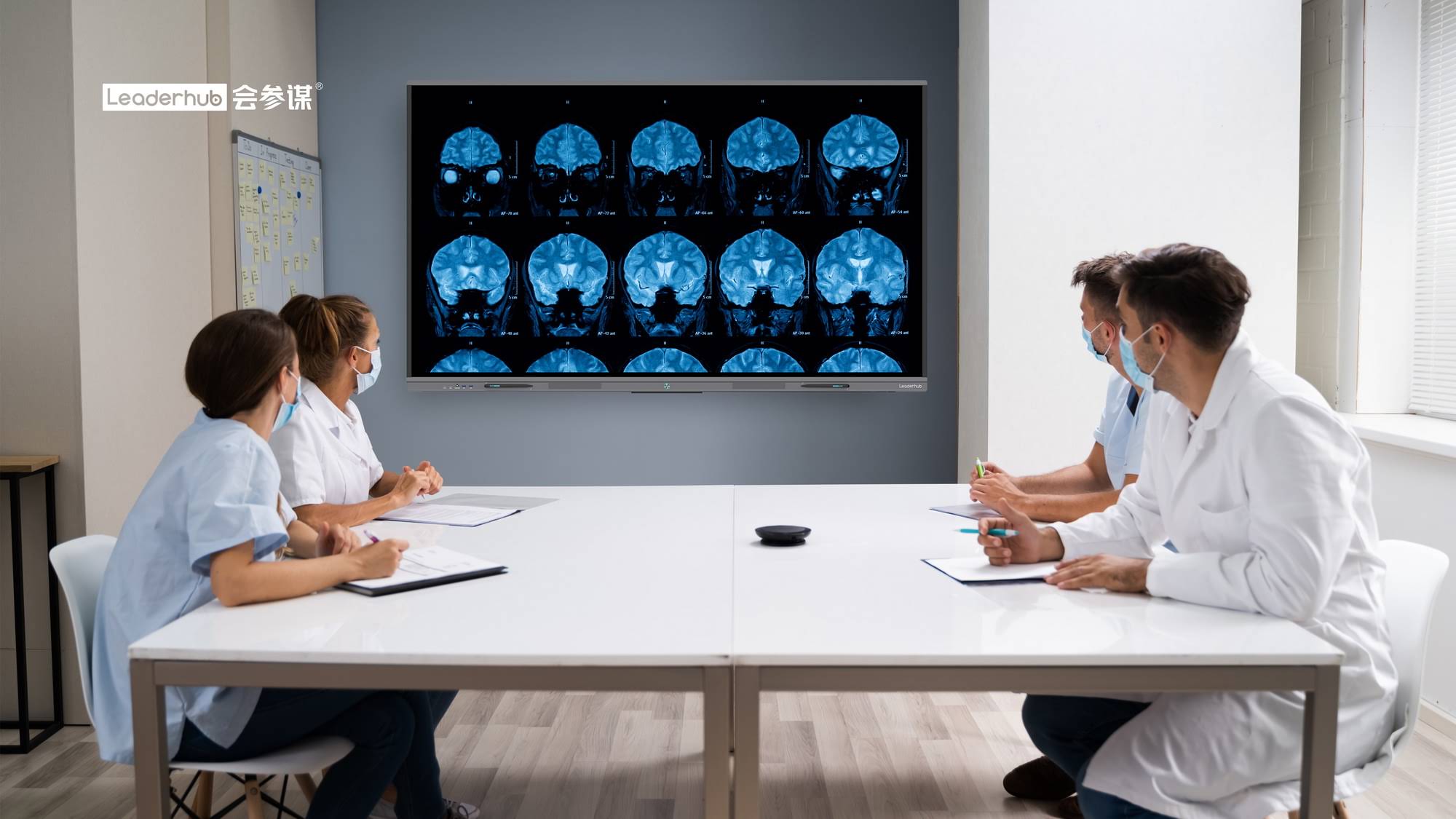
In corporate settings, the shift to hybrid meetings puts the same demands on display hardware. Remote participants see the board through a camera, and reflections that a person in the room might tune out become distracting bright patches on video. A bonded panel produces a cleaner feed, which is one reason enterprise buyers increasingly treat optical bonding as a baseline requirement rather than a premium feature. For a broader view of how interactive displays are being evaluated by institutional buyers, the Choosing an Interactive Display for K-12 Q&A from EdTech Magazine is a practical reference.
Optical Bonding and Touch Technology: How They Work Together
Optical bonding improves the display stack, but the touch layer determines how your input is detected. The two most common technologies on large-format smart boards are infrared (IR) touch and projected capacitive (PCAP) touch. Understanding how bonding interacts with each helps you interpret spec sheets correctly.
| Feature | Infrared (IR) Touch | Projected Capacitive (PCAP) Touch |
|---|---|---|
| Detection method | Grid of IR beams across the bezel; touch interrupts beams | Electrode grid senses capacitance changes through glass |
| Relationship to bonding | Bonding reduces parallax but sensors sit above the glass | Sensor is bonded into the stack; fully flush surface |
| Bezel design | Requires slightly raised frame | Allows edge-to-edge flat glass |
| Typical touch points | 20 – 40 | 20 – 50 |
| Works with gloves / any stylus | Yes | Limited; needs conductive stylus |
| Cost on large panels | More affordable | Higher |
Many well-engineered IR smart boards now use zero-bonding or full-bonding construction between glass and LCD, giving them most of the optical advantages of PCAP displays at a much more accessible price. When reading a spec sheet, look for terms such as “optically bonded,” “zero-gap,” “full lamination,” or “anti-parallax” — all describe the same core technology.
Anti-Glare Glass: The Partner to Optical Bonding
Bonding removes internal reflections, but the outer surface of the glass still reflects some light. That is why quality smart boards combine bonding with an anti-glare (AG) etched glass surface. The micro-texture diffuses reflections so a window or ceiling light becomes a soft haze rather than a mirror image. Together, the two technologies deliver the clearest possible picture in real-world lighting. When comparing panels, check for:
- Tempered glass hardness — typically Mohs 7 or higher to resist scratches from keys, rings and dropped pens.
- Anti-glare haze level — a moderate haze value controls reflections without making text look grainy.
- Anti-fingerprint coating — reduces smudges that build up through a full day of touch use.
- Low blue light and flicker-free certification — important for extended classroom use and increasingly expected by procurement teams following OECD Screen Time Research.
How to Choose the Right Optically Bonded Smart Board
Optical bonding is one ingredient in a good interactive display. Use the following checklist to evaluate the complete package before purchasing.
Step 1: Match Screen Size to Room Size
| Screen Size | Recommended Room / Audience | Typical Viewing Distance |
|---|---|---|
| 55″ | Huddle rooms, small offices, mobile use, 2–6 people | 1.5 – 3.5 m |
| 65″ | Small classrooms, meeting rooms, 6–12 people | 2 – 4.5 m |
| 75″ | Standard classrooms, mid-size boardrooms, 12–25 people | 2.5 – 6 m |
| 86″ | Large classrooms, training rooms, 25–40 people | 3 – 7.5 m |
| 110″ | Lecture halls, auditoriums, executive boardrooms | 4 – 10 m |
Step 2: Confirm the Display Specifications
- 4K UHD resolution (3840 × 2160) is the standard for any panel 65 inches or larger; text stays crisp even up close.
- Brightness of 350–450 nits is sufficient for most indoor rooms when paired with optical bonding and AG glass. Higher brightness alone will not fix glare on an air-gap panel.
- 178° viewing angle ensures color and contrast hold up for people seated at the edges of the room.
- Writing latency under 10 ms for a pen feel that keeps up with natural handwriting speed.
Step 3: Evaluate the Computing and Software Platform
A bonded screen is only as useful as the system driving it. Look for a modern Android version with ample RAM for multitasking, built-in whiteboarding software with cloud save and QR-code sharing, wireless screen casting from Windows, macOS, iOS and Android, and an OPS slot or USB-C input so you can add a Windows PC later. Pairing a smart board with a compact mini PC is a popular way to run full desktop applications on the panel without cable clutter.
Step 4: Consider Mobility and Mounting
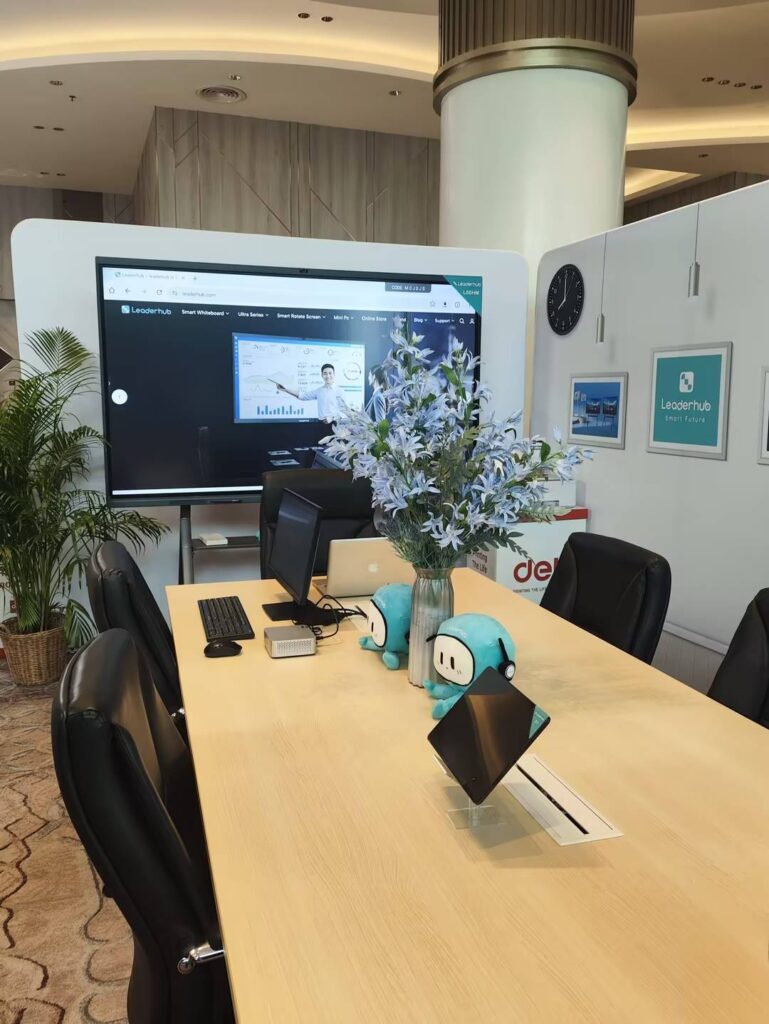
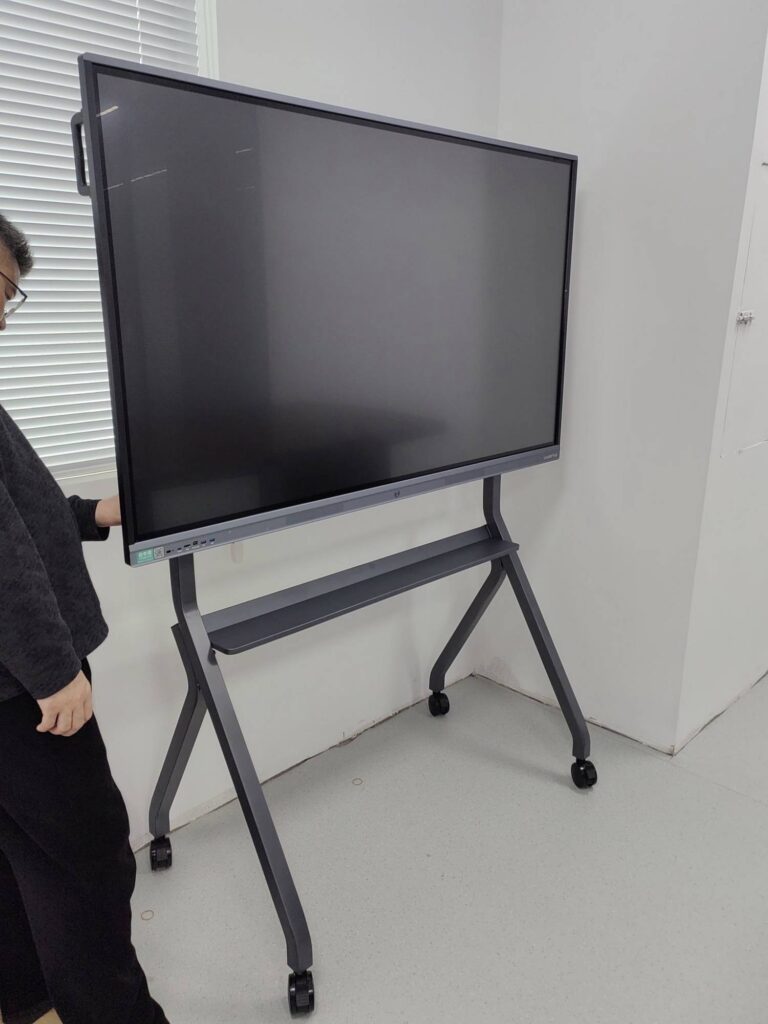
Fixed wall mounts work for dedicated rooms, but many organizations now prefer mobile stands or rotating designs that move between spaces. Rotatable panels that switch between landscape and portrait are especially useful for document review, vertical whiteboarding, and video calls in portrait orientation. The Leaderhub HM Series, recognized with a MUSE Design Award, is an example of this rotatable conference-hub concept.
Recommended Optically Bonded Smart Boards by Use Case
Below are interactive displays that combine bonded 4K glass with the connectivity and software features discussed above, grouped by the environment they fit best.
| Model | Size | Best For | Price |
|---|---|---|---|
| L65ZM Interactive Whiteboard | 65″ 4K | Budget-conscious classrooms and small meeting rooms | $1,099 |
| L75ZM Interactive Whiteboard | 75″ 4K | Standard classrooms, school-wide deployments | $1,399 |
| L86ZM Interactive Whiteboard | 86″ 4K | Large classrooms and training centers | $1,699 |
| L75HM Smart Whiteboard | 75″ 4K | Corporate boardrooms, hybrid meetings | $1,599 |
| L75H Pro Interactive Flat Panel | 75″ 4K | Premium executive and design-review rooms | $2,399 |
| U55Pro Mobile Smart Display | 55″ 4K | Huddle spaces, agile teams moving between rooms | $2,499 |
| L110H Interactive Flat Panel | 110″ 4K | Lecture halls, auditoriums, command centers | $7,999 |
You can browse the full range of smart whiteboards and interactive flat panels to compare specifications side by side.
Common Questions About Smart Board Optical Bonding
Does optical bonding affect touch sensitivity?
No. On IR panels the sensors operate above the glass, so bonding has no effect on detection. On PCAP panels the sensor is bonded into the stack, and the adhesive is formulated to be electrically neutral so sensitivity is unchanged.
Can a bonded panel be repaired if the glass cracks?
Because the glass and LCD form a single unit, repair usually means replacing the bonded module rather than just the glass. In practice, bonded glass is far less likely to crack in the first place because the adhesive layer absorbs impact, and a quality tempered-glass cover rated Mohs 7 handles everyday classroom contact without damage.
Does optical bonding yellow or degrade over time?
Modern silicone and acrylic adhesives are UV-stable and rated for many years of service without yellowing or delamination. Early-generation adhesives had this problem, which is one reason reputable manufacturers now specify the adhesive type and cure process.
Is optical bonding worth the extra cost?
For a display that will be used several hours a day in a room with windows or bright lighting, yes. The difference in readability, writing accuracy and durability is immediately visible, and the gap in price between bonded and non-bonded panels has narrowed considerably as the process has matured.
How can I tell whether a smart board is optically bonded?
Press a pen to the screen and view it from a 45° angle: on a bonded panel the ink appears directly under the tip; on an air-gap panel there is a visible shadow or offset. You can also look for a slight “double image” of a bright light source reflected in the screen — two reflections indicate an air gap, a single reflection indicates bonding.
Final Thoughts
Smart board optical bonding technology solves a problem most buyers don’t notice until they live with it: the air gap that dulls contrast, creates glare, and separates the pen from the ink. By fusing glass, touch layer and display into one sealed unit, bonding delivers sharper images in bright rooms, natural zero-parallax writing, stronger impact resistance, and protection from dust and condensation. Combined with anti-glare tempered glass, 4K resolution and a capable software platform, it is one of the clearest indicators that an interactive display was engineered for daily professional use rather than assembled to hit a price.
LeaderHub, a Shenzhen-based interactive-display manufacturer with 16 years of experience and products delivered to more than 82 countries, builds its smart whiteboards and interactive flat panels with bonded anti-glare 4K glass as standard across the ZM, HM and Pro series. Whether you are equipping a single classroom or standardizing displays across an entire organization, you can contact the LeaderHub team for a tailored recommendation, volume pricing, or OEM/ODM options.