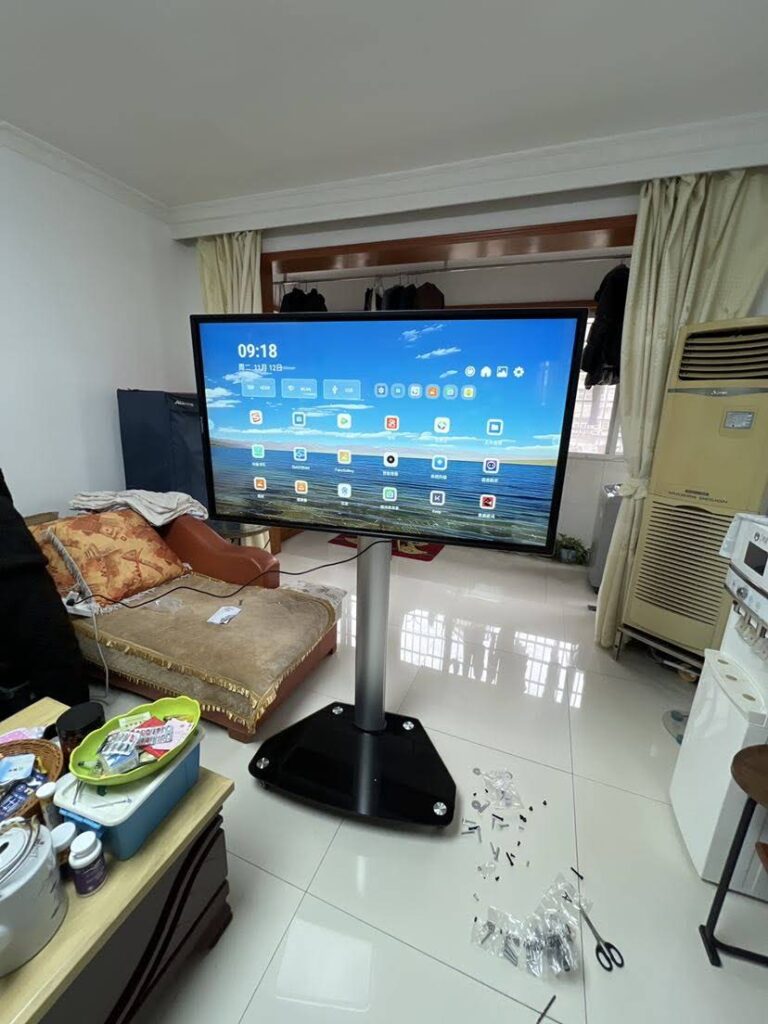
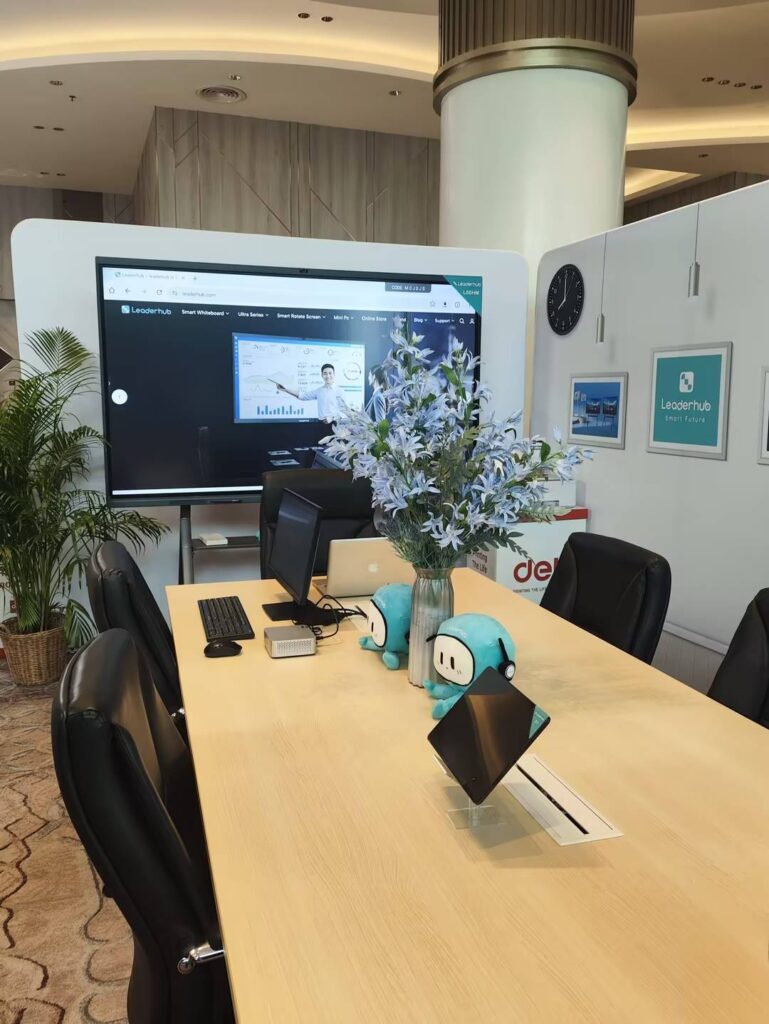
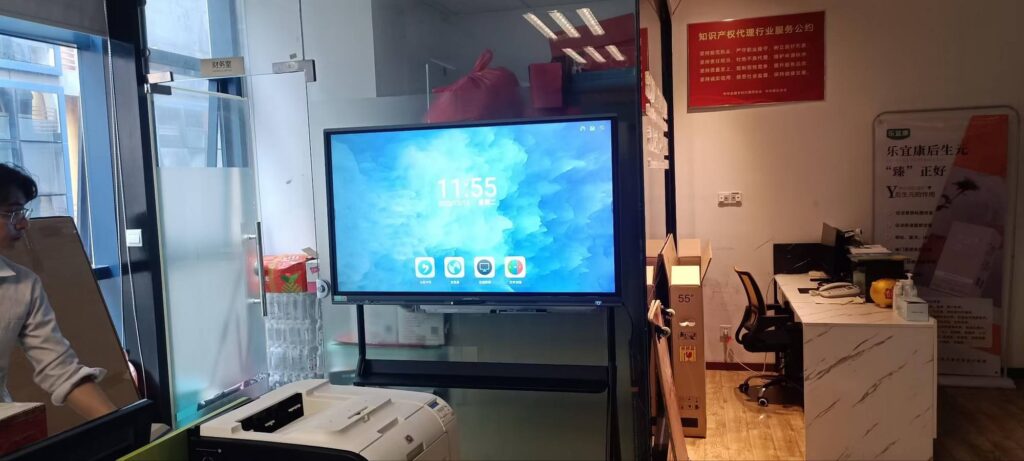
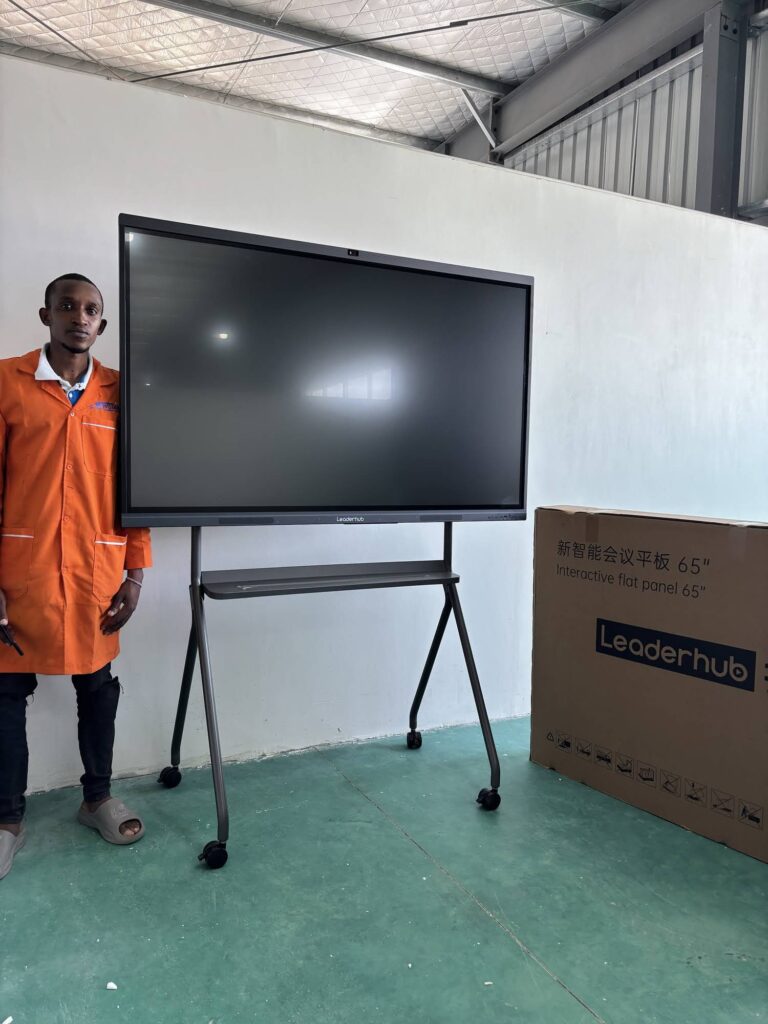
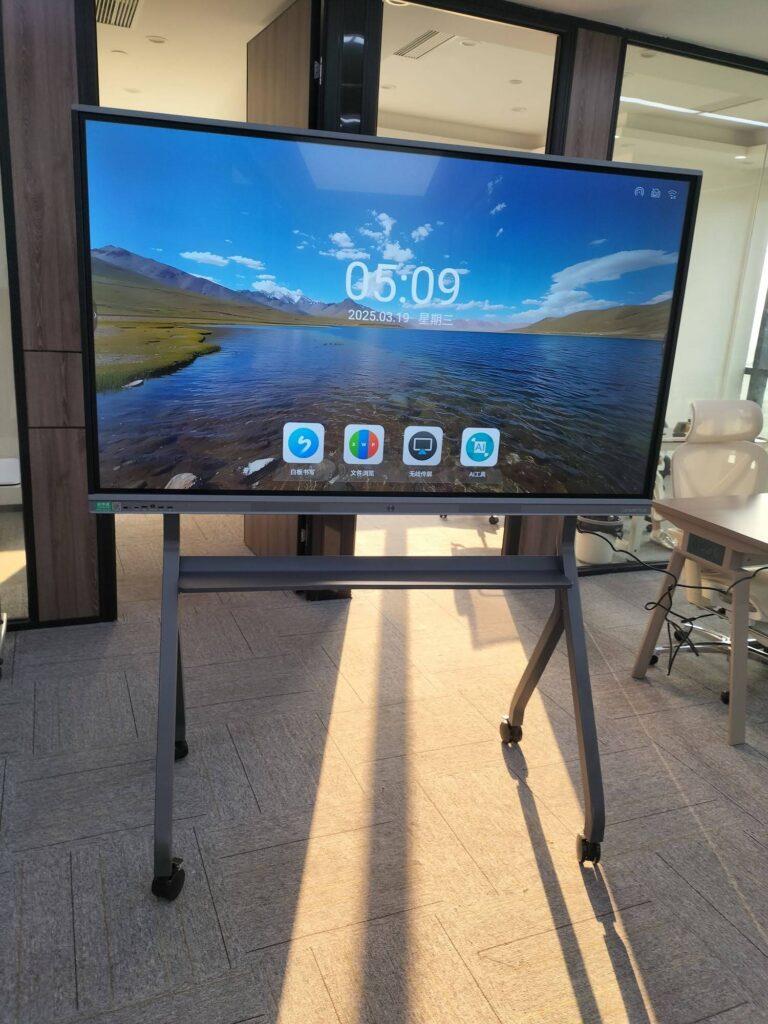
Opening a new classroom is one of the few moments when a school gets to design the learning environment from scratch. The walls are bare, the furniture has not been ordered, and the electrical plan is still on the drawing board. That makes it the ideal moment to get smart board cost planning for new classrooms right — because the choices you make now about screen size, mounting, computing and cabling will shape your technology spend for the next eight to ten years.
This guide walks through what interactive displays actually cost today, which hidden line items catch schools off guard, how to size a panel to the room, and how to stretch a limited budget across many classrooms without compromising the teaching experience.

Why Cost Planning Matters Before the Classroom Is Built
Most schools budget for the panel and forget the rest. When the smart board arrives, they discover there is no power outlet at the right height, the Wi-Fi access point is in the wrong corridor, and the only wall strong enough for an 86-inch display is the one facing the windows. Retrofitting these details after construction can add 20–40% to the total project cost.
Planning early also lets you align technology decisions with pedagogy. The UNESCO Technology in Education Report stresses that classroom technology should be chosen on the school’s terms — fit for purpose, sustainable, and backed by teacher training — rather than driven by what is on sale this quarter. A clear cost plan is the practical tool that makes this possible.
Three questions to answer before you request quotes
- How many classrooms, and how many students per room? This determines screen size and total unit count.
- Who will run the display? Built-in Android, a dedicated mini PC, or the teacher’s laptop — each has a different cost profile.
- What is the replacement horizon? A panel rated for 50,000 hours can realistically serve 8–10 school years, which changes how you calculate cost per year.
What Does a Classroom Smart Board Cost in 2026?
Interactive flat panel prices have fallen sharply over the past five years as 4K LCD production has scaled. A quality 65-inch 4K touchscreen that cost $3,000+ in 2020 now sells for close to $1,000. Below is a realistic pricing snapshot based on current direct-from-manufacturer listings for education-grade panels.
Smart board price ranges by screen size
| Screen Size | Typical Price Range | Example Model | Best For |
|---|---|---|---|
| 55″ | $1,800 – $2,600 | U55Pro Mobile 4K Smart Display — $2,499 | Small group rooms, mobile carts, resource rooms |
| 65″ | $1,000 – $1,400 | L65ZM 65″ 4K Smart Panel — $1,099 | Classrooms up to 25 students |
| 75″ | $1,300 – $2,400 | L75ZM 75″ 4K Smart Panel — $1,399 | Standard classrooms of 25–35 students |
| 86″ | $1,600 – $3,300 | L86ZM 86″ 4K Smart Panel — $1,699 | Large classrooms, science labs, 35+ students |
| 110″ | $7,500 – $12,000 | L110H 110-Inch Interactive Flat Panel — $7,999 | Lecture halls, auditoriums, multi-purpose rooms |
What moves the price up or down
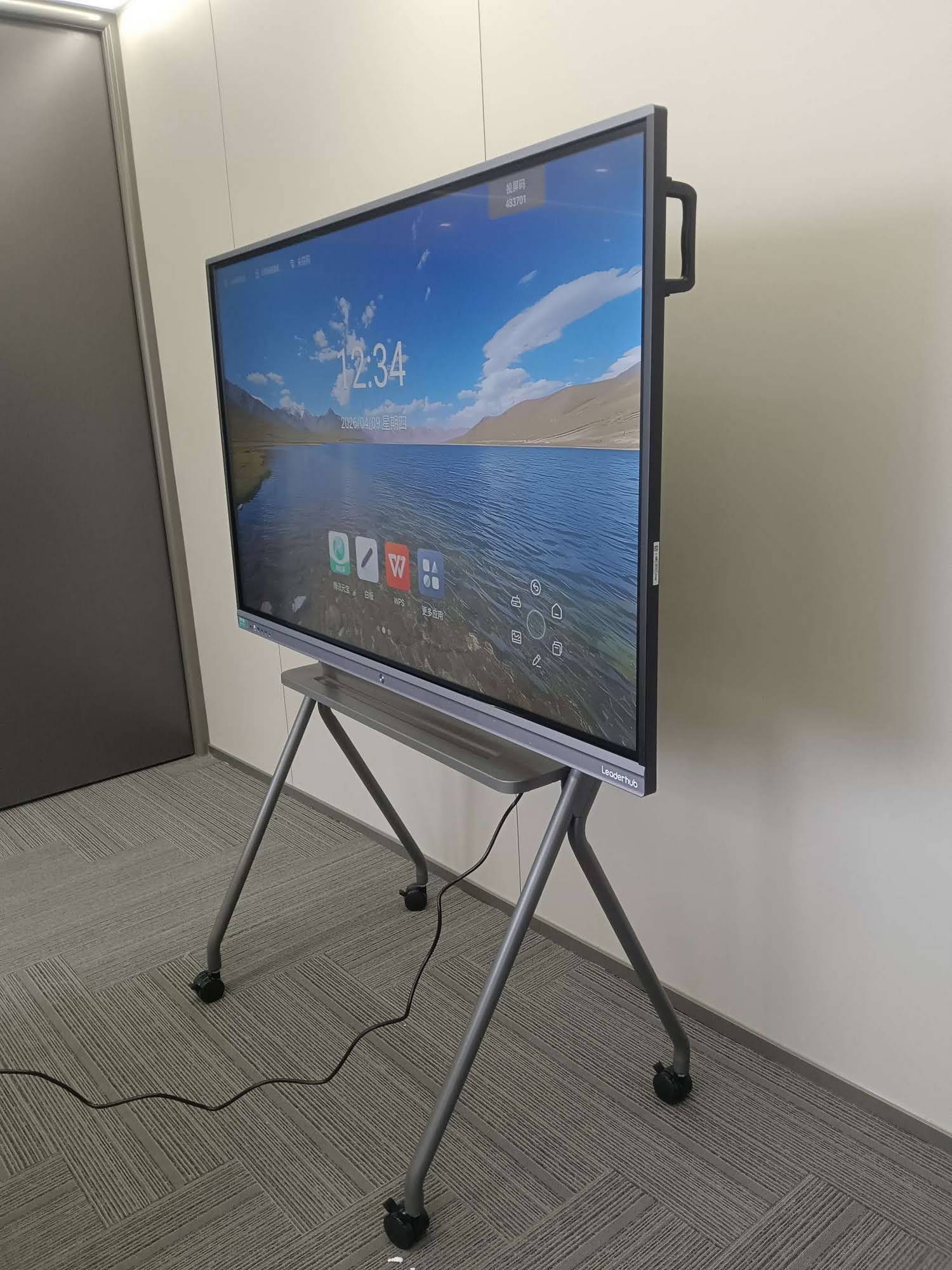
- Panel grade: Standard series (such as the ZM line) deliver 4K touch at the lowest price; premium series (HM and H Pro) add features like rotation, higher brightness, better speakers and more RAM.
- Touch technology: Infrared touch is the education standard and the most affordable; capacitive touch costs more and is rarely necessary in a classroom.
- Built-in computing: Panels with a strong Android system can run whiteboarding and screen-sharing without a PC, which saves $400–$800 per room.
- Volume: Ordering 10+ units typically unlocks education or bulk pricing; ask every supplier for a tiered quote.
- Warranty length: A 3-year on-site warranty might add 5–10% but protects the single largest line item in your plan.
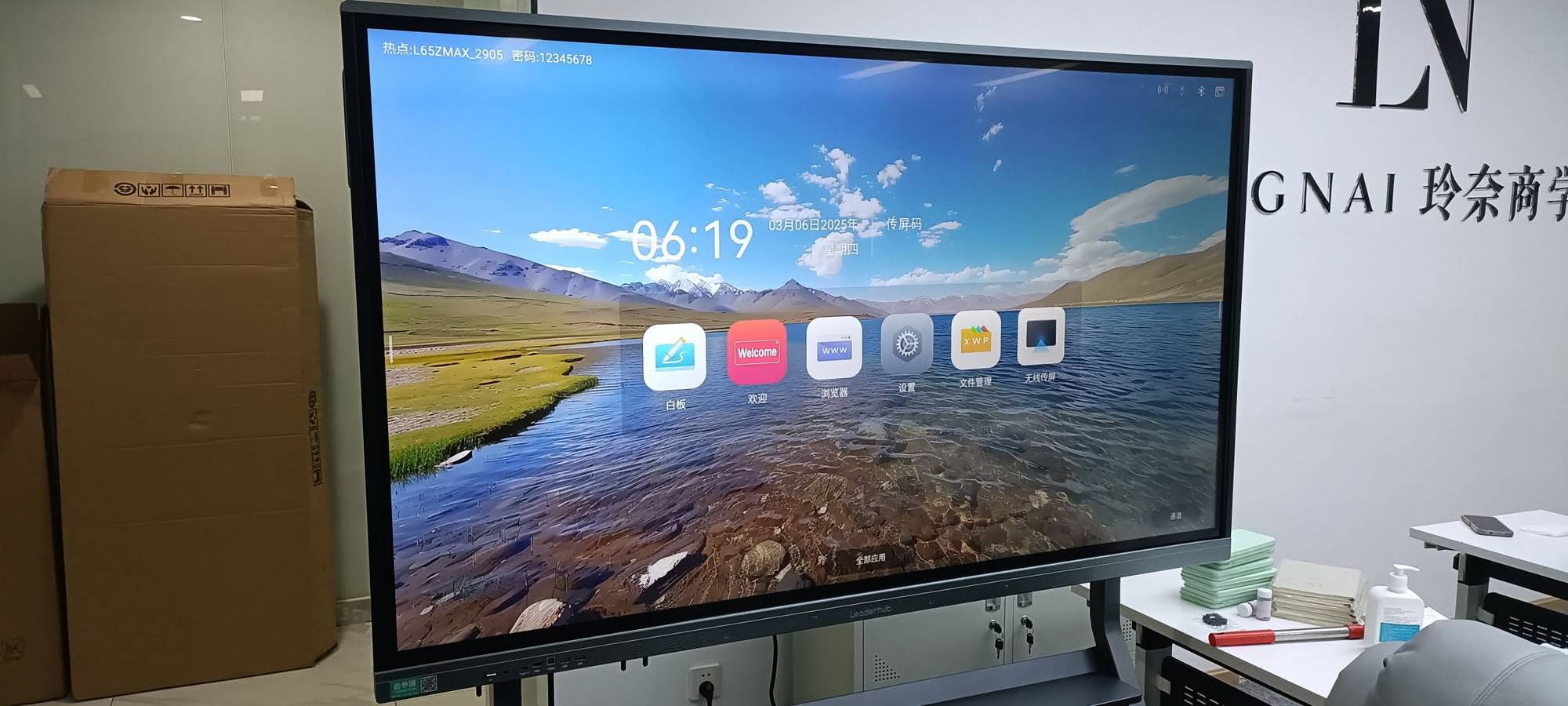
Beyond the Panel: What to Include in a Complete Smart Board Budget
The display itself usually represents only 55–70% of the real per-classroom cost. A reliable budget includes every item below, even if some turn out to be zero.
1. Hardware
- Interactive flat panel — the core item.
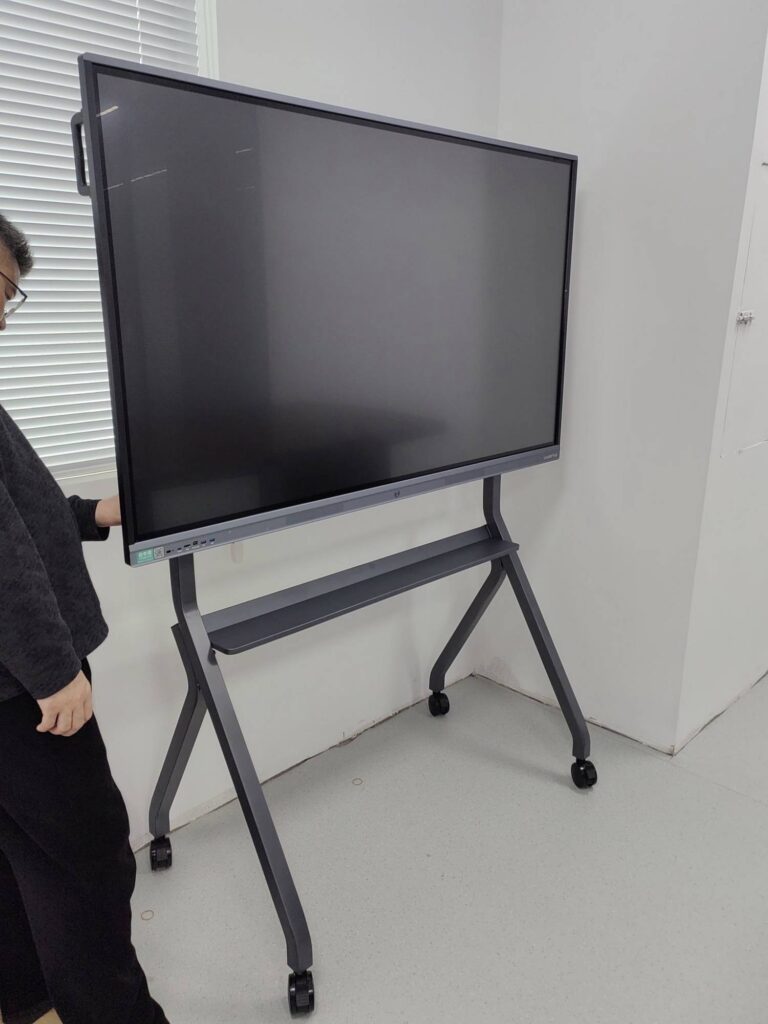
- Wall mount or mobile stand — fixed mounts cost $80–$250; height-adjustable or mobile trolleys cost $300–$700 but allow the board to move between rooms and serve younger students at a comfortable height.
- Computing module — an OPS slot PC or a compact unit such as the LP1C Mini PC (Intel N100, 8GB RAM, 512GB SSD) at $399 gives teachers a full Windows environment for district software, exam platforms and legacy content.
- Accessories — spare styluses, a document camera, a wireless presentation dongle and a webcam for hybrid or recorded lessons.
2. Installation and room infrastructure
- Dedicated power outlet positioned behind the panel (avoid visible extension cords).
- Network drop or a nearby Wi-Fi 6 access point sized for the classroom’s device count.
- Wall reinforcement — an 86-inch panel with mount weighs 70–90 kg and needs a solid substrate or a backing board.
- Professional installation labour, including unboxing, mounting, configuration and disposal of packaging.
3. Software, training and ongoing costs
- Whiteboarding and annotation software — often bundled free with the panel, but check for per-seat licences on premium lesson-delivery platforms.
- Device management (MDM) for remote updates, power scheduling and content pushing across many rooms.
- Teacher training — the OECD Digital Education Outlook repeatedly finds that teacher confidence, not hardware, is the main predictor of whether classroom technology gets used.
- Electricity — a 75-inch panel draws roughly 150–250 W in use; schedule automatic shutdown to cut this.
- Extended warranty and spare-parts reserve.
Total cost of ownership per classroom
| Line Item | Budget Range (USD) | Notes |
|---|---|---|
| Interactive panel (65″–86″) | $1,100 – $1,700 | Standard 4K education series |
| Mount or stand | $80 – $700 | Fixed vs. height-adjustable/mobile |
| Mini PC / OPS module | $0 – $800 | Skip if Android-only workflow is sufficient |
| Power, data and wall prep | $150 – $400 | Far cheaper during construction |
| Installation labour | $150 – $300 | Lower per unit on multi-room projects |
| Software and MDM (annual) | $0 – $200 | Confirm what is bundled |
| Teacher training | $50 – $150 per teacher | Group sessions reduce cost |
| Extended warranty / spares | $100 – $300 | Protects against downtime |
| Realistic total per classroom | $2,000 – $4,000 | Excluding auditorium-scale displays |
Matching Screen Size to Room Size
Over-specifying is the most common budgeting error. An 86-inch panel in a 25-student room looks impressive on opening day, but the extra $300–$600 per room could have funded training or a spare unit. The rule of thumb used by AV integrators is that the farthest student should sit no more than 4–5 times the screen height away for comfortable reading of 4K text.
| Room Depth | Students | Recommended Size | Why |
|---|---|---|---|
| Up to 6 m | Up to 20 | 65″ | Lowest cost, text remains legible from the back row |
| 6 – 8 m | 20 – 35 | 75″ | Best value for the typical new-build classroom |
| 8 – 10 m | 35 – 45 | 86″ | Needed for labs and double-width rooms |
| 10 m+ | 45+ | 110″ or dual displays | Lecture-theatre scale |
For more detail on evaluating panel features against classroom needs, the EdTech Magazine guide to choosing an interactive display for K-12 offers a practical checklist that pairs well with the sizing table above.
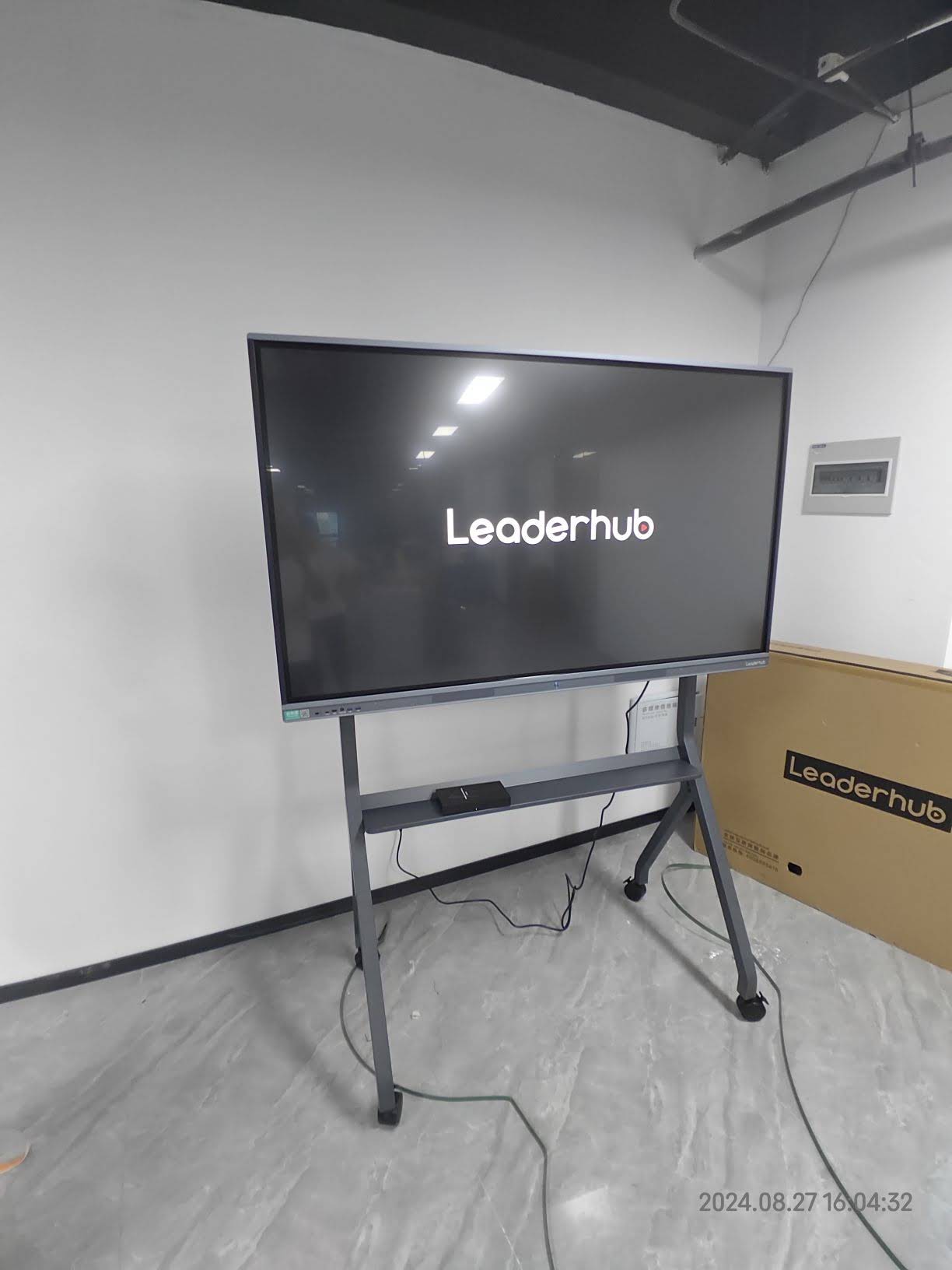
Budget Tips That Stretch Every Dollar
- Standardise on one or two models. A single 75-inch model across most rooms simplifies training, spare parts, and MDM, and strengthens your negotiating position on volume.
- Buy direct from a manufacturer where possible. Cutting out distributor margin on a 20-room order can save thousands — and manufacturers with 82-country logistics experience are used to school procurement paperwork.
- Use the built-in Android first. Most lesson delivery, annotation and casting runs natively. Add a mini PC only in rooms that genuinely need Windows software.
- Coordinate with the construction contractor. Have outlets, data points and wall backing installed as part of the build, not as a change order later.
- Budget for training as a line item, not an afterthought. A $100-per-teacher workshop protects a $3,000-per-room investment.
- Phase the rollout if funding is tight. Equip the rooms with highest usage first, then use the lessons learned to refine the specification for the next phase.
- Keep a 10% contingency. Shipping surcharges, a cracked unit in transit or an extra mount always appear.
- Check grant and subsidy programmes. Many education authorities publish technology planning guidance and funding routes — the School Technology Planning resources from the UK Department for Education are a good model of what to look for in your own region.
Sample Budget: Equipping 10 New Classrooms
The scenario below assumes seven standard classrooms, three larger science and arts rooms, a mini PC in every room, and professional installation. Prices are based on current direct listings and typical integrator rates.
| Item | Qty | Unit Cost | Subtotal |
|---|---|---|---|
| 75″ 4K Smart Panel (L75ZM) | 7 | $1,399 | $9,793 |
| 86″ 4K Smart Panel (L86ZM) | 3 | $1,699 | $5,097 |
| Fixed wall mounts | 10 | $150 | $1,500 |
| Mini PC (LP1C) | 10 | $399 | $3,990 |
| Power, data and wall prep | 10 | $250 | $2,500 |
| Installation labour | 10 | $200 | $2,000 |
| Teacher training (group sessions) | — | — | $1,500 |
| Contingency (10%) | — | — | $2,638 |
| Project total | 10 rooms | ≈ $2,902 per room | ≈ $29,018 |
Spread over an eight-year service life, this works out to roughly $363 per classroom per year — less than the annual cost of whiteboard markers, projector lamps and printed handouts it replaces.
Common Cost Planning Mistakes to Avoid
- Comparing panel prices only. A $200 cheaper panel with a one-year warranty and no MDM can cost far more by year three.
- Ignoring glare. A panel mounted opposite a window needs higher brightness (400+ nits) or blinds — budget one or the other.
- Forgetting the smallest learners. Fixed mounts at adult height leave primary students unable to reach the bottom third of the board; consider adjustable stands in early-years rooms.
- Underestimating network load. Thirty students casting to one panel will overwhelm a consumer-grade access point.
- Skipping a pilot. Trial one unit for a term before committing to a 30-room order; the findings almost always change the specification.
Choosing a Supplier for a New-Build Project
When evaluating vendors, prioritise manufacturers who publish transparent pricing, offer both standard and premium tiers, and can supply mounts, computing modules and panels from a single order. LeaderHub, a Shenzhen-based interactive display manufacturer with 16 years of experience and shipments to 82 countries, structures its smart whiteboard range in exactly this way — an affordable ZM series for standard classrooms and a feature-rich HM series for flagship rooms — which makes it straightforward to build a mixed specification like the sample budget above.
Ask any shortlisted supplier for:
- A tiered quote at 10, 25 and 50 units.
- Written warranty terms including on-site response time.
- A sample unit for a classroom pilot.
- Confirmation of bundled software and any recurring licence fees.
- References from schools or districts of similar size.
Frequently Asked Questions
How much should a school budget per classroom for a smart board?
For a fully installed 65–86 inch 4K interactive panel with mount, basic computing, cabling and training, plan on $2,000 to $4,000 per classroom. The panel itself typically accounts for $1,100–$1,700 of that figure.
Is a 75-inch or 86-inch panel better value for new classrooms?
For rooms up to 8 metres deep with 35 or fewer students, a 75-inch panel delivers the best balance of legibility and cost. Reserve 86-inch displays for science labs, double rooms and spaces with more than 35 students.
Do I need a separate PC for every smart board?
Not necessarily. Modern Android-based panels handle whiteboarding, browsing, video and wireless casting natively. Add a mini PC only where teachers need Windows-specific software, exam systems or district-managed desktops.
How long does a classroom smart board last?
Education-grade LCD panels are typically rated for 50,000 hours of backlight life. At six hours of use per school day, that equates to well over ten years — so an eight-year depreciation schedule is conservative.
What is the cheapest way to equip many classrooms?
Standardise on one mid-range model, buy direct in volume, use built-in Android instead of add-on PCs where possible, and complete power and data work during construction rather than after.
Start Your Classroom Technology Plan
Good smart board cost planning is less about finding the lowest price and more about making sure nothing is forgotten. Define room sizes, choose a standard panel, budget for infrastructure and training, and leave a contingency. Done this way, a new classroom can open with interactive technology that works from the first lesson — and keeps working for a decade.
Ready to build your specification? Browse current panel and mini PC pricing or request a volume quote for your new classroom project.