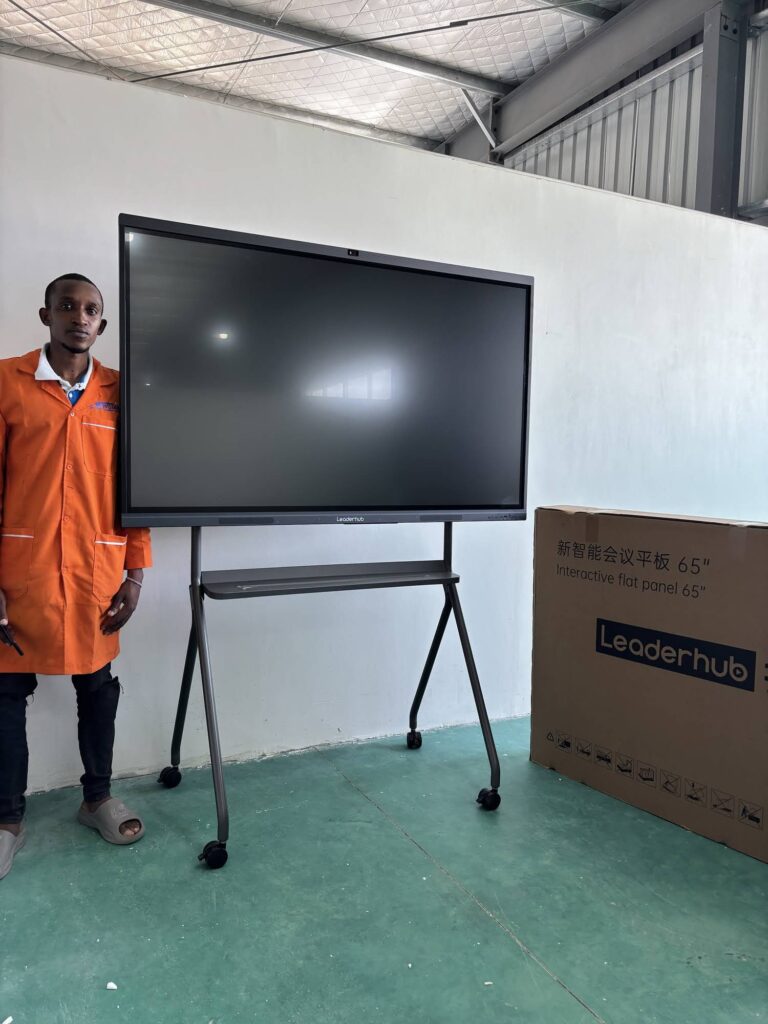
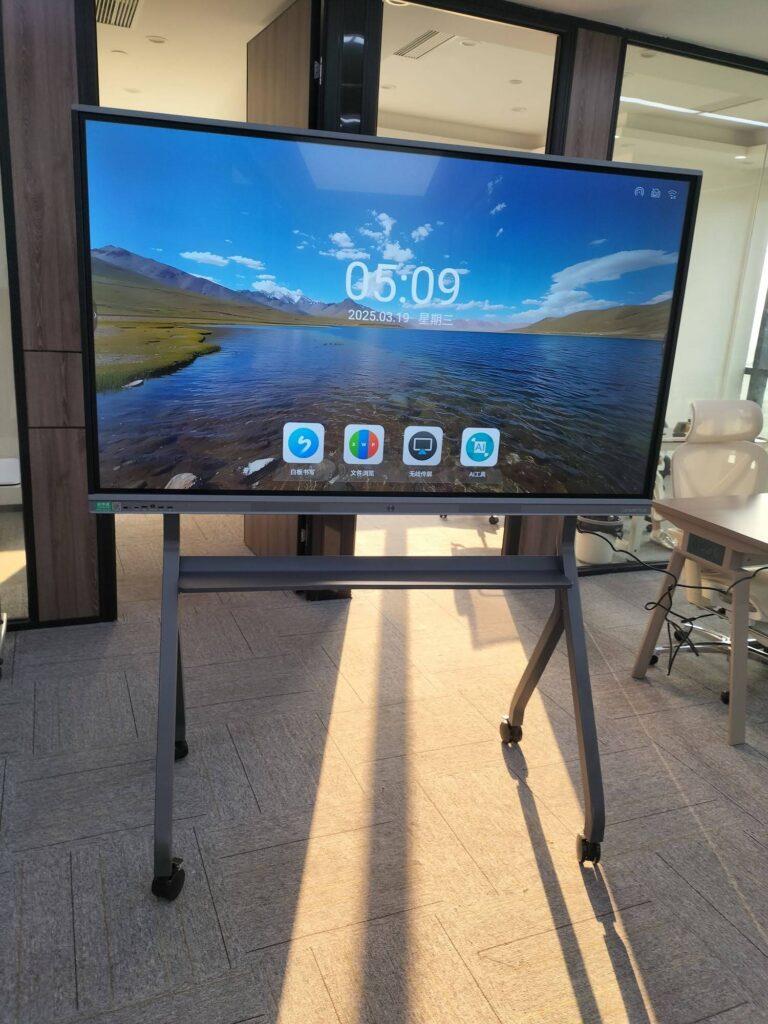
Environmental, Social and Governance (ESG) strategy has moved from the back pages of the annual report to the center of the boardroom agenda. Investors want evidence, regulators want disclosure, employees want purpose, and customers want proof. Yet many ESG presentations still rely on static slide decks, printed binders and one-way narration — formats that make it hard for stakeholders to question the data, test assumptions or commit to action. A smart board for ESG strategy presentations changes that dynamic. By turning sustainability data into an interactive, touch-driven conversation, an interactive display helps presenters engage diverse audiences and move decisions forward in a single session.
This guide explains why ESG communication demands a more interactive medium, which smart board capabilities matter most, how to structure a stakeholder session around an interactive flat panel, and how to pick the right screen size for your audience.
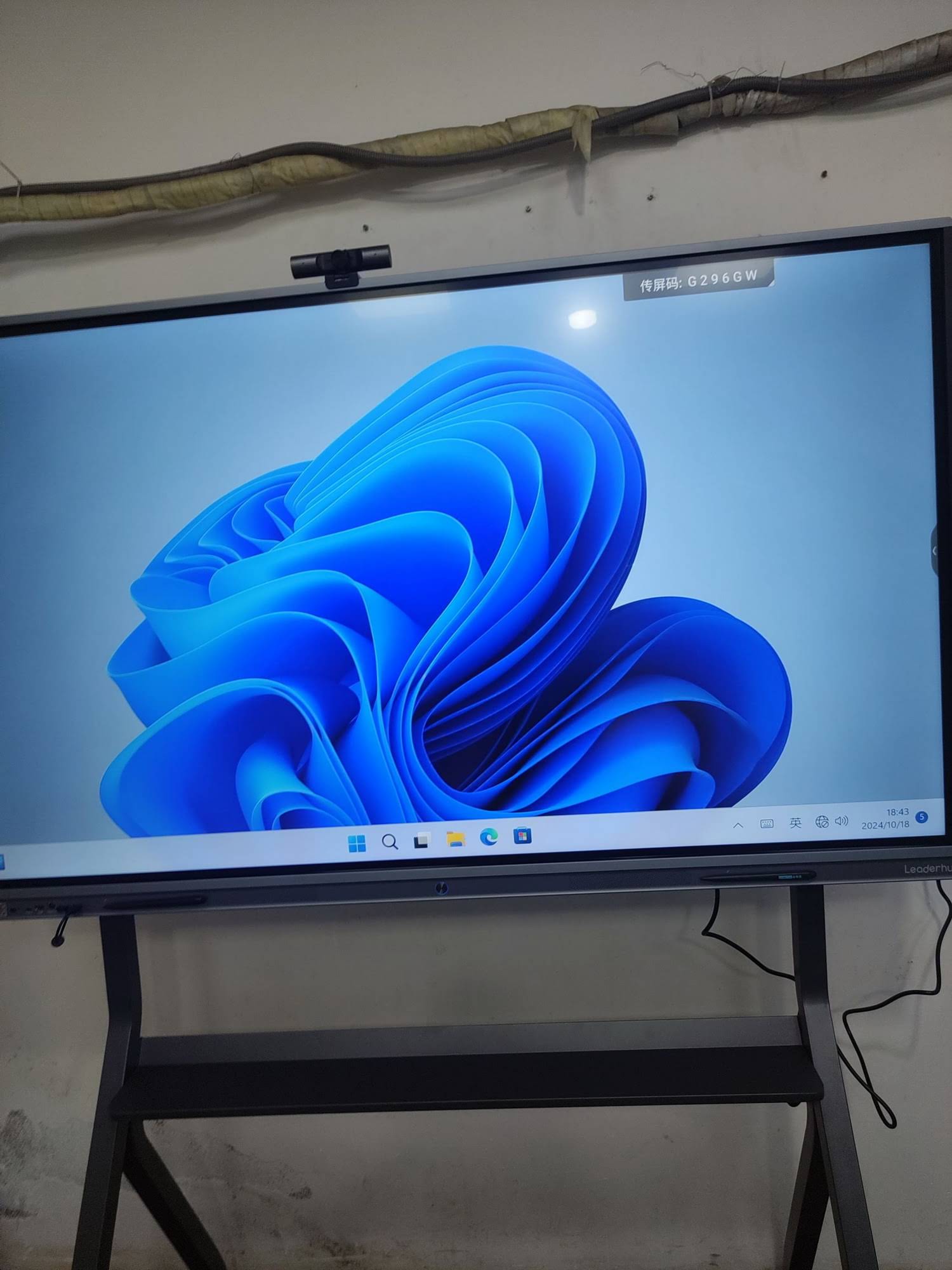
Why ESG Presentations Need a Different Kind of Display
ESG strategy is inherently cross-functional and data-heavy. A single session may cover carbon accounting, supply-chain audits, diversity metrics, board governance structures and capital allocation — all in front of people with very different levels of expertise. Traditional presentation tools struggle with this complexity for three reasons:
- Static data cannot answer live questions. When an investor asks how a 2030 emissions target changes if energy prices rise 20%, a PDF chart has no answer.
- One-way delivery discourages ownership. Stakeholders who only listen rarely feel accountable for the outcome.
- Paper-based materials contradict the message. Handing out 60-page printed sustainability reports at a sustainability meeting sends a mixed signal.
The Stakeholder Mix in a Typical ESG Session
An ESG strategy presentation often brings together board members, institutional investors, operations leaders, HR, compliance officers, external auditors and sometimes community or NGO representatives. Each group filters the same information through a different lens — financial risk, regulatory exposure, operational feasibility or social impact. An interactive display lets the presenter switch between these lenses in real time instead of preparing five separate decks.
Core Smart Board Capabilities That Elevate ESG Strategy Presentations
Not every large screen is suitable for ESG work. The table below maps the capabilities of a modern interactive smart whiteboard to specific ESG use cases and the benefit each brings to stakeholders.
| Smart Board Capability | ESG Presentation Use Case | Stakeholder Benefit |
|---|---|---|
| 4K UHD resolution | Displaying dense Scope 1/2/3 emissions tables and supply-chain heat maps | Every figure remains legible from the back of the room |
| Multi-touch annotation | Marking up materiality matrices and target timelines live | Stakeholders see their input captured immediately |
| Wireless screen sharing | Sustainability officer, CFO and auditor each share dashboards from their own devices | Smooth hand-offs without cables or lost minutes |
| Split-screen view | Comparing current performance against SBTi, GRI or CSRD benchmarks side by side | Context and gap are visible at the same time |
| Built-in video conferencing | Including remote investors, overseas plant managers or ESG consultants | Hybrid participants interact with the same board as those in the room |
| Cloud save and QR export | Distributing annotated decision records the moment the meeting ends | Zero paper, full audit trail, instant follow-up |
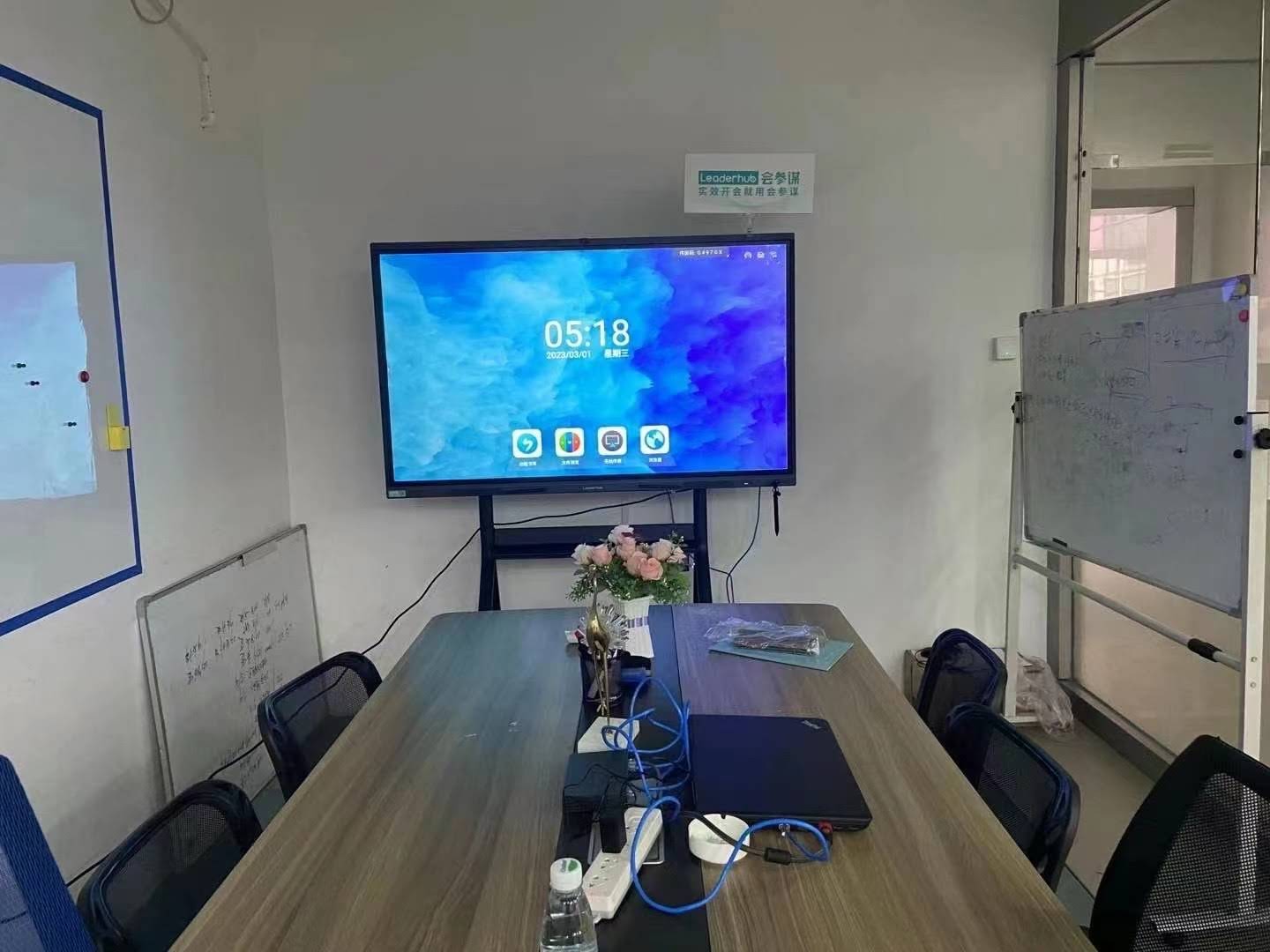
How to Engage Stakeholders: A Five-Step Smart Board Framework
Technology alone does not create engagement. The following framework shows how to structure an ESG strategy session so that the interactive display becomes the shared workspace rather than a bigger projector.
Step 1 — Open With a Live Materiality Map
Instead of presenting a finished materiality matrix, display a blank two-axis grid (impact on business vs. importance to stakeholders) and invite participants to drag ESG topics into position with their fingers. Disagreements become visible in seconds, and the resulting map is co-owned by everyone in the room.
Step 2 — Layer Data on Demand
Keep detailed data sets one tap away rather than on every slide. When a board member challenges a water-usage target, pull up the regional breakdown on the touchscreen, circle the outlier facility and move on. This “pull, not push” approach respects the audience’s time while still proving rigor.
Step 3 — Run Scenario Comparisons in Split-Screen
Show the baseline trajectory on the left and an accelerated decarbonization pathway on the right. Annotate the capital expenditure, risk and timeline differences directly on screen. Stakeholders who can see trade-offs are far more willing to choose between them.
Step 4 — Capture Commitments, Not Just Comments
Dedicate a whiteboard page to “Decisions & Owners.” Every time the group agrees on an action — commissioning a supplier audit, approving a renewable PPA, revising board diversity targets — write it on the board with a name and a date. Visible accountability is one of the strongest drivers of ESG follow-through.
Step 5 — Close With Instant Distribution
Generate a QR code or send the annotated session to participants’ email before they leave the room. Remote attendees receive the identical file. No one waits three days for minutes, and no version of the truth gets lost.
Turning Engagement Into Sustainability Decisions
The ultimate purpose of an ESG strategy presentation is not awareness — it is a decision. The comparison below shows how an interactive display shifts the typical decision pattern.
| Decision Point | Traditional Slide Deck | Smart Board Session |
|---|---|---|
| Approving an emissions target | Deferred pending “more analysis” | Sensitivity shown live; target approved with documented assumptions |
| Prioritizing supplier audits | Procurement takes list away to rank offline | Risk map ranked by touch; top five suppliers agreed in the room |
| Allocating sustainability capex | Finance and operations present competing numbers | Both views side by side; reconciled figure annotated and signed off |
| Governance policy update | Draft circulated by email for weeks | Wording edited collaboratively on screen; final text exported instantly |
Why Visible Trade-Offs Accelerate Consensus
Behavioral research on group decision-making consistently shows that people commit faster when they can see the alternatives they are rejecting. A smart board makes rejected options visible — crossed out but still on screen — which reduces the “what about…” loop that stalls many sustainability committees. Professional AV guidance from bodies such as AV Industry Standards and Resources also emphasizes that display legibility and sightlines directly affect how confidently participants engage with on-screen content.
Choosing the Right Smart Board Size for ESG Audiences
Screen size should match the room and the stakeholder group, not simply the budget. Dense ESG dashboards need more pixels per viewer than a typical sales pitch. Use the guide below as a starting point.
| Setting | Typical Audience | Recommended Size | Suggested Model |
|---|---|---|---|
| Sustainability team huddle room | 4–8 people | 65″ | L65ZM 65″ 4K Smart Panel |
| Executive boardroom | 8–16 people | 75″ | L75HM 75″ 4K Interactive Smart Whiteboard |
| Investor day / large conference room | 16–30 people | 86″ | L86HM 86″ 4K Interactive Smart Whiteboard |
| Town hall / auditorium ESG briefing | 30+ people | 110″ | L110H 110-Inch Interactive Flat Panel |
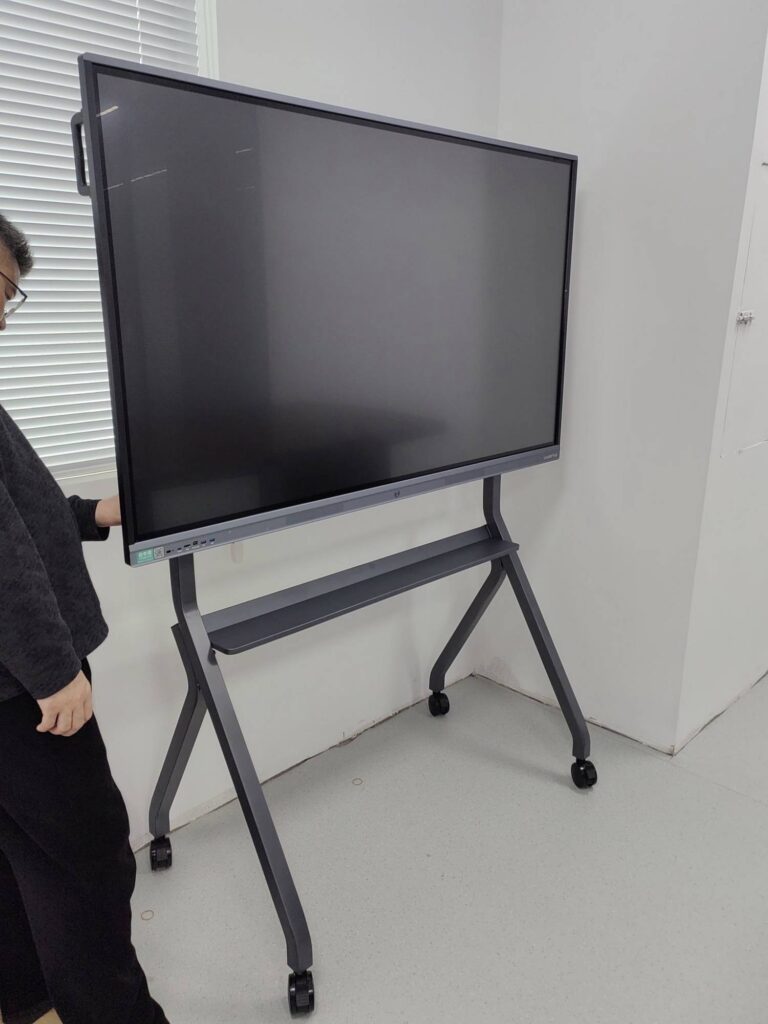
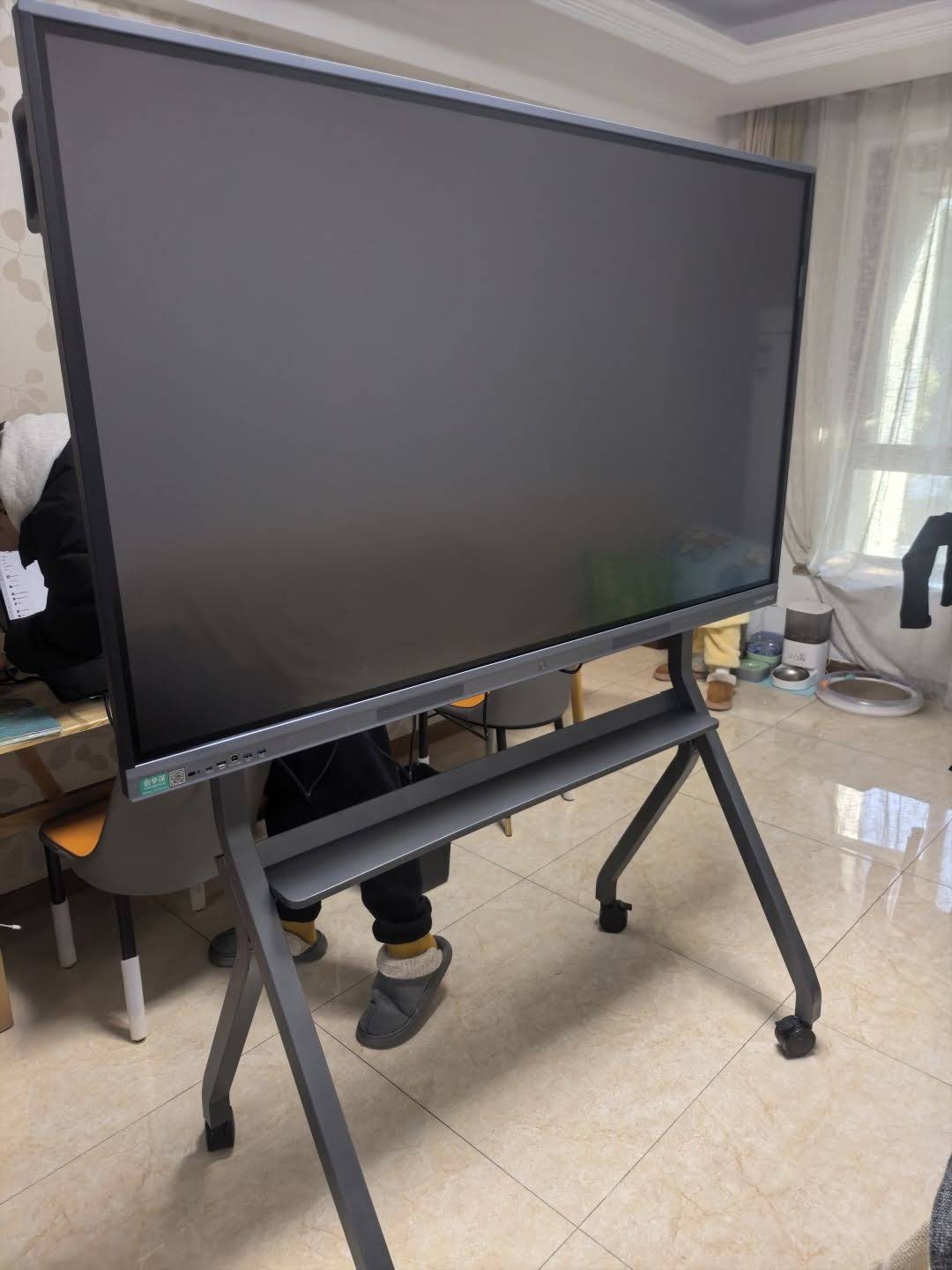
| Site visits and plant-floor ESG reviews | Mobile, 4–10 people | 55″ on wheels | U55Pro 55″ Mobile 4K Smart Display |
Portrait Mode for ESG Reporting Formats
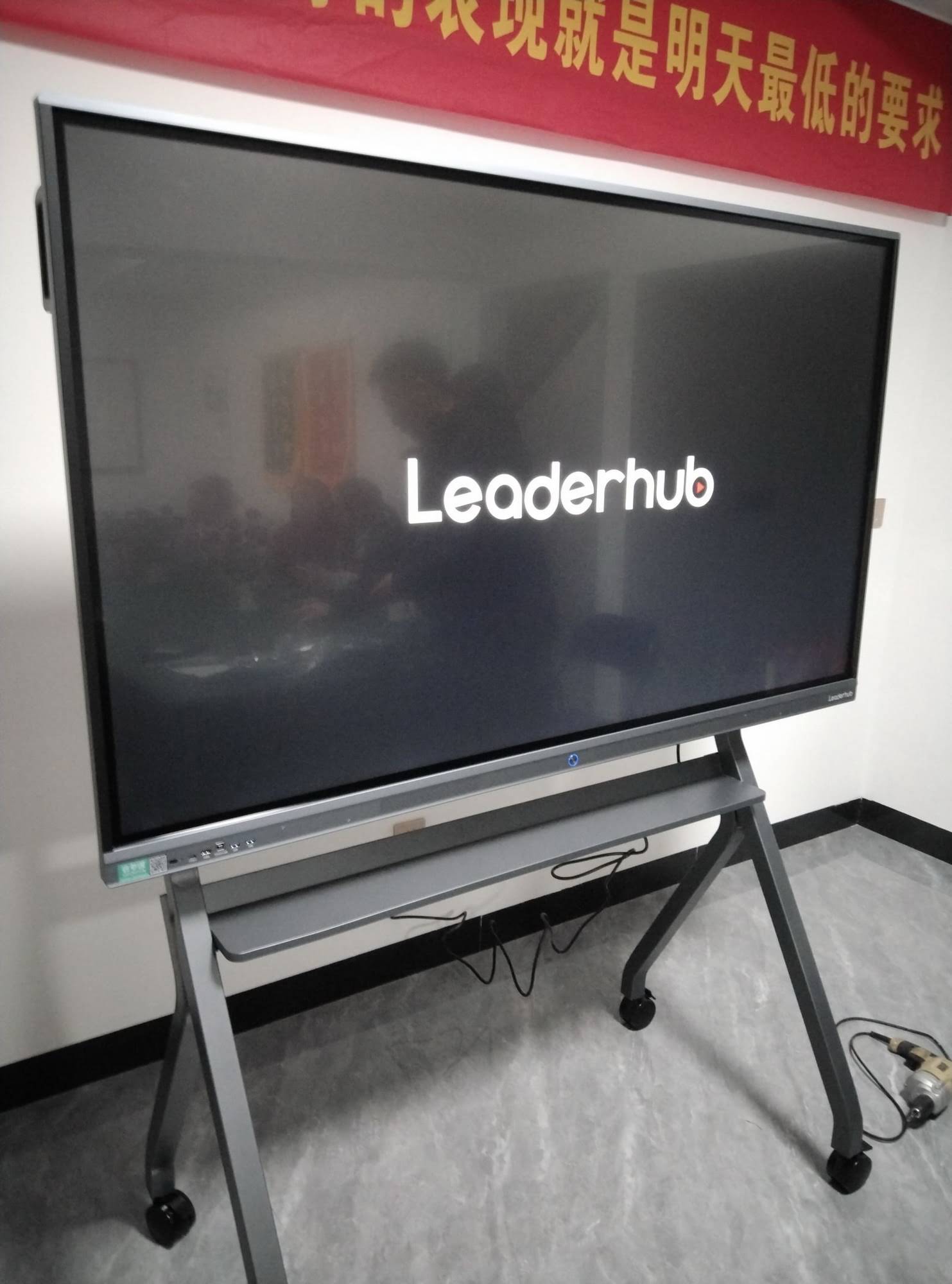
Many sustainability frameworks — GRI indices, CSRD disclosure tables, long supplier scorecards — are vertically oriented documents. A rotatable smart board that switches to portrait orientation lets presenters show a full page of a disclosure table without endless scrolling. The HM series design, recognized as a Leaderhub HM Series award winner, was built around this kind of flexible conference use. For smaller breakout groups, a rotating smart screen offers the same portrait flexibility in a portable format.
The Smart Board as Part of Your Own ESG Story
An interactive display is not only a tool for presenting sustainability — it is a small but visible sustainability measure in itself. When stakeholders ask what the organization is doing operationally, the meeting room provides an answer.
- Paperless meetings: annotated boards replace printed decks, binders and flip charts across hundreds of sessions per year.
- Fewer devices per room: an all-in-one panel consolidates projector, whiteboard, speaker system and conferencing hardware, reducing standby power and e-waste.
- Reduced travel: high-quality hybrid participation lets regional stakeholders join ESG reviews without flights.
- Long service life: commercial panels rated for tens of thousands of hours avoid the frequent replacement cycle of consumer displays.
- Optional compact computing: pairing the display with an energy-efficient mini PC delivers full Windows-based ESG software without a power-hungry desktop tower.
Best-Practice Checklist for ESG Strategy Presentations on a Smart Board
- Pre-load all data sources (dashboards, PDFs, spreadsheets) on the panel or a connected mini PC before the session starts.
- Prepare one blank template page each for the materiality map, the scenario comparison and the decision log.
- Assign a co-facilitator to annotate while the lead presenter talks, so the conversation never pauses.
- Test wireless casting from every participant device type (Windows, macOS, iOS, Android) the day before.
- Use the theme color of your sustainability report for annotations to keep visual consistency with published materials.
- Export and distribute the session file before closing remarks — not after.
- Archive the annotated file alongside formal board minutes to strengthen the governance audit trail.
Selecting a Reliable Partner for Interactive Display Deployment
Cost-effectiveness matters as much as capability, particularly for organizations rolling out ESG communication tools across multiple offices. Independent buying guidance such as the China Smart Board Selection Guide highlights that manufacturers with long track records and global service coverage tend to deliver the best total cost of ownership.
LeaderHub, a Shenzhen-based interactive display specialist with 16 years of industry experience, supplies smart whiteboards, interactive flat panels, rotating screens and mini PCs to organizations in more than 82 countries, with strategic partnerships across finance, internet, education and government sectors. Its product range spans 55″ mobile panels to 110″ boardroom displays, giving sustainability teams a consistent platform from the huddle room to the investor day. To discuss a configuration for your ESG program, contact the team or browse the full product range.
Frequently Asked Questions
Can a smart board connect directly to ESG reporting software?
Yes. Most interactive flat panels run Android natively and can connect to a Windows mini PC or laptop, so web-based carbon accounting platforms, BI dashboards and spreadsheet models display and respond to touch just as they would on a desktop.
How do remote stakeholders participate in an interactive ESG session?
Built-in cameras, microphones and conferencing apps let remote participants see the annotated board in real time. With compatible collaboration software they can also annotate from their own device, and they receive the same exported file as in-room attendees.
What screen size is best for a 12-person ESG steering committee?
A 75″ 4K panel is the most common choice for groups of 8–16, balancing legibility of dense data tables with a reasonable footprint on the boardroom wall.
Does using a smart board actually reduce paper consumption?
Organizations that move committee meetings to interactive displays typically eliminate printed decks and flip charts entirely, since annotations are saved digitally and shared by QR code or email at the end of each session.
Is a mobile smart board useful for ESG work outside the boardroom?
Very much so. A 55″ panel on a mobile stand can be wheeled onto a factory floor or into a warehouse to review safety incidents, energy metering or waste-sorting results with frontline teams — bringing the “S” and “E” of ESG to where the data is generated.