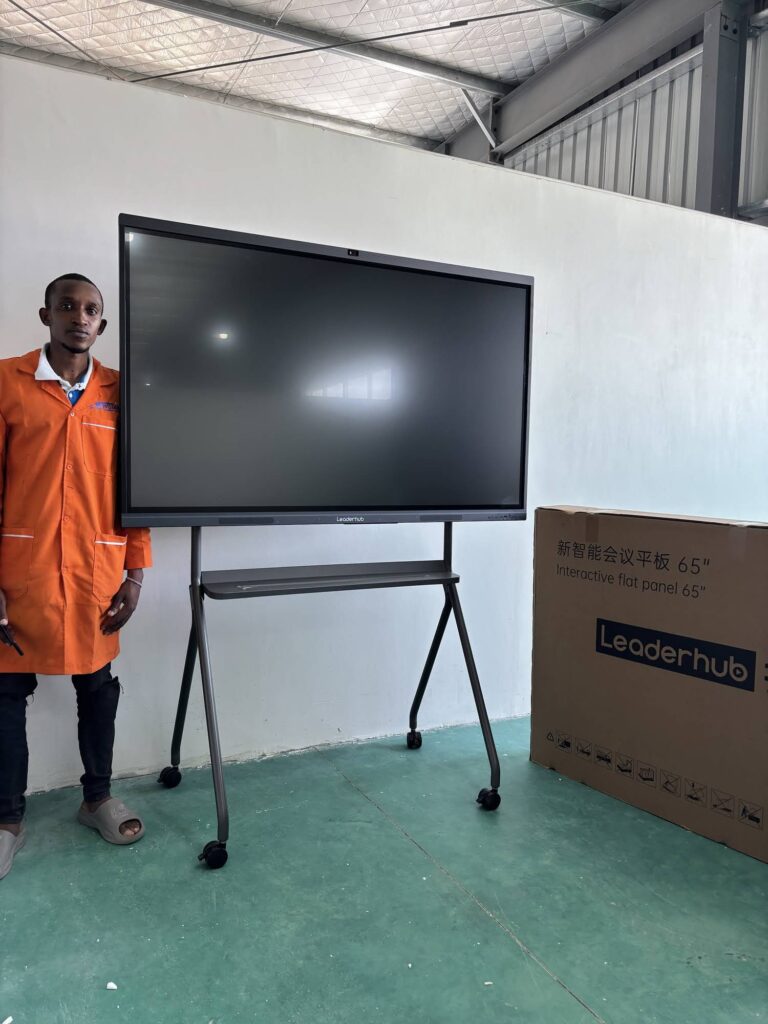
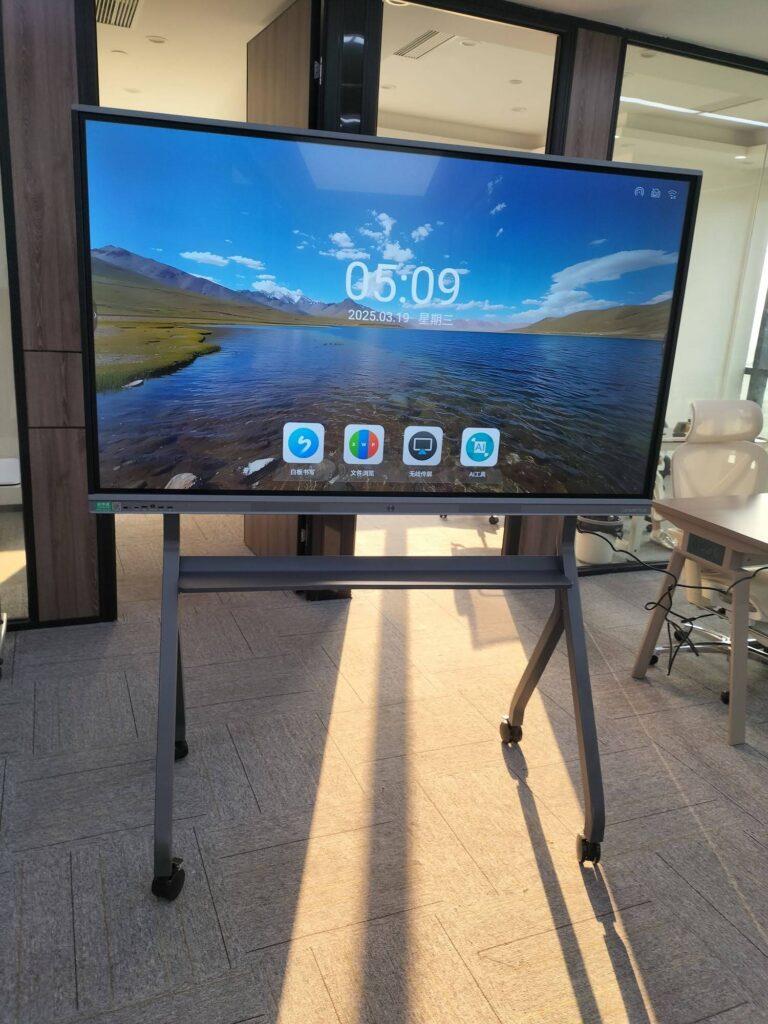
Interactive displays rarely fail overnight. Instead, they slowly fall behind: touch response gets laggy, the Android system stops receiving updates, wireless casting no longer works with new laptops, and the 1080p panel looks soft next to the 4K screens in the room next door. When that happens, most schools and businesses face the same question — what do we do with the old board, and how do we fund the new one? That is exactly where smart board trade-in offers come in. This guide explains how trade-in programs work, how to estimate what your old interactive display is worth, and how to combine trade-in credit with smart purchasing decisions so the upgrade pays for itself faster.

What Are Smart Board Trade-In Offers?
A smart board trade-in offer is a program — run by a manufacturer, distributor, AV integrator, or reseller — that gives you a credit, discount, or cash rebate when you hand over an older interactive whiteboard, interactive flat panel, or projector-based system while purchasing a new display. Instead of letting outdated hardware sit in a storage closet or paying for disposal, you turn it into part of your upgrade budget.
How a Typical Trade-In Program Works
- Assessment: You submit the brand, model, size, age, and condition of your current display, often with photos or a serial number.
- Quote: The provider returns an estimated trade-in value or a fixed credit tied to a specific new model.
- Purchase: You order the new interactive display, and the credit is applied to the invoice.
- Collection: The old unit is picked up during installation or shipped back with a prepaid label.
- Verification: The provider checks that the condition matches the declared state; the credit is finalized or adjusted.
Who Benefits Most From Trade-In Offers?
- K-12 schools and colleges replacing fleets of first-generation interactive whiteboards or short-throw projector systems installed a decade ago.
- Small and medium-sized businesses that need modern video-conferencing panels but have tight capital budgets.
- Training centers and coworking spaces with high room counts where even a modest credit per unit adds up quickly.
- Organizations with sustainability targets that must document responsible e-waste handling.
Independent research continues to show that interactive displays are only as valuable as the pedagogy and workflows built around them. The UNESCO Technology in Education Report stresses that technology decisions should be driven by learning needs rather than hardware cycles — a useful reminder that a trade-in should be part of a planned refresh, not an impulse purchase.
How Much Is Your Old Interactive Display Worth?
Trade-in values vary widely, but nearly every program evaluates the same handful of factors. Understanding them before you request a quote helps you negotiate from a position of knowledge.
| Valuation Factor | Why It Matters | Impact on Credit |
|---|---|---|
| Screen size | Larger panels (75″+) retain more residual value in secondary markets. | High |
| Resolution | 4K panels are worth far more than 1080p or projector-based boards. | High |
| Age and firmware support | Units older than 5–6 years or no longer receiving OS updates drop sharply. | High |
| Touch and panel condition | Dead touch zones, burn-in, cracked glass, or backlight bleed reduce or void credit. | Medium–High |
| Accessories included | Stylus pens, OPS modules, wall mounts, remotes, and original cables add value. | Medium |
| Quantity | Fleet trade-ins of 10+ units usually unlock a higher per-unit rate. | Medium |
| Brand and model demand | Popular models with available spare parts resell more easily. | Low–Medium |
Typical Trade-In Value Ranges by Display Type
The figures below are general market observations, not guarantees. Actual offers depend on the provider, region, and the new product you are buying.
| Old Display Type | Typical Age | Common Credit Range |
|---|---|---|
| Projector-based interactive whiteboard | 8–12 years | $50 – $150 (often a flat recycling credit) |
| 1080p interactive flat panel, 55–65″ | 5–8 years | $100 – $300 |
| 1080p/early 4K panel, 70–75″ | 4–7 years | $200 – $500 |
| 4K Android panel, 75–86″, working touch | 2–4 years | $400 – $900+ |
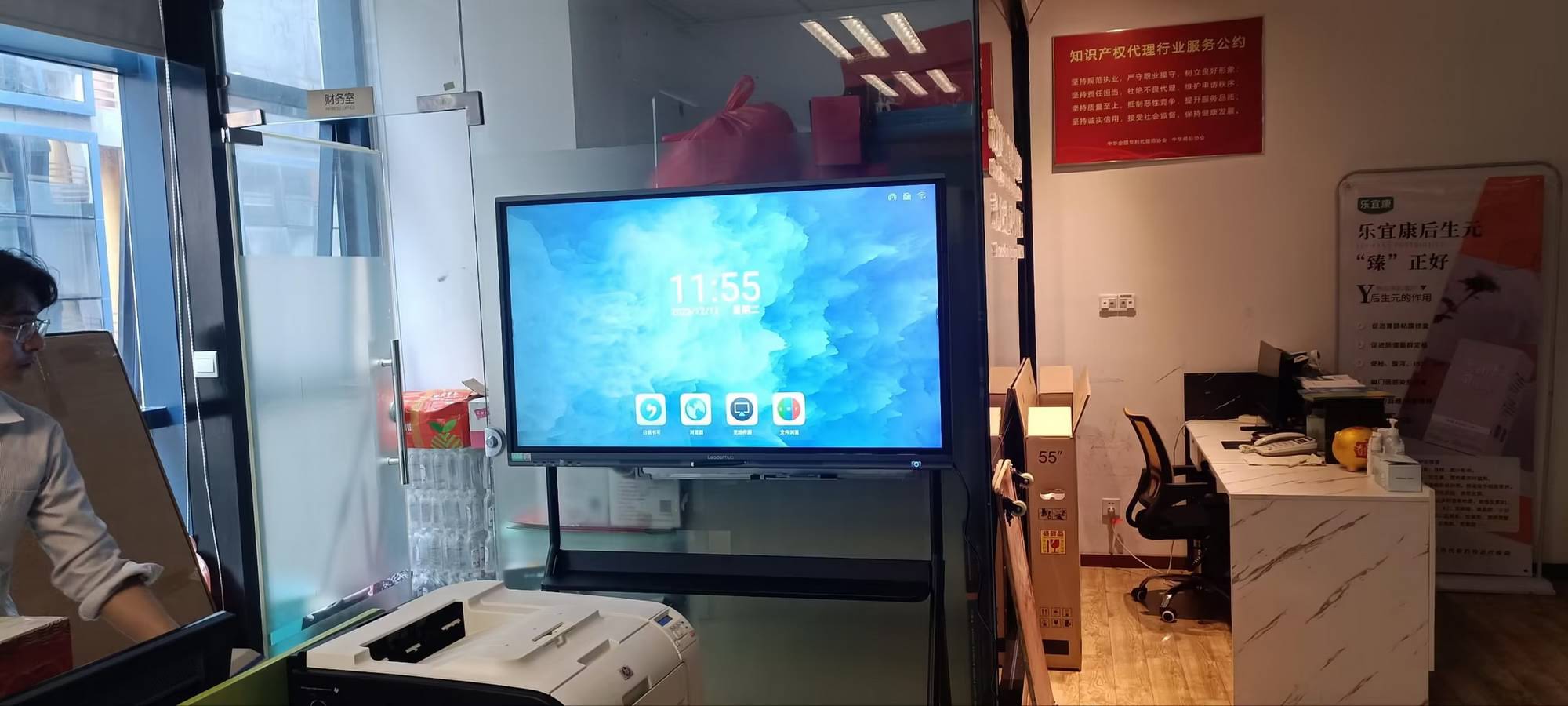
Signs It’s Time to Upgrade Your Interactive Display
Trade-in credit is most valuable when you upgrade before the old unit becomes worthless. Watch for these indicators:
- Touch accuracy drifts even after recalibration, or multi-touch supports fewer than 10 points.
- The built-in Android version can no longer run current conferencing or whiteboarding apps.
- Wireless screen sharing fails with modern Windows, macOS, iOS, or Chromebook devices.
- No USB-C input, forcing teachers and presenters to carry adapters.
- Replacement parts (pens, OPS slots, power boards) are discontinued.
- Repair quotes exceed 30–40% of a new panel’s price.
- Your hybrid-work or hybrid-learning strategy now requires built-in cameras, microphone arrays, and cloud whiteboard sync.
For institutions, the OECD Digital Education Outlook offers a helpful framework for aligning hardware refresh cycles with longer-term digital strategies rather than reacting to breakdowns.
Step-by-Step: Getting the Best Value From Smart Board Trade-In Offers
Step 1 — Audit Your Existing Fleet
Create a simple spreadsheet listing every interactive display you own: location, brand, model, size, resolution, purchase year, serial number, and a condition score from 1 to 5. Photograph each unit powered on, showing the full screen and the touch frame. This single document will speed up every quote you request and prevents low-ball valuations based on incomplete information.
Step 2 — Request Multiple Quotes
Never accept the first number. Ask at least three sources:
- The manufacturer of the new display you are considering (manufacturer-direct programs often offer the most generous credit because they want to displace competitor hardware).
- A local AV integrator who can bundle removal, installation, and disposal.
- An IT asset disposition (ITAD) company that may pay cash outright, which you can then apply to any purchase.
Step 3 — Compare the Total Cost of Upgrade, Not Just the Credit
A $500 trade-in credit on an overpriced panel is worse than a $150 credit on a fairly priced one. Calculate the net price after credit, then add installation, mounting, training, warranty extension, and any OPS or mini PC you need. Compare that total across vendors.
Quick Net-Cost Formula
Net Upgrade Cost = New Display Price + Installation + Accessories − Trade-In Credit − Disposal Savings
Step 4 — Negotiate the Bundle
Trade-in offers are frequently flexible when combined with volume. If you are upgrading ten classrooms or five meeting rooms, ask for a higher per-unit credit, free wall mounts, extended warranty, or complimentary on-site training. Vendors would rather increase a credit than lower a list price, so framing your request around the trade-in often succeeds.
Step 5 — Time Your Purchase
Trade-in promotions typically peak at three moments: the end of a fiscal quarter, the back-to-school season (June–August in most northern-hemisphere markets), and new product launches, when manufacturers want to clear inventory of the previous generation. Planning your refresh around these windows can add 10–20% to the effective discount.
Step 6 — Wipe Data and Document Hand-Off
Before any display leaves the building, perform a factory reset, remove any OPS module or USB drive, sign out of cloud accounts, and record the serial number on a hand-off form signed by the collector. This protects student and company data and prevents disputes about which units were returned.
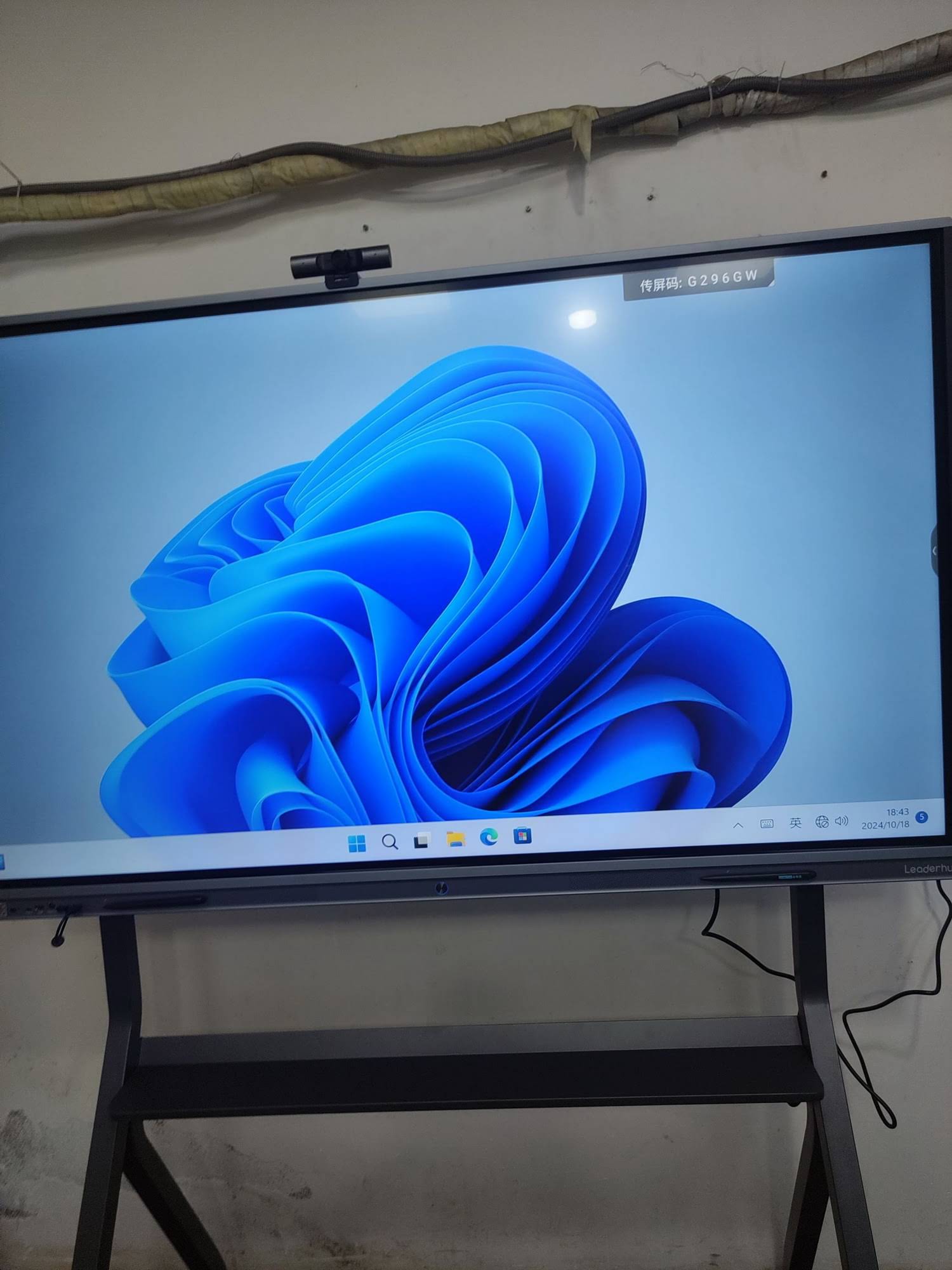
Trade-In vs. Resell vs. Recycle: Which Route Is Right for You?
| Option | Potential Return | Effort Required | Best For |
|---|---|---|---|
| Trade-in offer | Moderate, applied as credit | Low — vendor handles pickup | Fleet upgrades, institutions needing one invoice |
| Private resale | Potentially higher cash | High — listing, shipping, buyer support | Single newer units in excellent condition |
| Internal redeployment | Avoided purchase cost | Medium — moving and remounting | Moving panels from flagship rooms to secondary spaces |
| Certified recycling | None, but avoids disposal fees | Low | Non-functional or very old projector boards |
Many organizations use a hybrid approach: trade in the oldest units for credit, redeploy mid-life panels into breakout rooms, and sell one or two newer displays privately to maximize total return.
Choosing the Right Replacement Display
The second half of “upgrading smarter” is picking a replacement that will hold its value and remain useful for the next six to eight years. Prioritize these specifications:
- 4K UHD resolution with anti-glare glass — now the baseline for both education and enterprise.
- Android 13 or newer with a published update roadmap, plus an optional OPS slot or external mini PC for Windows workflows.
- USB-C with power delivery so a single cable handles video, touch-back, and laptop charging.
- 20-point touch and palm rejection for natural writing with multiple users.
- Built-in camera and microphone array for hybrid meetings and remote learning.
- Mobility options — rotating or wheeled stands let one panel serve several rooms.
Replacement Options at a Glance
| Model | Size / Type | Ideal Use Case | List Price |
|---|---|---|---|
| L65ZM Interactive Whiteboard | 65″ 4K Smart Panel | Small classrooms, huddle rooms, budget fleet refresh | $1,099 |
| L75HM Smart Whiteboard | 75″ 4K Touchscreen | Standard classrooms, mid-size conference rooms | $1,599 |
| L86ZM Interactive Whiteboard | 86″ 4K Smart Panel | Lecture halls, boardrooms, training centers | $1,699 |
| U55Pro Interactive Flat Panel | 55″ Mobile 4K Display | Shared spaces, agile teams, multi-room use | $2,499 |
| LP1C Mini PC | Intel N100, 8GB / 512GB | Adding Windows to any panel without an OPS slot | $399 |
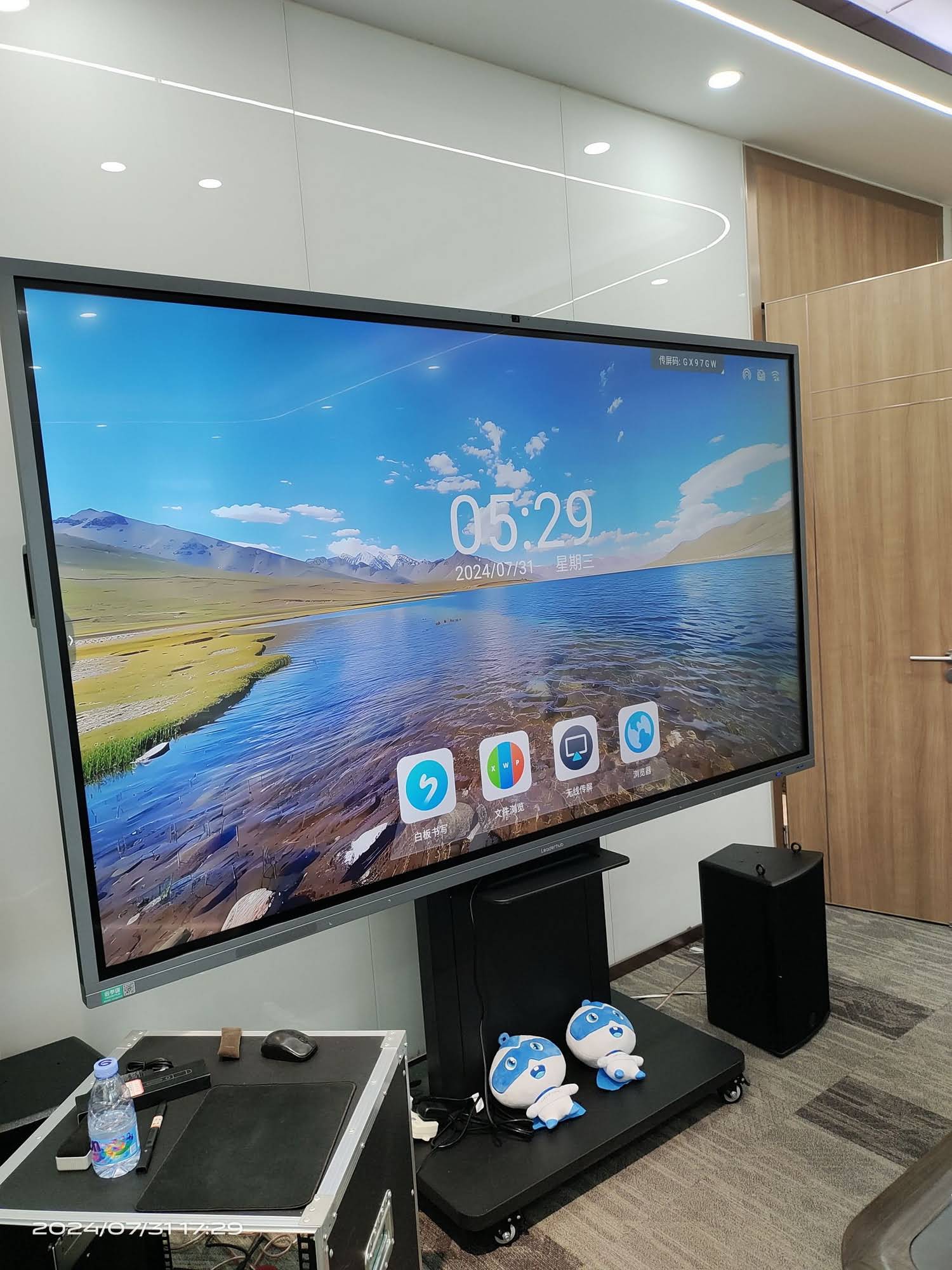
Browse the complete range of interactive smart whiteboards, explore portable rotating screens for flexible spaces, or pair your new panel with a compact mini PC for full Windows compatibility.
Common Mistakes That Lower Your Trade-In Value
- Waiting until the display dies. A non-functional unit usually qualifies only for a recycling credit, if any.
- Throwing away accessories. Missing pens, remotes, and mounts can shave 10–15% off the quote.
- Overstating condition. Credits are verified on receipt; discrepancies lead to deductions and delays.
- Ignoring data wiping. Beyond security risks, some programs refuse units that still contain user accounts.
- Trading in piecemeal. Submitting units one at a time forfeits the volume tiers most programs offer.
- Chasing the credit instead of the fit. Confirm the new panel meets your pedagogical or meeting-room needs first; guidance such as this K-12 interactive display buying Q&A is a good starting point.
A Manufacturer Partner for Fleet Upgrades
When trade-in and bulk replacement are handled together, the entire process is simpler. LeaderHub, a Shenzhen-based manufacturer with 16 years of interactive-display expertise and customers in 82 countries, works directly with schools, enterprises, and system integrators on fleet refresh projects — advising on which legacy units to retire, which to redeploy, and how to configure new 4K smart whiteboards, rotating screens, and mini PCs so that the upgrade budget stretches as far as possible. If you are planning a multi-room refresh, request a project consultation to discuss volume pricing and upgrade options.

Frequently Asked Questions About Smart Board Trade-In Offers
Can I trade in a projector-based interactive whiteboard?
Yes, but expect a small flat credit rather than a value based on specs. Most providers treat these as recycling-eligible units because the secondary market for them is minimal.
Do I have to trade in the same brand I am buying?
No. In fact, many manufacturer programs offer higher credits for competitor hardware because they want to win the account. Always ask whether cross-brand trade-ins are accepted.
Is trade-in credit taxable or does it affect depreciation?
Treatment varies by country. In most jurisdictions the credit reduces the purchase price of the new asset; in others it is booked as disposal proceeds. Check with your finance team or accountant before signing.
How long does the trade-in process take?
Quotes usually arrive within 2–5 business days. Credit is applied at invoicing, and verification after collection typically closes within two to four weeks.
What if my old display is cracked or has dead touch zones?
Declare it honestly. Some programs still offer a reduced “as-is” credit or free responsible recycling, which saves you disposal fees even when no cash value remains.
Final Thoughts: Turn Yesterday’s Hardware Into Tomorrow’s Upgrade
Smart board trade-in offers are one of the few ways to recover value from aging technology while moving to displays that genuinely improve teaching and collaboration. The formula is straightforward: audit early, quote widely, negotiate as a bundle, time the purchase, and choose a replacement built to last. Do that, and the gap between your old interactive display and a modern 4K smart whiteboard becomes far smaller than the sticker price suggests. Ready to see what the upgrade looks like? Explore the full product lineup and start planning a smarter refresh today.