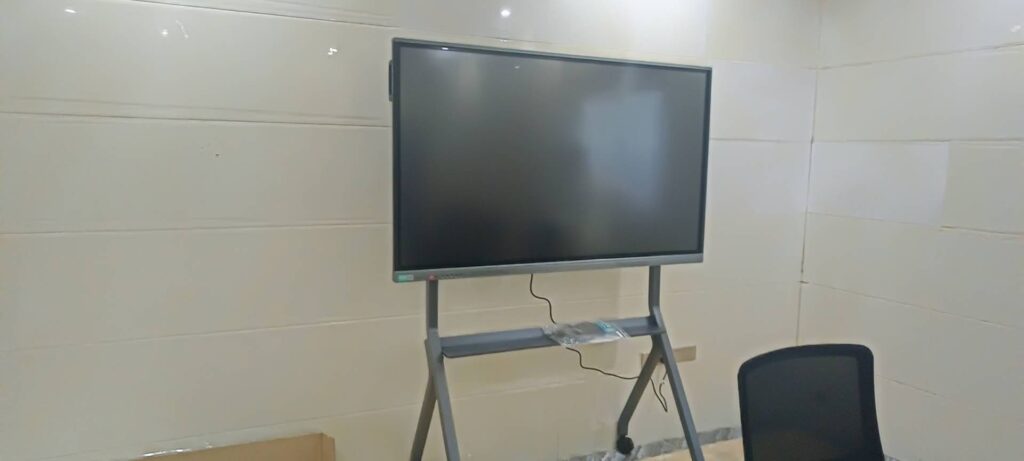
If you’re learning how to use smart boards in the elementary classroom, the best place to start is simplicity: choose one clear teaching goal, keep the interface child-friendly, and build repeatable routines that students can follow independently.
In primary grades, a smart board is most effective when it supports visual learning, touch interaction, quick feedback, and active participation. Instead of replacing teaching, it should make whole-group instruction, practice, and review more engaging and easier to manage.
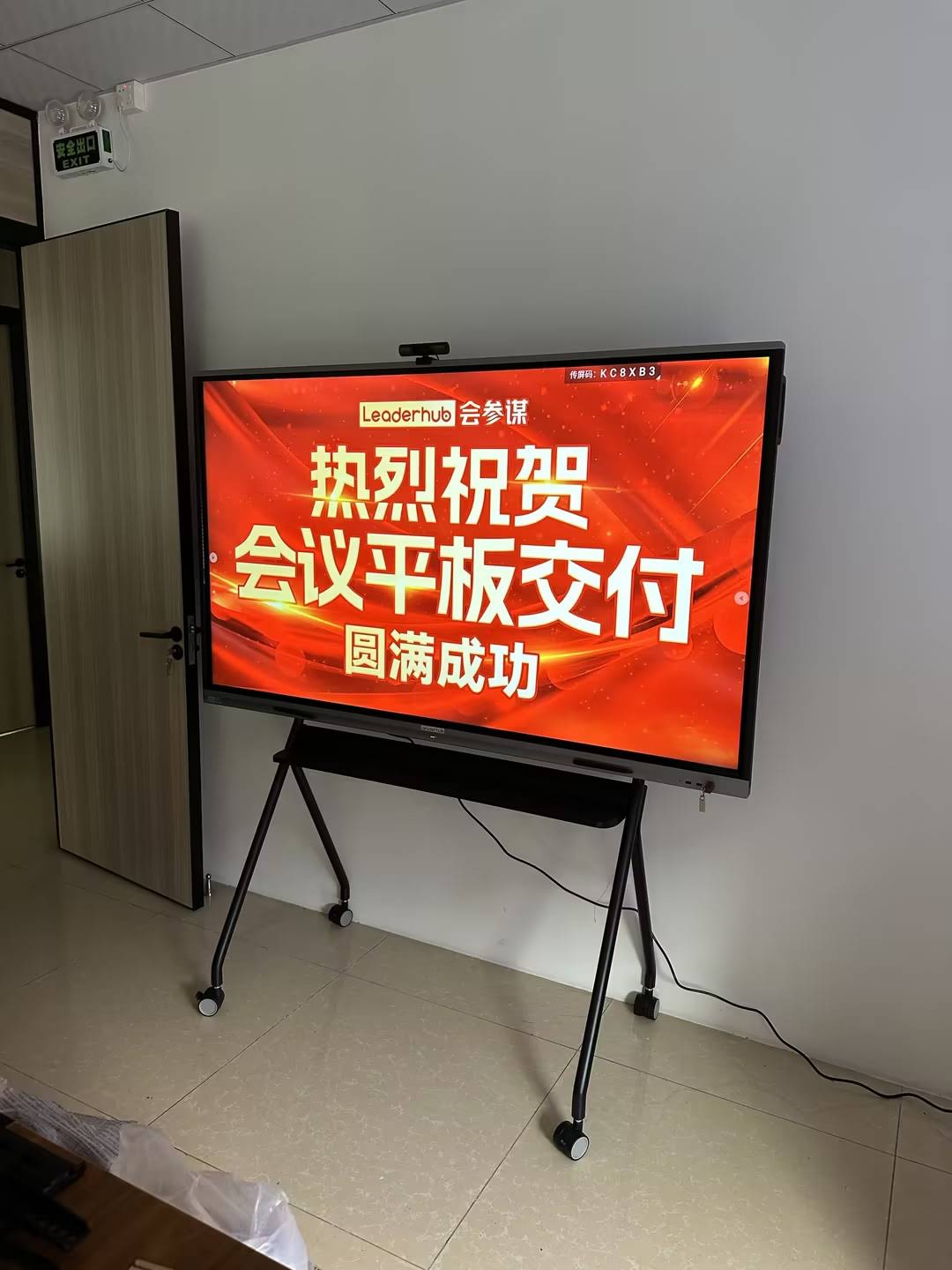
Why smart boards work well in elementary classrooms
Elementary students learn best through movement, visuals, repetition, and guided interaction. A smart board combines all four in one place. Teachers can display colorful content, drag objects, annotate text, play short videos, and invite students to come up and solve problems.
- Supports attention: bright visuals and touch features help young learners stay focused.
- Improves participation: students can tap, match, sort, draw, and move objects.
- Reinforces concepts: you can revisit lessons quickly with saved slides, notes, and activities.
- Helps differentiation: the same lesson can include audio, images, text, and hands-on tasks.
- Makes transitions smoother: timers, agendas, and visual directions reduce confusion.
For a research-backed view of classroom technology, explore the UNESCO Technology in Education Report and the ISTE Standards for Students.
How to use smart boards in the elementary classroom: a simple 5-step routine
The most successful classrooms use a predictable structure. Here’s a practical routine that works for kindergarten through grade 5:
- Open with a warm-up. Display a question, image, or short review task as students enter.
- Model the skill. Use the board to demonstrate one idea at a time with visuals and short explanations.
- Invite student participation. Let learners drag, circle, highlight, sort, or write answers.
- Check understanding quickly. Use polls, thumbs-up checks, or drag-and-drop quizzes.
- Save and revisit. Keep the board file so you can review the lesson later or reteach a concept.
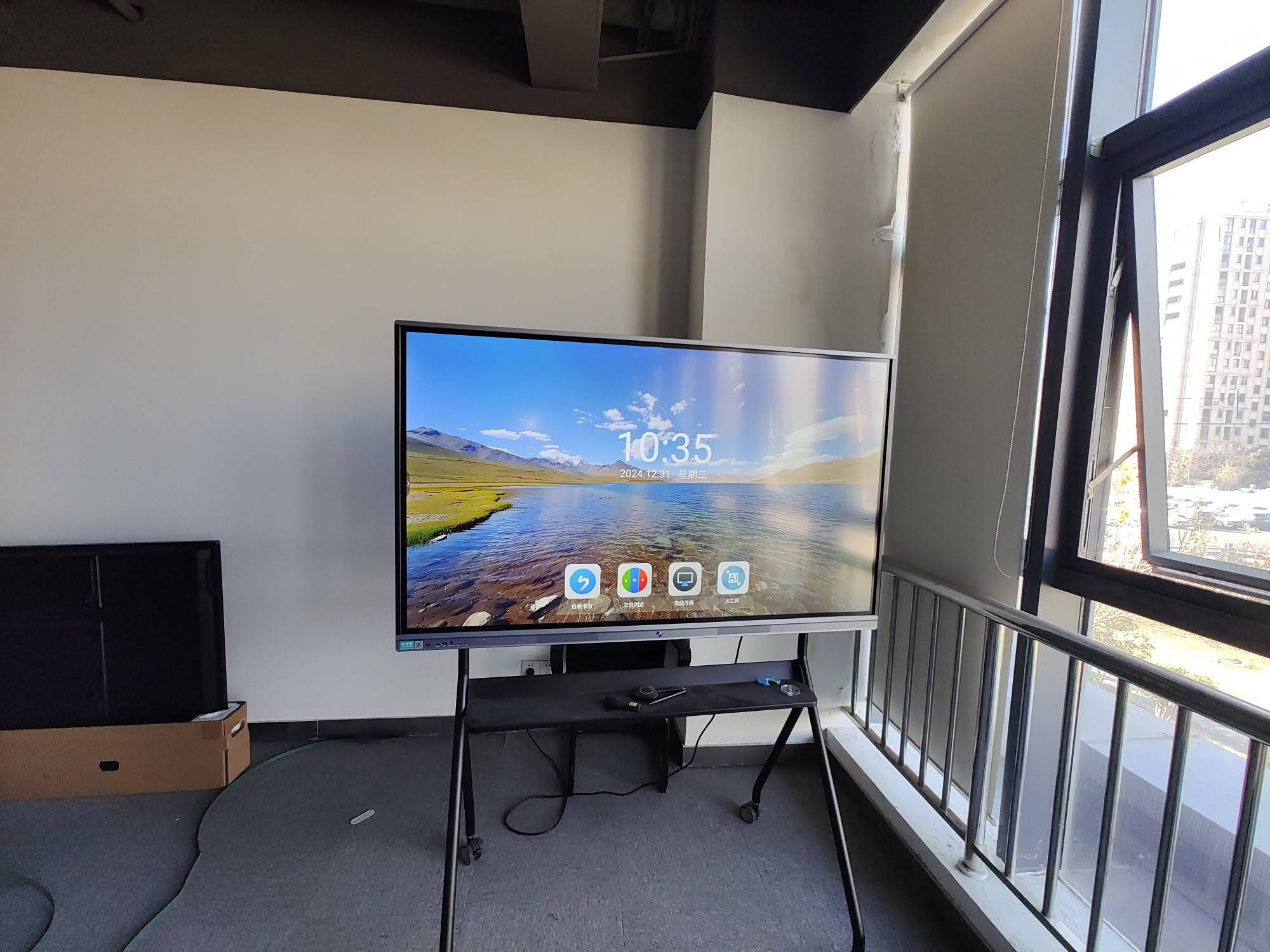
Best classroom uses by subject
Smart boards are flexible enough for literacy, math, science, social studies, and classroom management. The key is to match the activity to the lesson objective.
| Subject | Smart board activity | Skill focus |
|---|---|---|
| Reading | Highlight sight words, drag story sequence cards, or annotate a shared text | Fluency, comprehension, vocabulary |
| Math | Move number tiles, solve equations, and use virtual manipulatives | Number sense, operations, reasoning |
| Science | Label diagrams, sort life cycles, or watch and discuss short experiments | Observation, classification, inquiry |
| Social Studies | Explore maps, timelines, and compare regions with interactive hotspots | Geography, sequencing, civic understanding |
| Writing | Brainstorm on a digital sticky wall and edit sentences together | Organization, sentence structure, revision |
Easy smart board activities students love
Young learners respond best to activities that feel like play but still reinforce a clear skill. Try these ideas throughout the week:
1. Drag-and-drop matching
Create matching exercises with letters, sounds, words, shapes, or math facts. Students take turns moving items into the correct column.
2. Morning message challenge
Display a daily sentence with missing punctuation, capitals, or vocabulary words. Students fix the sentence as part of the morning routine.
3. Sorting game
Let students sort pictures into categories such as living/nonliving, nouns/verbs, odd/even, or needs/wants.
4. Shared drawing and labeling
Use the board to draw a habitat, character, or map, then invite students to label parts with the pen tool.
5. Interactive read-aloud
Pause during a story and ask students to predict, infer, or identify key details directly on the screen.
6. Exit ticket quiz
Finish class with one quick question, one reflection prompt, or one image-based check for understanding.
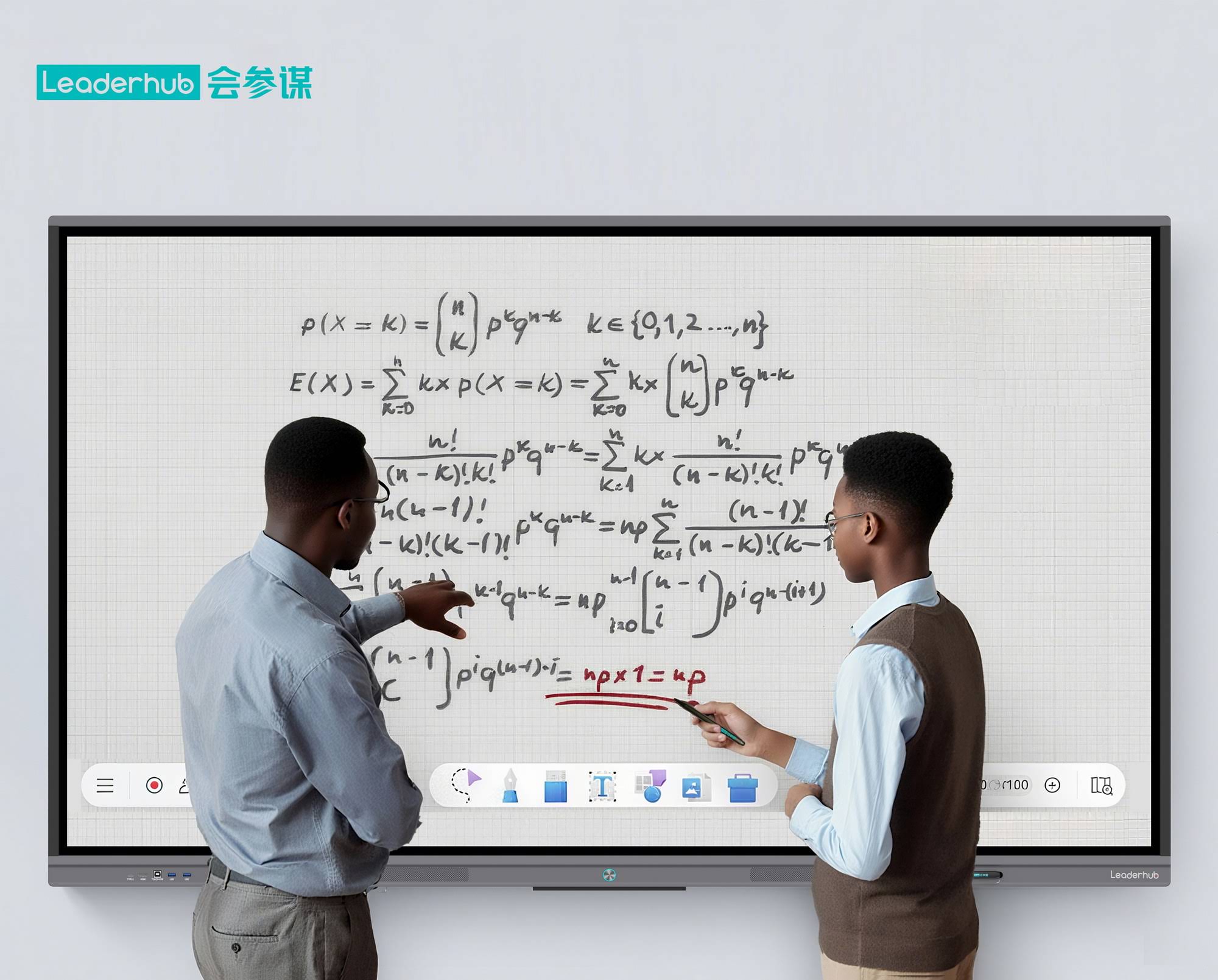
Tips for classroom management with smart boards
Technology works best when routines are clear. These classroom management strategies help keep elementary lessons calm and efficient:
- Assign helper roles: choose one student to tap, one to read instructions, and one to check time.
- Use simple rules: one learner at the board, hands clean and dry, and wait your turn.
- Prepare slides in advance: avoid opening too many apps during class.
- Keep interactions short: young students do better with quick turns than long board time.
- Save favorite templates: reuse warm-ups, quizzes, and sorting games every week.
- Plan for visibility: make sure text is large enough and images are clear from the back of the room.
How to keep lessons age-appropriate
Elementary smart board lessons should be visually clean and easy to follow. Too many buttons, animations, or text blocks can distract students. Keep each screen focused on one task.
- Use one main instruction per slide.
- Choose large icons and high-contrast colors.
- Use short words instead of long paragraphs.
- Include pictures, audio, and movement for younger grades.
- Offer extension questions for advanced learners.
Smart board lesson ideas by grade band
| Grade band | What works best | Example activity |
|---|---|---|
| K–1 | Touch-based, picture-heavy, very short tasks | Match letters to sounds or count objects on the screen |
| 2–3 | Guided practice with more student participation | Sort vocabulary words, edit sentences, or solve math problems |
| 4–5 | Collaborative discussion and analysis | Annotate a passage, compare sources, or build a science concept map |
How to choose the right smart board setup
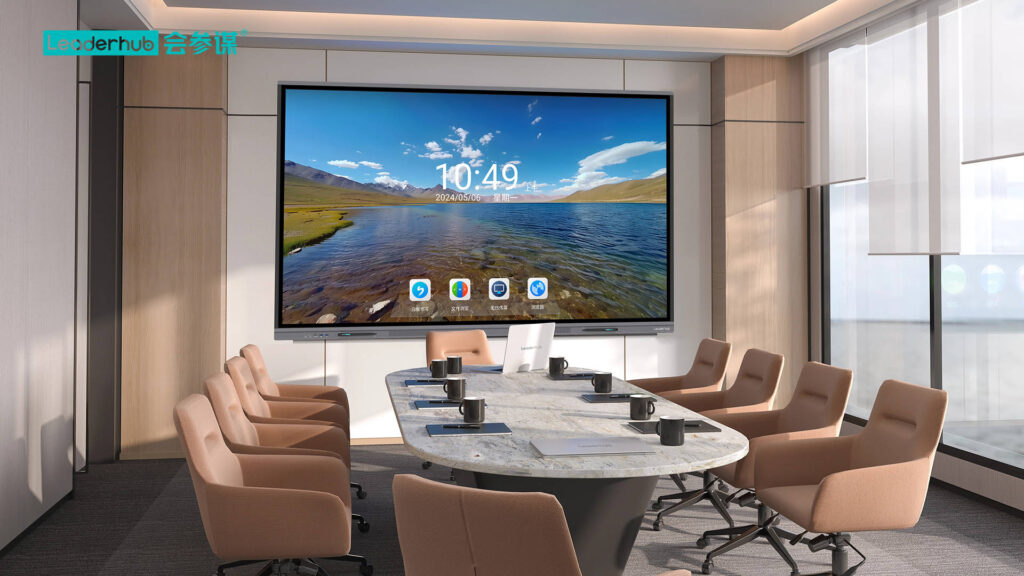
The best setup depends on room size, grade level, and teaching style. If your classroom needs flexible whole-group instruction and easy touch interaction, a dedicated smart board or interactive flat panel is usually the best fit. If you want a more portable option, a mobile smart display can work well for centers, small groups, or shared spaces.
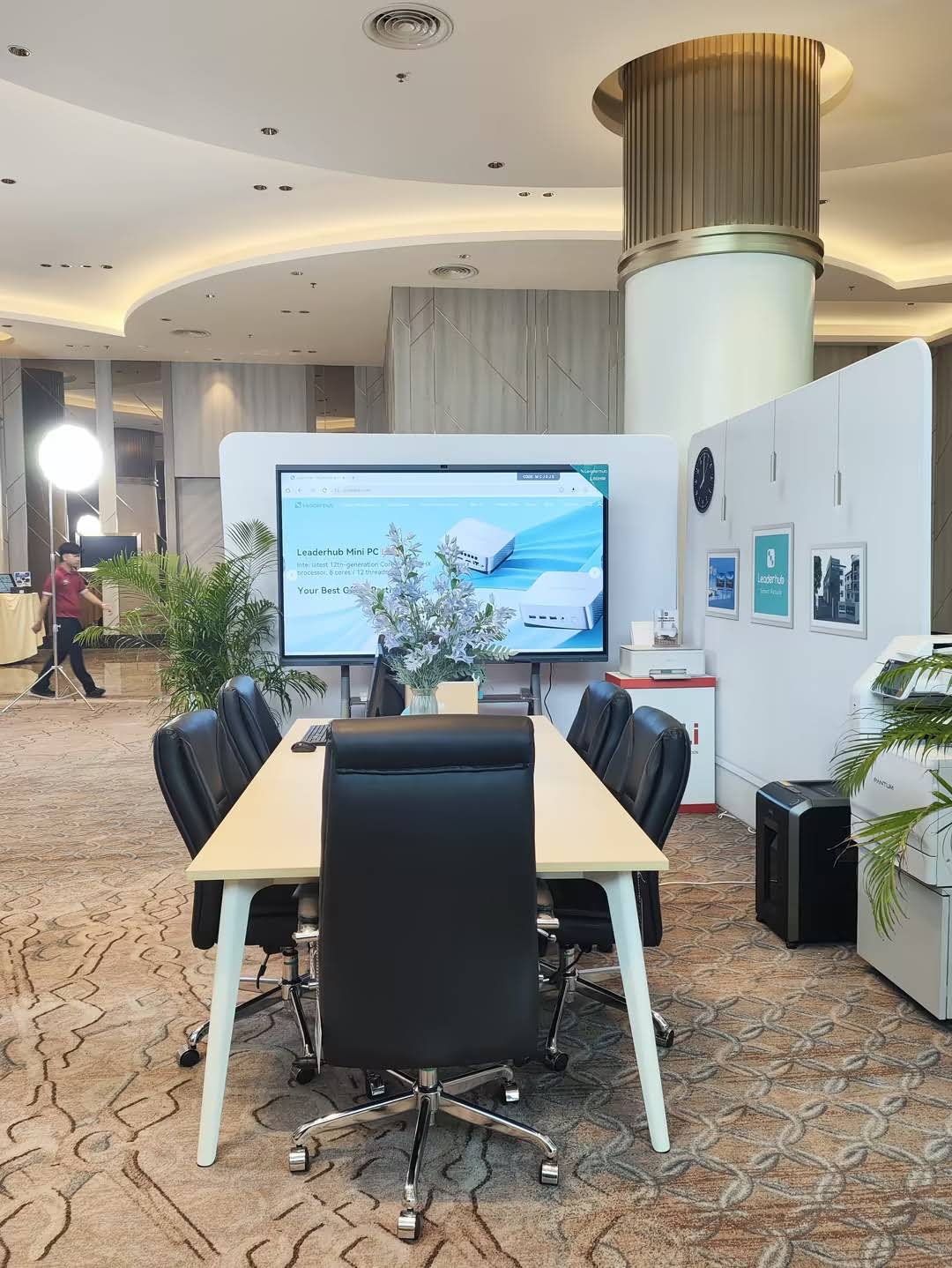
If you are comparing options, explore smart whiteboards and the Leaderhub L65HM Interactive Smart Whiteboard for a classroom-friendly example of touch-first learning hardware. Leaderhub is a Shenzhen-based technology company with 16 years of experience in interactive displays, and its classroom solutions are built for education workflows that need reliable collaboration and simple daily use.
Helpful teaching resources for better implementation
When planning technology use, it helps to follow evidence-based guidance. These references can support your classroom decisions:
- UNESCO Digital Education
- ISTE Standards for Educators
- EEF Digital Technology Guidance
- U.S. Department of Education Office of Educational Technology
Common mistakes to avoid
Even a great smart board can feel underused if the lesson design is weak. Avoid these mistakes:
- Using the board as a projector only, with no student interaction.
- Overloading the screen with too much text or too many animations.
- Letting a few confident students dominate every turn.
- Skipping practice with the board tools before class starts.
- Choosing activities that are fun but not tied to the learning objective.
Quick lesson template you can reuse
Here is a simple format for daily smart board lessons in elementary school:
- Do Now: one review question or visual prompt.
- Mini Lesson: a short explanation with one model example.
- Guided Practice: 2–3 students interact with the board.
- Independent Check: students answer on paper, tablets, or with mini whiteboards.
- Exit Ticket: one final quick response to show understanding.
Final classroom tip
The best smart board lessons are not the most complicated ones. They are the ones students can understand quickly, interact with confidently, and revisit often. If you keep your instructions visual, your routines consistent, and your activities purposeful, your smart board will become a powerful part of everyday learning.