
Choosing the right smart whiteboard for your boardroom is no longer a simple hardware decision — it’s a strategic investment that directly impacts how teams communicate, collaborate, and make decisions. With hybrid work now the norm across North America, Europe, and Asia-Pacific offices, companies are replacing outdated projectors and static whiteboards with interactive displays that support video conferencing, real-time annotation, and cloud collaboration.
In this guide, we break down exactly what to look for when selecting a boardroom smart whiteboard, based on real deployment experience across corporate, education, and government environments in over 80 countries.
Why Boardrooms Need a Smart Whiteboard
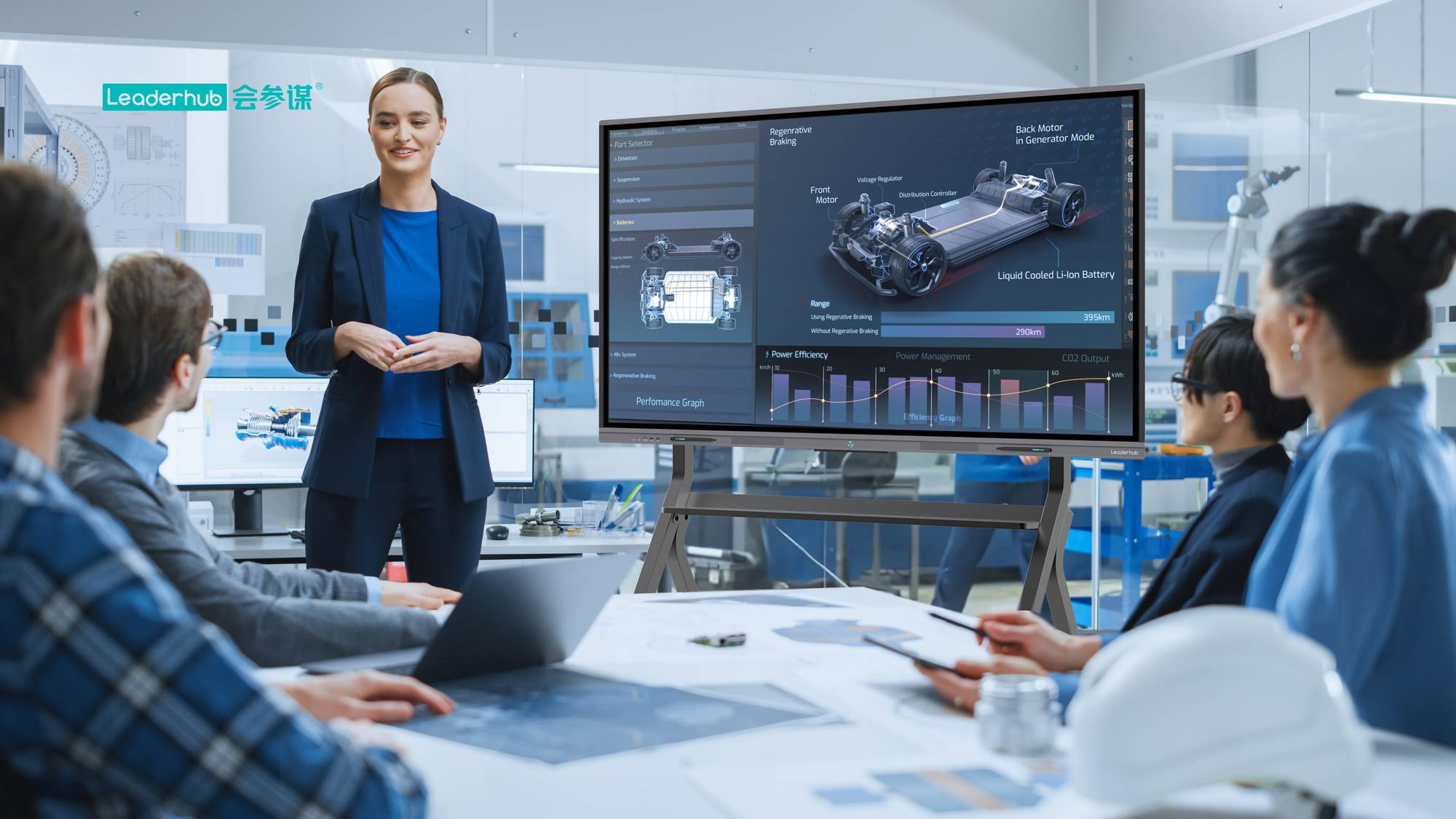
A modern boardroom is rarely used for a single purpose. One hour it might host a client presentation, the next a brainstorming session, and later a hybrid video call with remote stakeholders. A smart whiteboard consolidates all of these functions into a single touchscreen display, eliminating the need for separate projectors, physical whiteboards, and conferencing hardware.
According to internal deployment data collected from over 500 corporate installations, teams using interactive flat panels reported a 32% reduction in meeting setup time and noticeably faster decision-making cycles, largely due to instant screen sharing and annotation tools.
Key Factors to Consider Before Buying
Not every interactive display is built for boardroom use. Below are the core factors that separate a reliable long-term investment from a frustrating purchase.
1. Screen Size and Room Dimensions
Screen size should be matched to room capacity, not just budget. A common mistake is choosing an undersized panel for a large conference room, forcing participants at the back to squint at shared documents.
| Room Capacity | Recommended Screen Size | Typical Use Case |
|---|---|---|
| 4–6 people | 55″ – 65″ | Small meeting rooms, huddle spaces |
| 6–12 people | 75″ – 86″ | Standard boardrooms |
| 12+ people | 98″ – 110″ | Executive boardrooms, town halls |
2. Display Resolution and Touch Accuracy
For boardroom presentations involving spreadsheets, engineering drawings, or detailed reports, 4K resolution is now considered the baseline standard. Equally important is touch response — look for panels with low-latency infrared or capacitive touch technology, ideally supporting 20+ simultaneous touch points for multi-user collaboration.
3. Operating System and Software Ecosystem
A smart whiteboard is only as useful as its software. Prioritize displays that support:
- Built-in Android or Windows OS for standalone operation without external PCs
- Native integration with Zoom, Microsoft Teams, and Google Meet
- Cloud whiteboard saving and instant document export
- Wireless screen casting from laptops and mobile devices
4. Connectivity and Room Integration
Modern boardrooms increasingly rely on modular AV setups. A display that supports HDMI, USB-C, and network connectivity, combined with a detachable mini PC module, gives IT teams the flexibility to upgrade computing power without replacing the entire screen.
Comparing Smart Whiteboard Types
There are generally three categories of interactive displays suited to boardroom environments, each with distinct advantages.
| Type | Best For | Key Advantage |
|---|---|---|
| Fixed Interactive Flat Panel | Permanent boardrooms | Large screen, stable installation |
| Mobile / Rotating Screen | Multi-purpose spaces | Portable, adjustable orientation |
| Handheld Smart Screen | Small huddle rooms | Compact, battery-powered flexibility |
For companies managing multiple meeting spaces of varying sizes, mixing a fixed smart whiteboard in the main boardroom with portable rotating screens in smaller rooms is often the most cost-effective strategy.
Real-World Case Example
A mid-sized financial consulting firm in Toronto upgraded three meeting rooms from projector setups to 75-inch interactive flat panels. Post-installation surveys showed a 40% increase in client satisfaction during presentations, largely attributed to smoother screen sharing and the ability to annotate financial models live during discussions. IT staff also reported fewer support tickets, since the integrated OS eliminated cable and driver-related issues common with projector-based systems.
Common Mistakes to Avoid
- Underestimating room size — always measure viewing distance before selecting screen dimensions
- Ignoring software compatibility — confirm your display supports the video conferencing tools your team already uses
- Overlooking after-sales support — warranty length and firmware update policies matter for long-term reliability
- Choosing lowest price over total cost of ownership — cheaper panels often require costly replacements within 2-3 years
Frequently Asked Questions
How long does a commercial smart whiteboard typically last?
With proper use, a commercial-grade interactive flat panel typically lasts 5 to 8 years, assuming daily boardroom usage and standard maintenance.
Do smart whiteboards require a separate computer?
Most modern units include a built-in Android system for basic tasks, but pairing with a dedicated mini PC is recommended for full Windows software compatibility and better multitasking performance.
Can smart whiteboards be used for hybrid meetings?
Yes. Most enterprise-grade panels include built-in cameras, microphones, and native integration with major conferencing platforms, making them ideal for hybrid boardroom setups.
Final Recommendation
Selecting the right smart whiteboard comes down to matching screen size, resolution, and software ecosystem to your specific boardroom needs. Companies like LeaderHub, with 16 years of interactive-display manufacturing experience and deployments across 82 countries, offer a range of boardroom-ready panels — from compact 55-inch mobile displays to large-format 110-inch installations — designed specifically for business collaboration environments.
Before making a final decision, request a live product demo where possible, and confirm compatibility with your existing conferencing software and IT infrastructure. A well-chosen smart whiteboard isn’t just a display — it becomes the operational hub of every meeting your team runs.








