
Smart Board for Training Room: Interactive Display for Better Learning
Empower corporate training centers, professional workshops, and higher education seminar rooms with ultra-responsive 4K touchscreens, seamless wireless BYOD screen sharing, and AI-driven collaborative software.
Why Modern Training Spaces Require an Interactive Smart Board
Traditional corporate training rooms and executive education suites have long struggled with passive learning models. Projectors with dim bulbs, complex cable spaghetti, static dry-erase boards, and disconnected slide decks consistently lead to low information retention and trainee fatigue. According to global research on OECD Digital Education frameworks, dynamic digital tools drastically improve content delivery, participant feedback loops, and knowledge absorption.
Installing a dedicated smart board for training room applications bridges the physical and virtual divide. It transforms static one-way lecturing into interactive, two-way workshops. Whether conducting onboarding bootcamps, technical software upskilling, compliance workshops, or strategic leadership simulations, an interactive flat panel brings real-time digital annotation, instant wireless multi-screen casting, and integrated video conferencing into one streamlined hub.
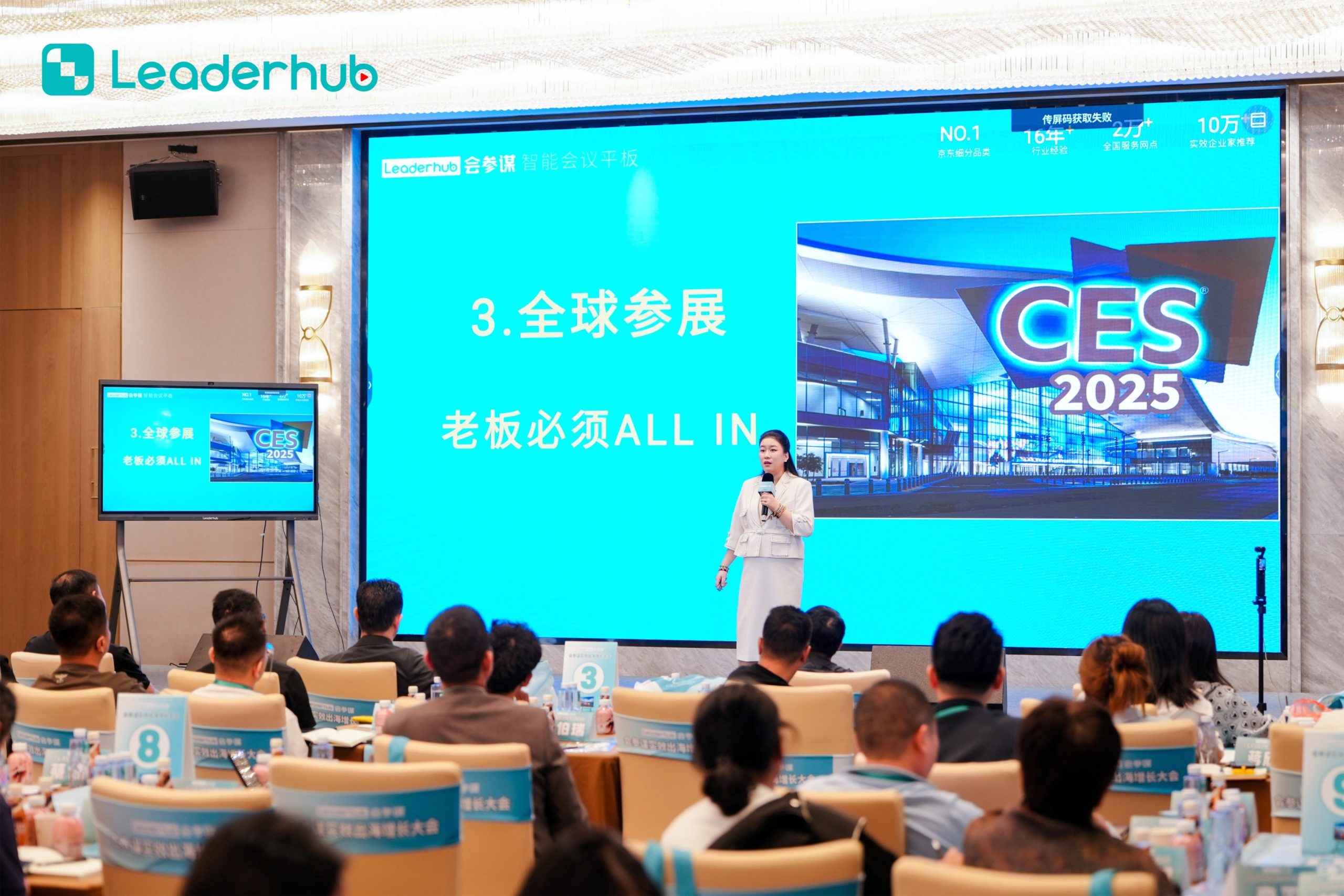
Essential Features of High-Performance Training Room Smart Boards
Ultra 4K UHD Anti-Glare Screen
Zero-bonding display technology eliminates parallax and reflection, delivering crystal-clear visuals and legible fine text from any viewing angle in brightly lit seminar rooms.
Zero-Latency Pen-on-Paper Touch
Equipped with 40-point infrared or capacitive multi-touch, supporting simultaneous multi-user writing, shape recognition, pressure sensitivity, and palm rejection.
Wireless Multi-Screen Casting
Enable seamless BYOD sharing from Windows, macOS, iOS, Android, and ChromeOS with 4-way split-screen displays for comparing team assignments in real time.
Dual OS Architecture (Android & Windows)
Switch effortlessly between high-speed Android OS and an integrated modular OPS Windows system (powered by Intel Core i5/i7) for unrestricted enterprise software compatibility.
Integrated Hybrid Video Training
Built-in 4K AI auto-tracking cameras and 8-array omnidirectional beamforming microphones ensure crystal clear acoustics and visual focus for remote participants.
One-Touch QR Code Note Distribution
Attendees can scan an encrypted QR code on the display to instantly download meeting minutes, annotated training slides, and diagrams straight to their personal smartphones.
Top-Rated Smart Boards for Modern Training Facilities
Choosing the right screen size is vital for visual comfort. For small breakout training hubs (up to 10 people), a 65″ panel provides intimate interaction. Mid-sized workshops (15–30 people) benefit most from 75″ and 86″ displays, while large corporate training amphitheatres excel with 110″ flagship panels.

LeaderHub L65HM Interactive Smart Whiteboard — 65″ 4K Touchscreen
LeaderHub L75HM Interactive Smart Whiteboard — 75″ 4K Touchscreen
LeaderHub L86HM Interactive Smart Whiteboard — 86″ 4K Touchscreen
Smart Interactive Boards vs. Traditional Training Equipment
| Key Training Criteria | LeaderHub Smart Board | Traditional Projector & Screen | Standard Dry-Erase Whiteboard |
|---|---|---|---|
| Visual Clarity & Lighting | High (4K UHD Anti-Glare, No Dimming Needed) | Low (Requires Dimmed Lights, Shadows) | Moderate (Dependent on Ambient Light) |
| Real-Time Annotation & Saving | Instant Vector Inking, Cloud & QR Export | None (Static Output Only) | Manual Erasing (Must Take Photos) |
| Multi-User Touch Collaboration | Up to 40 Simultaneous Touch Points | No Interaction Supported | Physical Markers Only (No Digital Inking) |
| Hybrid & Remote Integration | Native Zoom, Teams & AI Tracking Camera | Requires Separate AV Matrix Systems | Not Compatible with Remote Trainees |
| Maintenance & Longevity | Zero Consumables, 50,000+ Hour Lifespan | Bulb Replacements & Lens Filter Cleans | Marker Ghosting & Chemical Cleaning |
How Organizations Deploy Smart Boards for Maximum Impact
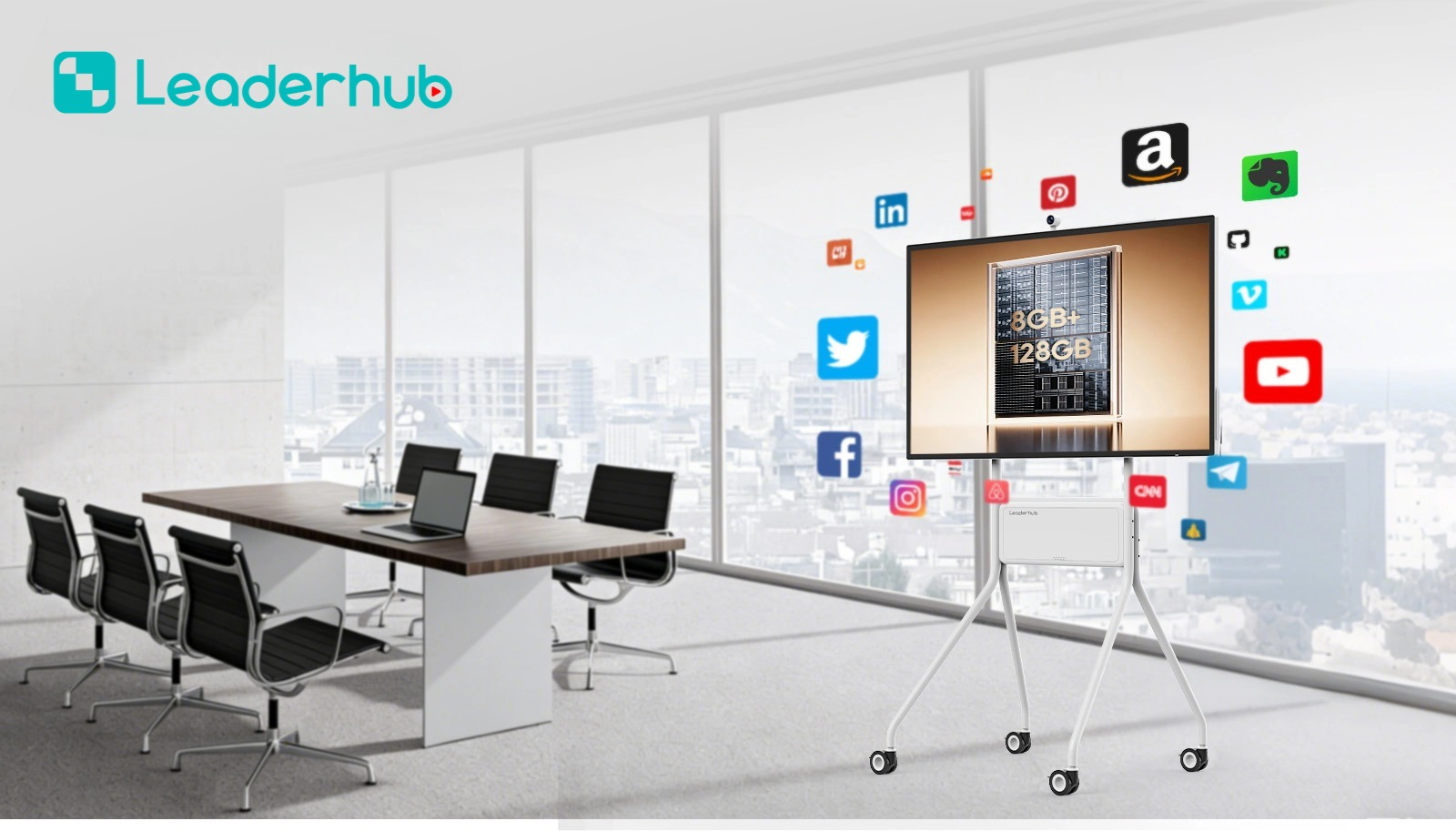
Enterprise Onboarding & Reskilling
Accelerate corporate talent development with interactive courseware, live mind mapping, and integrated assessment quizzes, ensuring every new hire completes onboarding effectively.

Higher Ed & Vocational Classrooms
Aligned with the UNESCO Technology in Education Report, interactive flat panels promote hands-on engagement in technical simulations, architectural blueprints, and scientific modeling.
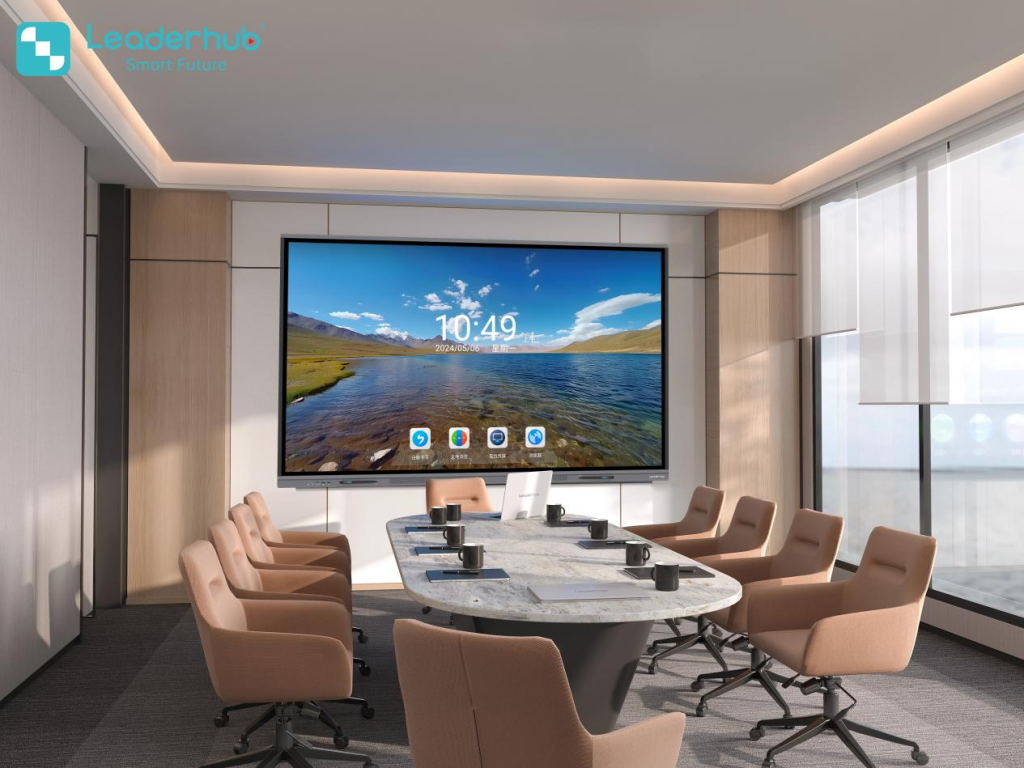
Agile Scrum & Innovation Workshops
Transform product management and design sprints with infinite digital canvas capabilities, digital sticky notes, and instant cloud repository synchronizations.
Buyer’s Guide: Selecting the Ideal Smart Board for Your Training Room
1. Room Dimensions & Sightline Calculations
Follow established AV Industry Standards and Resources when calculating distance. For viewing distances under 15 feet, a 65″ or 75″ display ensures legible typography. For larger venues where the farthest attendee sits over 25 feet away, prioritize 86″ or 110″ models to guarantee maximum readability.
2. Processing Power & OPS Integration
While native Android OS is exceptional for swift whiteboarding and wireless projection, complex enterprise applications (such as CAD rendering, LMS portal streaming, and secure internal databases) require an integrated slot-in PC. Pairing your display with an Intel-powered Mini PC provides seamless desktop computing right on the interactive glass.
3. Hybrid Audio-Visual Readiness
Modern corporate training is increasingly hybrid. In accordance with ISTE Education Technology Standards, ensure your display incorporates noise-cancelling microphone arrays, wide-angle 4K optical tracking, and high-output stereo speakers to eliminate external microphone clutter.
4. Ergonomic Mounting: Fixed Wall vs. Mobile Cart
If training rooms are multi-purpose or reconfigurable, pairing your interactive flat panel with a motorized heavy-duty rolling stand empowers trainers to adjust display height on the fly or share one display unit between different training rooms.
LeaderHub — 16 Years of Interactive Display Expertise
Established in 2010, LeaderHub is a global pioneer specializing in interactive flat panels, smart whiteboards, modular mini PCs, and mobile touch displays. Built on our core philosophy — “AI Changes Life” — our smart display ecosystem empowers organizations across finance, internet, education, vocational training, and governmental departments in over 82 countries.
As the NO.1 interactive panel brand on JD.com subcategories and recipient of prestigious industry accolades, we ensure that every training room interactive panel undergoes stringent optical calibration, stress testing, and quality assurance.
- NO.1 Interactive Panel Provider on Major E-Commerce Subcategories
- Annual Most Invested-Value & Consumer Trustworthy Brand
- Shenzhen Famous Brand & Most Innovative Conference Display Award

Showcased at Global Electronics & EdTech Expos
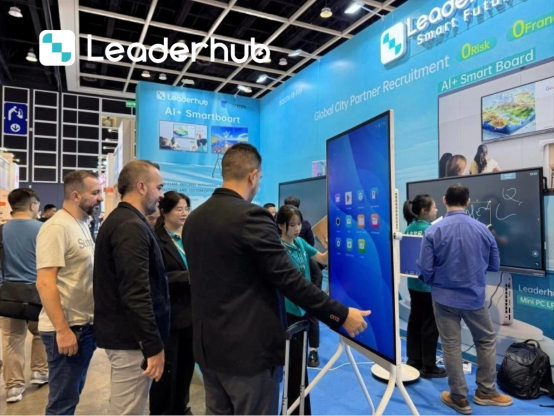
LeaderHub regularly exhibits next-generation interactive hardware at international venues including CES, ISE, and worldwide education summits, collaborating with distributors, schools, and global enterprise partners.



Frequently Asked Questions About Training Room Smart Boards
What makes a smart board more effective for training than a traditional projector?
Unlike projectors, a 4K interactive smart board requires no room darkening, eliminates shadows cast by trainers, provides 40-point multi-touch for live problem-solving, and allows attendees to instantly save and download all whiteboard annotations via a QR code.
Can participants share their screens wirelessly without downloading third-party software?
Yes. LeaderHub interactive displays support native wireless protocols like Apple AirPlay, Miracast, and Chrome Cast, alongside dedicated one-click dongles and lightweight screen-share apps supporting 4-screen simultaneous casting.
Is an interactive panel compatible with corporate video conferencing platforms?
Absolutely. Built on dual Android and Windows architectures, our displays support Zoom Rooms, Microsoft Teams, Cisco Webex, and Google Meet, utilizing integrated 4K cameras and multi-microphone arrays for crystal-clear hybrid sessions.
What screen size is recommended for a standard 20-person training classroom?
For rooms accommodating 15 to 30 people, a 75-inch or 86-inch interactive display is ideal, ensuring full legibility from any desk. Smaller huddle training spaces (5–10 people) can comfortably use a 55″ or 65″ panel.
Upgrade Your Training Room Experience Today
Whether equipping a single corporate seminar room or retrofitting an entire training campus, LeaderHub delivers industry-leading interactive hardware, competitive direct-factory pricing, and worldwide OEM/ODM deployment.
