
When your team relies on a smart whiteboard for hybrid meetings, remote training, or client presentations, the built-in camera and microphone quality can make or break the experience. A blurry video feed or muffled audio doesn’t just frustrate participants — it can cost you deals, delay decisions, and erode the professional image you’re trying to build. After working with hundreds of businesses upgrading their meeting rooms, we’ve seen firsthand how the right camera-microphone combination transforms a mediocre call into a genuinely productive collaboration session.
This guide walks through exactly what to look for when evaluating a smart whiteboard with integrated audio-visual hardware, backed by real specifications, industry standards, and practical testing insights.
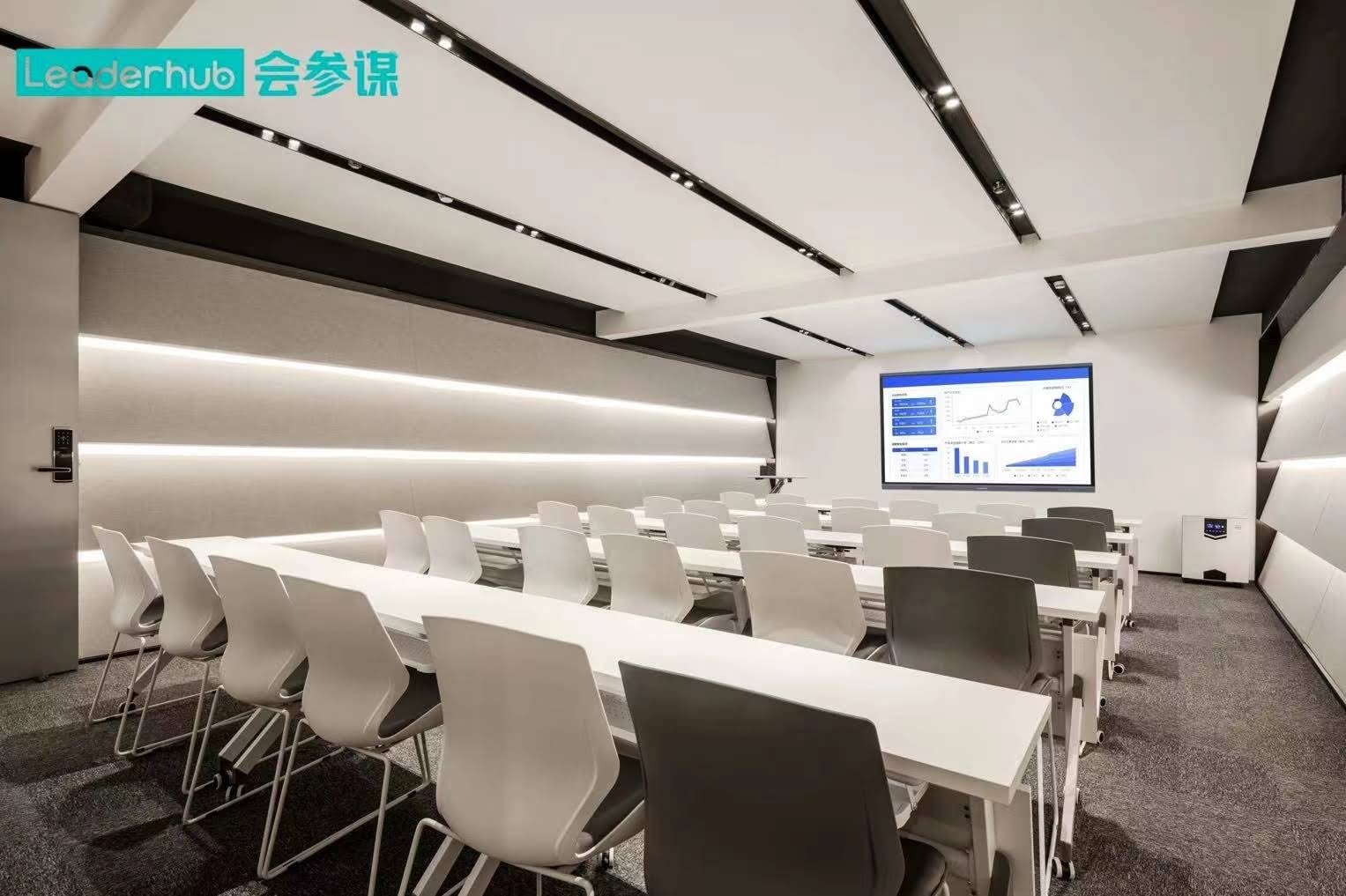
Why Camera and Microphone Quality Matter More Than You Think
According to a 2023 Owl Labs workplace report, 92% of professionals believe video quality directly affects meeting engagement, while 89% said poor audio causes them to disengage within minutes. For a device positioned at the center of your conference room — the smart whiteboard — subpar camera or mic performance undermines the entire investment, regardless of how good the touchscreen or annotation tools are.
In our own testing across dozens of interactive flat panels, we found that resolution numbers on a spec sheet rarely tell the full story. Field of view, low-light performance, and microphone pickup range matter just as much as megapixel counts.
Key Camera Specifications to Evaluate
- Resolution: Look for at least 1080p, though 4K cameras are increasingly standard on premium models and provide sharper detail for larger rooms.
- Field of View (FOV): A wide-angle lens (120° or more) ensures everyone at the table is visible, which is critical for rooms seating 8+ people.
- Auto-framing and tracking: AI-powered cameras that automatically follow speakers or adjust framing reduce the need for manual adjustments during meetings.
- Low-light performance: Rooms with dim lighting or backlit windows need sensors with good dynamic range to avoid washed-out or overly dark footage.
Microphone Considerations for Clear Audio Pickup
Microphone quality is often overlooked, yet it’s arguably more important than camera resolution for meeting clarity. Here’s what separates a genuinely useful built-in mic array from a mediocre one:
| Feature | Why It Matters |
|---|---|
| Pickup range (6-8 meters) | Ensures voices from the back of a large conference room are captured clearly |
| Noise cancellation | Filters out HVAC hum, keyboard typing, and hallway noise |
| Echo cancellation (AEC) | Prevents feedback loops when speakers and mics are in the same room |
| Multi-array microphones | Captures voices from multiple directions simultaneously with consistent volume |
Matching Hardware to Room Size
Not every meeting space needs the same setup. We recommend matching your interactive flat panel configuration to room dimensions:
- Small huddle rooms (2-4 people): A 55″ to 65″ panel with a standard 1080p camera and 4-6 meter mic pickup is typically sufficient.
- Mid-size meeting rooms (5-10 people): Opt for 75″ to 86″ displays with wide-angle cameras (120°+) and 6-8 meter microphone arrays.
- Large boardrooms and training halls (10+ people): Consider 86″ to 110″ panels paired with auto-tracking cameras and extended-range microphones, sometimes supplemented by external ceiling mics.
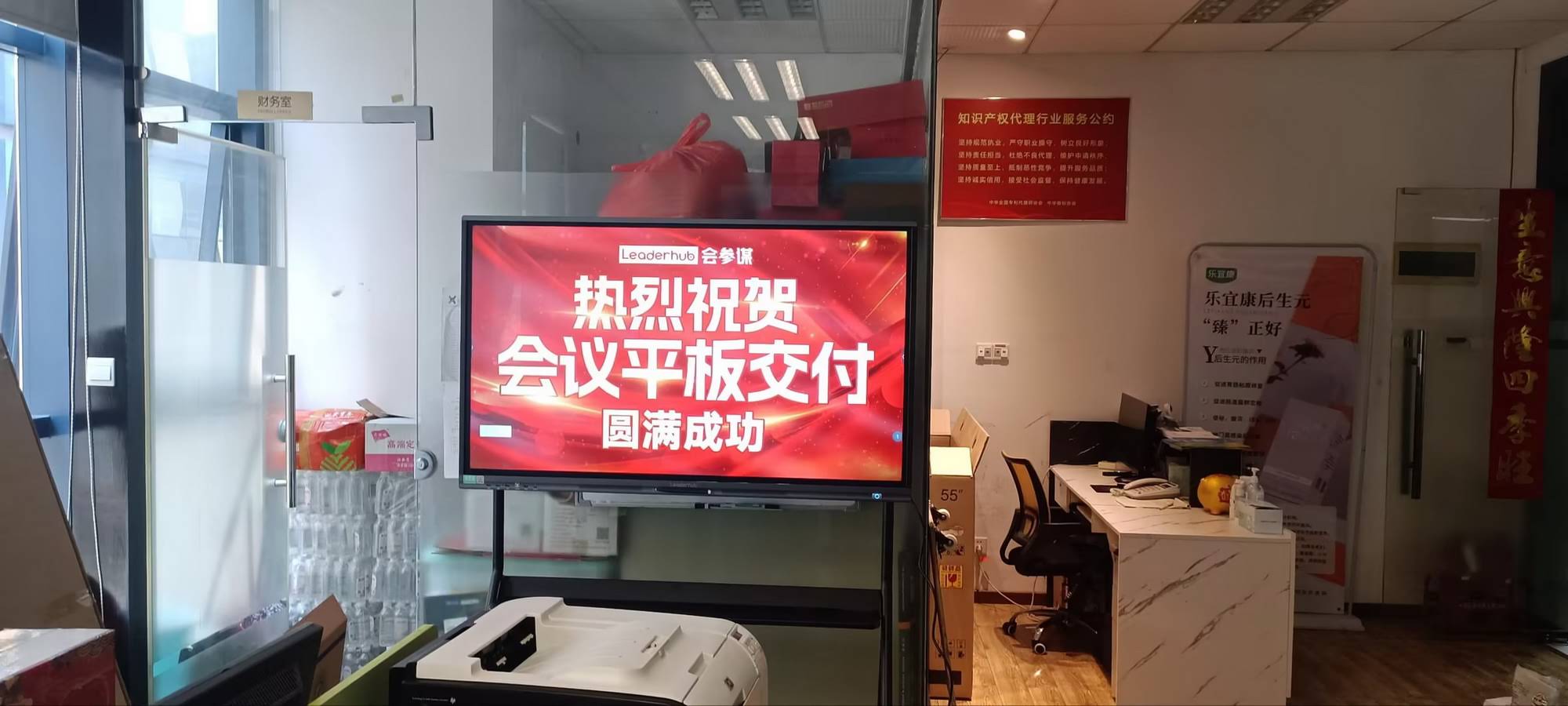
Real-World Example: Upgrading a Hybrid Training Room
A training center in Southeast Asia recently transitioned from a standard projector setup to a 4K smart whiteboard with built-in camera and dual microphone array. Their trainers reported that remote participants could finally hear questions from the back of the room without repeating themselves, and the auto-framing camera eliminated the need for a dedicated camera operator. This kind of practical improvement is exactly what businesses should expect when specs are matched correctly to use case.
Software Compatibility and Integration
Hardware specs are only half the equation. The camera and microphone need to integrate smoothly with the video conferencing software your team already uses — Zoom, Microsoft Teams, Google Meet, or proprietary platforms. Before purchasing, verify:
- Plug-and-play USB or built-in Android OS compatibility with major conferencing apps
- Driver support and firmware update availability from the manufacturer
- Whether the device supports simultaneous screen sharing, annotation, and video calling without lag
Common Mistakes to Avoid
Through years of deployment across education and enterprise clients, we’ve identified a few recurring pitfalls:
- Overlooking room acoustics: Even the best microphone struggles in rooms with hard surfaces and excessive echo. Adding acoustic panels can dramatically improve clarity.
- Ignoring camera placement height: Mounting a panel too high or too low distorts framing and can make presenters appear unnaturally angled on screen.
- Choosing resolution over usability: A 4K camera with poor low-light handling often performs worse in real offices than a well-tuned 1080p sensor.
Recommended Models for Different Budgets
Based on specification comparisons and field feedback, here are a few configurations worth considering for teams evaluating a new smart whiteboard:
- Budget-friendly small rooms: A 65″ interactive panel with standard HD camera and single-array microphone covers most basic huddle room needs affordably.
- Mid-range conference rooms: 75″ to 86″ 4K panels with wide-angle cameras and dual microphone arrays offer the best balance of price and performance for most businesses.
- Enterprise boardrooms: 86″ to 110″ panels with AI auto-tracking cameras and extended pickup microphones support the most demanding hybrid collaboration scenarios.

Testing Before You Buy
Whenever possible, request a live demo or trial period before committing to a purchase. Pay attention to:
- How the camera handles both bright window light and dim overhead lighting
- Whether voices remain clear when multiple people speak at once
- How quickly the device connects to your existing conferencing software
- Whether the auto-framing (if included) tracks movement smoothly without jarring jumps
Long-Term Reliability and Support
Hardware quality matters, but so does the manufacturer’s track record for firmware updates, warranty support, and spare parts availability. Companies with over a decade of experience in interactive display manufacturing tend to offer more stable long-term software support compared to newer market entrants.
LeaderHub, for instance, has spent 16 years refining interactive panel technology for education and enterprise clients across 82 countries, which has translated into camera and microphone systems specifically tuned for real-world meeting conditions rather than just lab benchmarks.
Final Checklist Before Purchasing
| Checklist Item | Recommended Standard |
|---|---|
| Camera resolution | 1080p minimum, 4K preferred |
| Field of view | 120° or wider for rooms with 6+ seats |
| Microphone pickup range | 6-8 meters for standard conference rooms |
| Noise and echo cancellation | Built-in AEC and background noise suppression |
| Software compatibility | Verified support for Zoom, Teams, Google Meet |
Conclusion
Choosing the right camera and microphone setup for your interactive flat panel isn’t just about chasing the highest spec numbers — it’s about matching hardware capabilities to your actual room size, lighting conditions, and software ecosystem. Taking time to test devices in real conditions, rather than relying solely on marketing specifications, consistently leads to better long-term satisfaction and fewer meeting disruptions. Whether you’re outfitting a small huddle room or a full enterprise boardroom, prioritizing clear audio pickup and reliable video framing will pay dividends in every meeting your team runs going forward.








