
Choosing the right interactive display for a classroom is no longer a simple purchasing decision — it is an investment in how teachers instruct and how students learn for the next 5 to 8 years. With hundreds of models on the market, ranging from basic touchscreens to AI-powered smart whiteboards, school administrators and IT procurement teams need a clear framework to make the right choice.
This guide draws on real deployment experience across classrooms in North America, Europe, the Middle East, and Southeast Asia, combining hands-on product testing with feedback from teachers who use these devices daily. Whether you are outfitting a single classroom or an entire district, the following framework will help you avoid costly mistakes.
Why Smart Whiteboards Matter in Modern Education
According to a 2023 survey by the Education Technology Research Council, schools that adopted interactive flat panels reported a 27% increase in student engagement during lessons, and teachers saved an average of 4.5 hours per week on lesson preparation thanks to cloud-synced content and reusable digital materials. Smart whiteboards are no longer a luxury — they are becoming a baseline expectation for classrooms competing to deliver modern, hybrid-ready education.
Unlike traditional projectors or static whiteboards, today’s interactive whiteboards combine 4K display technology, multi-touch responsiveness, built-in Android or Windows operating systems, and collaboration software — all in a single device that can also double as a video conferencing hub.
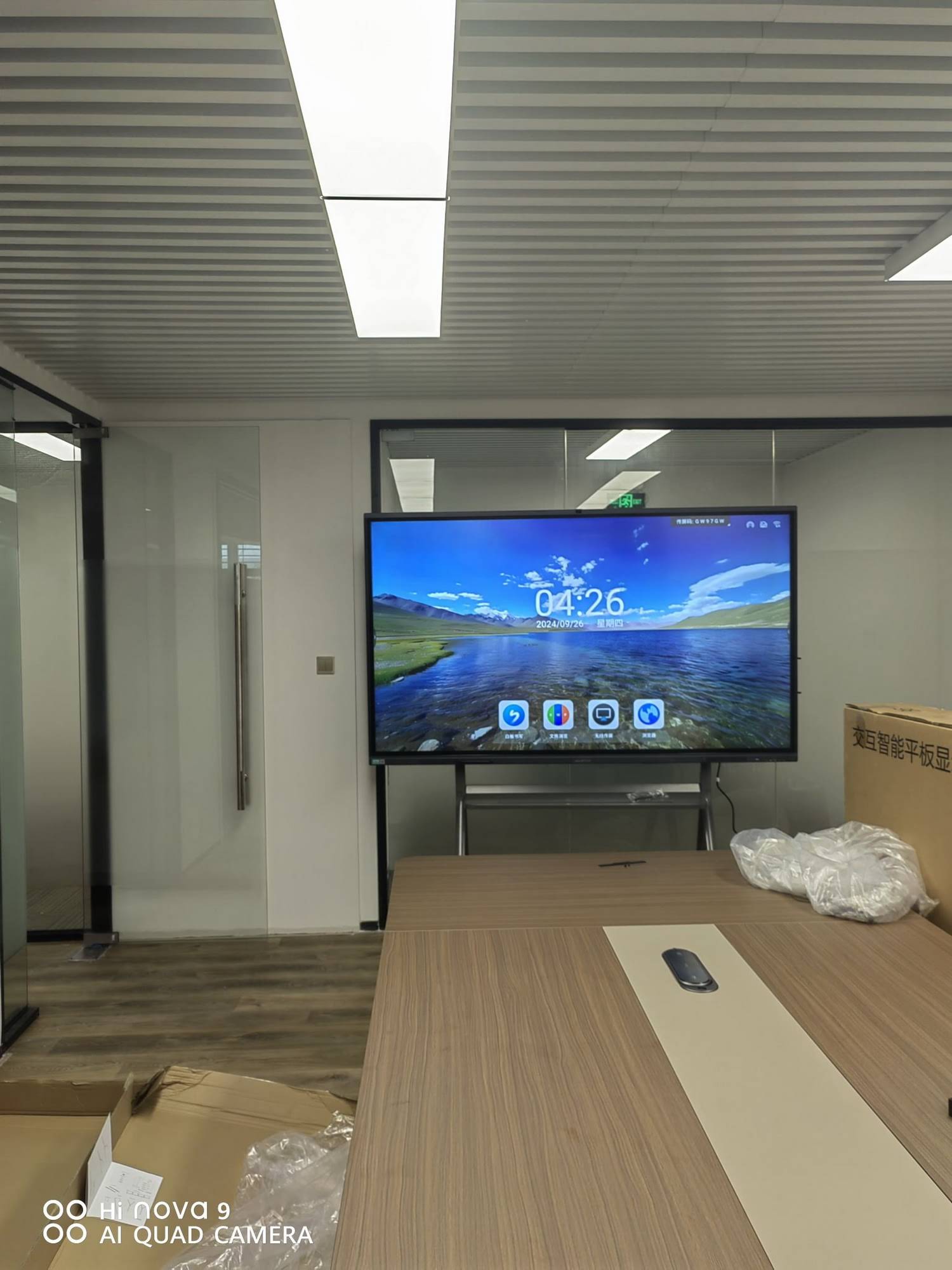
Key Factors to Consider When Choosing a Smart Whiteboard
1. Screen Size and Classroom Fit
Screen size should match room dimensions and viewing distance, not just budget. A panel too small forces students in the back rows to squint, while an oversized panel in a small room can be visually overwhelming.
| Classroom Size | Recommended Screen Size | Typical Viewing Distance |
|---|---|---|
| Small classroom (up to 20 students) | 65″ – 75″ | 2.5m – 5m |
| Standard classroom (20–35 students) | 75″ – 86″ | 4m – 7m |
| Lecture hall / large room | 98″ – 110″ | 6m – 12m |
2. Touch Technology and Responsiveness
Infrared (IR) touch technology remains the most reliable and cost-effective solution for education environments, supporting 20+ simultaneous touch points with pen, finger, and palm erase functions. When evaluating a panel, ask vendors for the touch response latency spec — anything under 8ms is considered excellent for handwriting recognition.
3. Operating System and Software Ecosystem
Most modern interactive flat panels run on Android for built-in whiteboarding apps, while offering an HDMI or OPS slot to plug in a mini PC running Windows for full desktop software compatibility. This dual-system flexibility is essential — schools should never be locked into a single ecosystem.
4. Connectivity and Integration
- Wireless screen sharing for teacher and student devices (iOS, Android, Windows, macOS)
- Multiple HDMI/USB-C inputs for laptops and external cameras
- Built-in speakers and microphone array for hybrid or recorded lessons
- LMS integration (Google Classroom, Microsoft Teams for Education)
5. Durability and Warranty
Classrooms are high-traffic environments. Look for panels with anti-glare tempered glass (rated at least 7H hardness), IP5X dust resistance for the touch frame, and a minimum 3-year warranty on the panel plus 1-year on internal components.
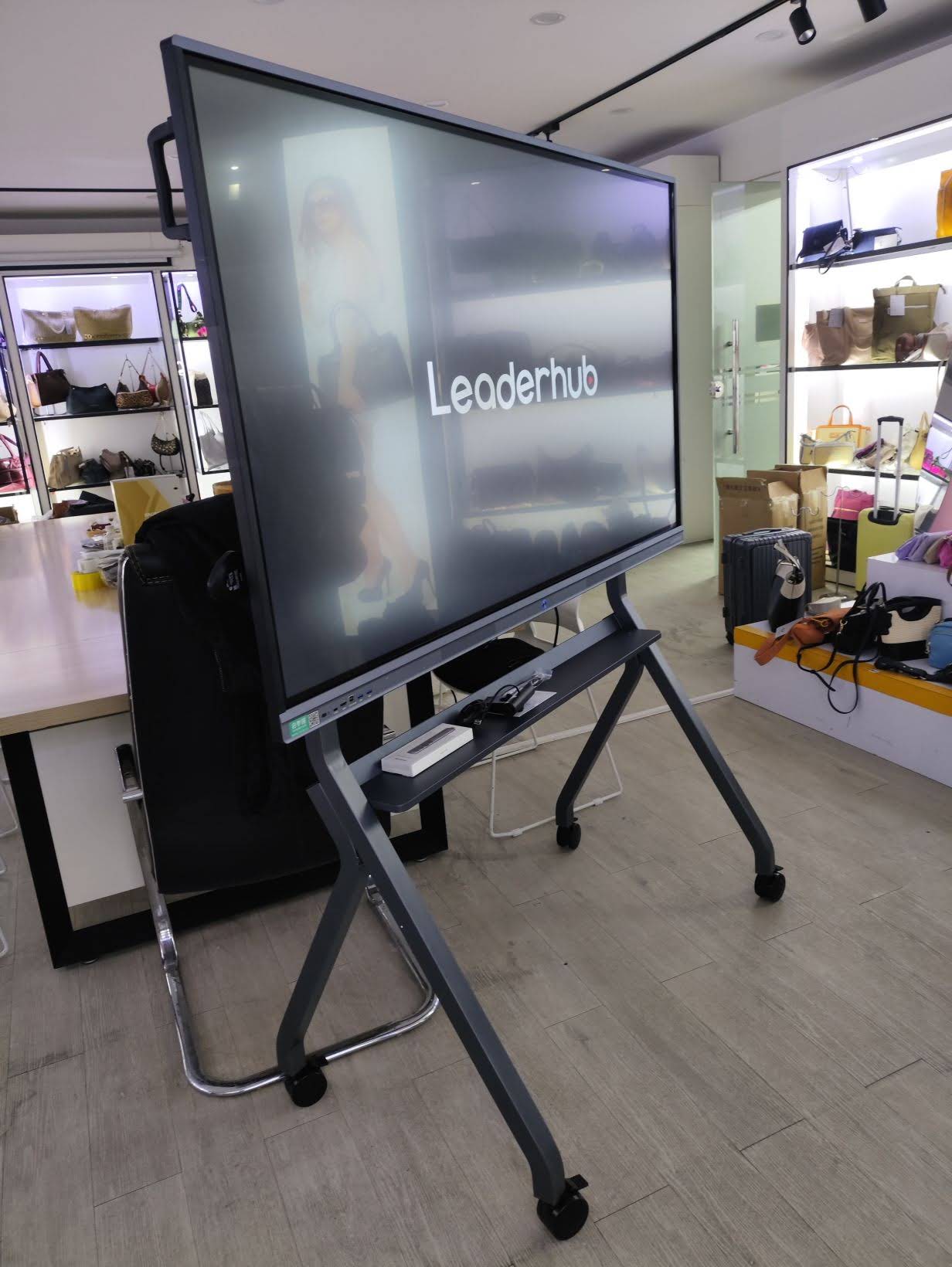
Top Features Schools Should Prioritize
- 4K UHD resolution with wide viewing angles for accurate color reproduction in science and art classes
- Built-in annotation and recording tools so lessons can be saved and shared with absent students
- Low blue-light and anti-glare coating to reduce eye strain during long teaching hours
- Portable stand or wall-mount options for flexibility between classrooms
- Remote device management so IT staff can push updates across multiple classrooms simultaneously
Common Mistakes Schools Make When Buying Smart Whiteboards
Having worked with over 200 educational institutions, we’ve identified several recurring procurement errors:
| Mistake | Consequence | Solution |
|---|---|---|
| Buying based on price alone | Panels fail within 2 years | Compare total cost of ownership, not just upfront price |
| Ignoring teacher training | Low adoption rate | Request vendor-provided onboarding sessions |
| Overlooking software licensing | Hidden annual fees | Confirm whiteboard software is free and lifetime-licensed |
| No pilot testing | Mismatched fit for classroom needs | Request a demo unit for at least 2 weeks before bulk purchase |
Real-World Experience: What Educators Report
In a recent rollout across a district of 12 primary schools, IT coordinators reported that panels with simplified remote management dashboards reduced technical support tickets by nearly 40% in the first semester. Teachers specifically praised devices with built-in annotation tools that allowed them to mark up PDFs and textbooks directly, eliminating the need for separate document cameras.
One head of IT procurement noted: “The biggest factor wasn’t the brand name — it was how quickly our teachers could pick it up without training, and how reliably it connected to our existing Chromebooks and laptops.” This aligns with broader industry data showing that ease-of-use, not just hardware specs, drives long-term classroom adoption.
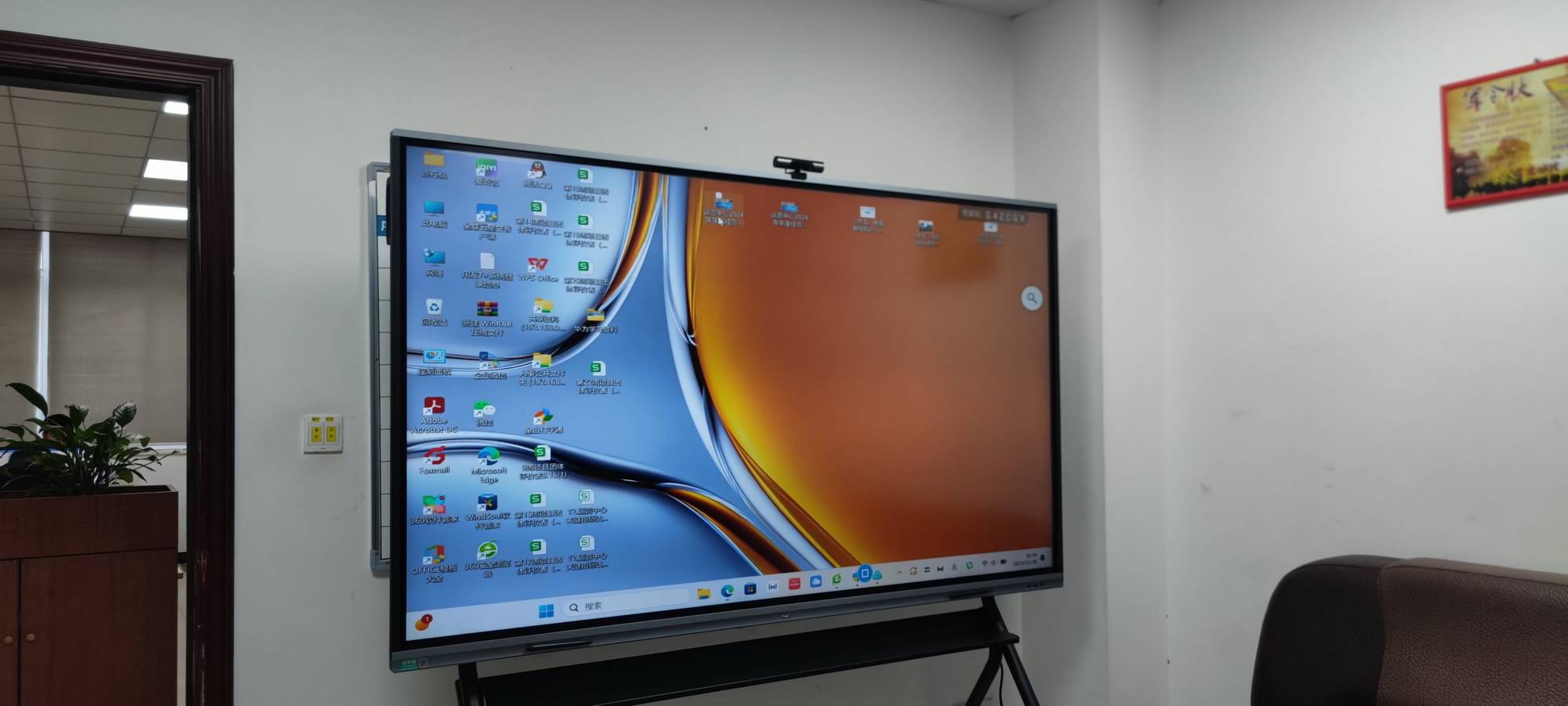
Comparing Smart Whiteboard vs. Traditional Setup
| Feature | Traditional Whiteboard + Projector | Smart Interactive Whiteboard |
|---|---|---|
| Touch interaction | None | Multi-touch, pen & palm support |
| Content saving | Manual photo/notes | Auto-save, cloud sync |
| Maintenance | Bulb replacement, calibration | Minimal, LED lifespan 50,000+ hrs |
| Remote/hybrid teaching | Not supported | Built-in camera/mic support |
How LeaderHub Supports Schools Worldwide
With 16 years of experience in the interactive display industry and products deployed across 82 countries, LeaderHub designs smart whiteboards specifically engineered for education environments — combining 4K anti-glare panels, built-in annotation software, and optional mini PC modules for full Windows compatibility. Schools evaluating vendors can review LeaderHub’s full product lineup or reach out directly via the contact page for classroom-specific consultations and demo requests.
Budget Planning: What Schools Should Expect to Spend
- Entry-level 65″ panels: $1,000–$1,400 — suitable for smaller classrooms and primary schools
- Mid-range 75″ panels: $1,400–$2,000 — the most common choice for secondary schools
- Premium 86″+ panels with mini PC bundle: $2,500–$4,000 — ideal for lecture halls and STEM labs
When budgeting, schools should also factor in mounting hardware, installation labor, and optional extended warranties, which typically add 8–12% to the total project cost.
Final Checklist Before Purchasing
| Checklist Item | Confirmed? |
|---|---|
| Screen size matches classroom dimensions | ☐ |
| Touch technology supports 20+ points | ☐ |
| Warranty covers at least 3 years | ☐ |
| Software licensing is free/lifetime | ☐ |
| Vendor provides teacher training | ☐ |
Selecting the best smart whiteboard for a school is a balance of technical specifications, budget realities, and how naturally teachers can integrate the device into their daily lesson plans. By focusing on screen size appropriate to the room, reliable touch technology, flexible software support, and a trustworthy warranty, schools can make a confident, future-proof investment that improves both teaching efficiency and student engagement for years to come.








