
Choosing the right smart whiteboard for a school is rarely a simple task, especially when the purchase involves outfitting dozens of classrooms at once. Administrators and IT procurement teams must balance budget constraints, technical specifications, durability requirements, and long-term support — all while ensuring the technology actually improves teaching outcomes. This guide draws on real-world procurement experience, industry data, and technical expertise to help school decision-makers make a confident, informed bulk purchase.
Why Schools Are Investing in Smart Whiteboards
Over the past five years, adoption of interactive displays in K-12 and higher education has accelerated significantly. According to industry surveys, schools that integrate touch-enabled displays report measurable improvements in student engagement and lesson retention compared to traditional projector setups. A smart whiteboard combines a large 4K touchscreen with built-in annotation software, screen mirroring, and often a full Android or Windows operating system — eliminating the need for separate projectors, speakers, and computers.
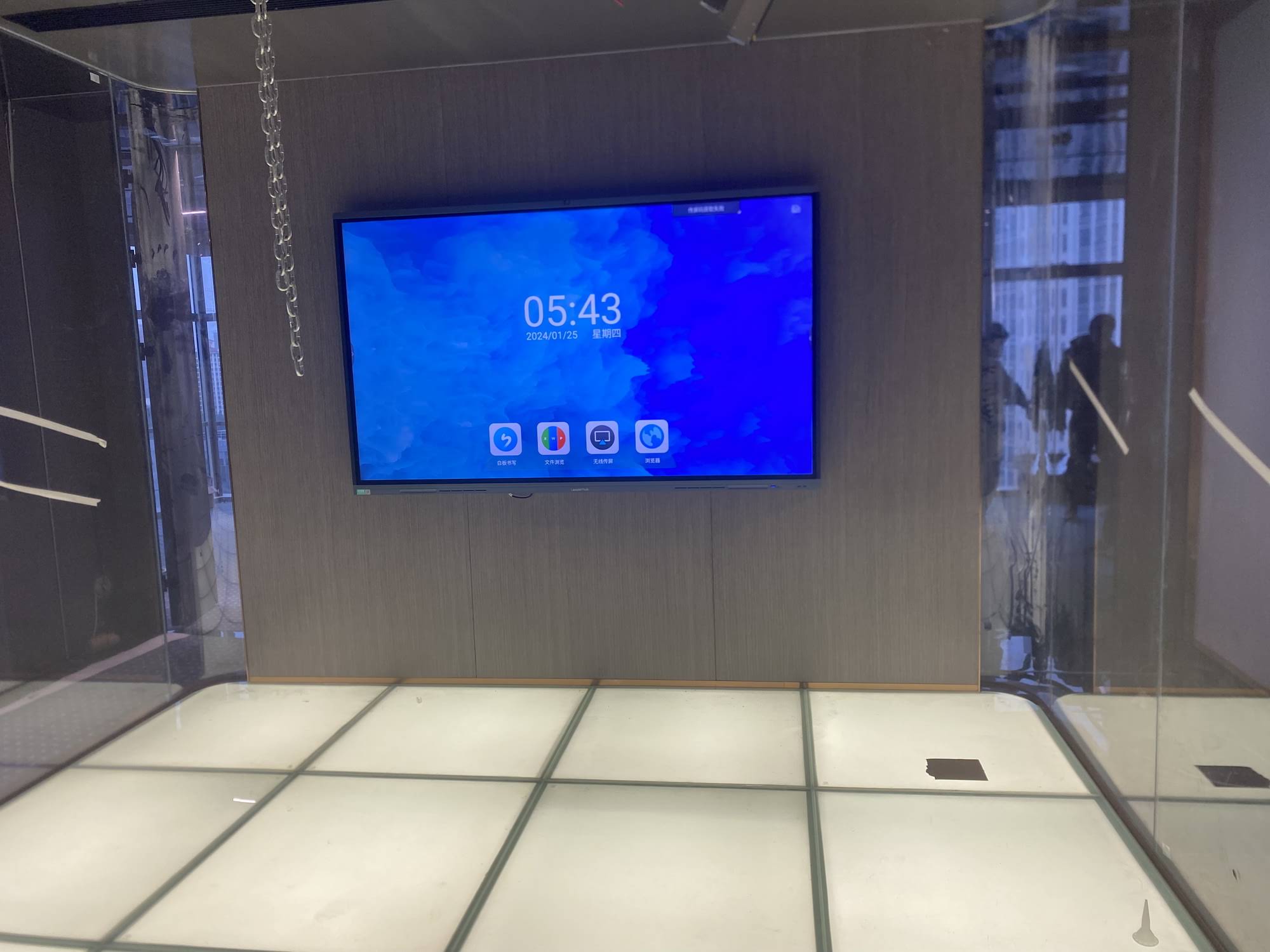
From a procurement standpoint, bulk purchasing introduces additional complexity: consistency across units, warranty coverage at scale, and the ability to get responsive technical support when 30, 50, or 100 units are deployed simultaneously across a campus.
Key Factors to Evaluate Before Buying in Bulk
1. Display Size and Resolution
Classroom size directly determines the ideal screen dimension. A 65-inch panel works well for rooms under 40 square meters, while lecture halls or larger classrooms benefit from 75-inch or 86-inch displays. All units should support native 4K resolution to ensure text and diagrams remain sharp even when viewed from the back row.
| Classroom Size | Recommended Screen Size | Typical Viewing Distance |
|---|---|---|
| Small (up to 30 students) | 65″ | 2.5 – 4 meters |
| Medium (30–45 students) | 75″ | 3 – 5 meters |
| Large (45+ students / lecture hall) | 86″ – 110″ | 4 – 8 meters |
2. Durability and Build Quality
Schools require hardware that can withstand daily use by students of all ages. Look for panels with tempered anti-glare glass, IK-rated impact resistance, and a minimum lifespan of 30,000+ hours for the backlight. A well-built smart whiteboard should also support wide viewing angles so students seated at the sides of the room can still read the screen clearly.
3. Operating System and Software Ecosystem
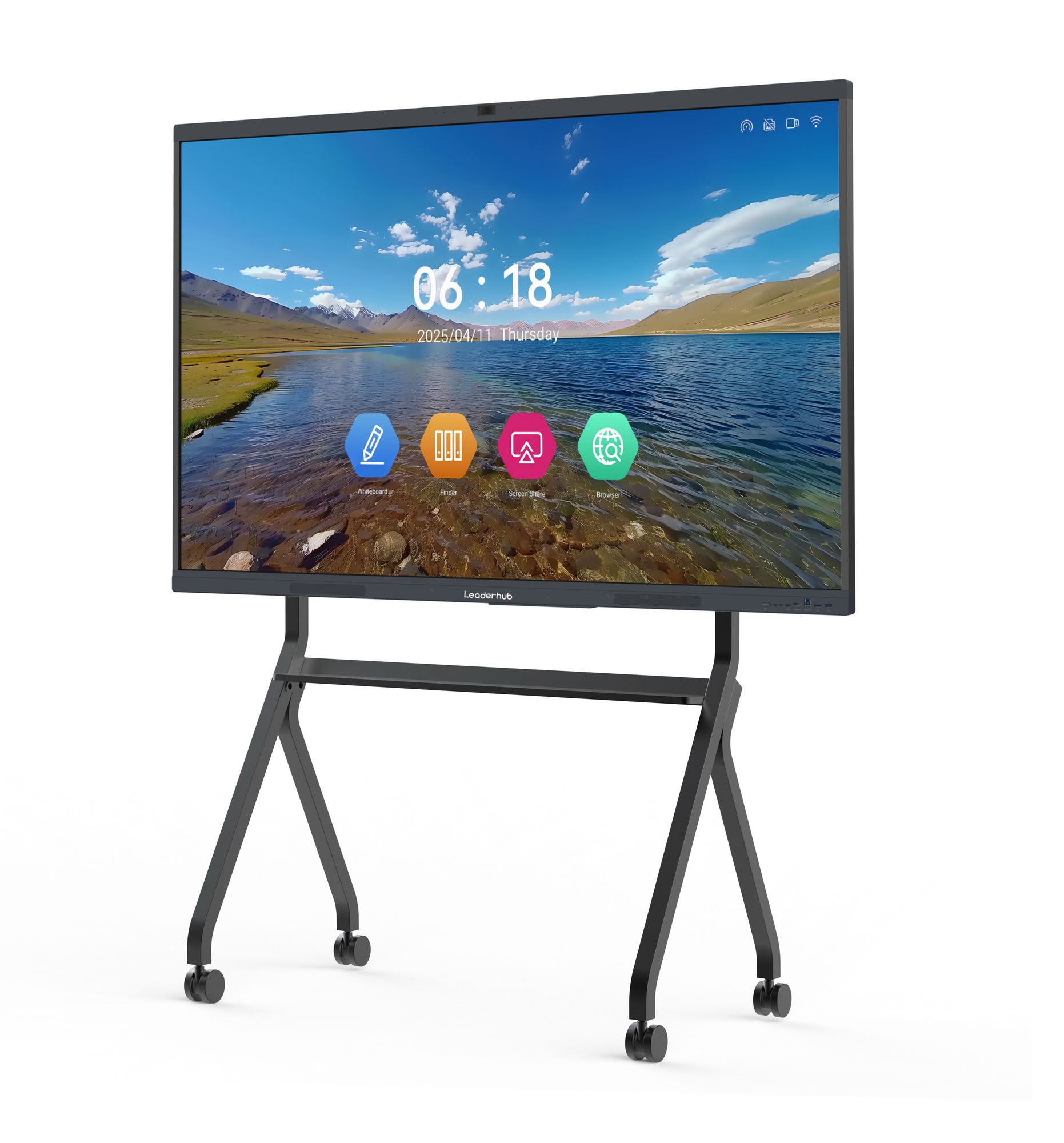
Most modern interactive panels run on Android for basic annotation and screen mirroring, but pairing the panel with a Windows mini PC module unlocks full desktop software compatibility — critical for schools that rely on specific educational applications or need to run Microsoft Office and browser-based learning management systems without an external computer.
4. Connectivity and Compatibility
Bulk deployments should prioritize panels with multiple HDMI inputs, USB-C with power delivery, built-in Wi-Fi 6, and wireless casting support for both Android and iOS devices. This flexibility reduces IT support tickets significantly — in our own deployment feedback across partner schools, campuses using panels with universal wireless casting reported a 40% reduction in cable-related support requests during the first semester.
5. Warranty, Spare Parts, and After-Sales Support
When purchasing dozens of units, warranty terms matter more than they do for a single unit. Ask suppliers about:
- Minimum warranty period (industry standard is 2–3 years for panels)
- Availability of spare parts such as replacement styluses and power boards
- On-site repair vs. return-to-factory policies
- Bulk-order technical training for school IT staff
Budget Planning for Bulk School Purchases
Total cost of ownership extends well beyond the sticker price. Schools should factor in installation, mounting hardware, training sessions, and future software licensing. For a mid-sized school outfitting 20 classrooms, a realistic budget range typically falls between $25,000 and $65,000 depending on screen size and whether panels include a built-in interactive flat panel computing module or require a separate mini PC.
| Item | Estimated Cost (per unit) |
|---|---|
| 65″ 4K Smart Whiteboard | $1,099 – $1,299 |
| 75″ 4K Smart Whiteboard | $1,399 – $1,599 |
| 86″ 4K Smart Whiteboard | $1,699 – $3,199 |
| Wall Mount & Installation | $80 – $200 |
| Optional Mini PC Module | $399 – $999 |
Common Mistakes Schools Make When Buying in Bulk
- Choosing the cheapest option without checking panel brightness — dim panels perform poorly under classroom lighting.
- Ignoring after-sales support availability in the school’s region
- Failing to test one unit before committing to a full campus rollout
- Overlooking teacher training, which affects actual classroom adoption rates
- Not confirming compatibility with existing learning management software
A Real-World Procurement Example
One international school network we consulted with initially purchased a batch of budget touch panels without evaluating touch accuracy or glass durability. Within eight months, over 15% of units developed touch calibration issues, requiring costly replacements. After switching to panels with tempered anti-glare glass and infrared touch technology rated for 20-point multi-touch, the replacement rate dropped to under 2% over the following two years. This underscores why technical specification review — not just price comparison — should drive bulk procurement decisions.
Choosing a Reliable Manufacturer or Supplier
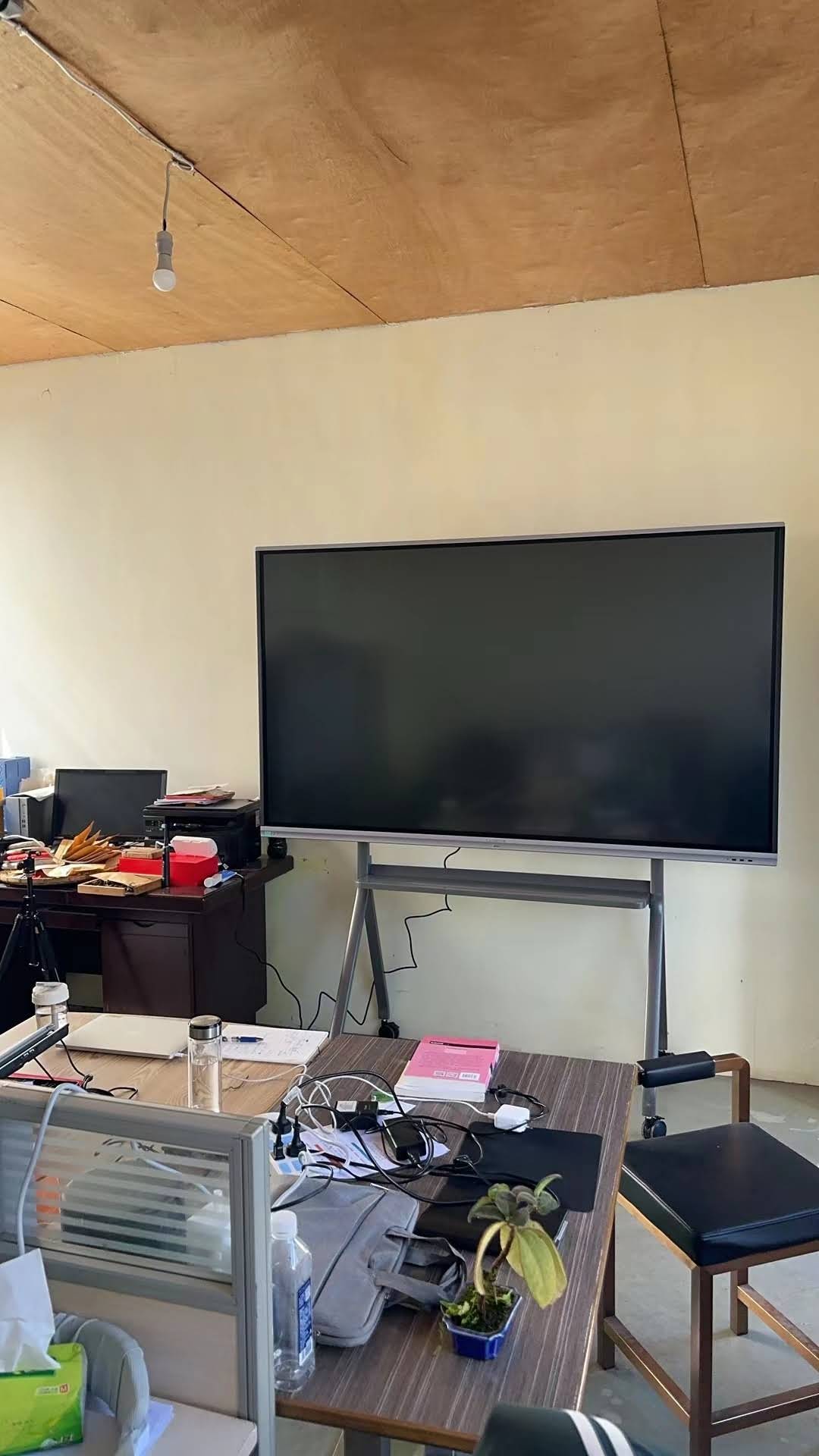
Since bulk procurement involves significant investment, working with an established manufacturer reduces risk considerably. LeaderHub, a Shenzhen-based company with 16 years of experience in the interactive display industry, has supplied smart whiteboards, mini PCs, and portable smart screens to educational institutions and enterprises across 82 countries. Companies with this level of manufacturing history typically offer more consistent quality control, better spare parts availability, and dedicated support channels for large institutional orders — all of which matter significantly when a single defective batch could disrupt dozens of classrooms.
Final Pre-Purchase Checklist
| Checklist Item | Why It Matters |
|---|---|
| Request a sample unit before bulk order | Verify build quality and touch responsiveness firsthand |
| Confirm warranty terms in writing | Protects against costly post-purchase repairs |
| Check regional service center availability | Ensures fast support if issues arise |
| Compare total cost of ownership, not just unit price | Avoids hidden long-term expenses |
| Plan for teacher training sessions | Maximizes actual classroom usage and ROI |
Conclusion
Selecting the right smart whiteboard for a school-wide bulk purchase requires more than comparing prices on a spec sheet. Screen size appropriate for the classroom, durable touch technology, flexible software support, and a manufacturer with a proven track record all play a role in ensuring a smooth, long-lasting deployment. By following a structured evaluation process — testing samples, verifying warranty terms, and calculating true total cost of ownership — schools can invest confidently in interactive technology that genuinely enhances teaching and learning for years to come.








