
Best Smart Board for Online Classes: The Ultimate Interactive Teaching Tool
Empower educators and captivate remote students with LeaderHub’s next-generation 4K interactive flat panels, built-in AI collaboration tools, and seamless hybrid classroom integration.
Why a Smart Board for Online Classes is the Ultimate Interactive Teaching Tool
In the rapidly evolving landscape of modern education, traditional teaching methods are no longer sufficient to keep students engaged. A smart board for online classes has emerged as the definitive bridge between physical classrooms and digital learning spaces. By transforming static lessons into dynamic, multi-sensory experiences, it empowers educators to deliver high-impact lectures regardless of where their students are located.
Whether you are a university professor running complex hybrid lectures, a corporate trainer hosting global onboarding programs, or a private tutor teaching primary school students, an interactive smart board ensures your voice, annotations, and visual materials are conveyed in crystal-clear 4K resolution. It acts as a comprehensive command center for all your educational software, video conferencing platforms, and digital assets.
“The transition from physical boards to interactive displays represents a paradigm shift in student knowledge retention, boosting classroom interaction rates by over 60%.”
How Interactive Displays Transform Learning Outcomes
Integrating a high-performance smart board into your online classes solves the critical pain points of distance learning: student distraction, technical latency, and limited visual expression.
Crystal Clear 4K Presentation
Deliver sharp text, vivid diagrams, and high-definition video materials. Remote students see every stroke of the digital pen clearly without straining, even on small mobile screens.
Ultra-Low Writing Latency
Enjoy a natural pen-on-paper writing experience. Our smart boards track touch inputs instantaneously, making live annotation, math equations, and freehand drawing smooth and organic.
Seamless App Compatibility
Fully compatible with mainstream video conferencing and LMS tools like Zoom, Microsoft Teams, Google Classroom, and Skype. Switch between applications with a single tap.
Featured Smart Boards & Interactive Panels
Choose the perfect display size and configuration tailored to your online teaching environment, from compact home studios to massive lecture halls.

LeaderHub L65HM Interactive Smart Whiteboard — 65″ 4K Touchscreen
Ideal for small class setups and home offices. Featuring 4K resolution, advanced touch responsiveness, and seamless dual-OS options to power your favorite teaching tools.
Buy Now
LeaderHub L75HM Interactive Smart Whiteboard — 75″ 4K Touchscreen
The sweet spot for school classrooms and training centers. Provides ample canvas space for side-by-side app multitasking and comprehensive visual demonstrations.
Buy Now
LeaderHub L86HM Interactive Smart Whiteboard — 86″ 4K Touchscreen
Designed for large lecture halls and hybrid classrooms. Captures the attention of both in-person students and remote attendees with a massive, vibrant 4K canvas.
Buy Now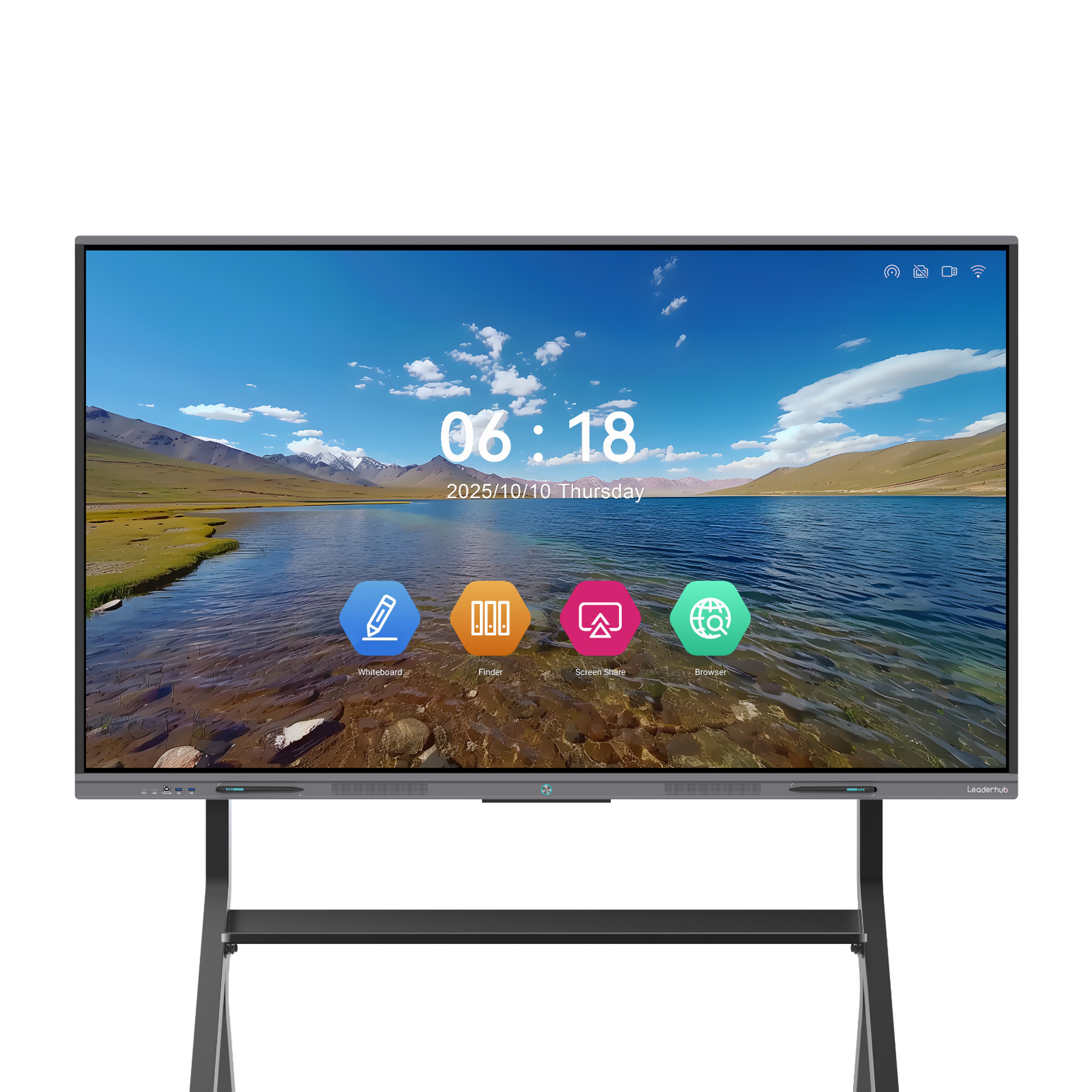
LeaderHub L65ZM Interactive Whiteboard — 65″ 4K Smart Panel
A budget-friendly 65-inch solution packed with premium interactive features. Perfect for independent educators and online tutoring schools looking to scale up.
Buy Now
LeaderHub L75ZM Interactive Whiteboard — 75″ 4K Smart Panel
Combines cost efficiency with standard 75-inch canvas real estate. Ideal for institutions upgrading multiple classrooms to modern hybrid learning standards.
Buy Now
LeaderHub L86ZM Interactive Whiteboard — 86″ 4K Smart Panel
An ultra-large interactive display offering stellar 4K visual performance and smooth pen tracking at an accessible, highly competitive price point.
Buy NowMobile Smart Screens for Dynamic Presenting
Break free from fixed classroom layouts. Explore our portable, rotating, and mobile interactive screens designed for educators on the move.
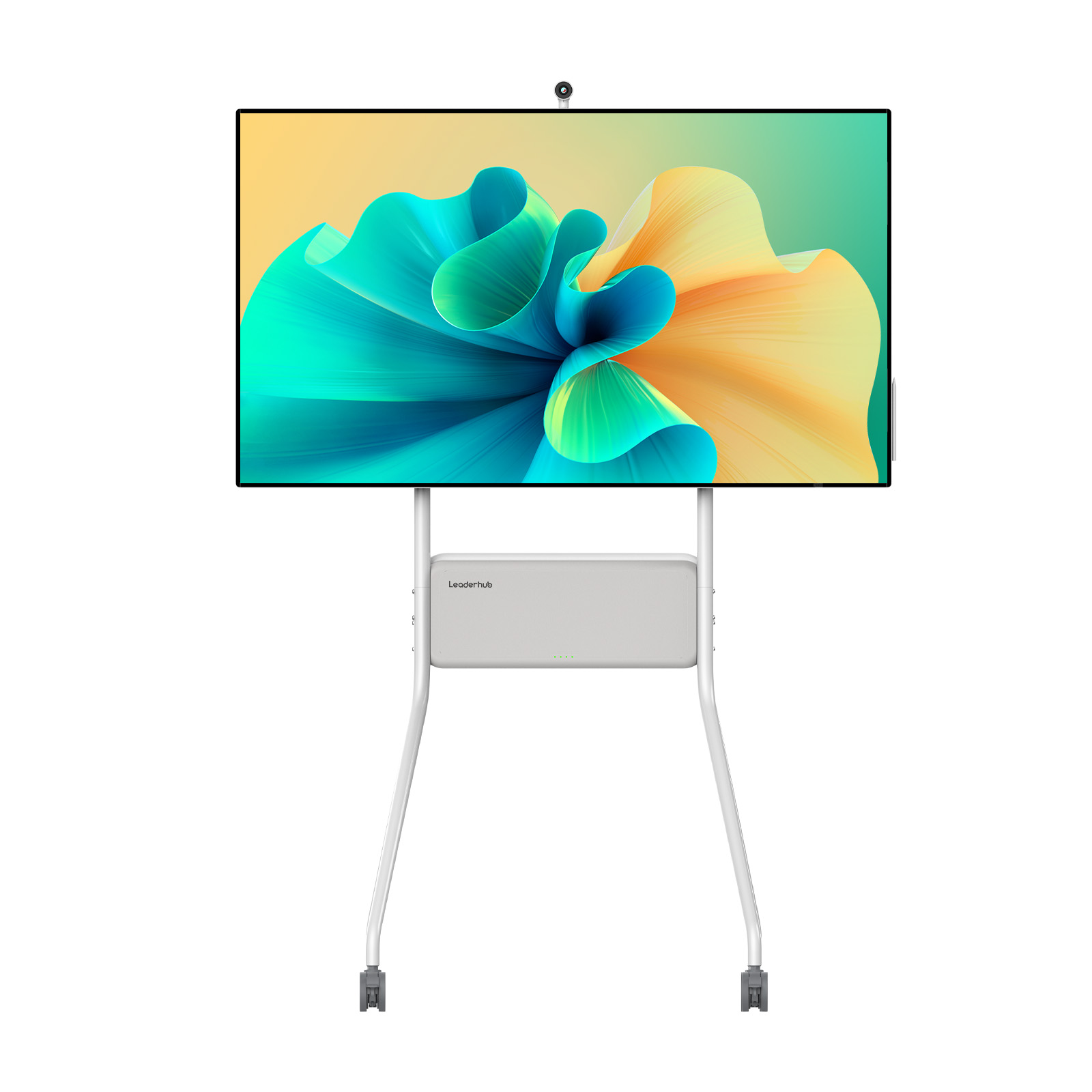
LeaderHub U55Pro Interactive Flat Panel — 55″ Mobile 4K Smart Display
Features a built-in battery and lightweight rolling stand. Wheel your digital whiteboard effortlessly between teaching labs, offices, or study rooms.
Buy Now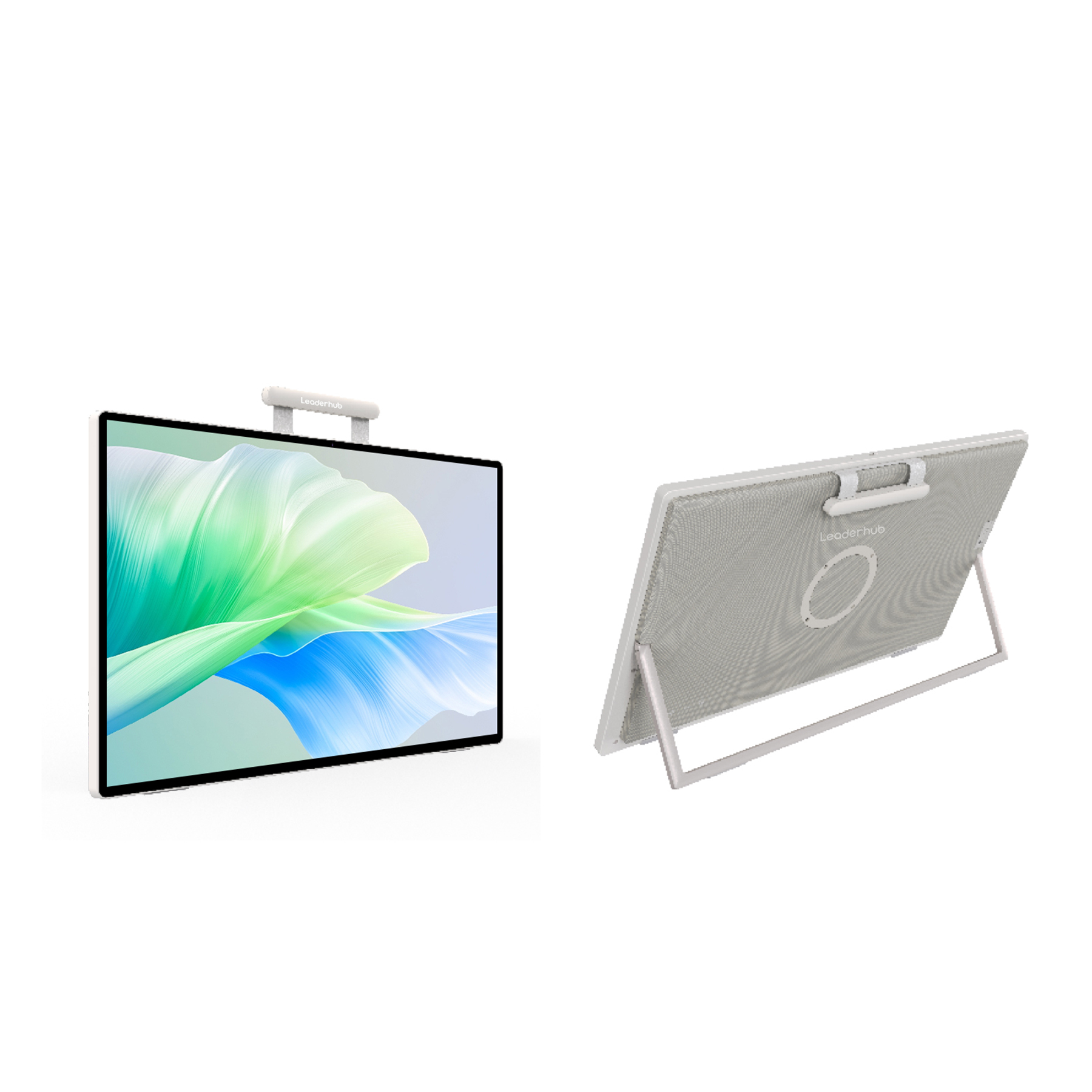
LeaderHub U24M 24.5″ Handheld Smart Screen — Android 14 with Battery
A highly portable personal smart screen. Built-in battery and Android 14 OS make it perfect for remote tutoring, outdoor teaching, and small-group check-ins.
Buy Now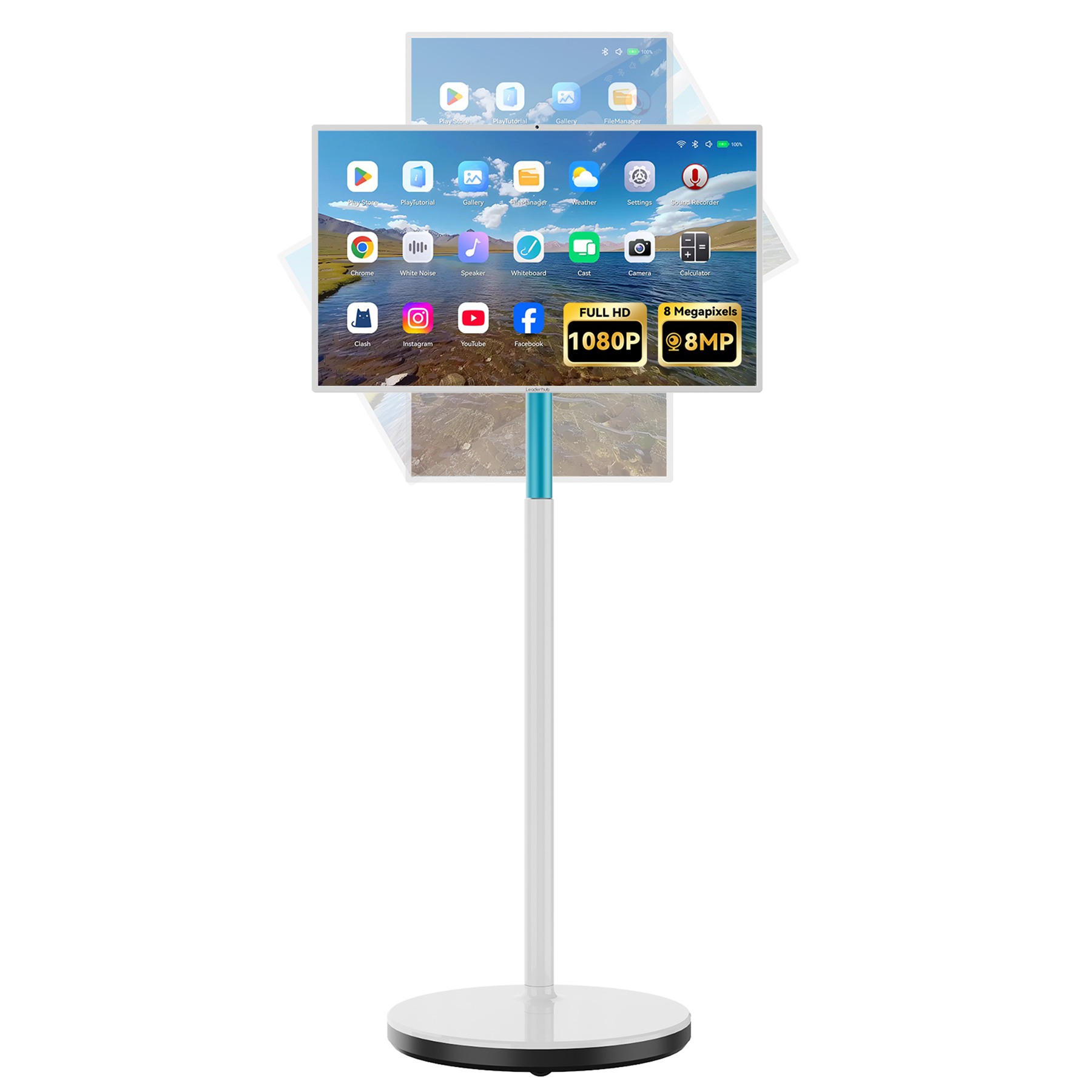
LeaderHub L277M Smart Rotating Screen — 27″ Touchscreen with Battery
A versatile 27-inch touchscreen that rotates effortlessly between portrait and landscape modes. Ideal for displaying vertical mobile apps, ebooks, and video chats.
Buy NowHigh-Performance Mini PCs for Seamless Operation
Supercharge your interactive panels. Our Mini PCs fit directly into smartboard OPS slots or stand alone, enabling smooth multi-window multitasking and zero-lag streaming.
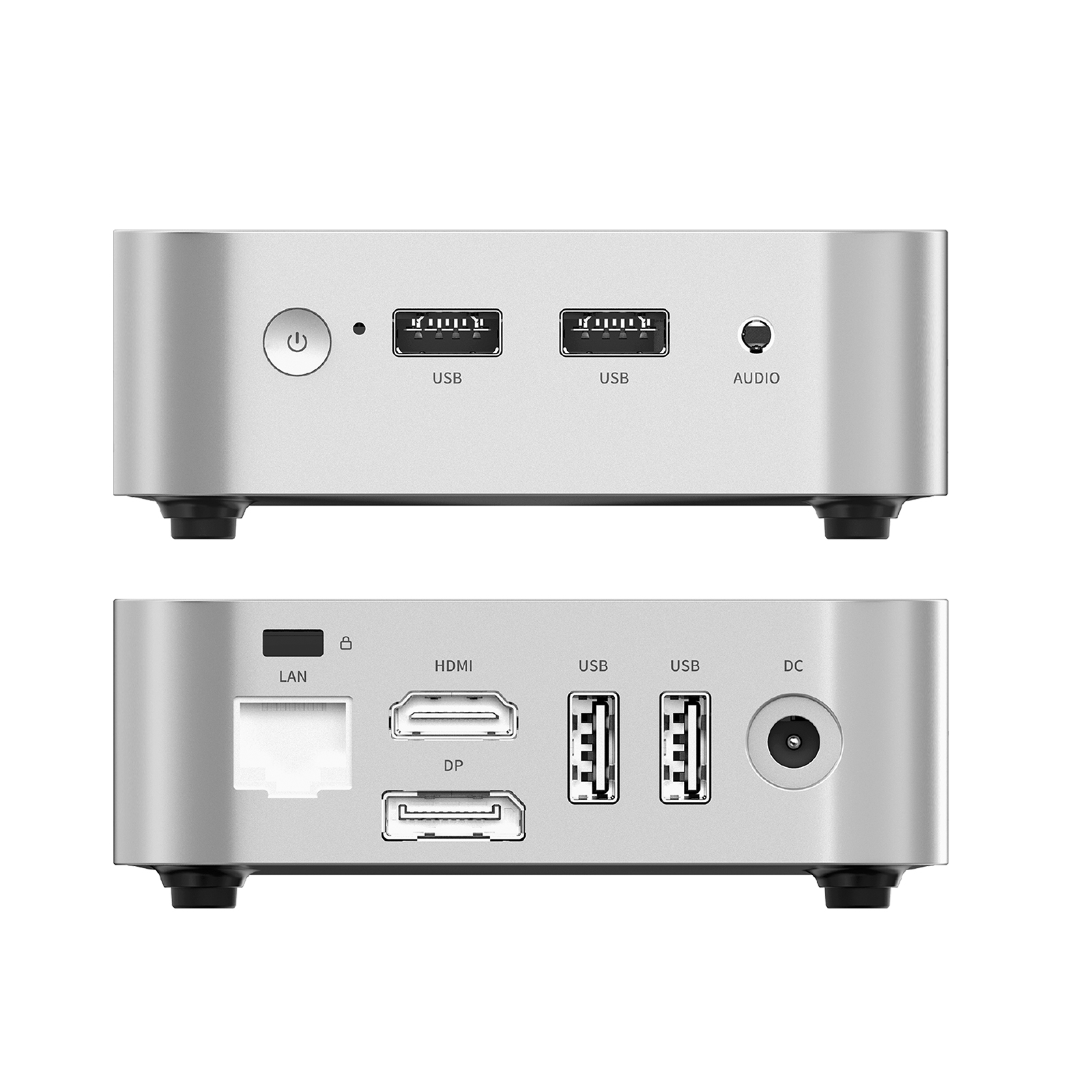
LeaderHub LP1C Mini PC — Intel N100, 8GB RAM, 512GB SSD
An energy-efficient, budget-friendly mini PC. Perfect for standard classroom presentations, running web browsers, and streaming online lecture platforms.
Buy Now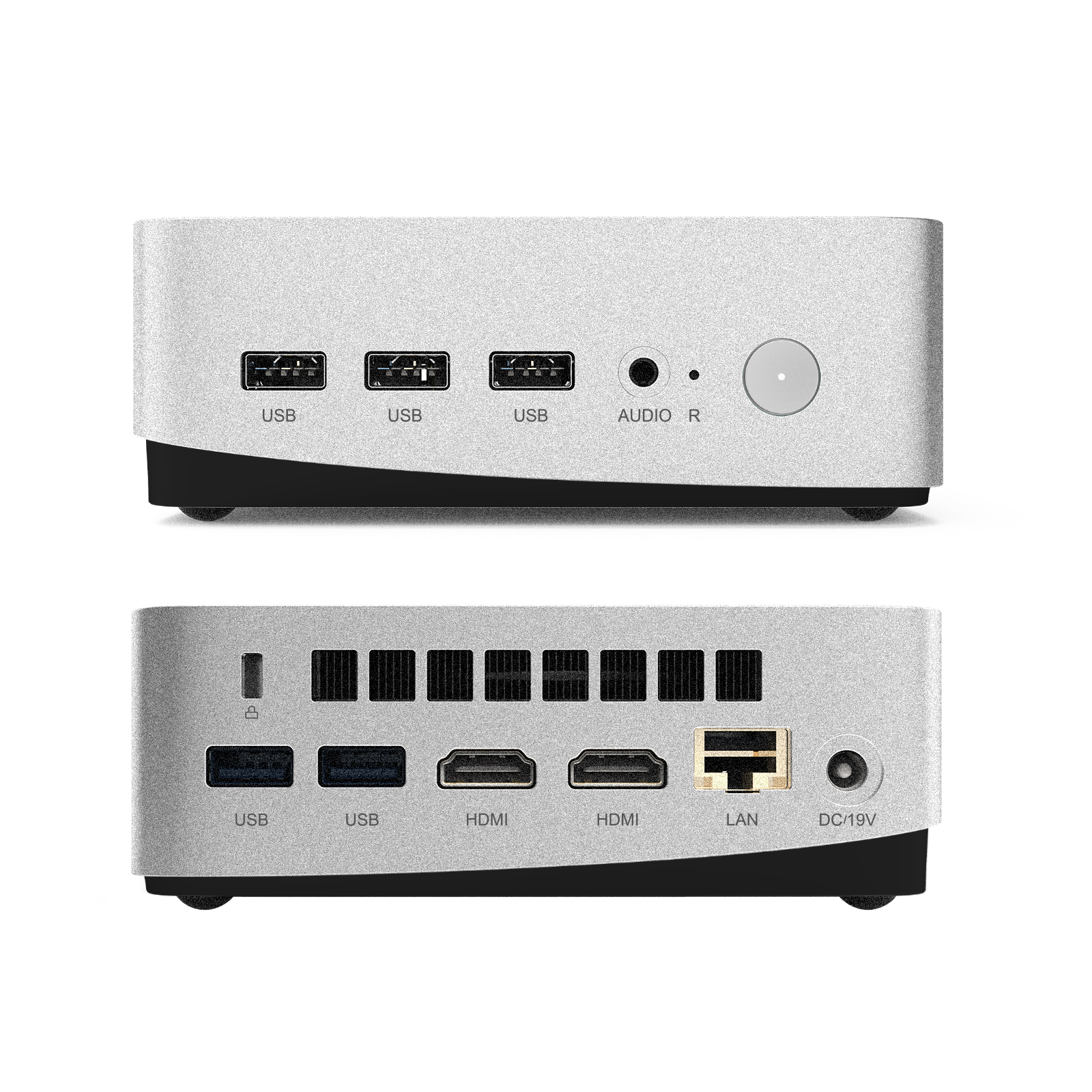
LeaderHub LP5C Mini PC — Intel i5-12450HX 16GB RAM 512GB SSD
Powerhouse performance for demanding applications. Effortlessly runs heavy 3D rendering software, complex simulations, and high-definition multi-party video calls.
Buy Now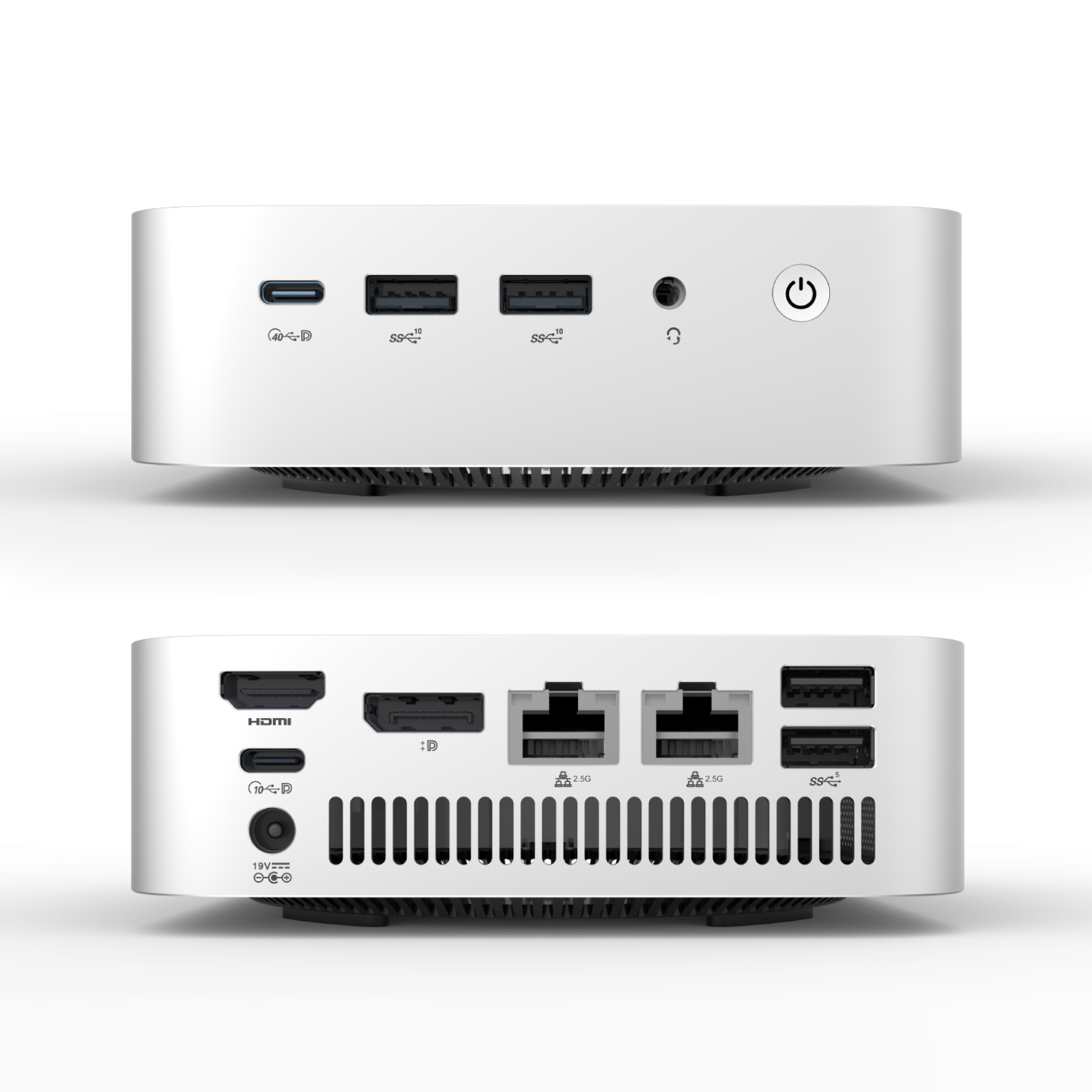
LeaderHub AD8 Mini PC
Our flagship computing module. Engineered for ultimate reliability, high processing speeds, and maximum compatibility with large-scale interactive display setups.
Buy NowCompare LeaderHub Smart Boards at a Glance
Find the best model for your teaching space based on size, screen technology, and pricing options.
| Model Name | Screen Size | Resolution & Touch | Ideal Application | Price | Action |
|---|---|---|---|---|---|
| LeaderHub L65HM | 65 Inches | 4K UHD, 20-Point Touch | Home studios, small tutoring groups | $1299.00 | View Details → |
| LeaderHub L75HM | 75 Inches | 4K UHD, 20-Point Touch | Standard school classrooms, corporate training | $1599.00 | View Details → |
| LeaderHub L86HM | 86 Inches | 4K UHD, 20-Point Touch | Large lecture halls, executive boardroom | $3199.00 | View Details → |
| LeaderHub L65ZM | 65 Inches | 4K UHD, Multi-Touch | Budget-conscious online educators | $1099.00 | View Details → |
| LeaderHub L75ZM | 75 Inches | 4K UHD, Multi-Touch | K-12 schools upgrading multiple rooms | $1399.00 | View Details → |
| LeaderHub L86ZM | 86 Inches | 4K UHD, Multi-Touch | Spacious training facilities, shared auditoriums | $1699.00 | View Details → |
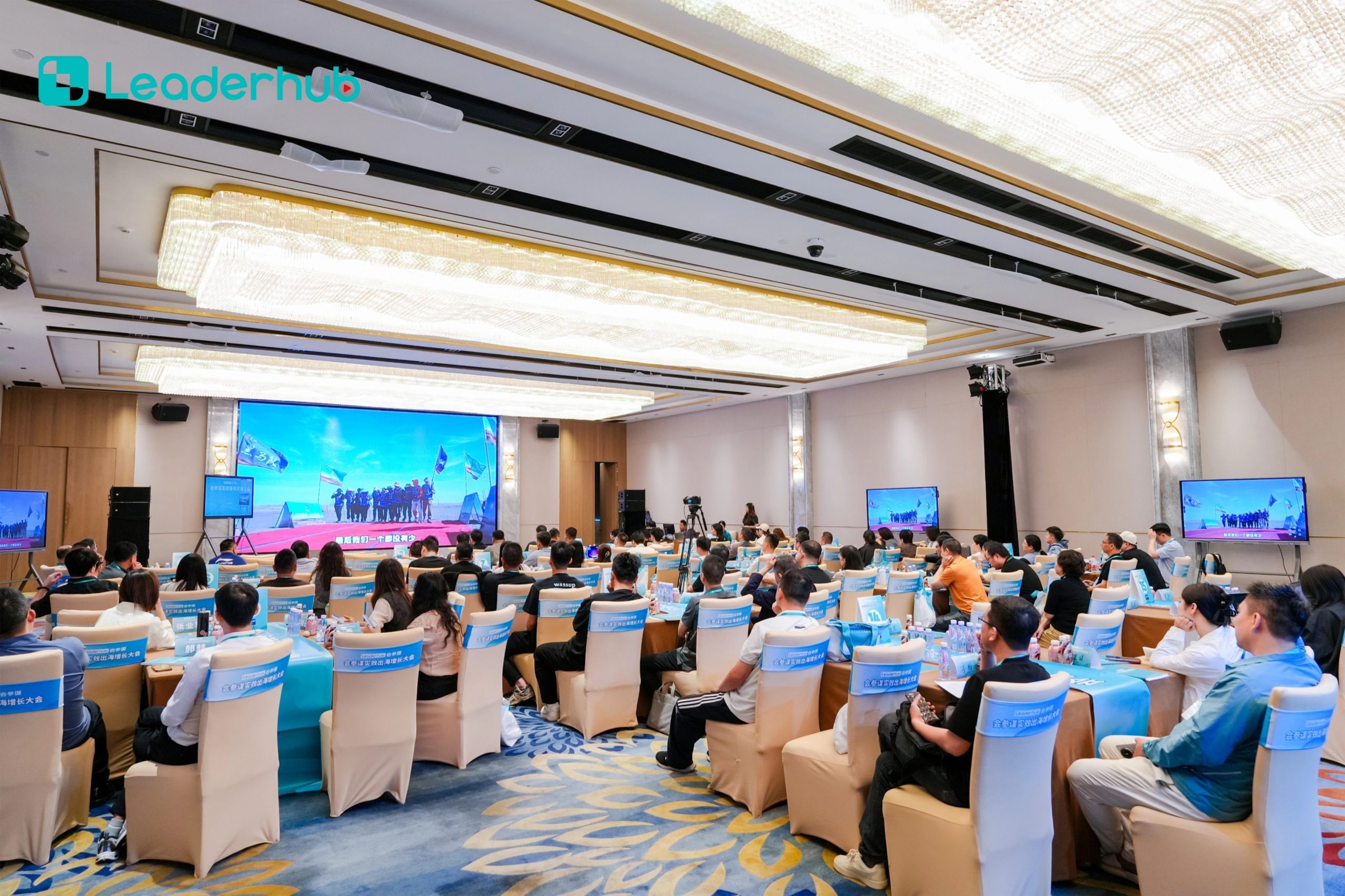
How to Use a Smart Board to Engage Remote Students
Hardware is only half the equation. To truly unlock the potential of a smart board for online classes, educators should adopt interactive methods that leverage touch and cloud connectivity:
-
1
Real-Time Cloud Collaboration
Allow students to scan a QR code on the display to join the whiteboard session from their own tablets or computers, contributing to group brainstorms instantly.
-
2
Split-Screen Multitasking
Run your video feed or slide deck on one side of the screen while keeping the digital whiteboard open on the other for spontaneous notes and student questions.
-
3
One-Touch Lesson Recording
Record your entire audio and screen interactions directly to the board’s internal memory or cloud storage, creating instant review resources for absent students.
AI Changes Life: 16 Years of Interactive Display Expertise
LeaderHub is a Shenzhen-based technology leader specializing in smart whiteboards, interactive flat panels, mini PCs, and portable smart screens. Since 2010, we have delivered cutting-edge visual collaboration solutions to education, enterprise, and creative professionals across 82 countries worldwide.
Our mission is simple: AI Changes Life. We believe artificial intelligence and interactive technology can transform how people work, learn, and collaborate. By combining hardware innovation with AI, we continually optimize interaction efficiency, making remote learning and virtual meetings highly accessible, effective, and convenient for institutions worldwide.

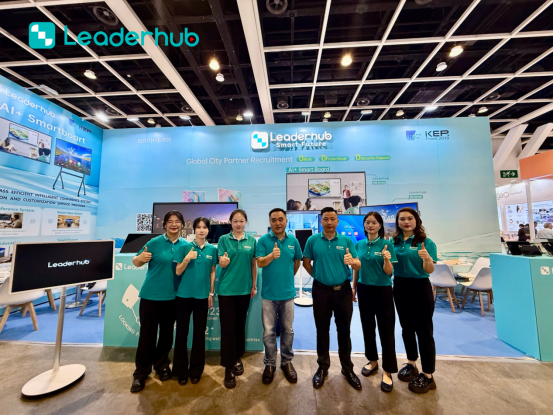
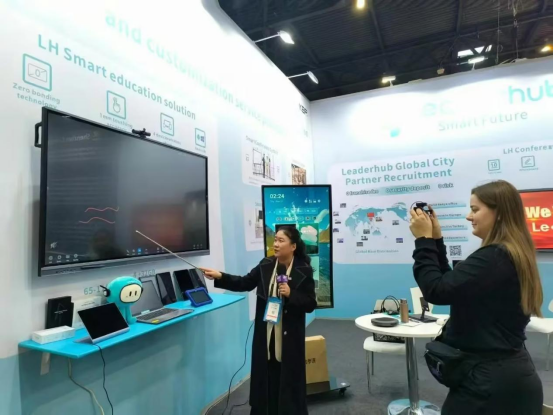
Meet LeaderHub at Global Electronics Exhibitions
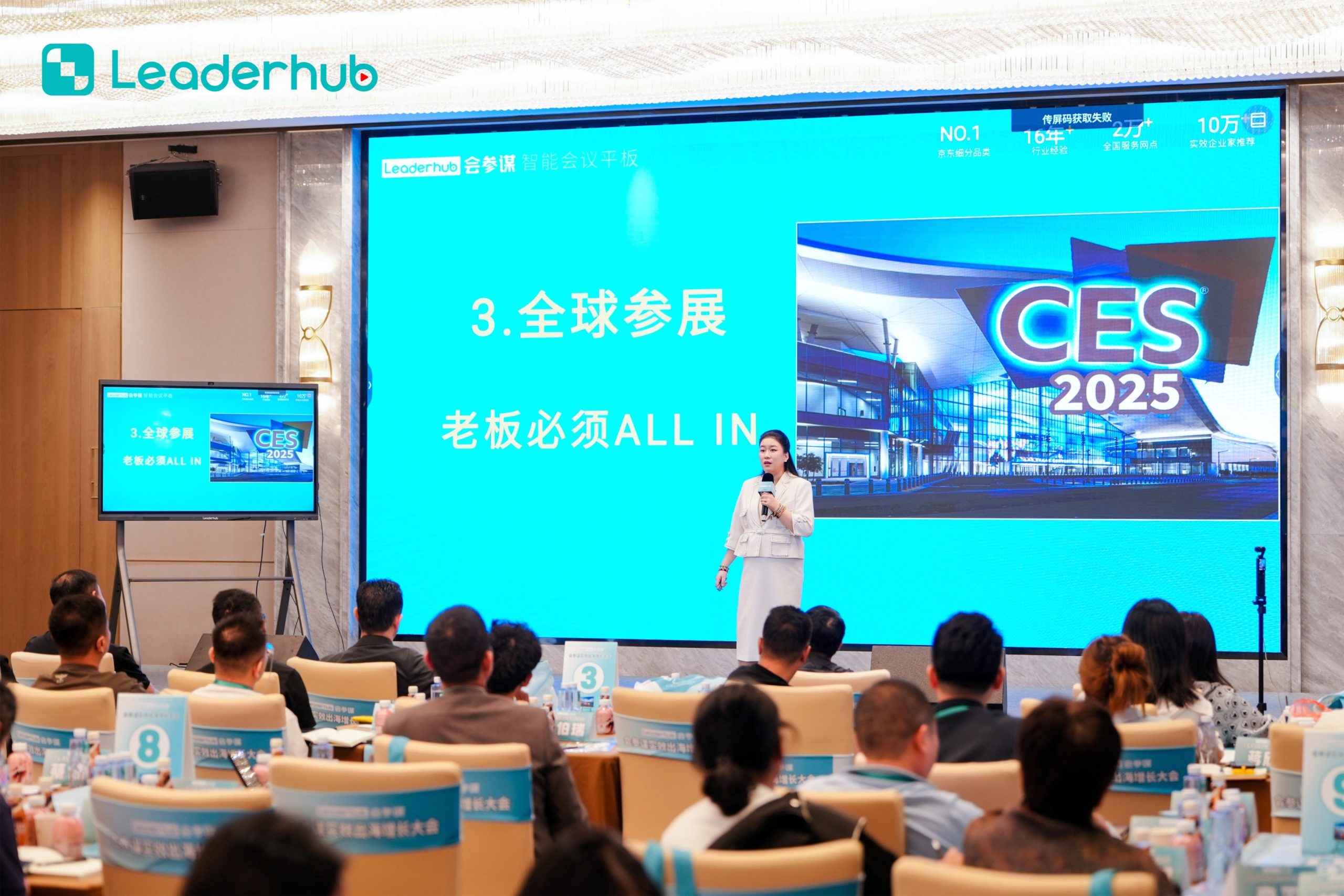
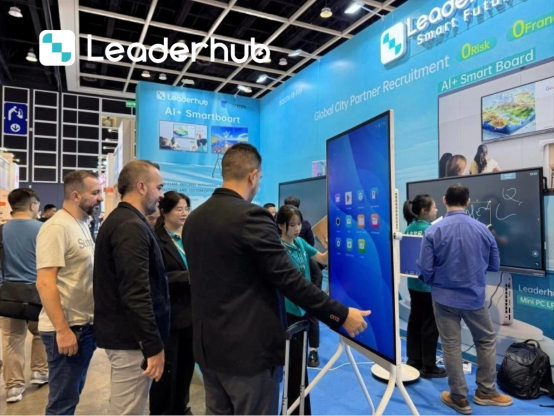
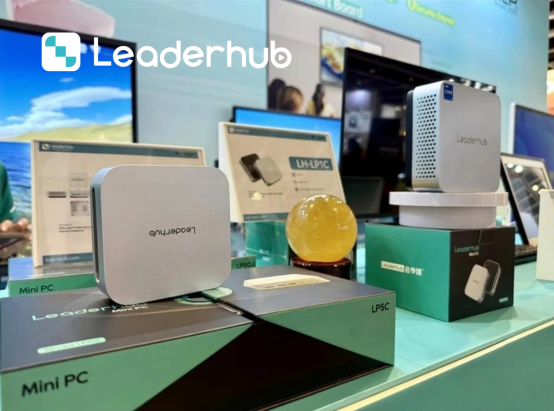
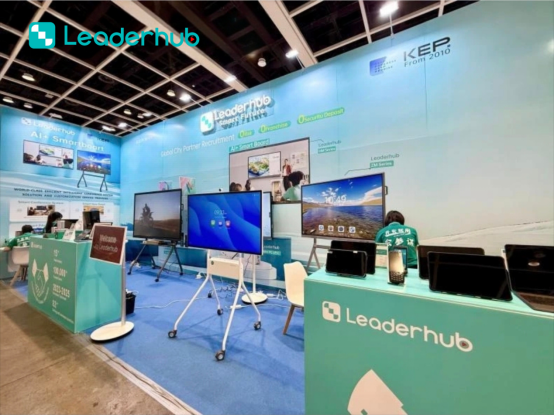
We actively showcase our latest smart boards, interactive flat panels, and collaboration ecosystems at major technology shows worldwide, connecting with educational institutions and global partners.



Recognition & Achievements
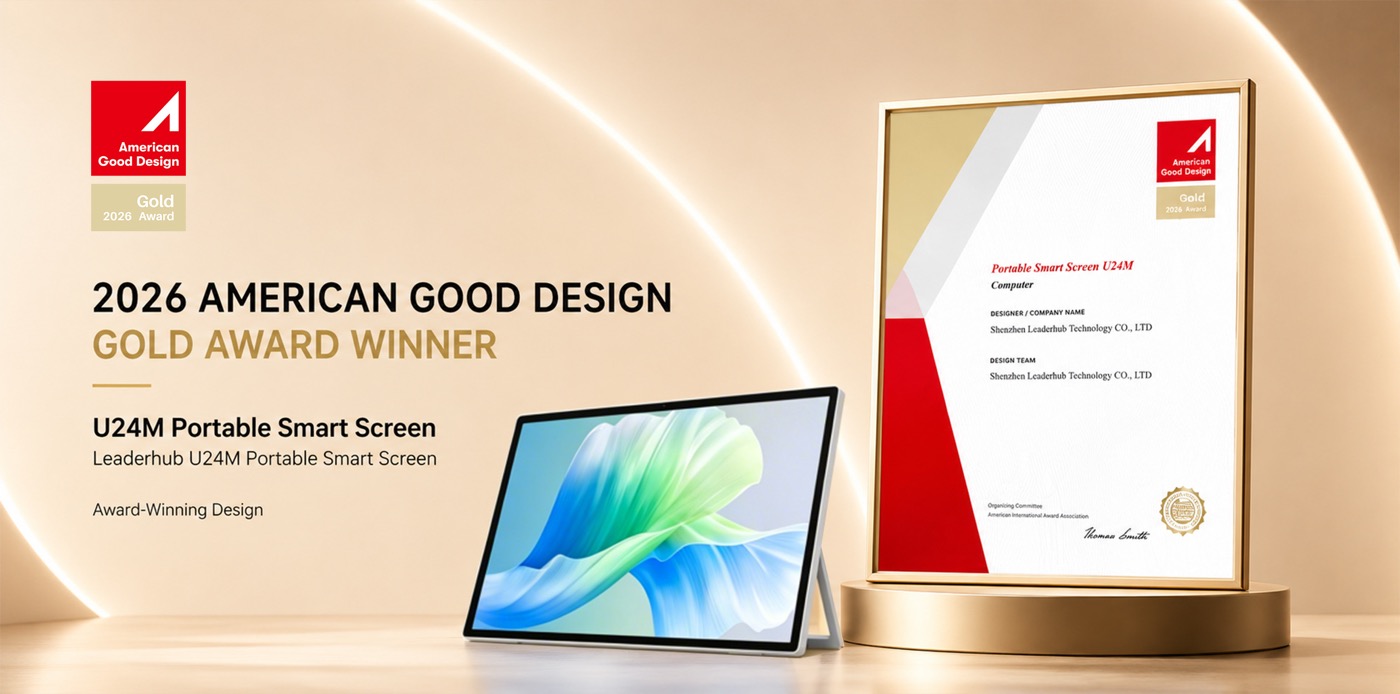
Our commitment to quality, durability, and technological innovation has earned LeaderHub several industry accolades and the trust of millions of users globally.
- NO.1 in JD.com subcategory (interactive panels)
- Annual Most Invested-Value Brand
- Annual Consumer Trustworthy Brand
- Annual Conference Tablet — Most Innovative Product Award
- Shenzhen Famous Brand Recognition
How to Choose the Best Smart Board for Your Online Classes
When shopping for a smart board for online classes, it is easy to get overwhelmed by the variety of specifications, screen sizes, and operating systems. However, choosing the right interactive display comes down to understanding your specific teaching workflow, the layout of your recording studio or classroom, and your budget.
1. Screen Size and Room Dimensions
The physical size of your smart board determines how comfortable you will be writing and how clearly your students can see your work. For home offices and small recording booths, a 65-inch display (such as the LeaderHub L65HM or L65ZM) is often the most practical choice. It fits comfortably on standard wall mounts or mobile stands without overwhelming the room. If you are teaching from a standard school classroom or a dedicated training center where some students are physically present, a 75-inch or 86-inch display ensures readability from the back row while providing ample canvas space for screen sharing.
2. Operating System and Software Integration
An interactive whiteboard is only as good as the software it runs. LeaderHub displays are engineered to support dual operating systems (Android and Windows via OPS Mini PCs). This flexibility allows teachers to run native Android educational apps directly from the screen, or switch to a full Windows environment to access specialized desktop software like Microsoft Office, Geogebra, or proprietary school management platforms.
3. Touch Latency and Annotation Precision
For math, chemistry, and language teachers, writing precision is non-negotiable. Traditional projectors and early-stage smartboards suffered from noticeable lag, making cursive writing and detailed diagrams frustrating to draw. Modern interactive flat panels utilize advanced infrared (IR) or capacitive touch sensors to achieve response times under 8 milliseconds. This ensures that the digital ink follows your pen tip instantly, providing an authentic writing experience that keeps your teaching flow natural.
4. Connectivity and Remote Control
Your smart board needs to connect seamlessly with other classroom devices. Look for displays that offer front-facing USB-C ports, HDMI inputs, and wireless screen-casting capabilities. LeaderHub panels allow you to cast up to four devices simultaneously, making it easy to compare student work or display reference materials from a tablet or smartphone beside your main lesson plan.
Common Inquiries About Smart Boards for Online Classes
Everything you need to know about setting up, using, and maintaining your interactive flat panels.
Do LeaderHub smart boards work directly with Zoom and Microsoft Teams?
Yes. LeaderHub smart boards fully support Zoom, Microsoft Teams, Skype, and other video conferencing tools. You can join meetings, share your interactive whiteboard screen, and utilize built-in cameras and microphones for clear communication.
Can I write on the smart board and save my notes?
Absolutely. The built-in whiteboard application allows you to write, draw, annotate over documents (PDFs, PPTs), and save the files directly to the local storage, cloud services (Google Drive/OneDrive), or share them instantly with students via a QR code.
What is the difference between the HM and ZM series?
The HM series is our premium line, featuring advanced processing power, ultra-low touch latency, and high-end audio-visual components. The ZM series is designed to offer standard 4K smart board features at a highly competitive, budget-friendly price point for growing schools.
Do I need an external PC to run the smart board?
No. All LeaderHub interactive panels come with a built-in Android operating system that allows you to browse the web, open documents, and run whiteboarding apps. For running complex Windows software, you can easily insert an OPS Mini PC into the board’s dedicated slot.
Ready to Upgrade the Way You Meet, Teach, and Create?
Join thousands of schools and businesses worldwide that trust LeaderHub to drive their digital collaboration forward. Get in touch with our team today for custom configurations and bulk pricing.
