
Remote meetings have become the backbone of modern business communication, and the equipment you choose can make or break the collaboration experience. A smart whiteboard is no longer a luxury reserved for large corporations — it has become an essential tool for hybrid teams, educators, and creative professionals who need to bridge the gap between in-person and remote participants.
Having tested and reviewed dozens of interactive displays over the past several years, we’ve seen firsthand how the right smart whiteboard transforms a chaotic video call into a productive, engaging session. This guide breaks down exactly what to look for, based on real-world usage, industry data, and expert recommendations.
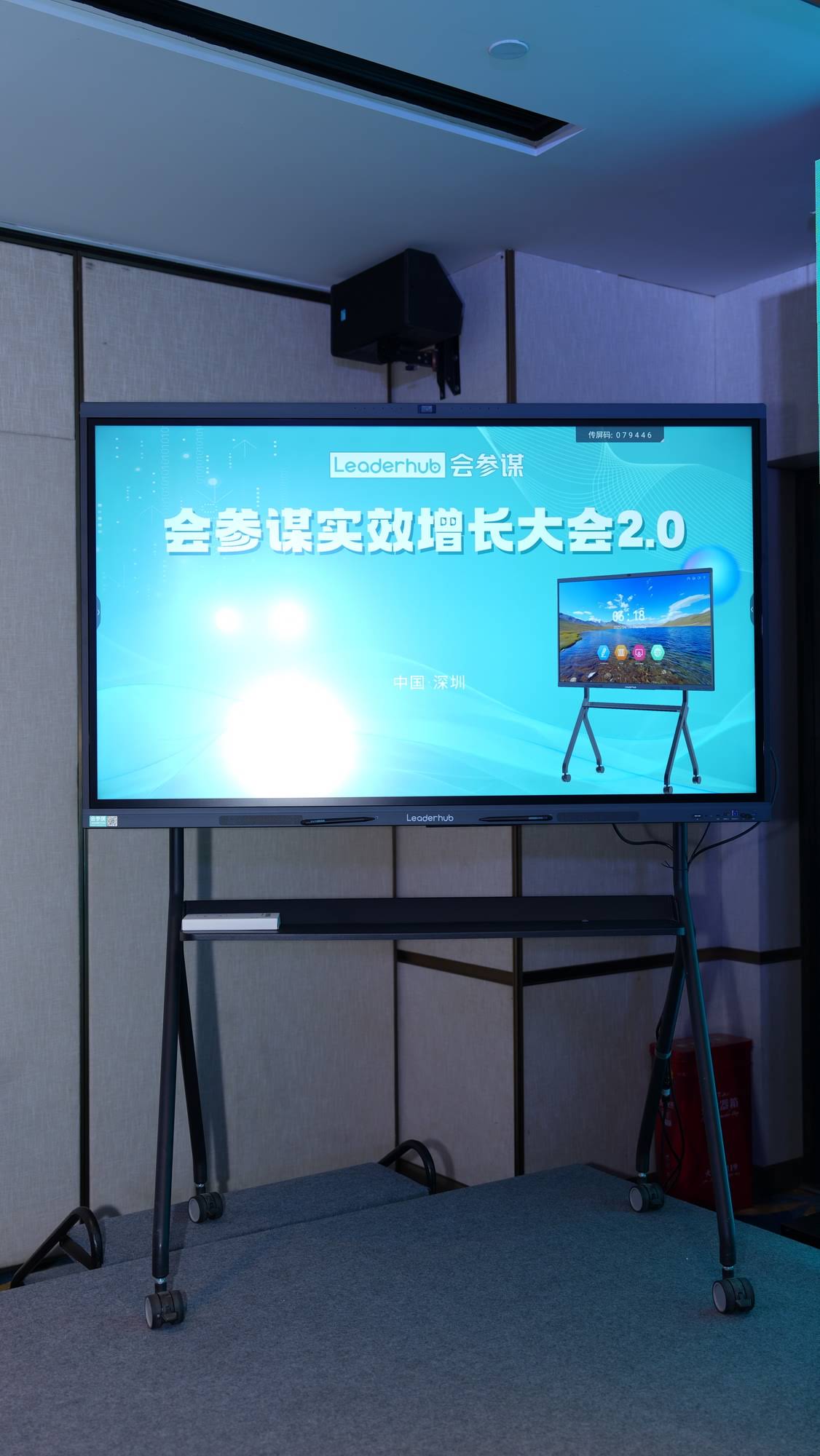
Why Smart Whiteboards Matter for Remote Meetings
According to a 2023 Owl Labs workplace survey, hybrid teams reported 27% higher engagement in meetings when interactive displays were used compared to standard projector setups. A smart whiteboard doesn’t just display a video call — it becomes a shared canvas where remote and in-office employees can annotate, brainstorm, and edit documents together in real time.
For businesses scaling their remote operations, the investment in a quality interactive smart whiteboard pays off quickly through reduced meeting time, fewer miscommunications, and better retention of ideas shared during brainstorming sessions.
Key Factors to Consider Before Buying
Choosing the right device requires evaluating more than just screen size. Below are the critical factors that determine whether a smart whiteboard will genuinely improve your remote meeting workflow.
1. Display Resolution and Screen Size
A 4K UHD display is now the industry standard for professional environments. Text, shared documents, and video feeds appear crisp even when multiple participants are viewing the screen from different distances in a conference room. For most mid-sized meeting rooms, a 65″ to 75″ display strikes the right balance between visibility and space efficiency, while larger boardrooms benefit from 86″ or even 110″ panels.
2. Touch Accuracy and Writing Experience
Latency and touch precision matter enormously during live annotation. Look for displays with infrared or capacitive multi-touch technology supporting at least 20 simultaneous touch points, which allows multiple users to write, erase, and gesture on the board without lag.
3. Built-in Operating System and Connectivity
The best smart whiteboard solutions run on Android or Windows with pre-installed conferencing apps (Zoom, Microsoft Teams, Google Meet), eliminating the need for a separate laptop connection. Built-in Wi-Fi 6, Bluetooth 5.0, and multiple HDMI/USB-C ports ensure seamless device pairing regardless of what hardware your team uses.
4. Audio and Camera Quality
Remote meetings live and die by audio clarity. Look for boards with built-in echo-cancelling microphone arrays and wide-angle cameras (ideally 120° or more) so that every participant in the physical room is visible and audible to remote attendees.
5. Compatibility with Mini PCs and Accessories
Many organizations pair their interactive panels with a dedicated mini PC module to run heavier applications, CRM dashboards, or design software directly from the whiteboard without relying on a separate computer. This modular approach extends the lifespan of your investment as software needs evolve.
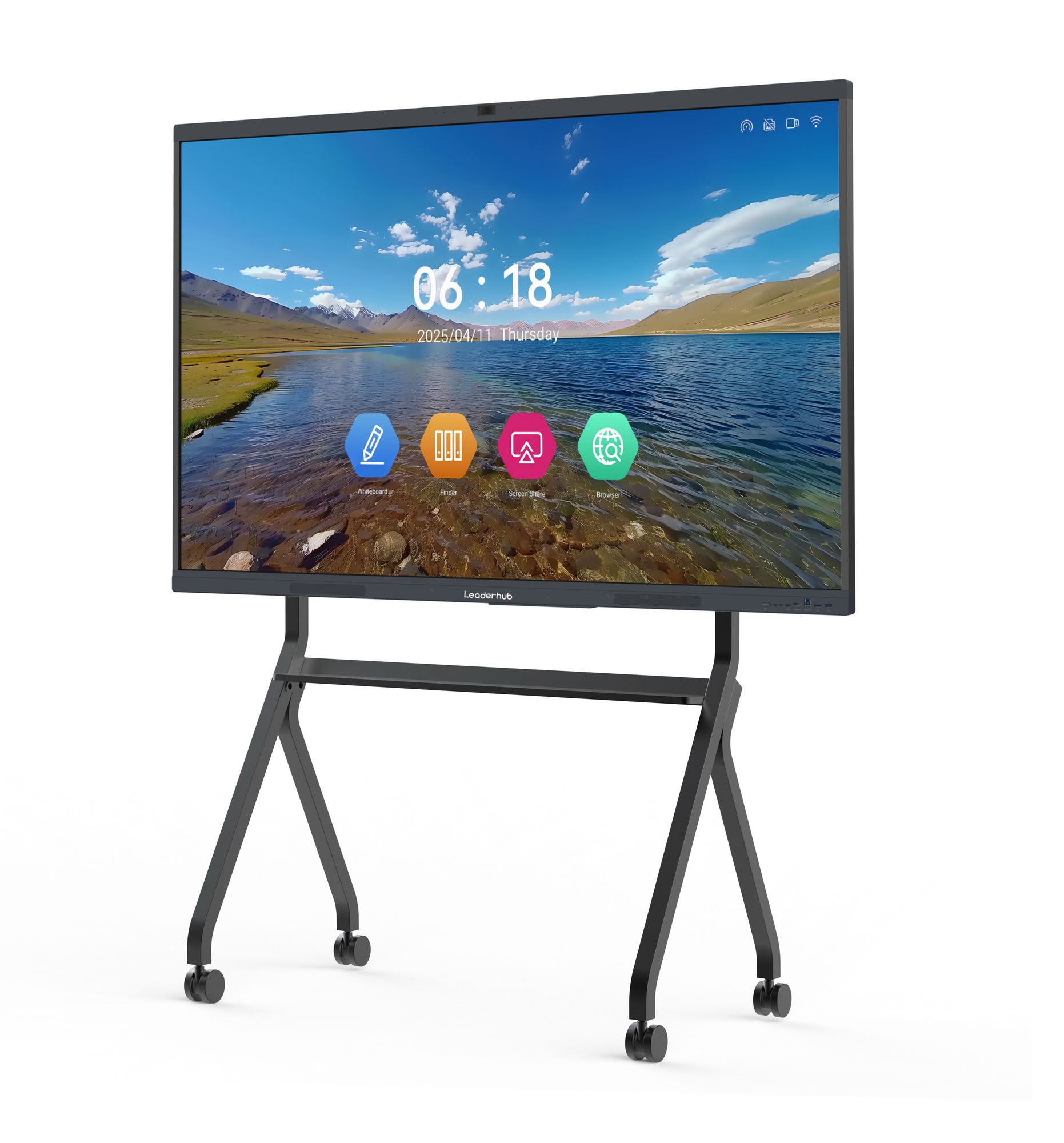
Comparing Common Smart Whiteboard Sizes for Meeting Rooms
| Room Size | Recommended Screen Size | Ideal Use Case |
|---|---|---|
| Small huddle room (2-6 people) | 55″ – 65″ | Quick sync-ups, one-on-ones |
| Standard conference room (6-12 people) | 75″ – 86″ | Department meetings, client presentations |
| Large boardroom (12+ people) | 98″ – 110″ | Executive briefings, all-hands meetings |
| Mobile/flexible spaces | 24″ – 27″ portable screens | On-the-go brainstorming, satellite offices |
Essential Features Checklist
- 4K UHD resolution with anti-glare, low-blue-light glass
- Multi-touch support for at least 20 simultaneous points
- Built-in conferencing software with one-tap meeting launch
- Wide-angle camera and noise-cancelling microphone array
- Compatibility with wireless screen-sharing and cloud whiteboarding
- Expandable storage and optional mini PC module for heavier workloads
- Wall-mount and mobile stand options for flexible deployment
Real-World Case: How Interactive Displays Improved Meeting Efficiency
A mid-sized marketing agency in Singapore switched from a traditional projector setup to a 75″ interactive flat panel for their weekly client review calls. Within three months, they reported a 32% reduction in meeting duration and noticeably fewer follow-up emails clarifying action items, since annotations made during the call were saved and shared instantly with all participants. This mirrors broader industry findings — a 2022 Frost & Sullivan report found that businesses using interactive displays in meeting rooms saw measurable improvements in decision-making speed and post-meeting task completion rates.
Budget Considerations
Pricing for smart whiteboards varies significantly based on size, resolution, and included software. Entry-level 65″ models with essential conferencing features typically start around $1,000–$1,300, while premium 86″ to 110″ panels with advanced touch technology and integrated computing modules can range from $3,000 to $8,000. It’s worth calculating the total cost of ownership, including software licensing and mounting hardware, rather than focusing solely on the upfront device price.
Manufacturer Reputation and Support
Before purchasing, evaluate the manufacturer’s track record for firmware updates, warranty coverage, and customer support responsiveness. Companies with established manufacturing history and global distribution networks tend to offer more reliable long-term support. For example, LeaderHub, a Shenzhen-based manufacturer with 16 years of experience serving 82 countries, has built a reputation in the interactive panel industry through consistent product innovation and dedicated after-sales service — a good benchmark when comparing vendors.
Final Recommendations
When selecting a smart whiteboard for remote meetings, prioritize display clarity, touch responsiveness, and native conferencing integration over flashy extras. Test the device in a real meeting scenario if possible, and confirm that the audio and camera quality meet your remote team’s needs before committing to a purchase. A well-chosen rotating screen or fixed panel can serve your organization reliably for 5-7 years, making it one of the more impactful technology investments for distributed teams.
Ultimately, the best smart whiteboard is the one that fits seamlessly into your existing workflow — reducing friction rather than adding another layer of complexity to your remote meeting setup.








