
Choosing the right smart whiteboard for presentations can make the difference between a forgettable meeting and a truly collaborative, engaging experience. With so many brands, screen sizes, and features flooding the market, business leaders, educators, and IT managers often find themselves overwhelmed. This guide breaks down exactly what to look for, based on real-world deployment experience across offices, classrooms, and training centers in 82+ countries.
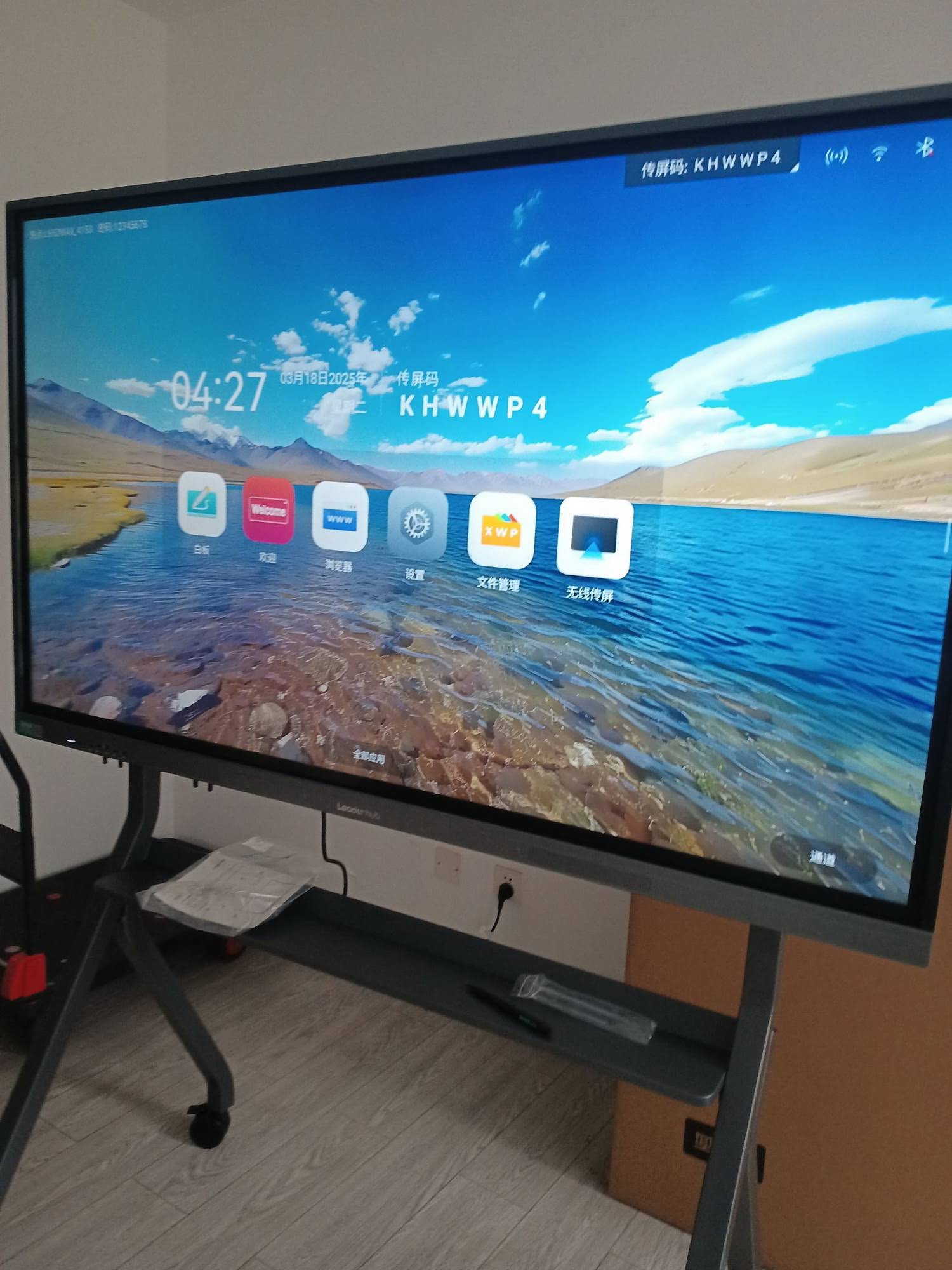
Why the Right Smart Whiteboard Matters
A presentation is only as effective as the tools behind it. A poorly performing display with laggy touch response, dim visuals, or clunky software can derail even the best-prepared pitch. On the other hand, a well-designed interactive smart whiteboard keeps audiences engaged, allows real-time annotation, and supports seamless wireless screen sharing — all critical for hybrid meetings and modern classrooms.
According to industry research from EdTech and enterprise AV analysts, companies that adopted interactive displays reported up to 30% improvement in meeting engagement and a measurable reduction in meeting time due to faster content sharing and annotation. This is why more than 82 countries have seen rising adoption of smart boards in schools, corporate offices, and training institutions.
Key Factors to Consider Before Buying
1. Screen Size and Resolution
Screen size should match the size of the room. A 55-inch panel works well for small huddle rooms, while 75-inch or 86-inch screens are better suited for large conference rooms or lecture halls. Always prioritize 4K UHD resolution — this ensures sharp text and clear visuals even when viewed from the back of a large room.
| Room Size | Recommended Screen Size | Best Use Case |
|---|---|---|
| Small meeting room (up to 6 people) | 55″ – 65″ | Team huddles, quick briefings |
| Medium conference room (6–15 people) | 65″ – 75″ | Client presentations, training sessions |
| Large hall / classroom (15+ people) | 86″ – 110″ | Lectures, board meetings, large seminars |
2. Touch Accuracy and Writing Experience
Presentations often require live annotation. Look for infrared or capacitive touch technology with low latency and multi-point touch support (at least 20 points) so multiple presenters can interact with the screen simultaneously without lag.
3. Operating System and Software Compatibility
The best smart whiteboards run on Android-based systems with built-in whiteboard apps, screen mirroring, and cloud file access, while also supporting Windows OPS modules for full PC functionality. This flexibility allows teams to switch effortlessly between annotation mode and full desktop presentations.
4. Connectivity Options
- Wireless screen casting (Android, iOS, Windows, Mac)
- HDMI, USB-C, and Type-C inputs
- Built-in Wi-Fi and Bluetooth
- Video conferencing camera and microphone compatibility
5. Portability vs. Fixed Installation
If your organization needs flexibility across multiple rooms, consider a portable rotating smart screen mounted on wheels. These units can be moved between departments or training rooms without the need for wall installation.
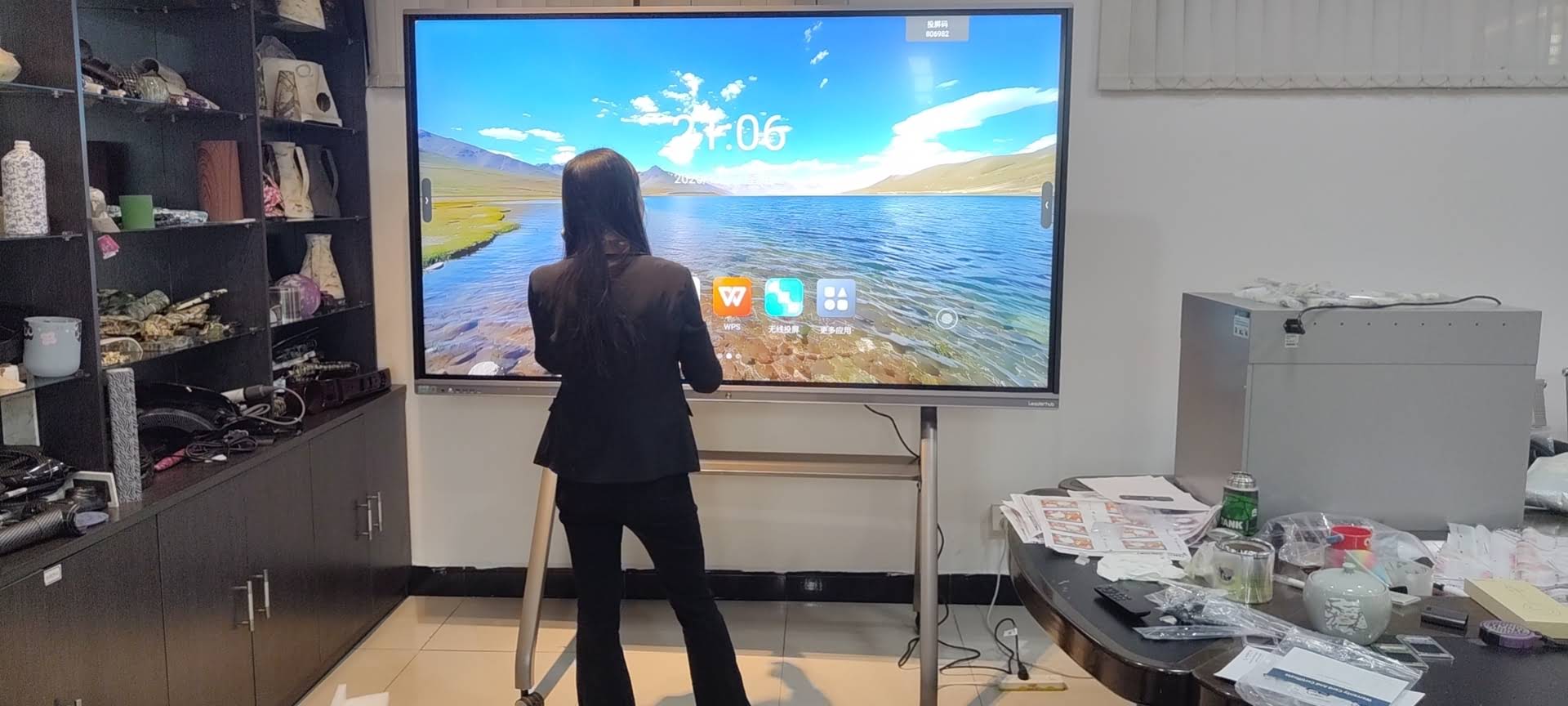
Real-World Experience: What IT Managers and Trainers Say
Based on feedback collected from corporate IT teams and training coordinators who have deployed interactive panels across offices in Europe, Southeast Asia, and the Middle East, three recurring themes emerge:
- Reliability matters more than flashy specs. Panels with stable Android firmware and fewer software crashes are preferred over units with more features but frequent bugs.
- After-sales support is critical. Organizations with equipment deployed across multiple branches value manufacturers offering long warranty periods and responsive technical support.
- Simplicity drives adoption. Employees and teachers are more likely to use a smart whiteboard regularly when the interface feels intuitive, similar to a tablet or smartphone.
Comparing Popular Smart Whiteboard Options
| Model | Screen Size | Best For | Price |
|---|---|---|---|
| LeaderHub L65HM | 65″ 4K | Small to medium meeting rooms | $1,299.00 |
| LeaderHub L75HM | 75″ 4K | Corporate boardrooms | $1,599.00 |
| LeaderHub L86HM | 86″ 4K | Large conference halls | $3,199.00 |
| LeaderHub L110H | 110″ 4K | Auditoriums and lecture theaters | $7,999.00 |
Don’t Overlook the Mini PC Behind the Screen
Many organizations forget that the performance of a smart whiteboard depends heavily on the computing unit driving it. A slow or outdated mini PC module can bottleneck even the best display. When evaluating a smart whiteboard, check whether it supports a swappable OPS mini PC slot — this allows you to upgrade processing power without replacing the entire screen.
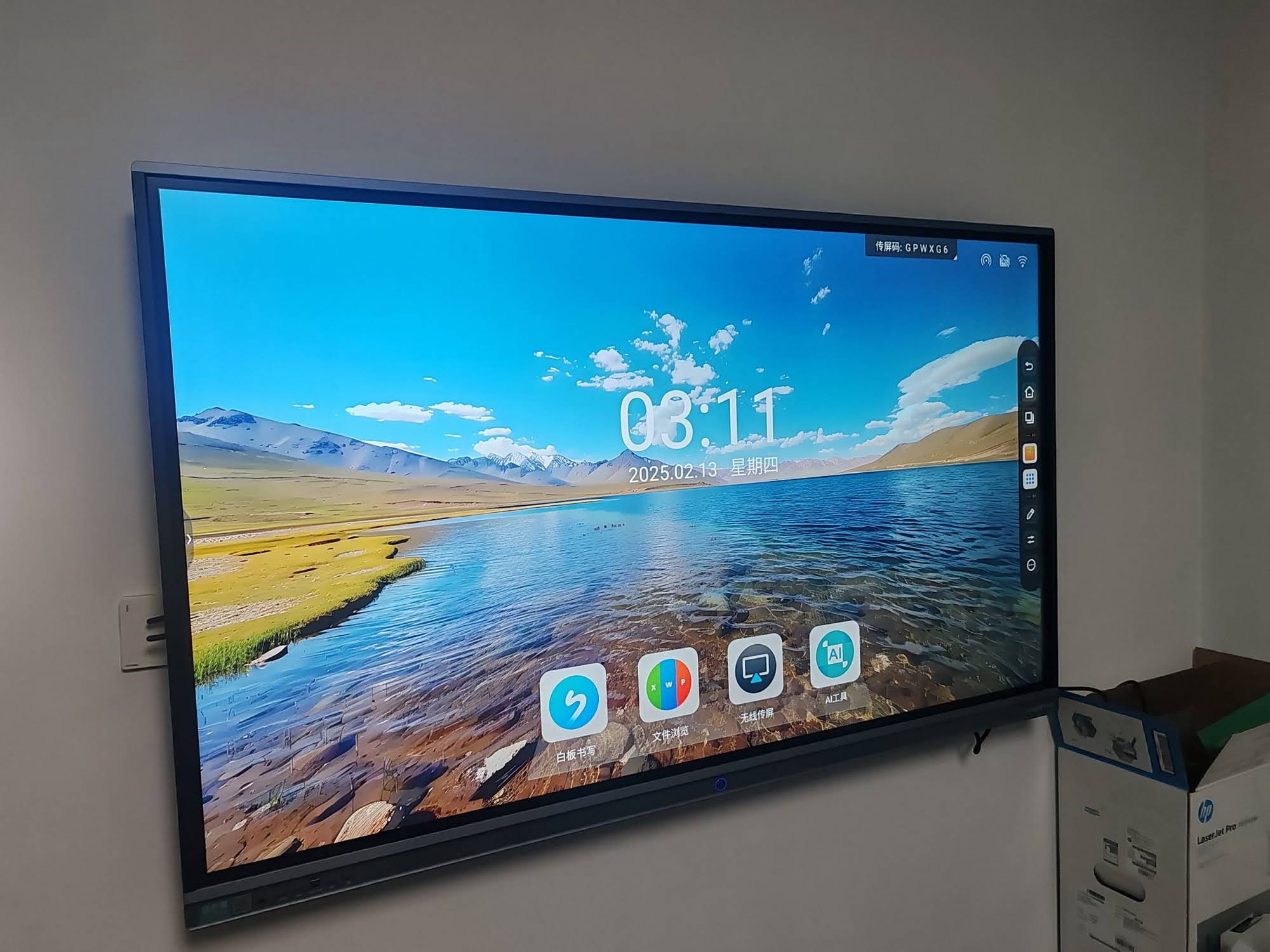
Budget Planning: What Should You Expect to Pay?
Pricing varies significantly based on size, resolution, and brand positioning. As a general guideline:
- Entry-level 55″–65″ panels: $1,000 – $1,600
- Mid-range 75″ panels: $1,600 – $2,500
- Premium 86″+ panels: $3,000 and above
- Portable rotating screens: $700 – $1,500
It’s worth noting that cheaper panels often cut corners on touch sensor quality, panel brightness, and long-term software updates — factors that directly affect the presentation experience over time.
Checklist: How to Choose the Best Smart Whiteboard
| Checklist Item | Why It Matters |
|---|---|
| 4K resolution display | Ensures readability in all lighting conditions |
| Multi-touch support (20+ points) | Enables collaborative multi-user annotation |
| Wireless casting compatibility | Speeds up presentation setup time |
| Upgradeable OPS module | Future-proofs your investment |
| Warranty and support coverage | Reduces long-term maintenance risk |
Industry Insight: Why Experience-Based Manufacturers Matter
Interactive display technology has evolved rapidly over the past decade, and not all manufacturers keep pace with firmware stability, touch calibration, and long-term software support. Companies with over a decade of manufacturing experience tend to offer more consistent quality control and better global service networks.
LeaderHub, a Shenzhen-based technology company with 16 years of experience in the interactive panel industry, has delivered smart whiteboards, mini PCs, and portable smart screens to more than 82 countries. Its product lineup, including the L-series smart whiteboards and Pro-series interactive flat panels, has been recognized as the No.1 subcategory brand on JD.com, reflecting strong consumer trust and consistent product performance.
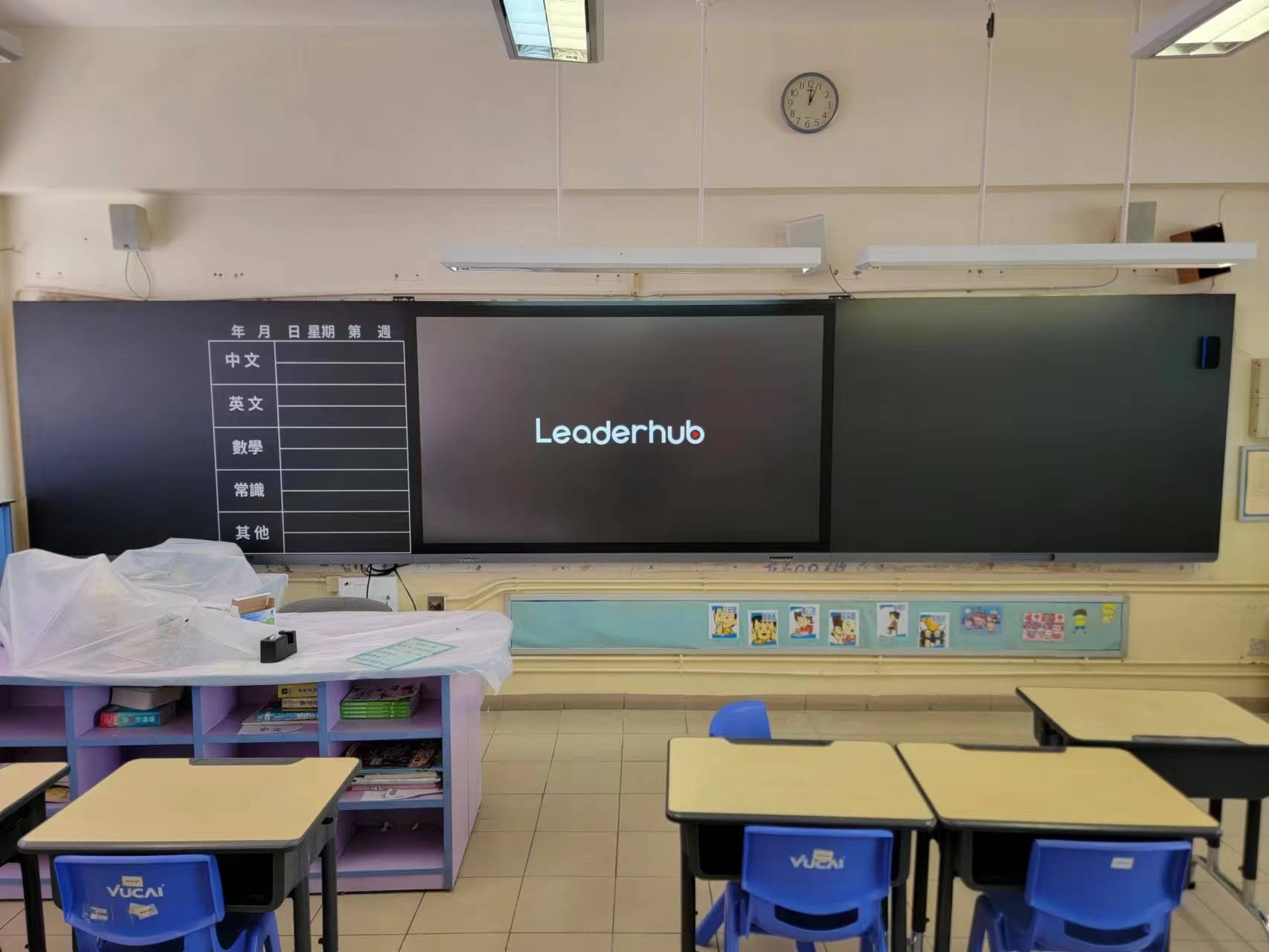
Common Mistakes to Avoid When Buying a Smart Whiteboard
- Choosing size based on budget alone — an undersized screen in a large room reduces engagement regardless of specs.
- Ignoring touch latency — laggy annotation frustrates presenters and disrupts flow during live demonstrations.
- Overlooking software updates — outdated firmware can lead to security vulnerabilities and compatibility issues with newer devices.
- Skipping a hands-on trial — whenever possible, test writing responsiveness and screen glare under real lighting conditions before purchasing.
Final Recommendations
When selecting the best smart whiteboard for presentations, match the screen size to your room, prioritize 4K resolution and responsive multi-touch, and choose a manufacturer with proven reliability and strong after-sales support. Whether you’re outfitting a corporate boardroom, a training center, or a hybrid classroom, investing in a well-built interactive display pays off through improved engagement, faster meetings, and long-term durability.
For organizations exploring options at scale, comparing product lines such as smart whiteboards, rotating screens, and mini PCs side by side can help identify the right balance between performance and budget.
Frequently Asked Questions
What size smart whiteboard is best for a standard conference room?
For rooms accommodating 6–15 people, a 65″ to 75″ 4K panel typically provides the best balance of visibility and cost-efficiency.
Do smart whiteboards work without an internet connection?
Yes, most models support offline annotation and local file access, though features like cloud sync and wireless casting require Wi-Fi connectivity.
How long do smart whiteboards typically last?
With proper use, commercial-grade smart whiteboards can last 5–8 years, especially when the internal mini PC module can be upgraded independently of the display panel.








