
Language teachers today face a unique classroom challenge: how do you keep students engaged while managing pronunciation drills, vocabulary games, video content, and real-time writing correction — all at once? A smart whiteboard for language teaching has become the answer for thousands of schools and language centers worldwide. But not every interactive display is built for the specific needs of language instruction.
After working with language institutes, international schools, and corporate training centers across 82 countries, we’ve seen firsthand which features actually matter in a language classroom versus which ones are just marketing buzzwords. This guide breaks down exactly what to look for before you invest in a smart whiteboard for your language program.
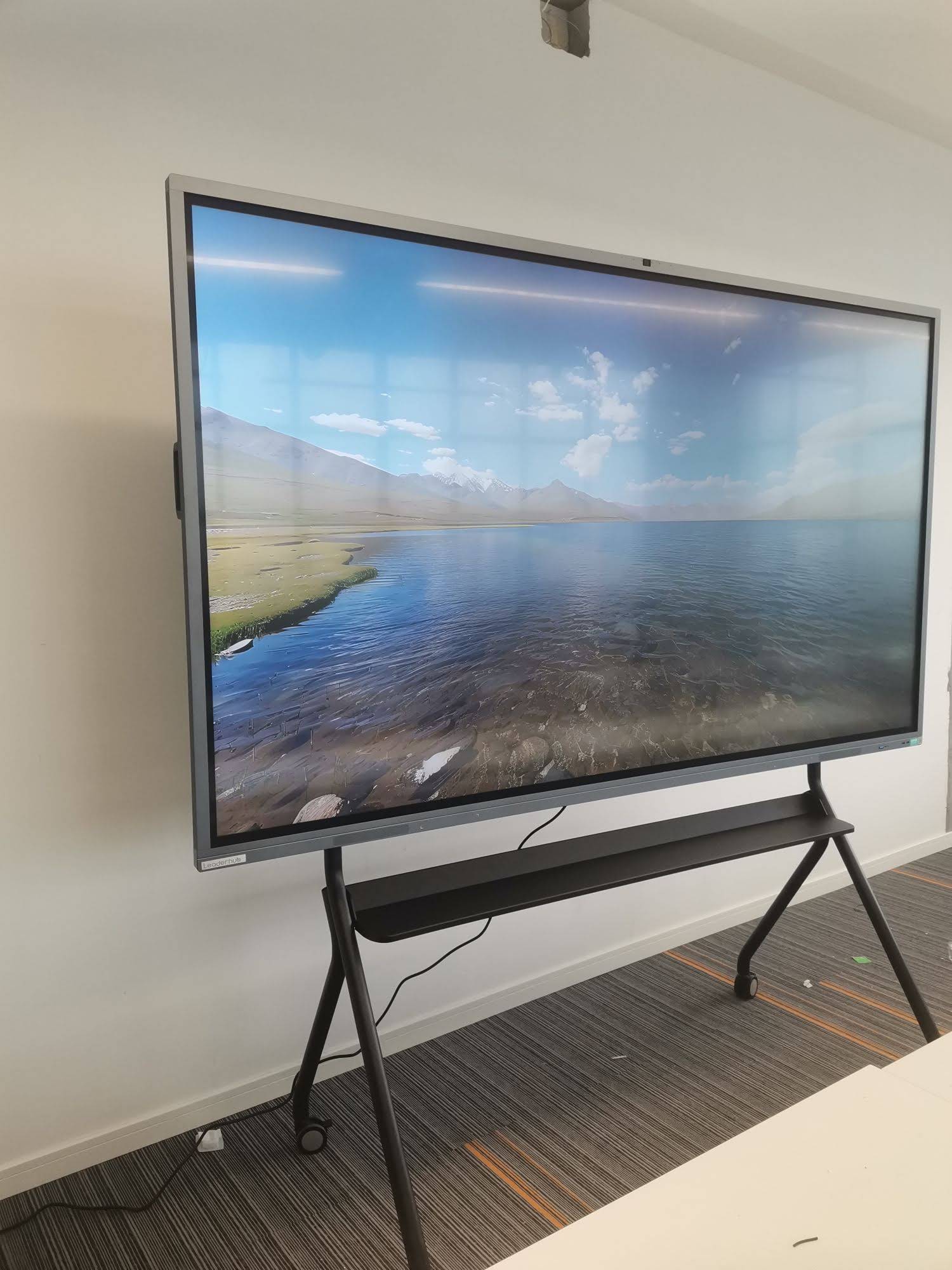
Why Language Classrooms Need Different Features Than Standard Classrooms
Math or science classrooms mostly need clear diagrams and basic annotation tools. Language classrooms are different — they require audio clarity, video playback quality, handwriting recognition for multiple scripts, and split-screen capability for comparing texts, subtitles, or dialogue exercises. If a display can’t handle rapid switching between text, audio, and video without lag, it will slow down lesson pacing and frustrate both teachers and students.
According to classroom technology research from EdTech Magazine, interactive displays that support multimodal content (text, audio, video simultaneously) improve student retention in second-language acquisition by measurable margins compared to projector-based setups. This is exactly why touch responsiveness and processing power matter more in language classrooms than in most other subjects.
Key Features to Evaluate Before Buying
1. Touch Accuracy and Writing Recognition
Language teaching often involves writing in multiple scripts — Latin alphabets, Chinese characters, Arabic, or Cyrillic. Your smart whiteboard needs infrared or capacitive touch technology with fine-point precision so students can practice handwriting naturally, not just tap buttons. Look for panels with at least 20-point touch and stylus support for character-based languages.
2. 4K Resolution for Text Clarity
Blurry text is a real problem in language teaching, especially with smaller fonts used in grammar tables or subtitle overlays. A 4K panel ensures that even dense vocabulary lists or annotated sentences remain sharp from anywhere in the room.
3. Built-in Audio Quality
Pronunciation drills depend on clear audio output. Cheap built-in speakers distort vowel sounds and tonal nuances, which is particularly damaging when teaching tonal languages like Mandarin or Vietnamese. Prioritize boards with dual stereo speakers rated at 15W or higher.
4. Split-Screen and Multi-Window Functionality
Comparing translations, showing dialogue side-by-side, or running a video with live captions requires true multi-window support — not just app switching. This is one of the most underrated features when shopping for a whiteboard for language instruction.
5. Android or Windows Dual OS Flexibility
Many language teaching apps and platforms (Duolingo for Schools, Kahoot, Zoom, language lab software) run better on specific operating systems. A board that supports both Android built-in apps and a Windows mini PC add-on gives teachers flexibility without needing extra hardware.
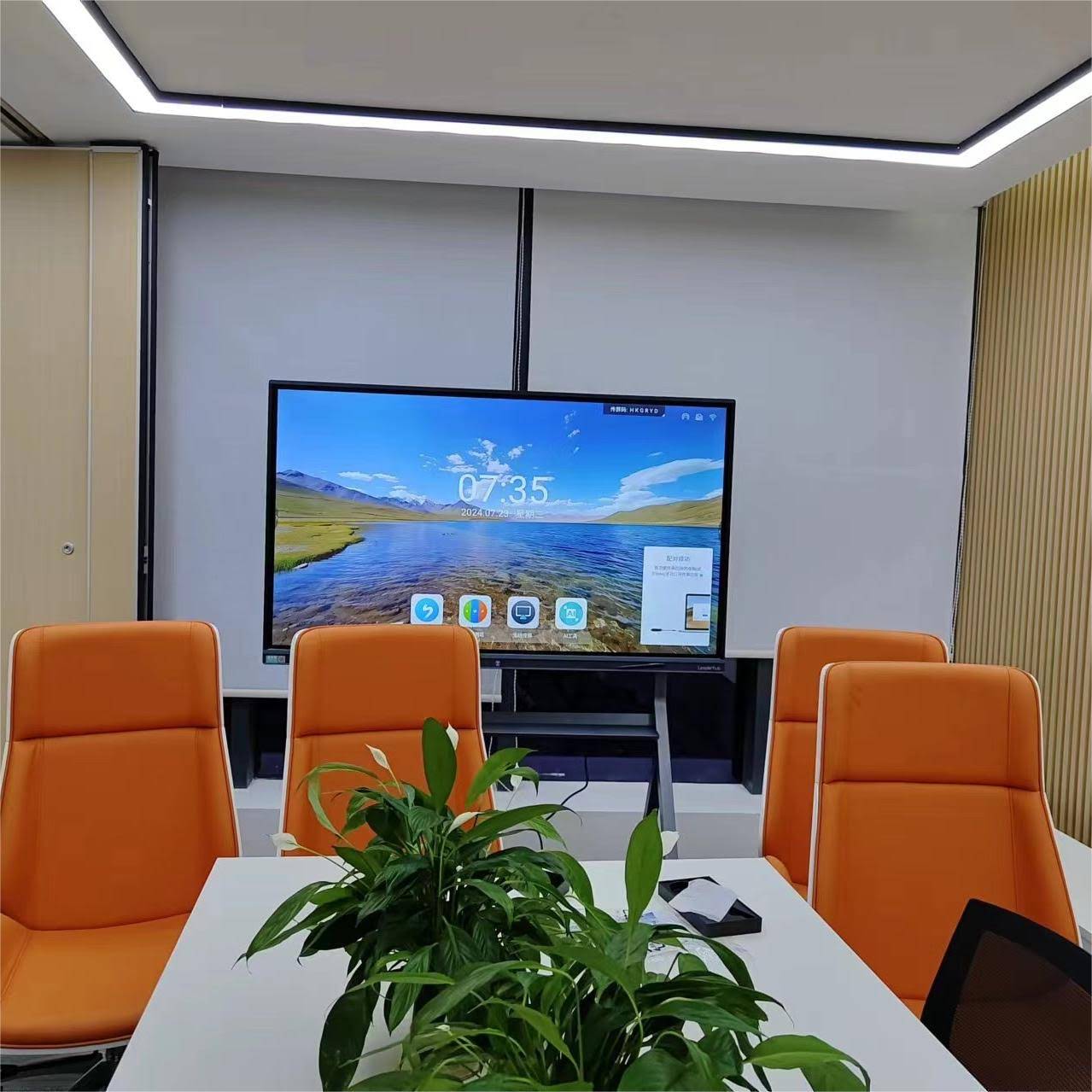
Comparing Screen Sizes for Different Classroom Types
Screen size directly affects visibility, engagement, and the type of language activities a teacher can run. Below is a practical breakdown based on classroom size and typical language teaching use cases.
| Screen Size | Best For | Typical Room Capacity |
|---|---|---|
| 55″ – 65″ | Small group tutoring, private language centers | Up to 15 students |
| 75″ | Standard classroom, mixed-level lessons | 20–30 students |
| 86″ | Large classrooms, lecture-style language courses | 30–45 students |
| 110″ | Auditoriums, large training halls | 50+ students |
Popular Smart Whiteboard Models for Language Teaching
Here are several options widely used across language institutes, each suited to different classroom sizes and budgets:
- LeaderHub L65HM — 65″ 4K touchscreen, ideal for small group language sessions, priced at $1299.00
- LeaderHub L75HM — 75″ 4K touchscreen, a balanced choice for standard classrooms, priced at $1599.00
- LeaderHub L86HM — 86″ 4K touchscreen, suited for larger lecture-style rooms, priced at $3199.00
- LeaderHub U55Pro — 55″ mobile 4K display, great for portable multi-room use, priced at $2499.00
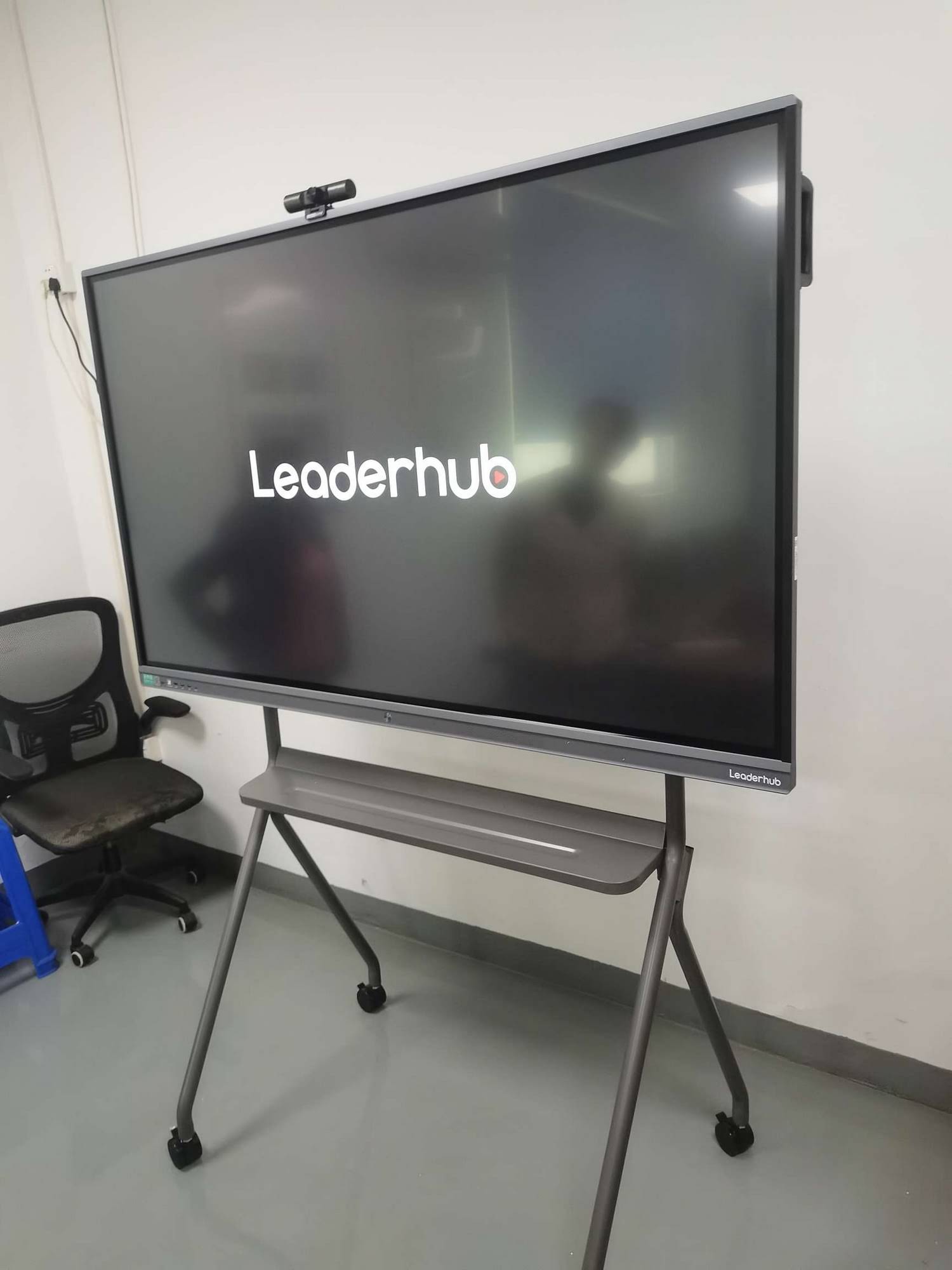
Real Classroom Experience: What Teachers Actually Report
In feedback collected from language training centers using interactive panels, instructors consistently highlight three benefits: faster lesson transitions, higher student participation during speaking exercises, and easier integration with online language learning platforms. One training coordinator at a corporate language program noted that switching from projectors to a smart whiteboard reduced lesson setup time by nearly 40%, since teachers no longer needed to juggle separate speakers, laptops, and projector remotes.
This aligns with broader interactive display industry findings — panels that combine touch, audio, and computing power into a single unit reduce technical friction, which directly correlates with better lesson pacing and student focus.
Software and Connectivity Considerations
Beyond hardware, software ecosystem matters significantly for language teaching. Check whether the board supports:
- Wireless screen mirroring from student devices for pronunciation playback comparisons
- Built-in whiteboard annotation tools that save and export lesson notes
- Cloud storage integration for sharing recorded lessons with absent students
- Compatibility with common video conferencing tools for hybrid or remote language classes
Pairing a smart whiteboard with a dedicated mini PC can also extend functionality, allowing teachers to run desktop-based language software that isn’t available on Android app stores.
Budget Planning: What You’re Really Paying For
Price differences between models usually come down to panel resolution, processor speed, built-in OS versus modular PC options, and touch point accuracy. It’s worth avoiding the lowest-priced boards if they compromise on touch responsiveness or audio quality, since these two factors affect language teaching outcomes the most directly.
A mid-range 75″ panel typically offers the best value for most language schools — large enough for group visibility, powerful enough for smooth multitasking, and reasonably priced for institutional budgets.

Maintenance and Long-Term Reliability
Language classrooms tend to have high daily usage — multiple classes rotating through the same room. This means panel durability matters. Look for boards with anti-glare tempered glass, at least a 3-year warranty, and manufacturers with an established track record of after-sales support.
LeaderHub, a Shenzhen-based technology company with 16 years of experience in the interactive panel industry, has supplied smart whiteboards and interactive displays to education providers in 82 countries, offering a reliable benchmark for durability and support standards in this category.
Final Checklist Before You Buy
| Feature | Why It Matters |
|---|---|
| 4K Resolution | Ensures text and subtitle clarity for reading exercises |
| Multi-touch (20+ points) | Supports group writing and collaborative activities |
| Dual OS support | Access to more teaching software and apps |
| Strong built-in audio | Critical for pronunciation and listening drills |
Choosing the right smart whiteboard ultimately depends on your classroom size, teaching style, and long-term software needs. By focusing on touch precision, audio clarity, and multi-window functionality rather than just screen size or price, language educators can select a display that genuinely improves lesson delivery rather than simply digitizing an old whiteboard.
Whether you’re outfitting a single tutoring room or an entire language institute, taking time to evaluate these features will save both budget and classroom headaches down the line — and give students the interactive learning experience that modern language education demands.








