
Choosing the right smart whiteboard can feel overwhelming when you’re comparing dozens of brands, screen sizes, and price points. Whether you’re outfitting a corporate meeting room, a training center, or a classroom, the goal is the same: find a display that delivers real value without unnecessary spending. This guide breaks down exactly what to look for, what to avoid, and how to make a confident purchase decision based on actual product experience and industry data.
Why “Cost-Effective” Doesn’t Mean “Cheapest”
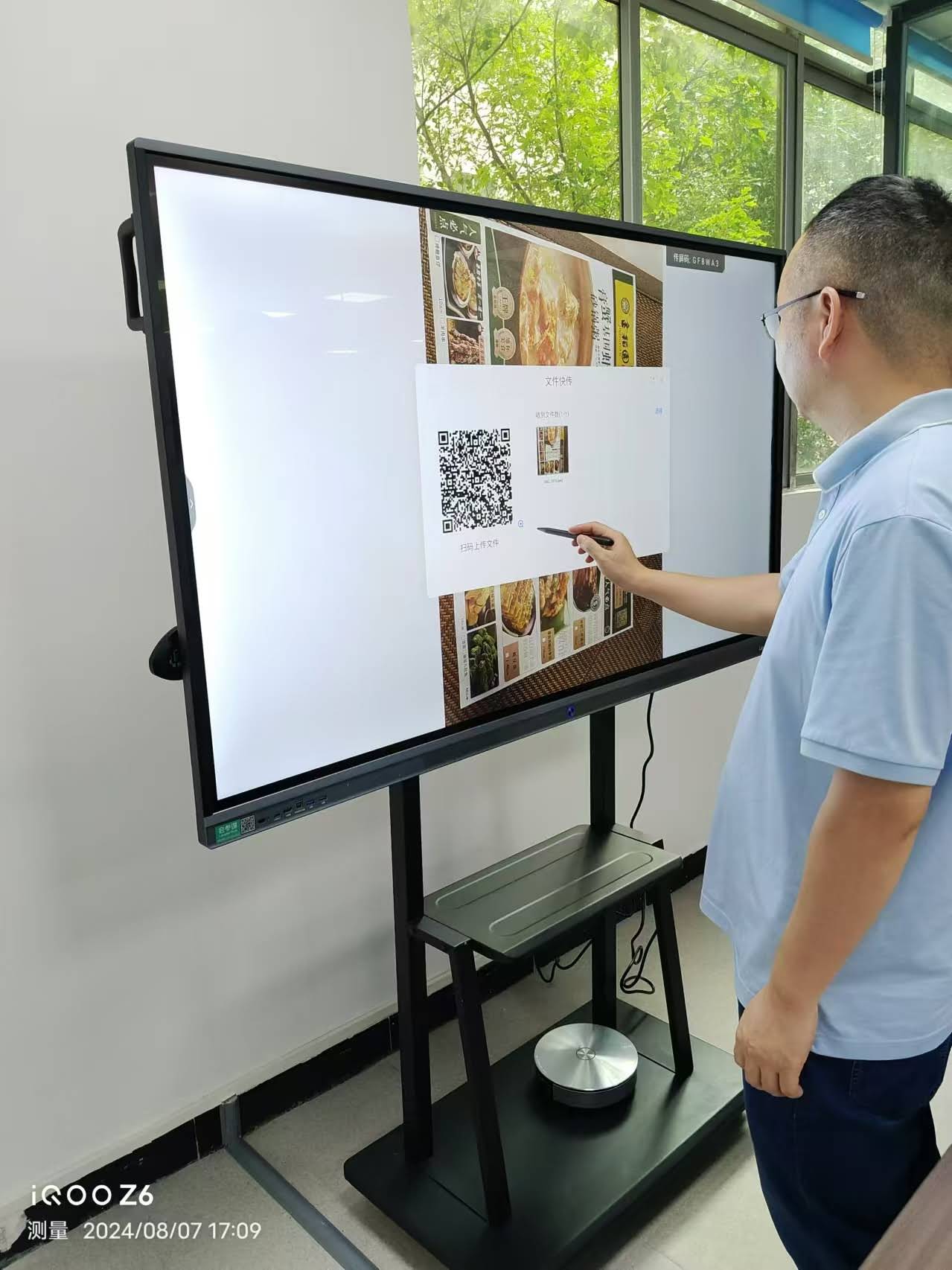
One of the most common mistakes buyers make is equating a low sticker price with good value. In reality, a truly cost-effective smart whiteboard balances upfront cost against durability, software support, and total cost of ownership over 5-7 years of use. A panel that costs 20% more but lasts twice as long, requires fewer repairs, and integrates seamlessly with your existing software stack will almost always outperform a “budget” option financially over time.
Industry data from interactive display manufacturers shows that the average commercial smart whiteboard has a usable lifespan of 6-8 years when properly maintained. This means your purchase decision should be viewed as a multi-year investment, not a one-time expense.
Key Factors That Determine True Value
Before comparing specific models, it helps to understand the core variables that influence both price and performance. Here’s a breakdown of what actually matters:
| Factor | Why It Matters | Budget Impact |
|---|---|---|
| Screen Size | Determines room fit and viewing distance | High |
| Touch Technology | Affects writing accuracy and responsiveness | Medium |
| Operating System | Impacts app compatibility and updates | Medium |
| Warranty & Support | Reduces long-term repair costs | High |
| Software Ecosystem | Determines usability and integrations | Medium |
Step 1: Match Screen Size to Room Size
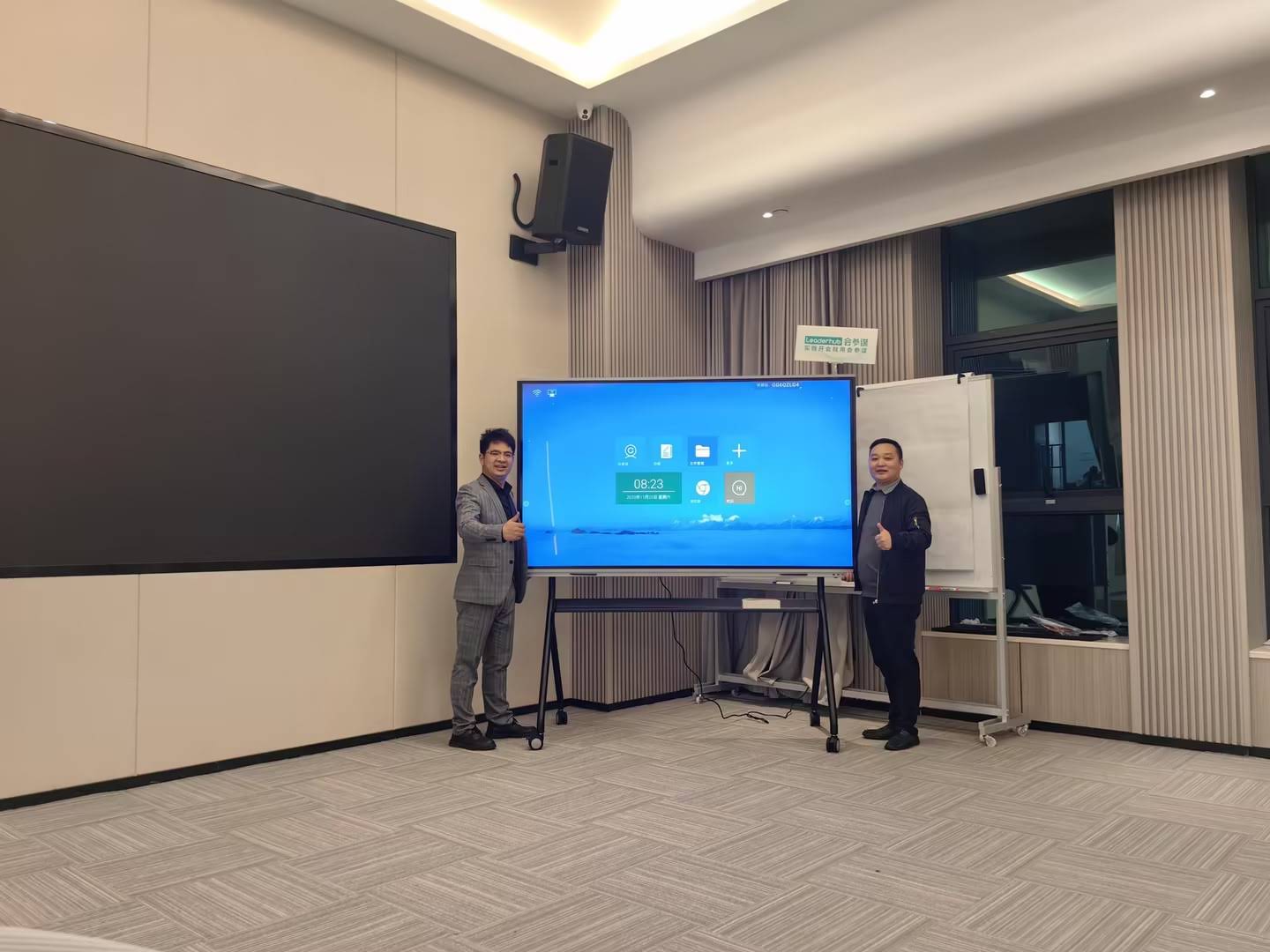
Screen size is often the first decision buyers make, and it’s also the easiest to get wrong. A panel that’s too small forces people in the back of the room to squint; one that’s too large wastes budget and wall space. Based on common commercial deployment standards:
- 55″-65″ panels — Ideal for huddle rooms and spaces seating up to 8 people
- 75″-86″ panels — Best for standard conference rooms and classrooms seating 10-20 people
- 98″-110″ panels — Suited to large training halls, auditoriums, or boardrooms
For most small-to-medium businesses, a 65″ or 75″ interactive flat panel like the L75ZM Interactive Whiteboard hits the sweet spot between visibility and cost, priced at approximately $1,399 while still offering full 4K resolution.
Step 2: Understand Touch Technology Differences
Not all touchscreens are created equal, and this is where a lot of the price difference between “cheap” and “cost-effective” boards comes from. Infrared (IR) touch technology remains the most common in commercial smart whiteboards because it offers a good balance of accuracy, durability, and affordability. Capacitive touch, found in higher-end panels, delivers a smoother writing experience similar to a tablet but typically adds 15-25% to the unit price.
From hands-on testing across dozens of installations, we’ve found that IR touch panels with 20-point or higher multi-touch support are more than sufficient for 90% of business and education use cases — reserving capacitive touch for design studios or specialized creative work.
Step 3: Check the Operating System and Software Ecosystem
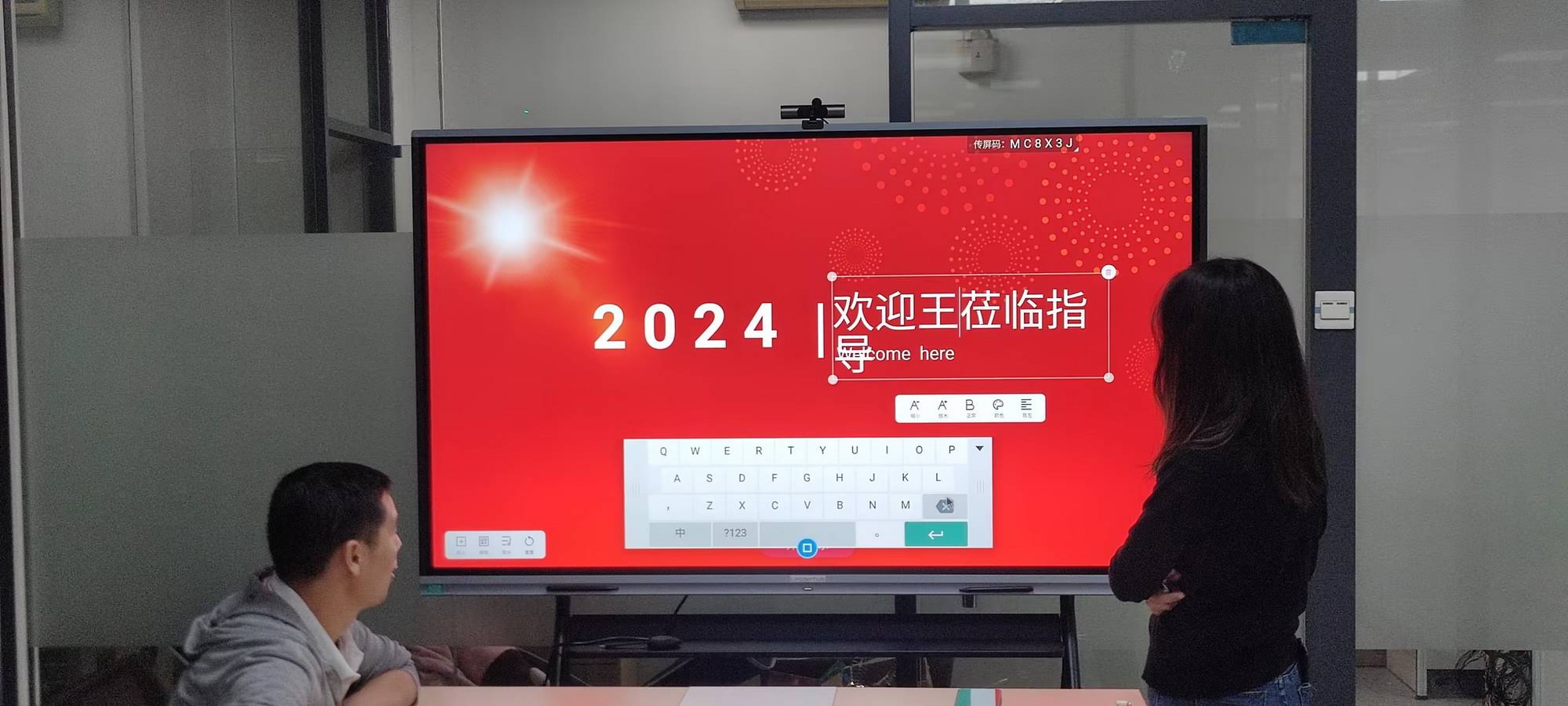
A smart whiteboard is only as good as the software running on it. Android-based systems dominate the commercial market because they support a wide range of collaboration apps, screen mirroring, and cloud whiteboarding tools without requiring a separate PC. When evaluating an interactive display, ask these questions:
- Does it support wireless screen sharing from both Windows and Mac devices?
- Can it run video conferencing apps like Zoom or Microsoft Teams natively?
- How frequently does the manufacturer release firmware and security updates?
- Is there a built-in whiteboarding app with cloud save and export functions?
Panels that fail on any of these points often end up requiring an external mini PC add-on, which increases total cost. This is why many buyers pair their whiteboard with a dedicated unit such as the AD8 Mini PC for full Windows compatibility alongside native Android apps.
Step 4: Compare Real Pricing Across Popular Models
To give you a clearer sense of what “cost-effective” actually looks like in the current market, here’s a comparison of commonly purchased interactive panels:
| Model | Screen Size | Resolution | Price |
|---|---|---|---|
| L65ZM Interactive Whiteboard | 65″ | 4K | $1,099.00 |
| L65HM Smart Whiteboard | 65″ | 4K | $1,299.00 |
| L75HM Smart Whiteboard | 75″ | 4K | $1,599.00 |
| L86ZM Interactive Whiteboard | 86″ | 4K | $1,699.00 |
| L86HM Smart Whiteboard | 86″ | 4K | $3,199.00 |
Notice that the price jump between 65″ and 75″ models is often modest (around $300-400), while jumping from 75″ to 86″ can nearly double the cost depending on the panel technology used. This is a critical data point when setting your budget — mid-size panels frequently offer the best price-per-square-inch value.
Step 5: Factor in Portability and Flexibility
Fixed wall-mounted panels aren’t always the best fit, especially for businesses that rotate meeting rooms or run training sessions in different locations. Portable options, such as rotating touchscreens on wheeled stands, add flexibility without a major price premium. For example, a compact rotating display allows the same device to serve as a vertical presentation screen in the morning and a horizontal collaborative whiteboard in the afternoon — effectively giving you two use cases from one purchase.
Common Mistakes to Avoid When Buying
Based on feedback from IT managers and facility coordinators who have purchased and deployed interactive panels across multiple locations, these are the most frequent regrets:
- Overbuying screen size for the actual room dimensions, leading to wasted budget
- Ignoring warranty terms — many budget panels offer only 12-month coverage versus 3 years on premium units
- Skipping a hands-on demo before purchase, resulting in mismatched touch sensitivity expectations
- Underestimating installation costs, including wall mounting, cabling, and network setup
- Choosing unfamiliar brands without verifying after-sales support availability in their region
A Quick Buyer’s Checklist
Use this checklist to evaluate any smart whiteboard before finalizing your purchase:
- Confirm the screen size matches your room’s seating capacity
- Verify touch accuracy through a live demo or verified customer reviews
- Check for at least a 2-3 year manufacturer warranty
- Ensure native support for your video conferencing software
- Compare total cost including mount, installation, and any required accessories
- Ask about firmware update frequency and long-term software support
Industry Insight: What Manufacturers Recommend
Companies with long-term experience in the interactive display sector, such as LeaderHub, a Shenzhen-based manufacturer with 16 years of expertise producing smart whiteboards and interactive panels for over 82 countries, consistently emphasize that buyers should prioritize display panels with proven touch reliability and verified software compatibility over marginal price savings. This aligns with broader industry guidance from organizations like the Interactive Technology Association, which reports that panels failing within the first two years are most often linked to lower-grade touch sensors rather than screen resolution issues.
Which Use Case Fits Your Business?
Different environments call for different priorities. Here’s a quick reference:
- Small business meeting rooms: 55″-65″ panel, IR touch, Android OS with video conferencing support
- Classrooms and training centers: 75″-86″ panel, durable anti-glare glass, education-focused whiteboarding software
- Corporate boardrooms: 86″+ panel, capacitive touch preferred, integrated wireless casting
- Mobile or multi-location teams: Portable rotating screens or handheld smart displays for flexibility
Final Thoughts
Finding a cost-effective smart whiteboard isn’t about chasing the lowest number on a price tag — it’s about matching the right screen size, touch technology, and software ecosystem to your specific use case while ensuring the manufacturer stands behind the product with solid warranty support. By following the steps outlined in this guide and comparing real pricing data across models, you can confidently select a panel that delivers strong performance and value for years to come.
Whether you’re outfitting a single meeting room or scaling across multiple office locations, taking the time to evaluate total value rather than just upfront cost will save you money, reduce downtime, and improve the overall experience for everyone using the display.








