
When schools and businesses invest in interactive display technology, one common question arises: does a smart board need a projector to function? The answer depends on the type of smart board you’re considering. Understanding the difference between traditional interactive whiteboards and modern interactive flat panels will help you make the right choice for your classroom or meeting room.
Understanding Smart Board Technology Types
The term “smart board” is often used to describe two distinct categories of interactive display technology. Traditional interactive whiteboards require an external projector to display content on their touch-sensitive surface. In contrast, interactive flat panels (also called smart displays or digital whiteboards) have built-in screens and do not need any projector at all.
According to a 2024 education technology report by Futuresource Consulting, interactive flat panels now account for over 78% of new interactive display installations globally, largely because they eliminate the need for projectors and offer superior image quality with minimal maintenance requirements.
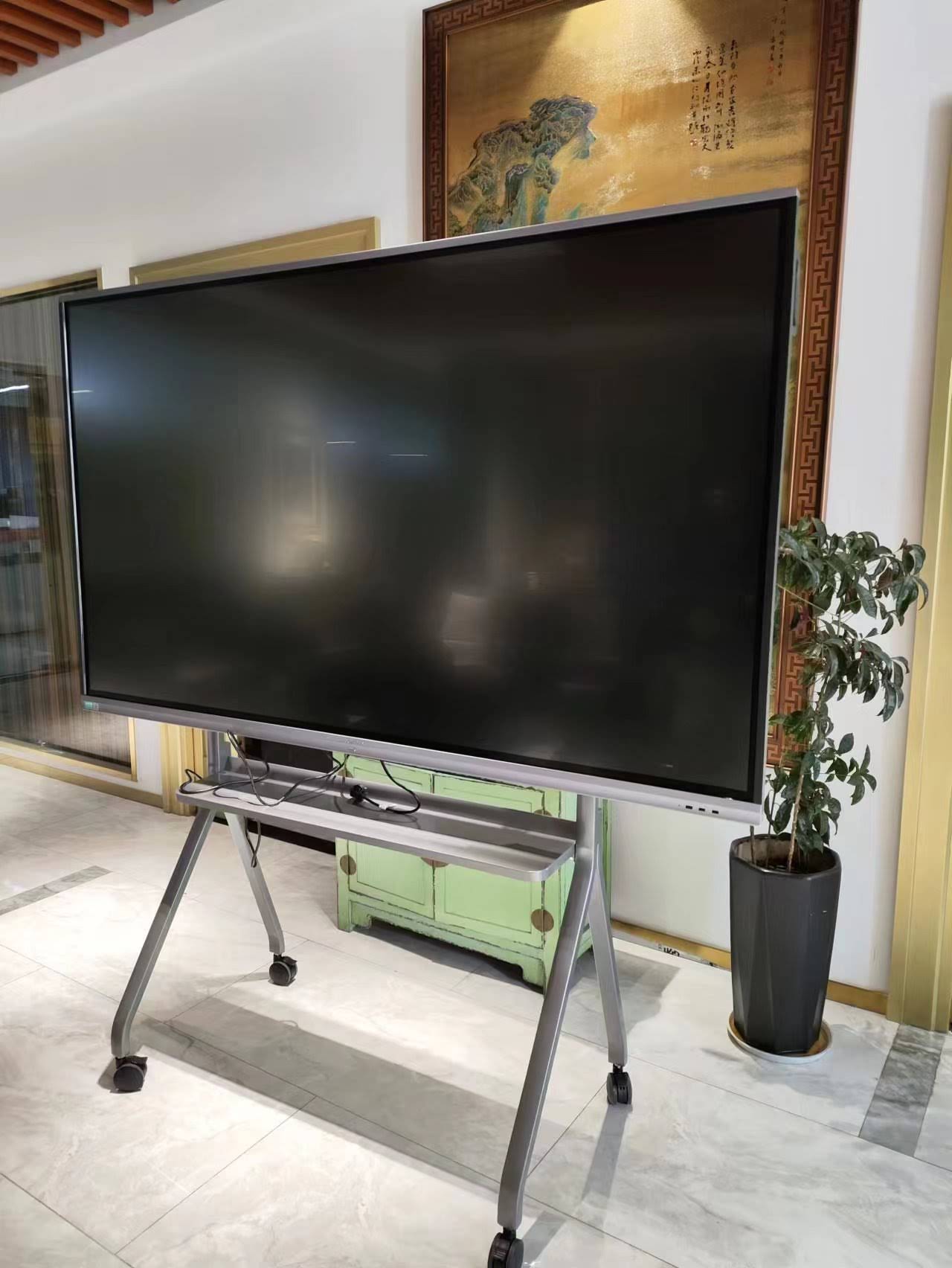
Traditional Interactive Whiteboards: Projector Required
Traditional interactive whiteboards consist of a large touch-sensitive surface that detects user input through infrared sensors, electromagnetic technology, or resistive touch. These boards cannot display anything on their own¡ªthey rely entirely on a projector to show images, text, and interactive content.
How Traditional Smart Boards Work With Projectors
The setup process involves mounting a projector (typically on the ceiling or using a short-throw wall mount) to cast an image onto the whiteboard surface. When you touch the board, sensors detect the contact point and send signals to a connected computer, which then updates the display accordingly.
This configuration requires:
- A quality projector with sufficient lumens (typically 3,000+ for well-lit rooms)
- Proper alignment and calibration between the projector and board
- Regular projector lamp replacements (every 2,000-5,000 hours depending on the model)
- A connected computer or laptop to run applications and content
- Appropriate room lighting control to maintain image visibility
Challenges With Projector-Based Systems
While these systems were revolutionary when first introduced, they come with several practical limitations. Shadow casting occurs when presenters stand between the projector and board, blocking portions of the display. Image quality degrades as projector lamps age, requiring costly replacements every 18-24 months in typical educational environments.
A 2023 study by the Consortium for School Networking found that schools using projector-based interactive whiteboards spent an average of $340 per year per classroom on projector maintenance, lamp replacements, and calibration services.
Interactive Flat Panels: No Projector Needed
Interactive flat panels represent the modern evolution of smart board technology. These all-in-one displays integrate a high-resolution LED or LCD screen with touch functionality, built-in computing power, and collaboration software into a single device¡ªno projector required.
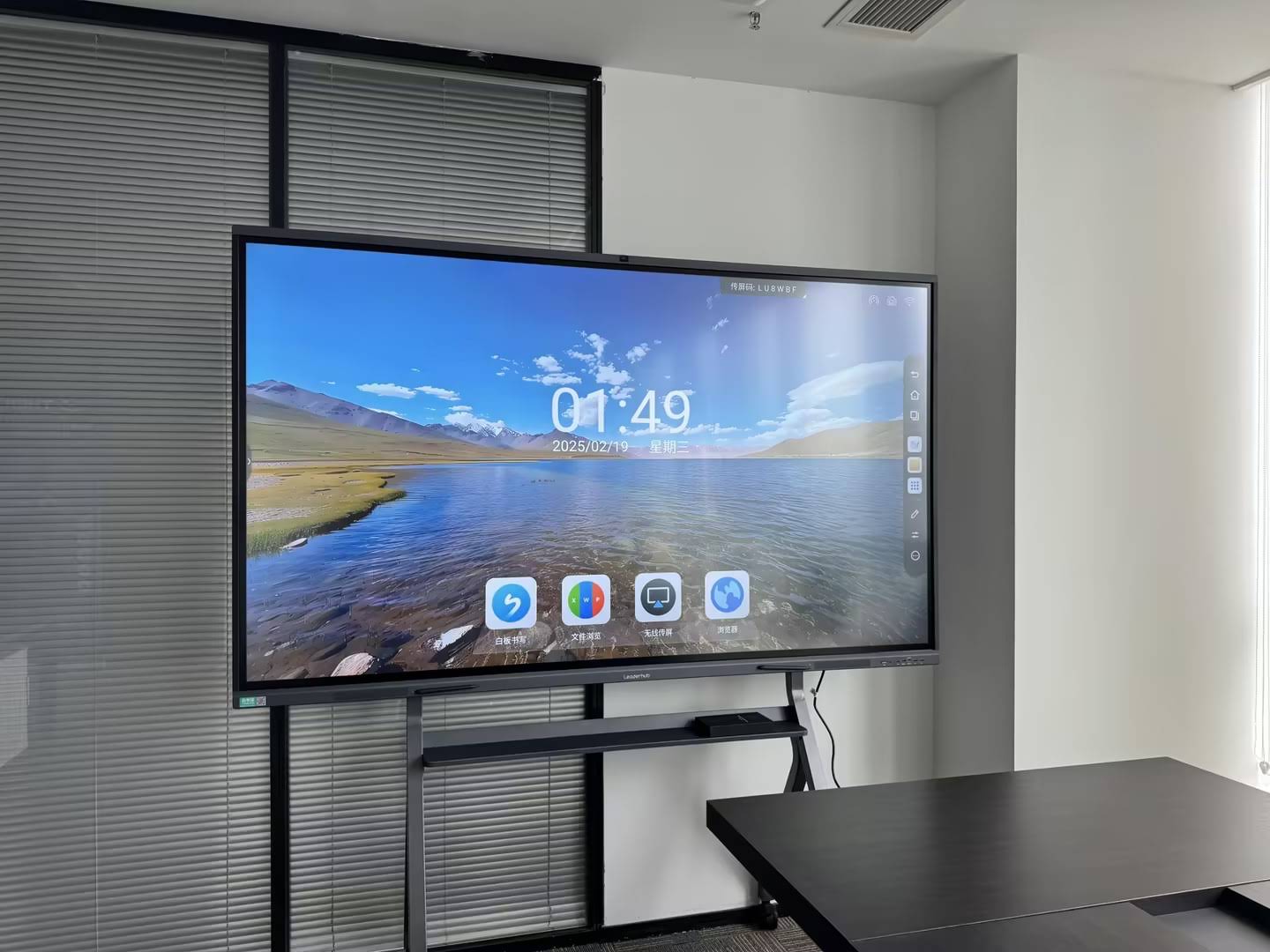
Key Advantages of Projector-Free Smart Displays
Interactive flat panels eliminate virtually all the problems associated with projector-based systems. There are no shadows, no image degradation, no lamp replacements, and no calibration drift. The display remains consistently bright and clear regardless of room lighting conditions.
| Feature | Traditional Whiteboard + Projector | Interactive Flat Panel |
|---|---|---|
| Requires Projector | Yes | No |
| Image Brightness | Degrades over time | Consistent 350-450 nits |
| Shadow Problems | Yes, frequent | None |
| Maintenance Costs | High (lamp replacement) | Minimal |
| Setup Complexity | Complex (alignment required) | Simple (plug and play) |
| Display Resolution | Typically 1024×768 to 1920×1080 | 4K UHD (3840×2160) |
| Touch Points | Usually 2-4 | 10-20+ simultaneous |
Leading manufacturers like LeaderHub have refined interactive flat panel technology over 16+ years of industry experience, delivering reliable solutions deployed in more than 82 countries worldwide. Their products combine hardware durability with AI-powered collaboration features that enhance both educational and business environments.
Built-In Computing and Software Integration
Modern interactive panels often include embedded Android or Windows operating systems, allowing them to function independently without requiring a connected PC. Users can run whiteboarding applications, video conferencing software, web browsers, and productivity tools directly on the display.
This standalone capability significantly reduces total cost of ownership. A 2024 TCO analysis by Gartner found that organizations switching from projector-based systems to interactive flat panels saved an average of 43% over a five-year period when factoring in hardware costs, maintenance, energy consumption, and IT support requirements.
Hybrid Solutions: Document Cameras and Visualizers
While interactive flat panels don’t need projectors, some users choose to pair them with document cameras or visualizers. These accessories capture and display physical documents, textbooks, or 3D objects on the smart display, enhancing presentation flexibility without requiring a traditional projector setup.
Making the Right Choice for Your Environment
When a Projector-Based System Might Still Make Sense
There are limited scenarios where traditional interactive whiteboards with projectors remain viable:
- Existing infrastructure with recently purchased, high-quality projectors already installed
- Very large display areas (beyond 100 inches) where comparable flat panels would be cost-prohibitive
- Temporary or mobile setups requiring portability
- Extremely tight budgets where refurbished equipment is the only option
However, even in these cases, the long-term operational costs and user experience limitations should be carefully weighed against the initial savings.
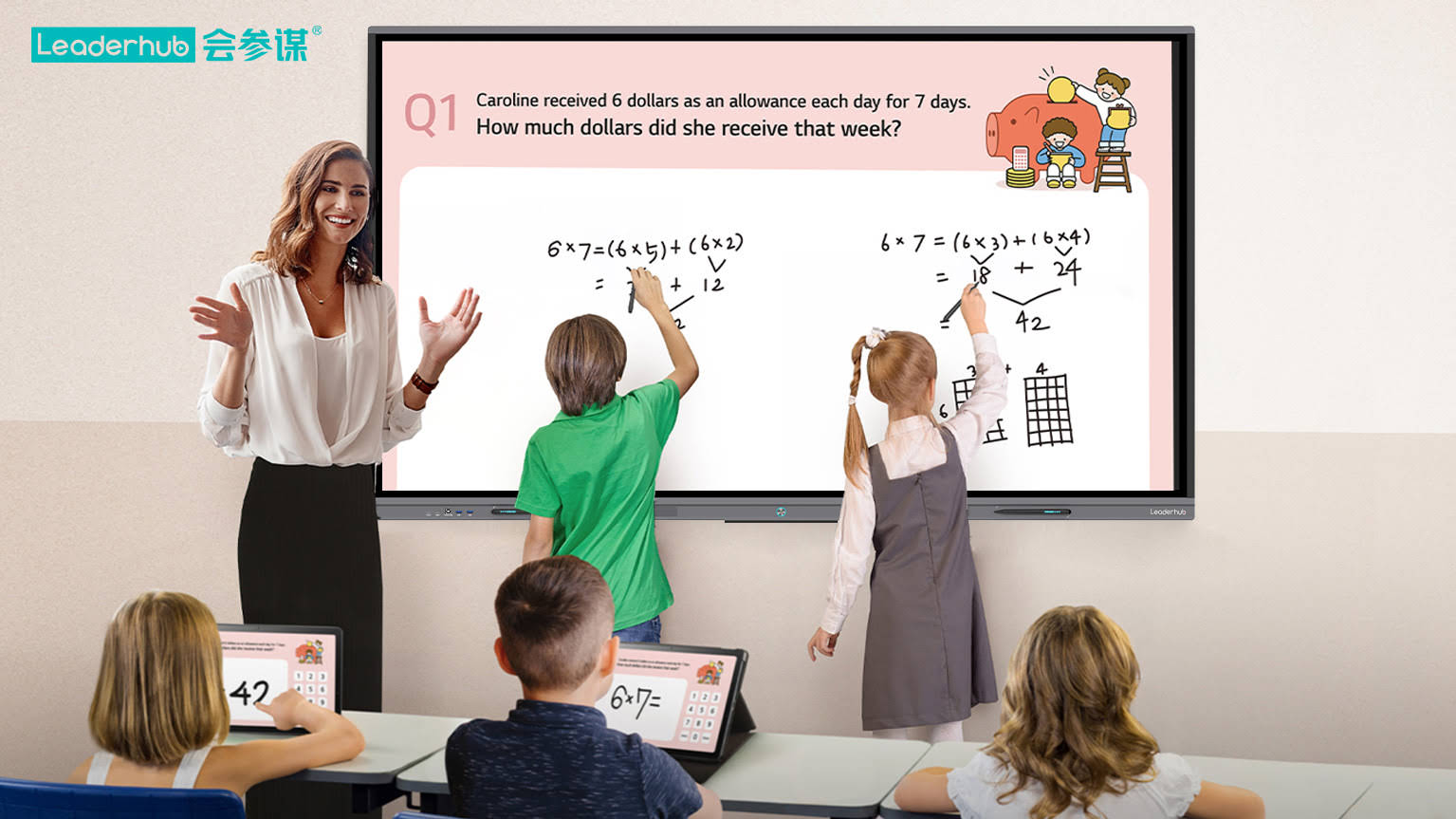
Why Interactive Flat Panels Are the Recommended Standard
For nearly all educational institutions, corporate offices, training centers, and government facilities, interactive flat panels represent the superior choice. They deliver:
- Consistent visual quality: 4K resolution with vibrant colors and excellent visibility in any lighting
- Zero maintenance headaches: No lamps to replace, no filters to clean, no alignment calibration
- Superior collaboration features: Multi-user touch support, wireless screen sharing, and cloud integration
- Energy efficiency: Typical power consumption of 200-400W versus 300-600W for projector systems
- Longer lifespan: 50,000+ hours of display operation versus 2,000-5,000 hours for projector lamps
Real-World Implementation: Case Studies
K-12 Education Deployment
Lincoln Unified School District in California replaced 340 projector-based interactive whiteboards with interactive flat panels across 18 schools in 2023. District technology director Sarah Martinez reported: “The difference has been transformative. Teachers no longer deal with dim images, shadow interference, or calibration issues. Student engagement increased measurably, and our annual maintenance budget for classroom technology dropped by $127,000.”
The district selected 75-inch 4K interactive displays with built-in collaboration software, wireless connectivity, and 20-point multi-touch capability. Installation took approximately three weeks, and teacher training was completed within one month.
Corporate Conference Room Upgrade
TechVentures, a mid-sized software company in Austin, Texas, equipped 12 conference rooms with interactive flat panels to support their hybrid work model. IT Manager David Chen explained: “We needed reliable technology that remote participants could clearly see and that in-person teams could interact with naturally. Interactive panels solved both challenges while eliminating the projector maintenance cycle that previously consumed significant IT resources.”
The company reported a 34% reduction in meeting setup time and a 67% decrease in technology-related meeting delays during the first six months after installation.
Technical Specifications to Consider
Display Size and Room Dimensions
Selecting the appropriate screen size depends on room dimensions and viewing distance. Industry guidelines recommend:
| Room Capacity | Viewing Distance | Recommended Display Size |
|---|---|---|
| Small (up to 10 people) | 6-10 feet | 55-65 inches |
| Medium (10-25 people) | 10-15 feet | 65-75 inches |
| Large (25-40 people) | 15-20 feet | 75-86 inches |
| Extra Large (40+ people) | 20+ feet | 86-98 inches |
Touch Technology and Responsiveness
Professional-grade interactive flat panels use either infrared or capacitive touch technology. Infrared systems detect touch through a grid of invisible light beams around the screen perimeter, while capacitive systems (similar to smartphones) detect electrical changes when the screen is touched.
Both technologies support multi-user interaction, but capacitive displays typically offer slightly better palm rejection and more precise touch detection. Response time should be under 10 milliseconds for natural writing and drawing experiences.
Connectivity and Integration Options
Modern interactive displays should include comprehensive connectivity:
- Multiple HDMI inputs (preferably HDMI 2.0 or higher for 4K support)
- USB-C with power delivery and video input
- Built-in WiFi (dual-band 802.11ac or WiFi 6)
- Bluetooth for wireless peripherals
- Ethernet for stable network connectivity
- USB ports for document cameras and storage devices
- Audio output options (built-in speakers plus line out)
Installation and Setup Considerations
Professional Installation vs DIY
While interactive flat panels are simpler to install than projector-based systems, professional installation is recommended for displays 65 inches and larger. Certified installers ensure proper wall mounting, cable management, optimal viewing height, and secure attachment capable of supporting the display’s weight (typically 80-150 pounds depending on size).
Standard installation height positions the center of the display at 48-52 inches from the floor for educational environments, adjusted slightly higher (52-56 inches) for adult-focused business settings.
Network Integration and IT Requirements
Interactive panels connect to organizational networks for software updates, content management systems, and cloud-based collaboration tools. IT administrators should plan for:
- Network bandwidth allocation (minimum 10 Mbps per display for basic operation, 50+ Mbps for simultaneous video conferencing)
- VLAN configuration for security and traffic management
- Mobile device management (MDM) enrollment for centralized control
- Regular firmware update scheduling
- User authentication and access control policies
Cost Analysis: Total Ownership Perspective
Initial Investment Comparison
The upfront cost for an interactive flat panel typically ranges from $2,500 to $8,000 depending on size, features, and manufacturer. A comparable projector-based system (whiteboard + short-throw projector + mounting hardware) might cost $1,800 to $4,500 initially.
However, this initial price difference disappears quickly when operational costs are considered.
Five-Year Total Cost of Ownership
Based on typical educational deployment scenarios:
| Cost Category | Projector System (5 Years) | Interactive Flat Panel (5 Years) |
|---|---|---|
| Initial Hardware | $3,200 | $4,800 |
| Lamp Replacements | $900 (3 lamps) | $0 |
| Filter Cleaning/Replacement | $180 | $0 |
| IT Support Time | $850 | $200 |
| Energy Costs | $620 | $380 |
| Total 5-Year TCO | $5,750 | $5,380 |
This analysis demonstrates that interactive flat panels deliver lower total cost of ownership while providing significantly better user experience, reliability, and functionality.
Future-Proofing Your Investment
AI and Software Evolution
The interactive display market is rapidly evolving with AI-powered features becoming standard. Modern panels now include intelligent features such as automatic handwriting recognition, real-time language translation, smart content organization, and AI-assisted meeting summaries.
Companies like LeaderHub are integrating these capabilities directly into their products, ensuring that organizations benefit from ongoing software improvements without hardware replacement.
Standardization and Interoperability
When selecting an interactive flat panel, prioritize systems that support industry-standard protocols for wireless screen sharing (Miracast, AirPlay, Chromecast), common collaboration platforms (Microsoft Teams, Zoom, Google Meet), and open file formats. This ensures compatibility with evolving technology ecosystems and protects your investment against proprietary lock-in.
Conclusion: The Projector-Free Advantage
To directly answer the opening question: modern smart boards¡ªspecifically interactive flat panels¡ªdo not need projectors. They are self-contained, all-in-one displays that deliver superior image quality, lower maintenance costs, and enhanced collaboration features compared to traditional projector-based interactive whiteboards.
While legacy projector systems may still exist in some facilities, the clear trend across educational institutions, corporate environments, and government organizations is toward projector-free interactive displays. These systems eliminate shadow interference, provide consistent brightness regardless of ambient lighting, require virtually no maintenance, and support more sophisticated multi-user interaction.
Organizations planning new deployments or upgrades should prioritize interactive flat panels for their reliability, total cost of ownership advantages, and ability to support modern collaboration workflows. The initial investment difference is minimal and quickly offset by operational savings, while the improvements in usability and functionality create immediate value for end users.
Whether you’re outfitting a classroom, conference room, or training facility, choosing a projector-free interactive display ensures a technology foundation that will remain relevant, maintainable, and effective for years to come.








