
Homeschooling has grown into a mainstream educational choice for millions of families across the United States, United Kingdom, Canada, and Australia. As parents take on the dual role of educator and caregiver, having the right technology can make a measurable difference in learning outcomes. One of the most transformative tools available today is the smart whiteboard, a device that brings interactive, multimedia-rich lessons into any home learning environment.
According to the National Home Education Research Institute, homeschooling numbers in the U.S. have grown by over 30% since 2020, with many families citing the need for flexible, technology-enhanced curricula. Choosing the right interactive display isn’t just a convenience — it directly impacts engagement, retention, and the overall quality of home-based education.
Why Homeschooling Families Are Turning to Smart Whiteboards
Traditional whiteboards and printed worksheets simply can’t compete with the interactivity that today’s students expect. A smart whiteboard for homeschooling combines a touchscreen display, built-in applications, and internet connectivity to deliver lessons that feel closer to a real classroom experience — but with the flexibility of learning at your own pace.
From our experience working with thousands of educators and parents through LeaderHub, the most common reasons families invest in a smart whiteboard include:
- Multi-subject flexibility — switch seamlessly between math drawings, science diagrams, and language exercises
- Video conferencing support — join tutoring sessions or co-op classes without extra equipment
- Interactive annotation tools — highlight, draw, and save lessons for review later
- Built-in educational apps — access pre-installed learning software without a separate computer
- Durability for daily use — designed to withstand years of hands-on interaction from children
Key Features to Evaluate Before Buying
Not every interactive display is built for the demands of home education. Here are the core specifications parents and homeschool coordinators should prioritize when comparing options.
1. Screen Size and Resolution
For most home classrooms, a 65-inch to 75-inch 4K display strikes the right balance between visibility and space efficiency. Smaller rooms may benefit from a 55-inch mobile unit, while larger family learning spaces or multi-child households often perform better with 86-inch or larger panels.
2. Touch Accuracy and Responsiveness
Younger children especially need a screen that responds accurately to finger or stylus input. Infrared and capacitive touch technologies with sub-10ms response times reduce frustration and keep lessons flowing smoothly.
3. Operating System and App Compatibility
Android-based smart whiteboards typically offer the widest range of pre-loaded educational software, plus compatibility with popular platforms like Zoom, Google Classroom, and Khan Academy.
4. Built-In vs. External Computing
Some interactive panels include an integrated mini PC, eliminating the need for a separate laptop connection. This is particularly useful for families who want a clean, all-in-one setup without cable clutter.
5. Portability
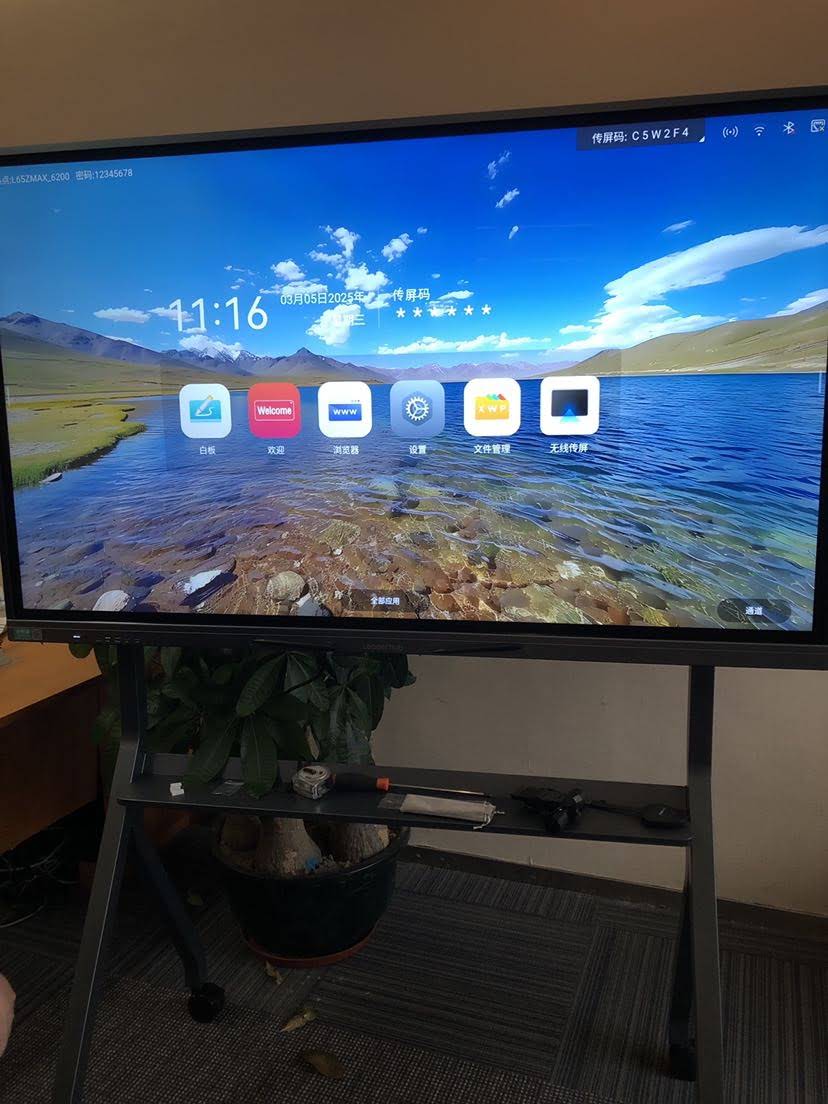
Homeschool families who rotate learning spaces — kitchen table one day, living room the next — often prefer a portable rotating screen with a built-in battery, allowing lessons to move room to room without being tethered to a power outlet.
Comparing Popular Smart Whiteboard Options for Home Use
Below is a comparison table of interactive display types suited for different homeschooling needs, based on screen size, mobility, and typical use case.
| Display Type | Recommended Size | Best For | Portability |
|---|---|---|---|
| Fixed Interactive Whiteboard | 65″–86″ | Dedicated homeschool rooms | Low |
| Mobile Interactive Flat Panel | 55″ | Multi-room flexibility | Medium |
| Handheld Smart Screen | 24″–27″ | One-on-one tutoring, small spaces | High |
| Large Format Panel | 110″ | Multi-child family classrooms | Low |
Step-by-Step: How to Choose the Right Unit for Your Family
- Assess your available space — measure the wall or area where the display will be used most often
- Determine number of learners — larger families benefit from bigger screens with wider viewing angles
- Set a realistic budget — quality interactive panels typically range from $400 to $3,500 depending on size and features
- Check software ecosystem — confirm the device supports your preferred curriculum platforms
- Test before buying — where possible, try touch responsiveness and screen brightness in person or via demo video
Real-World Insights from Homeschool Educators
Feedback from homeschool co-ops that adopted interactive flat panels shows measurable improvements in student focus. In one case study shared with our team at LeaderHub, a family running a three-child home classroom reported a 40% reduction in lesson preparation time after switching from printed worksheets to a 75-inch smart whiteboard with saved-lesson functionality — because previous lessons could be reloaded and reused across siblings.
This aligns with broader research from the International Society for Technology in Education (ISTE), which has repeatedly found that interactive, touch-based learning tools improve information retention compared to passive instruction methods.

Setup and Maintenance Tips for Home Use
- Position the display at a height suitable for the shortest and tallest learners in the household
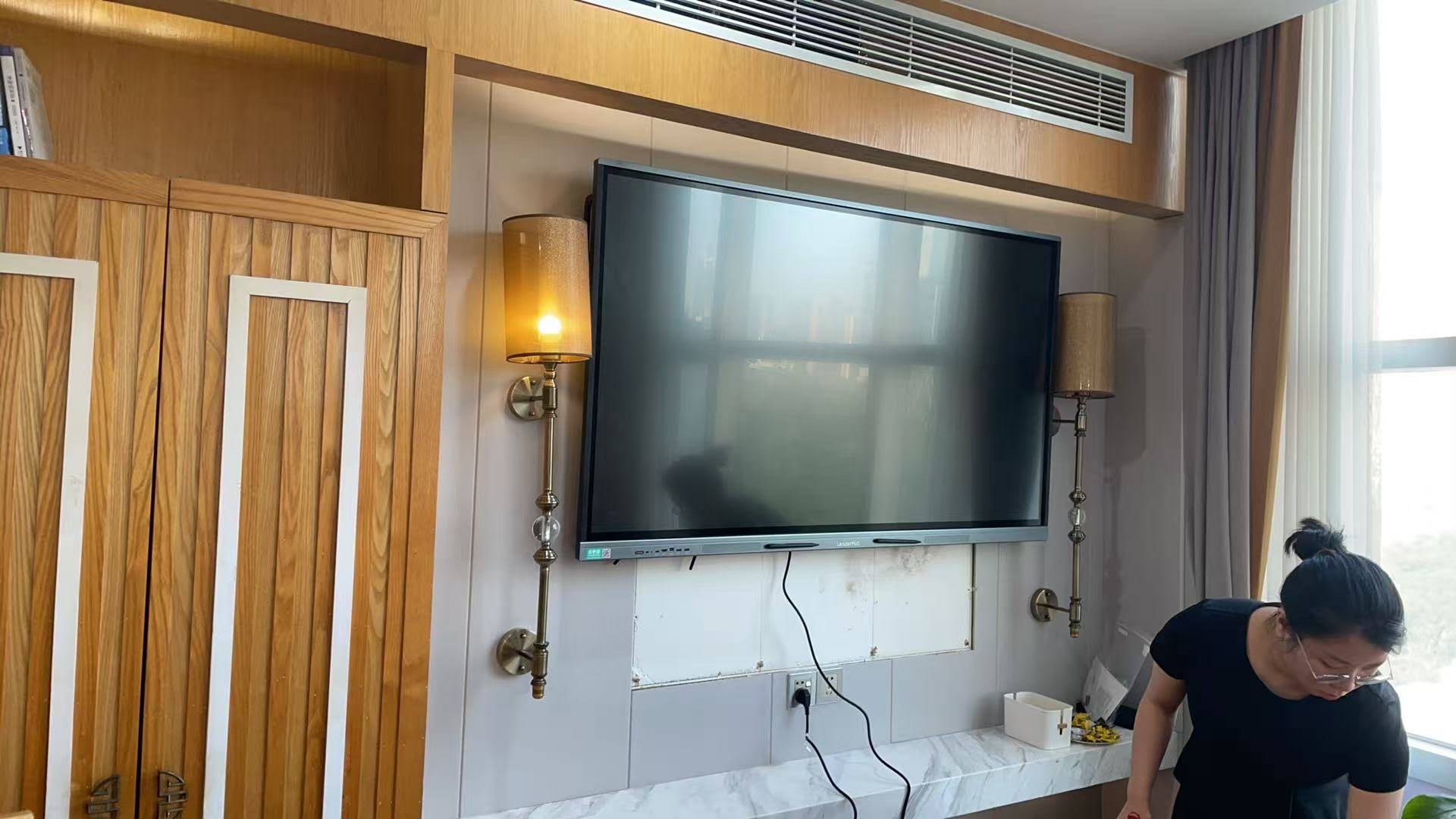
- Use a wall mount or adjustable stand to reduce glare from windows during daytime lessons
- Clean the touchscreen weekly with a microfiber cloth to maintain touch sensitivity
- Schedule firmware updates during off-hours to avoid interrupting active lesson time
- Back up saved lessons and annotations to cloud storage regularly
Budget Considerations for Different Household Sizes
Families should weigh long-term value rather than upfront cost alone. A mid-range 65-inch interactive whiteboard priced around $1,000–$1,300 often delivers years of reliable use, while a compact handheld unit under $700 works well for single-child households or supplemental tutoring sessions. Larger households with multiple children learning simultaneously may find that investing in an 86-inch or 110-inch panel reduces the need for separate devices per child.
Final Thoughts
Selecting the best smart whiteboard for homeschooling comes down to matching screen size, portability, and software compatibility with your family’s specific learning routine. With 16 years of experience designing interactive panels for education and business environments, LeaderHub has helped homeschool families in more than 82 countries build engaging, effective learning spaces at home — from compact handheld screens to full-size 4K interactive whiteboards.
Whether you’re setting up a dedicated learning room or need a portable solution that moves with your family, evaluating the factors outlined above will help you make a confident, informed decision that supports your children’s education for years to come.








